Account Contact
Your Cart
Pay the courier with no extra fees.
Need help? DistriNode AI can handle any task on our site.

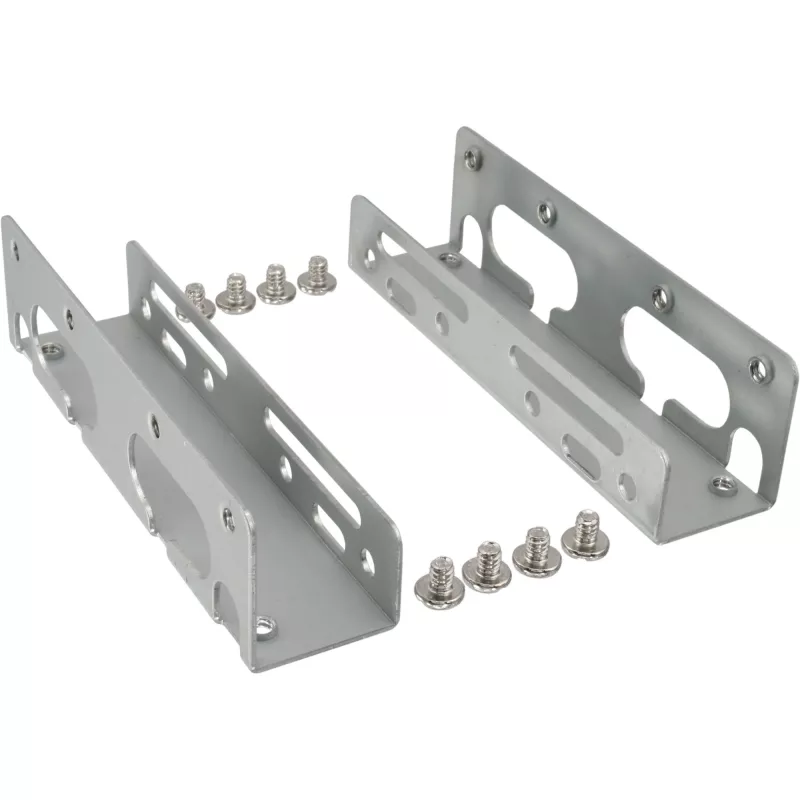
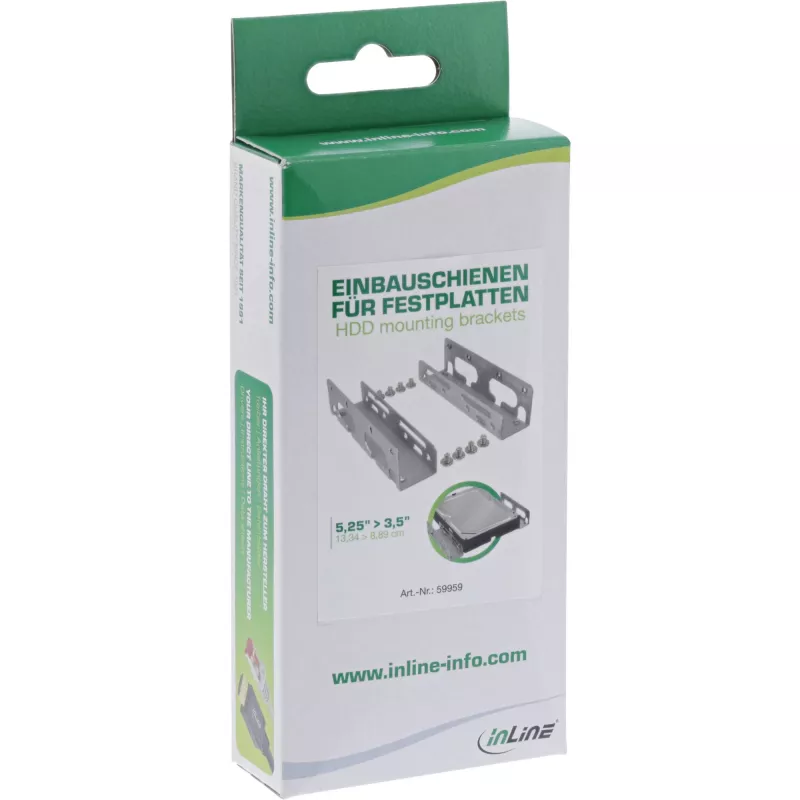
InLine Mounting Rails Brackets for 3.5 inch HDDs 59959

InLine Mounting Rails Brackets for 3.5 inch HDDs 59959
R190
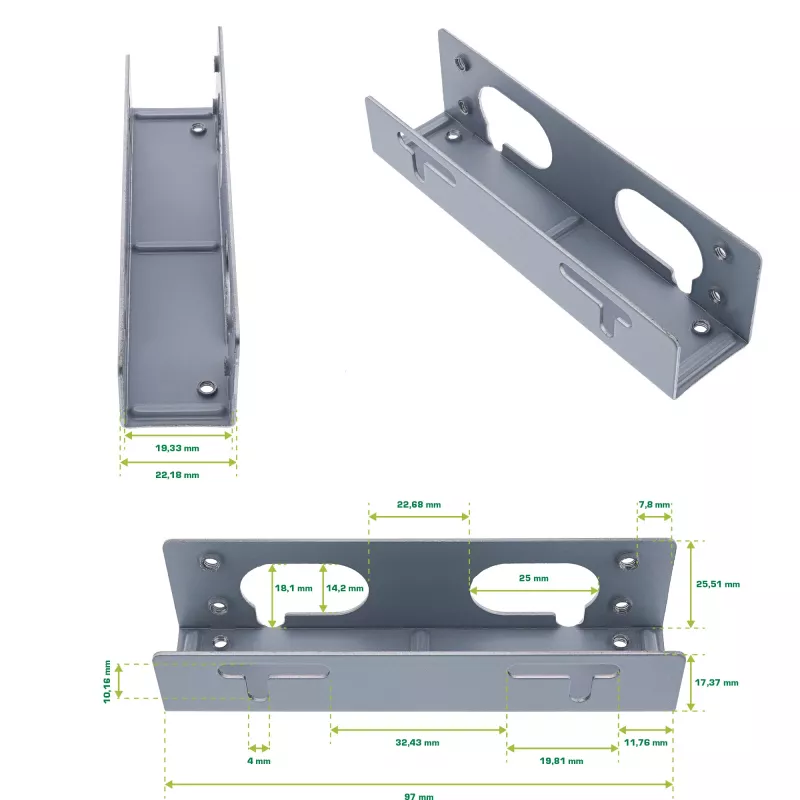
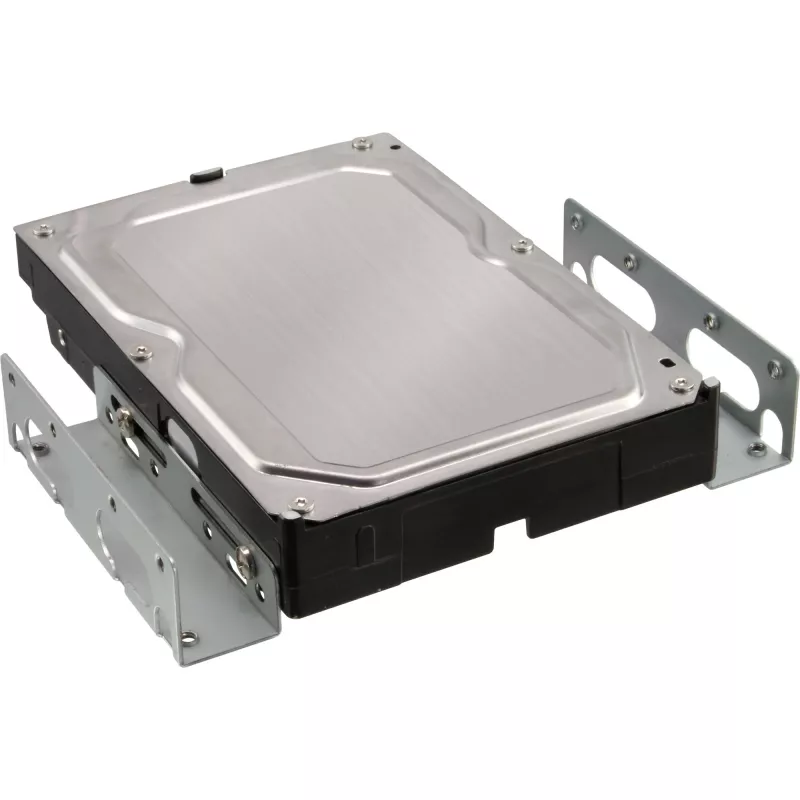
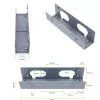
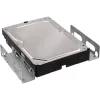
InLine Mounting Rails Brackets for 3.5" HDDs 59959 are metal mounting rails designed to install a 3.5" hard disk drive into a free 5.25" drive bay. The set includes two sturdy metal brackets and the necessary screws for fastening the HDD to the rails and securing the assembly in a 5.25" slot of a PC... Read More
Stock 1079 Code 1430069 Brand INLINE Model 59959 Warranty 2 Years

Shipping & Returns

Estimated delivery Tuesday, October 6
You will be kept updated through our detailed tracking system
Payment options
EFTPayFastBank CardSnapScanZapperGoogle PayApple PayMobicredMoreTymePay on Arrival

InLine Mounting Rails Brackets for 3.5" HDDs 59959 are metal mounting rails designed to install a 3.5" hard disk drive into a free 5.25" drive bay. The set includes two sturdy metal brackets and the necessary screws for fastening the HDD to the rails and securing the assembly in a 5.25" slot of a PC case. The rails are finished in bright yellow and fit standard desktop enclosures where a 5.25" bay is available.

Advantages

These mounting rails are made of metal for improved durability and stable support of 3.5" HDDs. The included screws simplify installation and eliminate the need to source fasteners separately. Their compact design allows mounting of a standard hard drive into a 5.25" bay without modifications to the PC case, while the bright yellow finish makes the rails easy to identify during installation or maintenance.

Suitable for

  • Mounting a 3.5" HDD into a free 5.25" drive bay
  • Upgrading or reorganizing desktop PC storage
  • Systems that require quick identification of drive brackets (colored components)

Key specifications

  • Brand: InLine
  • Model / MPN: 59959
  • EAN: 4043718010035
  • Material: Metal
  • Product colour: Yellow
  • Includes: 2 metal brackets and screws for HDD mounting

How to use

Fasten each bracket to the sides of the 3.5" HDD using the supplied screws, then slide the assembled drive into the free 5.25" bay of the PC case and secure the brackets to the bay with the provided screws. Ensure the drive is aligned with the bay and that all screws are tightened to prevent movement. After mechanical installation, connect the HDD power and data cables to the drive and verify operation in the system BIOS or operating system.

Recommendations

Before installation, power off the PC and disconnect it from the mains. Handle the hard drive and brackets on an anti-static surface and avoid excessive force when tightening screws to prevent damage to the drive or case.
Key Highlights
  • Mounting a 3.5" HDD into a free 5.25" drive bay
  • Upgrading or reorganizing desktop PC storage
  • Systems that require quick identification of drive brackets (colored components)
  • Brand: InLine
  • Model / MPN: 59959
  • EAN: 4043718010035
  • Material: Metal
  • Product colour: Yellow
  • Includes: 2 metal brackets and screws for HDD mounting
Specifications
Material
Metal
Number of products included
2 pc(s)
Package depth
210 mm
Package height
24 mm
Package volume
400 cm³
Package weight
69 g
Package width
85 mm
Product colour
Yellow
Size (imperial)
8.89 cm (3.5")
Weight
62 g

Leaflet

Open Leaflet
Price history over the last 6 months
InLine Mounting Rails Brackets for 3.5 inch HDDs 59959
Current
R190
Lowest
R164
Highest
R236
Change 24H
+R24   +14%
Week
+R26   +16%
Month
-R22   -10%

Popular products in this category

WhatsApp
Hi, I’m DistriNode’s AI assistant. I can help you find products, compare options, create quote PDFs, or open support requests.