Account Contact
Your Cart
Pay the courier with no extra fees.
Need help? DistriNode AI can handle any task on our site.

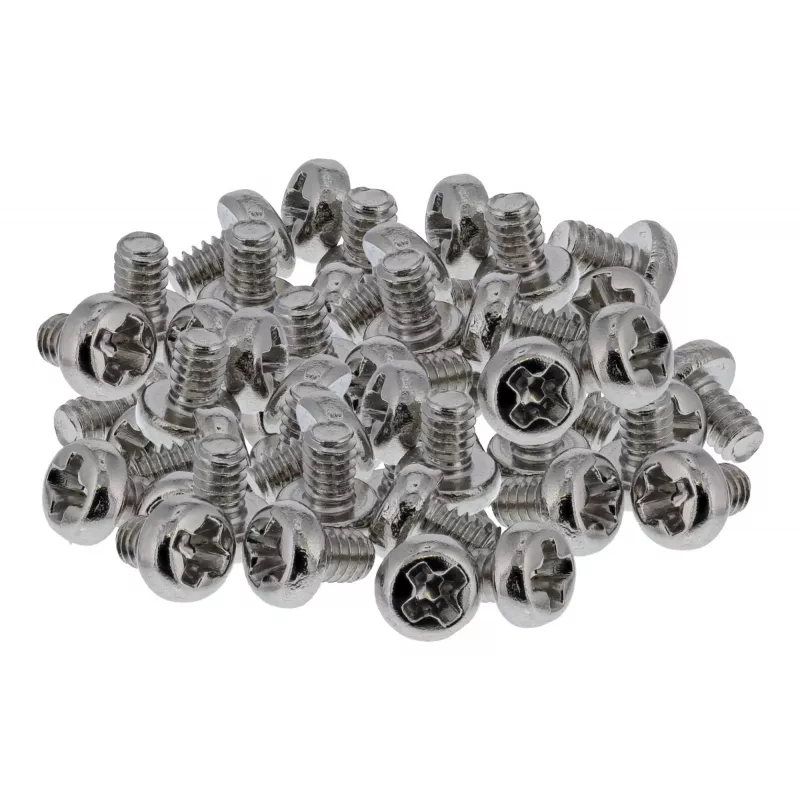
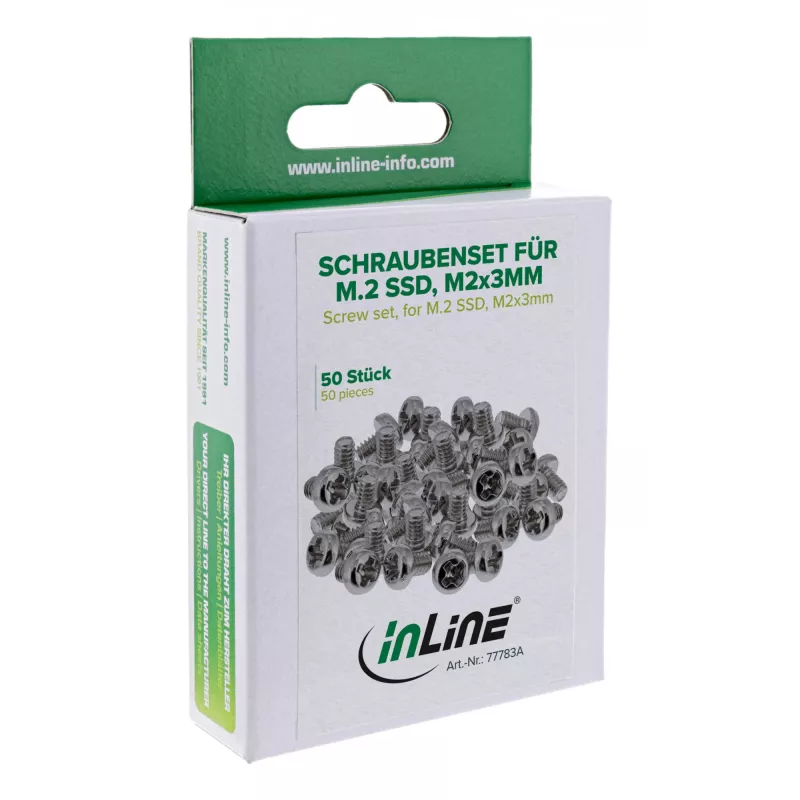
Mounting kit InLine 77783A – accessory kit for computer components mounting

Mounting kit InLine 77783A – accessory kit for computer components mounting
R205
This InLine 77783A mounting kit provides a set of screws designed for securely fastening M.2 SSDs to motherboards or adapter cards. The screws follow the standardized metric size M2 × 3 mm and are made from nickel-plated steel to offer corrosion resistance and long-lasting mechanical stability. The ... Read More
Stock 246 Code 1732296 Brand INLINE Model 77783A Warranty 2 Years

Shipping & Returns

Estimated delivery Tuesday, October 6
You will be kept updated through our detailed tracking system
Payment options
EFTPayFastBank CardSnapScanZapperGoogle PayApple PayMobicredMoreTymePay on Arrival

This InLine 77783A mounting kit provides a set of screws designed for securely fastening M.2 SSDs to motherboards or adapter cards. The screws follow the standardized metric size M2 × 3 mm and are made from nickel-plated steel to offer corrosion resistance and long-lasting mechanical stability. The pan head with a Phillips cross recess enables convenient installation with common tools, making the set suitable for assembly, maintenance and professional IT work.

Advantages

The kit uses standardized M2 × 3 mm screws compatible with most M.2 slots, eliminating the need for custom parts. Nickel-plated steel construction provides durability and corrosion resistance for reliable long-term fastening. The Phillips cross recess and pan head shape allow quick and secure tightening with standard screwdrivers, supporting efficient installation and service operations.

Suitable for

Key specifications

How to use

Align the M.2 SSD with the motherboard or adapter card mounting hole and place the screw through the standoff or mounting hole into the M.2 slot retention point. Use a correctly sized Phillips screwdriver to tighten the pan head screw until the drive is held securely; avoid over-torquing to prevent damage to the drive or board. For replacement or maintenance, loosen the screw with a Phillips screwdriver and remove the drive as needed.

Recommendations

Use the screws with standard M.2 standoffs and ensure proper alignment before tightening. Apply moderate torque and, when working on sensitive electronics, follow ESD handling precautions and power down the system before installation or removal.
Key Highlights
  • Mounting M.2 SSDs to desktop and server motherboards
  • Securing M.2 drives on adapter cards
  • System assembly and IT hardware servicing
  • Workshop repairs and component replacement
  • Head shape: pan head
  • Drive type: Phillips (cross recess)
  • Thread type and size: metric M2
  • Length: 3 mm
  • Material: steel
  • Surface finish: nickel-plated
Specifications
Compliance certificates
TÜV mark
Connecting thread type
M2
Country of origin
Taiwan
Depth
40 mm
Head shape
Pan head
Head type
Pan (screw head)
Height
40 mm
Length
40 mm
Material
Nickel steel
Package depth
105 mm
Package height
20 mm
Package type
Hanging box
Package volume
0 cm³
Package weight
18 g
Package width
65 mm
Product colour
Nickel
Quantity per pack
50 pc(s)
Screw drive size
3mm
Screw type
PH (Phillips)
Suitable for materials
Universal
Thread type
Full thread
Type
Screw kit
Weight
1 g
Width
40 mm

Leaflet

Open Leaflet
Price history over the last 6 months
Mounting kit InLine 77783A – accessory kit for computer components mounting
Current
R205
Lowest
R189
Highest
R205
Change 24H
+R14   +7%
Week
+R16   +8%
Month
—   

Popular products in this category

WhatsApp
Hi, I’m DistriNode’s AI assistant. I can help you find products, compare options, create quote PDFs, or open support requests.