Account Contact
Your Cart
Pay on delivery – no extra fees
Need help? Ask our AI

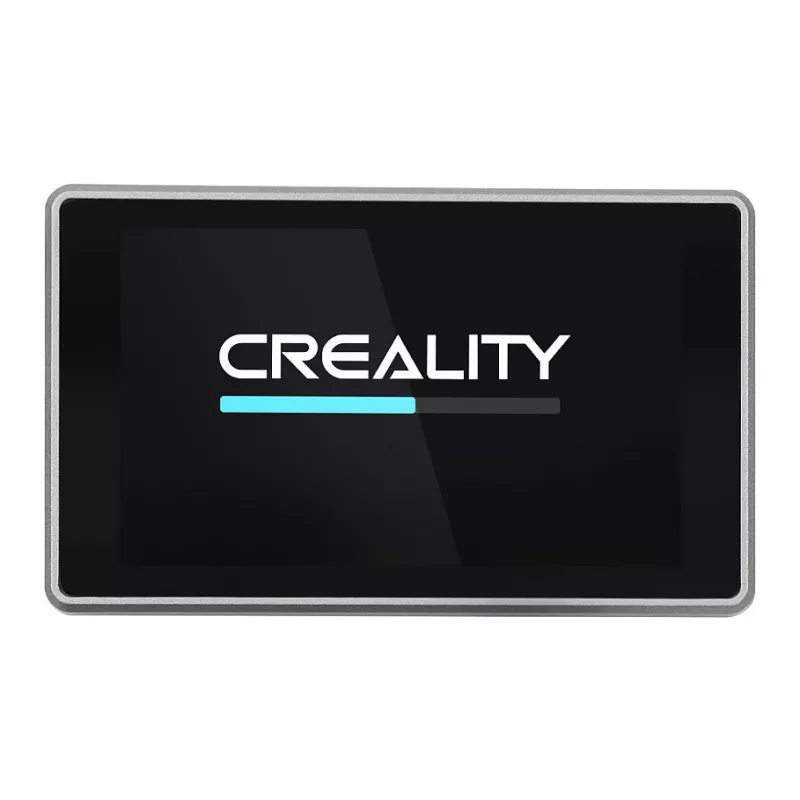
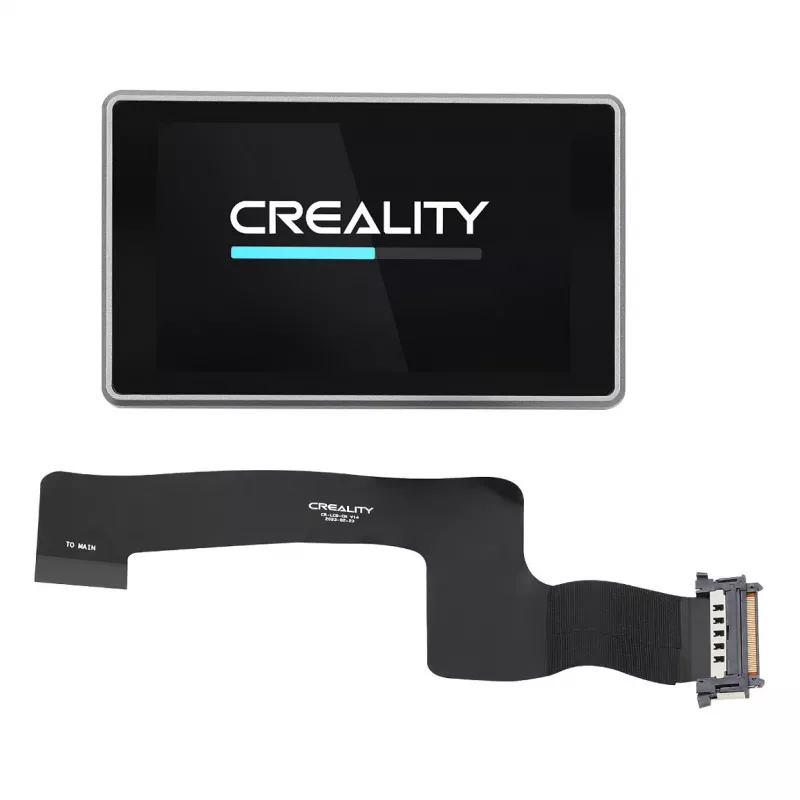
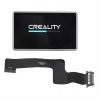
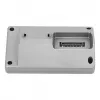
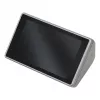
Touch Screen Creality 3D 4001050073 Black Grey

Touch Screen Creality 3D 4001050073 Black Grey
R1,376
The Creality 3D 4001050073 Touch Screen in black and grey is a compatible replacement display for supported Creality 3D printers. Designed to restore or upgrade the printer interface, this touch screen provides a responsive surface for navigating printer menus, adjusting settings, and monitoring pri... Read More
Stock 33 Code 2262236 Brand CREALITY Model 4001050073 Warranty 2 Years

Shipping & Returns

Estimated delivery Tuesday, October 20
You will be kept updated through our detailed tracking system
Payment options
EFTPayFastBank CardSnapScanZapperGoogle PayApple PayMobicredMoreTymePay on Arrival

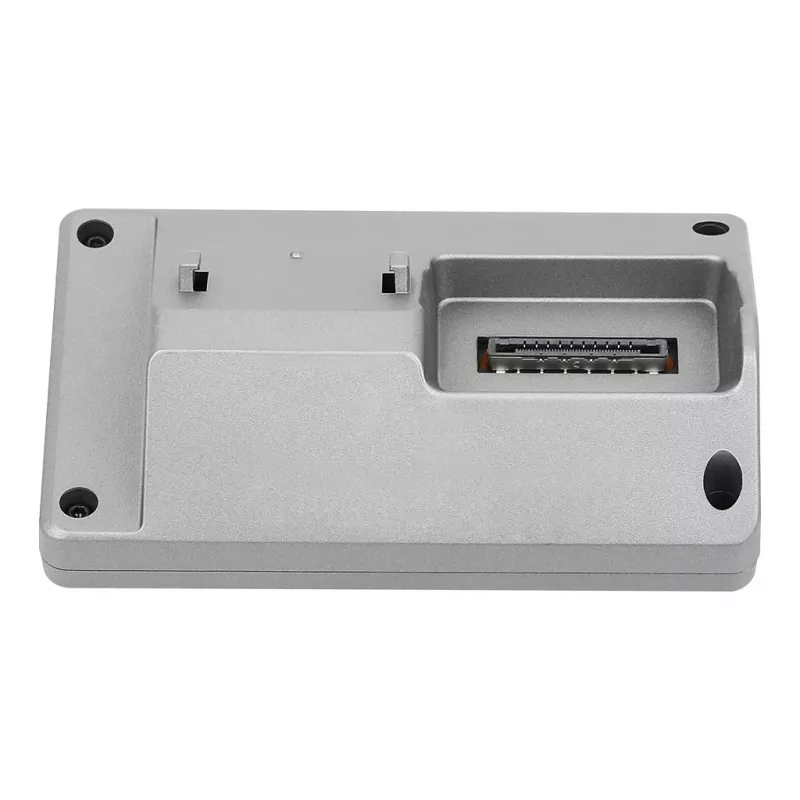
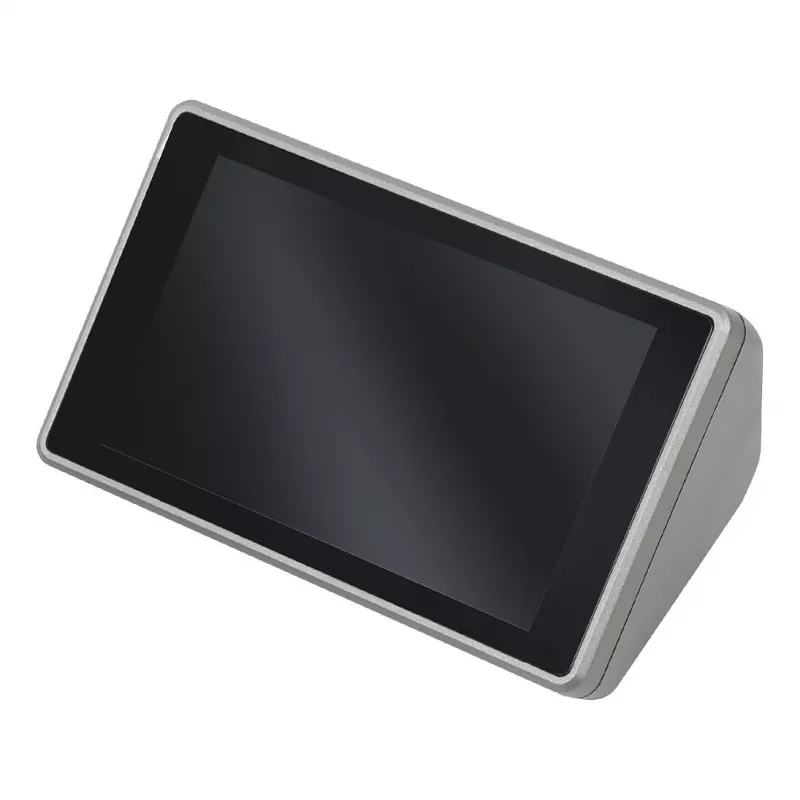
The Creality 3D 4001050073 Touch Screen in black and grey is a compatible replacement display for supported Creality 3D printers. Designed to restore or upgrade the printer interface, this touch screen provides a responsive surface for navigating printer menus, adjusting settings, and monitoring print jobs. Its compact form and neutral colour scheme make it suitable for a range of Creality models and workshop environments.

Advantages

The touch-sensitive interface simplifies interaction with printer firmware, offering quicker access to common controls compared to rotary knobs or button-only panels. Lightweight construction reduces strain on mounting points, while the neutral black and grey finish integrates with existing printer housings. The component is intended as a direct spare part to maintain or improve the usability of a Creality 3D printer.

Key specifications

  • Type: touch-sensitive display designed for 3D printer control
  • Colour: black and grey housing
  • Weight: approximately 0.122 kg
  • Form factor: compact panel compatible with Creality printer mounts

How to use

Power off the printer and disconnect it from mains power before removing the existing display. Install the touch screen into the original display slot following the printer manufacturer’s mounting points and connector orientation. Reconnect the data and power cables securely, restore power, and verify that the printer recognizes the new display. Use the touch interface to navigate menus, select print jobs, and adjust parameters according to your printer firmware instructions.

Recommendations

Handle the display by its edges to avoid leaving fingerprints on the touch surface, and avoid exposing the screen to strong solvents or abrasive cleaners. If the display does not respond after installation, check cable connections and consult the printer firmware documentation or technical support for compatibility and calibration steps.

Key Highlights
  • Replacing a damaged or unresponsive printer display
  • Restoring full control after interface failure
  • Upgrading from a mechanical control panel to a touch interface
  • Maintenance and spare-part inventory for workshops
  • Type: touch-sensitive display designed for 3D printer control
  • Colour: black and grey housing
  • Weight: approximately 0.122 kg
  • Form factor: compact panel compatible with Creality printer mounts
Specifications
Brand compatibility
Creality 3D
Cables included
Power cable
Compatibility
K!
Device compatibility
3D printer
Package depth
155 mm
Package height
70 mm
Package weight
227 g
Package width
160 mm
Product colour
Black, Grey
Quantity per pack
1 pc(s)
Type
Touch Screen
Weight
0.122 kg
Price history over the last 6 months
Touch Screen Creality 3D 4001050073 Black Grey
Current
R1,376
Lowest
R1,286
Highest
R1,376
Change 24H
+R72   +5%
Week
+R86   +7%
Month
+R82   +6%

Popular products in this category

WhatsApp
Hi, I’m DistriNode’s AI assistant. I can help you find products, compare options, create quote PDFs, or open support requests.