Account Contact
Your Cart
Pay the courier with no extra fees.
Need help? DistriNode AI can handle any task on our site.

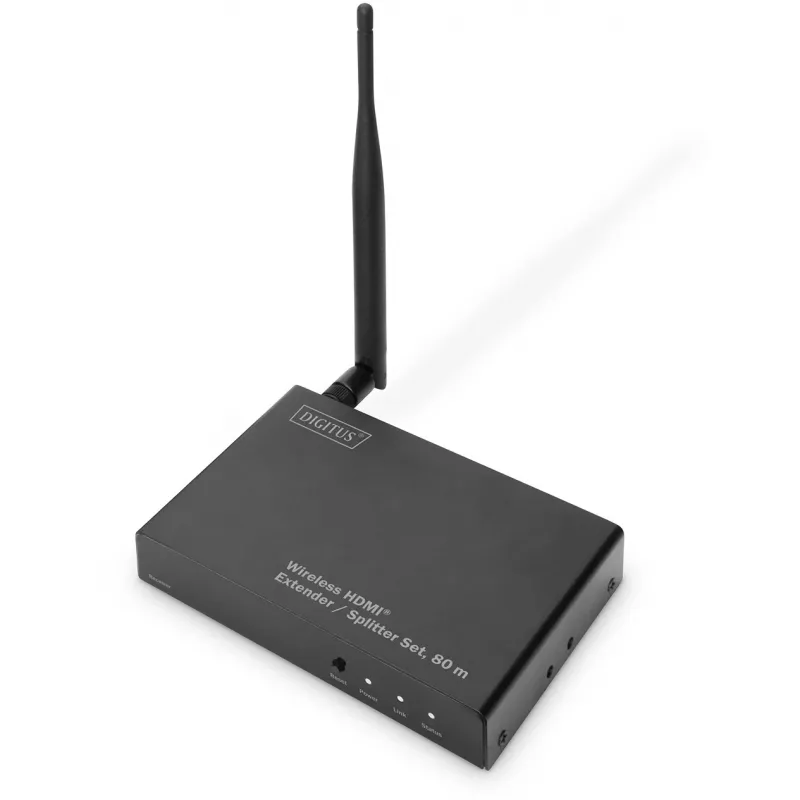
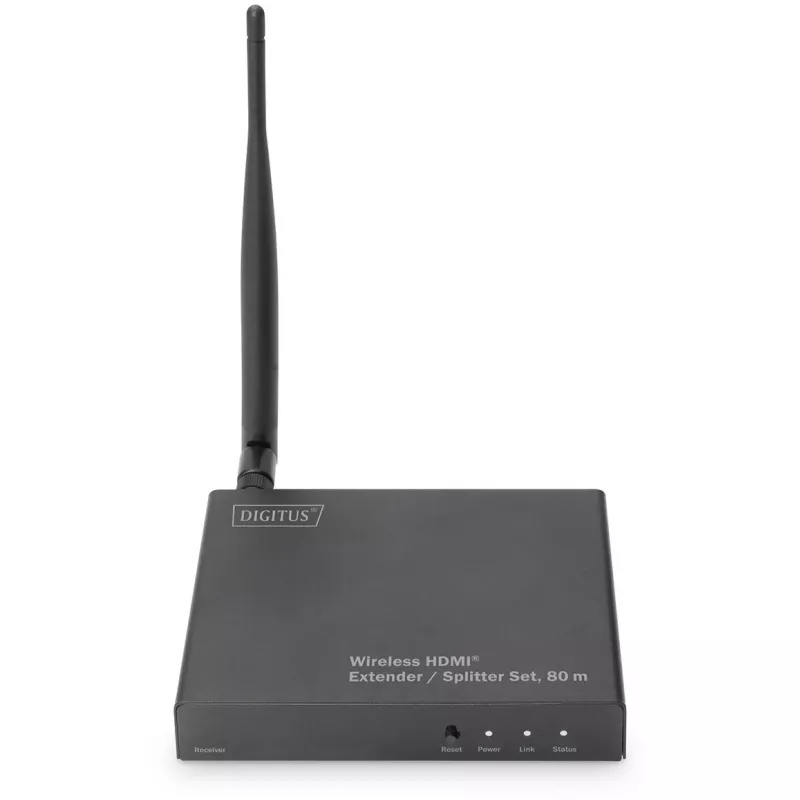
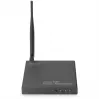
AV receiver Digitus DS-55315 Wireless HDMI Splitter Extender Set 80m

AV receiver Digitus DS-55315 Wireless HDMI Splitter Extender Set 80m
R2,148
The Digitus DS-55315 is an additional wireless HDMI receiver designed to extend the Wireless HDMI® Extender Set (DS-55314) into a multicast system with up to four receivers. It receives high-resolution HDMI video and audio signals wirelessly at distances up to 80 m (line of sight, 1:1) and supports ... Read More
Stock 14 Code 119152 Brand DIGITUS Model DS-55315 Warranty 2 Years

Shipping & Returns

Estimated delivery Wednesday, September 30
You will be kept updated through our detailed tracking system
Payment options
EFTPayFastBank CardSnapScanZapperGoogle PayApple PayMobicredMoreTymePay on Arrival

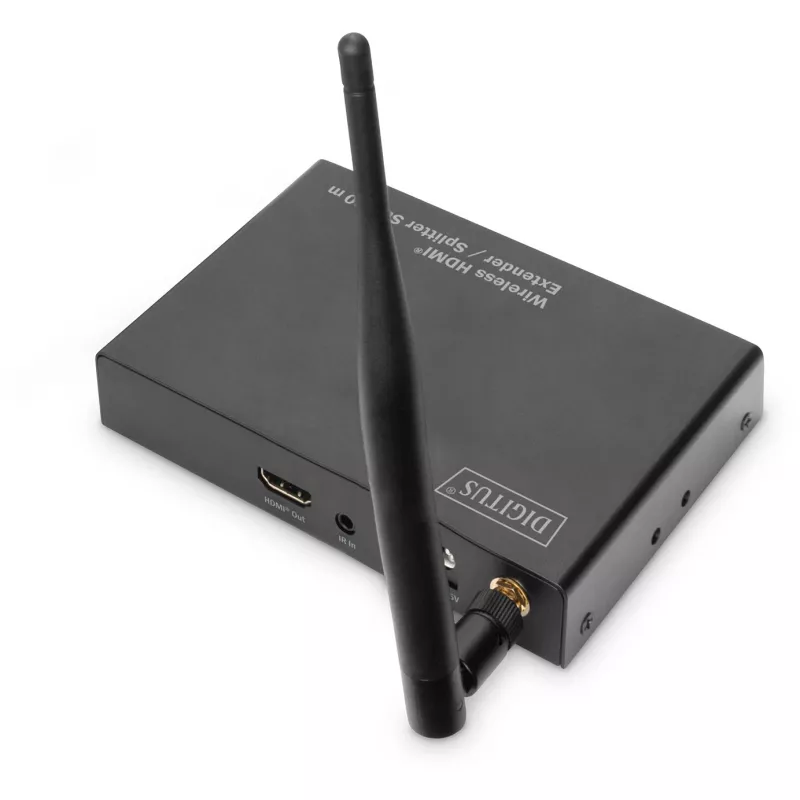
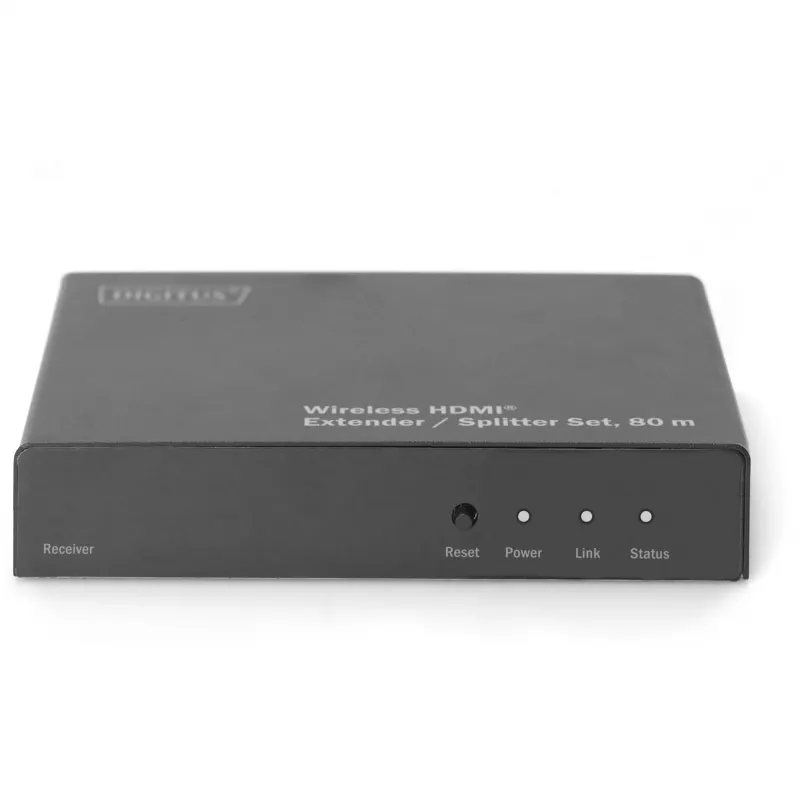
The Digitus DS-55315 is an additional wireless HDMI receiver designed to extend the Wireless HDMI® Extender Set (DS-55314) into a multicast system with up to four receivers. It receives high-resolution HDMI video and audio signals wirelessly at distances up to 80 m (line of sight, 1:1) and supports a maximum output resolution of 1920 x 1080 at 60 Hz. The compact black receiver requires 5 V/2 A power and is intended to distribute one HDMI output to an additional display without running HDMI cables.

Advantages

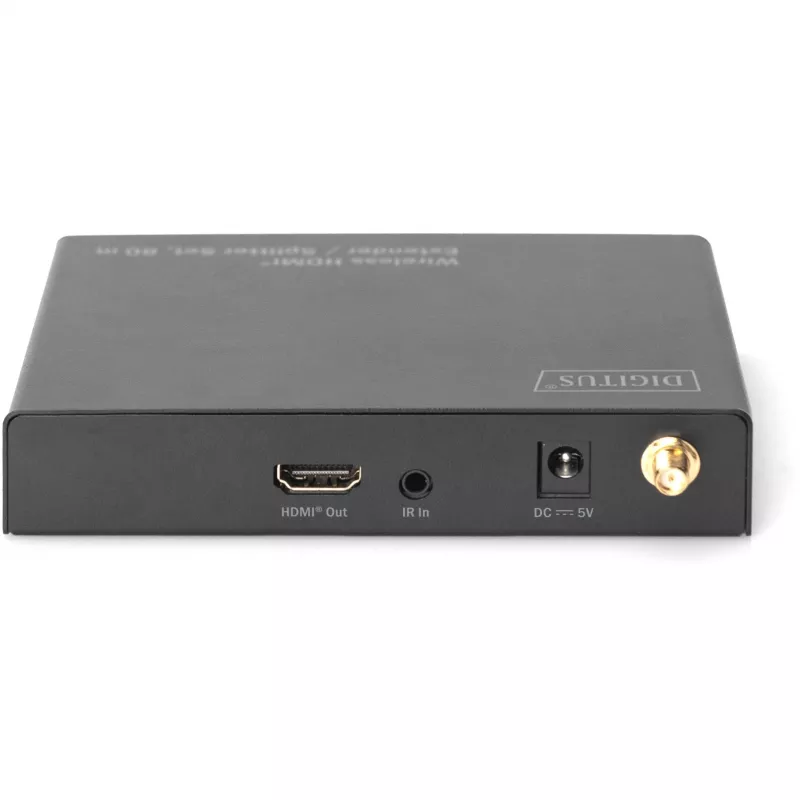
The DS-55315 supports point-to-multipoint (multicast) operation allowing the source signal to be sent to up to four receiver units. Setup is plug-and-play — no software or drivers are required. The unit includes an IR input cable to forward remote-control commands back to the source device. Its compact size and low power consumption (max. 3 W) make it easy to add another HDMI endpoint for TVs, monitors or projectors.

Suitable for

  • Extending a satellite receiver or set-top box signal to another TV or projector
  • Adding an additional display in meeting rooms or classrooms without extra cabling
  • Building a multicast wireless HDMI system with up to four receivers
  • Temporary AV setups for events, presentations or retail displays

Key specifications

  • Model: DIGITUS DS-55315
  • Type: AV receiver (additional receiver for DS-55314 multicast system)
  • Maximum resolution: 1920 x 1080 (Full HD) at 60 Hz
  • Maximum transfer distance: up to 80 m (line of sight)
  • Number of HDMI outputs: 1
  • Power supply: 5 V, max. 2 A; power consumption up to 3 W
  • Dimensions: 100 x 130 x 26 mm
  • Weight: 0.145 kg
  • Colour: Black
  • Plug-and-play, IR input for remote forwarding

How to use

Connect the DS-55315 to a power source using the supplied power adapter, attach the HDMI cable from the receiver to your TV, monitor or projector HDMI input, and pair it with the existing DS-55314 transmitter/multicast system. If you need to control the source device from the receiver location, connect the included IR cable to the receiver’s IR input and position the IR emitter at the source device’s IR sensor. After powering on, the receiver should automatically synchronise with the transmitter so you can start playback without driver installation.

Recommendations

For best performance, maintain a clear line of sight between transmitter and receiver and avoid large obstructions or dense walls. Place receivers within the specified maximum range of 80 m and ensure the IR emitter is aligned with the source device for reliable remote control forwarding.
Key Highlights
  • Extending a satellite receiver or set-top box signal to another TV or projector
  • Adding an additional display in meeting rooms or classrooms without extra cabling
  • Building a multicast wireless HDMI system with up to four receivers
  • Temporary AV setups for events, presentations or retail displays
  • Model: DIGITUS DS-55315
  • Type: AV receiver (additional receiver for DS-55314 multicast system)
  • Maximum resolution: 1920 x 1080 (Full HD) at 60 Hz
  • Maximum transfer distance: up to 80 m (line of sight)
  • Number of HDMI outputs: 1
  • Power supply: 5 V, max. 2 A; power consumption up to 3 W
  • Dimensions: 100 x 130 x 26 mm
  • Weight: 0.145 kg
  • Colour: Black
  • Plug-and-play, IR input for remote forwarding
Specifications
AC adapter included
Yes
Antenna type
External
Antennas quantity
1
Bandwidth
6.75 Gbit/s
Cables included
IR
Colour depth
12 bit
Connectivity technology
Wireless
Country of origin
China
Depth
130 mm
External power adapter
Yes
HDCP version
1.3
HDMI version
1.3
Height
26 mm
LED indicators
Status, Power, Link
Material
Metal
Maximum resolution
1920 x 1080
Maximum transfer distance
80 m
Mounting kit
Yes
Number of HDMI outputs
1
Operating relative humidity (H-H)
5 - 90
Operating temperature (T-T)
0 - 50
Operating voltage
5 V
Output current
2 A
Package depth
243 mm
Package height
60 mm
Package volume
2857.68 cm³
Package weight
630 g
Package width
196 mm
Plug and Play
Yes
Power consumption (receiver) (max)
3 W
Power over Ethernet (PoE)
No
Product colour
Black
Remote (IR) output
1
Supported video modes
480i, 1080p, 1080i, 720p, 576p, 576i, 480p
Type
AV receiver
UK Trade Tariff code
85176200
Video compression formats
H.264
Weight
0.145 kg
Width
100 mm

Leaflet

Open Leaflet
Price history over the last 6 months
AV receiver Digitus DS-55315 Wireless HDMI Splitter Extender Set 80m
Current
R2,148
Lowest
R1,535
Highest
R2,148
Change 24H
+R7   +0%
Week
+R70   +3%
Month
+R74   +4%

Popular products in this category

WhatsApp
Hi, I’m DistriNode’s AI assistant. I can help you find products, compare options, create quote PDFs, or open support requests.