Account Contact
Your Cart
Pay on delivery – no extra fees
Need help? Ask our AI

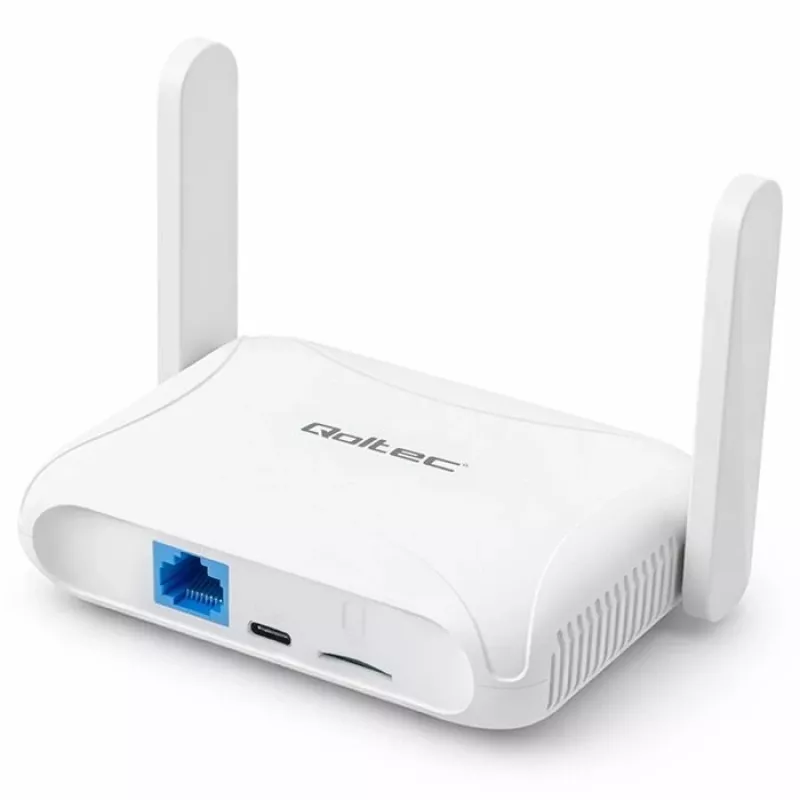
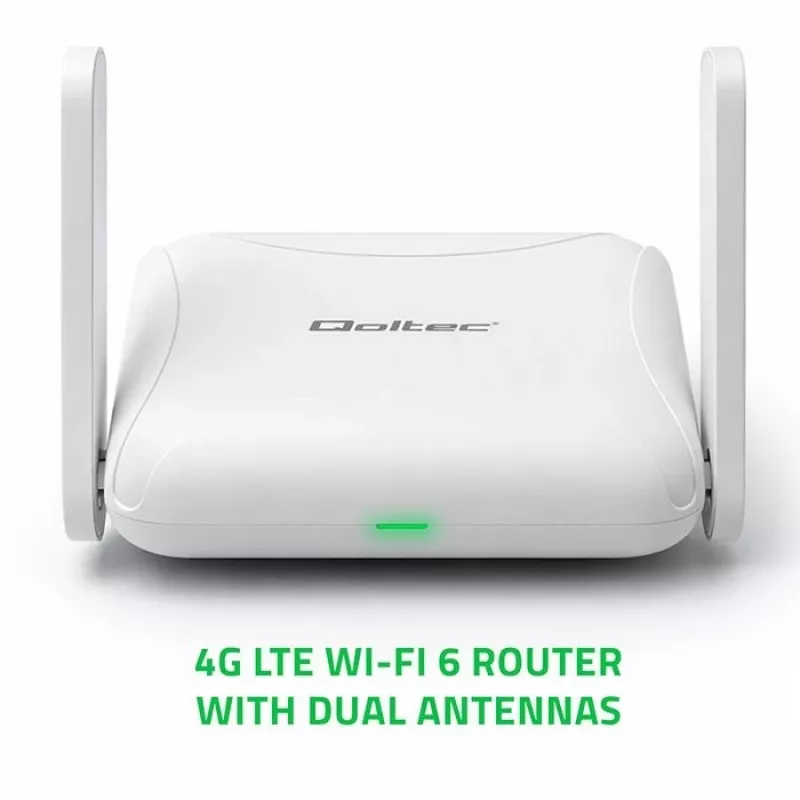
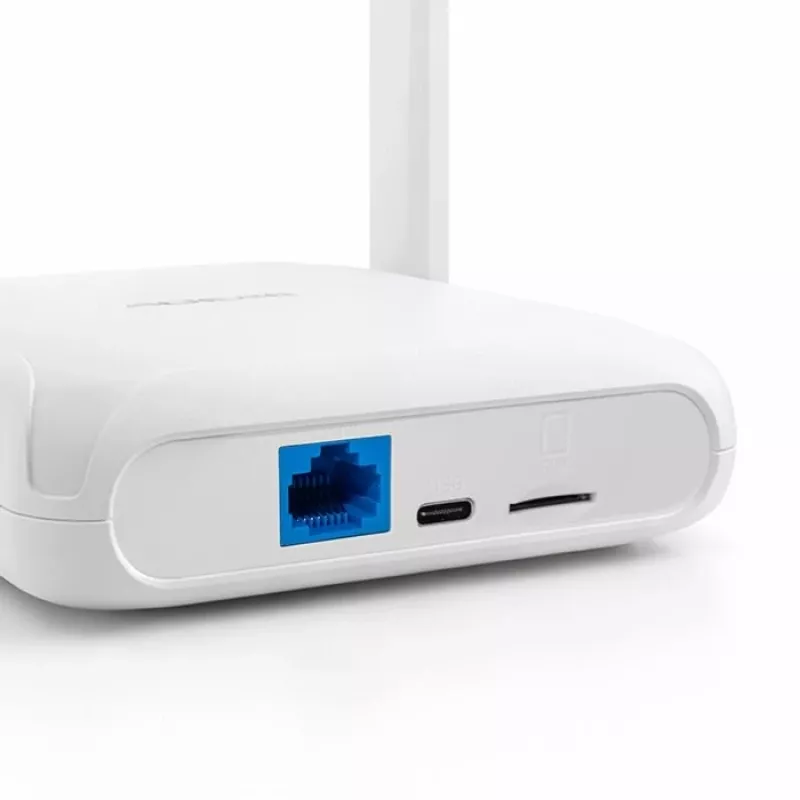
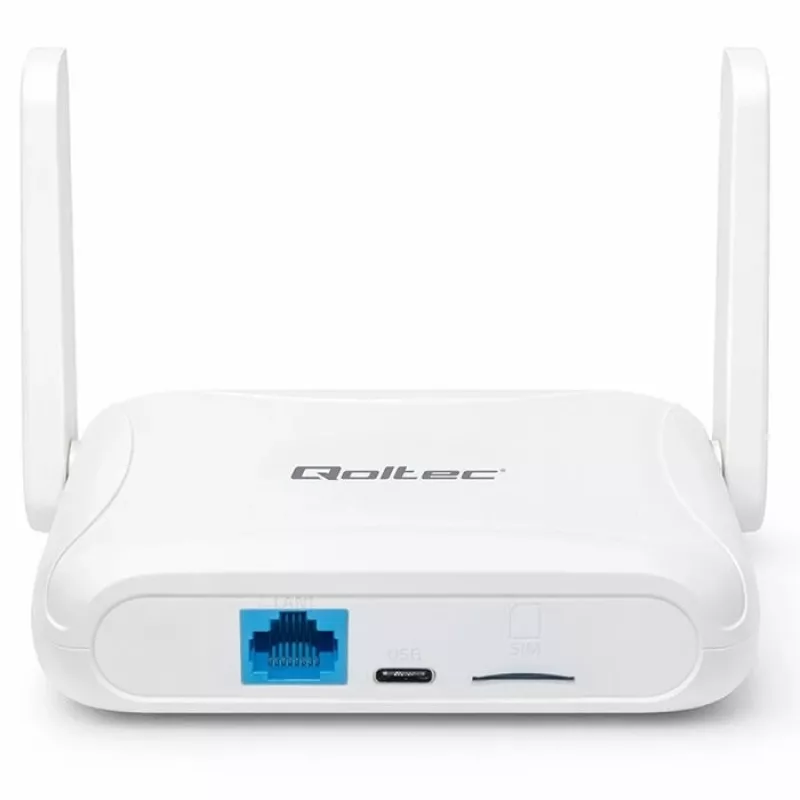
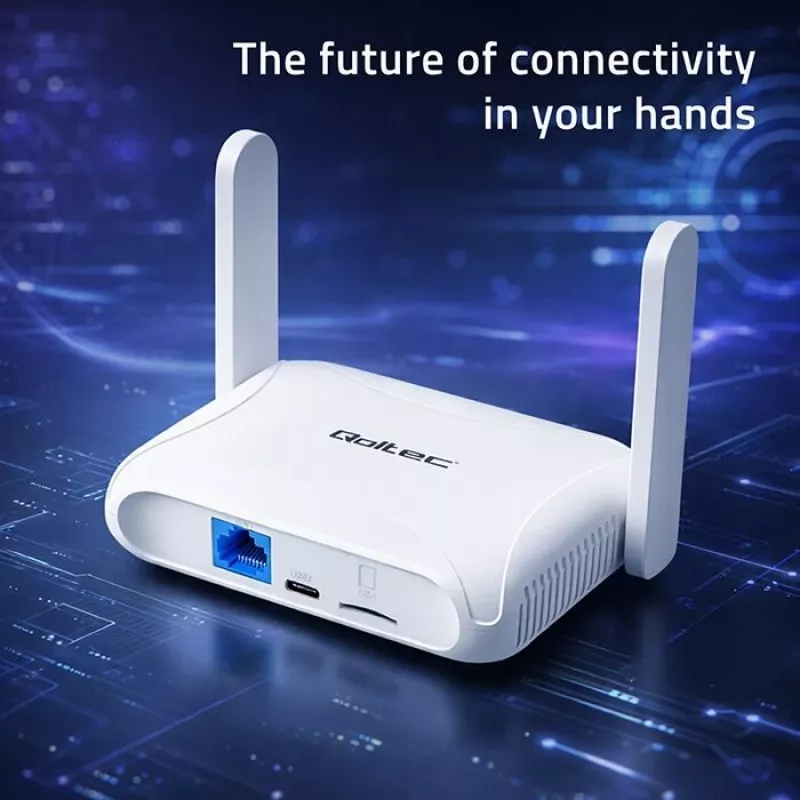
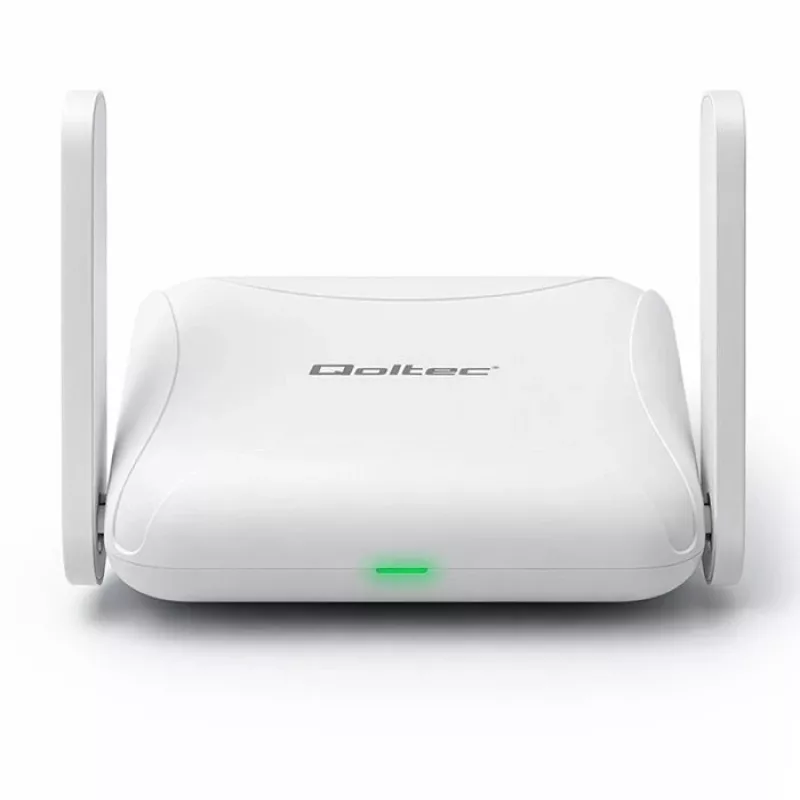
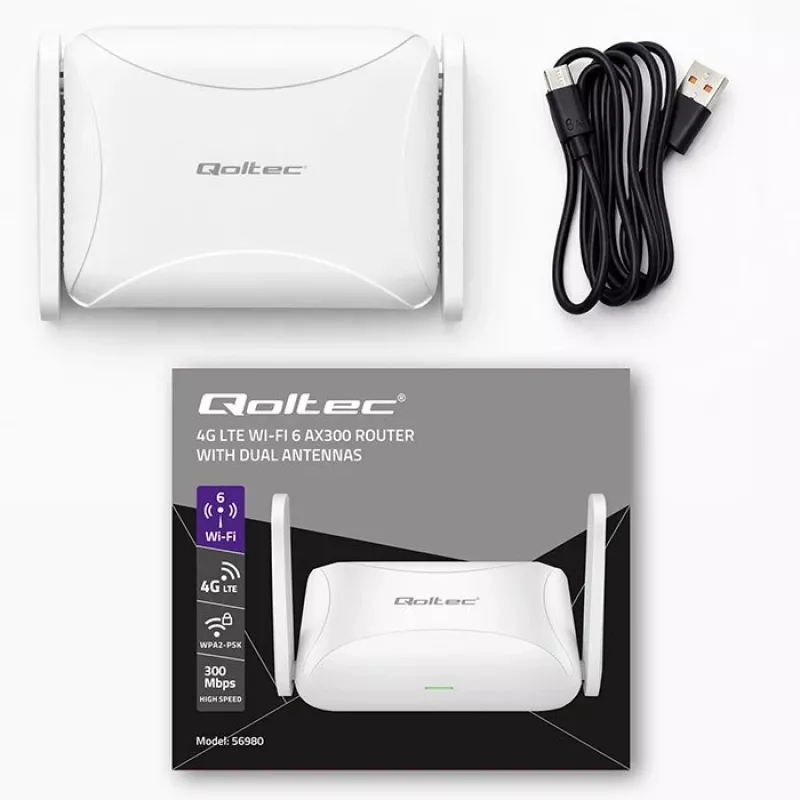
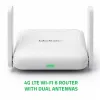
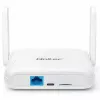
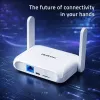
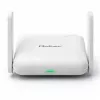
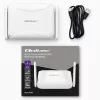
Router QOLTEC 56980 — 4G LTE cellular router with Wi‑Fi 6

Router QOLTEC 56980 — 4G LTE cellular router with Wi‑Fi 6
R745
QOLTEC 56980 is a 4G LTE cellular router with Wi‑Fi 6 designed to provide mobile broadband connectivity for homes and small offices. It combines LTE network compatibility with modern Wi‑Fi 6 wireless performance to support multiple client devices. The device can function as a primary internet gatewa... Read More
Stock 734 Code 2526583 Brand QOLTEC Model 56980 Warranty 2 Years

Shipping & Returns

Estimated delivery Tuesday, October 27
You will be kept updated through our detailed tracking system
Payment options
EFTPayFastBank CardSnapScanZapperGoogle PayApple PayMobicredMoreTymePay on Arrival

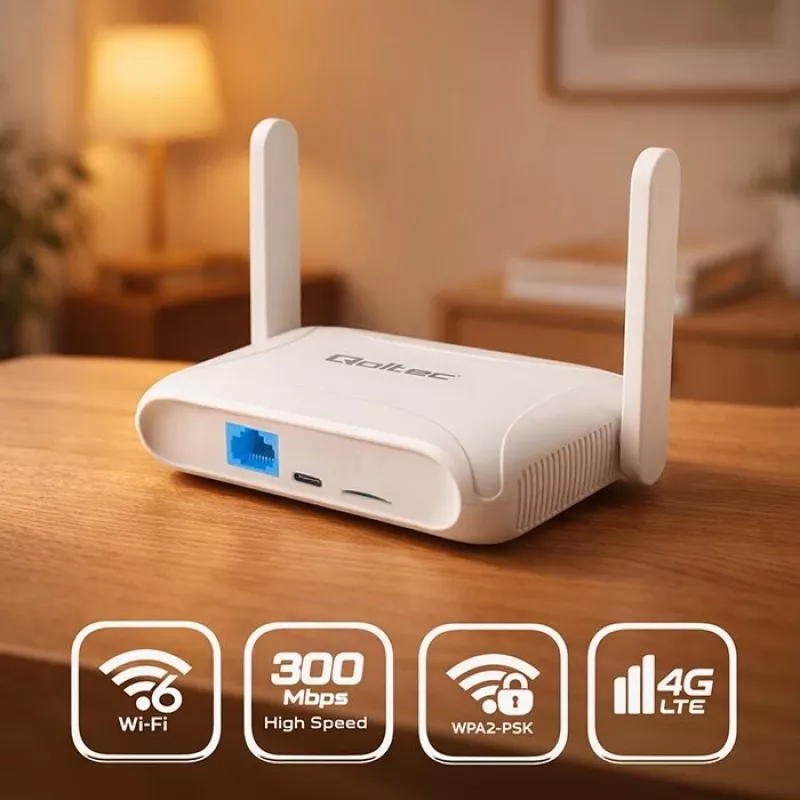
QOLTEC 56980 is a 4G LTE cellular router with Wi‑Fi 6 designed to provide mobile broadband connectivity for homes and small offices. It combines LTE network compatibility with modern Wi‑Fi 6 wireless performance to support multiple client devices. The device can function as a primary internet gateway in locations without fixed-line broadband or as a backup connection to maintain online access during fixed-network outages.

Advantages

The router integrates cellular 4G LTE access and Wi‑Fi 6 wireless networking in a compact unit, enabling improved throughput and lower latency for connected devices. It supports multiple simultaneous connections, making it suitable for dense device environments. The unit's cellular capability allows quick deployment in locations where wired internet is not available or where rapid setup is required. Built-in Wi‑Fi 6 compatibility improves efficiency and capacity for modern smartphones, laptops and smart home devices.

Suitable for

  • Homes and small offices needing mobile broadband as a primary internet source.
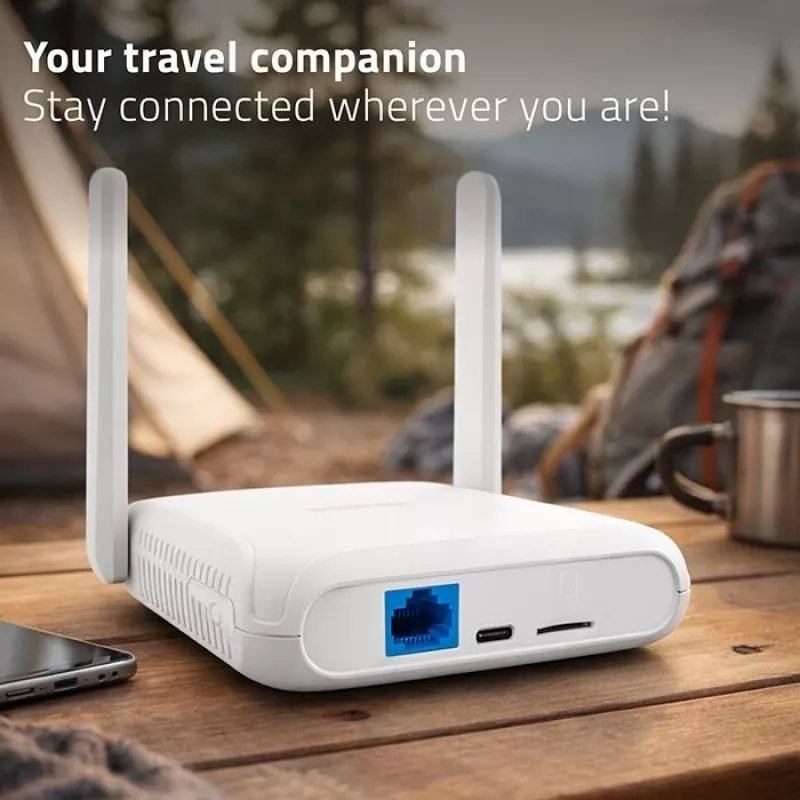
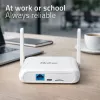
  • Backup internet connectivity when fixed-line service is unreliable or unavailable.
  • Temporary sites, remote locations, or events that require quick network setup.
  • Environments with multiple Wi‑Fi 6 capable client devices requiring higher network capacity.

When it may not be suitable

The QOLTEC 56980 relies on 4G LTE networks for internet access, so performance depends on cellular signal strength and network conditions; it may not deliver fixed-line speeds in areas with weak mobile coverage. For users who require guaranteed symmetrical multi-gigabit speeds or enterprise-grade advanced routing and security features, a dedicated fiber or business-class router may be more appropriate.

Key specifications

  • Cellular connectivity: 4G LTE support for mobile broadband access.
  • Wireless standard: Wi‑Fi 6 for improved throughput and device efficiency.
  • Simultaneous device support: Designed to handle multiple client connections.
  • Form factor: Compact indoor router suitable for home and small office placement.

How to use

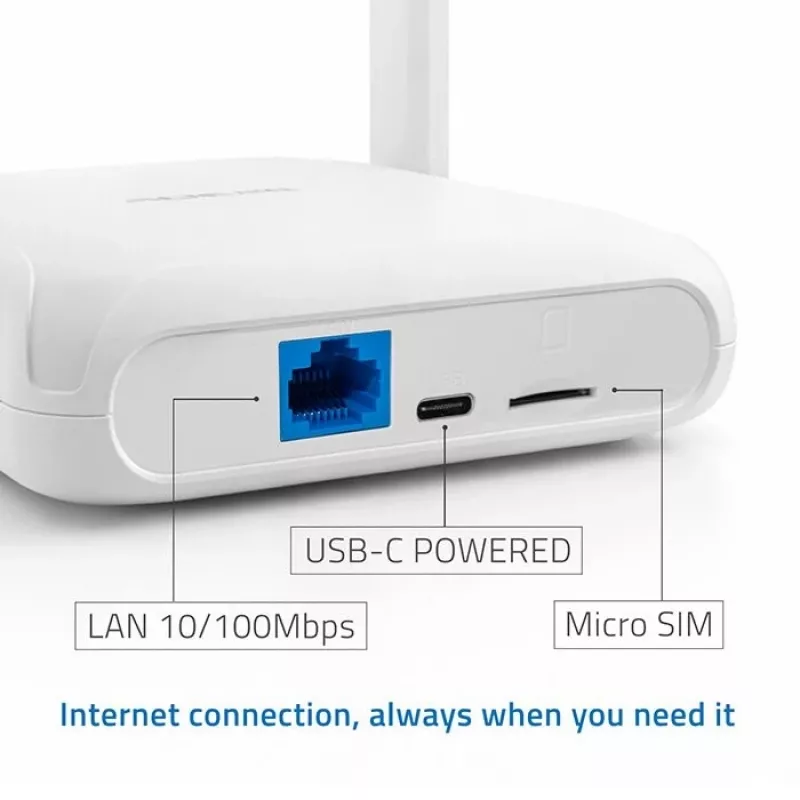
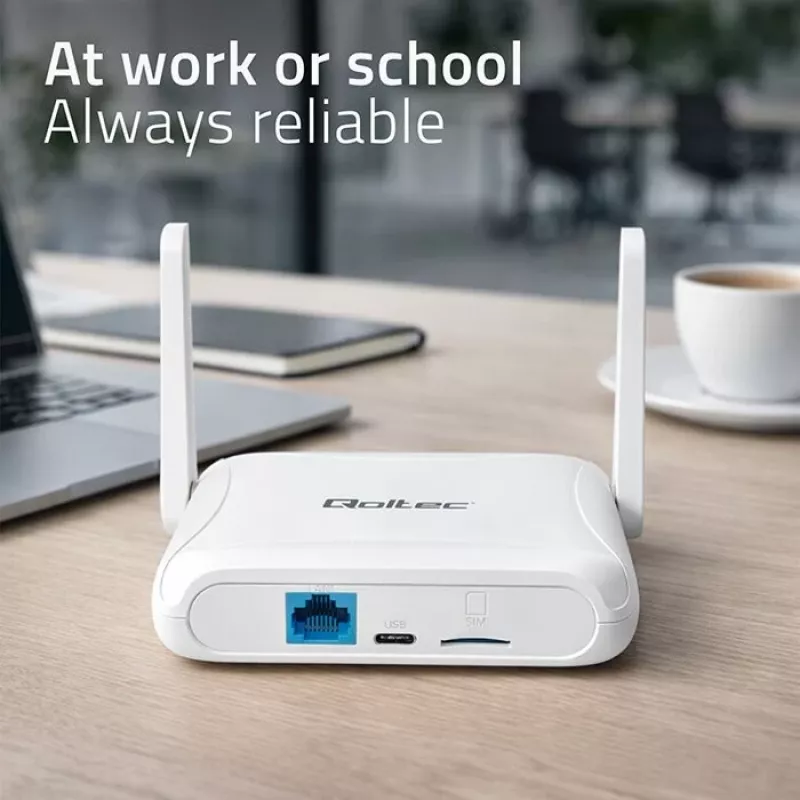
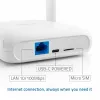
Insert an active SIM card from a compatible mobile operator and place the router in a location with good cellular reception. Power on the device and complete the initial setup using the web interface or mobile setup tool provided by the manufacturer. Configure the Wi‑Fi SSID and security settings (WPA3 if available or WPA2), set an administrator password, and connect client devices to the Wi‑Fi 6 network. For increased reliability, test signal strength in intended placement areas and adjust location or external antenna options if supported.

What to consider before purchase

  • Check local 4G LTE network coverage and compatibility with your mobile operator.
  • Confirm the router supports the Wi‑Fi security standards you require (WPA3/WPA2).
  • Consider the number and type of devices that will connect simultaneously and expected bandwidth needs.
  • Evaluate placement options to ensure adequate cellular signal and Wi‑Fi coverage.

Recommendations

Place the router near a window or elevated position to improve cellular reception, use the latest firmware updates from the manufacturer for security and performance, and enable strong Wi‑Fi encryption and a unique admin password to protect the network.

Key Highlights
  • Homes and small offices needing mobile broadband as a primary internet source.
  • Backup internet connectivity when fixed-line service is unreliable or unavailable.
  • Temporary sites, remote locations, or events that require quick network setup.
  • Environments with multiple Wi‑Fi 6 capable client devices requiring higher network capacity.
  • Cellular connectivity: 4G LTE support for mobile broadband access.
  • Wireless standard: Wi‑Fi 6 for improved throughput and device efficiency.
  • Simultaneous device support: Designed to handle multiple client connections.
  • Form factor: Compact indoor router suitable for home and small office placement.
  • Check local 4G LTE network coverage and compatibility with your mobile operator.
  • Confirm the router supports the Wi‑Fi security standards you require (WPA3/WPA2).
  • Consider the number and type of devices that will connect simultaneously and expected bandwidth needs.
  • Evaluate placement options to ensure adequate cellular signal and Wi‑Fi coverage.
Price history over the last 6 months
Router QOLTEC 56980 — 4G LTE cellular router with Wi‑Fi 6
Current
R745
Lowest
R640
Highest
R843
Change 24H
-R91   -11%
Week
-R91   -11%
Month
-R91   -11%

Popular products in this category

WhatsApp
Hi, I’m DistriNode’s AI assistant. I can help you find products, compare options, create quote PDFs, or open support requests.