
Account Contact
Your Cart
Pay the courier with no extra fees.
Need help? DistriNode AI can handle any task on our site.

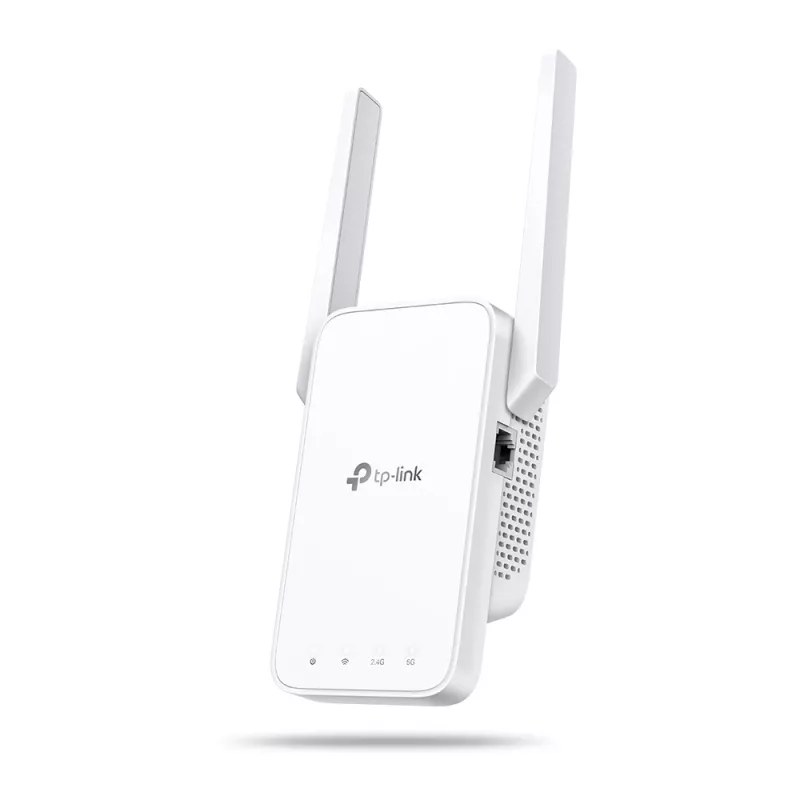
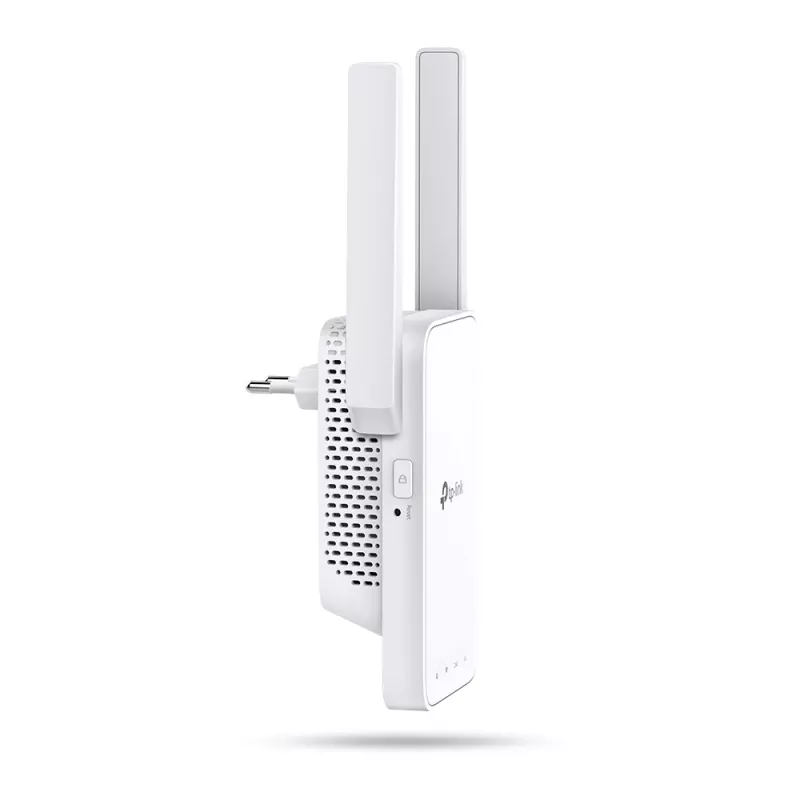
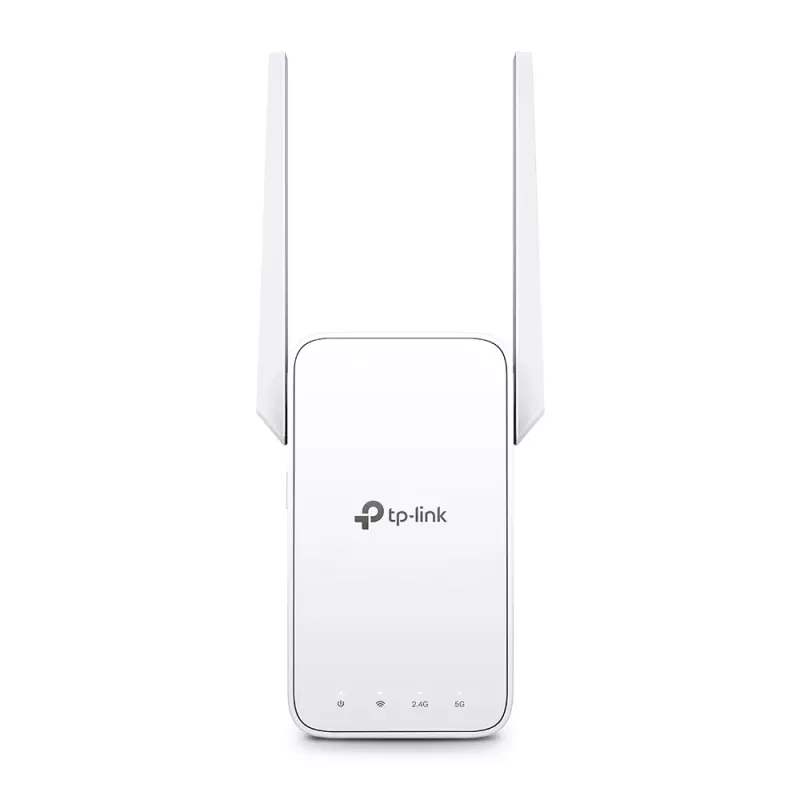
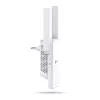
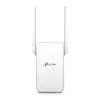
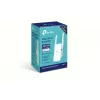
Network Repeater TP-Link AC1200 Mesh Wi-Fi Range Extender

Network Repeater TP-Link AC1200 Mesh Wi-Fi Range Extender
36 mo.
Network Repeater TP-Link AC1200 Mesh Wi-Fi Range Extender
R844
Expand Dual Band WiFi EverywhereAC1200 Mesh WiFi ExtenderBoost Whole Home WiFi with Your Existing RouterA single router has limited WiFi coverage and always causes WiFi dead zones. RE315 wirelessly connects to your existing router and expands its WiFi signal into areas it can’t reach on its own. Enj... Read More
Stock 1 Code 30921 Brand TP-LINK Model RE315 Warranty 3 Years

Shipping & Returns

Estimated delivery Tuesday, September 29
You will be kept updated through our detailed tracking system
Payment options
EFTPayFastBank CardSnapScanZapperGoogle PayApple PayMobicredMoreTymePay on Arrival
Expand Dual Band WiFi Everywhere
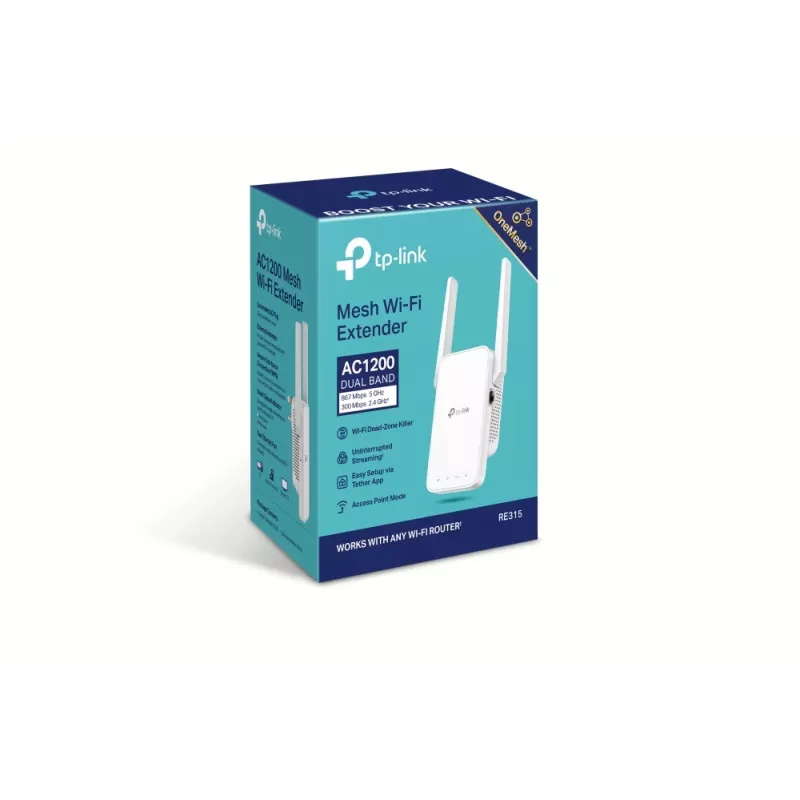
AC1200 Mesh WiFi Extender

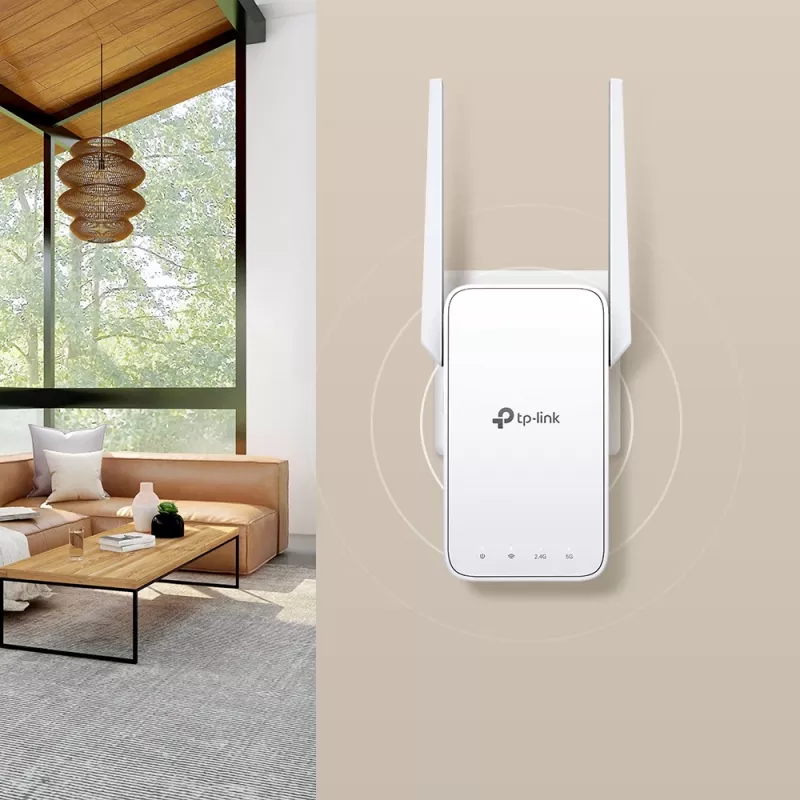
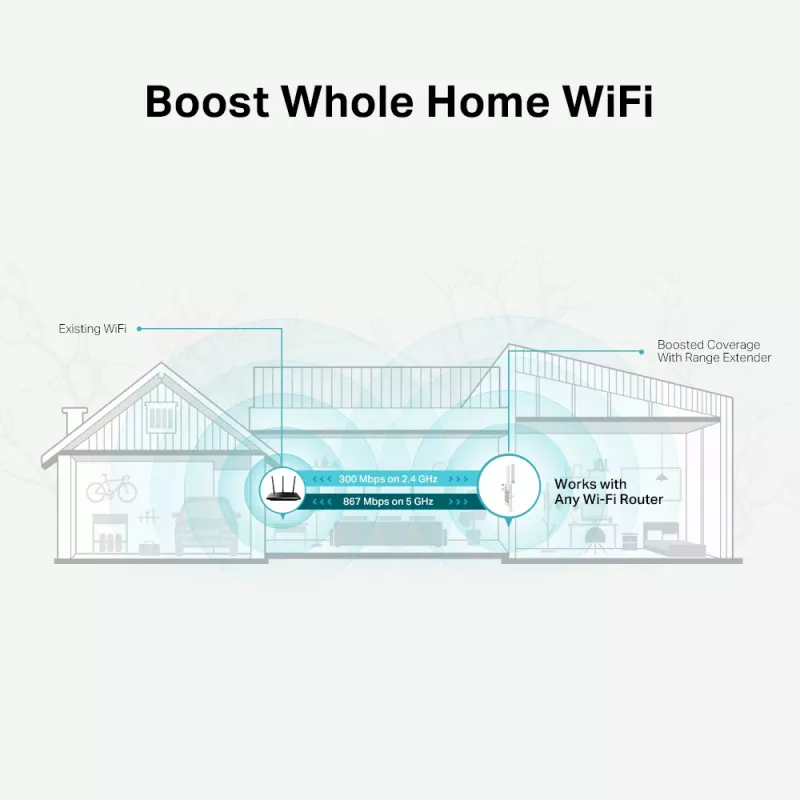
Boost Whole Home WiFi with Your Existing Router
A single router has limited WiFi coverage and always causes WiFi dead zones. RE315 wirelessly connects to your existing router and expands its WiFi signal into areas it can’t reach on its own. Enjoy your stable network experience wherever you are at home.

WiFi keeps Strongest for Unlimited Moving
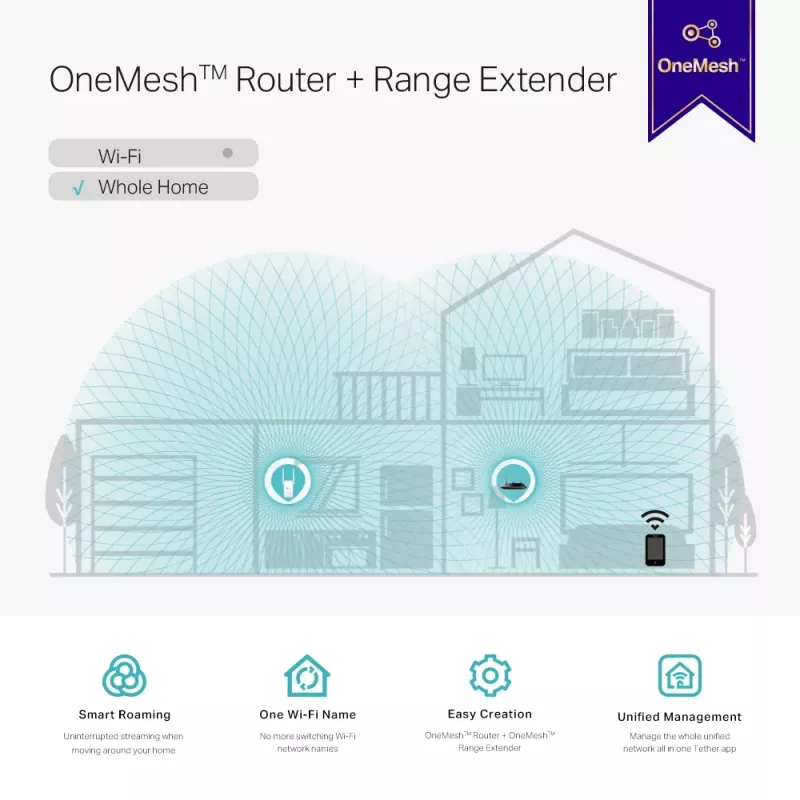
With TP-Link Mesh Technology, it’s easy to form a Mesh network with a single WiFi name for seamless whole home coverage. Just connect RE315 to a OneMeshTM router. Always enjoy the strongest WiFi when you’re walking around with no need to search around for a stable connection.

Enjoy a Mesh Network with Your Existing Router
Want a Mesh network? Hesitate on whether to replace your existing router and buy a Mesh set?
TP-Link OneMesh™ resolves your dilemma.

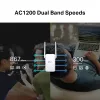
Faster Dual Band WiFi up to 1200 Mbps
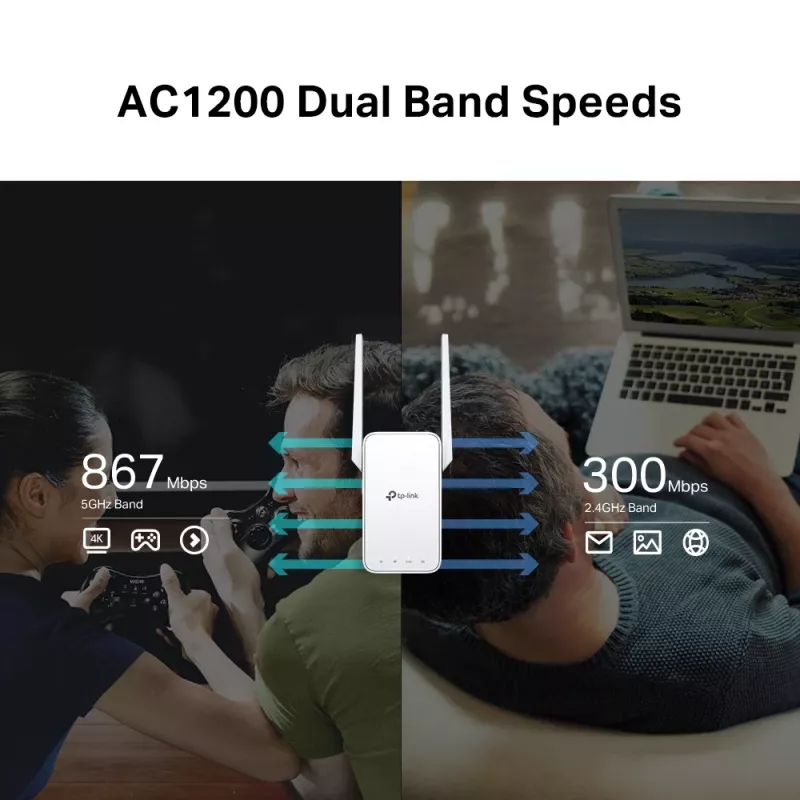
RE315 delivers dual band (2.4 GHz and 5 GHz) to transmit WiFi signals, doubling the performance of each band. It enables you to keep more devices connected at the same time with its 300 Mbps 2.4 GHz and 867 Mbps 5 GHz dual bands. Use the 2.4 GHz band to send email and browse the web and the 5 GHz band for gaming and HD streaming.

Adaptive Path Selection: Keeps Itself Working at Top Speed
Adaptive Path Selection keeps your network running at optimal speeds by automatically choosing the fastest connection path to the router. Always keep your devices fast and stable—ideal for network environments crowded with many devices and applications.

High Speed Mode: Maximized Speed with Dedicated Backhaul
Uses one dedicated WiFi band as backhaul and another dedicated WiFi band as an access point to maximize the bandwidth on the extended WiFi.

Built-In Access Point Mode
RE315 is more than a wireless range extender. Simply plug an Ethernet cable into its Ethernet port and easily turn your wired internet connection into a 2×2 MIMO dual band wireless access point.

Secure One-Touch Connection for Easy Setup
Step 1: Simply press the WPS button on your router and, within 2 minutes, the WPS button on RE315 will connect to the network.
Step 2: Once connected, place RE315 at the best location—without reconfiguration.

Find the Best Location with the Smart Signal Indicator
The smart signal indicator lets you see signal strength from the existing router at a glance. Easily to find the best place to position your range extender to extend your WiFi.

Control at Your Fingertips
Set up and manage your WiFi through the TP-Link Tether app from your smartphone (Android, iOS), including TP-Link routers and range extenders.

How to use

Plug RE315 into a power outlet within range of your existing router and press the WPS button on your router followed by the WPS button on RE315 within two minutes to connect automatically. Once connected, move the extender to an optimal mid‑point between your router and the coverage gap; the smart signal indicator will guide placement. Alternatively, connect an Ethernet cable to the extender’s LAN port to use it as a dual‑band access point, then configure network settings via the TP‑Link Tether app or the web interface.

Recommendations

Place the extender at a location where the smart signal indicator shows a strong connection to the router (not at the extreme edge of coverage). For best performance enable High Speed Mode when heavy bandwidth is needed and use the 5 GHz band for latency‑sensitive tasks like gaming or HD streaming.

Key Highlights
  • Eliminate weak signal areas with whole home WiFi coverage
  • 2.4 GHz (300 Mbps) and 5 GHz (867 Mbps) dual-band WiFi connection ensures more stable wireless experience
  • Creates a Mesh network by connecting to a OneMesh router for seamless whole-home coverage
  • Adaptive Path Sel0ction – connects to the fastest connection path to the router automatically and runs at top-speed
  • High Speed Mode – maximizes speed by using one WiFi band as dedicated backhaul, ideal for HD streaming and gaming
  • AP Mode – create a new Wi-Fi access point to enhance your wired network with Wi-Fi capability
  • Smart signal indicator helps to fi­nd the best location for optimal Wi-Fi coverage by showing the signal strength
  • Push the WPS button to easily connect to the router and you can uniformly manage from the Tether app or Web UI
  • Works with any Wi-Fi router or wireless access point
  • Network repeater 867 Mbit/s
  • 10/100Base-T(X)
  • Wi-Fi Dual-band (2.4 GHz / 5 GHz) 867 Mbit/s 802.11a, 802.11b, 802.11g, Wi-Fi 4 (802.11n), Wi-Fi 5 (802.11ac)
  • White
Specifications
AC input frequency
50/60 Hz
AC input voltage
100 - 240 V
Antenna type
External
Antennas quantity
2
Browser supported
Internet Explorer 11, Firefox 12.0, Chrome 20.0, Safari 4.0
Cabling technology
10/100Base-T(X)
Certification
CE, RoHS
Compliance certificates
CE, RoHS
Data transfer rate
867 Mbit/s
Depth
35 mm
Ethernet LAN (RJ-45) ports
1
Ethernet LAN data rates
10,100 Mbit/s
Ethernet LAN interface type
Fast Ethernet
Harmonized System (HS) code
85176990
Height
124.1 mm
LED indicators
Yes
Linux operating systems supported
Yes
Mac compatibility
Yes
Mac operating systems supported
Yes
Networking standards
IEEE 802.11a, IEEE 802.11ac, IEEE 802.11b, IEEE 802.11g, IEEE 802.11n
Operating relative humidity (H-H)
10 - 90%
Operating temperature (T-T)
0 - 40 °C
Package depth
89 mm
Package height
156.5 mm
Package type
Box
Package weight
260 g
Package width
121.5 mm
Power consumption (max)
9.5 W
Product colour
White
Quantity per pack
1 pc(s)
Quick start guide
Yes
Reset button
Yes
Security algorithms
64-bit WEP, 128-bit WEP, WPA-PSK, WPA2-PSK
Storage relative humidity (H-H)
5 - 90%
Storage temperature (T-T)
-40 - 70 °C
Top Wi-Fi standard
Wi-Fi 5 (802.11ac)
Transmitting power (CE)
2.4 GHz ≤20dBm, 5 GHz ≤30dBm
Type
Network repeater
Wi-Fi
Yes
Wi-Fi band
Dual-band (2.4 GHz / 5 GHz)
Wi-Fi data rate (max)
867 Mbit/s
Wi-Fi standards
802.11a, 802.11b, 802.11g, Wi-Fi 4 (802.11n), Wi-Fi 5 (802.11ac)
Width
89 mm
Windows operating systems supported
Yes
WLAN data transfer rates supported
300 Mbit/s
WPS push button
Yes

Manual

Open Manual

Document

Open Document

Leaflet

Open Leaflet
Price history over the last 6 months
Network Repeater TP-Link AC1200 Mesh Wi-Fi Range Extender
Current
R844
Lowest
R684
Highest
R2,466
Change 24H
+R67   +9%
Week
+R56   +7%
Month
+R158   +23%

Popular products in this category

WhatsApp
Hi, I’m DistriNode’s AI assistant. I can help you find products, compare options, create quote PDFs, or open support requests.