Account Contact
Your Cart
Pay the courier with no extra fees.
Need help? DistriNode AI can handle any task on our site.

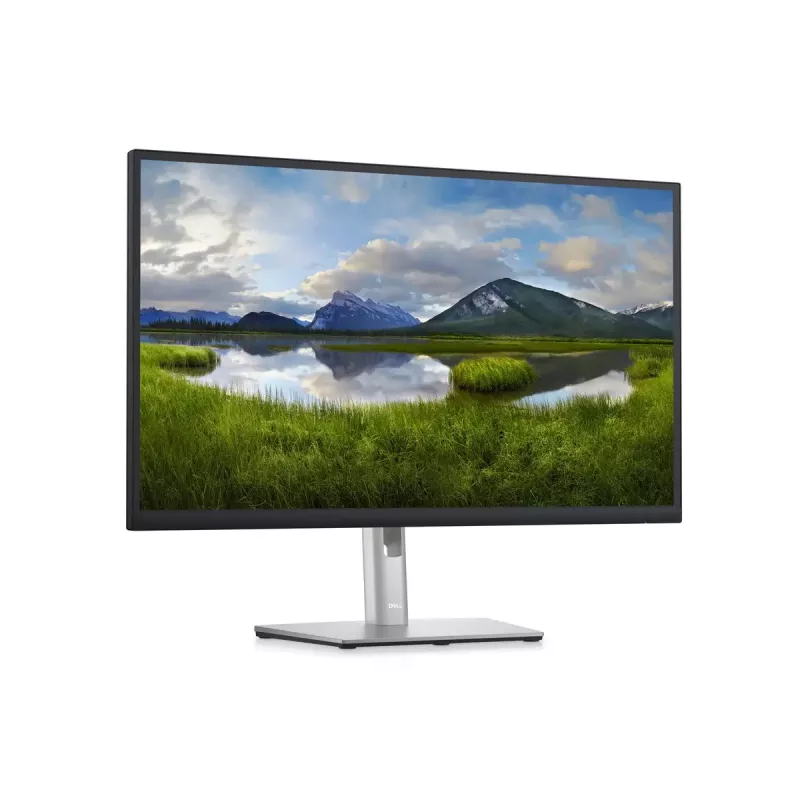
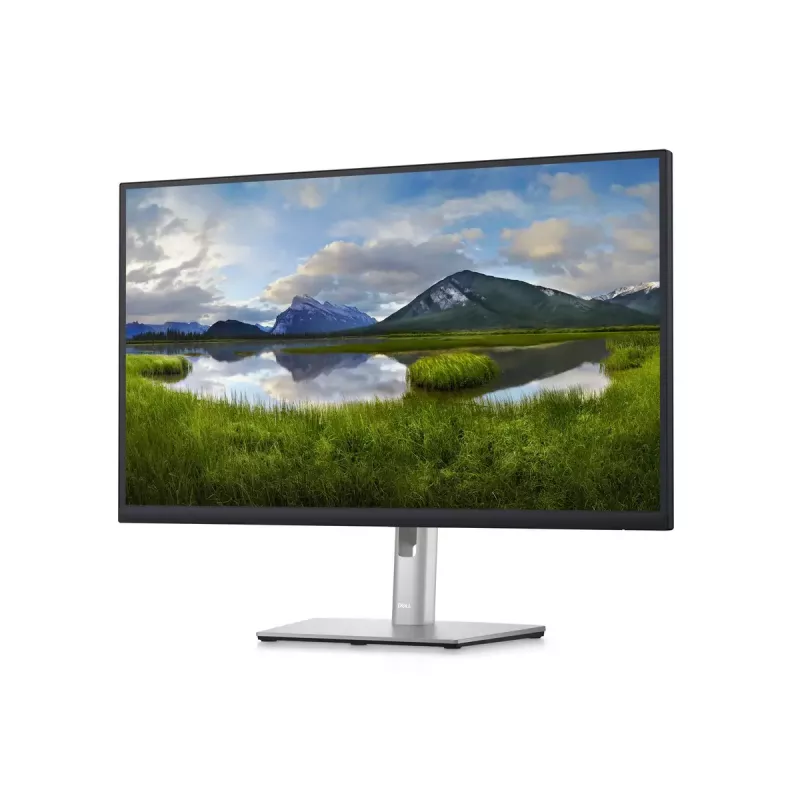
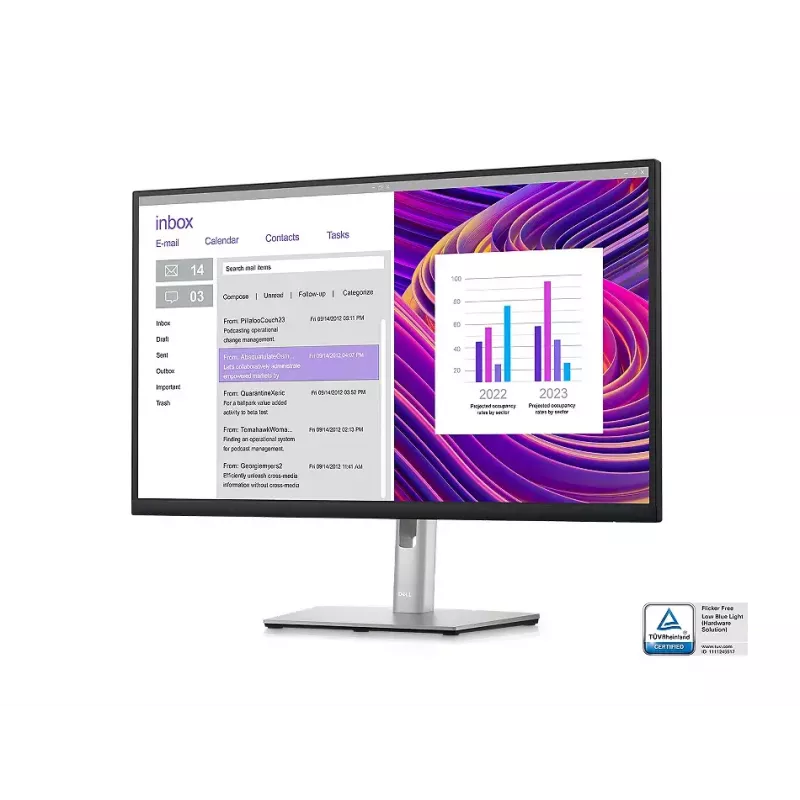
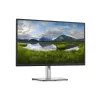
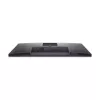
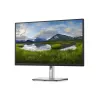
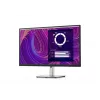
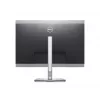
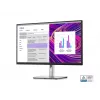
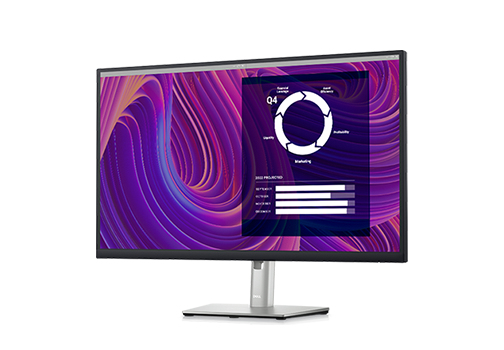
Monitor DELL P2723D 27 inch Quad HD LCD 2560 x 1440

Monitor DELL P2723D 27 inch Quad HD LCD 2560 x 1440
R6,895
Stay focused on a 27-inch QHD monitor optimized to deliver high performance details and clarity. Maximum productivity. Maximum comfort. See more, do more:Get more done with more screen real estate on a 27-inch, QHD monitor.Extensive connectivity:Easily connect to your devices ... Read More
Stock 4 Code 332508 Brand DELL Model DELL-P2723D Warranty 2 Years

Shipping & Returns

Estimated delivery Tuesday, October 6
You will be kept updated through our detailed tracking system
Payment options
EFTPayFastBank CardSnapScanZapperGoogle PayApple PayMobicredMoreTymePay on Arrival
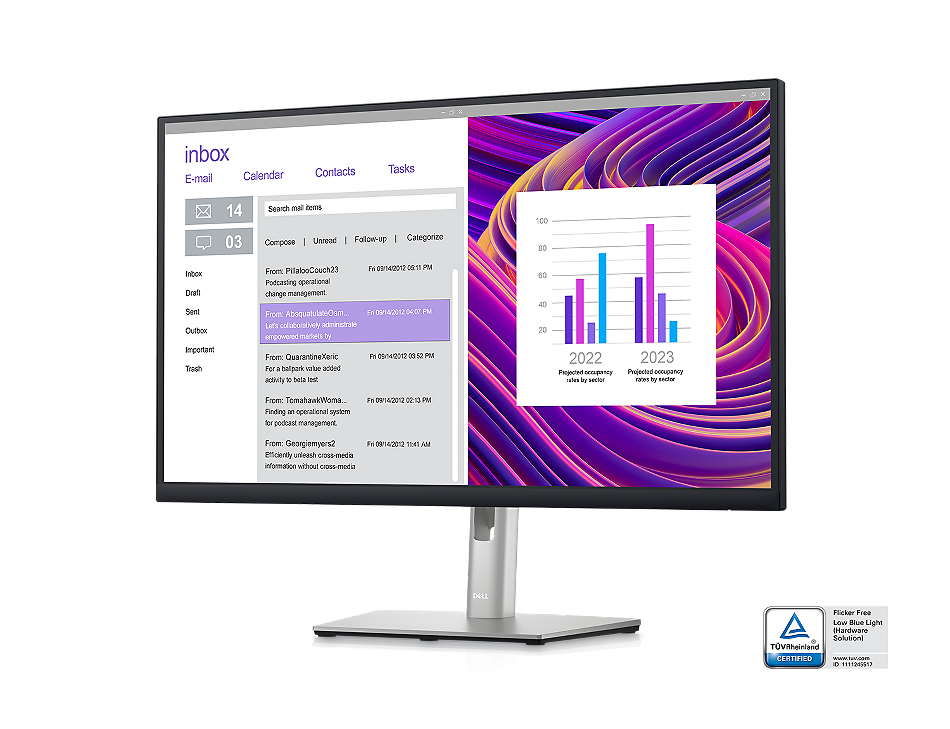
Stay focused on a 27-inch QHD monitor optimized to deliver high performance details and clarity.
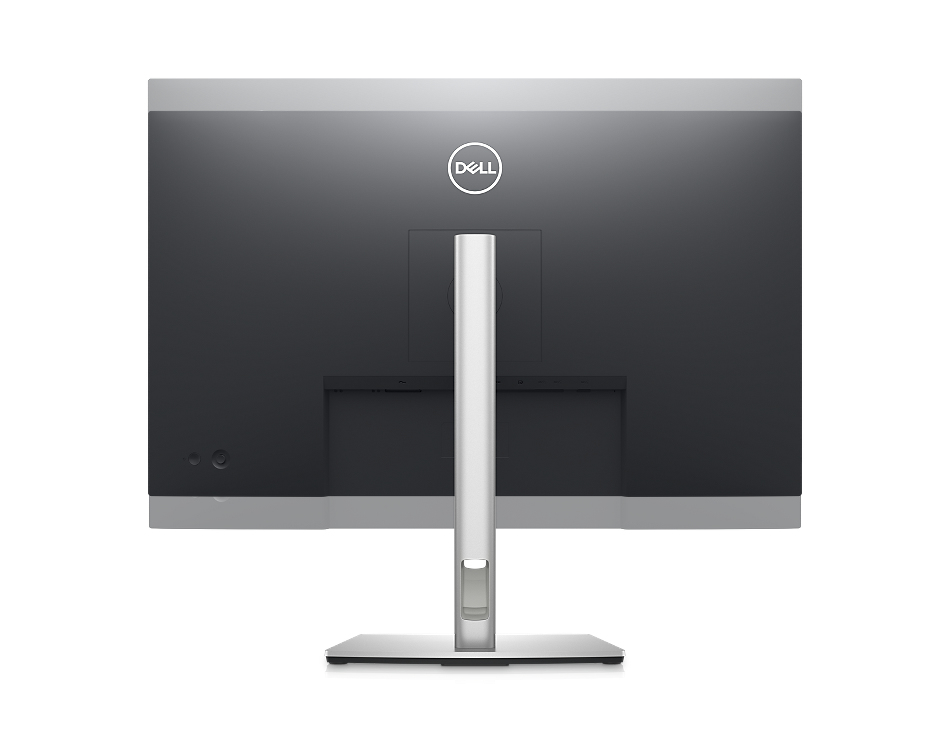
Maximum productivity. Maximum comfort.

Maximum productivity. Maximum comfort.

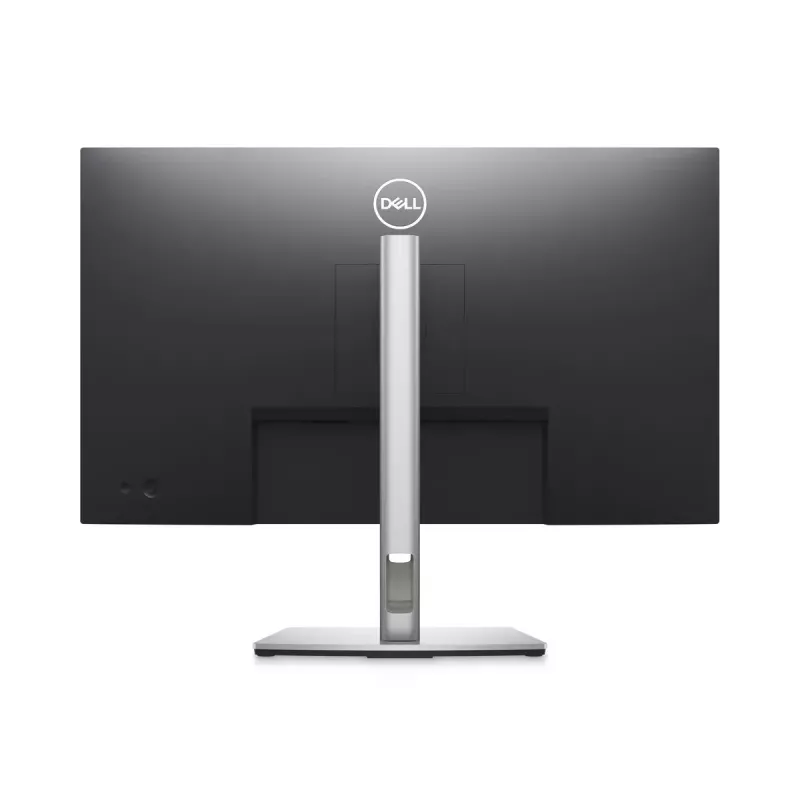
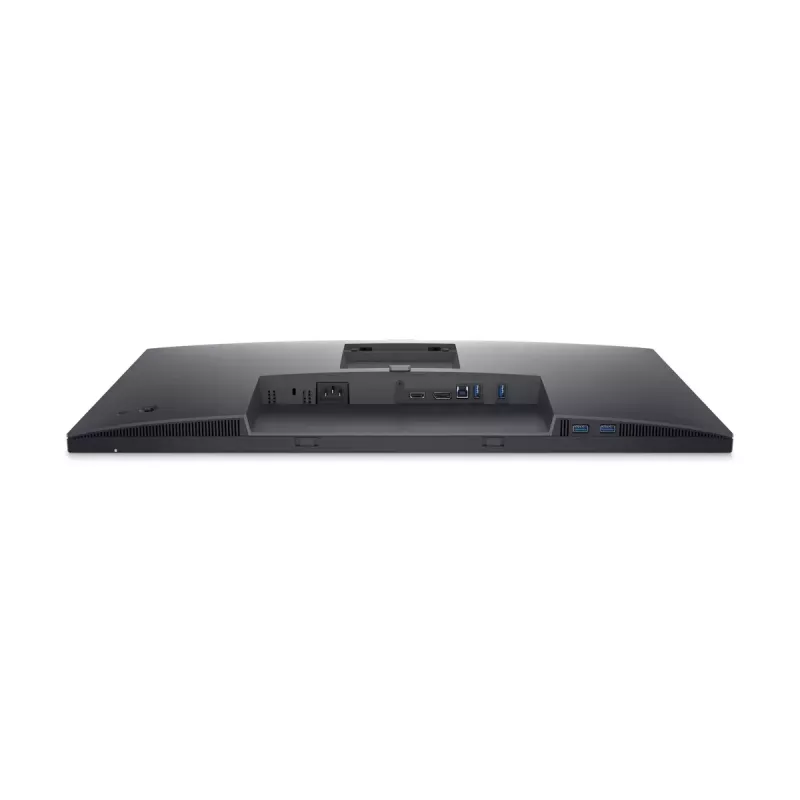
See more, do more:Get more done with more screen real estate on a 27-inch, QHD monitor.Extensive connectivity:Easily connect to your devices with DisplayPort, HDMI, 4x SuperSpeed USB 5Gbps and more.

Custom set up for maximum efficiency

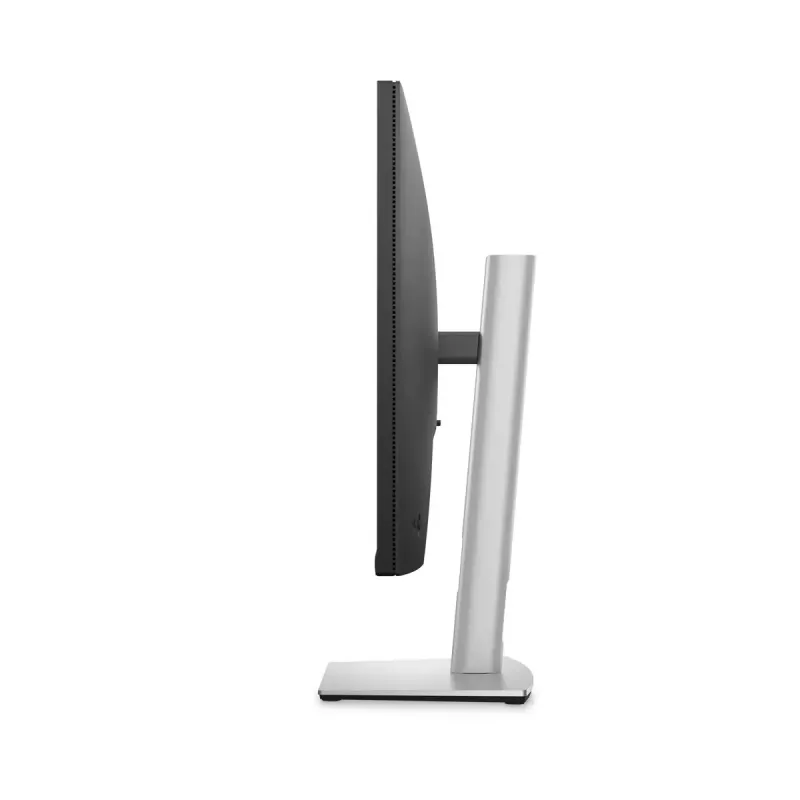
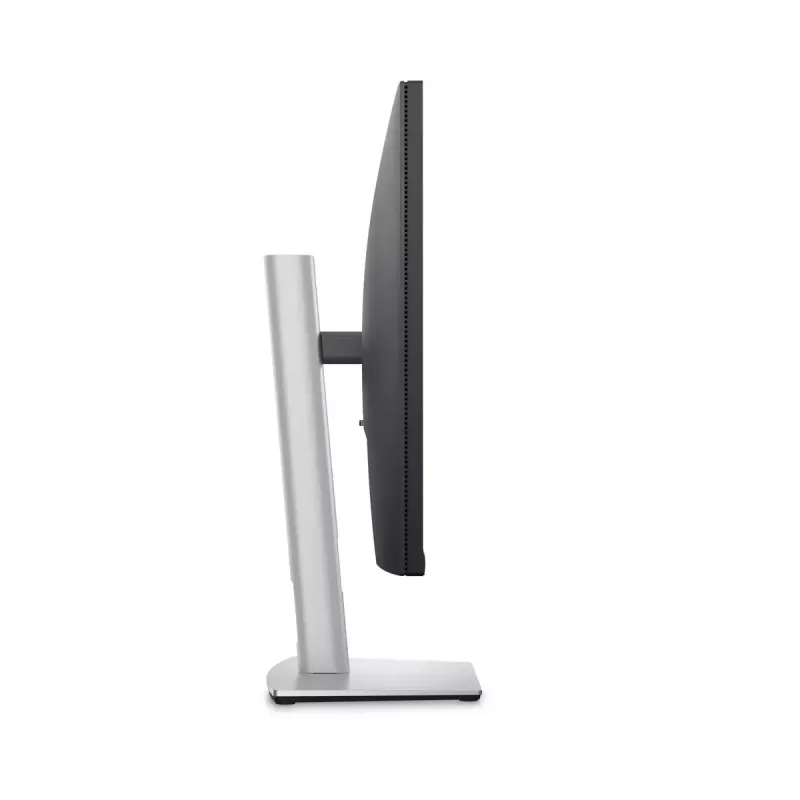
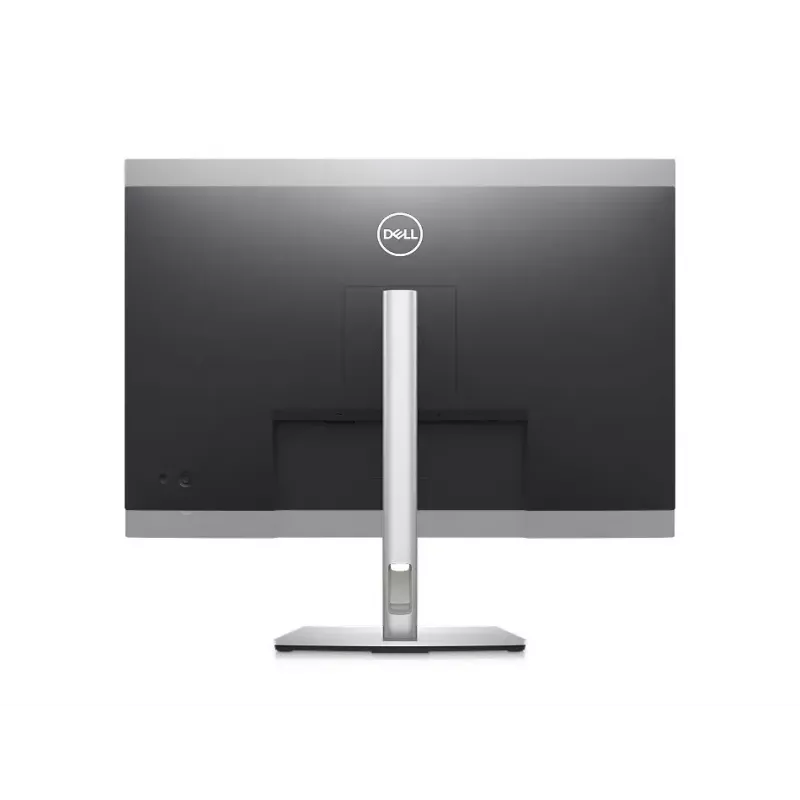
Designed with wellness in mind:ComfortView Plus—an always-on, built-in low blue light screen—reduces potentially harmful blue light emissions without compromising color.Simple customization:Navigate and adjust your monitor screen settings with the easy-to-use joystick control.Moves with you:Optimize your monitor’s orientation by tilting, swiveling and adjusting the height to a maximum of 150mm.
Custom set up for maximum efficiency
Turn your workspace into an organized productivity hub

Turn your workspace into an organized productivity hub

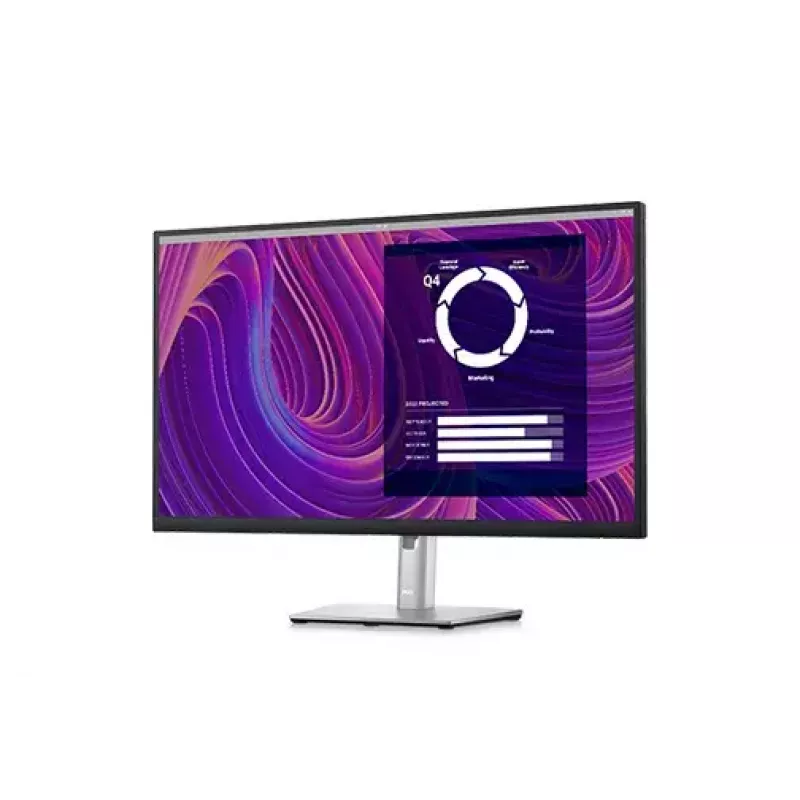
Expanded efficiency:The three-sided ultrathin bezel design lets you enjoy an uninterrupted view of your content across multiple monitors, and you can increase your productivity by up to 21% with dual monitors.Color consistency comes standard:See consistent, vibrant colors across a wide viewing angle enabled by In-Plane Switching (IPS) technology. With 99% sRGB coverage, you get precise hues right out of the box.

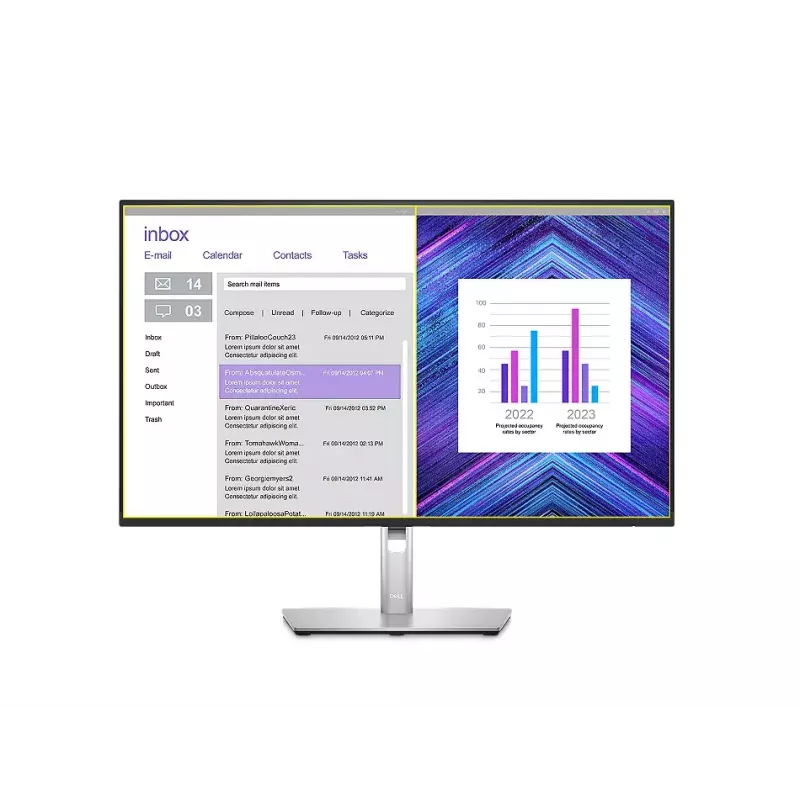
Advanced multitasking with Dell Display Manager

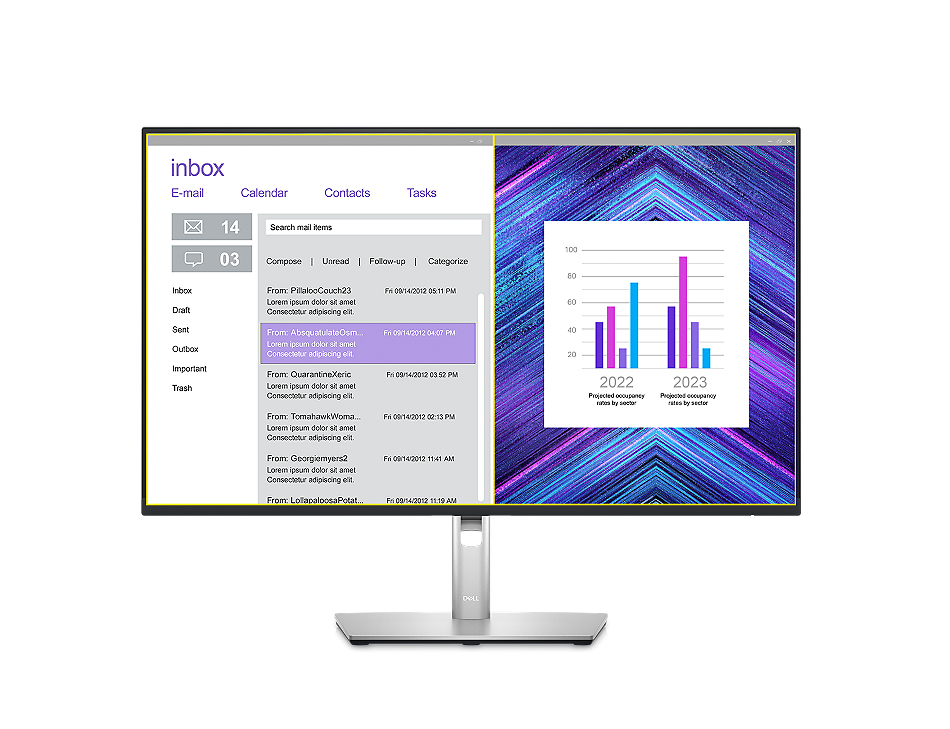
Productive at every level:Easy Arrange allows you to easily tile multiple applications across one or more screens with 38 pre-set window partitions and the ability to personalize up to five windows, giving you improved multitasking abilities.Seamless transitions:The auto-restore feature remembers where you left off, so applications will go back to where you left them, even after you’ve unplugged.The key to convenience:Shortcut keys can save you even more time, letting you easily configure your display management settings so you can get to work faster.More ways to manage:Asset management reports allow IT managers to quickly capture and track monitor information as well as configure multiple monitors at once through a single setup.
Advanced multitasking with Dell Display Manager
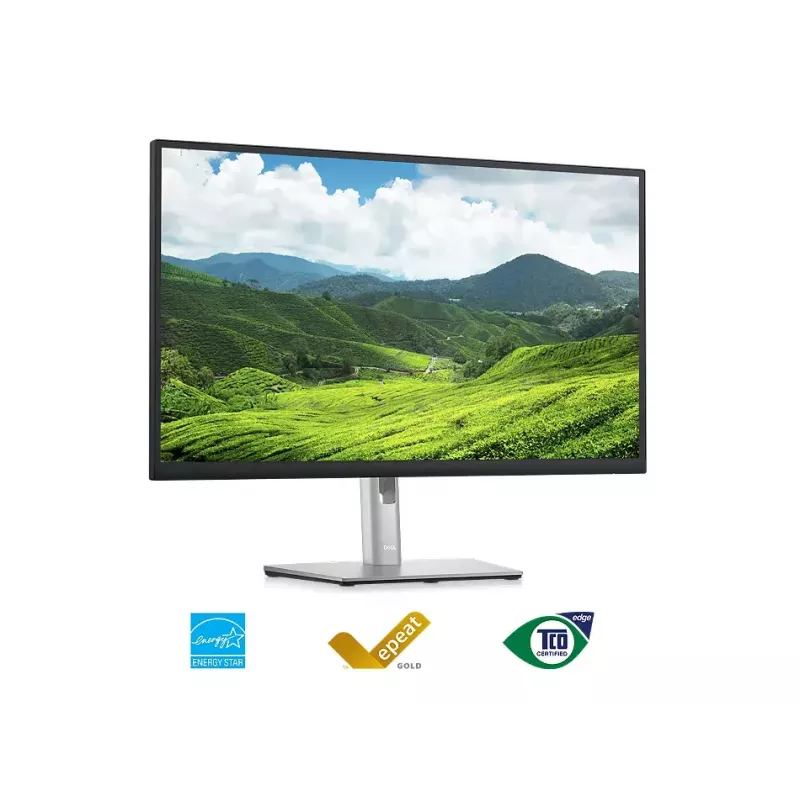
Green thinking: for today and tomorrow

Green thinking: for today and tomorrow

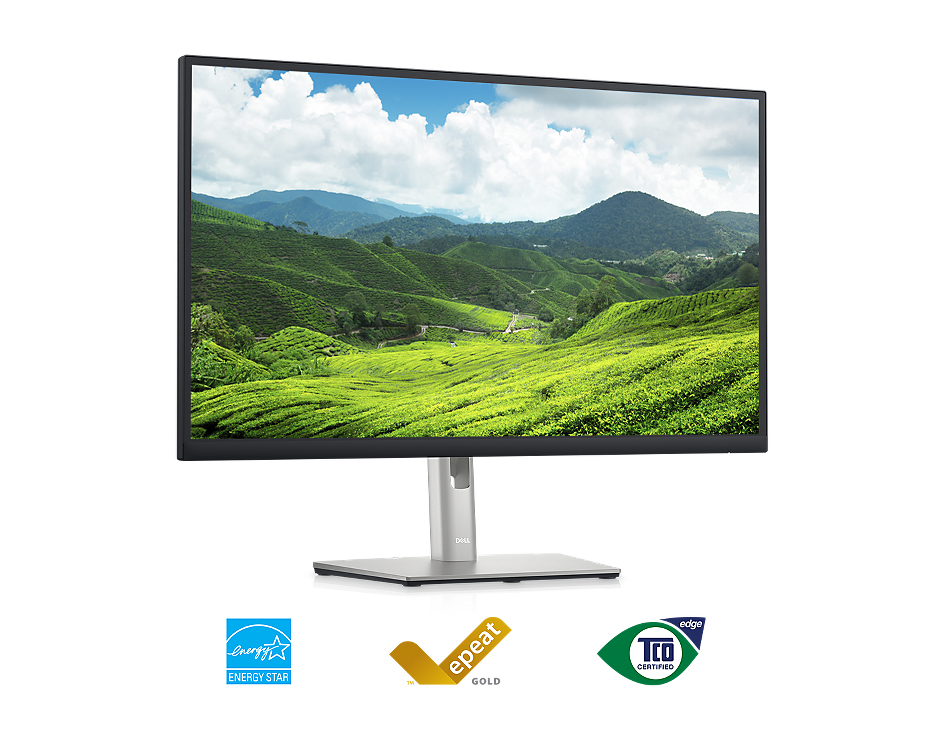
Environmental standards:This monitor uses 85% PCR (Post-consumer Recyclable) plastic in the design and meets the latest environmental standards such as EnergyStar®, and TCO Certified Edge, and is EPEAT® Gold registered.Eco-conscious packaging:Designed with the environment in mind, Dell commercial monitors come in 100% recyclable cardboard packaging.Energy conservation:Save energy with PowerNap, a feature that dims or puts your monitor to sleep when it’s not in use.

How to use

Connect the monitor to your computer using the appropriate video cable supported by your PC or docking solution. Attach peripherals to the built‑in USB 3.2 Gen 1 hub for convenient access. Adjust the screen height and position to achieve a neutral neck posture and reduce glare. If needed, mount the monitor using a VESA‑compatible arm or bracket following the manufacturer’s mounting instructions.

Recommendations

Position the top of the screen at or slightly below eye level and maintain an arm’s length distance (about 50–70 cm) for comfortable viewing. Use the built‑in brightness and contrast settings to match ambient lighting and reduce eye strain during extended use.

Key Highlights
  • Office productivity and multitasking
  • Content review and light photo editing
  • General multimedia and video playback
  • Dual‑monitor setups with VESA mounting
  • Display diagonal: 27"
  • Resolution: 2560 x 1440 (Quad HD)
  • Panel type: IPS (LCD)
  • Aspect ratio: 16:9
  • Response time: 5 ms
  • Viewing angles: 178° / 178°
  • Brightness (typical): 350 cd/m²
  • Contrast ratio (typical): 1000:1
  • Pixel pitch: 0.233 x 0.233 mm
  • Built‑in USB hub: Yes (USB 3.2 Gen 1)
  • VESA mounting: Yes
  • Built‑in speakers: No
  • Colours: Black, Silver
Specifications
AC input frequency
50 - 60
AC input voltage
100 - 240
Adjustable height (max)
150 mm
AMD FreeSync
No
Anti-glare screen
Yes
Backlight type
LED
Bezel width (bottom)
17.77 mm
Bezel width (side)
7.43 mm
Bezel width (top)
7.37 mm
Built-in camera
No
Built-in speaker(s)
No
Built-in USB hub
Yes
Cable lock slot
Yes
Cables included
AC, DisplayPort, USB Type-A to USB Type-B
Carbon emissions, end-of-life (kg of CO2e)
5
Carbon emissions, energy usage (kg of CO2e)
192
Carbon emissions, logistics (kg of CO2e)
81
Carbon emissions, manufacturing (kg of CO2e)
308
Compliance certificates
RoHS
Contrast ratio (typical)
1000:1
Depth (with stand)
190.1 mm
Depth (without stand)
52.18 mm
Detachable stand
Yes
Display brightness (typical)
350 cd/m²
Display diagonal
27 "
Display diagonal (metric)
68.5 cm
Display number of colours
16.7 million colours
Display resolution
2560 x 1440
Display technology
LCD
DisplayPort version
1.2
DisplayPorts quantity
1
Doesn't contain
PVC/BFR
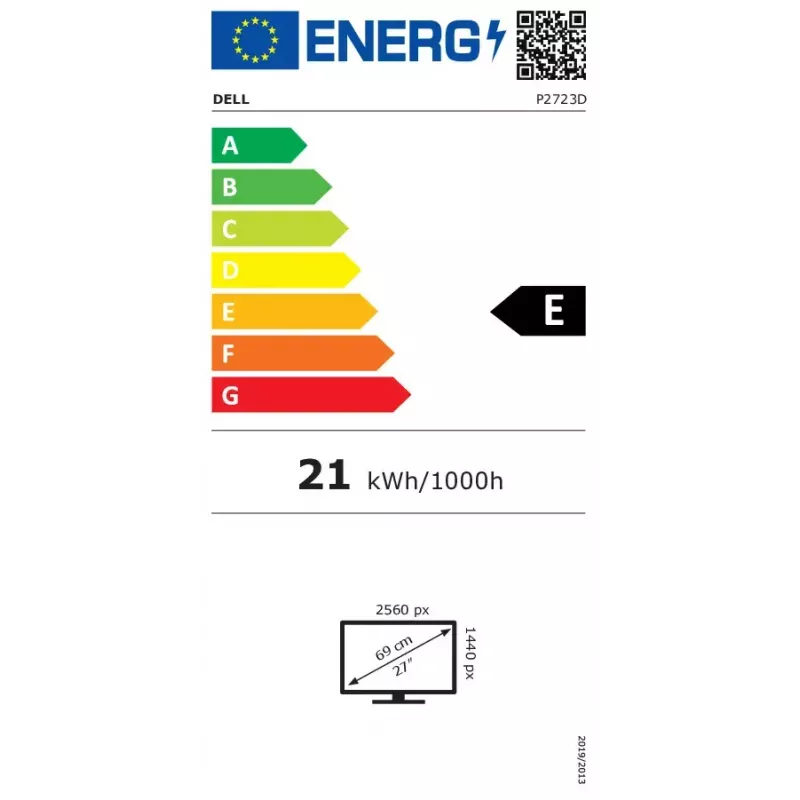
Energy consumption (SDR) per 1000 hours
21 kWh
Energy efficiency class (HDR)
Not available
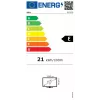
Energy efficiency class (SDR)
E
Energy efficiency scale
A to G
Ethernet LAN (RJ-45) ports
0
European Product Registry for Energy Labelling (EPREL) code
1057546
Feet colour
Silver
Front bezel colour
Black
Harmonized System (HS) code
85285210
HD type
Quad HD
HDCP
Yes
HDMI
Yes
HDMI ports quantity
1
HDMI version
1.4
Headphone out
No
Heavy metals free
Hg (mercury)
Height (with stand)
535.2 mm
Height (without stand)
360.8 mm
Height adjustment
Yes
High Dynamic Range (HDR) supported
No
Horizontal scan range
29 - 113
Input current
1.5
Low Blue Light technology
Yes
Market positioning
Home
Maximum refresh rate
60 Hz
Native aspect ratio
16:9
Non-operating altitude
5000 - 12192
Number of upstream ports
1
NVIDIA G-SYNC
No
On Screen Display (OSD)
Yes
Operating altitude
0 - 5000
Operating relative humidity (H-H)
10 - 80
Operating temperature (T-T)
0 - 40
Package weight
9200 g
PAIA version
1.3.0
Panel mounting interface
100 x 100
Panel type
IPS
Pivot
Yes
Pivot angle
90 - 90
Pixel density
109 ppi
Pixel pitch
0.233 x 0.233
Plug and Play
Yes
Power consumption (max)
55 W
Power consumption (off)
0.3 W
Power consumption (standby)
0.3 W
Power consumption (typical)
21 W
Power supply type
Internal
Product colour
Black, Silver
Quick start guide
Yes
Response time
5 ms
Response time (fast)
8 ms
Screen shape
Flat
sRGB coverage (typical)
100 %
Stand included
Yes
Storage relative humidity (H-H)
5 - 90
Storage temperature (T-T)
-20 - 60
Supported video modes
480p, 576p, 720p, 1080i, 1080p, 1440p
Sustainability certificates
ENERGY STAR, TCO
Swivel angle range
-45 - 45
Swivelling
Yes
Tilt adjustment
Yes
Tilt angle range
-5 - 21
Total carbon emissions, standard deviation (kg of CO2e)
137
Total carbon emissions, w/o use phase (kg of CO2e)
394
Total carbon footprint (kg of CO2e)
586
Touchscreen
No
USB hub version
3.2 Gen 1 (3.1 Gen 1)
USB Type-A downstream ports quantity
4
USB Type-C downstream ports quantity
0
USB upstream port type
USB Type-B
Vertical scan range
49 - 75
VESA mounting
Yes
VGA (D-Sub) ports quantity
0
Viewable size diagonal
684.7 mm
Viewable size, horizontal
596.74 mm
Viewable size, vertical
335.66 mm
Viewing angle, horizontal
178 °
Viewing angle, vertical
178 °
Weight (with stand)
6380 g
Weight (without stand)
4540 g
Wi-Fi
No
Width (with stand)
611.6 mm
Width (without stand)
611.6 mm

Energy label

Open Energy label

PDF

Open PDF

Manual

Open Manual

Document

Open Document

Document

Open Document

Document

Open Document

Document

Open Document

Document

Open Document

Document

Open Document

Document

Open Document

Document

Open Document

Leaflet

Open Leaflet
Price history over the last 6 months
Monitor DELL P2723D 27 inch Quad HD LCD 2560 x 1440
Current
R6,895
Lowest
R3,908
Highest
R7,415
Change 24H
+R2,957   +75%
Week
+R2,987   +76%
Month
+R2,973   +76%

Popular products in this category

WhatsApp
Hi, I’m DistriNode’s AI assistant. I can help you find products, compare options, create quote PDFs, or open support requests.