Account Contact
Your Cart
Pay on delivery – no extra fees
Need help? Ask our AI

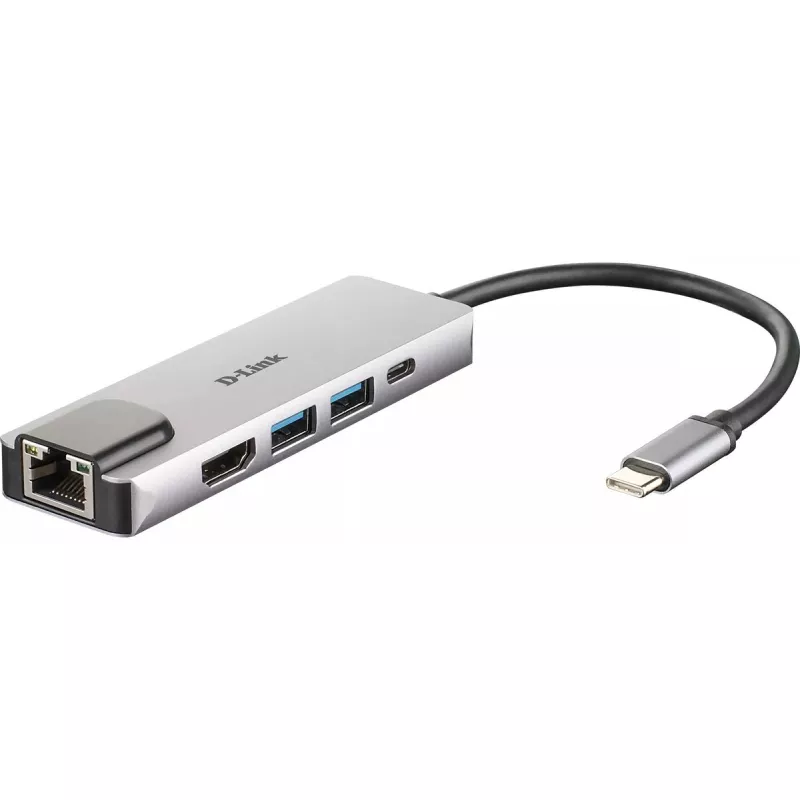
D-Link 5-in-1 USB-C Hub with HDMI/Ethernet and Power Delivery

D-Link 5-in-1 USB-C Hub with HDMI/Ethernet and Power Delivery
R1,146
Add a second screen at up to 4K resolutionsConnect a second display to the 4K HDMI port for video up to 4K resolution with no lagSuperSpeed USB 3.0Transfer data at 5 Gbps. Ideal for transferring from USB drives, phones, tablets, cameras, and other peripherals.Plug and PlayAdd more available ports si... Read More
Stock 10 Code 10397 Brand D-LINK Model DUB-M520 Warranty 2 Years

Shipping & Returns

Estimated delivery Thursday, October 22
You will be kept updated through our detailed tracking system
Payment options
EFTPayFastBank CardSnapScanZapperGoogle PayApple PayMobicredMoreTymePay on Arrival
Add a second screen at up to 4K resolutions

Connect a second display to the 4K HDMI port for video up to 4K resolution with no lag

SuperSpeed USB 3.0

Transfer data at 5 Gbps. Ideal for transferring from USB drives, phones, tablets, cameras, and other peripherals.

Plug and Play

Add more available ports simply by plugging the hub into a USB-C port. No additional software required.

Thunderbolt 3

Use the Thunderbolt 3 port to transfer data, deliver power, or extend your display in seconds.

Power Delivery

Deliver up to 60W of power through the hub to your laptop by connecting your USB-C charger to the USB-C port.

Gigabit Ethernet Connectivity

Give your laptop an instant, reliable wired Gigabit connection.

Strong housing

Compact, lightweight design in space grey, with aluminium alloy housing.

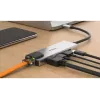
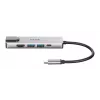
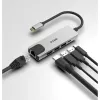
Turn one port into five more options.

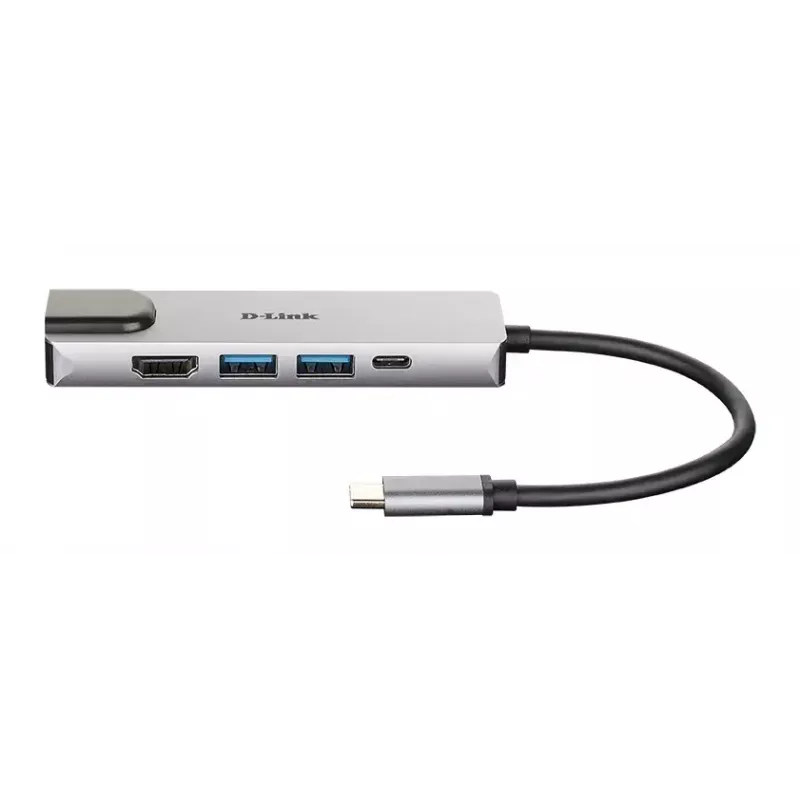
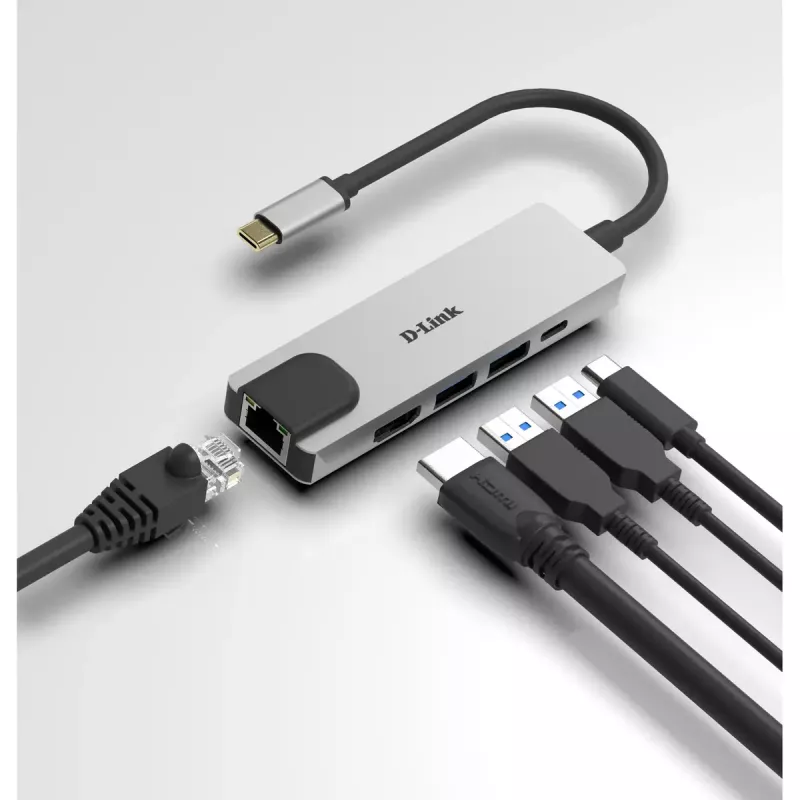
Instantly add a Gigabit Ethernet port, a second display using the HDMI port, two additional USB 3.0 ports, and a USB‑C port to your computer simply by plugging in the hub into any USB‑C port.

Plug into a reliable docking station. Unplug for instant remote working.

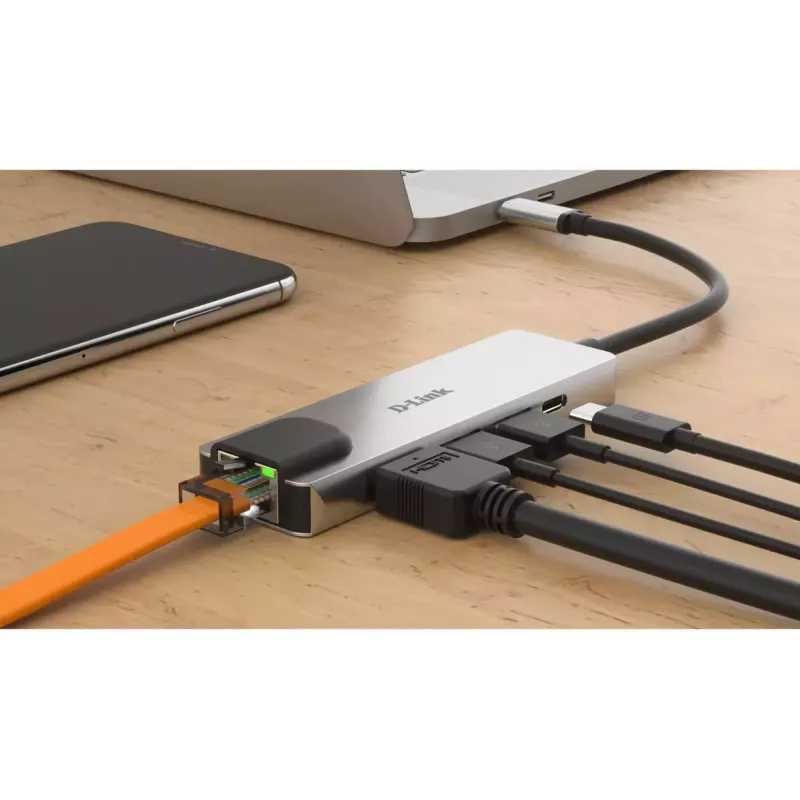
Enjoy a premium docking station experience simply by plugging the hub into a single USB-C port on your computer. You can directly access a private LAN network with Gigabit Ethernet speeds, extend your monitor to a second screen, transfer files from USB 3.0 devices, and charge your laptop, all at the same time. Need to work remotely? Simply unplug the hub’s single cable and you’re ready to go with your laptop.

Easy to use everywhere. No setup at all.

The space grey, strong aluminium alloy housing protects the high-quality chipset inside and makes the hub ready for any situation, whether you’re at home, the office, or travelling. Plug and play convenience allows you to use the hub straight away and with any Mac, Windows or Linux computer with a USB-C port. There are no drivers to install, and no complicated software setup.

Extend your screen to a vivid 4K monitor.

Plug into the hub’s HDMI port to instantly mirror or extend your display to a second monitor with vibrant 4K resolution. And full backwards compatibility means you can connect to a 720p or 1080p monitor.

Send power through the hub.

With the Power Delivery feature, you can charge your laptop at the same time as connecting to your USB peripheral devices. Simply connect your USB-C charger to the hub’s USB-C port to provide power through the hub and to your laptop.

How to use

Plug the hub into any computer USB-C port. Connect an HDMI cable from the hub to a second display to mirror or extend the desktop up to 4K. Attach USB devices such as drives, phones or cameras to the USB 3.0 ports for data transfer. Connect your USB-C charger to the hub’s USB-C port to deliver up to 60W to your laptop. For a wired network, connect an Ethernet cable to the Gigabit port. No additional software or drivers are required.

Recommendations

For stable 4K display performance, use a high-quality HDMI cable and confirm the host device’s USB-C port supports video output. To charge high-power laptops above 60W, use the laptop’s original charger directly for full-speed charging while using the hub for connectivity.

Key Highlights
  • Wired
  • Host interface: Thunderbolt 3
  • USB Power Delivery (USB PD)
  • Ethernet LAN 10,100,1000 Mbit/s
  • Full duplex
  • Plug and Play
Specifications
Card reader integrated
No
Certification
CE, FCC, IC, RCM
Connectivity technology
Wired
DC-in jack
No
Depth
31 mm
Ethernet LAN
Yes
Ethernet LAN (RJ-45) ports
1
Ethernet LAN data rates
10,100,1000 Mbit/s
Full duplex
Yes
Harmonized System (HS) code
84733020
HD type
4K Ultra HD
HDMI ports quantity
1
HDMI version
1.4
Height
11 mm
Host interface
Thunderbolt 3
Housing material
Aluminium
Input current
0.12 A
LED indicators
Yes
Mac operating systems supported
Yes
Maximum digital resolution
4096 x 2160 pixels
Microphone in
No
Networking standards
IEEE 802.3, IEEE 802.3ab, IEEE 802.3az, IEEE 802.3u, IEEE 802.3x
Operating relative humidity (H-H)
5 - 80%
Operating temperature (T-T)
0 - 70 °C
Other operating systems supported
ChromeOS
Plug and Play
Yes
Product colour
Aluminium
Quantity per pack
1 pc(s)
Storage relative humidity (H-H)
5 - 80%
Storage temperature (T-T)
-25 - 85 °C
USB 3.2 Gen 1 (3.1 Gen 1) Type-A ports quantity
2
USB 3.2 Gen 1 (3.1 Gen 1) Type-C ports quantity
1
USB Power Delivery (USB PD)
Yes
USB Power Delivery up to
60 W
Weight
49 g
Width
103 mm
Windows operating systems supported
Yes
Wireless charging
No

Document

Open Document

Document

Open Document

Document

Open Document

Document

Open Document

Leaflet

Open Leaflet

Document

Open Document
Price history over the last 6 months
D-Link 5-in-1 USB-C Hub with HDMI/Ethernet and Power Delivery
Current
R1,146
Lowest
R953
Highest
R1,146
Change 24H
+R41   +4%
Week
+R38   +3%
Month
+R43   +4%

Popular products in this category

WhatsApp
Hi, I’m DistriNode’s AI assistant. I can help you find products, compare options, create quote PDFs, or open support requests.