Account Contact
Your Cart
Pay on delivery – no extra fees
Need help? Ask our AI

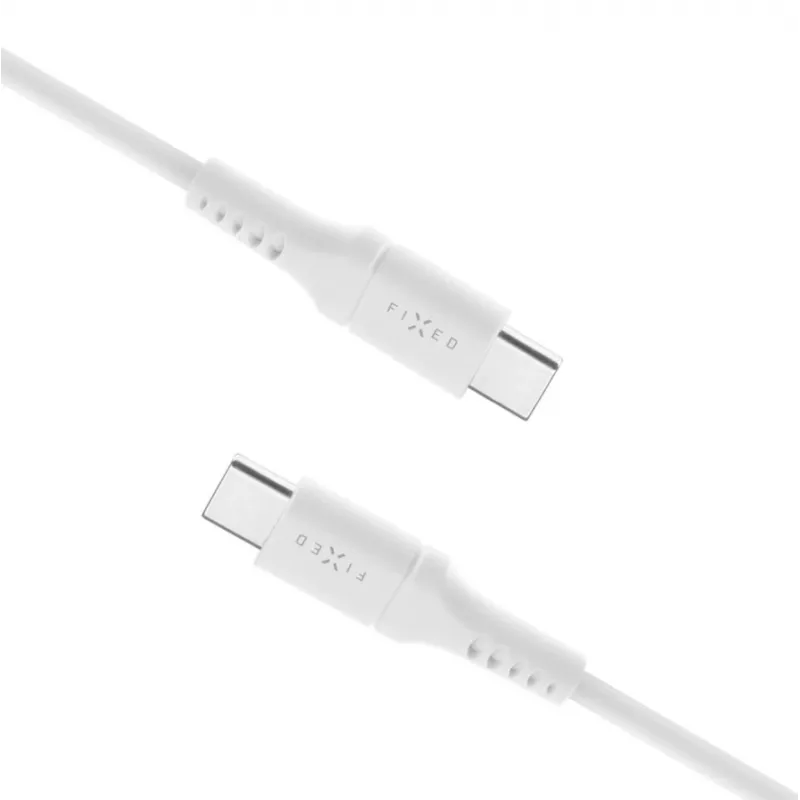
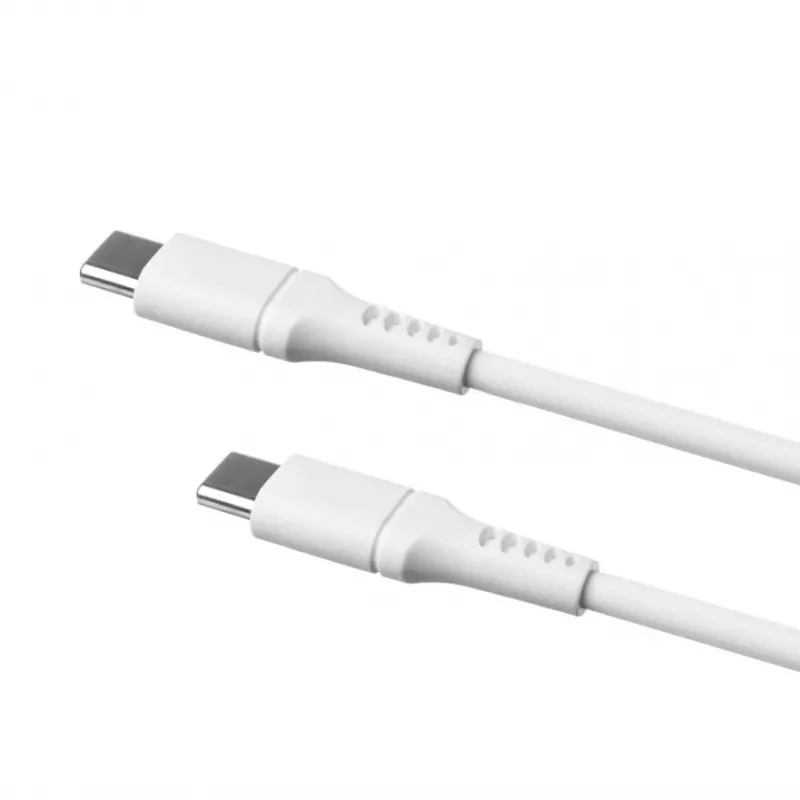
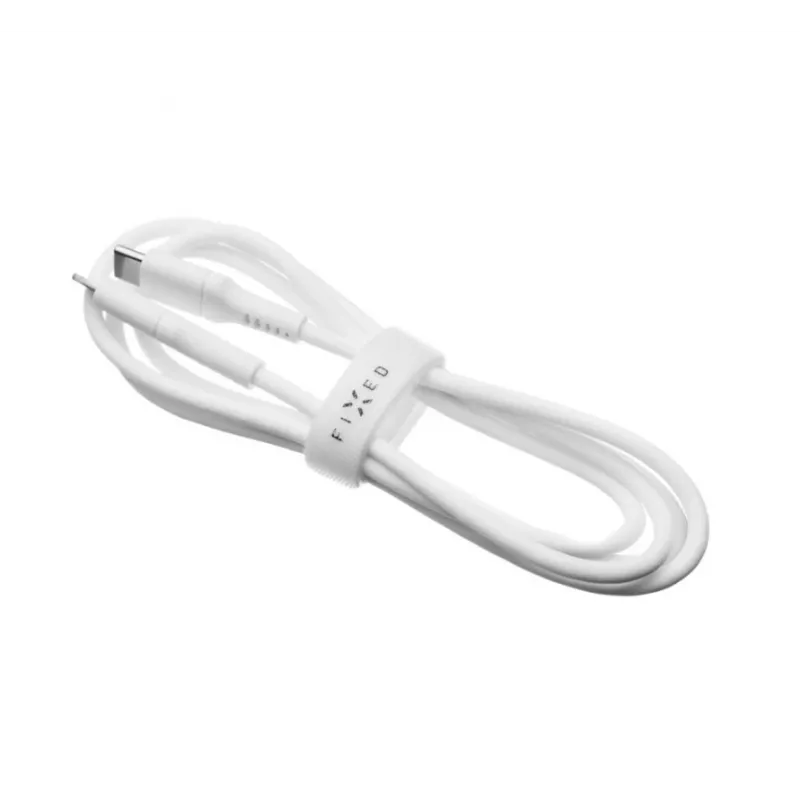
USB-C to USB-C fixed cable FIXED FIXDLS-CC2-WH, 2 m, 60 W

USB-C to USB-C fixed cable FIXED FIXDLS-CC2-WH, 2 m, 60 W
R367
PDF
PDF
Stock 1 Code 302066 Model FIXDLS-CC2-WH Warranty 2 Years

Shipping & Returns

Estimated delivery Friday, November 27
You will be kept updated through our detailed tracking system
Payment options
EFTPayFastBank CardSnapScanZapperGoogle PayApple PayMobicredMoreTymePay on Arrival

Ask a question – the AI assistant answers instantly.

Description

FIXED FIXDLS-CC2-WH is a 2 m fixed USB-C to USB-C cable designed to deliver power and data between modern USB-C devices. The cable supports up to 60 W Power Delivery for charging laptops, tablets and smartphones and provides a stable, permanently attached connection intended for regular use with USB PD-enabled chargers and host devices.

Advantages

The cable combines a 2 metre reach with reversible USB-C connectors for easy plug-in and a fixed construction that eliminates connector rotation or loose adapter parts. Support for up to 60 W Power Delivery allows faster charging than standard USB-A solutions while preserving compatibility with a broad range of USB-C chargers and devices. The cable construction emphasizes durability for everyday charging and data transfer tasks.

Suitable for

  • Charging laptops, notebooks and ultrabooks that accept up to 60 W USB-C input
  • Charging tablets and large-screen smartphones with USB Power Delivery
  • Connecting USB-C hubs, power banks and chargers to USB-C devices
  • Everyday desk and travel use where a fixed, reliable cable is preferred

Key specifications

  • Connector type: USB-C to USB-C (reversible)
  • Cable length: 2 m
  • Power Delivery: up to 60 W
  • Primary functions: charging and data transfer
  • Design: fixed (non-detachable) cable

How to use

Connect one USB-C end to a compatible charger or power source and the other end to the USB-C port of your device. Ensure both charger and device support the required USB Power Delivery profile to achieve up to 60 W charging. For data transfer, connect between two USB-C devices or a USB-C peripheral and host; file transfer speed will depend on the devices’ supported USB specifications. Avoid sharp bends near the connectors and route the cable to prevent pinching.

Recommendations

Use the cable with chargers and devices that support USB Power Delivery to ensure optimal charging performance. Avoid exposing the cable to extreme heat, liquids or prolonged mechanical strain. For stable data connections, use direct connections or quality hubs and avoid excessive cable twisting.
Key Highlights
  • Charging laptops, notebooks and ultrabooks that accept up to 60 W USB-C input
  • Charging tablets and large-screen smartphones with USB Power Delivery
  • Connecting USB-C hubs, power banks and chargers to USB-C devices
  • Everyday desk and travel use where a fixed, reliable cable is preferred
  • Connector type: USB-C to USB-C (reversible)
  • Cable length: 2 m
  • Power Delivery: up to 60 W
  • Primary functions: charging and data transfer
  • Design: fixed (non-detachable) cable

Specifications

Specifications
Cable length
2 m
Connector 1
USB C
Connector 2
USB C
Price history over the last 6 months
USB-C to USB-C fixed cable FIXED FIXDLS-CC2-WH, 2 m, 60 W
Current
R367
Lowest 7d
R360
Highest 7d
R368
Change 24H
-R2   0%
Change 7D
+R6   +2%
Change 30D
+R3   +1%

Write a review

Rating *
Your name will be shown publicly – you can use a nickname. We invite buyers to write reviews; we check reviews before publishing and publish critical ones too.

Same series and alternatives

5

Popular products in this category

8
WhatsApp
Messenger
Hi, I’m DistriNode’s AI assistant. I can help you find products, compare options, create quote PDFs, or open support requests.
All categories