




Account Contact
Your Cart
Pay the courier with no extra fees.
Need help? DistriNode AI can handle any task on our site.

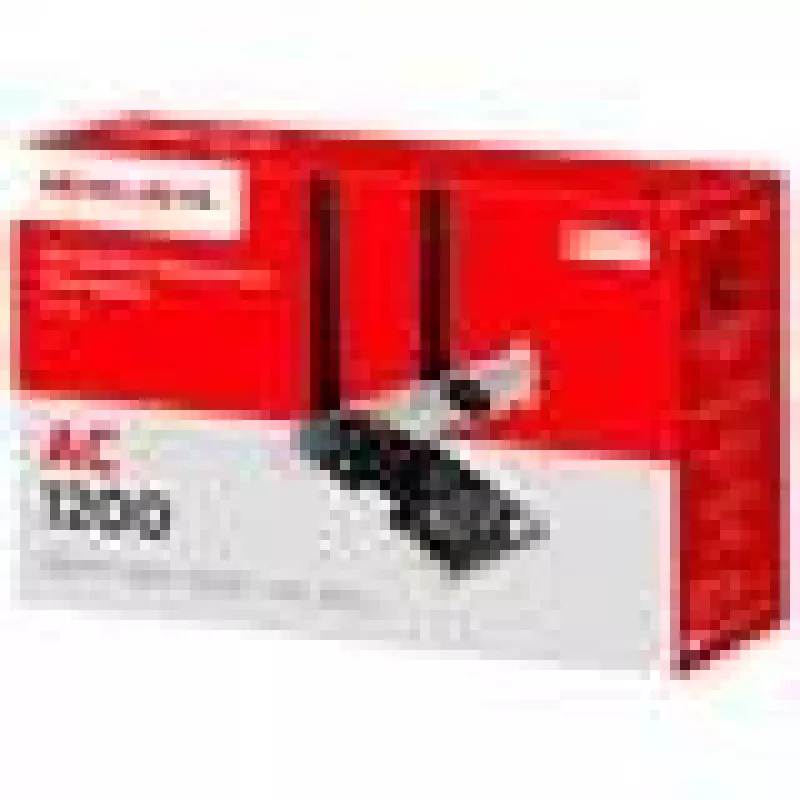
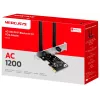
Mercusys AC1200 Wi-Fi Bluetooth PCIe Adapter MA30E Dual Band

Mercusys AC1200 Wi-Fi Bluetooth PCIe Adapter MA30E Dual Band
36 mo.
Mercusys AC1200 Wi-Fi Bluetooth PCIe Adapter MA30E Dual Band
R450
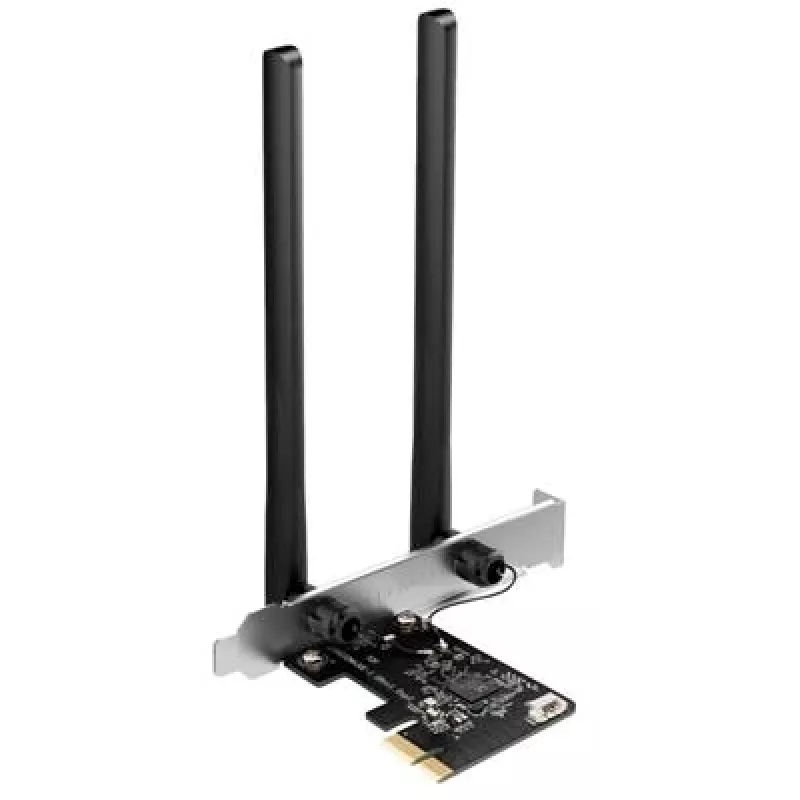
The Mercusys AC1200 Wi-Fi Bluetooth PCIe Adapter MA30E Dual Band delivers dual-band wireless connectivity and integrated Bluetooth in a PCIe form factor for desktop systems. Supporting combined wireless speeds up to 1200 Mbps, this network card is designed to provide stable Wi‑Fi for online gaming, ... Read More
Stock 19 Code 1213050 Brand TP-LINK Model MA30E Warranty 3 Years

Shipping & Returns

Estimated delivery Friday, October 2
You will be kept updated through our detailed tracking system
Payment options
EFTPayFastBank CardSnapScanZapperGoogle PayApple PayMobicredMoreTymePay on Arrival

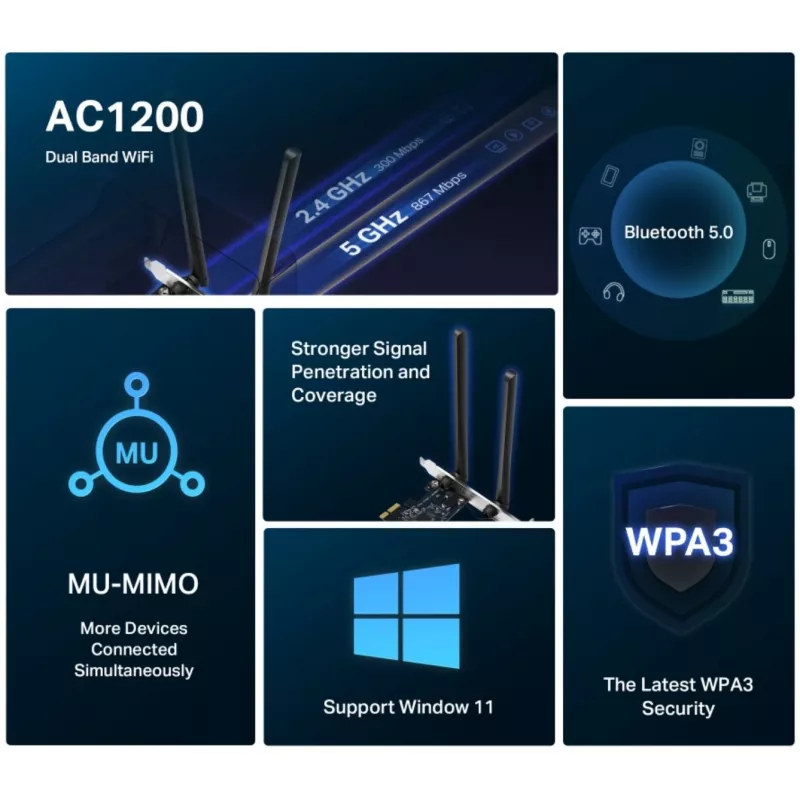
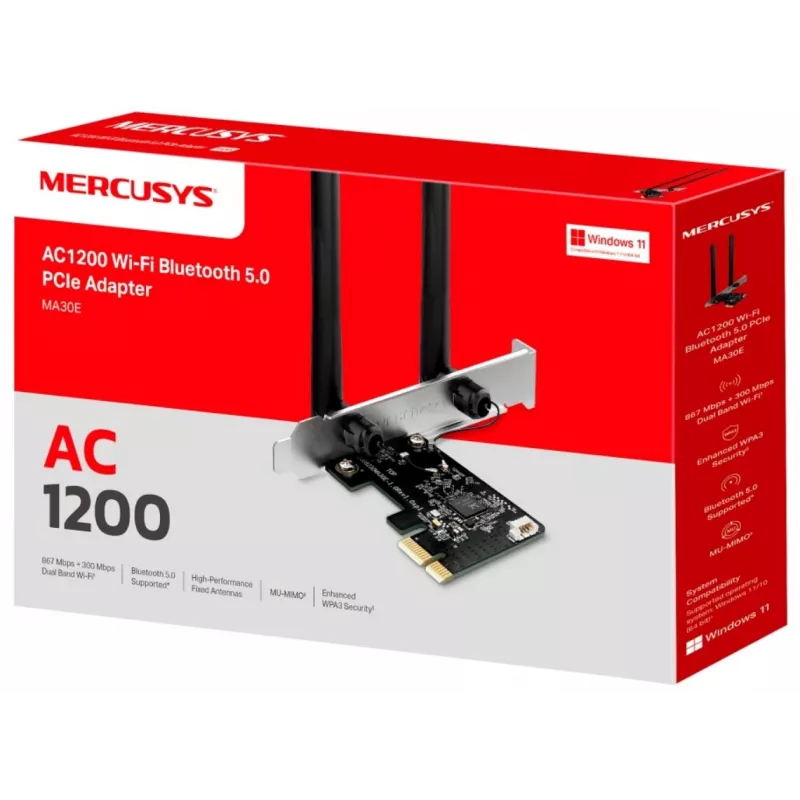
The Mercusys AC1200 Wi-Fi Bluetooth PCIe Adapter MA30E Dual Band delivers dual-band wireless connectivity and integrated Bluetooth in a PCIe form factor for desktop systems. Supporting combined wireless speeds up to 1200 Mbps, this network card is designed to provide stable Wi‑Fi for online gaming, HD streaming and general high-throughput internet tasks while adding Bluetooth support for peripherals. The adapter installs into a PCI Express slot and works with modern home and office network setups.

Advantages

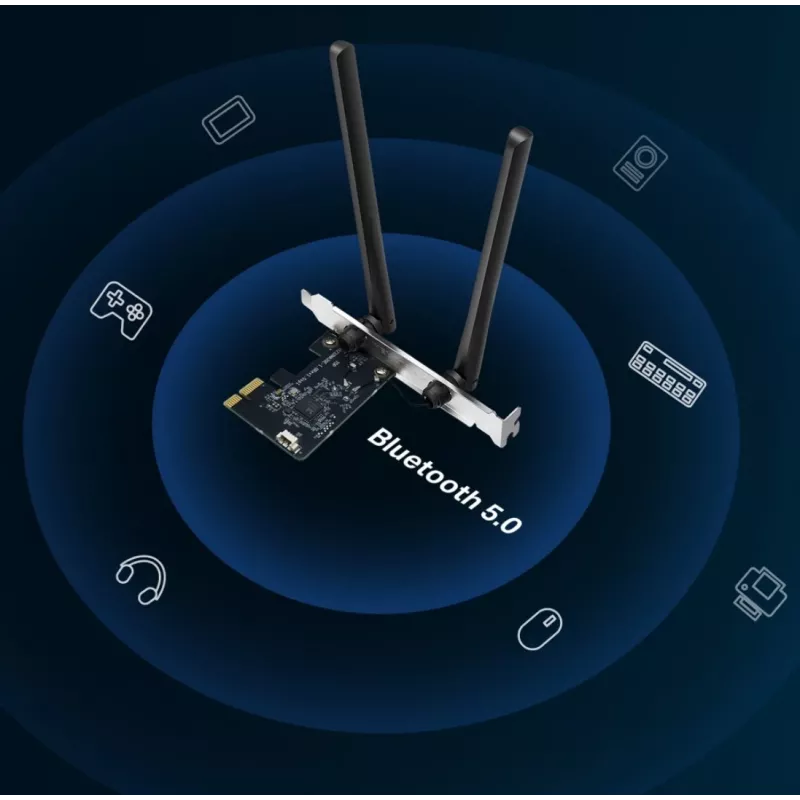
This dual-band adapter separates 2.4 GHz and 5 GHz traffic to reduce interference and improve throughput for latency-sensitive tasks. The integrated Bluetooth simplifies pairing with input devices, headsets and mobile peripherals without using a separate USB dongle. The PCIe design ensures a direct connection to the motherboard for consistent signal handling and reduced latency compared with many USB solutions. The compact card fits standard desktop cases and supports common wireless security protocols to maintain network privacy.

Suitable for

  • Online gaming where low latency and stable connections are required
  • HD and 4K streaming to media players and smart TVs
  • Desktop PCs without built-in Wi‑Fi or Bluetooth
  • Home office setups requiring reliable wireless internet access

Key specifications

  • Wireless standard: Dual-band Wi‑Fi supporting combined speeds up to 1200 Mbps
  • Frequency bands: 2.4 GHz and 5 GHz
  • Interface: PCI Express (PCIe) card
  • Bluetooth: Integrated Bluetooth connectivity for peripherals
  • Security: Support for common wireless security protocols (WPA/WPA2/WPA3 compatibility depending on driver and router)
  • Form factor: Low-profile compatible with standard desktop enclosures

How to use

Power off the desktop PC, open the case and insert the adapter into an available PCIe slot on the motherboard. Secure the card with the case bracket screw and close the housing. Boot the system, install the appropriate drivers supplied by the manufacturer or obtained from the official website, then configure wireless network settings through the operating system network manager. Use the Bluetooth settings panel to pair mice, keyboards, headsets or mobile devices. For best results, select the 5 GHz band when available for high-throughput tasks and 2.4 GHz for longer range or legacy device compatibility.

Recommendations

Place the desktop in a location with minimal physical obstructions and avoid placing large metal objects between the antenna area and the wireless router. Keep drivers up to date and use the 5 GHz band for low-latency activities such as gaming and streaming; switch to 2.4 GHz for broader coverage when needed. Verify operating system compatibility and install manufacturer drivers to enable full functionality including Bluetooth features.

Key Highlights
  • Online gaming where low latency and stable connections are required
  • HD and 4K streaming to media players and smart TVs
  • Desktop PCs without built-in Wi‑Fi or Bluetooth
  • Home office setups requiring reliable wireless internet access
  • Wireless standard: Dual-band Wi‑Fi supporting combined speeds up to 1200 Mbps
  • Frequency bands: 2.4 GHz and 5 GHz
  • Interface: PCI Express (PCIe) card
  • Bluetooth: Integrated Bluetooth connectivity for peripherals
  • Security: Support for common wireless security protocols (WPA/WPA2/WPA3 compatibility depending on driver and router)
  • Form factor: Low-profile compatible with standard desktop enclosures
Price history over the last 6 months
Mercusys AC1200 Wi-Fi Bluetooth PCIe Adapter MA30E Dual Band
Current
R450
Lowest
R388
Highest
R851
Change 24H
+R57   +14%
Week
+R61   +16%
Month
+R58   +15%

Popular products in this category

WhatsApp
Hi, I’m DistriNode’s AI assistant. I can help you find products, compare options, create quote PDFs, or open support requests.