Account Contact
Your Cart
Pay on delivery – no extra fees
Need help? Ask our AI

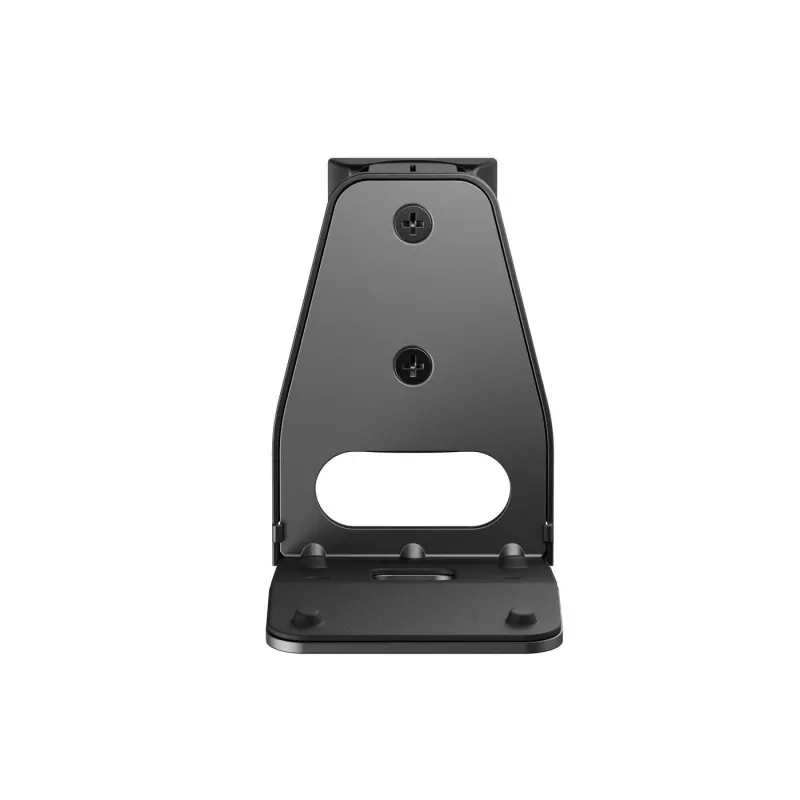
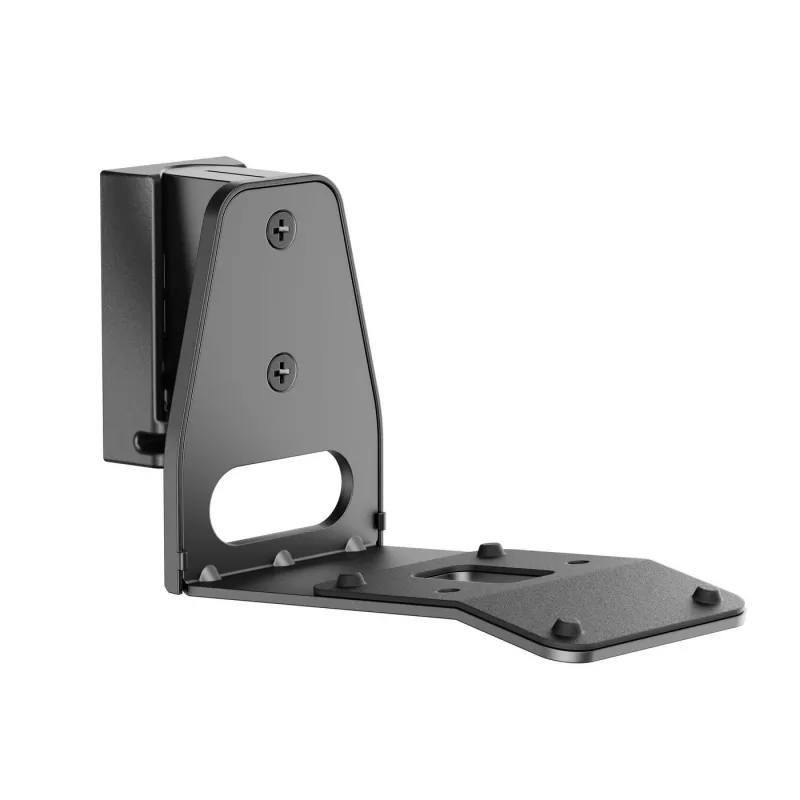
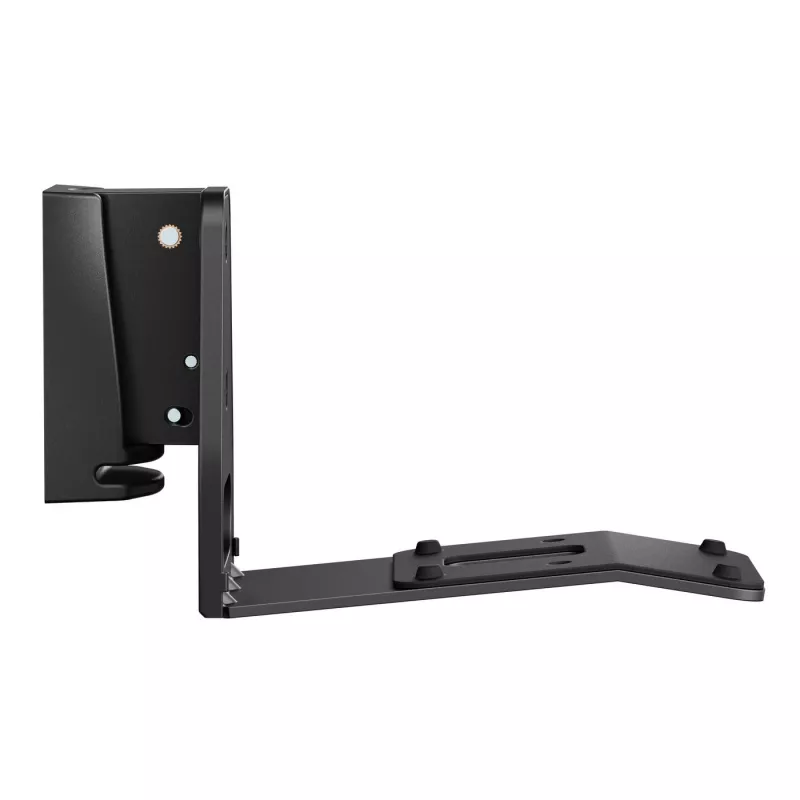
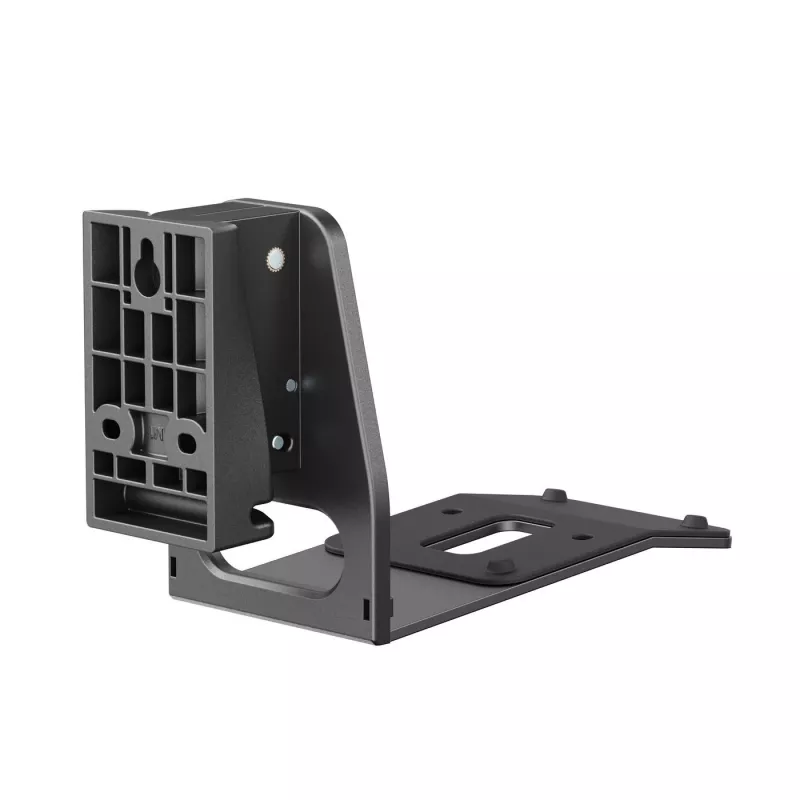
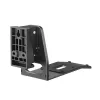
Speaker Mount Vivolink VLMSP-E300B Adjustable Tilt Swivel

Speaker Mount Vivolink VLMSP-E300B Adjustable Tilt Swivel
R899
PDF
PDF
Stock 100 Code 1209961 Model VLMSP-E300B Warranty 2 Years

Shipping & Returns

Estimated delivery Thursday, December 3
You will be kept updated through our detailed tracking system
Payment options
EFTPayFastBank CardSnapScanZapperGoogle PayApple PayMobicredMoreTymePay on Arrival

Ask a question – the AI assistant answers instantly.

Description

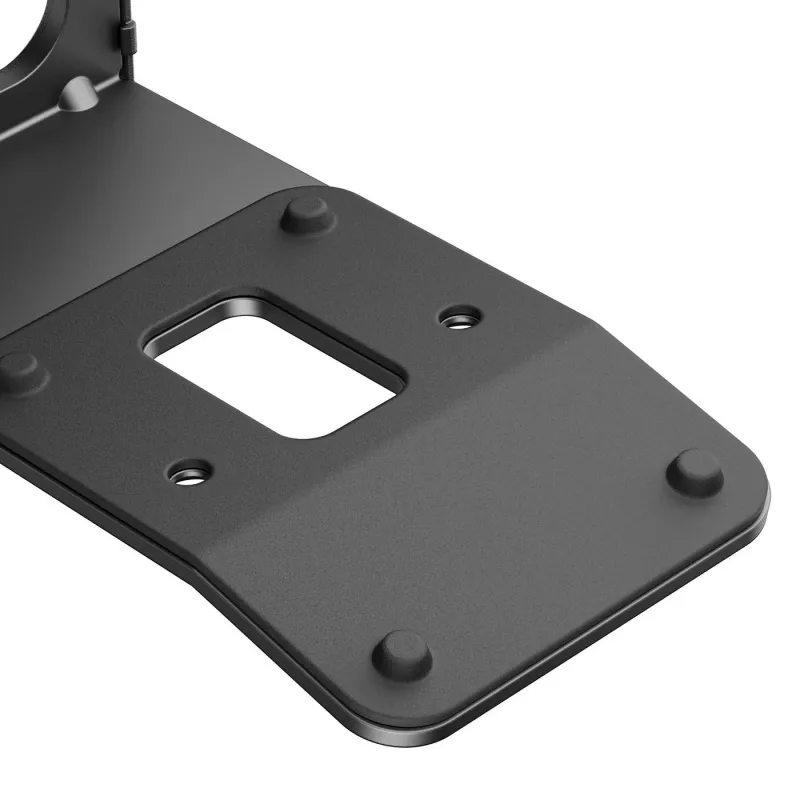
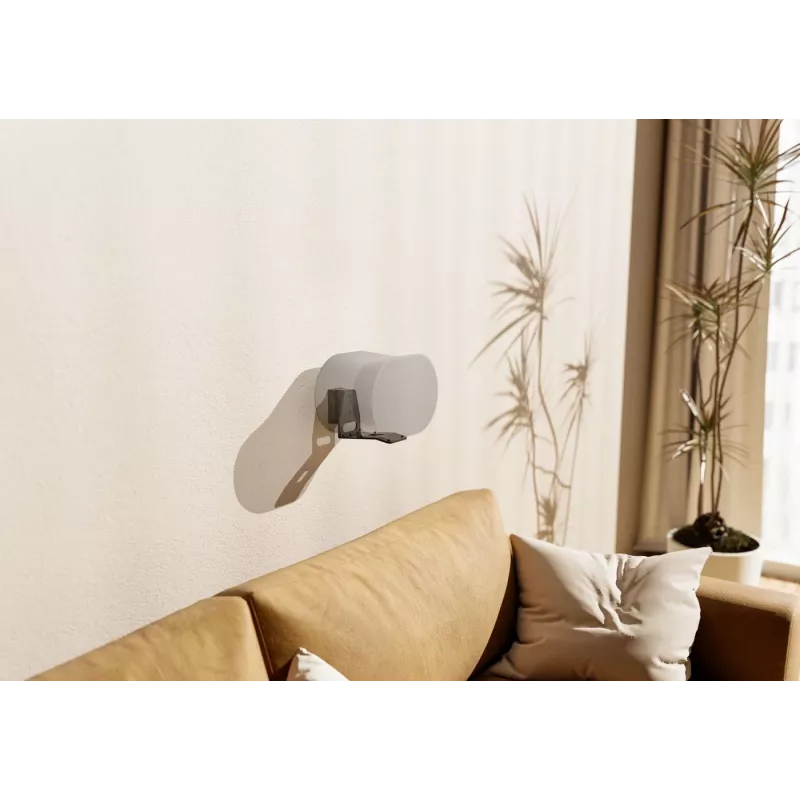
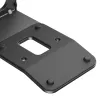
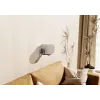
This wall mount is designed exclusively for Sonos Era 300, providing an ideal audio experience from every corner of the room. Its tilting and swivel angle adjustability provides the users with an optimal listening angle. Effortless installation and cable management ensure a seamless, clutter-free look that blends with any home decor while taking your Sonos Era 300 to new auditory heights.

Advantages

The Vivolink VLMSP-E300B offers adjustable tilt and swivel to precisely direct sound from the Sonos Era 300. Built for a secure fit, it supports tidy cable routing for a minimal visible footprint. The mount is compatible only with Sonos Era 300 and is suitable for wall installation where stable positioning and angle adjustment are required.

Suitable for

  • Home living rooms and home theater setups
  • Office meeting rooms and board rooms
  • Public spaces such as lounges, cantinas and reception areas

Key specifications

  • Model: Vivolink VLMSP-E300B
  • Compatibility: Sonos Era 300 (exclusive)
  • Adjustability: Tilt and swivel for optimal listening angle
  • Installation: Wall mount with integrated cable management
  • Brand: VivoLink
  • MPN: VLMSP-E300B
  • EAN: 5715063228395

How to use

Mount the Vivolink VLMSP-E300B to a suitable wall according to the included instructions, ensuring the fasteners match your wall type. Attach the Sonos Era 300 to the bracket, route the speaker cables through the cable management channel, then adjust tilt and swivel to achieve the desired listening angle. Verify that the mount and speaker are secure before regular use.

Recommendations

Install on a solid wall surface and use appropriate anchors for the wall material. Position the Sonos Era 300 at ear level for seated listening or slightly above for wider room coverage. Avoid mounting near strong heat sources or where the speaker may be exposed to moisture.
Key Highlights
  • Home living rooms and home theater setups
  • Office meeting rooms and board rooms
  • Public spaces such as lounges, cantinas and reception areas
  • Model: Vivolink VLMSP-E300B
  • Compatibility: Sonos Era 300 (exclusive)
  • Adjustability: Tilt and swivel for optimal listening angle
  • Installation: Wall mount with integrated cable management
  • Brand: VivoLink
  • MPN: VLMSP-E300B
  • EAN: 5715063228395

Manual

Open Manual

Leaflet

Open Leaflet
Price history over the last 6 months
Speaker Mount Vivolink VLMSP-E300B Adjustable Tilt Swivel
Current
R899
Lowest 7d
R878
Highest 7d
R916
Change 24H
+R19   +2%
Change 7D
+R13   +2%
Change 30D
+R3   +0%

Write a review

Rating *
Your name will be shown publicly – you can use a nickname. We invite buyers to write reviews; we check reviews before publishing and publish critical ones too.

More VIVOLINK products in this category

11

Popular products in this category

8
WhatsApp
Messenger
Hi, I’m DistriNode’s AI assistant. I can help you find products, compare options, create quote PDFs, or open support requests.
All categories