Account Contact
Your Cart
Pay on delivery – no extra fees
Need help? Ask our AI

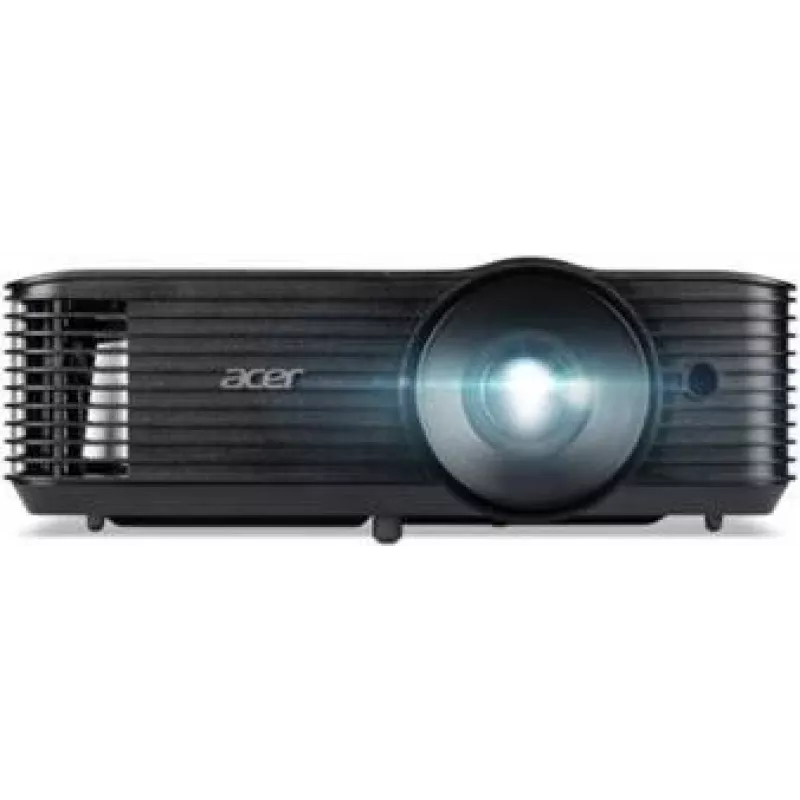
Projector Acer X1128 DLP portable 3D MR.JXE11.001

Projector Acer X1128 DLP portable 3D MR.JXE11.001
R7,214
The Acer X1128 is a portable DLP projector that supports 3D projection and is designed for mobile presentations and small meeting rooms. Its compact form factor and DLP imaging technology deliver clear images suitable for business and educational use where easy transport and 3D-capable projection ar... Read More
Stock Out Of StockNo Stock Code 2187572 Brand ACER Model MR.JXE11.001 Warranty 2 Years

Shipping & Returns

The Acer X1128 is a portable DLP projector that supports 3D projection and is designed for mobile presentations and small meeting rooms. Its compact form factor and DLP imaging technology deliver clear images suitable for business and educational use where easy transport and 3D-capable projection are required. The unit emphasizes portability and straightforward setup to assist presenters and instructors in varied environments.

Advantages

The projector combines DLP technology with a lightweight design to provide reliable image quality and simplified maintenance. 3D compatibility expands presentation options for technical, scientific or training material. Its compact size and user-oriented features reduce installation time and make the device suitable for frequent transport between locations.

Suitable for

  • Business presentations and sales meetings
  • Classroom instruction and educational demonstrations
  • Training sessions that require 3D visualisation
  • Small conference rooms and temporary meeting spaces

Key specifications

  • Projection technology: DLP for sharp contrast and defined image detail
  • 3D support: compatible with 3D content projection
  • Form factor: portable and compact for easy transport
  • Intended use: designed for business and educational environments

How to use

Place the projector on a stable surface or mount it according to the venue setup, connect to a video source using the available input on the unit, and power on. Adjust focus and keystone settings to align the image with the screen or projection surface. For 3D content, enable 3D mode on the source device and use compatible 3D glasses or displays as required by your 3D workflow.

Recommendations

Operate the projector in a well-ventilated area and avoid blocking vents to maintain airflow. Use a stable carrying case when transporting between sites, clean the lens with a soft, lint-free cloth, and follow manufacturer guidance for lamp or LED maintenance intervals. When using 3D content, confirm compatibility of source media and 3D glasses to ensure correct playback.

Key Highlights
  • Business presentations and sales meetings
  • Classroom instruction and educational demonstrations
  • Training sessions that require 3D visualisation
  • Small conference rooms and temporary meeting spaces
  • Projection technology: DLP for sharp contrast and defined image detail
  • 3D support: compatible with 3D content projection
  • Form factor: portable and compact for easy transport
  • Intended use: designed for business and educational environments
Price history is not available yet
We are still collecting enough daily price data for this product.

Popular products in this category

WhatsApp
Hi, I’m DistriNode’s AI assistant. I can help you find products, compare options, create quote PDFs, or open support requests.