Account Contact
Your Cart
Pay on delivery – no extra fees
Need help? Ask our AI

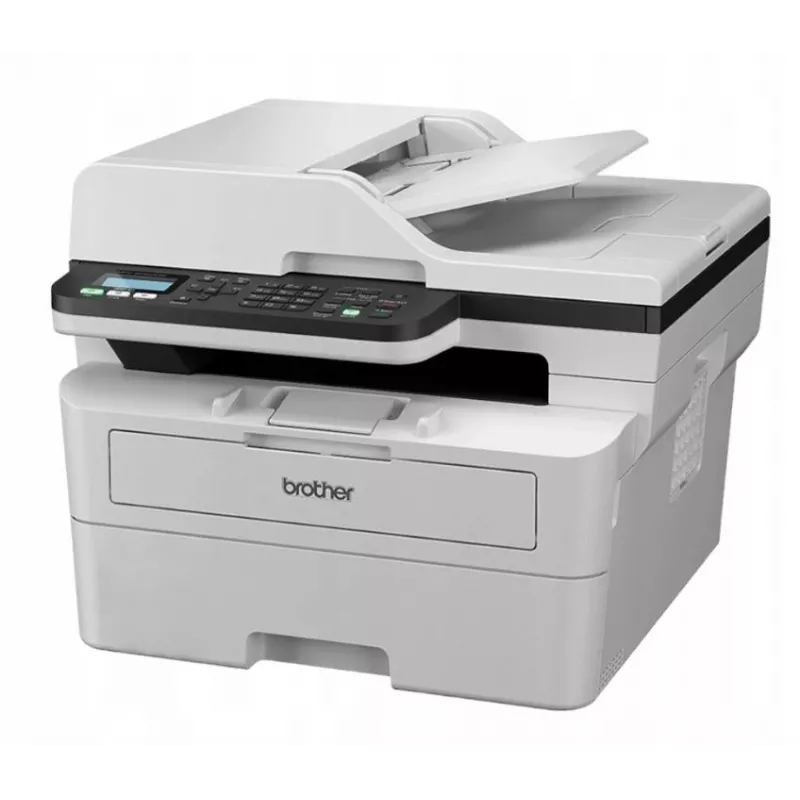
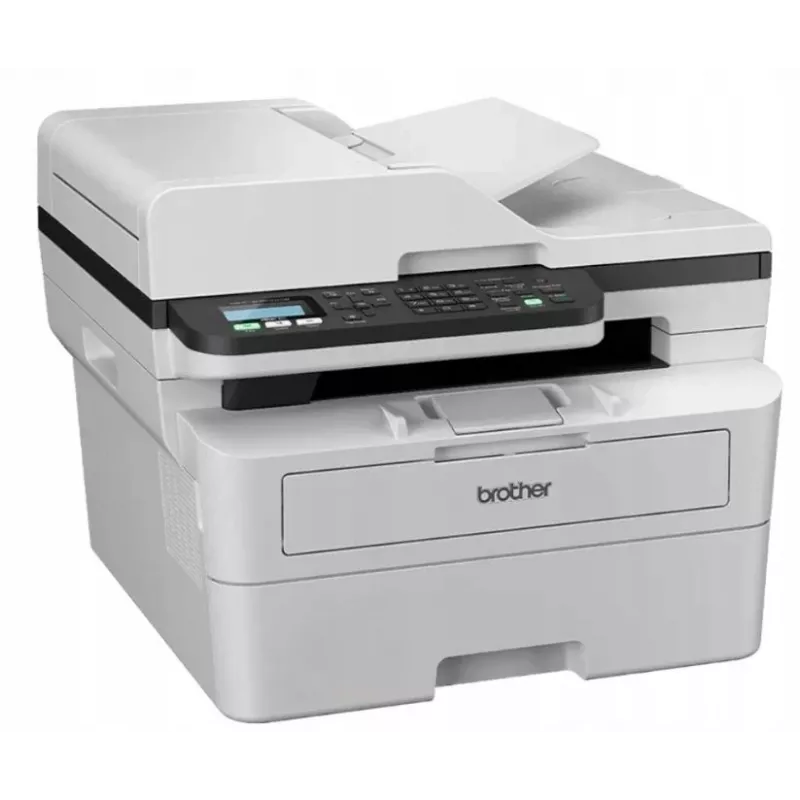
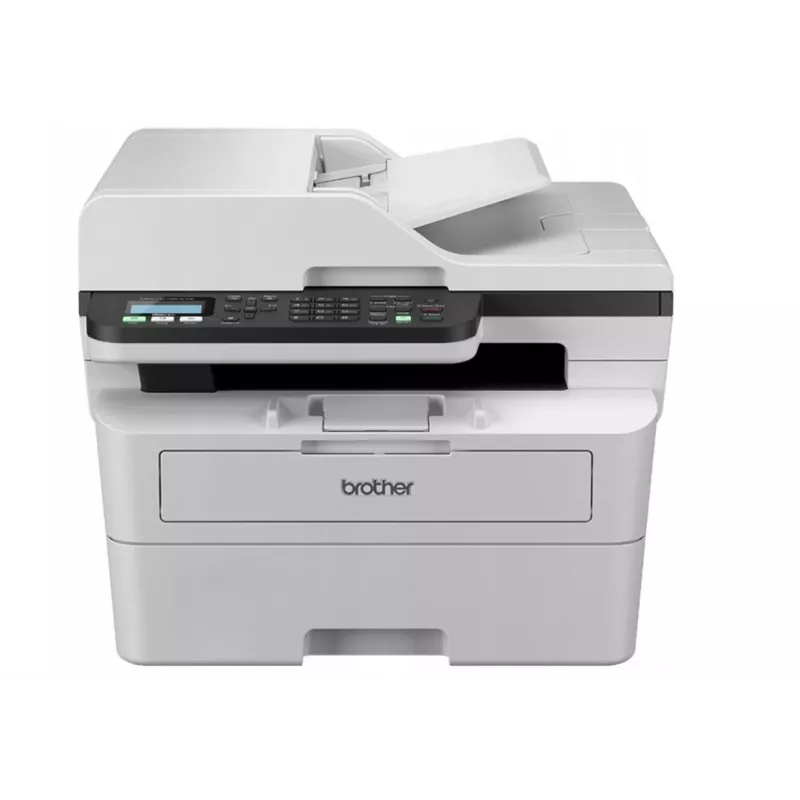
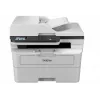
Multifunction Device Brother MFC-B7810DW Laser Monochrome

Multifunction Device Brother MFC-B7810DW Laser Monochrome
R12,133
The Brother MFC-B7810DW Laser Monochrome is a multifunction device designed for office environments that require fast black-and-white printing plus scanning, copying and faxing in a single unit. It delivers up to 40 pages per minute of monochrome laser printing, supports automatic duplex printing an... Read More
Stock Out Of StockNo Stock Code 2360902 Brand BROTHER Model MFC-B7810DW Warranty 2 Years

Shipping & Returns

The Brother MFC-B7810DW Laser Monochrome is a multifunction device designed for office environments that require fast black-and-white printing plus scanning, copying and faxing in a single unit. It delivers up to 40 pages per minute of monochrome laser printing, supports automatic duplex printing and holds up to 250 sheets of paper. Built-in wireless connectivity and mobile printing make it suitable for networked workgroups and flexible placement in small to medium-sized offices.

Advantages

This multifunction device combines high-speed monochrome laser printing with integrated scan, copy and fax functions in one compact footprint. Automatic duplex printing reduces paper consumption while a 250-sheet paper capacity minimizes refills during heavy tasks. Wireless and mobile printing options simplify connection from laptops, smartphones and tablets, and the device’s robust engine supports steady output for multi-user environments.

Suitable for

Key specifications

How to use

Place the device on a stable surface with sufficient clearance around it for paper handling and ventilation. Load paper into the main tray and check the control panel to configure language, network settings and default print preferences. Install the appropriate drivers on workstation computers or enable mobile printing through the device’s wireless setup. Use the automatic document feeder for multi-page scanning and copying, and select duplex options in print settings when two-sided output is required.

Recommendations

For consistent print quality and reliable operation, use paper within the recommended weight range, keep toner cartridges and the imaging drum in accordance with maintenance intervals, and maintain a dust-free environment. Regularly update device firmware and drivers to ensure compatibility with networked systems and mobile devices.

Key Highlights
  • Daily office document printing and distribution
  • High-volume black-and-white reports and invoices
  • Scanning and archiving paper documents
  • Small to medium-sized workgroups sharing a single device
  • Environments requiring automatic duplexing to save paper
  • Print technology: Monochrome laser
  • Print speed: Up to 40 pages per minute (black)
  • Paper handling: Standard paper capacity up to 250 sheets
  • Duplex: Automatic two-sided printing
  • Functions: Print, scan, copy, fax
  • Connectivity: Wireless LAN and mobile printing support
  • Scan type: Flatbed with automatic document feeder
Price history over the last 6 months
Multifunction Device Brother MFC-B7810DW Laser Monochrome
Current
R12,133
Lowest
R6,131
Highest
R12,133
Change 24H
+R4,579   +61%
Week
+R4,578   +61%
Month
+R5,871   +94%

Popular products in this category

WhatsApp
Hi, I’m DistriNode’s AI assistant. I can help you find products, compare options, create quote PDFs, or open support requests.