Account Contact
Your Cart
Pay the courier with no extra fees.
Need help? DistriNode AI can handle any task on our site.

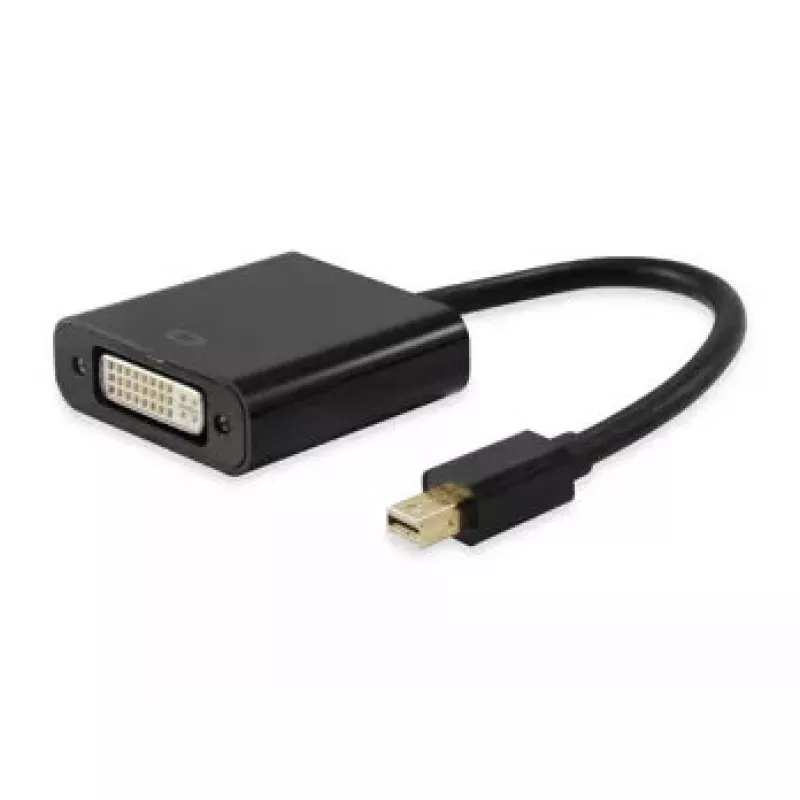
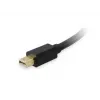
Mini DisplayPort to DVI-D Dual Link Adapter Equip 133433

Mini DisplayPort to DVI-D Dual Link Adapter Equip 133433
R398
The equip® Mini DisplayPort to DVI-D Dual Link Adapter (EQUIP 133433) provides an economical and compact solution to connect Mini DisplayPort-equipped devices such as laptops or PCs to DVI displays. Built from quality materials and weighing just 33 g, the adapter supports connection between DisplayP... Read More
Stock 80 Code 1161778 Brand EQUIP Model 133433 Warranty 2 Years

Shipping & Returns

Estimated delivery Thursday, October 8
You will be kept updated through our detailed tracking system
Payment options
EFTPayFastBank CardSnapScanZapperGoogle PayApple PayMobicredMoreTymePay on Arrival

The equip® Mini DisplayPort to DVI-D Dual Link Adapter (EQUIP 133433) provides an economical and compact solution to connect Mini DisplayPort-equipped devices such as laptops or PCs to DVI displays. Built from quality materials and weighing just 33 g, the adapter supports connection between DisplayPort sources and DVI monitors without needing to replace existing screens.

Advantages

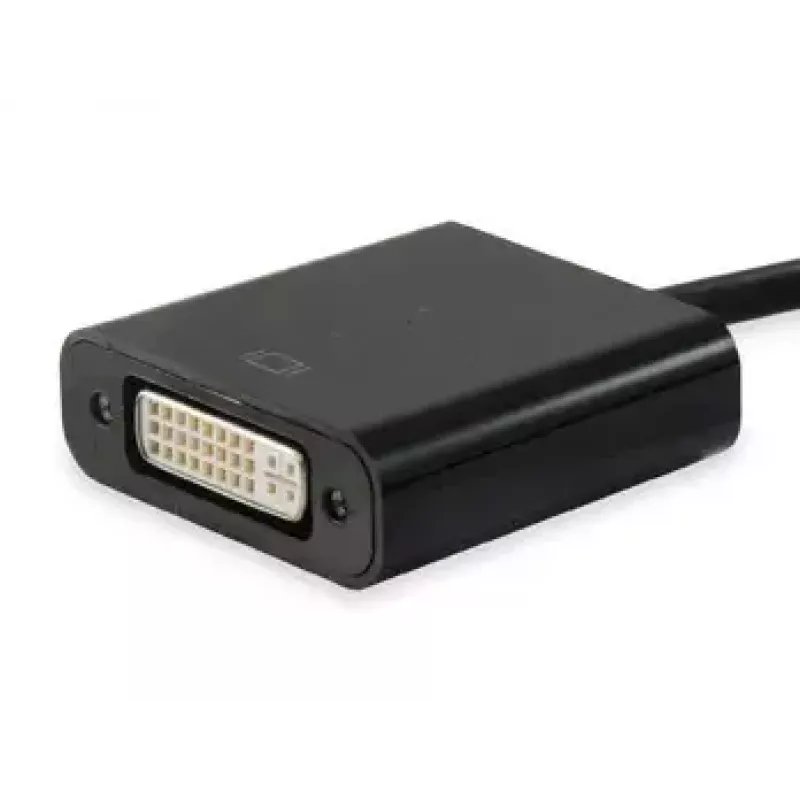
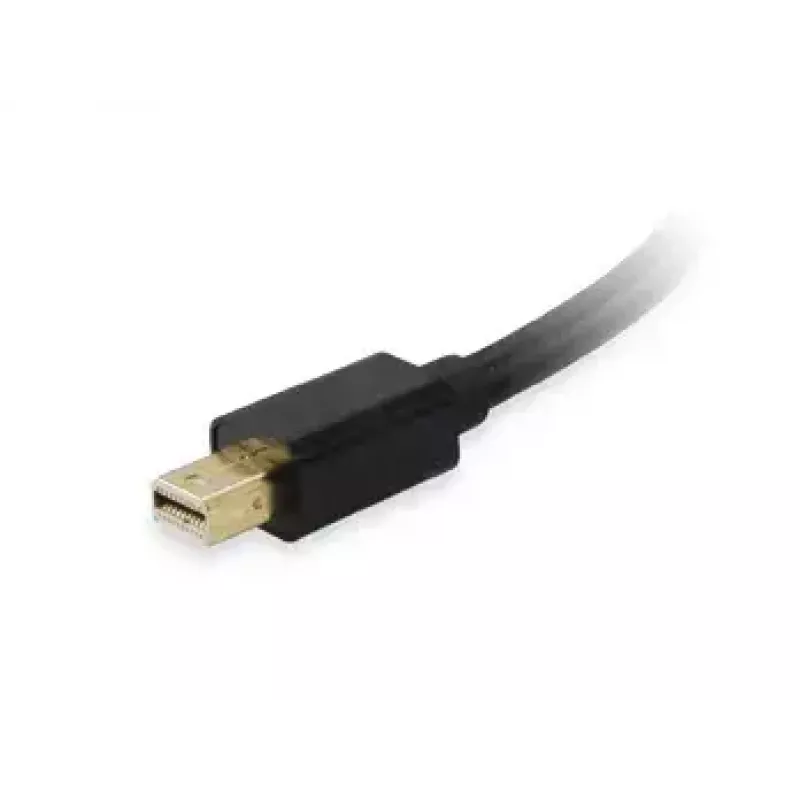
The adapter features a male Mini DisplayPort connector and a DVI-I connector, offering wide compatibility with many DVI displays. Its small size (approx. 45 mm × 16 mm) and low weight make it easy to carry and install. The dual-link DVI capability supports higher-resolution displays where DVI input is available.

Suitable for

  • Connecting a laptop or PC with Mini DisplayPort output to a DVI monitor
  • Temporary workstation setups and presentation environments
  • Using older DVI displays with modern Mini DisplayPort devices

Key specifications

  • Brand: EQUIP
  • Model / MPN: 133433
  • EAN: 4015867157299
  • Connector 1: Mini DisplayPort (male)
  • Connector 2: DVI-I (dual link)
  • Weight: 0.033 kg
  • Colour: Black

How to use

Plug the male Mini DisplayPort end into the Mini DisplayPort output of your computer or laptop. Connect the DVI-I end to the DVI cable of your monitor. Ensure both devices are powered on and select the correct input on the display. No additional drivers are typically required for basic video output; verify display settings on the computer for resolution and screen arrangement.

Recommendations

Use a good-quality DVI cable and avoid forcing connectors. For high-resolution or multi-monitor setups, confirm that the display and graphics output support dual-link DVI to achieve optimal results.
Key Highlights
  • Connecting a laptop or PC with Mini DisplayPort output to a DVI monitor
  • Temporary workstation setups and presentation environments
  • Using older DVI displays with modern Mini DisplayPort devices
  • Brand: EQUIP
  • Model / MPN: 133433
  • EAN: 4015867157299
  • Connector 1: Mini DisplayPort (male)
  • Connector 2: DVI-I (dual link)
  • Weight: 0.033 kg
  • Colour: Black
Specifications
Connector 1
Mini DisplayPort
Connector 1 gender
Male
Connector 2
DVI-I
Connector 2 gender
Female
Data transfer rate
2.5 Gbit/s
Depth
16 mm
DisplayPort version
1.2
Dual Link DVI
Yes
Harmonized System (HS) code
84733080
Height
250 mm
Maximum resolution
1920 x 1080 pixels
Package depth
26 mm
Package height
190 mm
Package weight
60 g
Package width
90 mm
Product colour
Black
Supported video modes
1080p
Weight
33 g
Width
45 mm

Leaflet

Open Leaflet

Leaflet

Open Leaflet
Price history over the last 6 months
Mini DisplayPort to DVI-D Dual Link Adapter Equip 133433
Current
R398
Lowest
R348
Highest
R398
Change 24H
+R24   +6%
Week
+R28   +8%
Month
+R27   +7%

Popular products in this category

WhatsApp
Hi, I’m DistriNode’s AI assistant. I can help you find products, compare options, create quote PDFs, or open support requests.