Account Contact
Your Cart
Pay the courier with no extra fees.
Need help? DistriNode AI can handle any task on our site.

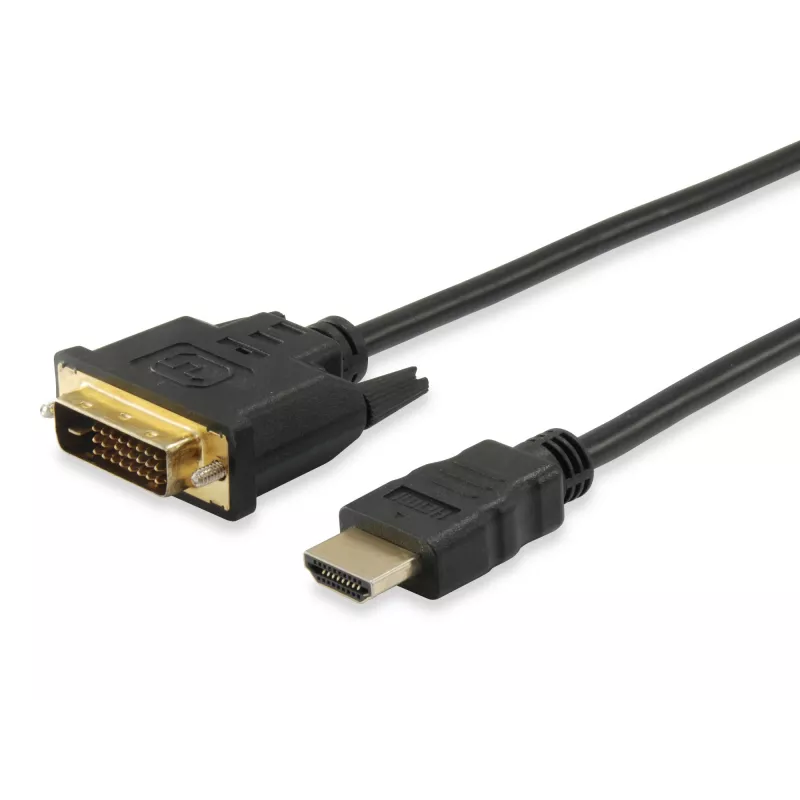
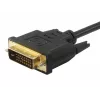
Equip HDMI to DVI-D Single Link Cable, 3m

Equip HDMI to DVI-D Single Link Cable, 3m
R393
The Equip HDMI to DVI-D Single Link Cable (3 m) provides a reliable digital video connection between HDMI sources and DVI-D displays. Constructed from premium materials with triple shielding, this 3-metre cable transmits uncompressed digital video signals from devices such as Blu‑Ray players, set‑to... Read More
Stock 80 Code 91156 Brand EQUIP Model 119323 Warranty 2 Years

Shipping & Returns

Estimated delivery Friday, October 9
You will be kept updated through our detailed tracking system
Payment options
EFTPayFastBank CardSnapScanZapperGoogle PayApple PayMobicredMoreTymePay on Arrival

The Equip HDMI to DVI-D Single Link Cable (3 m) provides a reliable digital video connection between HDMI sources and DVI-D displays. Constructed from premium materials with triple shielding, this 3-metre cable transmits uncompressed digital video signals from devices such as Blu‑Ray players, set‑top boxes or game consoles to HDTVs, LCD monitors or projectors while minimising interference.

Advantages

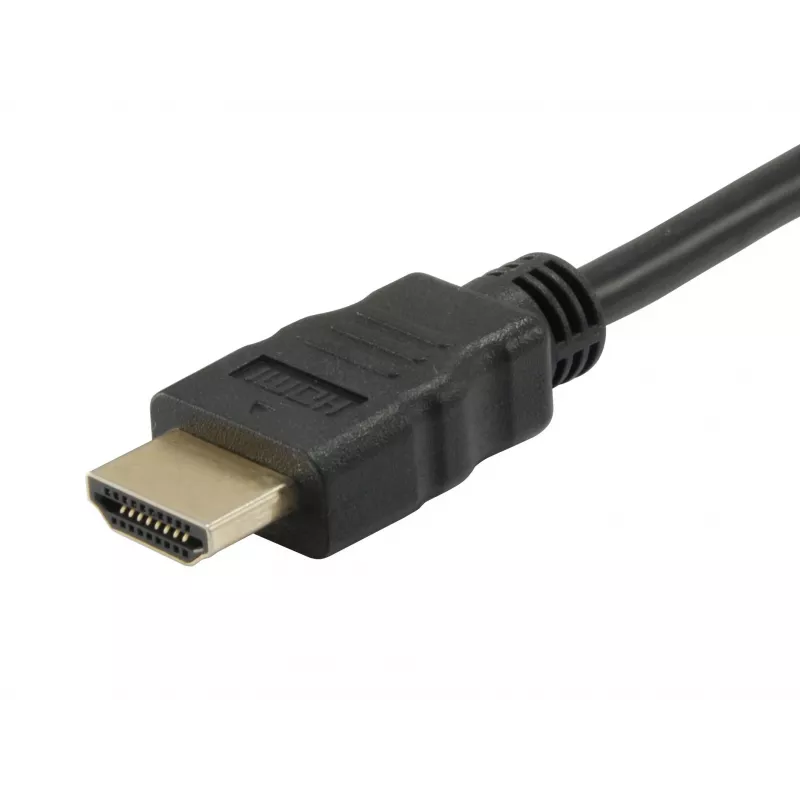
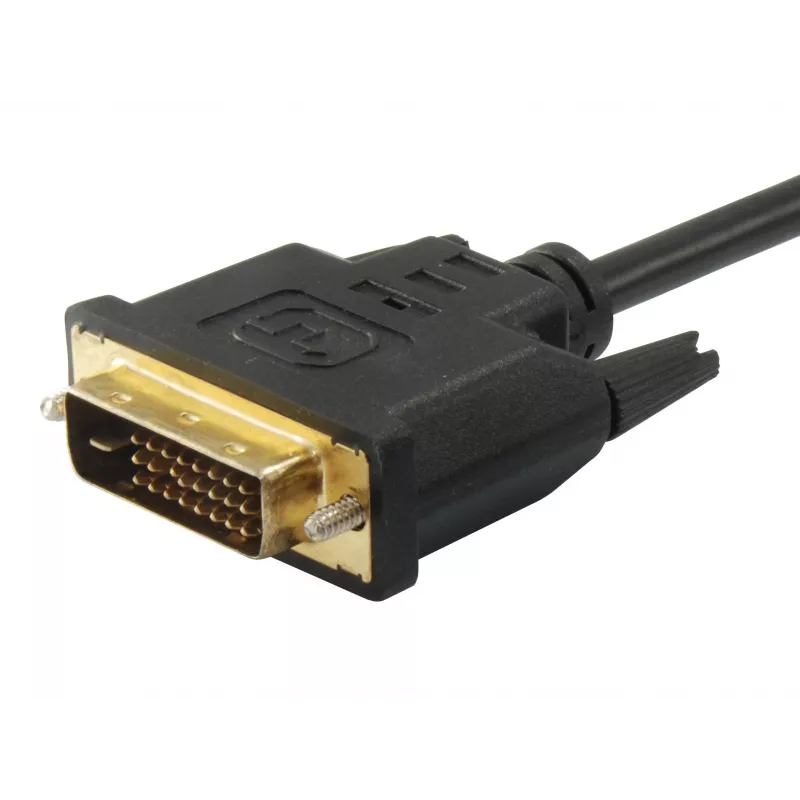
The cable offers single-link DVI-D compatibility with an HDMI connector on one end and a DVI-D connector on the other, enabling direct digital video transfer without signal conversion. Triple shielding reduces electromagnetic interference for stable, error-free transmission. Its 3 m length and compact 9.9 mm width make it suitable for typical home and office installations, and the black jacket provides discreet cable routing.

Suitable for

  • Connecting HDMI sources (Blu‑Ray players, game consoles, set‑top boxes) to DVI‑D displays
  • Transmitting uncompressed digital video to HDTVs, LCD monitors or projectors
  • Home entertainment systems and office display setups

Key specifications

  • Cable length: 3 m
  • Connector 1: HDMI
  • Connector 2: DVI‑D (single link)
  • Weight: 0.222 kg
  • Product colour: Black
  • Brand: EQUIP
  • MPN: 119323
  • EAN: 4015867150511

How to use

Connect the HDMI end of the cable to the HDMI output of your source device and plug the DVI‑D end into the DVI‑D input of your display. Ensure both devices are powered off when connecting or disconnecting. After connection, power on the devices and select the appropriate input on the display. Note that DVI‑D carries digital video only; a separate audio connection is required if sound is needed.

Recommendations

For best results avoid sharp bends or excessive strain on the cable, keep the cable away from large sources of electromagnetic interference, and confirm that your display supports DVI‑D single‑link resolutions to match expected video quality.
Key Highlights
  • Connecting HDMI sources (Blu‑Ray players, game consoles, set‑top boxes) to DVI‑D displays
  • Transmitting uncompressed digital video to HDTVs, LCD monitors or projectors
  • Home entertainment systems and office display setups
  • Cable length: 3 m
  • Connector 1: HDMI
  • Connector 2: DVI‑D (single link)
  • Weight: 0.222 kg
  • Product colour: Black
  • Brand: EQUIP
  • MPN: 119323
  • EAN: 4015867150511
Specifications
AWG wire size
30
Cable length
3 m
Connector 1
HDMI
Connector 1 gender
Male
Connector 2
DVI-D
Connector 2 gender
Male
Connector contacts plating
Gold
Depth
55 mm
Harmonized System (HS) code
84733080
Height
3000 mm
Magnetically shielded
Yes
Package depth
40 mm
Package height
210 mm
Package weight
227 g
Package width
150 mm
Product colour
Black
Weight
222 g
Width
9.9 mm

Leaflet

Open Leaflet

Leaflet

Open Leaflet
Price history over the last 6 months
Equip HDMI to DVI-D Single Link Cable, 3m
Current
R393
Lowest
R177
Highest
R400
Change 24H
+R38   +11%
Week
+R41   +12%
Month
+R38   +11%

Popular products in this category

WhatsApp
Hi, I’m DistriNode’s AI assistant. I can help you find products, compare options, create quote PDFs, or open support requests.