Account Contact
Your Cart
Pay the courier with no extra fees.
Need help? DistriNode AI can handle any task on our site.

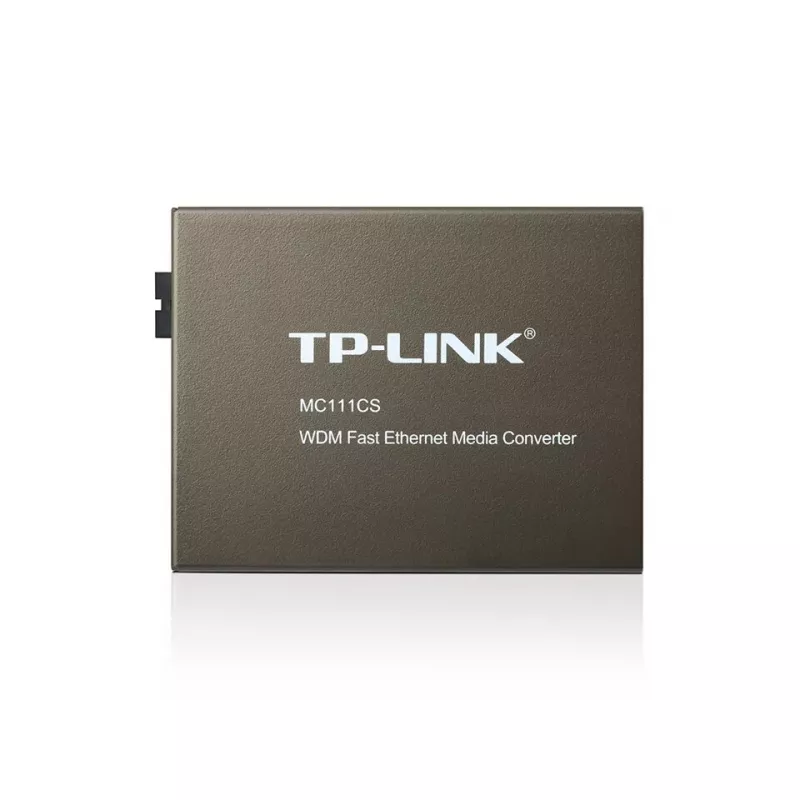
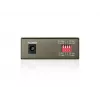
Media Converter TP-Link MC111CS 10/100Mbps

Media Converter TP-Link MC111CS 10/100Mbps
60 mo.
Media Converter TP-Link MC111CS 10/100Mbps
R2,046
The TP-Link MC111CS is a WDM media converter that converts between 100BASE-FX single‑mode fiber and 100BASE‑TX copper Ethernet. Compliant with IEEE 802.3u standards, it uses an SC connector and supports longwave (LX) laser operation at 1550 nm for transmission and 1310 nm for reception, enabling a s... Read More
Stock 3 Code 92215 Brand TP-LINK Model MC111CS V1 Warranty 5 Years

Shipping & Returns

Estimated delivery Tuesday, October 6
You will be kept updated through our detailed tracking system
Payment options
EFTPayFastBank CardSnapScanZapperGoogle PayApple PayMobicredMoreTymePay on Arrival

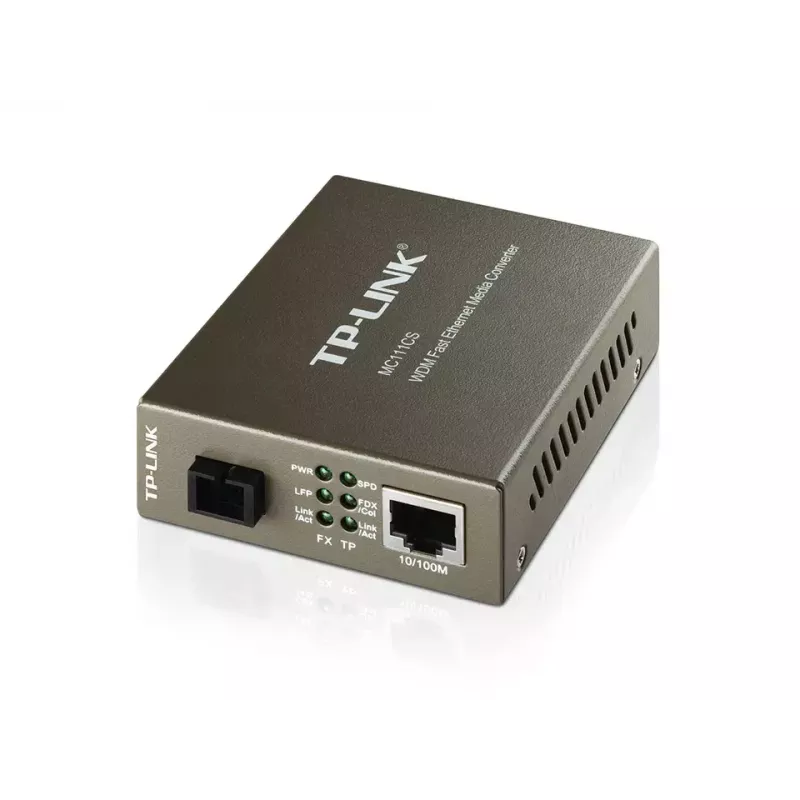
The TP-Link MC111CS is a WDM media converter that converts between 100BASE-FX single‑mode fiber and 100BASE‑TX copper Ethernet. Compliant with IEEE 802.3u standards, it uses an SC connector and supports longwave (LX) laser operation at 1550 nm for transmission and 1310 nm for reception, enabling a single‑fiber transmit/receive link and reducing cabling requirements. The unit supports full wire‑speed forwarding for 10/100 Mbps Ethernet and can operate over single‑mode fiber distances up to 20 km. The device includes front panel LEDs for power and link/activity status and can be used as a standalone unit or mounted in TP‑LINK 19" chassis.

Advantages

The MC111CS reduces fiber cabling by using WDM to transmit and receive on one single‑mode fiber, lowering installation cost. It complies with IEEE 802.3u for reliable 10/100Base‑TX and 100Base‑FX interconnection and provides auto MDI/MDI‑X and auto‑negotiation on the TX port for simplified connection to Ethernet devices. Small power consumption and LED indicators allow easy status monitoring.

Suitable for (tasks / use cases)

  • Extending Ethernet networks over single‑mode fiber links up to 20 km
  • Connecting remote network segments where fiber cabling cost or pathway is limited
  • Integrating fiber links with existing 10/100Base‑TX copper equipment
  • Standalone media conversion or installation within TP‑LINK 19" chassis

Key specifications

  • Model: TP‑Link MC111CS (MPN: MC111CS, EAN: 6935364030414)
  • Standards: IEEE 802.3u 10/100Base‑TX, 100Base‑FX
  • Fiber type: Single‑mode, SC connector
  • Wavelength: Tx 1550 nm / Rx 1310 nm (WDM)
  • Maximum transfer distance: up to 20,000 m (20 km)
  • Ethernet ports: 1 × RJ‑45 (10/100 Mbps) with Auto MDI/MDI‑X, auto‑negotiation
  • Maximum data transfer rate (device specification): listed up to 1000 Mbit/s
  • Power consumption: max 1.23 W
  • Indicators: front panel LEDs for power and link/activity
  • Certifications: FCC, CE

How to use

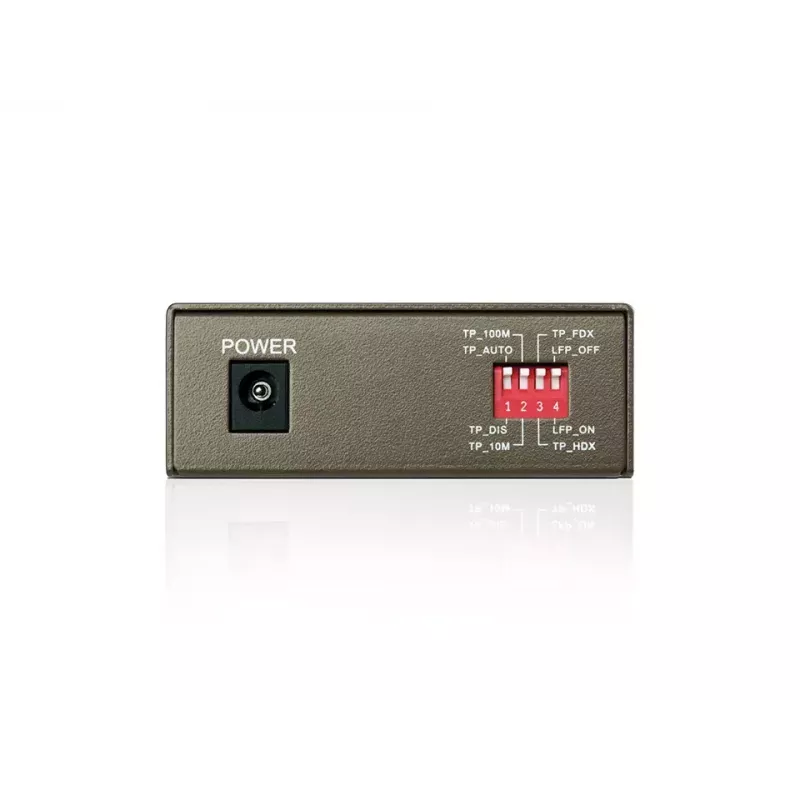
Install the MC111CS as a standalone unit or insert it into a compatible TP‑LINK 19" chassis. Connect the RJ‑45 TX port to your switch or router; the TX port supports auto MDI/MDI‑X and auto‑negotiation. Use a single‑mode SC fiber cable to connect the fiber port to the remote converter, ensuring the remote device is configured with opposite wavelengths (it should transmit at 1310 nm and receive at 1550 nm). Power the unit and verify link/activity LEDs to confirm successful connection.

Recommendations

Use single‑mode SC fiber with proper termination and follow standard fiber installation practices. Verify wavelength pairing with the remote media converter (MC111CS transmits at 1550 nm and expects the remote end to transmit at 1310 nm). For distances near 20 km confirm link budget and consult TP‑LINK documentation for chassis power options if integrating multiple modules.
Key Highlights
  • Extending Ethernet networks over single‑mode fiber links up to 20 km
  • Connecting remote network segments where fiber cabling cost or pathway is limited
  • Integrating fiber links with existing 10/100Base‑TX copper equipment
  • Standalone media conversion or installation within TP‑LINK 19" chassis
  • Model: TP‑Link MC111CS (MPN: MC111CS, EAN: 6935364030414)
  • Standards: IEEE 802.3u 10/100Base‑TX, 100Base‑FX
  • Fiber type: Single‑mode, SC connector
  • Wavelength: Tx 1550 nm / Rx 1310 nm (WDM)
  • Maximum transfer distance: up to 20,000 m (20 km)
  • Ethernet ports: 1 × RJ‑45 (10/100 Mbps) with Auto MDI/MDI‑X, auto‑negotiation
  • Maximum data transfer rate (device specification): listed up to 1000 Mbit/s
  • Power consumption: max 1.23 W
  • Indicators: front panel LEDs for power and link/activity
  • Certifications: FCC, CE
Specifications
Auto MDI/MDI-X
Yes
Cable types supported
Cat3, Cat4, Cat5, Cat5e
Certification
FCC, CE
Compliance certificates
RoHS
Connectivity technology
Wired
Depth
73 mm
Ethernet interface type
Gigabit Ethernet
Ethernet LAN (RJ-45) ports
1
Ethernet LAN data rates
1000 Mbit/s
Fiber ethernet cabling technology
100BASE-FX
Fiber mode structure
Single-mode
Fiber optic connector
SC
Fiber ports quantity
1
Full duplex
Yes
Height
27 mm
I/O ports
1x 100M SC 1x 100M RJ45
Internal
No
LED indicators
Activity, Power
Maximum data transfer rate
1000 Mbit/s
Maximum transfer distance
20000 m
Networking standards
IEEE 802.3, IEEE 802.3u, IEEE 802.3x
Operating relative humidity (H-H)
10 - 90%
Operating temperature (T-T)
0 - 40 °C
Package depth
204 mm
Package height
65 mm
Package weight
370 g
Package width
165 mm
Power consumption (max)
1.23 W
Product colour
Black
Storage relative humidity (H-H)
5 - 90%
Storage temperature (T-T)
-40 - 70 °C
Wavelength
1550 nm
Width
94.5 mm

Document

Open Document

Document

Open Document

Leaflet

Open Leaflet

Manual

Open Manual
Price history over the last 6 months
Media Converter TP-Link MC111CS 10/100Mbps
Current
R2,046
Lowest
R679
Highest
R2,046
Change 24H
+R97   +5%
Week
+R107   +6%
Month
+R1,343   +191%

Popular products in this category

WhatsApp
Hi, I’m DistriNode’s AI assistant. I can help you find products, compare options, create quote PDFs, or open support requests.