Account Contact
Your Cart
Pay on delivery – no extra fees
Need help? Ask our AI

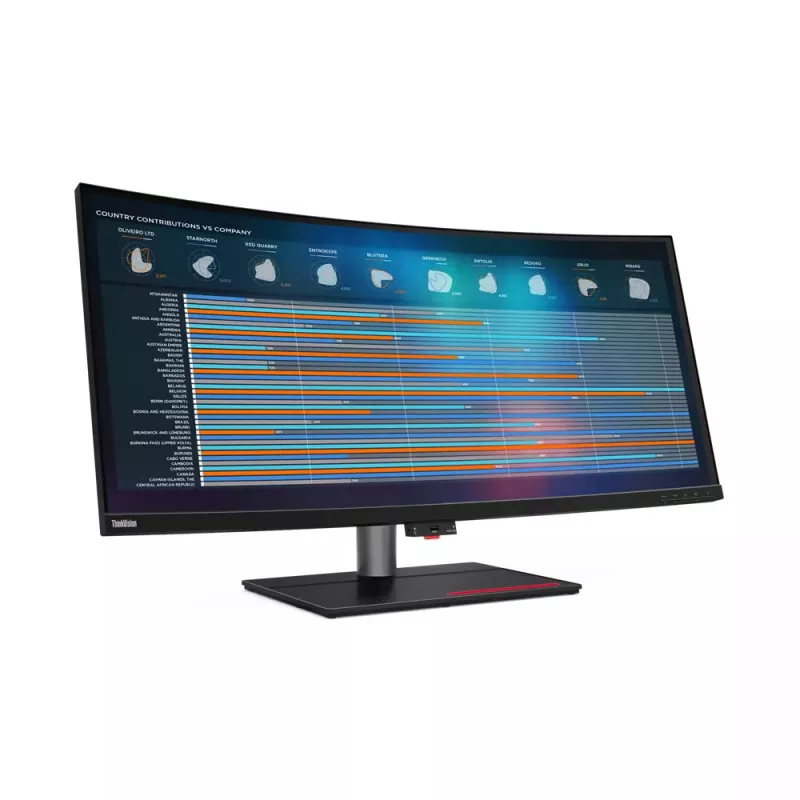
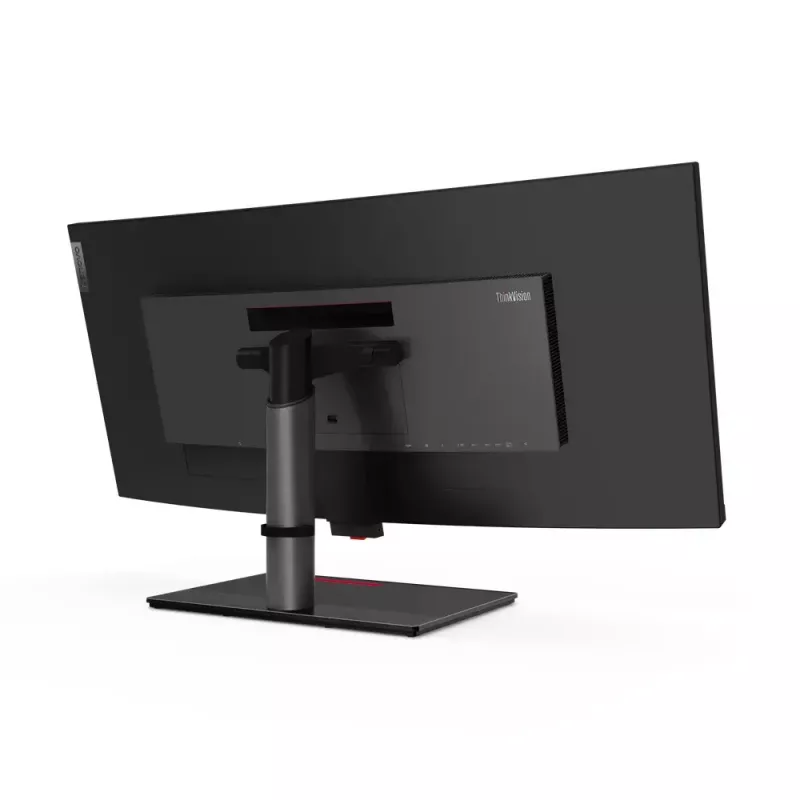
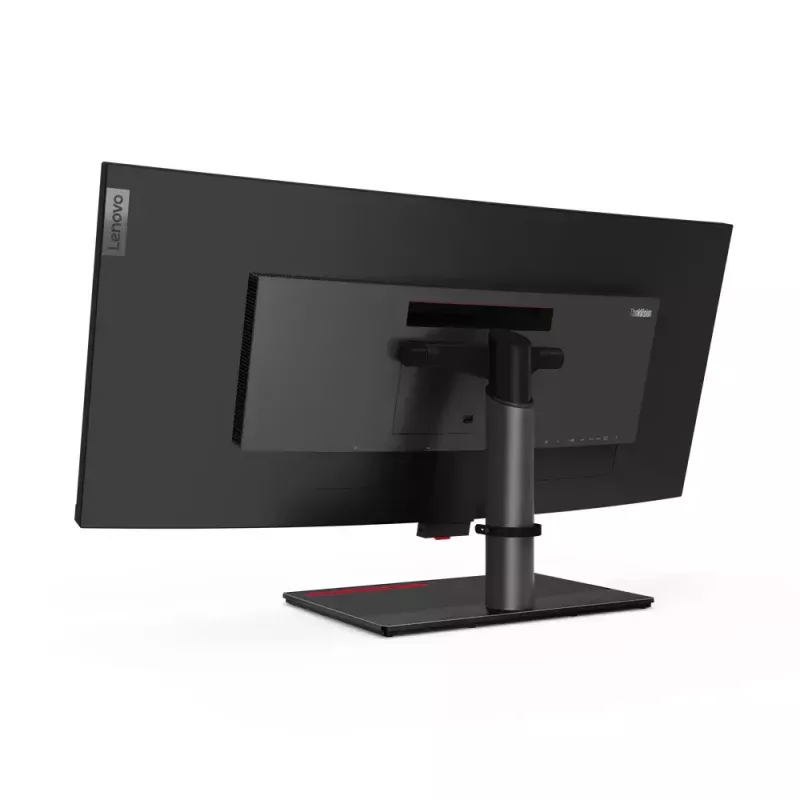
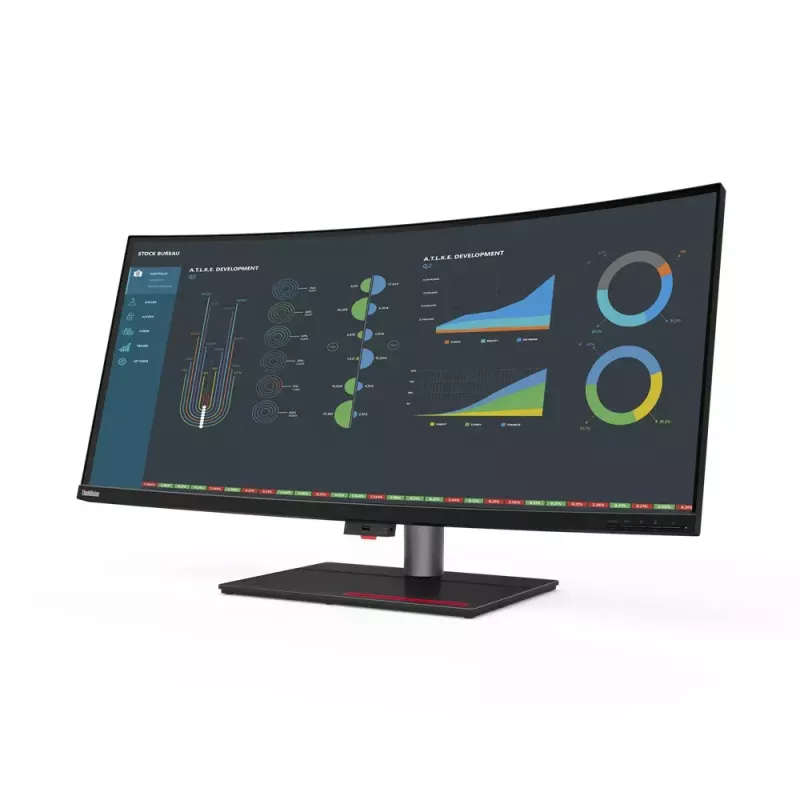
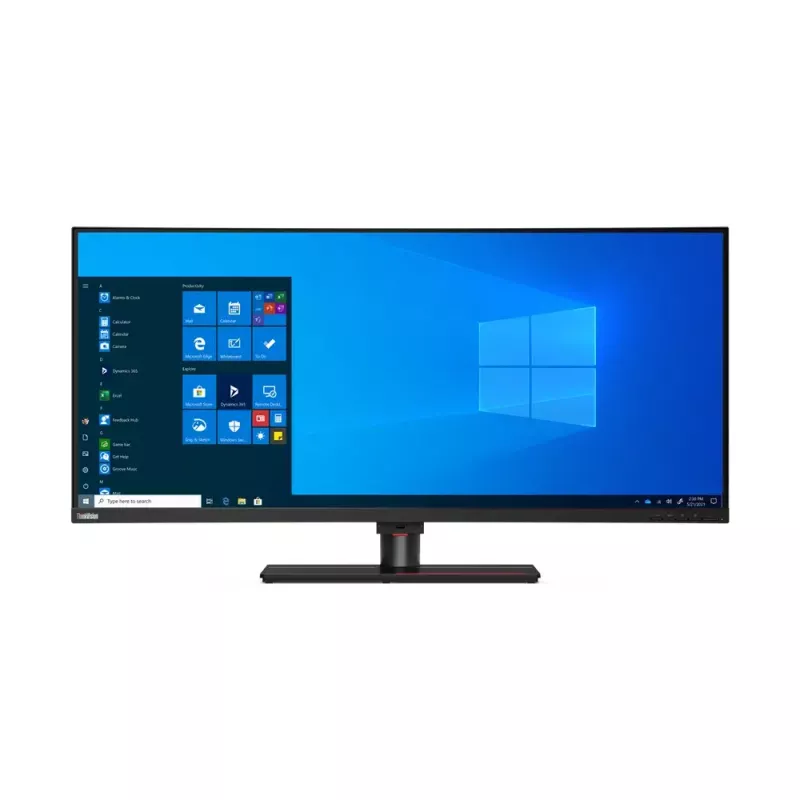
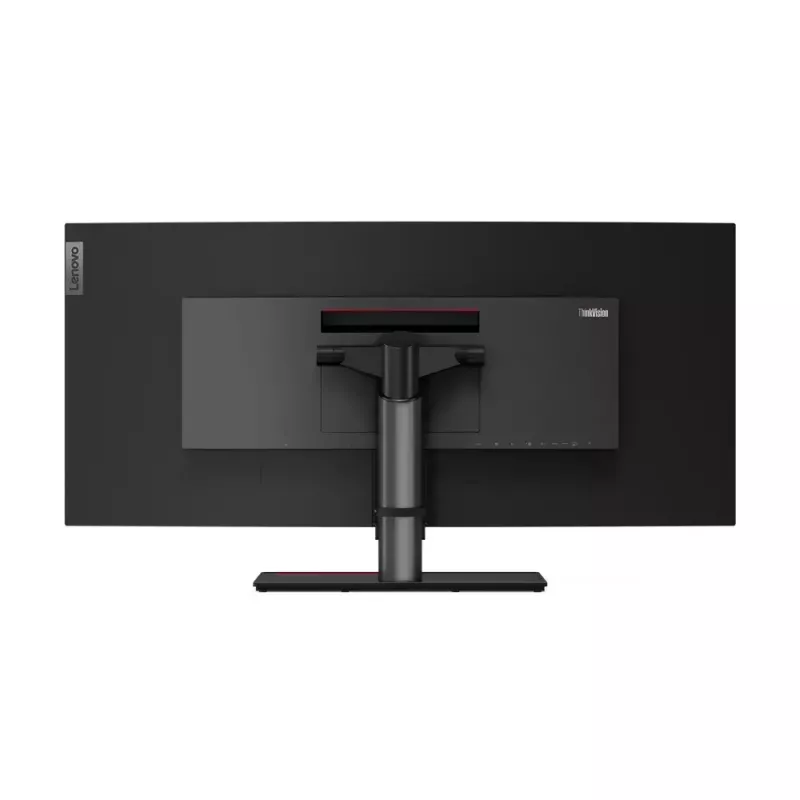
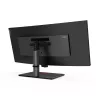
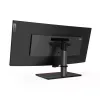
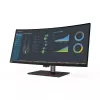
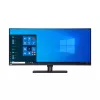
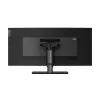
Lenovo ThinkVision P40w-20 computer monitor 100.8 cm (39.7 inch) 5120 x 2160 pixels 5K Ultra HD LED Black

Lenovo ThinkVision P40w-20 computer monitor 100.8 cm (39.7 inch) 5120 x 2160 pixels 5K Ultra HD LED Black
36 mo.
Lenovo ThinkVision P40w-20 computer monitor 100.8 cm (39.7 inch) 5120 x 2160 pixels 5K Ultra HD LED Black
R35,512
World’s first Thunderbolt™ 4 professional monitor to support Intel® Active Management Technology for Intel vPro® clients.Seamless productivity requires a seamless overview of your business. ThinkVision P40w-20 gives you exactly that with a host of industry-leading features. Its sweeping 39.7-inch, 2... Read More
Stock 16 Code 4152 Brand LENOVO Model 62C1GAT6EU Warranty 3 Years

Shipping & Returns

Estimated delivery Monday, November 2
You will be kept updated through our detailed tracking system
Payment options
EFTPayFastBank CardSnapScanZapperGoogle PayApple PayMobicredMoreTymePay on Arrival
World’s first Thunderbolt™ 4 professional monitor to support Intel® Active Management Technology for Intel vPro® clients.

Seamless productivity requires a seamless overview of your business. ThinkVision P40w-20 gives you exactly that with a host of industry-leading features. Its sweeping 39.7-inch, 21:9 screen features expansive 5120 x 2160 WUHD resolution that lets you see every sharp detail while taking in the big picture, whether it’s tracking market updates or comparing long-form legal contracts. Depend on consistent, reliable, true-to-life colors from any viewing angle thanks to its In-Plane Switching panel professional display that reproduces color to 98% DCI-P3 and has factory calibrated color with ∆ELenovo ThinkVision P40w-20. Display diagonal: 100.8 cm (39.7"), Display resolution: 5120 x 2160 pixels, HD type: 5K Ultra HD, Display technology: LED, Response time: 6 ms, Native aspect ratio: 21:9, Viewing angle, horizontal: 178°, Viewing angle, vertical: 178°. Built-in USB hub. VESA mounting, Height adjustment. Product colour: Black

How to use

Connect the monitor to a compatible Thunderbolt™ 4 host to enable high-bandwidth data, video, and power delivery. For centralized management in enterprise environments, ensure the connected system is Intel vPro®-enabled and configured for Intel® Active Management Technology. Use the monitor’s wide 21:9 canvas to arrange multiple application windows side by side, compare long documents, or expand timelines in creative software. Adjust brightness and color settings as needed via the on-screen controls to match your workspace lighting.

Recommendations

For optimal color-critical work, perform a verification of factory calibration with your preferred colorimeter and use a consistent ambient lighting setup. In managed IT environments, coordinate with your IT administrator to enable Intel AMT functions and confirm compatibility with existing vPro® management tools.

How to use

Recommendations

For optimal color-critical work, perform a verification of factory calibration with your preferred colorimeter and use a consistent ambient lighting setup. In managed IT environments, coordinate with your IT administrator to enable Intel AMT functions and confirm compatibility with existing vPro® management tools.

How to use

Recommendations

For optimal color-critical work, perform a verification of factory calibration with your preferred colorimeter and use a consistent ambient lighting setup. In managed IT environments, coordinate with your IT administrator to enable Intel AMT functions and confirm compatibility with existing vPro® management tools.

How to use

Recommendations

For optimal color-critical work, perform a verification of factory calibration with your preferred colorimeter and use a consistent ambient lighting setup. In managed IT environments, coordinate with your IT administrator to enable Intel AMT functions and confirm compatibility with existing vPro® management tools.

How to use

Recommendations

For optimal color-critical work, perform a verification of factory calibration with your preferred colorimeter and use a consistent ambient lighting setup. In managed IT environments, coordinate with your IT administrator to enable Intel AMT functions and confirm compatibility with existing vPro® management tools.

How to use

Recommendations

For optimal color-critical work, perform a verification of factory calibration with your preferred colorimeter and use a consistent ambient lighting setup. In managed IT environments, coordinate with your IT administrator to enable Intel AMT functions and confirm compatibility with existing vPro® management tools.

How to use

Recommendations

For optimal color-critical work, perform a verification of factory calibration with your preferred colorimeter and use a consistent ambient lighting setup. In managed IT environments, coordinate with your IT administrator to enable Intel AMT functions and confirm compatibility with existing vPro® management tools.

How to use

Recommendations

For optimal color-critical work, perform a verification of factory calibration with your preferred colorimeter and use a consistent ambient lighting setup. In managed IT environments, coordinate with your IT administrator to enable Intel AMT functions and confirm compatibility with existing vPro® management tools.

How to use

Recommendations

For optimal color-critical work, perform a verification of factory calibration with your preferred colorimeter and use a consistent ambient lighting setup. In managed IT environments, coordinate with your IT administrator to enable Intel AMT functions and confirm compatibility with existing vPro® management tools.

How to use

Recommendations

For optimal color-critical work, perform a verification of factory calibration with your preferred colorimeter and use a consistent ambient lighting setup. In managed IT environments, coordinate with your IT administrator to enable Intel AMT functions and confirm compatibility with existing vPro® management tools.

How to use

Recommendations

For optimal color-critical work, perform a verification of factory calibration with your preferred colorimeter and use a consistent ambient lighting setup. In managed IT environments, coordinate with your IT administrator to enable Intel AMT functions and confirm compatibility with existing vPro® management tools.

How to use

Recommendations

For optimal color-critical work, perform a verification of factory calibration with your preferred colorimeter and use a consistent ambient lighting setup. In managed IT environments, coordinate with your IT administrator to enable Intel AMT functions and confirm compatibility with existing vPro® management tools.

How to use

Recommendations

For optimal color-critical work, perform a verification of factory calibration with your preferred colorimeter and use a consistent ambient lighting setup. In managed IT environments, coordinate with your IT administrator to enable Intel AMT functions and confirm compatibility with existing vPro® management tools.

How to use

Recommendations

For optimal color-critical work, perform a verification of factory calibration with your preferred colorimeter and use a consistent ambient lighting setup. In managed IT environments, coordinate with your IT administrator to enable Intel AMT functions and confirm compatibility with existing vPro® management tools.

How to use

Recommendations

For optimal color-critical work, perform a verification of factory calibration with your preferred colorimeter and use a consistent ambient lighting setup. In managed IT environments, coordinate with your IT administrator to enable Intel AMT functions and confirm compatibility with existing vPro® management tools.

Key Highlights
  • Display size: 39.7 inches, 21:9 aspect ratio
  • Resolution: 5120 x 2160 WUHD
  • Panel type: IPS (In-Plane Switching)
  • Color gamut: 98% DCI-P3
  • Factory calibration: ΔE < 2
  • Connectivity: Thunderbolt™ 4
  • Enterprise features: Intel® Active Management Technology support for Intel vPro® clients
  • Eye care: Natural Low Blue Light
Specifications
AC input frequency
50 - 60 Hz
AC input voltage
100 - 240 V
Adjustable height (max)
13 cm
AMD FreeSync
No
Anti-glare screen
Yes
Audio output
Yes
Backlight type
W-LED
Bezel width (bottom)
2.3 cm
Bezel width (side)
2 mm
Bezel width (top)
2 mm
Built-in camera
No
Built-in KVM switch
Yes
Built-in microphone
No
Built-in speaker(s)
No
Built-in USB hub
Yes
Cable lock slot
Yes
Cable lock slot type
Kensington
Cables included
AC, Thunderbolt
Certification
ENERGY STAR, CCC, TCO 8.0, TCO Edge 2.0, EPEAT Gold, RoHS (EU 2011/65/EC), Windows Certification, Tier 2, TÜV
Colour depth
10 bit
Colour gamut
98%
Colour gamut standard
DCI-P3
Contrast ratio (dynamic)
3000000:1
Contrast ratio (typical)
1000:1
Depth (with stand)
279.4 mm
Depth (without stand)
100.8 mm
Display brightness (typical)
300 cd/m²
Display diagonal
100.8 cm (39.7")
Display number of colours
1.07 billion colours
Display resolution
5120 x 2160 pixels
Display technology
LED
DisplayPort version
1.4
DisplayPorts quantity
1
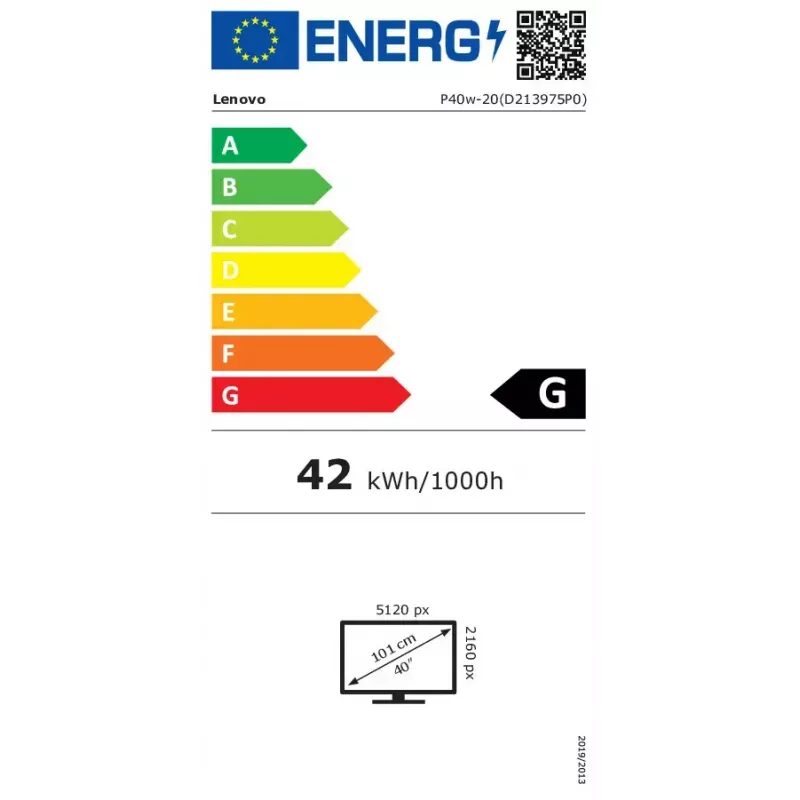
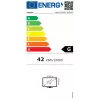
Energy consumption (SDR) per 1000 hours
42 kWh
Energy efficiency class (SDR)
G
Energy efficiency scale
A to G
Harmonized System (HS) code
85285210
HD type
5K Ultra HD
HDMI
Yes
HDMI ports quantity
1
HDMI version
2.0
Height (without stand)
428.7 mm
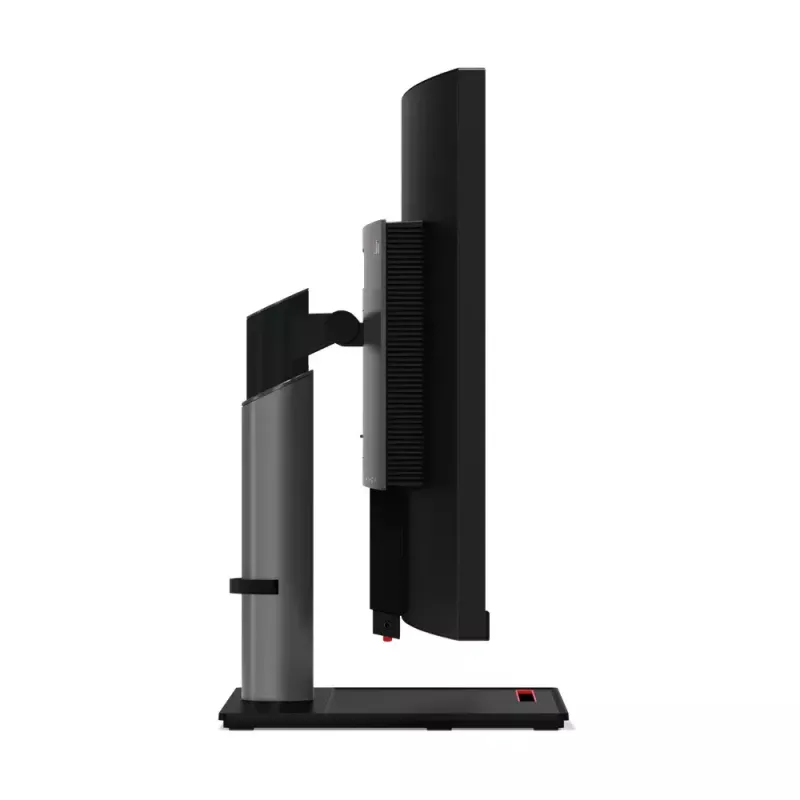
Height adjustment
Yes
High Dynamic Range (HDR) supported
Yes
Maximum refresh rate
75 Hz
Native aspect ratio
21:9
Number of upstream ports
2
Number of USB Type-B upstream ports quantity
1
NVIDIA G-SYNC
No
On Screen Display (OSD)
Yes
Package depth
275 mm
Package height
526 mm
Package weight
20 kg
Package width
1085 mm
Panel mounting interface
100 x 100,200 x 100 mm
Panel type
IPS
Pivot
No
Pixel density
140 ppi
Pixel pitch
0.1815 x 0.181 mm
Power consumption (max)
250 W
Power consumption (off)
0.5 W
Power consumption (typical)
66 W
Product colour
Black
Quick start guide
Yes
Response time
6 ms
Response time (fast)
4 ms
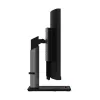
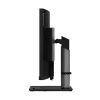
Screen curvature rating
2500R
Screen shape
Curved
sRGB coverage (typical)
99%
Stand included
Yes
Swivel angle range
-45 - 45°
Swivelling
Yes
Tilt adjustment
Yes
Tilt angle range
-5 - 22°
Touchscreen
No
USB Type-A downstream ports quantity
4
USB Type-C downstream ports quantity
1
VESA mounting
Yes
Viewing angle, horizontal
178°
Viewing angle, vertical
178°
Weight (with stand)
14.6 kg
Weight (without stand)
9.9 kg
Width (with stand)
947.6 mm
Width (without stand)
947.6 mm

Energy label

Open Energy label

Leaflet

Open Leaflet

PDF

Open PDF
Price history over the last 6 months
Lenovo ThinkVision P40w-20 computer monitor 100.8 cm (39.7 inch) 5120 x 2160 pixels 5K Ultra HD LED Black
Current
R35,512
Lowest
R21,026
Highest
R38,867
Change 24H
+R13,070   +58%
Week
+R12,842   +57%
Month
+R14,261   +67%

Popular products in this category

WhatsApp
Messenger
Hi, I’m DistriNode’s AI assistant. I can help you find products, compare options, create quote PDFs, or open support requests.