Account Contact
Your Cart
Pay the courier with no extra fees.
Need help? DistriNode AI can handle any task on our site.

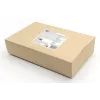
KVM switch ACT 2-Port USB-C/HDMI 4K@60Hz AC7922 with USB keyboard/mouse, HDMI video, 100W PD

KVM switch ACT 2-Port USB-C/HDMI 4K@60Hz AC7922 with USB keyboard/mouse, HDMI video, 100W PD
R2,908
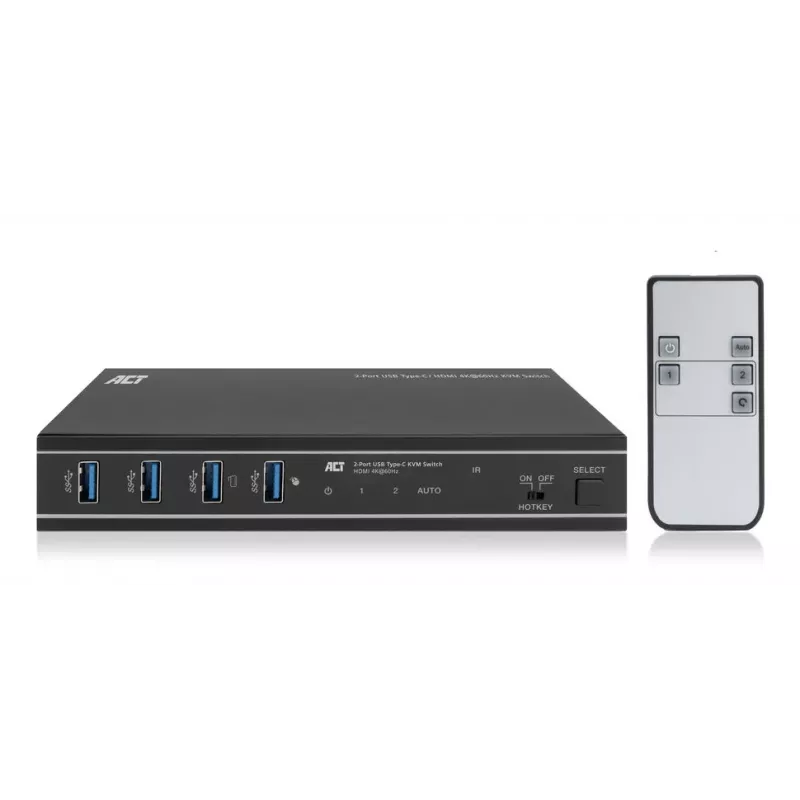
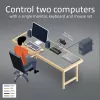
The AC7922 2-port USB-C/HDMI KVM switch controls two computers while using a single monitor, single USB keyboard and mouse. The HDMI output supports a monitor with a resolution up to 4K@60Hz. The AC7922 lets you switch between computers using the buttons on the switch itself, the IR remote control, ... Read More
Stock 149 Code 2446173 Brand ACT Model AC7922 Warranty 2 Years

Shipping & Returns

Estimated delivery Wednesday, October 7
You will be kept updated through our detailed tracking system
Payment options
EFTPayFastBank CardSnapScanZapperGoogle PayApple PayMobicredMoreTymePay on Arrival
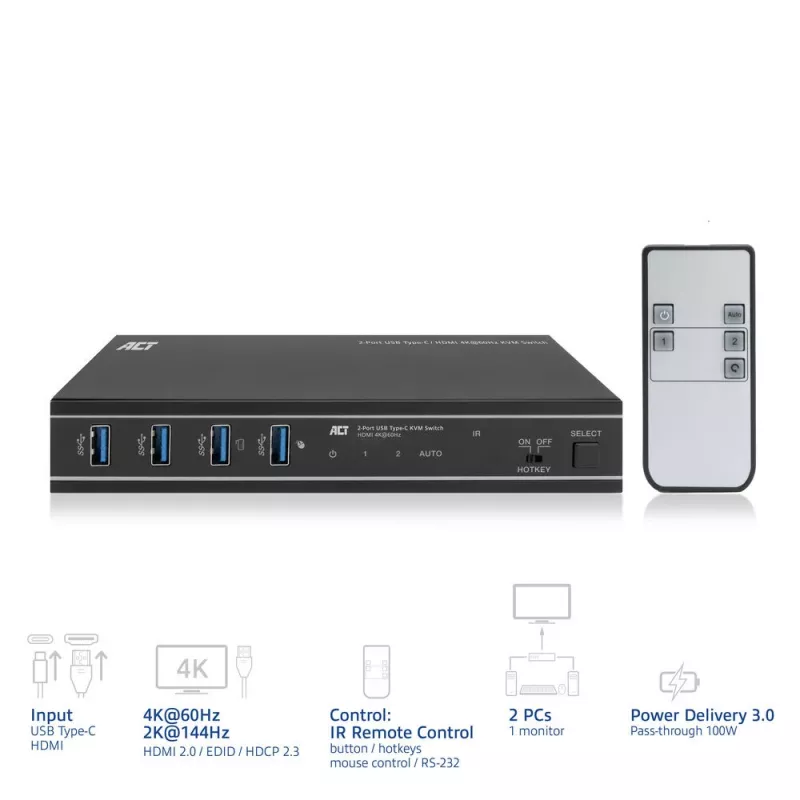
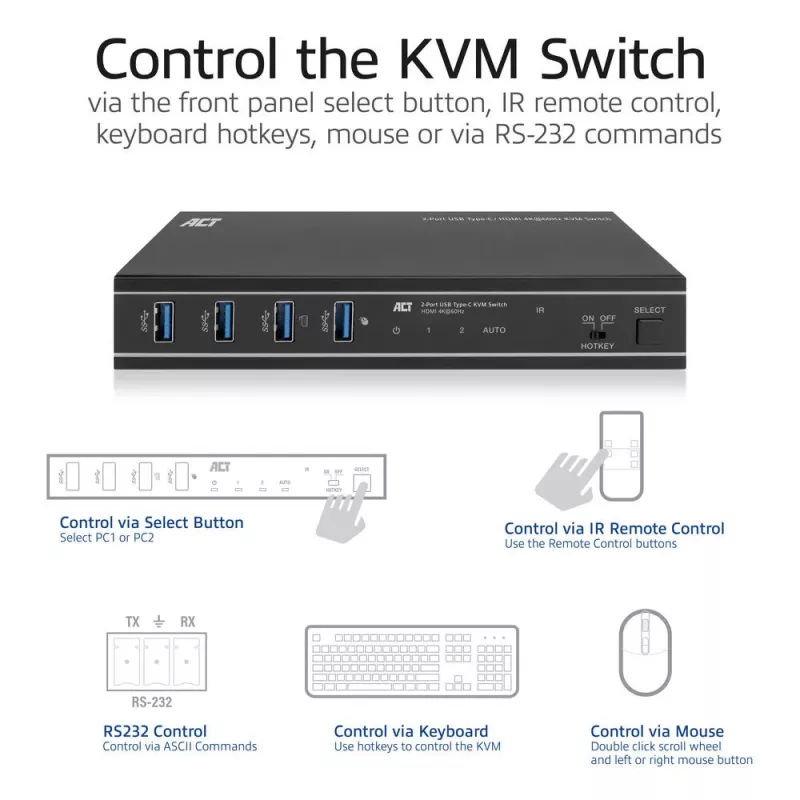
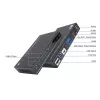
The AC7922 2-port USB-C/HDMI KVM switch controls two computers while using a single monitor, single USB keyboard and mouse. The HDMI output supports a monitor with a resolution up to 4K@60Hz. The AC7922 lets you switch between computers using the buttons on the switch itself, the IR remote control, keyboard hotkeys, a mouse, or RS-232 commands. The AC7922 has a solid metal housing and comes with all needed cabling.

Control two devices with a single HDMI monitor, keyboard and mouse
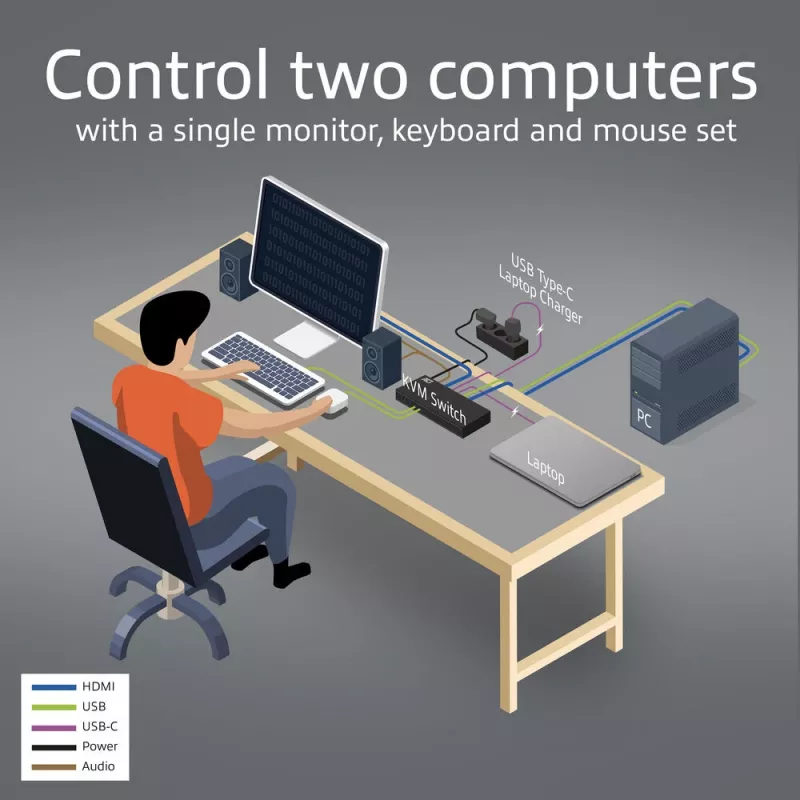
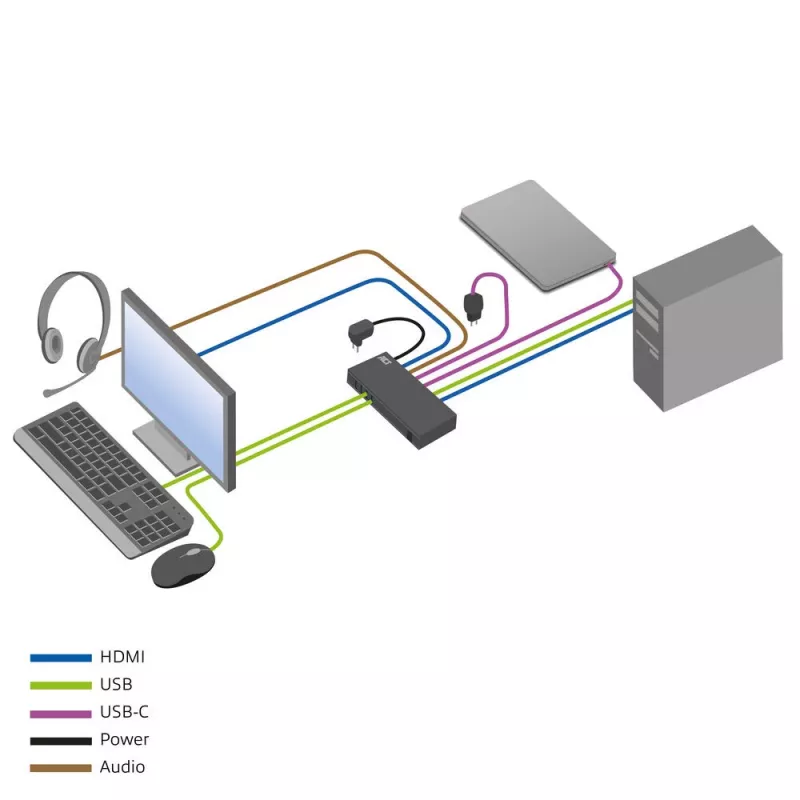
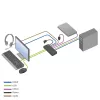
Simplify your workspace by connecting one computer to the AC7922 via HDMI and the other computer/laptop via USB-C. Connect a single HDMI monitor and a keyboard and mouse set to the switch and control both host devices with minimal setup.

Supports up to 4K@60Hz
The AC7922 USB-C/HDMI KVM switch supports 4K@60Hz, 4:4:4 12-bit, HDMI 2.0 and is HDCP 2.3 compliant. The EDID emulator in the KVM switch provides the correct display information from the monitor to the connected device.

Easy switching between computers
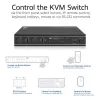
Switching between two connected computers is easy with the dedicated button on the AC7922 KVM switch. Prefer to use IR control, a mouse, keyboard shortcuts or RS-232 commands? This is also supported.

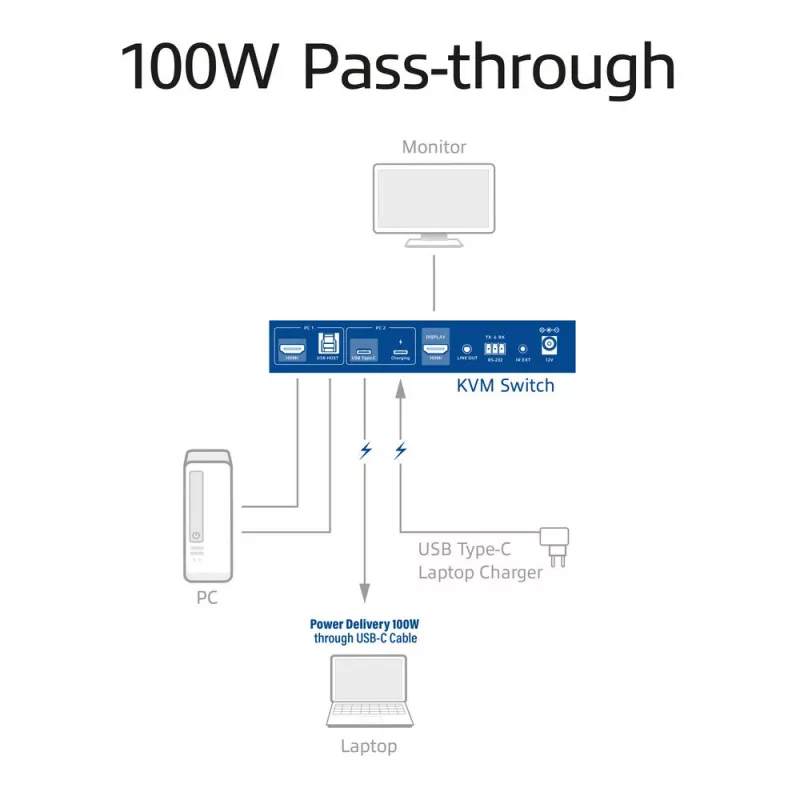
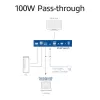
100W Power Delivery pass-through
Connect a separate USB-C charger to the charging port of the KVM switch. The connected device receives power via the connected USB-C connection cable.

Automatic input switching
Have two computers connected to the KVM and only one is active? The AC7922 will automatically detect the active device.

EDID copy function
The AC7922 supports EDID (Extended Display Identification) copy function on both input ports to ensure that the resolution is communicated correctly between the source devices and the output monitor.

Additional features
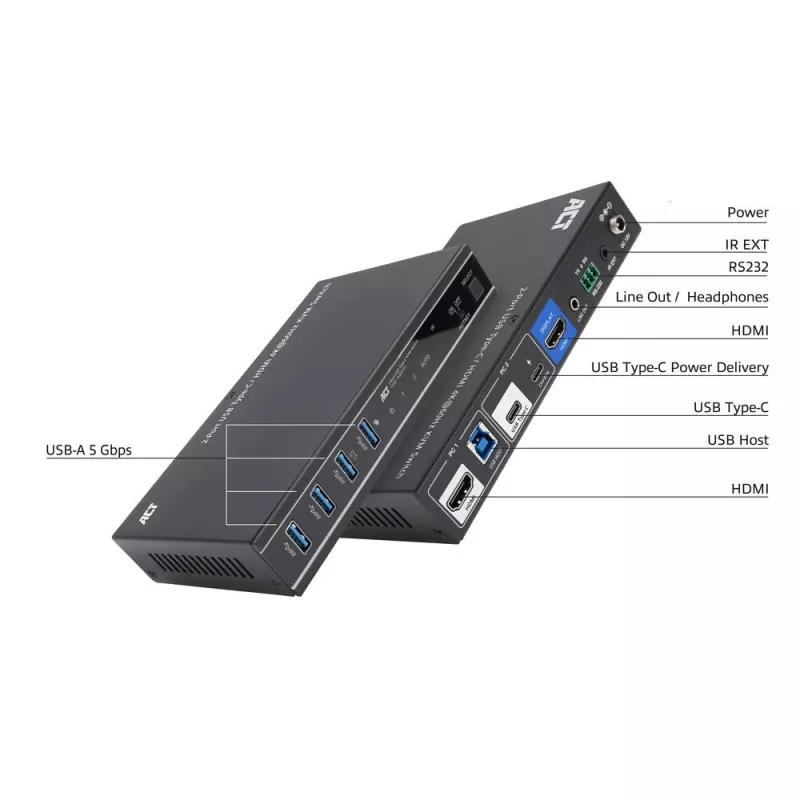
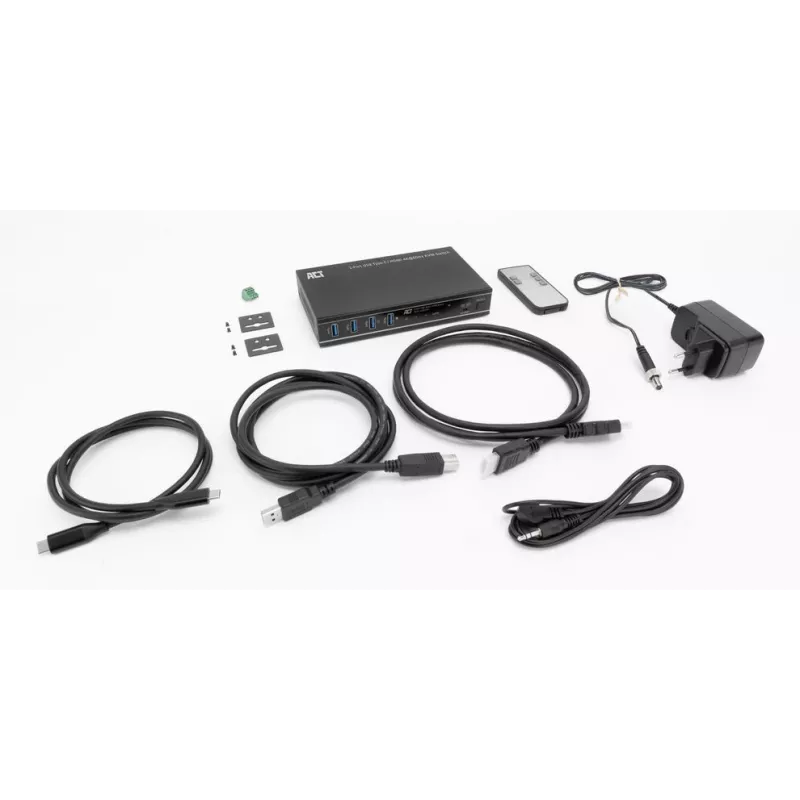
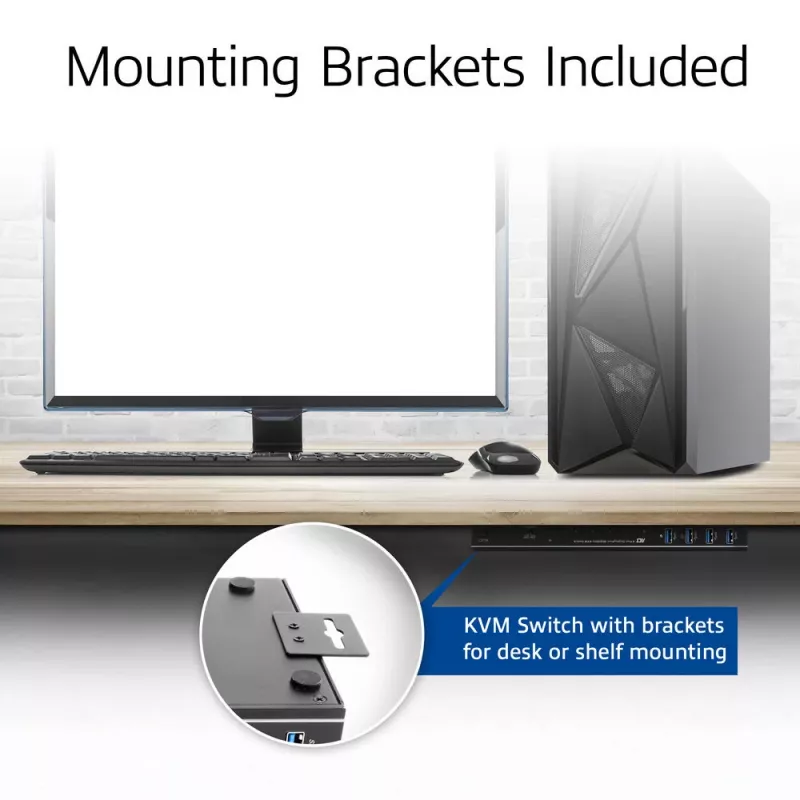
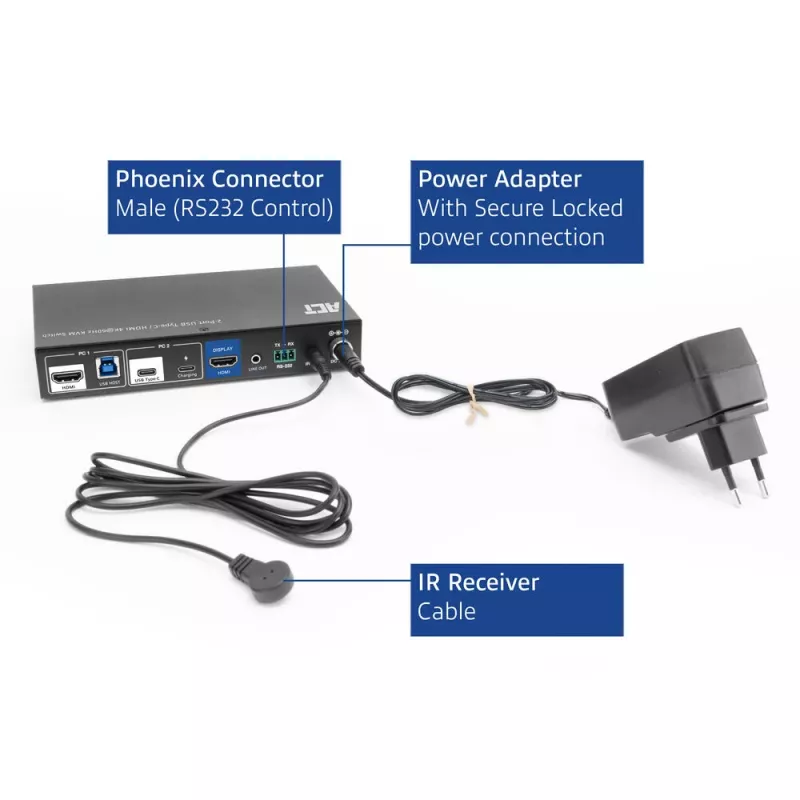
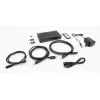
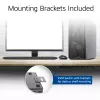
The AC7922 includes four USB 3.2 Gen1 (USB 3.0) 5Gbps ports for sharing peripherals, such as a keyboard, mouse, printer and more. The switch also has a 3.5mm audio jack for connecting headphones or speakers. An HDMI cable, two USB cables, remote control, RS-232 connector and mounting brackets with screws are included.

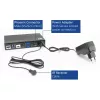
Prevent accidental power cord disconnection
The power connection on the AC7922 USB-C KVM switch is secured with a screw lock to prevent accidental disconnection.

User scenarios
Business use:
Government offices: Control sensitive systems that are isolated from the network.
Datacenters and server rooms: Troubleshoot, update and maintain servers.

Home use:
Home office: switch easily between your personal computer and work laptop and use only one monitor, mouse, keyboard setup. The switch has a USB-C Power Delivery port for connecting the laptop’s USB-C charger and powering the connected USB-C laptop.
Gaming: switch between a gaming console/desktop and a personal laptop.

ACT 2-Port USB-C/HDMI 4K@60Hz KVM switch. Keyboard port type: USB, Mouse port type: USB, Video port type: HDMI/USB. HD type: 3K, Maximum resolution: 3840 x 2160 pixels, Maximum refresh rate: 144 Hz. Product colour: Black. Power source: DC, USB Power Delivery up to: 100 W. Package type: Box

How to use

Connect one host to the USB‑C host input and the other host to the HDMI input. Attach a single HDMI monitor to the HDMI output and connect a USB keyboard and mouse to the USB‑A downstream ports. If required, attach a USB‑C charger to the KVM’s PD pass‑through port to power a connected USB‑C laptop. Switch between connected hosts using the front‑panel select button, the supplied IR remote, keyboard hotkeys, a connected mouse or via RS‑232 commands. The EDID emulator maintains correct display handshake between the monitor and source devices.

Recommendations

For reliable 4K@60Hz operation, use high‑quality HDMI 2.0 cables and a USB‑C cable that supports DisplayPort Alternate Mode and PD. When using the PD pass‑through feature, connect a USB‑C charger rated up to 100 W to the switch’s PD input. To avoid display handshake issues, enable the EDID copy function for the input that requires the monitor’s native timings.

Key Highlights
  • Office workstations that need to switch between a desktop and a laptop
  • IT maintenance in server rooms and datacentres for troubleshooting multiple systems
  • Home offices where one monitor/keyboard/mouse is used for personal and work computers
  • Multimedia setups or light gaming where a console or PC and a laptop are alternated
  • Ports: 2 host inputs (USB‑C and HDMI), HDMI output
  • Maximum resolution: 3840×2160 (4K) @ 60Hz; supports 2K @ 144Hz
  • Video standards: HDMI 2.0, HDCP 2.3, USB‑C DisplayPort Alternate Mode support
  • USB: four USB‑A 3.2 Gen1 (5 Gbps) downstream ports for peripherals
  • Audio: 3.5 mm audio output jack
  • Power delivery: USB‑C PD pass‑through up to 100 W (requires separate USB‑C charger)
  • EDID: EDID emulator/copy function per input port
  • Control methods: front panel button, IR remote, keyboard hotkeys, mouse, RS‑232 commands
  • Accessories included: HDMI cable, USB cables, IR remote, RS‑232 connector, mounting brackets and screws, power supply
  • Chassis: metal; colour: black
  • Ensure each host supports the intended video path: HDMI input or USB‑C with DisplayPort Alternate Mode for video over USB‑C
  • Confirm your monitor and hosts support the desired resolution and refresh rate (4K@60Hz or 2K@144Hz)
  • Plan for a separate USB‑C power adapter if you need PD pass‑through to charge a laptop
  • Verify that two host ports meet your switching needs; this model supports only two computers
Specifications
AC adapter included
Yes
Built-in display
No
Cables included
HDMI, IR, USB Type-A to USB Type-B, USB Type-C to USB Type-C
Console HDMI ports quantity
1
Console ports
3.5mm headphone, HDMI, USB A
Console USB ports quantity
4
DC-in jack
Yes
DisplayPort version
1.4
HD type
3K
HDCP
Yes
HDCP version
2.3
HDMI ports quantity
2
HDMI version
2.0
Hot keys
Yes
Keyboard port type
USB
Maximum refresh rate
144 Hz
Maximum resolution
3840 x 2160 pixels
Mouse port type
USB
Number of computers controlled
2
Package type
Box
Power source
DC
Product colour
Black
Quick installation guide
Yes
Remote control included
Yes
USB 3.2 Gen 1 (3.1 Gen 1) Type-B ports quantity
1
USB 3.2 Gen 2 (3.1 Gen 2) Type-A ports quantity
4
USB 3.2 Gen 2 (3.1 Gen 2) Type-C ports quantity
2
USB Power Delivery (USB PD)
Yes
USB Power Delivery revision
3.0
USB Power Delivery up to
100 W
Video port type
HDMI/USB

Document

Open Document

Leaflet

Open Leaflet
Price history over the last 6 months
KVM switch ACT 2-Port USB-C/HDMI 4K@60Hz AC7922 with USB keyboard/mouse, HDMI video, 100W PD
Current
R2,908
Lowest
R2,787
Highest
R2,929
Change 24H
+R0   +0%
Week
+R121   +4%
Month
+R121   +4%

Popular products in this category

WhatsApp
Hi, I’m DistriNode’s AI assistant. I can help you find products, compare options, create quote PDFs, or open support requests.