Account Contact
Your Cart
Pay the courier with no extra fees.
Need help? DistriNode AI can handle any task on our site.

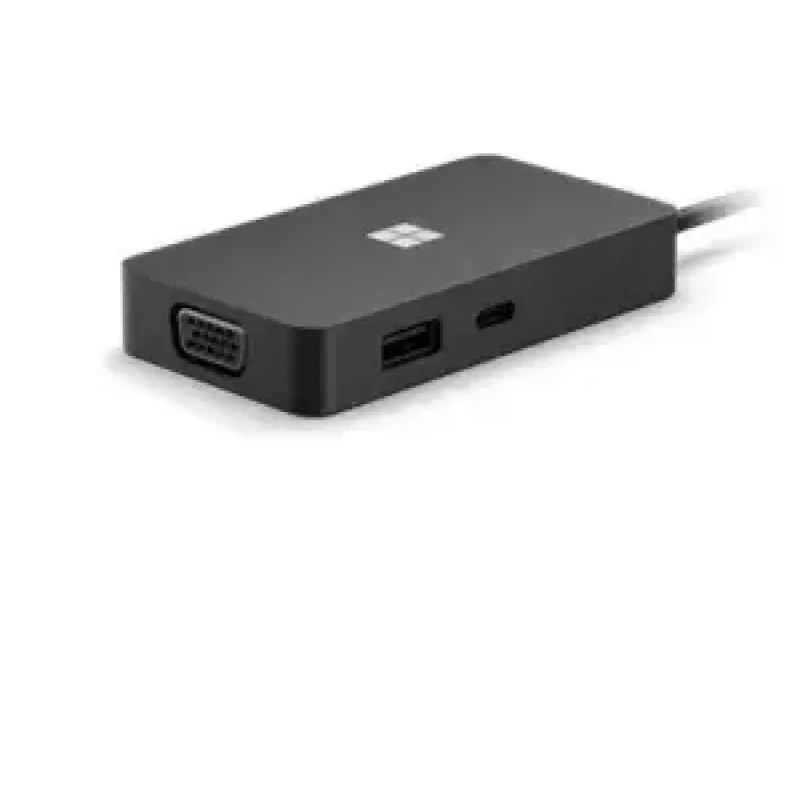
Docking Station Microsoft 1E4-00003

Docking Station Microsoft 1E4-00003
R2,090
The Microsoft 1E4-00003 docking station in black is a compact port replicator designed to expand connectivity for laptops and compatible devices. It offers a mix of display, network and data ports — including HDMI and VGA for external monitors, RJ-45 for wired Ethernet, a USB 3.2 Gen 1 Type-C port a... Read More
Stock 65 Code 1462470 Brand MICROSOFT Model 1E4-00003 Warranty 2 Years

Shipping & Returns

Estimated delivery Tuesday, October 6
You will be kept updated through our detailed tracking system
Payment options
EFTPayFastBank CardSnapScanZapperGoogle PayApple PayMobicredMoreTymePay on Arrival

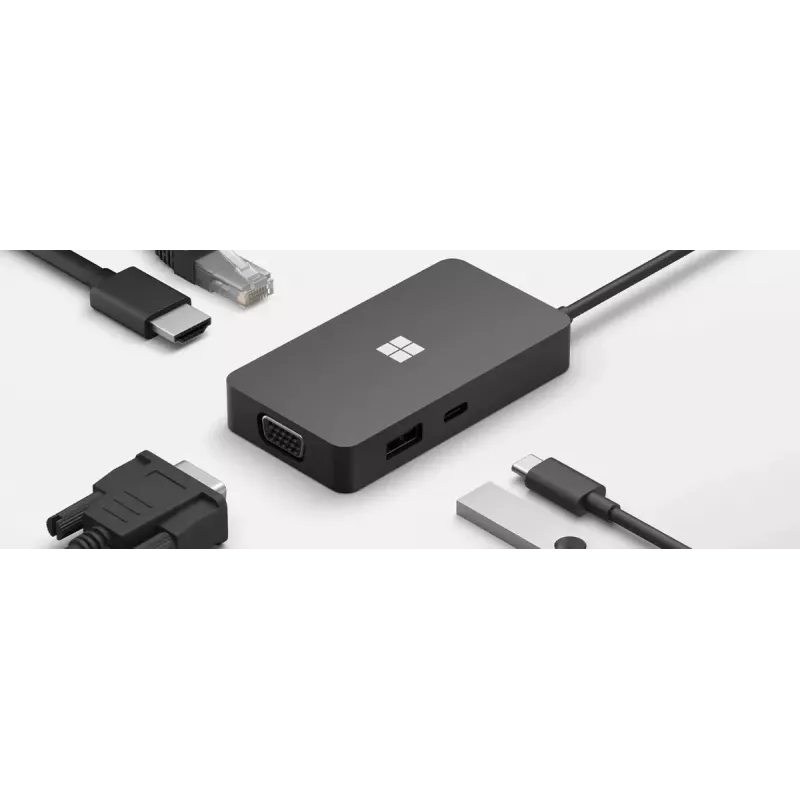
The Microsoft 1E4-00003 docking station in black is a compact port replicator designed to expand connectivity for laptops and compatible devices. It offers a mix of display, network and data ports — including HDMI and VGA for external monitors, RJ-45 for wired Ethernet, a USB 3.2 Gen 1 Type-C port and a USB 3.2 Gen 2 Type-A port — allowing users to connect multiple peripherals and displays through a single hub. The docking station is intended for desk setups in home and office environments where additional ports and straightforward cable management are required.

Advantages

The docking station provides multiple display options and high-speed USB connections in a single, compact unit that reduces the need to swap cables. Its combination of HDMI and VGA supports a range of external monitors, while the RJ-45 port enables stable wired network access. The inclusion of USB 3.2 Gen 2 Type-A and USB 3.2 Gen 1 Type-C ports supports fast data transfer and compatibility with a wide set of peripherals. The black finish and slim profile help the device blend into most workspaces.

Suitable for

  • Connecting one or two external monitors via HDMI or VGA
  • Establishing a stable wired network connection with RJ-45
  • Attaching external storage, keyboards, mice and other USB peripherals
  • Expanding port options for laptops with limited built-in ports

Key specifications

  • Available ports: HDMI, VGA, RJ-45 (Ethernet), USB 3.2 Gen 1 Type-C, USB 3.2 Gen 2 Type-A
  • Color: Black
  • Supports external display output via HDMI and VGA (subject to host device capabilities)
  • Wired network: Gigabit Ethernet support via RJ-45 (dependent on network and host)
  • USB data transfer rates: up to USB 3.2 Gen 2 speeds on Type-A port and USB 3.2 Gen 1 speeds on Type-C port (host-dependent)

How to use

Connect the docking station to a compatible laptop or device using the appropriate upstream cable or connector and then attach external peripherals to the available HDMI, VGA, USB and Ethernet ports. Power on connected devices and configure display settings on your computer to enable external monitors. Install any required drivers or firmware updates if the host operating system prompts for them. Ensure cables are securely seated and networks are configured for wired access where necessary.

Recommendations

Use the docking station on a stable desk surface and avoid placing heavy objects on top of the unit. For best display and network performance, use good-quality HDMI/VGA and Ethernet cables and connect to USB 3.2 compatible ports on the host device. Check the host computer’s video output and USB capability to confirm support for multiple displays and advertised transfer speeds.

Key Highlights
  • Connecting one or two external monitors via HDMI or VGA
  • Establishing a stable wired network connection with RJ-45
  • Attaching external storage, keyboards, mice and other USB peripherals
  • Expanding port options for laptops with limited built-in ports
  • Available ports: HDMI, VGA, RJ-45 (Ethernet), USB 3.2 Gen 1 Type-C, USB 3.2 Gen 2 Type-A
  • Color: Black
  • Supports external display output via HDMI and VGA (subject to host device capabilities)
  • Wired network: Gigabit Ethernet support via RJ-45 (dependent on network and host)
  • USB data transfer rates: up to USB 3.2 Gen 2 speeds on Type-A port and USB 3.2 Gen 1 speeds on Type-C port (host-dependent)
Specifications
Ethernet LAN (RJ-45) ports
1
Harmonized System (HS) code
84719000
HDMI ports quantity
1
Hub interfaces
HDMI, RJ-45, USB 3.2 Gen 1 (3.1 Gen 1) Type-C, USB 3.2 Gen 2 (3.1 Gen 2) Type-A, VGA
Product colour
Black
USB 3.2 Gen 1 (3.1 Gen 1) Type-C ports quantity
1
USB 3.2 Gen 2 (3.1 Gen 2) Type-A ports quantity
1
VGA (D-Sub) ports quantity
1
Price history over the last 6 months
Docking Station Microsoft 1E4-00003
Current
R2,090
Lowest
R2,052
Highest
R2,255
Change 24H
+R16   +1%
Week
+R38   +2%
Month
+R30   +1%

Popular products in this category

WhatsApp
Hi, I’m DistriNode’s AI assistant. I can help you find products, compare options, create quote PDFs, or open support requests.