
Account Contact
Your Cart
Pay the courier with no extra fees.
Need help? DistriNode AI can handle any task on our site.

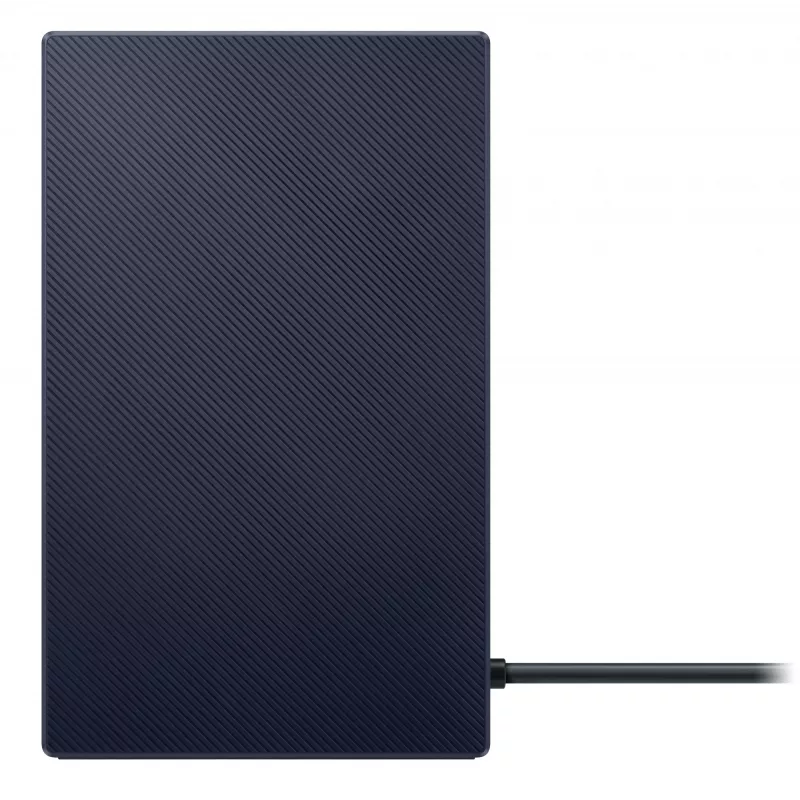
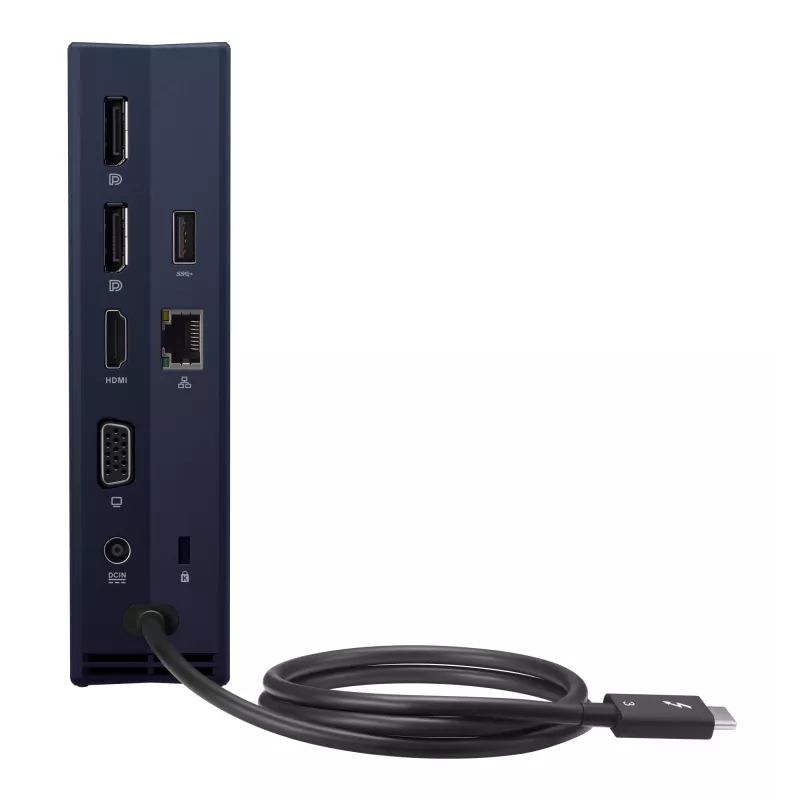
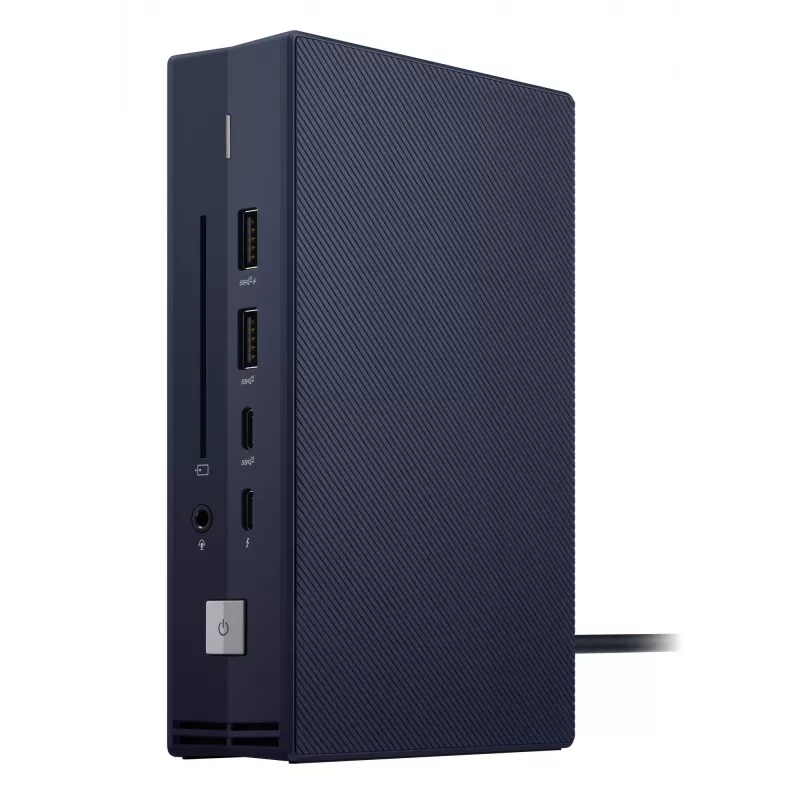
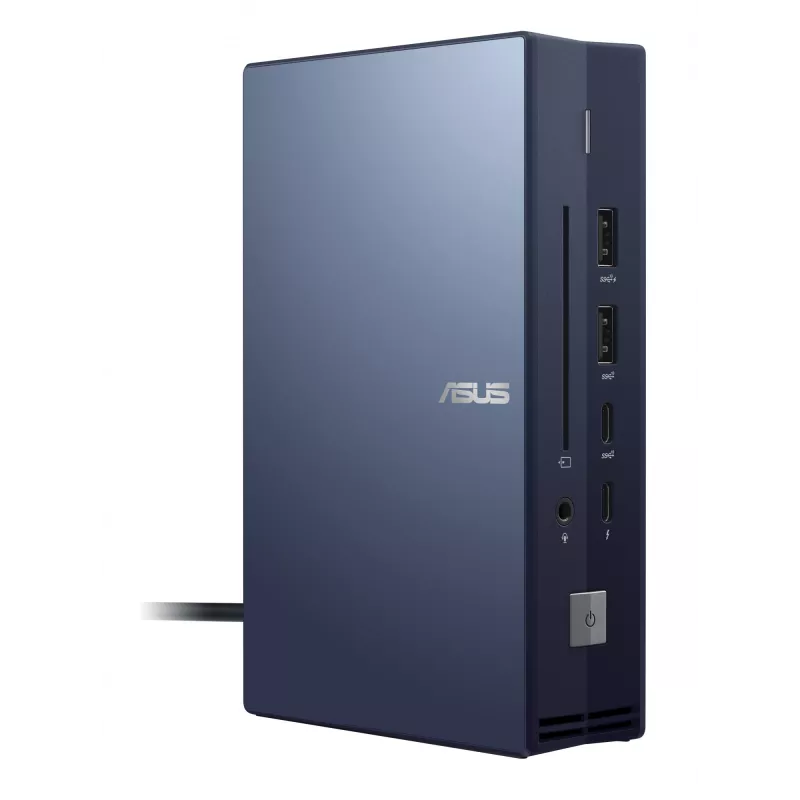
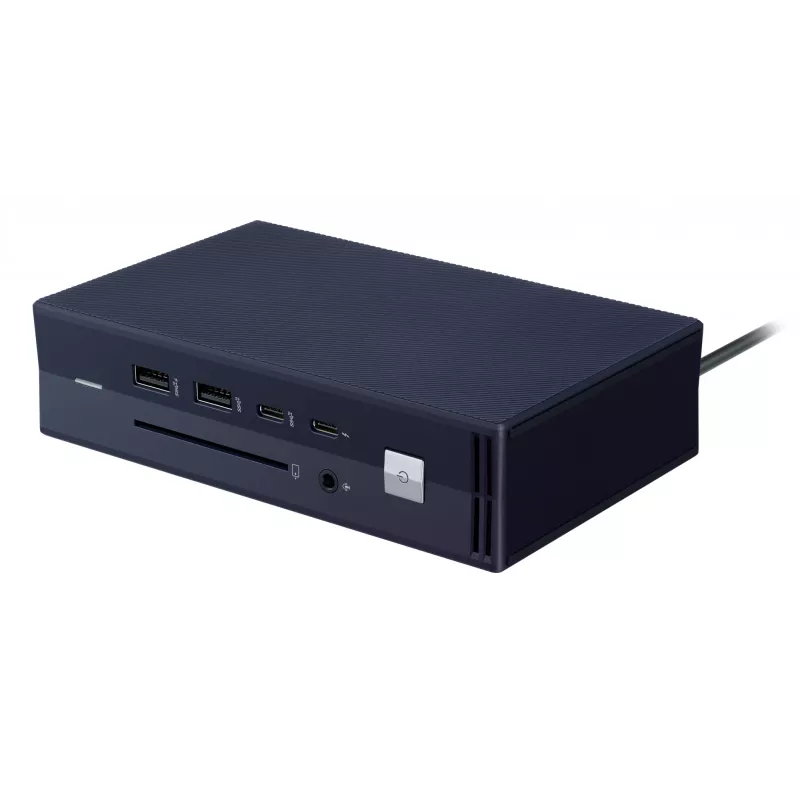
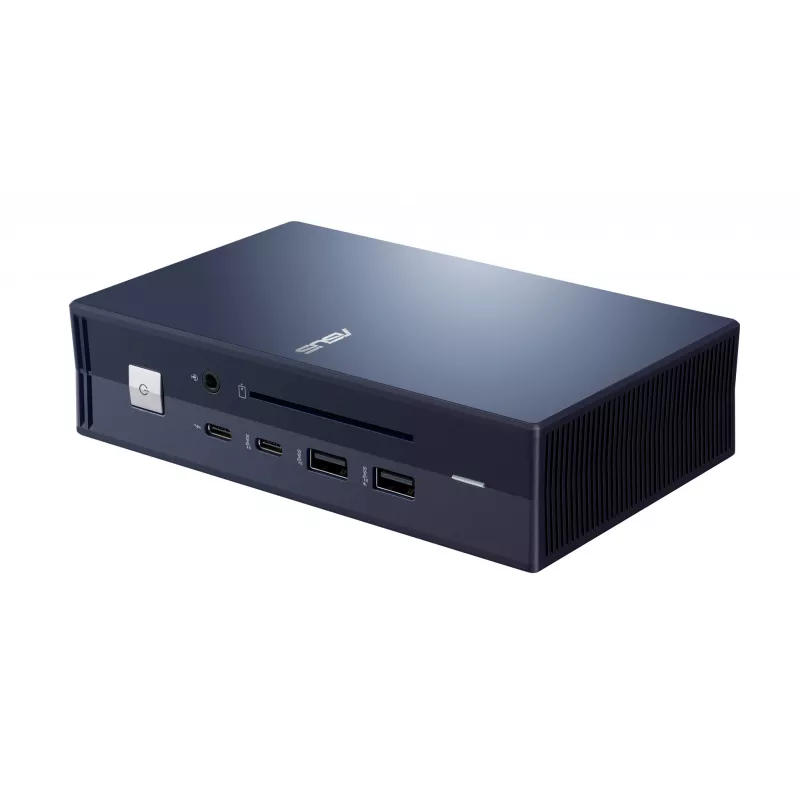
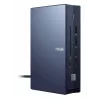
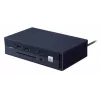
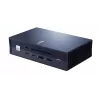
Docking station ASUS SimPro Dock 2 Wired Thunderbolt 3 — HDMI 2.0, DP 1.4, VGA, 3x USB-A, TB3 host, Gigabit Ethernet, Kensington lock

Docking station ASUS SimPro Dock 2 Wired Thunderbolt 3 — HDMI 2.0, DP 1.4, VGA, 3x USB-A, TB3 host, Gigabit Ethernet, Kensington lock
R3,141
Your one-stop connection stationASUS SimPro Dock 2 is a sleek, compact one-stop dock that streamlines laptop connectivity. Attach your laptop via a single cable and it’s powered, connected to your network and peripherals, and is primed for multitasking across up to four monitors — including an up to... Read More
Stock 320 Code 124259 Brand ASUS Model 90NX0460-P00030 Warranty 2 Years

Shipping & Returns

Estimated delivery Thursday, October 8
You will be kept updated through our detailed tracking system
Payment options
EFTPayFastBank CardSnapScanZapperGoogle PayApple PayMobicredMoreTymePay on Arrival
Your one-stop connection station
ASUS SimPro Dock 2 is a sleek, compact one-stop dock that streamlines laptop connectivity. Attach your laptop via a single cable and it’s powered, connected to your network and peripherals, and is primed for multitasking across up to four monitors — including an up to 8K display. It also has an integrated smart card reader for a diverse array of business. Simply, SimPro Dock 2 keeps your desk neat, tidy and organized while setting you up for work in the blink of an eye.

Productivity
One cable, unlimited possibilities
With extensive connectivity and compatibility with a broad range of both ASUS and other laptops, SimPro Dock 2 is the easy way to connect to extra data, power, peripherals, security and management tools. Just link to your laptop via a single USB-C cable and it’s instantly hooked up to your customized computing environment.

Advanced networking, management and security
Apart from connecting to wired network easily, SimPro Dock 2 helps facilitate your company’s IT management and keep your information safe and productivity high, with MAC address pass-through, remote port-disablement and Wake-on-LAN.

Loaded with connectivity
A total of five USB connections ensures easy connectivity and compatibility with a vast array of peripherals, including external hard drives, printers and scanners. SimPro Dock 2 also has Thunderbolt™ 3 for ultrafast up to 40 Gbps data transfer speeds, fast charging and video output. There’s even USB 3.2 Gen 2 Type-A that can fast-charge everyday devices, such as smartphones and tablets.

Smart card applications, empowered
With a built-in smart card reader, SimPro Dock 2 enables user authentication and security for a diverse array of business applications, from credit card-based financial transactions to identification verification for tax-filing purposes or access to personal data on government websites.

Power your day
SimPro Dock 2 supports up to 6A of power throughput for rapid charging, and has a built-in 0.6 m cable for quick, convenient connection to your laptop. It provides up to 120W power for compatible laptops, for improved power delivery and charging efficiency.

Maximize the workspace without bounds
Connect up to four displays1 at once, making it easier to manage multiple applications and extend your workspace. When attached to a laptop that supports Display Stream Compression (DSC), SimPro Dock 2 supports up to one 8K display — delivering crisp and detailed visuals. It also has DisplayPort™ 1.4, HDMI™ 2.0, traditional VGA connectivity, giving you the freedom to connect to also any display you need. As well, SimPro Dock 2’s DisplayPort functionality includes support for Multi-Steam Transport (MST), allowing multiple displays to be connected to a single DisplayPort socket.

Design
Connectivity empowered
SimPro 2 Dock is loaded with diverse ports, slots and jacks, so it’s ready to connect almost any device you need — today or tomorrow.

Connectivity
Your workspace, tidied
SimPro Dock 2 brings all those cables together, keeping your workspace neat and tidy. It’s also a compact little device, occupying barely more space than a smartphone.

Reliability
One-button operation
Once connected, all it takes is one touch of the SimPro Dock 2 power button to fire up your laptop. The integrated LED lets you know when laptop’s synced up, so you know when you’re good to go.

Software
Simple, smart software
SimPro Dock 2 includes simple, smart software to help you get set up. Pop-up messages ease the selection of a network, for example, and the device will also show an alert if you happen to dock without the power connected.

Service
Maximum support, minimum effort
The ASUS Business Service Package offers solutions that extend beyond a standard warranty to meet the needs of business-critical IT environments. Comprehensive coverage protects more than just your hardware and allows you to customize a service solution that best meets the needs of your business.

How to use

Connect the SimPro Dock 2 to your laptop using the built-in 0.6 m USB-C cable. If needed, attach the dock to a wired network and plug in peripherals such as monitors, external drives, printers or scanners. Use the single power button on the dock to power up the connected laptop; the integrated LED indicates when the laptop is synchronized. For multi-monitor setups, connect displays to the DisplayPort, HDMI or VGA outputs and configure display settings on your laptop. When required, insert a smart card into the built-in reader for authentication or secure transactions.

Recommendations

For optimal performance, use a laptop that supports USB-C power delivery and Display Stream Compression (DSC) to enable the highest display resolutions. Ensure firmware and drivers are up to date and connect compatible cables (DisplayPort 1.4 or Thunderbolt 3) for best video and data throughput. For managed environments, configure Wake-on-LAN and remote management settings through your IT tools.

Key Highlights
  • Single USB-C connection for power, data and video
  • Support for up to four displays; up to one 8K display with DSC
  • Display outputs: DisplayPort 1.4 (with MST), HDMI 2.0, VGA
  • Thunderbolt 3: up to 40 Gbps data transfer
  • Five USB ports including USB 3.2 Gen 2 Type-A (fast-charge capable)
  • Integrated smart card reader for authentication
  • Wired network support with MAC address pass-through
  • Power delivery: up to 120W to compatible laptops; up to 6A throughput
  • Built-in 0.6 m cable; compact footprint
Specifications
Brand compatibility
Asus
Cable lock slot
Yes
Cable lock slot type
Kensington
Charging function
Yes
Combo headphone/mic port
Yes
Compatibility
ASUS ExpertBook P / B / L
Connectivity technology
Wired
DC-in jack
Yes
Depth
99 mm
DisplayPort version
1.4
DisplayPorts quantity
2
Ethernet LAN
Yes
Ethernet LAN (RJ-45) ports
1
Ethernet LAN data rates
10,100,1000 Mbit/s
HDMI ports quantity
1
HDMI version
2.0
Height
161.5 mm
Host interface
Thunderbolt 3
Maximum analog resolution
1920 x 1080 pixels
Maximum digital resolution
7680 x 4320 pixels
On/off switch
Yes
Power source type
DC
Product colour
Black, Blue
Quantity per pack
1 pc(s)
Thunderbolt 3 ports quantity
1
USB 2.0 ports quantity
0
USB 3.2 Gen 1 (3.1 Gen 1) Type-A ports quantity
1
USB 3.2 Gen 2 (3.1 Gen 2) Type-A ports quantity
2
USB 3.2 Gen 2 (3.1 Gen 2) Type-C ports quantity
1
VGA (D-Sub) ports quantity
1
Weight
650 g
Width
40.6 mm

Manual

Open Manual

Leaflet

Open Leaflet
Price history over the last 6 months
Docking station ASUS SimPro Dock 2 Wired Thunderbolt 3 — HDMI 2.0, DP 1.4, VGA, 3x USB-A, TB3 host, Gigabit Ethernet, Kensington lock
Current
R3,141
Lowest
R2,611
Highest
R3,230
Change 24H
-R57   -2%
Week
+R329   +12%
Month
+R318   +11%

Popular products in this category

WhatsApp
Hi, I’m DistriNode’s AI assistant. I can help you find products, compare options, create quote PDFs, or open support requests.