Account Contact
Your Cart
Pay the courier with no extra fees.
Need help? DistriNode AI can handle any task on our site.

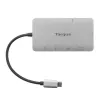
Docking Station Targus DOCK419 Wired USB 3.2 Gen 1 Type-C Grey

Docking Station Targus DOCK419 Wired USB 3.2 Gen 1 Type-C Grey
R1,352
Turn your USB-C port into a single HDMI or VGA output with this compact USB-C DP Alt Mode Single Video 4K HDMI/VGA Docking Station with 100W PD Pass-Thru. The dock connects a USB-C–enabled laptop or device to one external display (HDMI up to 4K@30Hz or VGA up to 1920x1200@60Hz), provides Gigabit Eth... Read More
Stock 2 Code 116132 Brand TARGUS Model DOCK419EUZ Warranty 2 Years

Shipping & Returns

Estimated delivery Monday, October 5
You will be kept updated through our detailed tracking system
Payment options
EFTPayFastBank CardSnapScanZapperGoogle PayApple PayMobicredMoreTymePay on Arrival

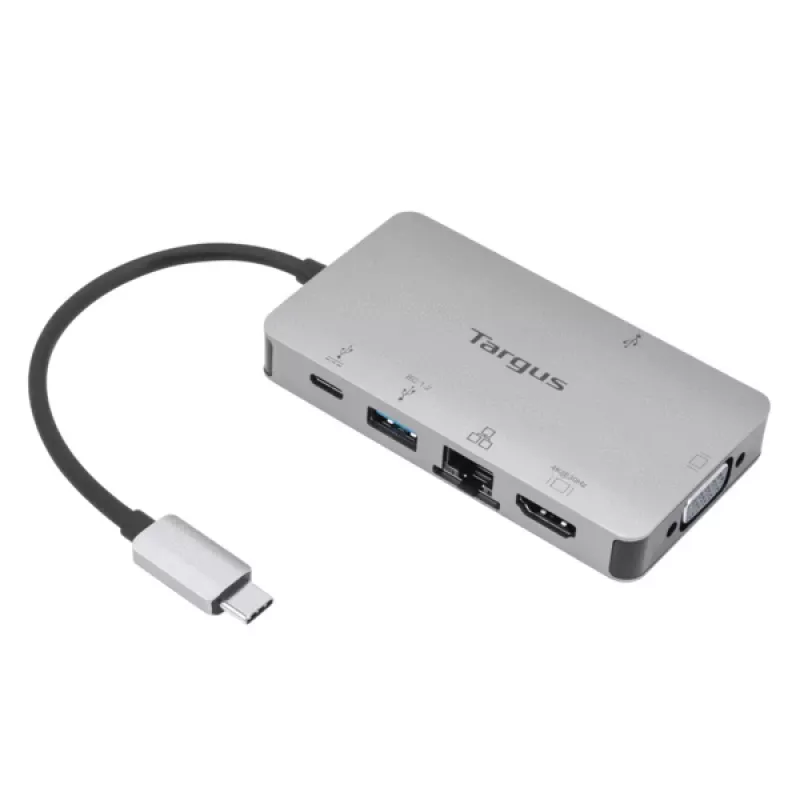
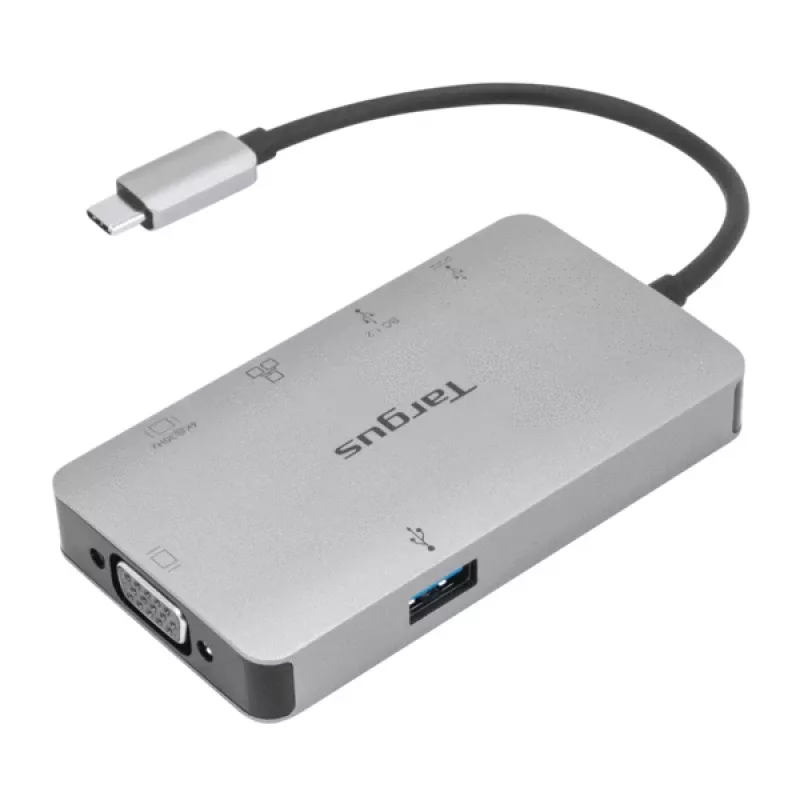
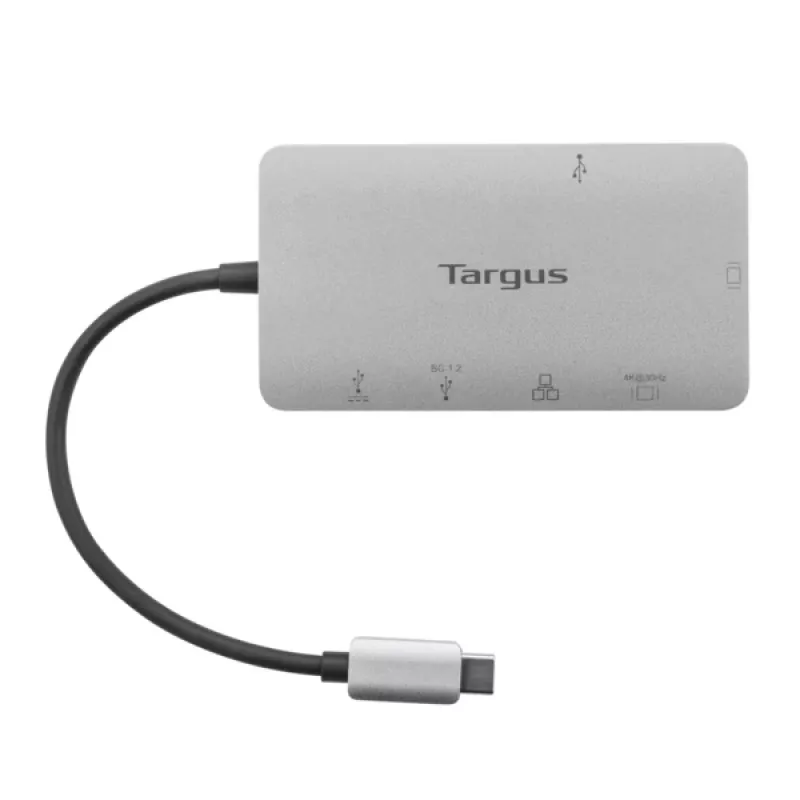
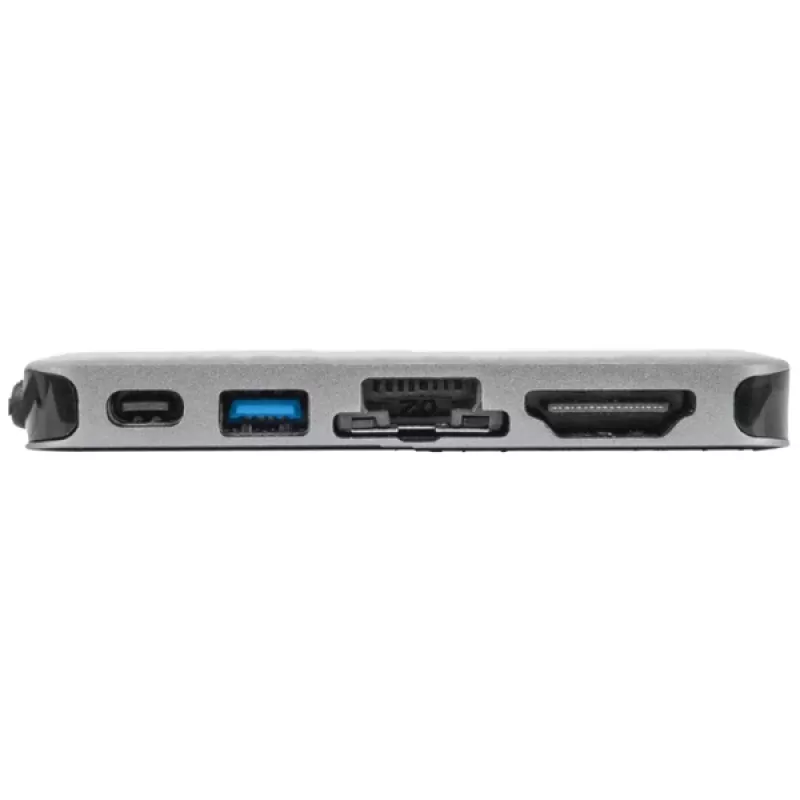
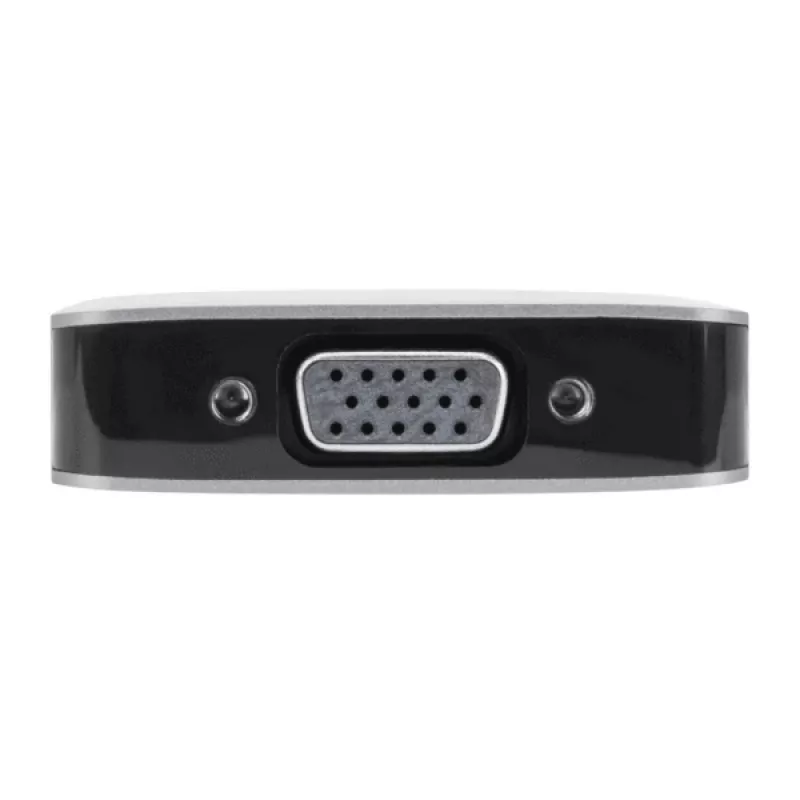
Turn your USB-C port into a single HDMI or VGA output with this compact USB-C DP Alt Mode Single Video 4K HDMI/VGA Docking Station with 100W PD Pass-Thru. The dock connects a USB-C–enabled laptop or device to one external display (HDMI up to 4K@30Hz or VGA up to 1920x1200@60Hz), provides Gigabit Ethernet, and offers multiple USB ports for peripherals and external storage. It supports Power Delivery pass-through up to 100W (20V/5A) so you can keep your laptop charged while using the dock. The unit is lightweight and portable for travel and mobile work.

Advantages

This single video dock converts a USB-C DP Alt Mode port to an external HDMI or VGA display while simultaneously adding wired networking and peripheral connectivity. It delivers up to 100W PD pass-through to charge compatible laptops and provides data transfer speeds up to 5 Gbps per USB port. The compact, plug-and-play design requires no extra software and is easy to carry between home, office, and remote locations.

Key specifications

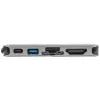
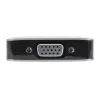
  • Video output: 1× HDMI up to 4K@30Hz or 1× VGA up to 1920×1200@60Hz
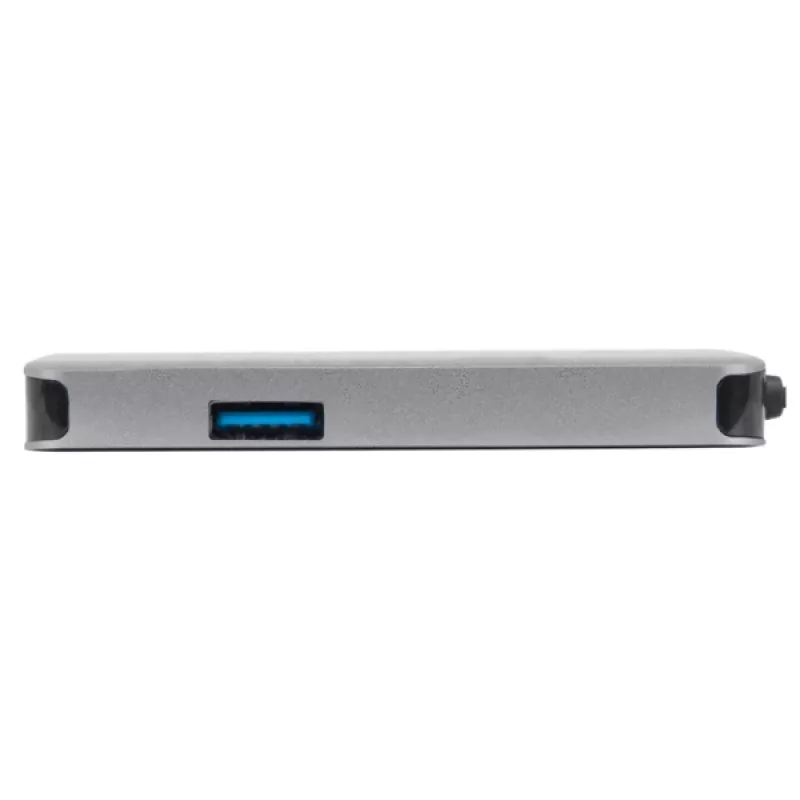
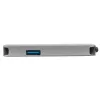
  • USB ports: 2× USB-A 3.2 Gen 1 (one with fast-charging), 1× USB-C 3.2 Gen 1
  • Ethernet: Gigabit Ethernet (RJ45)
  • Power Delivery: pass-through up to 100W (20V/5A)
  • Data transfer: up to 5 Gbps per USB port
  • Compatibility: USB-C host with DP Alt Mode or Thunderbolt 3 (host must support display over USB-C)
  • Dimensions / weight: compact, lightweight design for portability

How to use

Connect the dock to your laptop’s USB-C port that supports DP Alt Mode or Thunderbolt 3. Attach an HDMI or VGA cable from the dock to a single external monitor depending on the desired resolution. Plug an Ethernet cable if wired network access is required, and connect mice, keyboards, flash drives, or external drives to the USB-A or USB-C ports. To charge the host device while using the dock, connect the laptop’s USB-C power adapter to the dock’s USB-C PD input; the dock supports up to 100W pass-through.

Recommendations

For best results, use a USB-C power adapter that can supply up to 100W and confirm your laptop’s USB-C port supports DP Alt Mode. If you need higher display refresh or dual-monitor support, consider a multi-video docking solution.
Key Highlights
  • Connect one external HDMI display (max resolution 4K@30Hz) or one VGA display (max resolution 1920x1200@60Hz)*
  • Connect quickly and securely to the internet with the Gigabit Ethernet port
  • Add 2 USB-A 3.2 Gen 1 ports (1 fast charging)** and 1 USB-C 3.2 Gen 1 port to your host
  • Supports up to 5Gbps data transfer rate per USB-A or USB-C port
  • Connect a USB-C device or power adapter to the USB-C port
  • USB-C (3.2 Gen 1 SuperSpeed 5Gbps) port supports power delivery pass-through
  • USB-C (3.2 Gen 1 SuperSpeed) connector supports power delivery up to 100W upstream and Power Delivery 3.0 Fast Role Swap*****
  • Thunderbolt™ 3 host compatible
  • Windows®, MacOS®, ChromeOS™ compatible
  • Wired
  • Host interface: USB 3.2 Gen 1 (3.1 Gen 1) Type-C
  • USB Power Delivery (USB PD)
  • Ethernet LAN 10,100,1000 Mbit/s 10BASE-T, 100BASE-TX, 1000BASE-T
  • Plug and Play
Specifications
Connectivity technology
Wired
Copper ethernet cabling technology
10BASE-T, 100BASE-TX, 1000BASE-T
Depth
52 mm
Ethernet LAN
Yes
Ethernet LAN (RJ-45) ports
1
Ethernet LAN data rates
10,100,1000 Mbit/s
Harmonized System (HS) code
84733020
HD type
4K Ultra HD
HDMI ports quantity
1
Headphone outputs
0
Height
14 mm
Host interface
USB 3.2 Gen 1 (3.1 Gen 1) Type-C
Mac operating systems supported
Yes
Microphone in
No
Networking standards
IEEE 802.3, IEEE 802.3ab, IEEE 802.3u
Other operating systems supported
ChromeOS
Plug and Play
Yes
Power connector
USB Type-C
Power source type
USB
Product colour
Grey
Quantity per pack
1 pc(s)
USB 2.0 ports quantity
0
USB 3.2 Gen 1 (3.1 Gen 1) Type-A ports quantity
2
USB 3.2 Gen 1 (3.1 Gen 1) Type-C ports quantity
1
USB Power Delivery (USB PD)
Yes
USB Power Delivery revision
3.0
USB Power Delivery up to
100 W
VGA (D-Sub) ports quantity
1
Weight
82 g
Width
95 mm
Windows operating systems supported
Yes

Manual

Open Manual

Leaflet

Open Leaflet
Price history over the last 6 months
Docking Station Targus DOCK419 Wired USB 3.2 Gen 1 Type-C Grey
Current
R1,352
Lowest
R1,195
Highest
R1,353
Change 24H
+R10   +1%
Week
+R105   +8%
Month
+R32   +2%

Popular products in this category

WhatsApp
Hi, I’m DistriNode’s AI assistant. I can help you find products, compare options, create quote PDFs, or open support requests.