Account Contact
Your Cart
Pay the courier with no extra fees.
Need help? DistriNode AI can handle any task on our site.

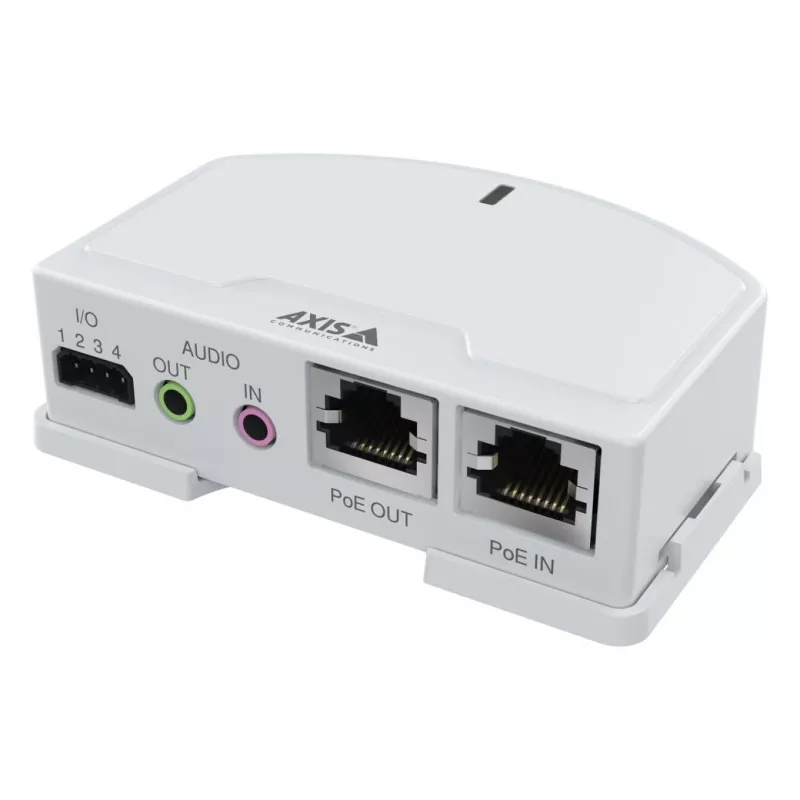
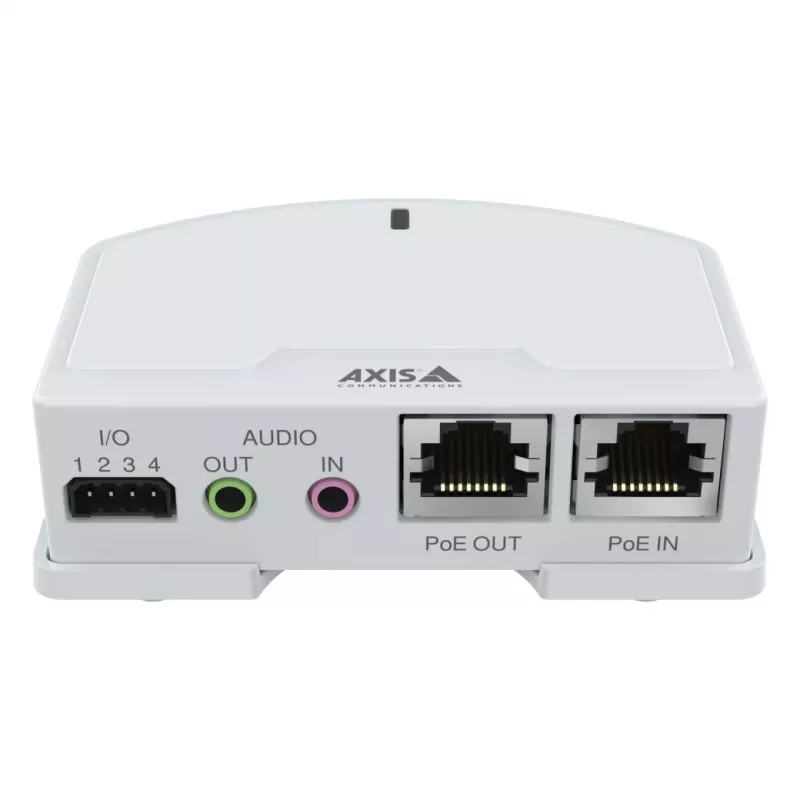
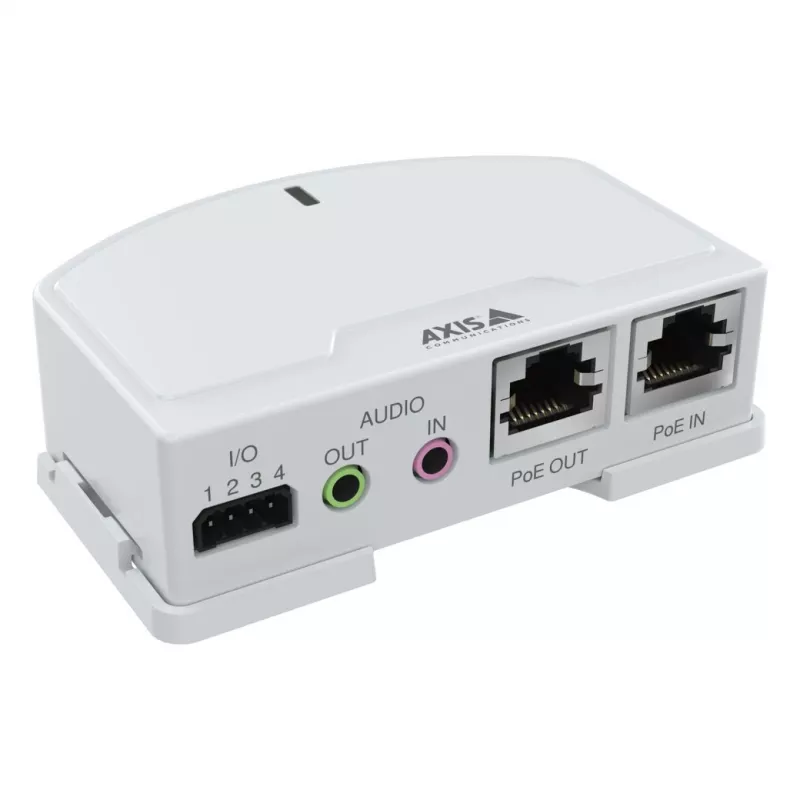
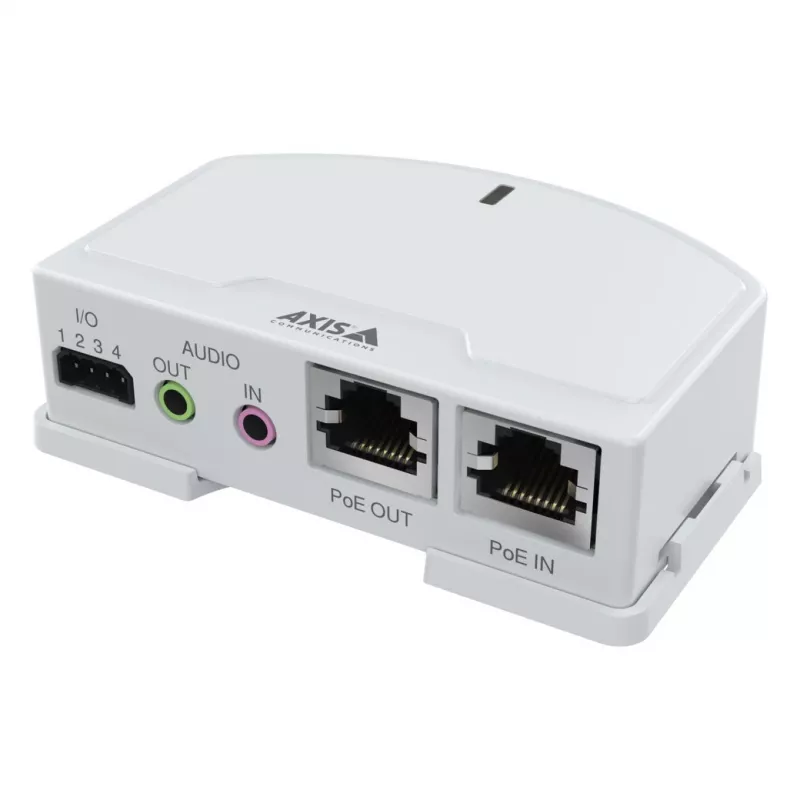
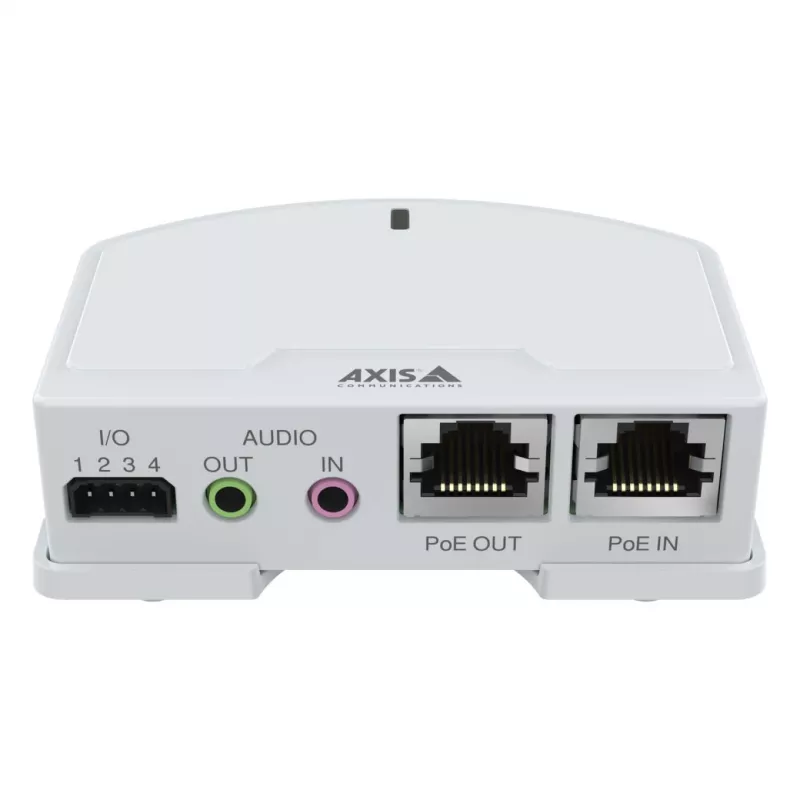
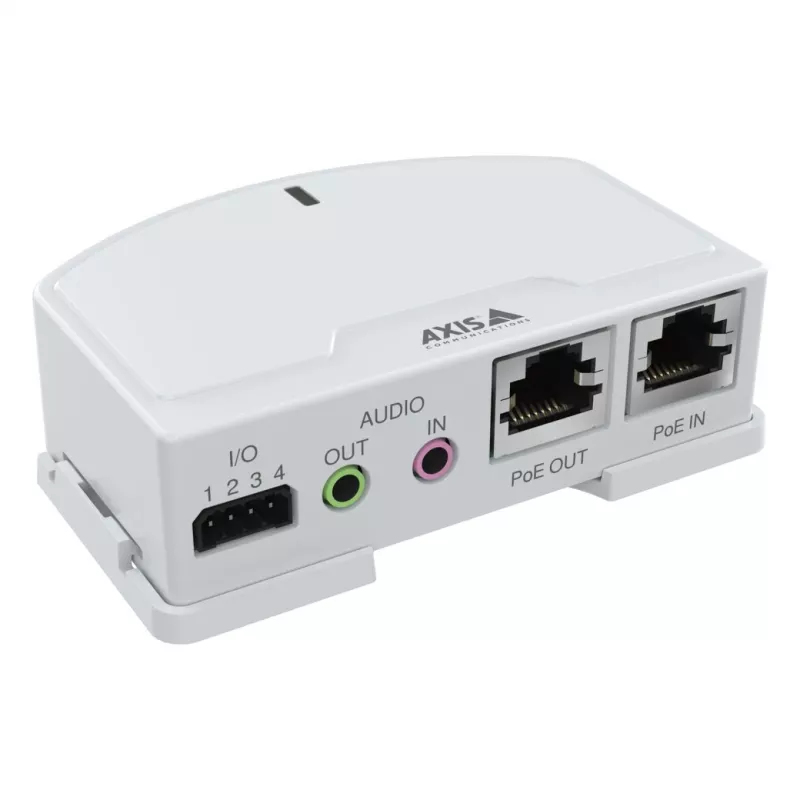
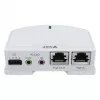
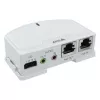
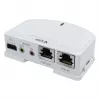
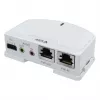
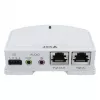
Digital/Analogue I/O Module Axis 02553-001 12V 50mA

Digital/Analogue I/O Module Axis 02553-001 12V 50mA
60 mo.
Digital/Analogue I/O Module Axis 02553-001 12V 50mA
R3,167
AXIS T6101 Mk II Audio and I/O Interface adds two-way audio and I/O connectivity to Axis network cameras that lack built-in audio or input/output ports. Using Portcast technology, the interface leverages the camera’s IP address so audio and I/O behave as if integrated into the camera, allowing audio... Read More
Stock 1 Code 1210782 Brand AXIS Model 02553-001 Warranty 5 Years

Shipping & Returns

Estimated delivery Tuesday, October 6
You will be kept updated through our detailed tracking system
Payment options
EFTPayFastBank CardSnapScanZapperGoogle PayApple PayMobicredMoreTymePay on Arrival

AXIS T6101 Mk II Audio and I/O Interface adds two-way audio and I/O connectivity to Axis network cameras that lack built-in audio or input/output ports. Using Portcast technology, the interface leverages the camera’s IP address so audio and I/O behave as if integrated into the camera, allowing audio and video to be streamed together over the network. The unit can be placed anywhere between the network switch and the camera to provide ports at the preferred location.

Advantages

The AXIS T6101 Mk II provides easy integration of two-way audio and I/O without modifying the camera, preserves a single network stream for audio and video via Portcast technology, and offers flexible installation between switch and camera to place ports where required.

Key specifications

  • Connectivity: two-way audio and general-purpose I/O
  • Technology: Portcast (uses camera IP address)
  • Network: integrates audio and video into a single network stream
  • Installation: installs between switch and Axis camera

How to use

Connect the AXIS T6101 Mk II to the network between the switch and the Axis camera, configure the camera/IP settings as required so the interface can use the camera’s IP via Portcast, then connect microphones, speakers or I/O devices to the interface ports. Verify audio and I/O operation through the camera’s management interface or supporting VMS.

Recommendations

Check compatibility with your Axis camera model and firmware version before installation, and follow Axis installation and network security guidelines when placing the device on the network.
Key Highlights
  • Connectivity: two-way audio and general-purpose I/O
  • Technology: Portcast (uses camera IP address)
  • Network: integrates audio and video into a single network stream
  • Installation: installs between switch and Axis camera
Specifications
Certification
CE
Ethernet LAN (RJ-45) ports
2
Module type
Digital
Nominal output voltage
12
Operating temperature (T-T)
-40 - 50
Power consumption
50 mA
Relative humidity
10 - 85
Signal direction
Input/output
Storage temperature (T-T)
-40 - 65

Leaflet

Open Leaflet

Document

Open Document

Document

Open Document
Price history over the last 6 months
Digital/Analogue I/O Module Axis 02553-001 12V 50mA
Current
R3,167
Lowest
R3,063
Highest
R3,547
Change 24H
+R10   +0%
Week
+R43   +1%
Month
+R85   +3%

Popular products in this category

WhatsApp
Hi, I’m DistriNode’s AI assistant. I can help you find products, compare options, create quote PDFs, or open support requests.