Account Contact
Your Cart
Pay on delivery – no extra fees
Need help? Ask our AI

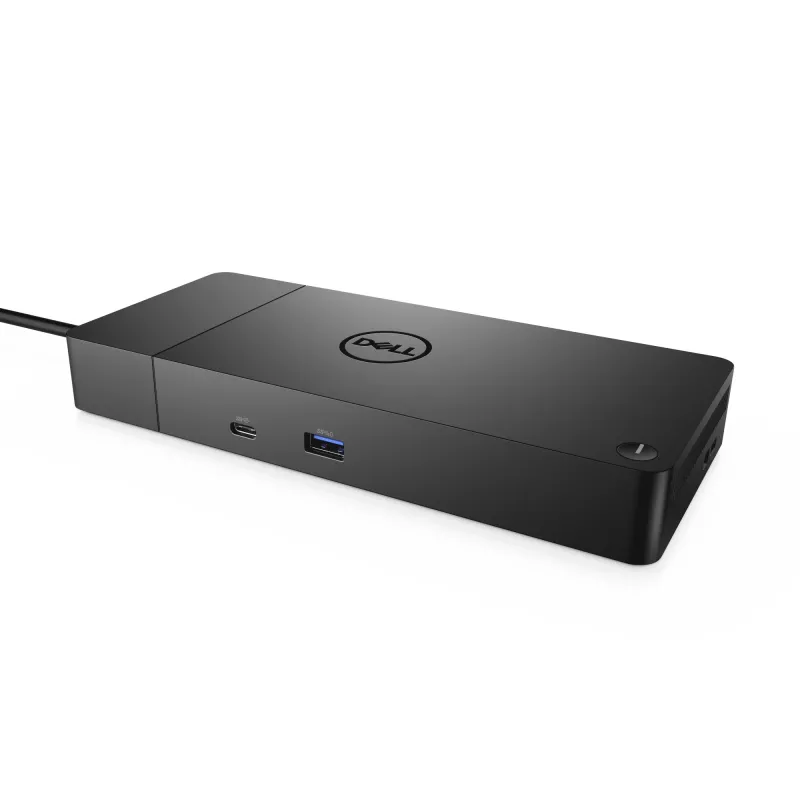
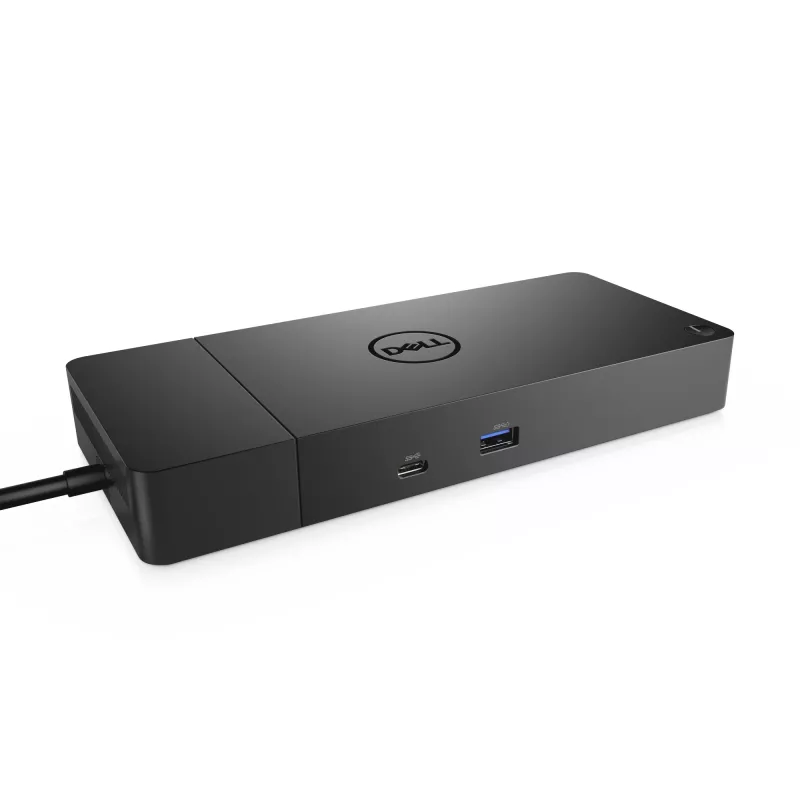
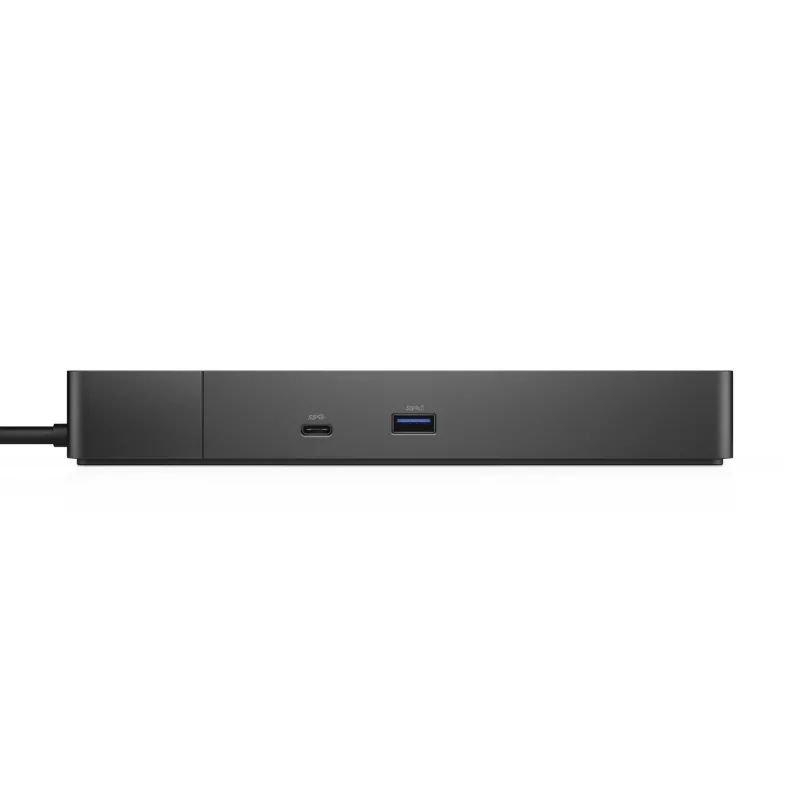
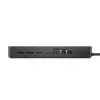
DELL WD19S-180W (without AC adaptor) Wired USB 3.2 Gen 2 (3.1 Gen 2) Type-C Black

DELL WD19S-180W (without AC adaptor) Wired USB 3.2 Gen 2 (3.1 Gen 2) Type-C Black
R6,552
The DELL WD19S-180W wired docking station extends a laptop's connectivity using USB 3.2 Gen 2 Type-C and delivers up to 180W power. This simplified variant of the WD19 180W omits 3.5 mm audio ports while retaining support for Gigabit Ethernet, a maximum digital resolution of 5120 x 2880, and a compa... Read More
Stock 50 Code 1465683 Brand DELL Model 4JXDM Warranty 2 Years

Shipping & Returns

Estimated delivery Thursday, November 5
You will be kept updated through our detailed tracking system
Payment options
EFTPayFastBank CardSnapScanZapperGoogle PayApple PayMobicredMoreTymePay on Arrival

The DELL WD19S-180W wired docking station extends a laptop's connectivity using USB 3.2 Gen 2 Type-C and delivers up to 180W power. This simplified variant of the WD19 180W omits 3.5 mm audio ports while retaining support for Gigabit Ethernet, a maximum digital resolution of 5120 x 2880, and a compact black design suited for office and home workspaces.

Advantages

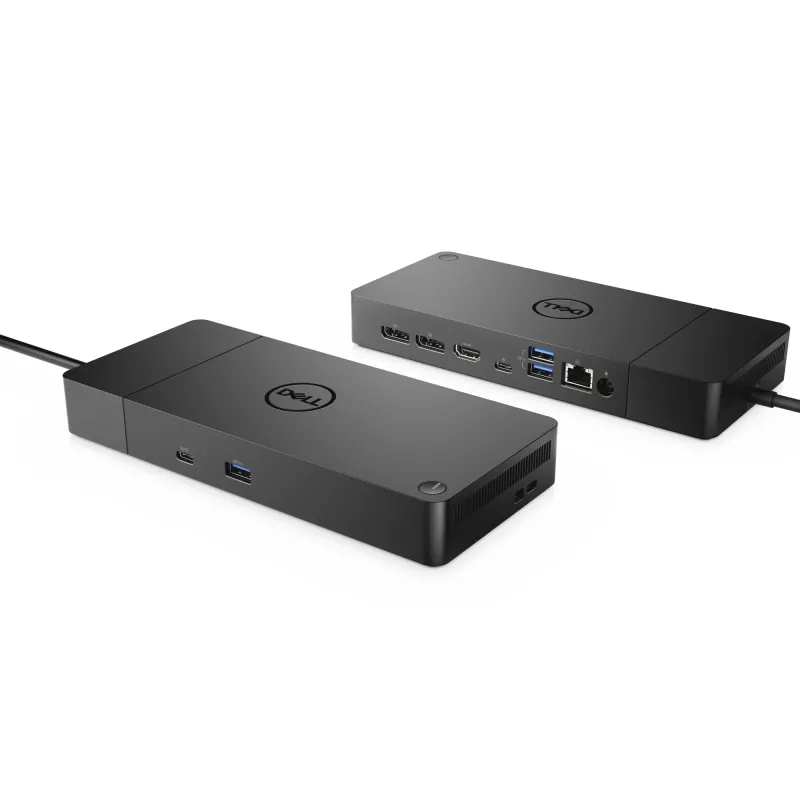
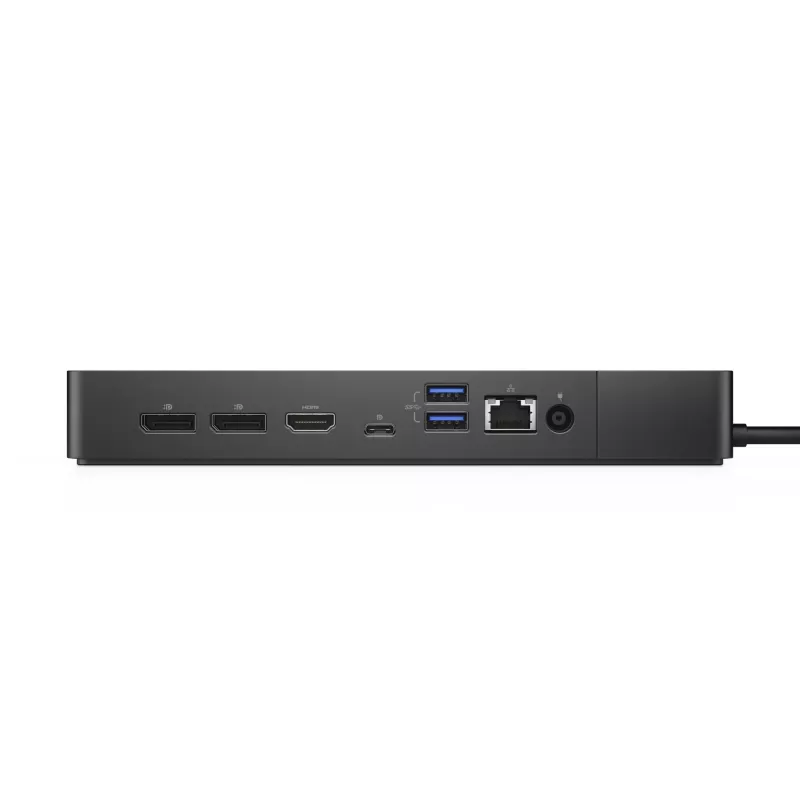
The dock provides high-speed USB 3.2 Gen 2 Type-C connectivity, multiple Type-A USB ports, a Gigabit RJ-45 port for stable network connections and an HDMI output for high-resolution displays. It supplies up to 180W power delivery to compatible laptops and supports broad Windows compatibility, all in a single wired unit that reduces cable clutter.

Suitable for

  • Office workstations requiring multiple peripherals and Ethernet connectivity
  • Home offices where a single USB-C connection should provide power and display output
  • Users who need support for high-resolution external monitors (up to 5120 x 2880)
  • Laptops compatible with USB-C power delivery and Windows-based systems

Key specifications

  • Model: DELL WD19S-180W (MPN 4JXDM)
  • Connectivity: Wired USB 3.2 Gen 2 Type-C
  • USB-A ports: 3 (USB 3.2 Gen 1 / 3.1 Gen 1)
  • Ethernet: 1 x RJ-45 (10/100/1000 Mbit/s)
  • HDMI: 1 port
  • Maximum digital resolution: 5120 x 2880 pixels
  • Power delivery: up to 180W (DC power source, AC input 120–230 V)
  • Colour: Black
  • Weight: 0.585 kg

How to use

Connect the docking station to a compatible laptop using the supplied USB-C cable. Attach peripherals such as external monitors via HDMI, wired networks via the RJ-45 Ethernet port, and USB devices to the Type-A ports. Ensure the dock is connected to its DC power adapter and an appropriate AC source (120–230 V) to enable power delivery to the laptop and connected devices.

Recommendations

For optimal performance, use the original Dell power adapter and a USB-C cable rated for power delivery and high-speed data. Verify your laptop supports USB-C power delivery and the required display protocols for the desired external resolution.
Key Highlights
  • Office workstations requiring multiple peripherals and Ethernet connectivity
  • Home offices where a single USB-C connection should provide power and display output
  • Users who need support for high-resolution external monitors (up to 5120 x 2880)
  • Laptops compatible with USB-C power delivery and Windows-based systems
  • Model: DELL WD19S-180W (MPN 4JXDM)
  • Connectivity: Wired USB 3.2 Gen 2 Type-C
  • USB-A ports: 3 (USB 3.2 Gen 1 / 3.1 Gen 1)
  • Ethernet: 1 x RJ-45 (10/100/1000 Mbit/s)
  • HDMI: 1 port
  • Maximum digital resolution: 5120 x 2880 pixels
  • Power delivery: up to 180W (DC power source, AC input 120–230 V)
  • Colour: Black
  • Weight: 0.585 kg
Specifications
AC adapter included
No
AC input frequency
50 - 60 Hz
AC input voltage
120 - 230 V
Card reader integrated
No
Connectivity technology
Wired
DC-in jack
Yes
Depth
90 mm
DisplayPort version
1.4
DisplayPorts quantity
2
Ethernet LAN
Yes
Ethernet LAN (RJ-45) ports
1
Ethernet LAN data rates
10,100,1000 Mbit/s
Harmonized System (HS) code
84733020
HDMI ports quantity
1
HDMI version
2.0
Headphone outputs
0
Height
29 mm
Host interface
USB 3.2 Gen 2 (3.1 Gen 2) Type-C
LED indicators
Yes
Linux operating systems supported
Yes
Maximum digital resolution
5120 x 2880 pixels
Microphone in
No
On/off switch
Yes
Operating relative humidity (H-H)
10 - 80%
Operating temperature (T-T)
0 - 35 °C
Package depth
290 mm
Package height
62 mm
Package width
300 mm
Power cable length
1 m
Power source type
DC
Power supply
180 W
Product colour
Black
Quantity per pack
1 pc(s)
Storage relative humidity (H-H)
5 - 90%
Storage temperature (T-T)
-20 - 60 °C
USB 2.0 ports quantity
0
USB 3.2 Gen 1 (3.1 Gen 1) Type-A ports quantity
3
USB 3.2 Gen 2 (3.1 Gen 2) Type-C ports quantity
2
VESA mounting
Yes
Weight
585 g
Width
205 mm
Windows operating systems supported
Windows 10, Windows 10 Education, Windows 10 Education x64, Windows 10 Enterprise, Windows 10 Enterprise x64, Windows 10 Home, Windows 10 Home x64, Windows 10 IOT Core, Windows 10 IoT Enterprise, Windows 10 Pro, Windows 10 Pro x64, Windows 10 x64

Document

Open Document

Leaflet

Open Leaflet
Price history over the last 6 months
DELL WD19S-180W (without AC adaptor) Wired USB 3.2 Gen 2 (3.1 Gen 2) Type-C Black
Current
R6,552
Lowest
R6,301
Highest
R6,552
Change 24H
+R251   +4%
Week
—   
Month
—   

Popular products in this category

WhatsApp
Messenger
Hi, I’m DistriNode’s AI assistant. I can help you find products, compare options, create quote PDFs, or open support requests.
All categories