

Account Contact
Your Cart
Pay the courier with no extra fees.
Need help? DistriNode AI can handle any task on our site.

i-tec USB-C Triple Display Docking Station Gen 2 Power Delivery 100W Wired 3.2

i-tec USB-C Triple Display Docking Station Gen 2 Power Delivery 100W Wired 3.2
R2,859
A high-performance USB-C docking station of the new generation that supports output to up to three external monitors with resolutions up to 4K. Compatible with notebooks that have USB-C, USB4 or Thunderbolt 3/4 ports and works with current versions of major operating systems. The dock includes multi... Read More
Stock 49 Code 101730 Brand I-TEC Model C31TRIPLE4KDOCKPD Warranty 2 Years

Shipping & Returns

Estimated delivery Monday, October 5
You will be kept updated through our detailed tracking system
Payment options
EFTPayFastBank CardSnapScanZapperGoogle PayApple PayMobicredMoreTymePay on Arrival

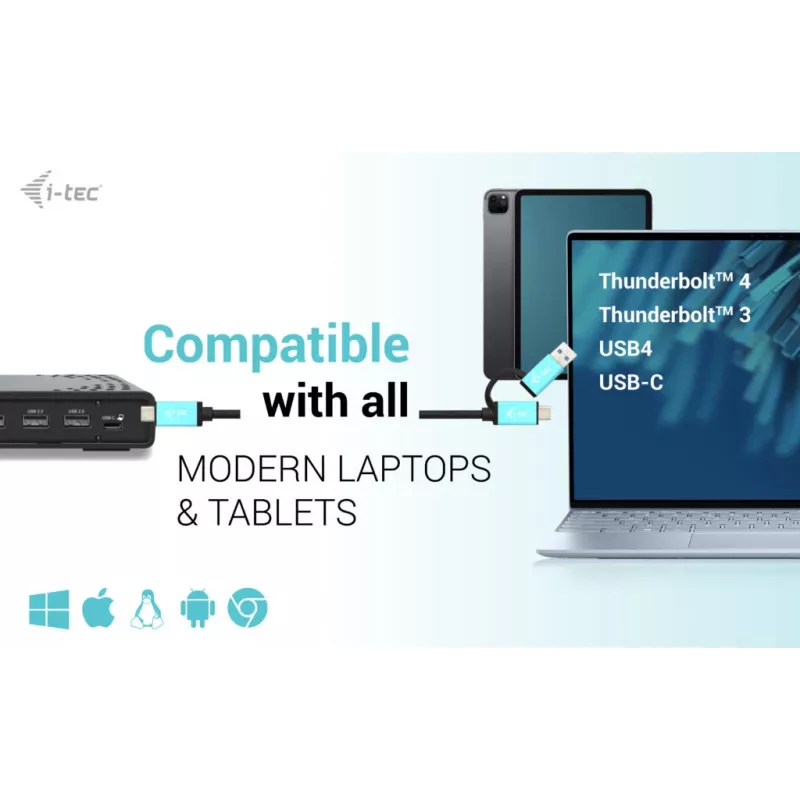
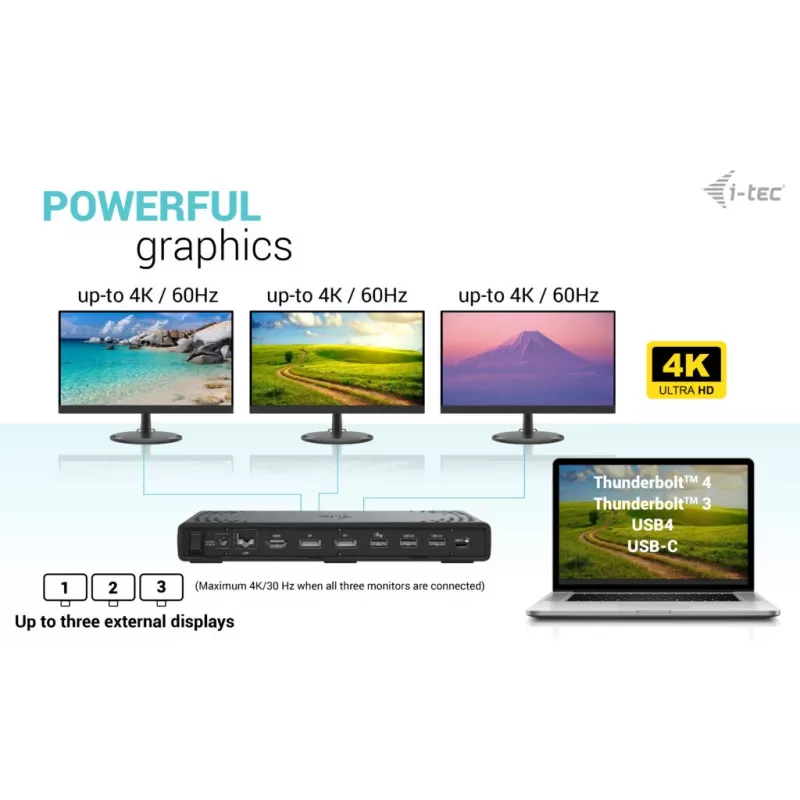
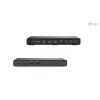
A high-performance USB-C docking station of the new generation that supports output to up to three external monitors with resolutions up to 4K. Compatible with notebooks that have USB-C, USB4 or Thunderbolt 3/4 ports and works with current versions of major operating systems. The dock includes multiple USB ports (some supporting Gen 2 speeds up to 10 Gb/s), an integrated Gigabit Ethernet port for stable wired network connection, and the option to mount the dock behind a VESA-compatible monitor. It also provides power delivery to charge a laptop or tablet with up to 100 W.

Advantages

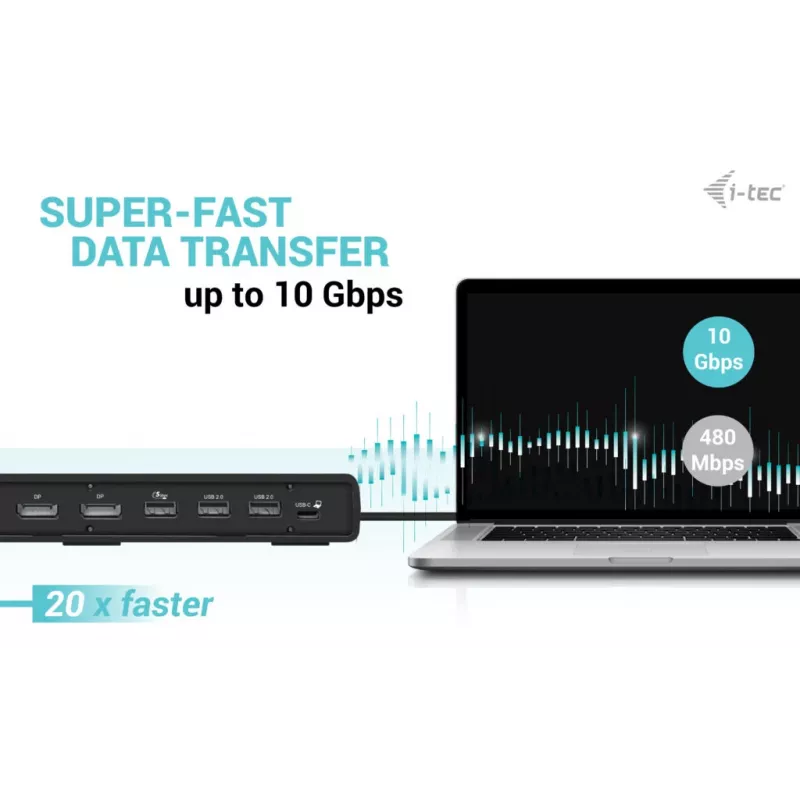
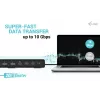
Supports connection of up to three external displays in high resolution, offers fast wired LAN through an RJ-45 Gigabit Ethernet port, and supplies power delivery up to 100 W. Multiple USB ports include USB-C and USB-A options with Gen 2 (10 Gb/s) and Gen 1 (5 Gb/s) speeds and BC 1.2 fast-charging support. The dock features a combo audio/microphone jack, Kensington lock for physical security, a power switch to save energy, and VESA mounting compatibility for installation behind a monitor.

Key specifications

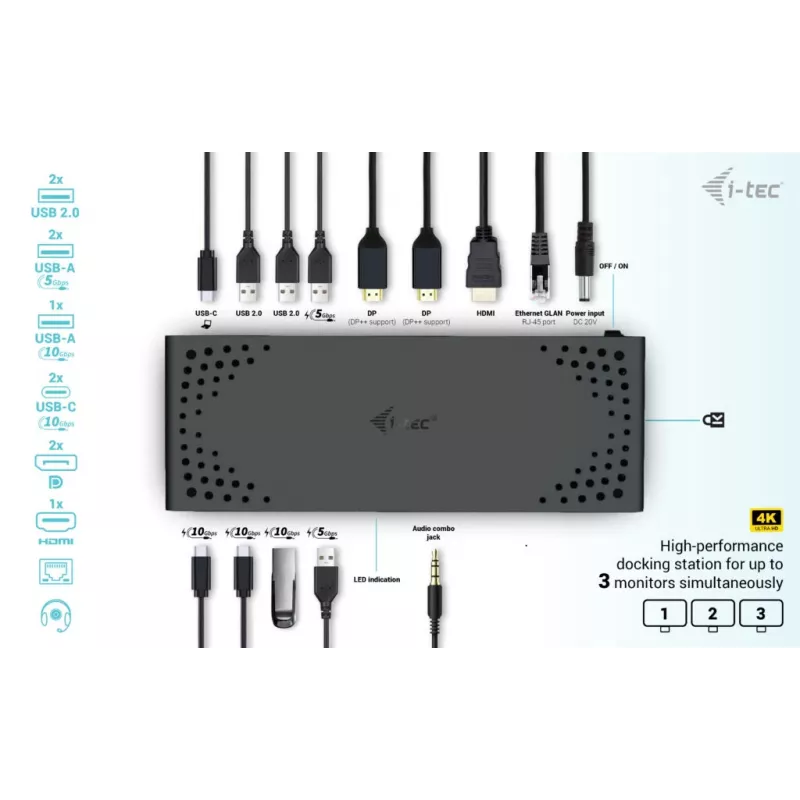
  • External displays: up to 3 monitors, up to 4K resolution
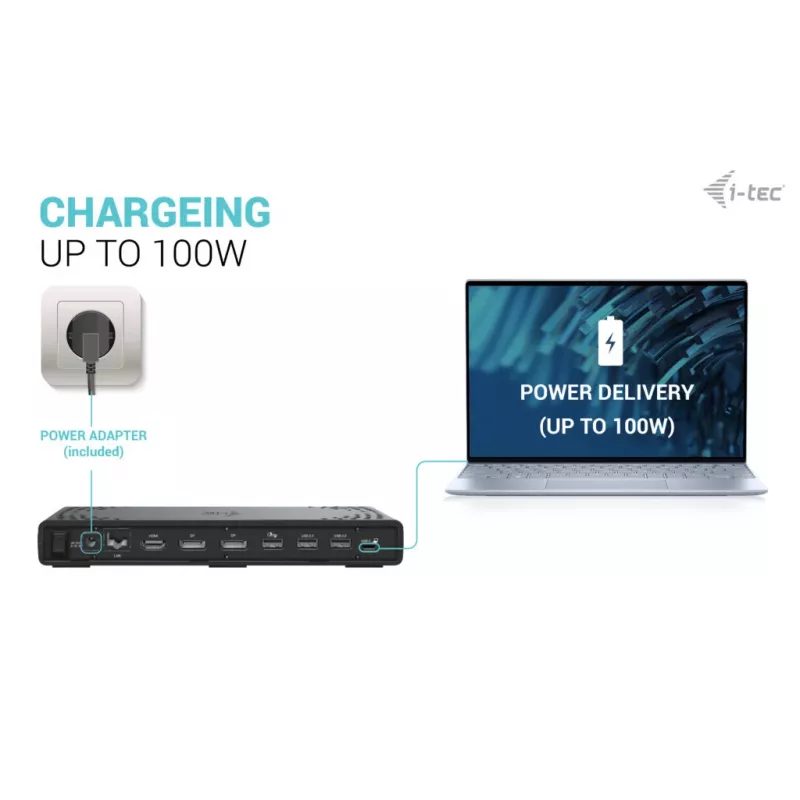
  • Power delivery: up to 100 W
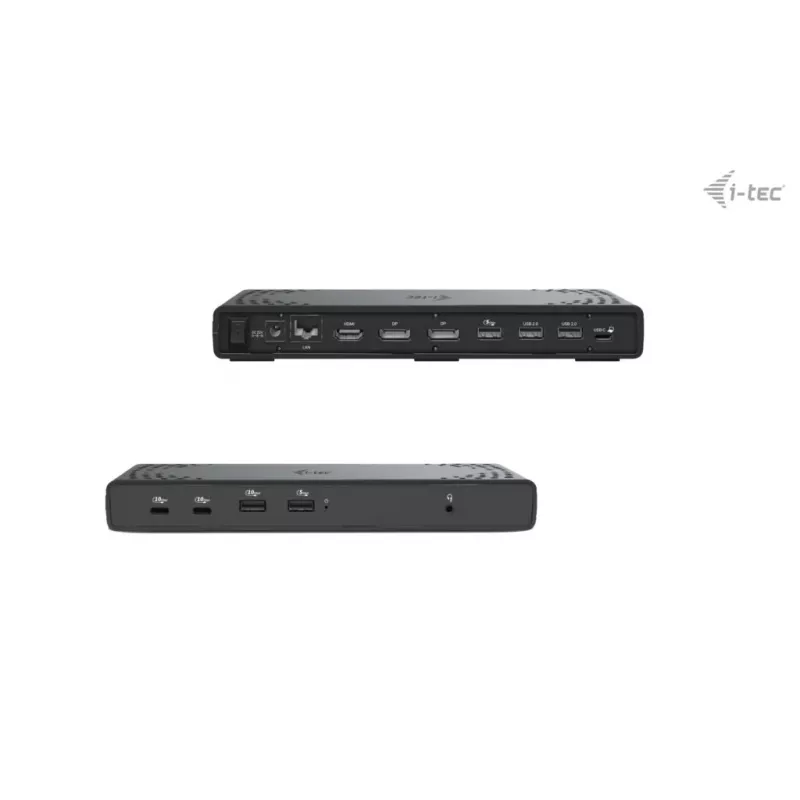
  • Video outputs: 2 × DisplayPort, 1 × HDMI
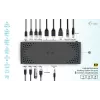
  • USB ports: 7 total — 2 × USB-C (10 Gb/s) with BC 1.2, 1 × USB-A Gen 2 (10 Gb/s) with BC 1.2, 2 × USB-A Gen 1 (5 Gb/s) with BC 1.2, 2 × USB 2.0
  • Ethernet: Gigabit RJ-45 (10/100/1000 Mbps)
  • Audio: combo jack for headset/microphone
  • Security: Kensington lock slot
  • Extras: docking station power switch, VESA mount support for behind-monitor installation
  • Compatible OS: Windows 10/11, macOS, iPadOS, Android, Chrome OS, Linux (with latest updates)
  • Note: macOS does not support MST; connecting two or more monitors on macOS will mirror the same image

How to use

Connect the docking station to your notebook using the USB-C/Thunderbolt cable. Attach external monitors to the DisplayPort and HDMI outputs, connect peripherals to the USB ports, plug in an Ethernet cable if wired network access is required, and connect power to enable laptop charging up to 100 W. If mounting behind a VESA-compatible monitor, use the VESA bracket and secure the dock according to the monitor manufacturer's instructions. Use the docking station power switch to turn the dock on or off as needed and secure the device with a Kensington lock when required.

Recommendations

For multi-monitor setups on macOS, note the operating system limitation: macOS does not support Multi Stream Transport (MST), so multiple connected monitors will show identical content. For best results with three independent displays, use a notebook and graphics configuration that supports multiple outputs over USB-C/Thunderbolt or consult your device manufacturer.
Key Highlights
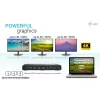
  • High-performance docking station for up to three monitors simultaneously
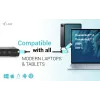
  • Dock is compatible with all modern notebooks equipped with USB-C, USB4 or Thunderbolt™ 3/4 ports
  • Supports high 4K resolution with refresh rates up to 60 Hz
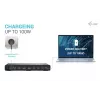
  • The docking station supports up to 100W of power to a connected notebook or tablet
  • 7x USB ports allow you to easily connect your USB devices and peripherals (2x USB-C and 5x USB-A)
  • GLAN Ethernet supports network speeds of 10/100/1000 Mbps, providing a robust and high-speed internet connection
  • The combined 3.5mm audio/mic port can connect, for example, integrated headphones with microphone
  • The dock is compatible for vertical mounting behind a monitor with VESA mounting support
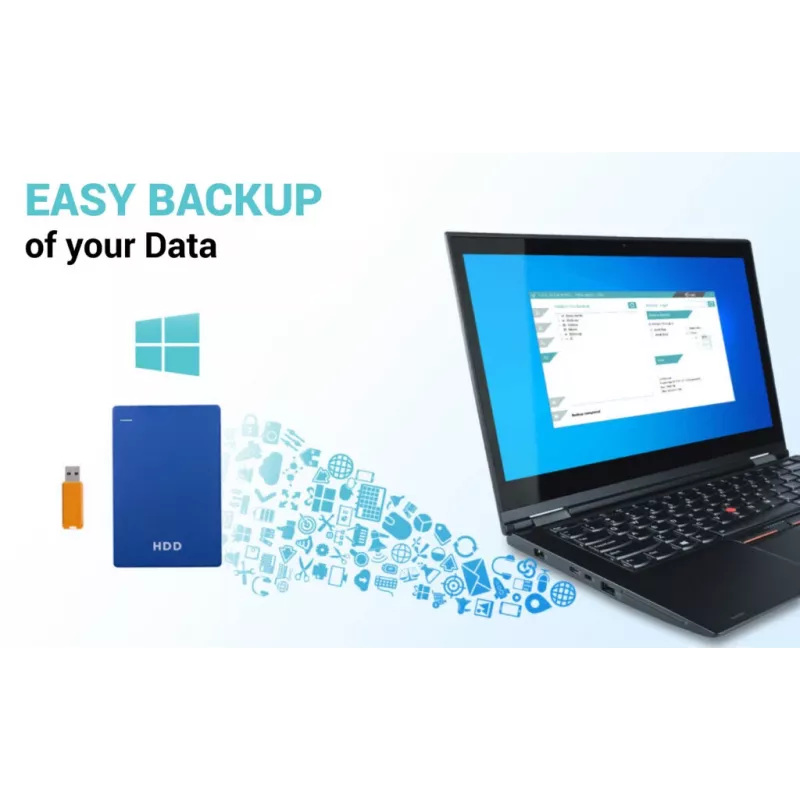
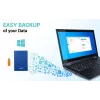
  • Optional MAC address cloning and automatic data backup of the connected computer (when using i-tec Docker Pro software)
  • NOTE: macOS does not support Multi Stream Transport (MST). Connecting two or more monitors to a macOS station will cause all monitors to display the same image
  • Wired
  • Host interface: USB 3.2 Gen 1 (3.1 Gen 1) Type-C
  • USB Power Delivery (USB PD)
  • Ethernet LAN 10,100,1000 Mbit/s
  • Cable lock slot
Specifications
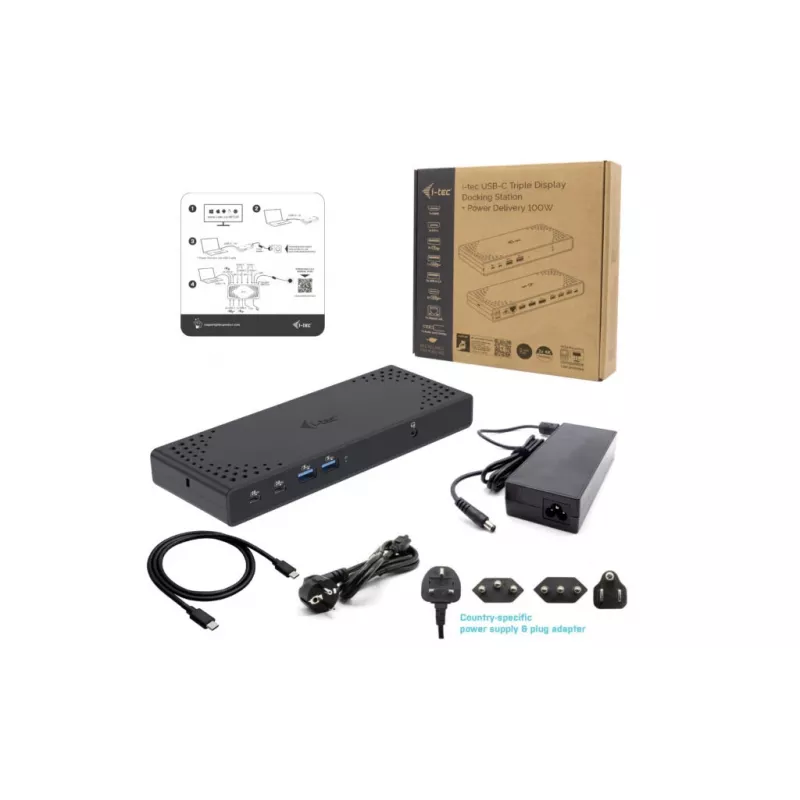
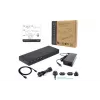
AC adapter included
Yes
Cable lock slot
Yes
Cable lock slot type
Kensington
Cables included
USB Type-C
Card reader integrated
No
Compatible power plug types
EU
Connectivity technology
Wired
Data transfer rate
10 Gbit/s
DC-in jack
Yes
Depth
88 mm
DisplayPorts quantity
2
Ethernet LAN
Yes
Ethernet LAN (RJ-45) ports
1
Ethernet LAN data rates
10,100,1000 Mbit/s
HDMI ports quantity
1
Headphone connectivity
3.5 mm
Headphone outputs
1
Height
27 mm
Host interface
USB 3.2 Gen 1 (3.1 Gen 1) Type-C
Linux operating systems supported
Yes
Mac operating systems supported
Yes
Manual
Yes
Maximum refresh rate
60 Hz
Microphone in
Yes
Number of displays supported
3
Other operating systems supported
Android, ChromeOS
Output current
5.9 A
Output voltage
22 V
Package depth
250 mm
Package height
50 mm
Package weight
503 g
Package width
250 mm
Product colour
Black
USB 2.0 ports quantity
2
USB 3.2 Gen 1 (3.1 Gen 1) Type-A ports quantity
2
USB 3.2 Gen 2 (3.1 Gen 2) Type-A ports quantity
1
USB 3.2 Gen 2 (3.1 Gen 2) Type-C ports quantity
2
USB cable length
1 m
USB Power Delivery (USB PD)
Yes
USB Power Delivery up to
100 W
VESA mounting
Yes
Weight
330 g
Width
224 mm
Windows operating systems supported
Yes

Leaflet

Open Leaflet

Document

Open Document
Price history over the last 6 months
i-tec USB-C Triple Display Docking Station Gen 2 Power Delivery 100W Wired 3.2
Current
R2,859
Lowest
R2,741
Highest
R2,999
Change 24H
-R29   -1%
Week
+R30   +1%
Month
+R6   +0%

Popular products in this category

WhatsApp
Hi, I’m DistriNode’s AI assistant. I can help you find products, compare options, create quote PDFs, or open support requests.