Account Contact
Your Cart
Pay the courier with no extra fees.
Need help? DistriNode AI can handle any task on our site.

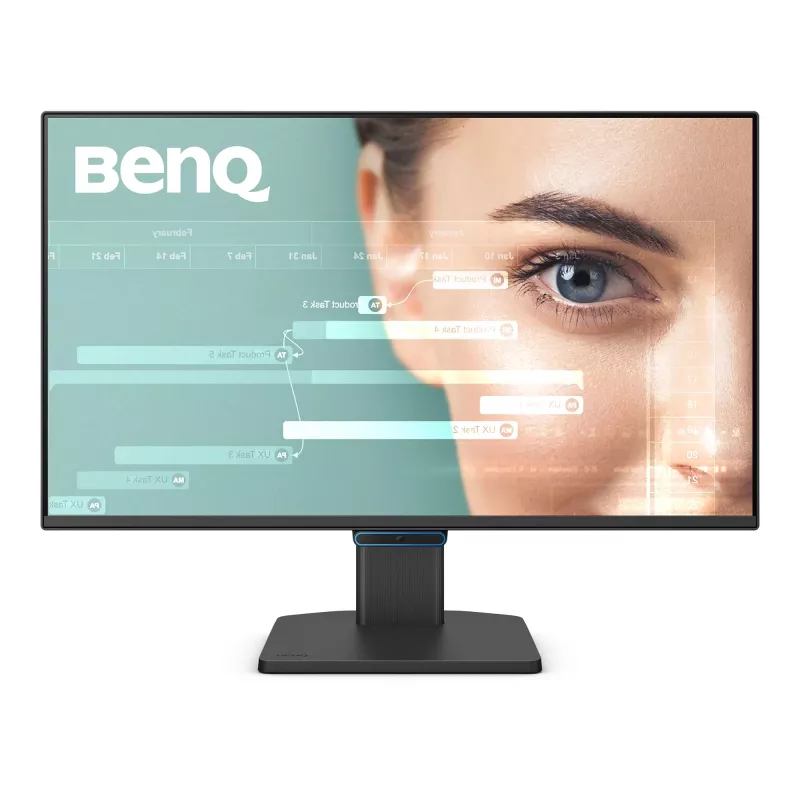
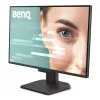
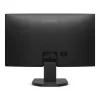
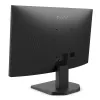
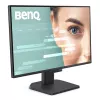
Computer monitor BenQ GW2490C 23.8 inch (60.5 cm) Full HD 1920×1080 5 ms 178° VESA Black with speakers

Computer monitor BenQ GW2490C 23.8 inch (60.5 cm) Full HD 1920×1080 5 ms 178° VESA Black with speakers
36 mo.
Computer monitor BenQ GW2490C 23.8 inch (60.5 cm) Full HD 1920×1080 5 ms 178° VESA Black with speakers
R3,717
Work with All-Day Eye ComfortYou can now ease eye strain from nonstop docs and spreadsheets with BenQ Eye-Care Triple Protection. Enjoy GW2490C’s clean design, sharp visuals, and all-day adaptive eye comfort for great productivity.Adaptive Eye-Care. Steady Eye Comfort.You shouldn’t have to adjust se... Read More
Stock 50 Code 1512876 Brand BENQ Model 9H.LNKLB.QBE Warranty 3 Years

Shipping & Returns

Estimated delivery Thursday, October 1
You will be kept updated through our detailed tracking system
Payment options
EFTPayFastBank CardSnapScanZapperGoogle PayApple PayMobicredMoreTymePay on Arrival
Work with All-Day Eye Comfort
You can now ease eye strain from nonstop docs and spreadsheets with BenQ Eye-Care Triple Protection. Enjoy GW2490C’s clean design, sharp visuals, and all-day adaptive eye comfort for great productivity.

Adaptive Eye-Care. Steady Eye Comfort.
You shouldn’t have to adjust setting after setting just to protect your eyes. That’s why BenQ Eye-Care Monitors come equipped with Triple Eye Protection, with Visual Optimizer, Low Blue Light, and Flicker-Free technology to deliver effortless, all-day eye comfort.

Visual Optimizer (formerly B.I.+), or V.O. for short, puts an end to eye strain. With a built-in sensor that optimizes brightness and color temperature for your environment, BenQ has thought of eye health well beyond just blue light protection. No guesswork, no fiddling—just comfortable viewing, from 9 to 5 and beyond.

The Visual Optimizer (V.O.) Hotkey lets you tweak brightness and color temperature separately—for a screen that feels just right.

BenQ’s TÜV-certified Low Blue Light technology protects your eyes during long hours of work, without giving your screen a yellowish tint. You can fine-tune the level to find the right balance, so your work always looks just the way it should.

Even screens that seem perfectly fine can flicker—too subtle for you to see, but not for your eyes. BenQ’s TÜV-certified Flicker-Free technology keeps the screen steady and your eyes comfortable, even during long workdays.

Try Eye-CareU for a Healthier Viewing Experience
Meet Eye-CareU—your screen-time sidekick on the BenQ GW monitor. It helps manage time and lighting with quick controls that keep you focused.

Certified Eye Comfort You Can Trust
Backed by TÜV Rheinland’s Eye Comfort 4-Star certification and Eyesafe Certified 2.0 endorsement, the GW2490C meets strict international standards for visual wellness. It’s proof your eyes are in good hands, every hour of the day.

Little Touches. Big Comfort.
Thoughtful extras designed to make screen time gentler on your eyes.

Color Weakness Mode
Improves color clarity for users with red-green color deficiency.

ePaper Mode
Reduces contrast and glare for more paper-like reading comfort.

Sharp Images, Gentle on the Eyes
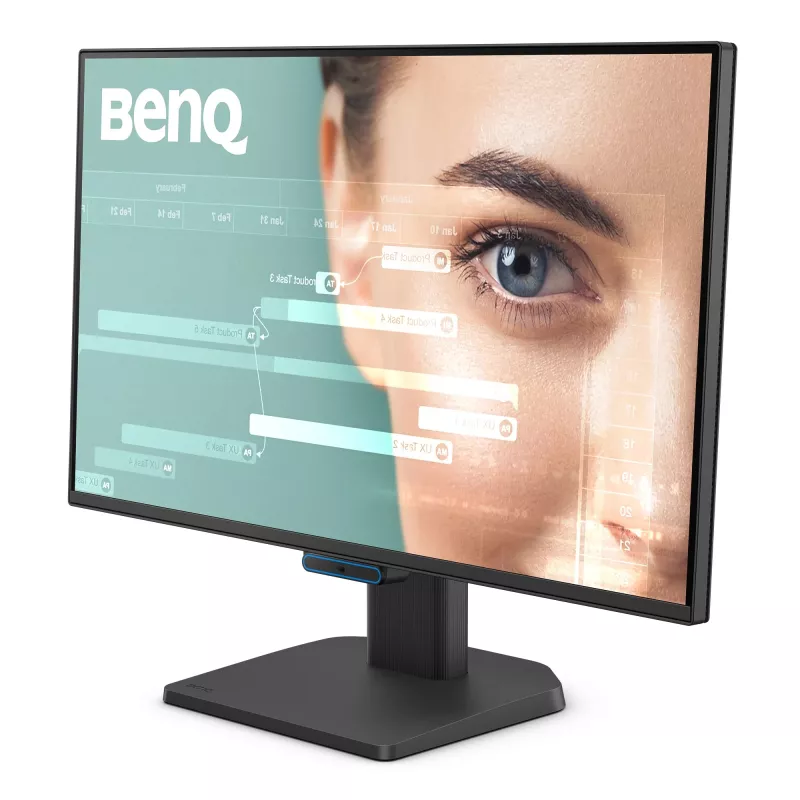
Experience vivid colors and reliable clarity from any angle with the GW2490C’s IPS panel and 99% sRGB color gamut. Its 4-sided ultrathin bezels help you stay focused and comfortable through document edits and multitasking throughout the day.

Streamlined Design, Smarter Workflow
Thoughtfully crafted for a clean desk, efficient connections, and comfortable workdays.

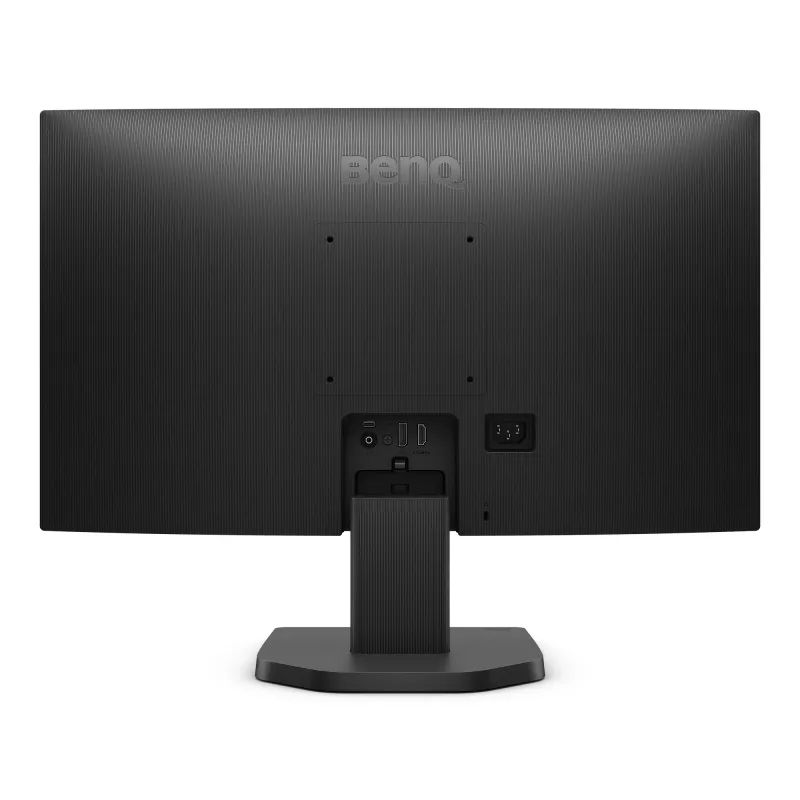
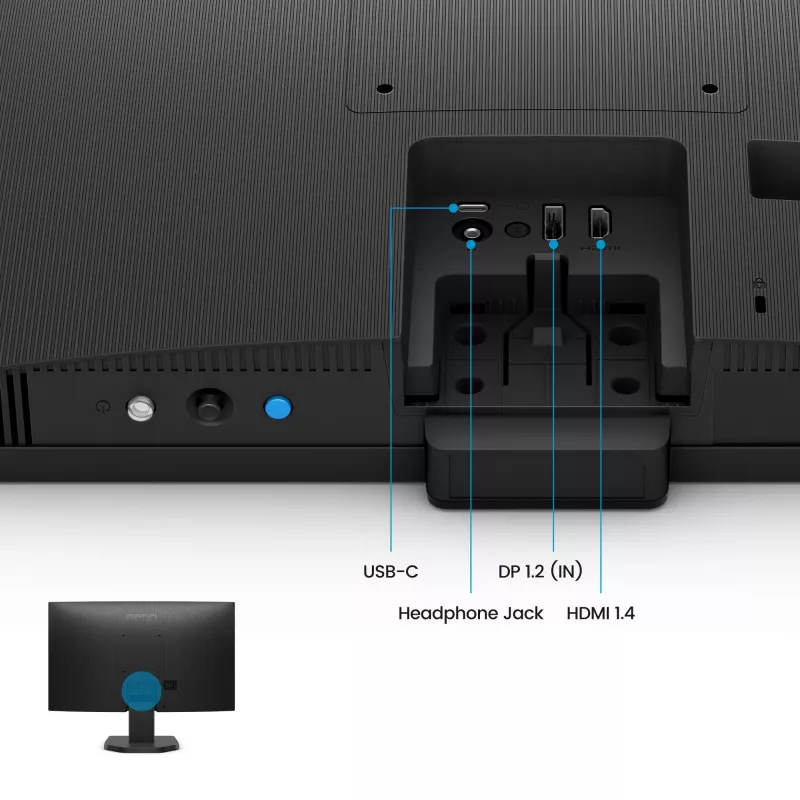
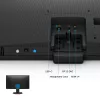
One USB-C Does It All
USB-C simplifies your workflow by transferring data and connecting to your devices with just one cable.

BenQ GW2490C. Display diagonal: 60.5 cm (23.8"), Display resolution: 1920 x 1080 pixels, HD type: Full HD, Response time: 5 ms, Native aspect ratio: 16:9, Viewing angle, horizontal: 178°, Viewing angle, vertical: 178°. Built-in speaker(s). VESA mounting. Product colour: Black

How to use

Connect the monitor to your computer using the supplied cables or the USB-C port to carry display and data with a single connection. Use the on-screen display and the Visual Optimizer hotkey to adjust brightness and color temperature, or enable automatic V.O. sensing for environment-adaptive settings. Select Low Blue Light levels from the monitor menu as needed and enable Flicker-Free mode for steady output during extended use.

Recommendations

For reduced eye fatigue, position the monitor so the top of the screen is at or slightly below eye level, keep an arm’s length distance, and enable Visual Optimizer or appropriate Low Blue Light settings during long sessions. Use Color Weakness Mode if you have red-green color deficiency and ePaper Mode for extended reading.

Key Highlights
  • Office work: documents, spreadsheets and email
  • Web browsing and video conferencing
  • Multimedia playback and light content creation
  • Multi-monitor productivity setups
  • Display diagonal: 23.8" (60.5 cm)
  • Resolution: Full HD 1920 × 1080, 16:9
  • Panel type: IPS with 178°/178° viewing angles
  • Response time: 5 ms
  • Refresh rate: 144 Hz
  • Brightness: 250 cd/m² (typical)
  • Contrast ratio: 1500:1 (typical)
  • Features: Visual Optimizer (V.O.), Low Blue Light, Flicker-Free, Color Weakness Mode, ePaper Mode
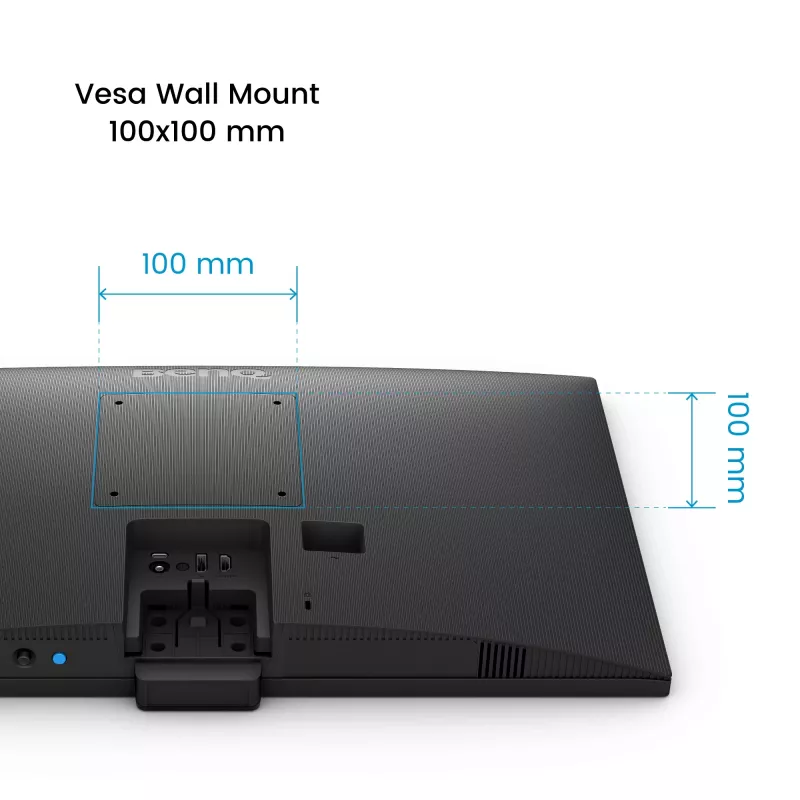
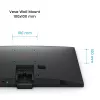
  • Mounting: VESA compatible
  • Built-in speakers: Yes
  • Color: Black
Specifications
AC input voltage
100 - 240 V
AMD FreeSync
Yes
Built-in camera
No
Built-in speaker(s)
Yes
Bundled software
Eye-CareU
Cables included
HDMI
Certification
TUV Certificate Eye Comfort 3.0, EyeSafe 2.0
Colour gamut
99%
Colour gamut standard
sRGB
Contrast ratio (typical)
1500:1
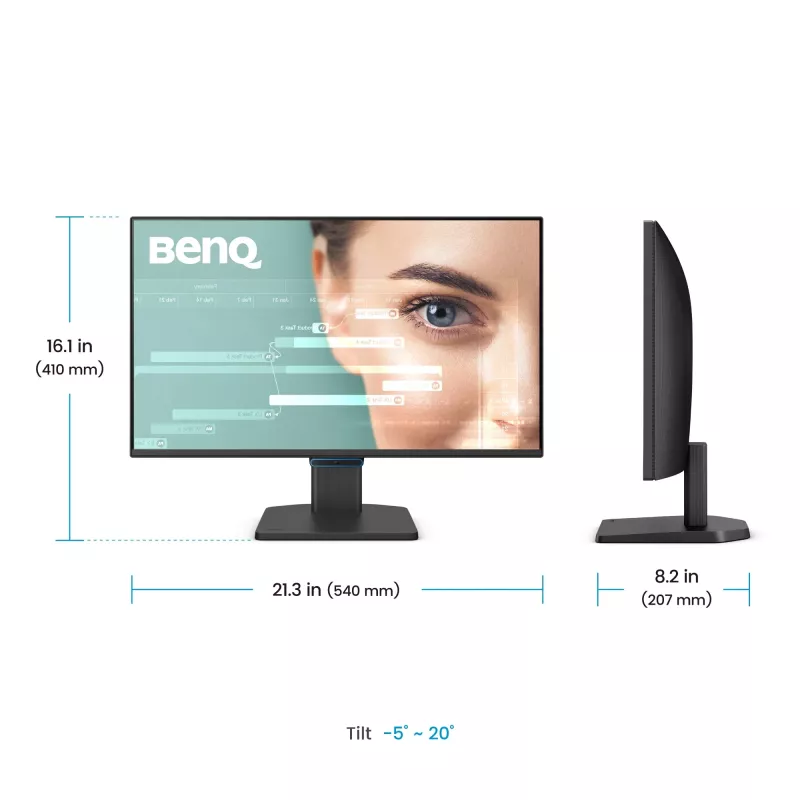
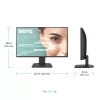
Depth (with stand)
207 mm
Depth (without stand)
64 mm
Display brightness (typical)
250 cd/m²
Display diagonal
60.5 cm (23.8")
Display number of colours
16.7 million colours
Display resolution
1920 x 1080 pixels
DisplayPort version
1.2
DisplayPorts quantity
1
Energy consumption (SDR) per 1000 hours
14 kWh
Energy efficiency class (HDR)
Not available
Energy efficiency class (SDR)
D
Energy efficiency scale
A to G
Flicker-free technology
Yes
HD type
Full HD
HDCP
Yes
HDCP version
1.4
HDMI
Yes
HDMI ports quantity
1
HDMI version
1.4
Headphone out
Yes
Height (with stand)
410 mm
Height (without stand)
328 mm
LED backlight
Yes
Low Blue Light technology
Yes
Manual
Yes
Market positioning
Home
Maximum refresh rate
144 Hz
Native aspect ratio
16:9
Number of speakers
2
On Screen Display (OSD)
Yes
On Screen Display (OSD) languages
Arabic, Bulgarian, Simplified Chinese, Traditional Chinese, Czech, German, English, Spanish, French, Greek, Hungarian, Italian, Japanese, Korean, Polish, Portuguese, Russian, Swedish, Ukrainian
Panel mounting interface
100 x 100 mm
Panel type
IPS
Pixel density
93 ppi
Power consumption (max)
30 W
Power consumption (off)
0.3 W
Power consumption (standby)
0.5 W
Power supply type
Internal
Product colour
Black
Response time
5 ms
RMS rated power
4 W
Screen shape
Flat
Smart modes
ePaper
Tilt adjustment
Yes
Tilt angle range
-5 - 20°
Touchscreen
No
USB Type-C DisplayPort Alternate Mode
Yes
VESA mounting
Yes
Viewing angle, horizontal
178°
Viewing angle, vertical
178°
Weight (with stand)
3.5 kg
Weight (without stand)
3.06 kg
Width (with stand)
540 mm
Width (without stand)
540 mm

Energy label

Open Energy label

Manual

Open Manual

PDF

Open PDF

Leaflet

Open Leaflet
Price history over the last 6 months
Computer monitor BenQ GW2490C 23.8 inch (60.5 cm) Full HD 1920×1080 5 ms 178° VESA Black with speakers
Current
R3,717
Lowest
R1,922
Highest
R4,463
Change 24H
-R221   -6%
Week
+R1,696   +84%
Month
+R1,659   +81%

Popular products in this category

WhatsApp
Hi, I’m DistriNode’s AI assistant. I can help you find products, compare options, create quote PDFs, or open support requests.