
Account Contact
Your Cart
Pay the courier with no extra fees.
Need help? DistriNode AI can handle any task on our site.

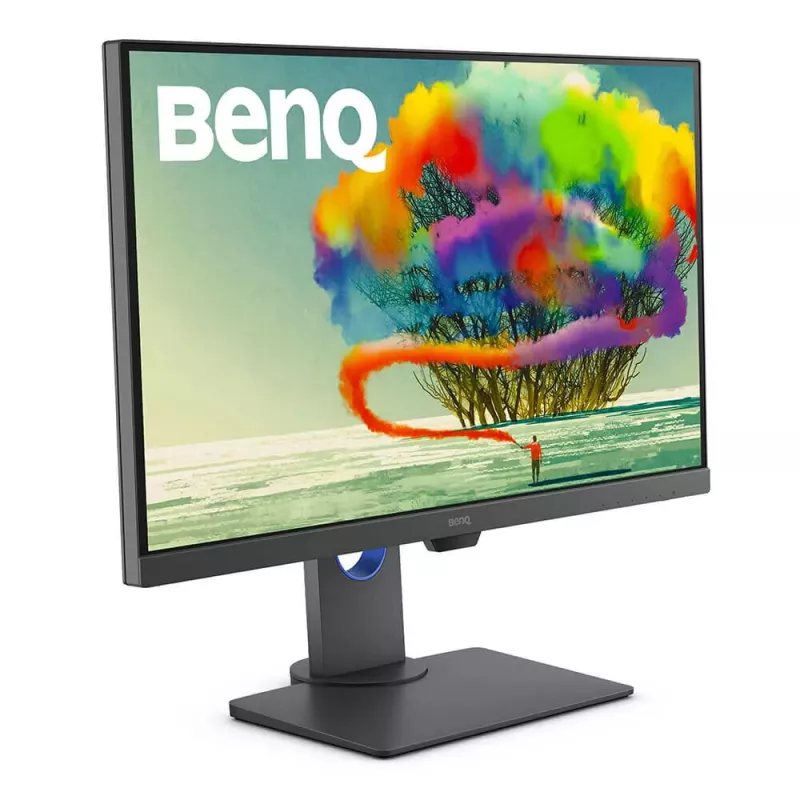
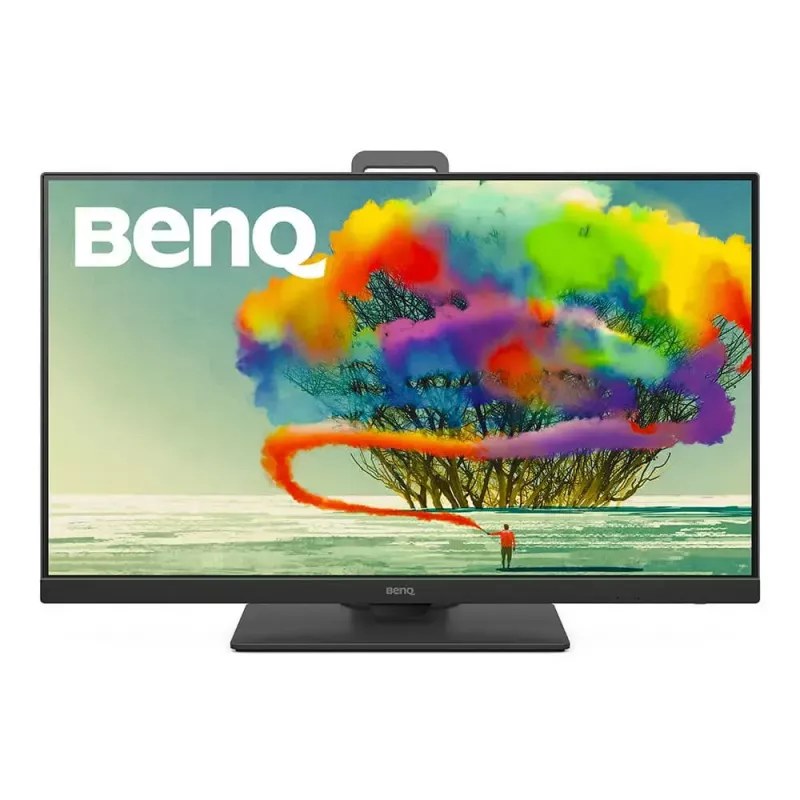
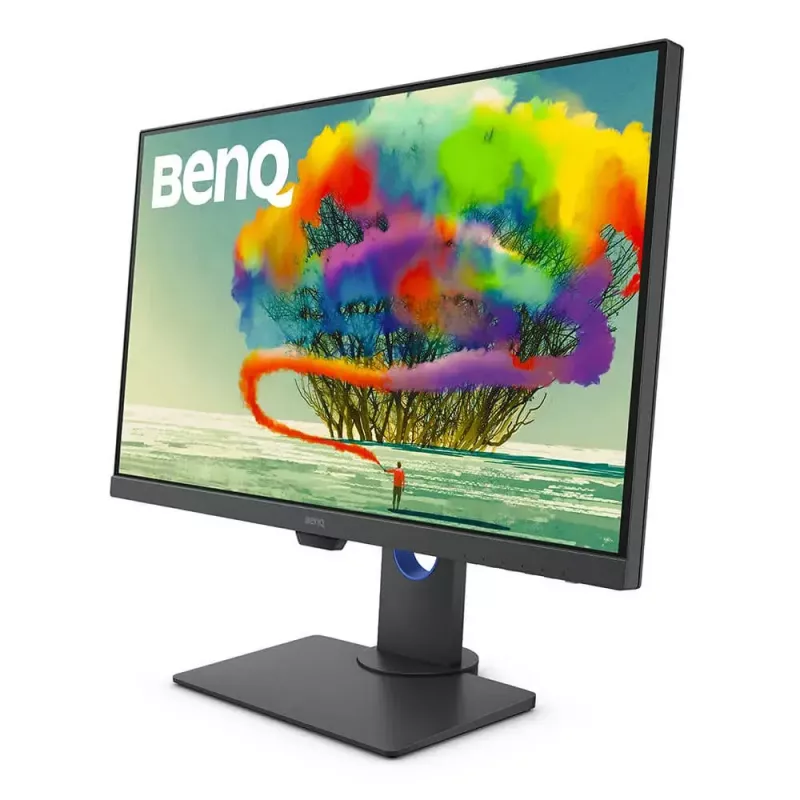
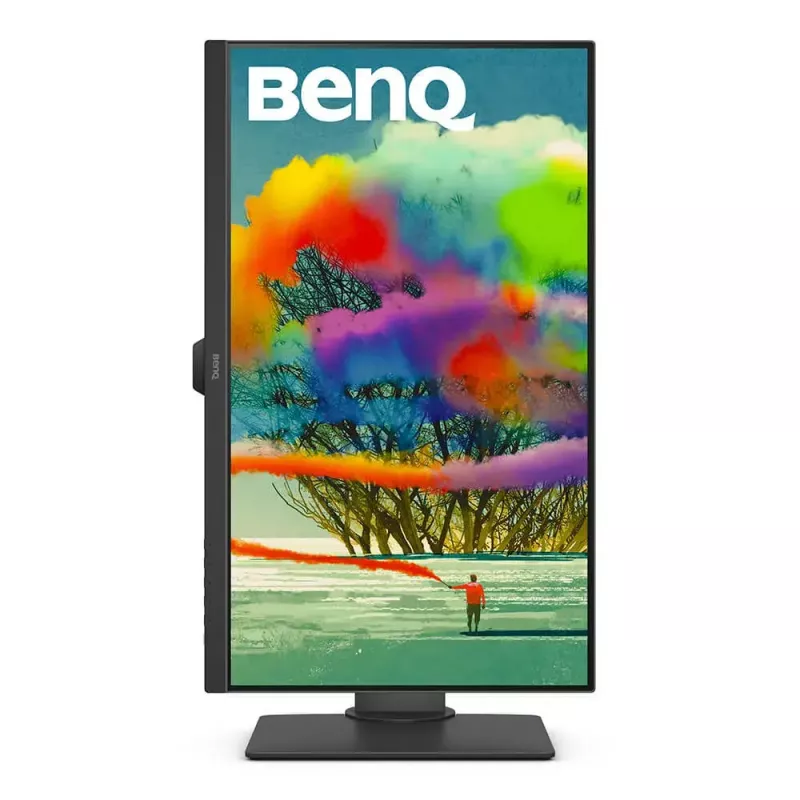
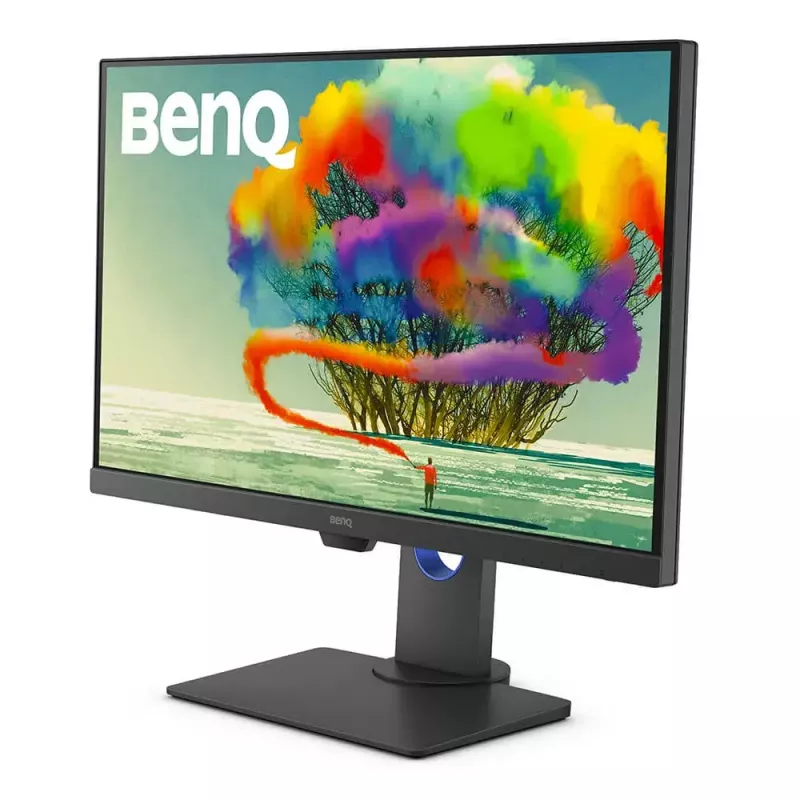
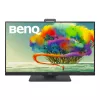
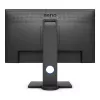
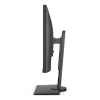
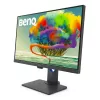
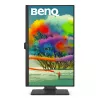
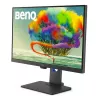
BenQ PD2705Q computer monitor 68.6 cm (27 inch) 2560 x 1440 pixels Quad HD LED Grey

BenQ PD2705Q computer monitor 68.6 cm (27 inch) 2560 x 1440 pixels Quad HD LED Grey
R10,615
The AQCOLOR AdvantageColor is serious business. We work tirelessly to meet or surpass ICC*/ISO** professional standards, deliver detail precision, and assure out-of-the-box accuracy from calibration. You’ll see the AQCOLOR advantage in every BenQ DesignVue Designer series monitor.Industry-Standard C... Read More
Stock 22 Code 96491 Brand BENQ Model 9H.LJELA.TBE Warranty 2 Years

Shipping & Returns

Estimated delivery Thursday, October 8
You will be kept updated through our detailed tracking system
Payment options
EFTPayFastBank CardSnapScanZapperGoogle PayApple PayMobicredMoreTymePay on Arrival
The AQCOLOR Advantage
Color is serious business. We work tirelessly to meet or surpass ICC*/ISO** professional standards, deliver detail precision, and assure out-of-the-box accuracy from calibration. You’ll see the AQCOLOR advantage in every BenQ DesignVue Designer series monitor.

Industry-Standard Color
Designers and video editors count on color accuracy. PD2705Q covers 100% of industry-standard sRGB and Rec. 709 wide color gamuts while achieving amazing Delta E ≤ 3 color accuracy. You’ll see more realistic, accurate results from different production lines show color at the same levels.

Multiple Monitor Color Consistency
Experience consistent colors throughout your workflow, even on multiple monitors. BenQ ensures PD2705Q displays from different production lines show color at the same levels.

Out-of-the-Box Color Accuracy
Have confidence in your color. Each BenQ PD2705Q arrives factory-calibrated with its unique calibration report.

CalMAN Verified and Pantone Validated
BenQ displays are the first in the industry to earn these certifications. PD2705Q earns CalMAN Verified and Pantone Validated status. Creative professionals demand excellence, and BenQ delivers.

Professional Modes
Elevate your expertise with BenQ’s specialized display modes.

Darkroom Mode
Adjust image brightness and contrast for superior work in dark environments.


M-book Mode
Achieve consistent color across devices effortlessly. M-book mode matches your monitor to your Mac.

Animation Mode
Enhance the clarity of dark areas without overexposing bright regions in 3D animation.

CAD/CAM Mode
Enjoy superior contrast of lines and shapes in technical illustrations.

HDR for Realistic Results
PD2705Q is HDR10-compatible so videographers can preview HDR video content during the editing process. This ensures superior final output.

Designed With You in Mind
Eliminate needless repetition with custom productivity hacks.

One Cable Connectivity
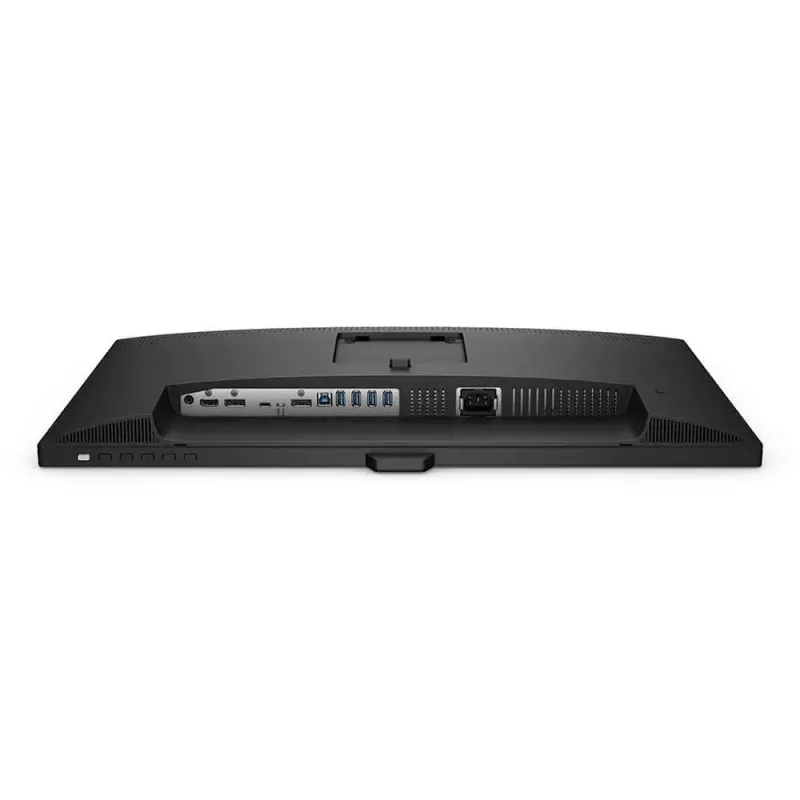
USB-C port transmits high-speed video/audio/data and 65W power delivery with just one cable. Daisy-chain monitors to improve work flow in an uncluttered workspace.

One Click Color Setting Sync
ICCsync simplifies the mapping process between the profile on the monitor and the source device. This ensures the monitor displays the accurate color setting.

One Display to Show Two Color Modes
DualView improves your workflow and enhances productivity by displaying designs in two modes (e.g. sRGB and CAD/CAM) side-by-side on a single screen.

One Set to Control Two Systems
KVM Switch function allows users to display and control content from two different PCs on a single screen using just one keyboard and mouse to save space and boost work efficiency.

BenQ's industry-leading eye care technologies reduce eye fatigue while ensuring greater user comfort during long periods of use.

How to use

Connect the PD2705Q to your computer using the USB-C port to transmit video, audio, data and provide up to 65W power delivery with a single cable. Use the built-in USB hub to attach peripherals, and daisy-chain additional monitors if required for multi-monitor setups. Choose specialized display modes (Darkroom, M-book, Animation, CAD/CAM) from the monitor menu to match your task, or enable DualView to compare two color modes side-by-side. Use the KVM switch to control two systems with one keyboard and mouse.

Recommendations

For consistent color-critical work, use the factory calibration report to verify settings, enable ICCsync to match source-device profiles, and select the appropriate professional mode for your task. When editing HDR content, preview in HDR10 mode and check results on target devices. Position the monitor at ergonomic height and use eye-care settings during extended sessions.

Key Highlights
  • Graphic design and photo editing
  • Video editing and color grading (HDR10 preview)
  • 3D animation and CAD/CAM technical illustration
  • Multi-monitor professional workstations and daisy-chained setups
  • Display diagonal: 27"
  • Resolution: 2560 x 1440 (Quad HD)
  • Panel type: IPS, LED backlight
  • Response time: 5 ms
  • Brightness (typical): 300 cd/m²
  • Contrast ratio (typical): 1000:1
  • Viewing angles: 178° / 178°
  • Color coverage: 100% sRGB and Rec. 709, Delta E ≤ 3
  • HDR: HDR10 compatible
  • Connectivity: USB-C (video/audio/data + 65W PD), USB hub, daisy-chain
  • Extras: Built-in speakers, KVM switch, DualView, factory calibration report
  • Mounting: VESA compatible; adjustable height
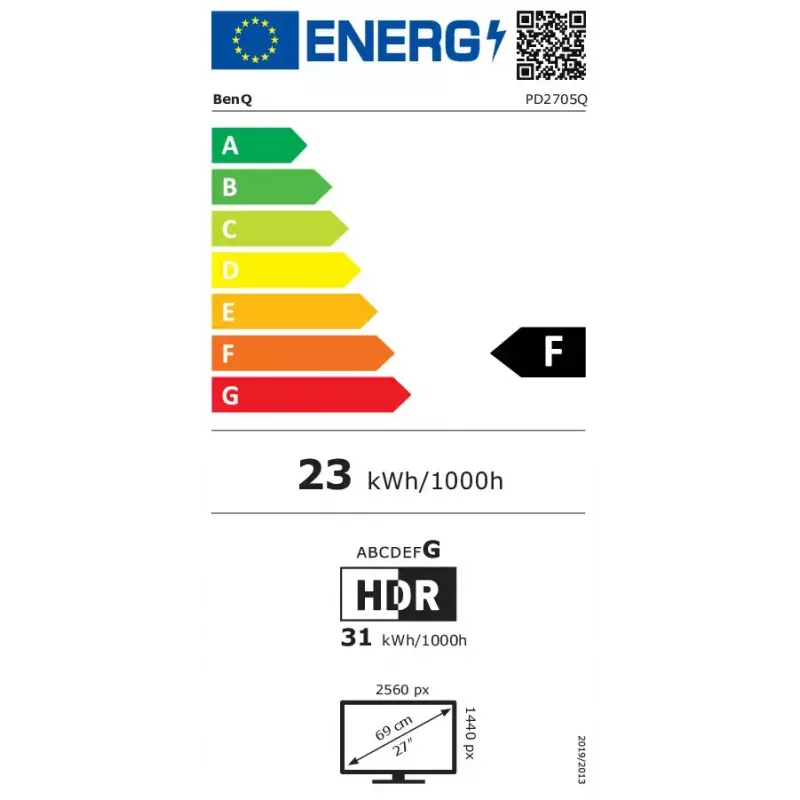
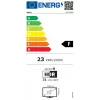
  • Energy: SDR class F; HDR class G
Specifications
AC (power) in
Yes
AC input voltage
100 - 240
Adjustable height (max)
120 mm
Aspect ratio
16:9
Backlight type
LED
Built-in camera
No
Built-in speaker(s)
Yes
Built-in USB hub
Yes
Colour gamut standard
sRGB
Contrast ratio (typical)
1000:1
Depth (with stand)
230.7 mm
Depth (without stand)
57.2 mm
Display brightness (typical)
300 cd/m²
Display diagonal
27 "
Display number of colours
16.78 million colours
Display resolution
2560 x 1440
Display surface
Matt
Display technology
LED
DisplayPort version
1.4
DisplayPorts quantity
1
DVI port
No
Energy consumption (HDR) per 1000 hours
31 kWh
Energy consumption (SDR) per 1000 hours
23 kWh
Energy efficiency class (HDR)
G
Energy efficiency class (SDR)
F
Energy efficiency scale
A to G
European Product Registry for Energy Labelling (EPREL) code
342328
Flicker-free technology
Yes
Harmonized System (HS) code
85285210
HD type
Quad HD
HDCP
Yes
HDCP version
2.2
HDMI
Yes
HDMI ports quantity
1
HDMI version
2.0
Headphone connectivity
3.5 mm
Headphone out
Yes
Headphone outputs
1
Height (with stand)
549.22 mm
Height (without stand)
367.9 mm
Height adjustment
Yes
High Dynamic Range (HDR) supported
Yes
High Dynamic Range (HDR) technology
High Dynamic Range 10 (HDR10)
Low Blue Light technology
Yes
Market positioning
Graphics design
Maximum refresh rate
60 Hz
Native aspect ratio
16:9
Number of OSD languages
18
Number of speakers
2
On Screen Display (OSD)
Yes
Package depth
223 mm
Package height
500 mm
Package type
Box
Package weight
10900 g
Package width
680 mm
Panel mounting interface
100 x 100
Panel type
IPS
Pixel density
109 ppi
Pixel pitch
0.233 x 0.233
Power consumption (average)
155 W
Power consumption (PowerSave)
0.3 W
Power consumption (standby)
0.3 W
Power consumption (typical)
22.7 W
Product colour
Grey
Response time
5 ms
RMS rated power
4 W
Screen shape
Flat
sRGB coverage (typical)
100 %
Stand included
Yes
Supported graphics resolutions
2560 x 1440
Sustainability certificates
ENERGY STAR
Swivel angle range
-45 - 45
Swivelling
Yes
Tilt adjustment
Yes
Tilt angle range
-5 - 20
Touchscreen
No
USB Type-C DisplayPort Alternate Mode
Yes
USB Type-C downstream ports quantity
1
VESA mounting
Yes
Viewing angle, horizontal
178 °
Viewing angle, vertical
178 °
Weight (with stand)
8500 g
Weight (without stand)
5700 g
Width (with stand)
614 mm
Width (without stand)
614 mm

Energy label

Open Energy label

Manual

Open Manual

PDF

Open PDF

Document

Open Document

Leaflet

Open Leaflet
Price history over the last 6 months
BenQ PD2705Q computer monitor 68.6 cm (27 inch) 2560 x 1440 pixels Quad HD LED Grey
Current
R10,615
Lowest
R5,631
Highest
R10,871
Change 24H
-R242   -2%
Week
+R4,719   +80%
Month
+R4,940   +87%

Independent reviews by tech media

t3.comIan
8/10

Verdict: The Benq PD2705Q highly for picture quality and has a number of excellent features, but its value definitely lies with professionals more than the average user.Reasons to buy+

Pros
  • KVM switch built-in
  • Colour calibrated
  • Good software option
Cons
  • Not cheap for 1440p
  • Not especially bright
Read the full review at t3.com →
techadvisor.co.ukMark
8/10

Verdict: The lack of greater than 60Hz refresh or adaptive sync options won't make the BenQ PD2705Q a display that will attract gamers, and the extremely limited HDR choices also negate it as being ideal for video watching or editing.However, it is possible to use...

Pros
  • CalMAN Verified and Pantone Validated
  • KVM inbuilt
  • M-book mode
Cons
  • Limited HDR
  • Mostly for sRGB workflow
  • Only 65W charging on USB-C
Read the full review at techadvisor.co.uk →

Popular products in this category

WhatsApp
Hi, I’m DistriNode’s AI assistant. I can help you find products, compare options, create quote PDFs, or open support requests.