Account Contact
Your Cart
Pay on delivery – no extra fees
Need help? Ask our AI

All-in-one liquid CPU cooler ASUS ROG Strix LC II 240 — 120 mm fans, 137.5 m³/h airflow, black

All-in-one liquid CPU cooler ASUS ROG Strix LC II 240 — 120 mm fans, 137.5 m³/h airflow, black
R4,291
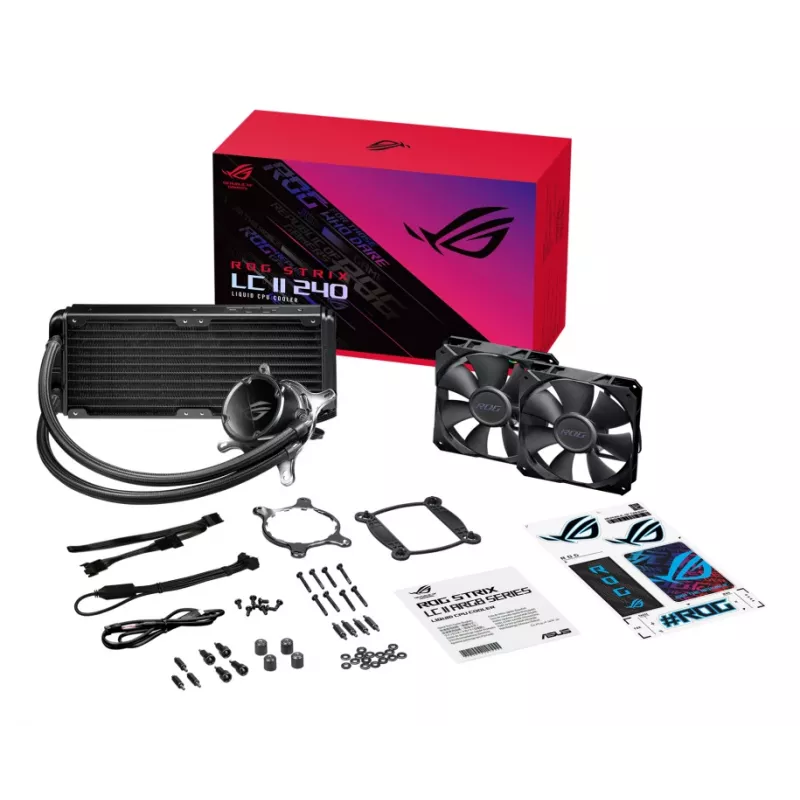
The ASUS ROG Strix LC II 240 is an all-in-one liquid CPU cooler that integrates a closed-loop radiator, pump assembly and two 120 mm fans to deliver effective thermal management for gaming and high-performance systems. With rated airflow of 137.5 m³/h (approximately 80.95 CFM) and a black finish, th... Read More
Stock Out Of StockNo Stock Code 1431432 Brand ASUS Model 90RC00E0-M0UAY1 Warranty 2 Years
CategoryCPU Coolers Air & Liquid

Shipping & Returns

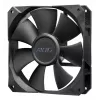
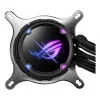
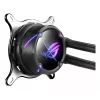
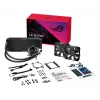
The ASUS ROG Strix LC II 240 is an all-in-one liquid CPU cooler that integrates a closed-loop radiator, pump assembly and two 120 mm fans to deliver effective thermal management for gaming and high-performance systems. With rated airflow of 137.5 m³/h (approximately 80.95 CFM) and a black finish, the unit is designed to fit compact and full-size builds while offering ARGB lighting on the pump cover and reinforced sleeved tubing for durability. The cooler supports a wide range of Intel and AMD sockets and features PWM control for adaptive pump and fan speeds.

Advantages

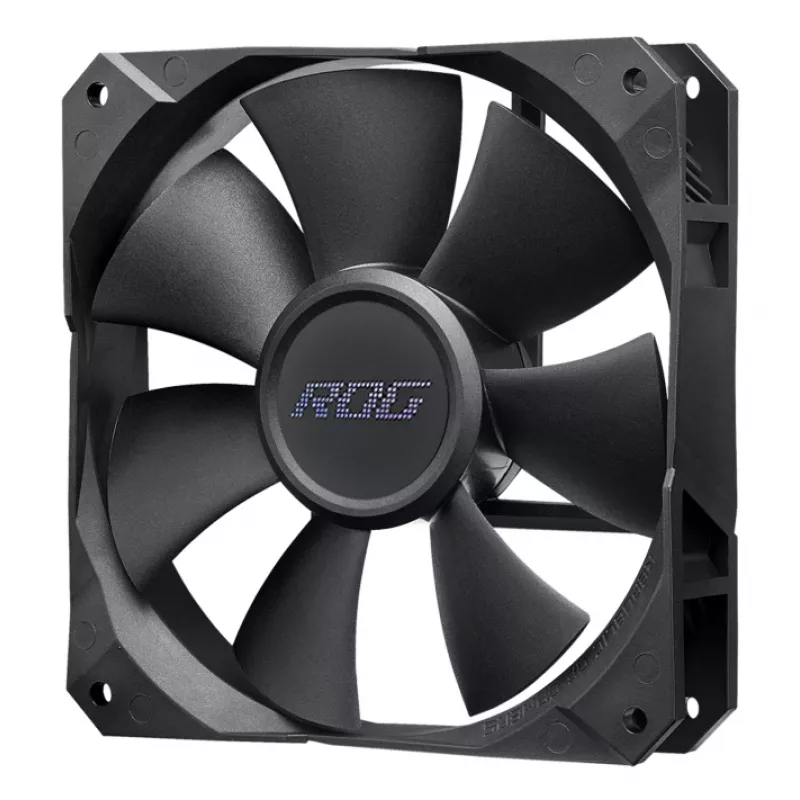
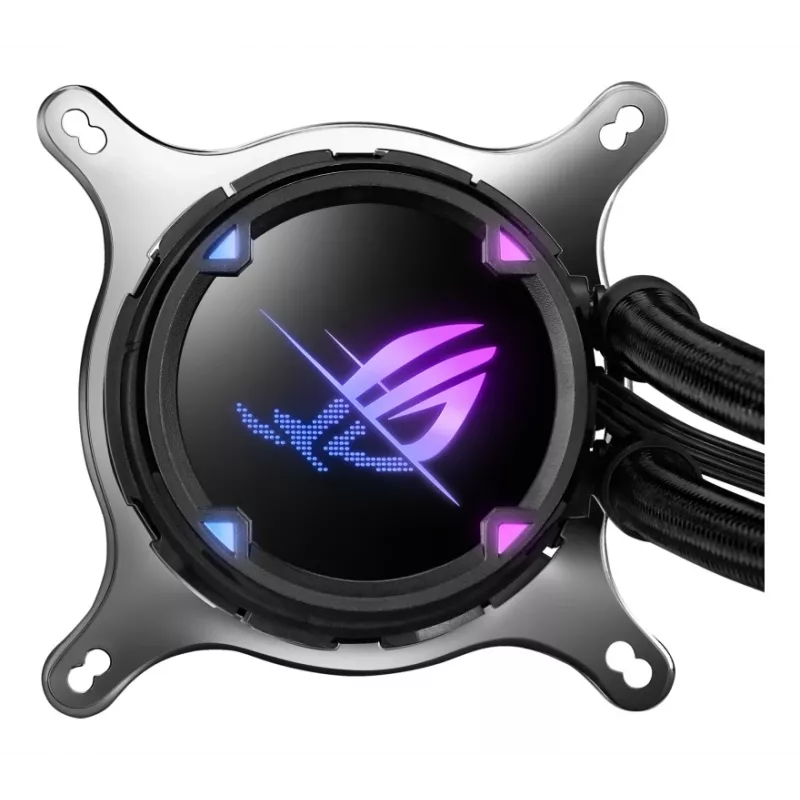
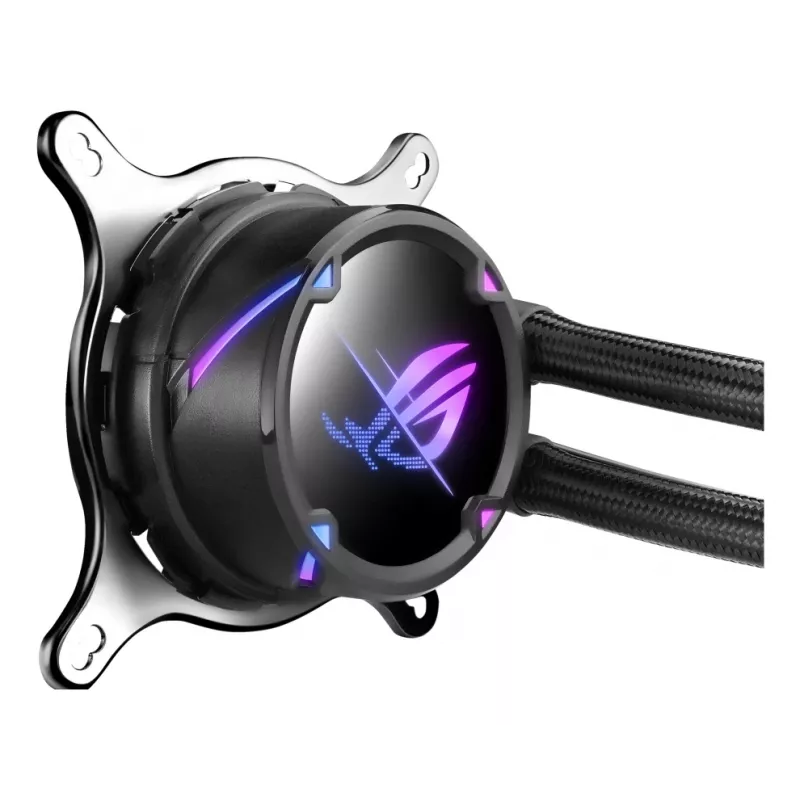
The cooler combines a seventh-generation Asetek pump and ROG-designed radiator fans to provide efficient heat transfer and relatively low acoustic output through PWM-controlled operation. A machined copper cold plate with fine micro-channels improves thermal conductivity and reduces CPU temperatures. ARGB lighting on the NCVM-coated pump cover and ROG styling on the radiator and fans allow visual integration with compatible motherboards and cases. Reinforced sleeved tubing and a compact 240 mm radiator make installation flexible across many chassis types.

Suitable for

  • Gaming desktops and enthusiast builds requiring improved CPU cooling
  • Systems where quieter operation is desired under light and moderate loads
  • Overclocked CPUs within supported socket families
  • Cases that accept a 240 mm radiator mount (dual 120 mm fan positions)
  • Builds where ARGB lighting and ROG aesthetics are preferred

When it may not be suitable

This 240 mm AIO cooler may not be suitable for very small form-factor cases that lack mounting space for a 240 mm radiator or dual 120 mm fans. It is also not appropriate for users who require a passive or fanless cooling solution, as the design relies on active pump and fan operation.

Key specifications

  • Radiator size: 240 mm (dual 120 mm fan configuration)
  • Fan diameter: 120 x 120 x 25 mm
  • Airflow (per pair rating): 137.5 m³/h (≈80.95 CFM)
  • Fan control: PWM support for pump and fans
  • Pump generation: Seventh-generation Asetek pump with 840 rpm starting range
  • Cold plate: Machined copper with micro-channel surface for improved heat transfer
  • Lighting: ARGB on pump cover (NCVM-coated)
  • Tubing: Reinforced sleeved tubing
  • Colour: Black
  • Compatible sockets: Common Intel and AMD desktop sockets including recent LGA and AM families

How to use

Mount the radiator in a compatible case location that supports a 240 mm radiator (top, front, or roof depending on case layout). Attach the two 120 mm ROG radiator fans in the chosen push or pull orientation and connect their PWM cables to the motherboard or fan controller. Secure the pump block to the CPU using the appropriate mounting bracket for the target socket, ensuring even pressure and correct thermal paste application. Connect the pump power and ARGB connector(s) to the motherboard headers for speed control and lighting synchronization. Configure fan curves and pump behaviour in BIOS or a software utility to balance cooling performance and noise according to workload.

What to consider before purchase

  • Check whether your case has space and mounting points for a 240 mm radiator.
  • Verify motherboard headers for pump power, PWM fan control and ARGB lighting compatibility.
  • Confirm compatibility with your CPU socket and available mounting hardware.
  • Consider airflow direction and clearance around RAM, VRM heatsinks and other components.
  • Plan cable routing for pump, fan and ARGB connectors to maintain tidy airflow.

Recommendations

For balanced performance and acoustics, configure a conservative fan curve and allow the PWM-controlled pump and fans to ramp up under load. Mount the radiator where case airflow supports fresh intake or exhaust for best thermal results, and ensure thermal paste is applied in a thin, even layer before tightening the pump bracket.

Key Highlights
  • Gaming desktops and enthusiast builds requiring improved CPU cooling
  • Systems where quieter operation is desired under light and moderate loads
  • Overclocked CPUs within supported socket families
  • Cases that accept a 240 mm radiator mount (dual 120 mm fan positions)
  • Builds where ARGB lighting and ROG aesthetics are preferred
  • Radiator size: 240 mm (dual 120 mm fan configuration)
  • Fan diameter: 120 x 120 x 25 mm
  • Airflow (per pair rating): 137.5 m³/h (≈80.95 CFM)
  • Fan control: PWM support for pump and fans
  • Pump generation: Seventh-generation Asetek pump with 840 rpm starting range
  • Cold plate: Machined copper with micro-channel surface for improved heat transfer
  • Lighting: ARGB on pump cover (NCVM-coated)
  • Tubing: Reinforced sleeved tubing
  • Colour: Black
  • Compatible sockets: Common Intel and AMD desktop sockets including recent LGA and AM families
  • Check whether your case has space and mounting points for a 240 mm radiator.
  • Verify motherboard headers for pump power, PWM fan control and ARGB lighting compatibility.
  • Confirm compatibility with your CPU socket and available mounting hardware.
  • Consider airflow direction and clearance around RAM, VRM heatsinks and other components.
  • Plan cable routing for pump, fan and ARGB connectors to maintain tidy airflow.
Specifications
Airflow
137.5 m³/h
Base plate material
Copper
CPU bracket(s)
Yes
CPU socket spacer(s)
Yes
Fan controller
Yes
Fan diameter
12 cm
Fan dimensions (W x D x H)
120 x 120 x 25 mm
Fan speed (max)
2500 RPM
Fan speed (min)
800 RPM
Fan static pressure
5 mmH2O
Fan thickness
2.5 cm
Material
Aluminium, Copper
Maximum airflow
80.95 cfm
Noise level
37.6 dB
Number of fan blades
7
Number of fans
2 fan(s)
Product colour
Black
Pulse-width modulation (PWM) support
Yes
Quantity per pack
1 pc(s)
Radiator depth
15 cm
Radiator height
2.7 cm
Radiator material
Aluminum
Radiator width
12.2 cm
Screws included
Yes
Suitable location
Processor
Supported processor sockets
LGA 1150 (Socket H3), LGA 1151 (Socket H4), LGA 1155 (Socket H2), LGA 1156 (Socket H), LGA 1200 (Socket H5), LGA 1700, Socket AM4, Socket AM5, Socket TR4
Tube length
38 cm
Tube material
Rubber
Type
All-in-one liquid cooler
Water block material
Copper
Waterblock depth
8 cm
Waterblock height
4.5 cm
Waterblock width
8 cm

Manual

Open Manual

Leaflet

Open Leaflet
Price history over the last 6 months
All-in-one liquid CPU cooler ASUS ROG Strix LC II 240 — 120 mm fans, 137.5 m³/h airflow, black
Current
R4,291
Lowest
R3,949
Highest
R4,291
Change 24H
+R329   +8%
Week
+R331   +8%
Month
—   

Write a review

Rating *
Your name will be shown publicly – you can use a nickname. We invite buyers to write reviews; we check reviews before publishing and publish critical ones too.

More ASUS products in this category

Popular products in this category

WhatsApp
Messenger
Hi, I’m DistriNode’s AI assistant. I can help you find products, compare options, create quote PDFs, or open support requests.
All categories