Account Contact
Your Cart
Pay on delivery – no extra fees
Need help? Ask our AI

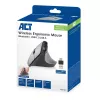
ACT Wireless Ergonomic Mouse with Bluetooth and USB-C/USB-A

ACT Wireless Ergonomic Mouse with Bluetooth and USB-C/USB-A
R1,113
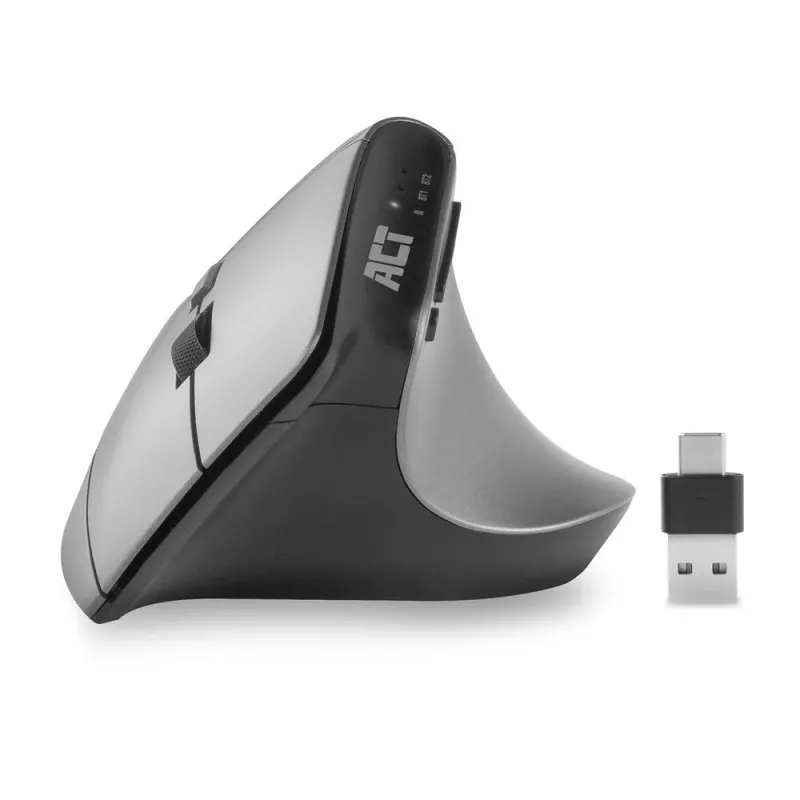
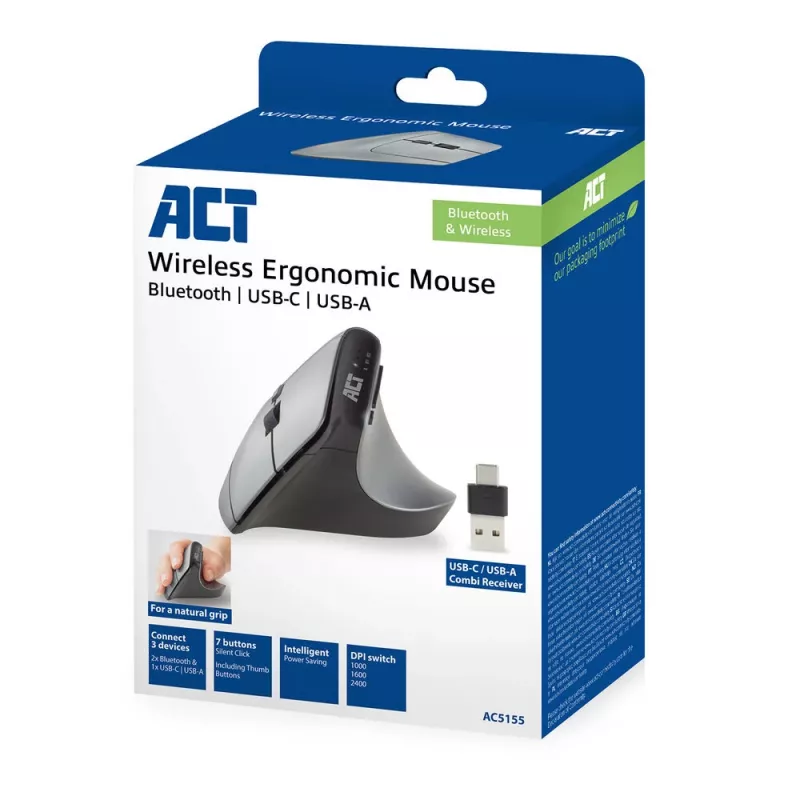
Prevent mouse-related strain injuries with the ACT AC5155 Wireless Ergonomic Mouse. Connect this mouse to three different devices simultaneously via Bluetooth (2x) and the USB-C/USB-A combo receiver (1x). The receiver can be stored inside the mouse. Choose your preferred accuracy with the DPI switch... Read More
Stock 913 Code 1469381 Brand ACT Model AC5155 Warranty 2 Years

Shipping & Returns

Estimated delivery Wednesday, November 4
You will be kept updated through our detailed tracking system
Payment options
EFTPayFastBank CardSnapScanZapperGoogle PayApple PayMobicredMoreTymePay on Arrival
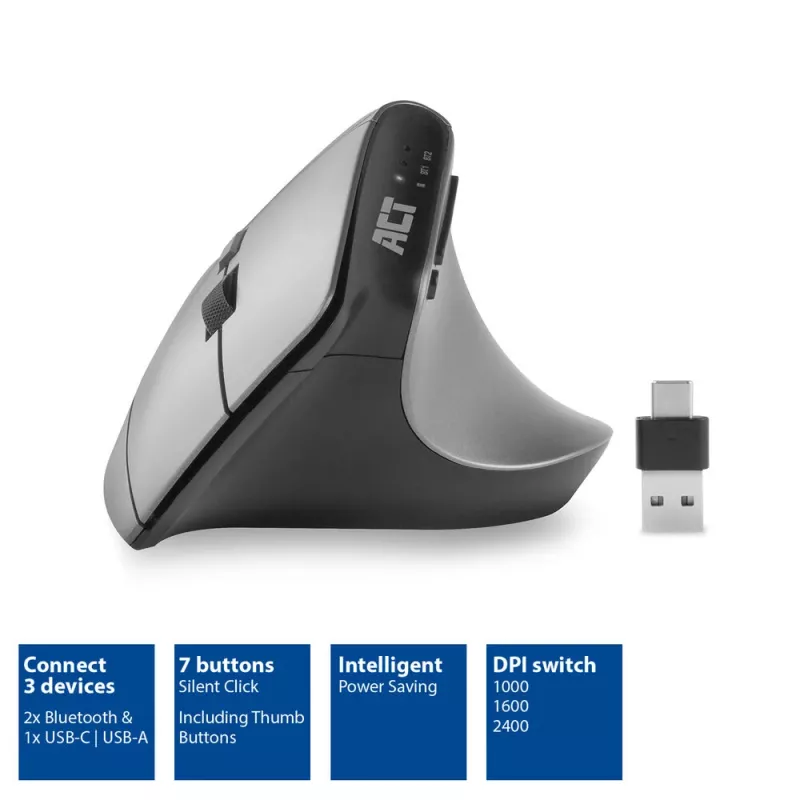
Prevent mouse-related strain injuries with the ACT AC5155 Wireless Ergonomic Mouse. Connect this mouse to three different devices simultaneously via Bluetooth (2x) and the USB-C/USB-A combo receiver (1x). The receiver can be stored inside the mouse. Choose your preferred accuracy with the DPI switch: 1000/1600/2400. Accessible thumb buttons ensure fast navigation through web pages. Additionally, the mouse has an intelligent power-saving function and an on/off switch.

Control three devices with one mouse, easily switch between the devices
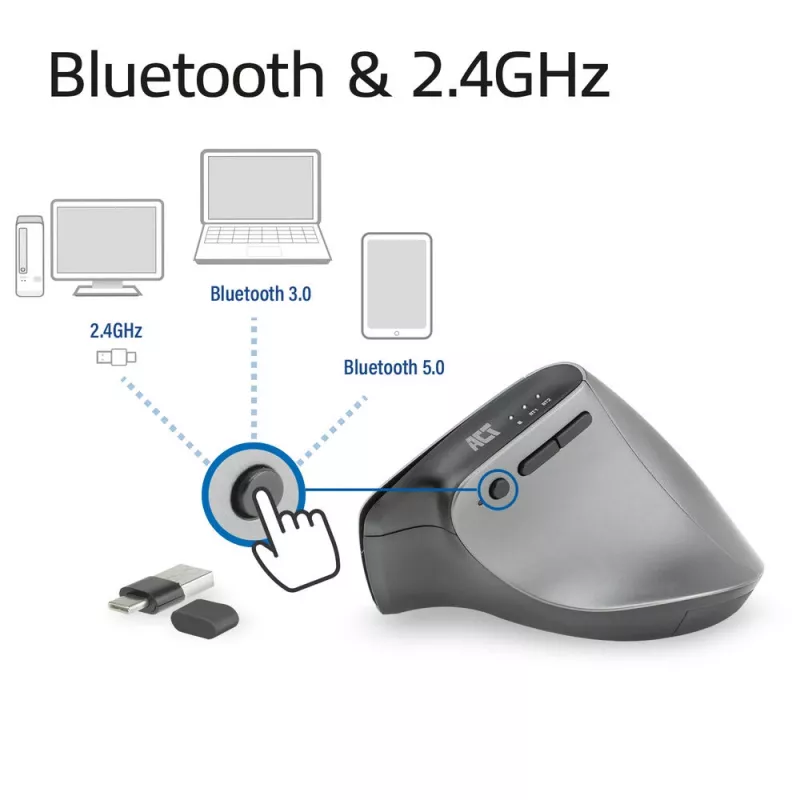
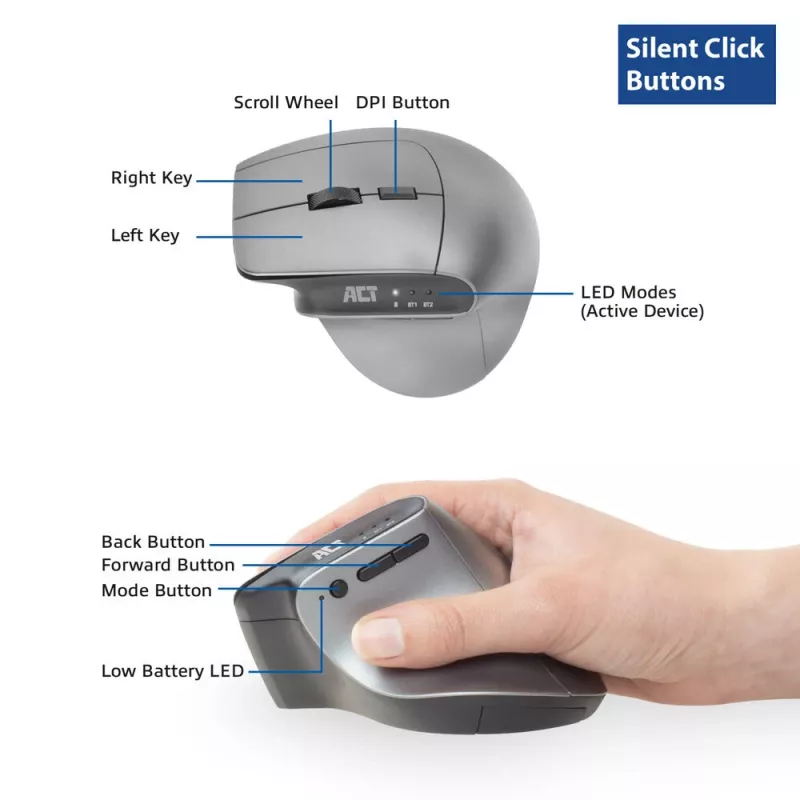
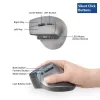
The AC5155 Ergonomic Multi-Connect Wireless Mouse can be used on three different devices, including computers, laptops and tablets. Connect the mouse to two devices via Bluetooth or to a computer or laptop via the included 2-in-1 receiver. Switch between the devices using the dedicated button on the side of the mouse. The LED on the mouse shows which device is active.

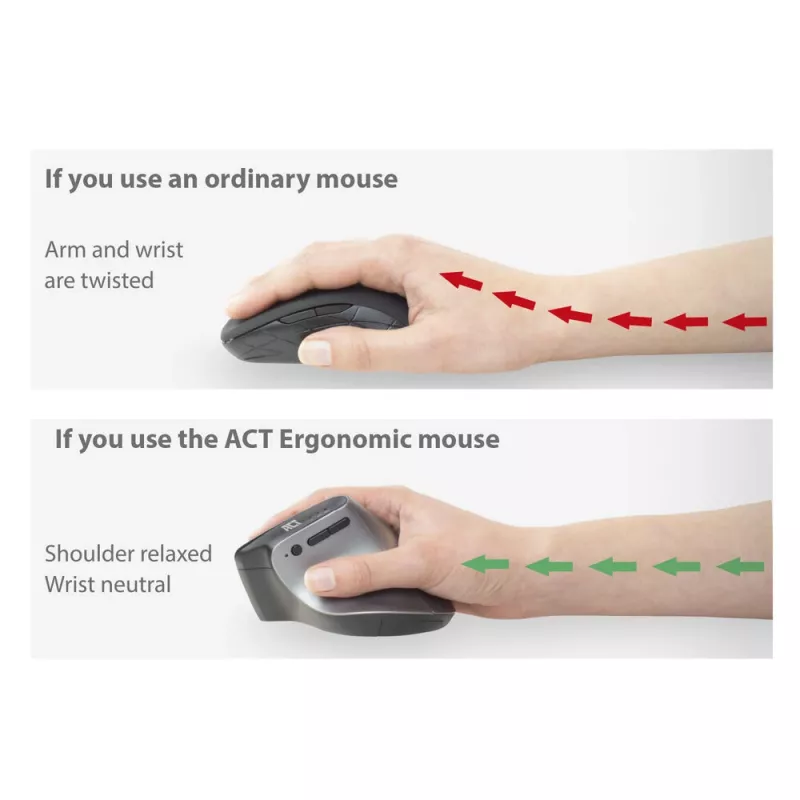
Prevent mouse-related strain injuries
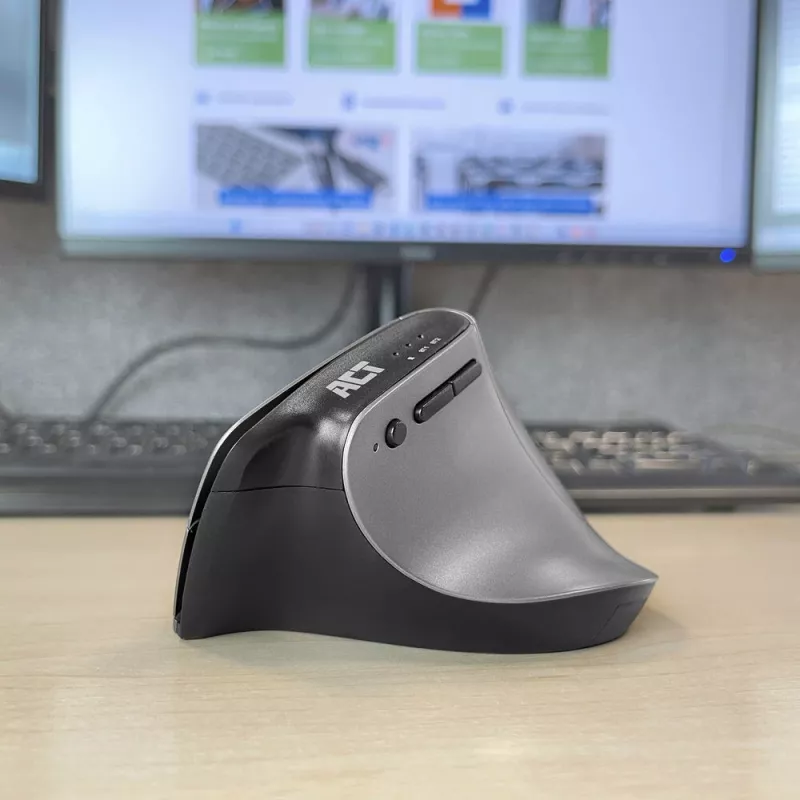
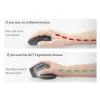
Use the AC5155 Ergonomic Mouse to help prevent mouse-related strain injuries. This ergonomic mouse is designed to fit your hand comfortably and maintain a natural hand and arm position.

2-in-1 receiver
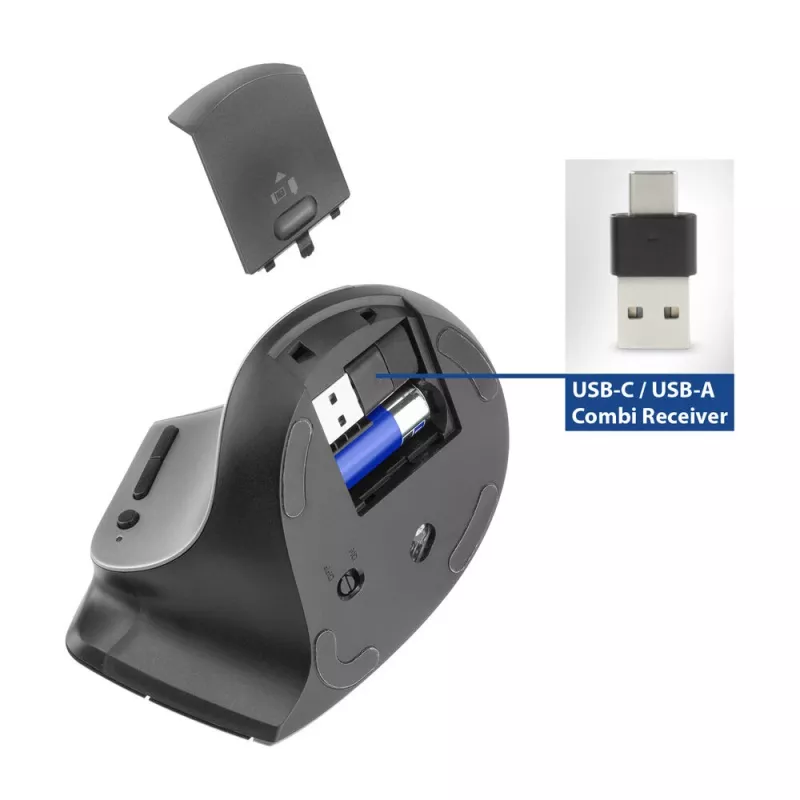
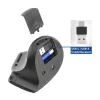
Would you like to connect the wireless mouse to a computer/laptop with a USB-C or USB-A port? The AC5155 has a special USB dongle. Despite its compact design, the dongle has both a USB-C and USB-A connector and can be stored in the mouse’s battery compartment.

Connect via Bluetooth: use the mouse without a dongle
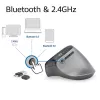
Want to use the mouse but forgot the USB dongle? Don’t stress out! Simply connect the mouse to your device via Bluetooth. Pair the AC5155 with two different Bluetooth devices.

DPI switch: 1000/1600/2400
Select your preferred level of accuracy and precision with ease using the DPI switch. Choose between the DPI levels: 1000/1600/2400 and select your preferred level.

For professional and home use
The AC5155 has a comfortable grip. Use the solid scroll wheel and the accessible side buttons to navigate through applications and pages.

Low battery power saving
The Ergonomic Wireless Mouse has an intelligent power-saving feature. The mouse enters a sleep mode when it hasn’t been used for a while. The mouse also has a physical on/off switch so you can fully disable the mouse. Ideal for extending the battery life when the mouse is stored in a laptop bag and the buttons are accidentally touched.

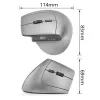
ACT Wireless Ergonomic Mouse with Bluetooth and USB-C/USB-A. Form factor: Right-hand, Vertical design. Movement detection technology: Optical, Device interface: RF Wireless + Bluetooth, Movement resolution: 2400 DPI, Buttons type: Pressed buttons, Buttons quantity: 7, Scroll type: Wheel. Power source: Batteries. Product colour: Black, Silver

How to use

Install batteries and insert the 2‑in‑1 receiver into a USB-A or USB-C port on your computer if using RF wireless; the receiver can be stored inside the mouse when not in use. To connect via Bluetooth, enable Bluetooth on your device, then pair the mouse—up to two Bluetooth devices can be paired. Switch between connected devices using the dedicated side button; the LED indicates which device is active. Use the DPI switch to select 1000, 1600 or 2400 DPI according to your precision needs. Use the on/off switch to conserve battery when the mouse is not in use.

Recommendations

For best ergonomic benefit, position the mouse so your forearm and wrist remain as neutral as possible. Turn the mouse off or remove batteries when storing it for long periods. If you frequently switch between devices, keep one device connected via the receiver and pair the other two via Bluetooth for quick switching.

Key Highlights
  • Office work on desktop computers and laptops
  • Mobile use with tablets and ultrabooks via Bluetooth
  • Users seeking an ergonomic right-hand mouse to reduce strain
  • Workflows that require switching control between multiple devices
  • Brand: ACT; Model: AC5155
  • Connection: Bluetooth (2 devices) + RF wireless via 2‑in‑1 USB-C/USB-A receiver
  • DPI settings: 1000 / 1600 / 2400
  • Movement detection: Optical; maximum resolution 2400 DPI
  • Form factor: Right-hand ergonomic (vertical)
  • Buttons: 7 pressed buttons; scroll wheel
  • Colors: Silver, Black
  • Power: Battery powered; intelligent power-saving mode and on/off switch
Specifications
Battery type
AA
Bluetooth version
5.0
Buttons quantity
7
Buttons type
Pressed buttons
Customizable movement resolution
Yes
Device interface
RF Wireless + Bluetooth
Ergonomic design
Yes
Form factor
Right-hand
Frequency band
2.4 GHz
Movement detection technology
Optical
Movement resolution
2400 DPI
Number of batteries supported
1
Power source
Batteries
Product colour
Black, Silver
Purpose
Office
Quantity per pack
1 pc(s)
Receiver included
Yes
Scroll type
Wheel
Silent click
Yes
Surface coloration
Monochromatic
Vertical design
Yes
Wireless receiver interface
USB Type-A + USB Type-C

Manual

Open Manual

Leaflet

Open Leaflet
Price history over the last 6 months
ACT Wireless Ergonomic Mouse with Bluetooth and USB-C/USB-A
Current
R1,113
Lowest
R1,080
Highest
R1,113
Change 24H
—   
Week
—   
Month
—   

Popular products in this category

WhatsApp
Hi, I’m DistriNode’s AI assistant. I can help you find products, compare options, create quote PDFs, or open support requests.