Account Contact
Your Cart
Pay the courier with no extra fees.
Need help? DistriNode AI can handle any task on our site.

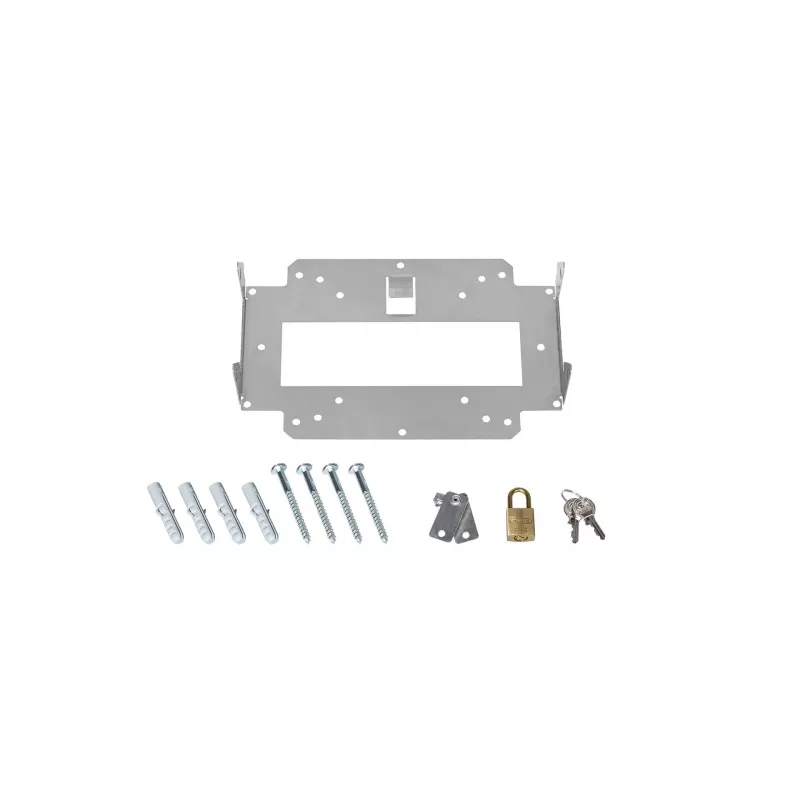
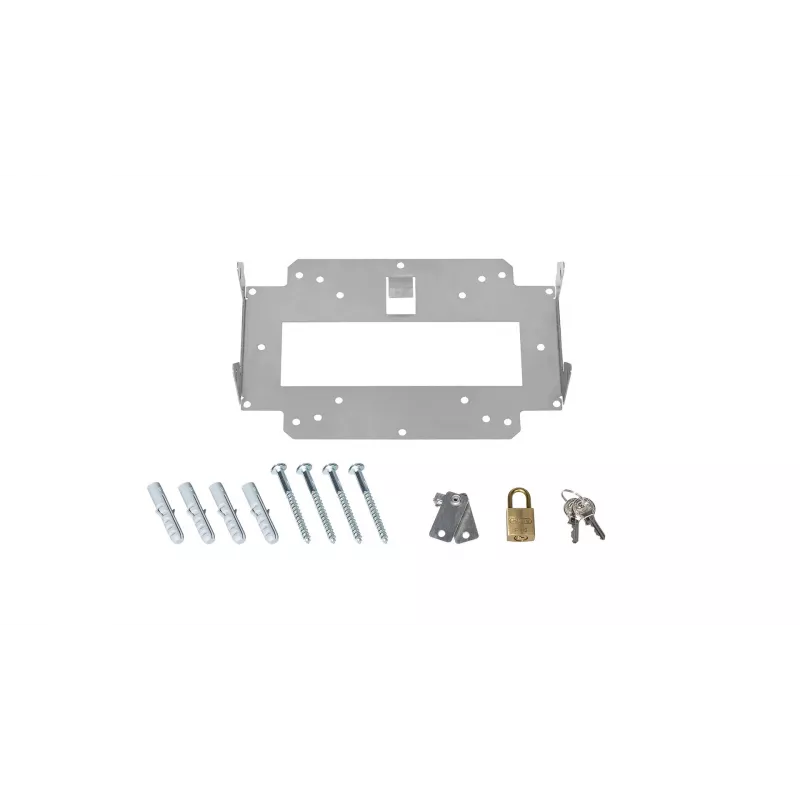
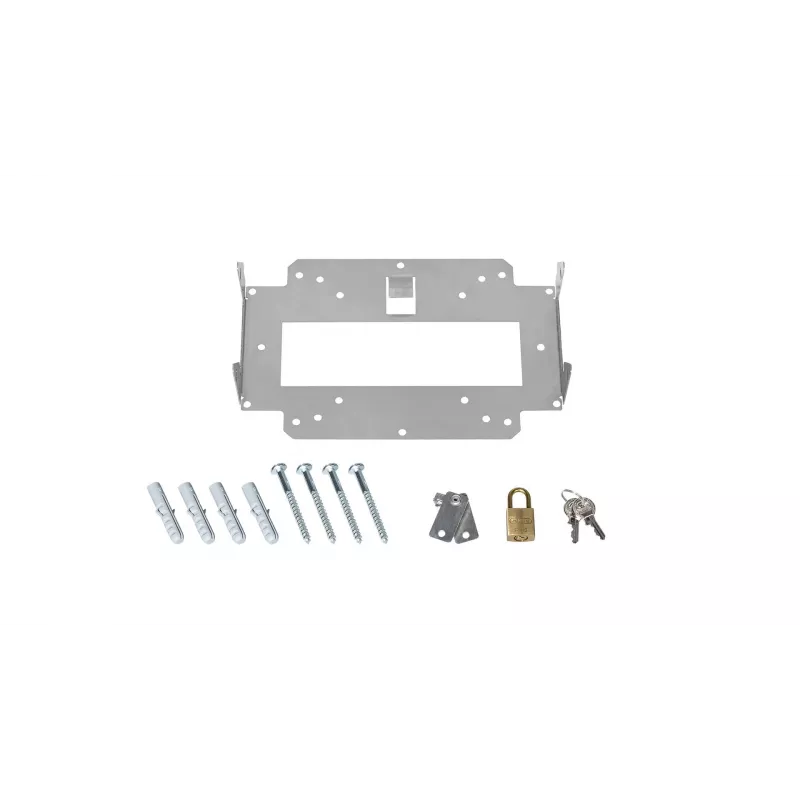
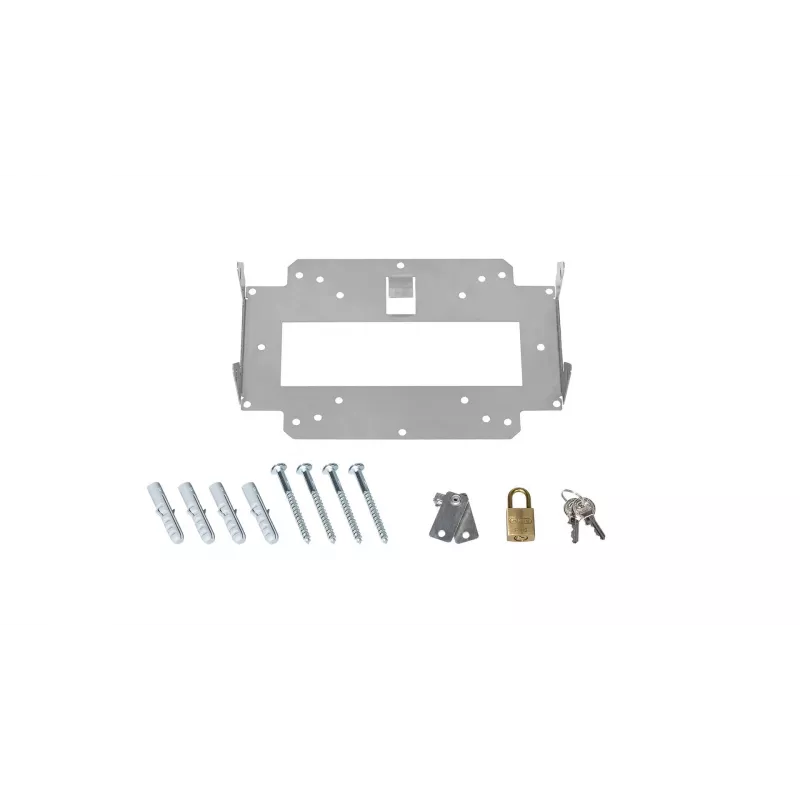
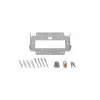
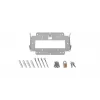
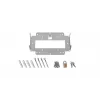
WLAN access point mount LANCOM LN Lock (Bulk 10)

WLAN access point mount LANCOM LN Lock (Bulk 10)
R4,268
The LANCOM LN Lock (Bulk 10) is a set of ten durable mounts designed to secure WLAN access points to LANCOM Wall Mount (LN) brackets and LANCOM LX-6500 devices. Each mount combines a metallic structural element with a white finish to provide a discreet, stable attachment that integrates with typical... Read More
Stock 18 Code 2354430 Brand LANCOM Model 61339 Warranty 2 Years

Shipping & Returns

Estimated delivery Tuesday, September 29
You will be kept updated through our detailed tracking system
Payment options
EFTPayFastBank CardSnapScanZapperGoogle PayApple PayMobicredMoreTymePay on Arrival

The LANCOM LN Lock (Bulk 10) is a set of ten durable mounts designed to secure WLAN access points to LANCOM Wall Mount (LN) brackets and LANCOM LX-6500 devices. Each mount combines a metallic structural element with a white finish to provide a discreet, stable attachment that integrates with typical indoor installation environments. The pack of ten supports multi-unit deployments in offices, schools, retail locations, and multi-dwelling buildings where consistent mounting hardware is required.

Advantages

The LN Lock mounts provide mechanical stability and a uniform appearance across multiple access points, reducing installation variability and ensuring reliable device positioning. Their construction balances rigidity for secure fixation with a low-profile white finish that minimizes visual impact. Supplied in a bulk pack of ten, the mounts simplify procurement and inventory management for larger installations.

Suitable for

Key specifications

How to use

Attach each LN Lock mount to the corresponding LANCOM Wall Mount (LN) or directly to the LX-6500 device following the mounting point alignment. Ensure the wall mount or mounting surface is securely installed according to the access point manufacturer’s instructions before fixing the LN Lock. Tighten the mount connections to achieve stable fixation without over-torquing. After installation, verify the access point is level and firmly held in place and that cable routing does not strain the mount.

Recommendations

For best results, use the LN Lock mounts as part of a complete LANCOM mounting solution, verify compatibility with the specific access point model, and install on properly prepared surfaces. Periodically inspect mounts during maintenance cycles to ensure continued mechanical integrity.

Key Highlights
  • Mounting LANCOM access points on LANCOM Wall Mount (LN) brackets
  • Securing LANCOM LX-6500 access points in indoor environments
  • Deployments requiring consistent mounting hardware for multiple units
  • Commercial, educational, and residential WLAN installations
  • Quantity: pack of 10 mounts
  • Compatibility: designed for LANCOM Wall Mount (LN) and LX-6500 access points
  • Finish: metallic structural components with white external finish
  • Intended use: indoor mounting for WLAN access points
  • Origin: manufactured in China
Specifications
Brand compatibility
Lancom
Compatibility
LANCOM Wall Mount (LN) und LX-6500
Country of origin
China
Customs product code (TARIC)
83011000
Product colour
Metallic, White
Product type
WLAN access point mount
Quantity per pack
10 pc(s)
Price history over the last 6 months
WLAN access point mount LANCOM LN Lock (Bulk 10)
Current
R4,268
Lowest
R4,027
Highest
R4,432
Change 24H
+R197   +5%
Week
+R242   +6%
Month
+R239   +6%

Popular products in this category

WhatsApp
Hi, I’m DistriNode’s AI assistant. I can help you find products, compare options, create quote PDFs, or open support requests.