Account Contact
Your Cart
Pay on delivery – no extra fees
Need help? Ask our AI

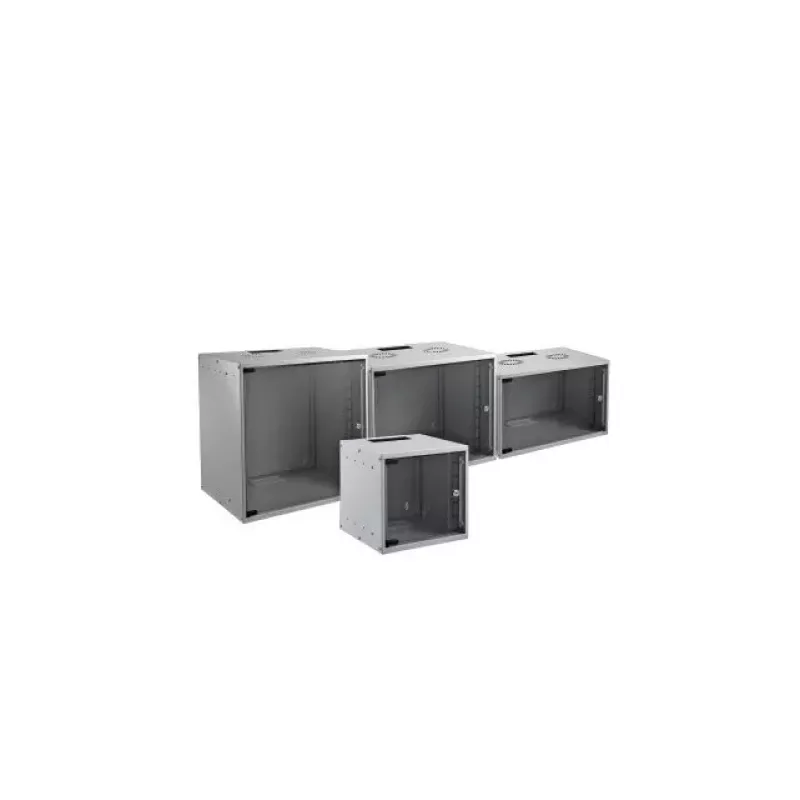
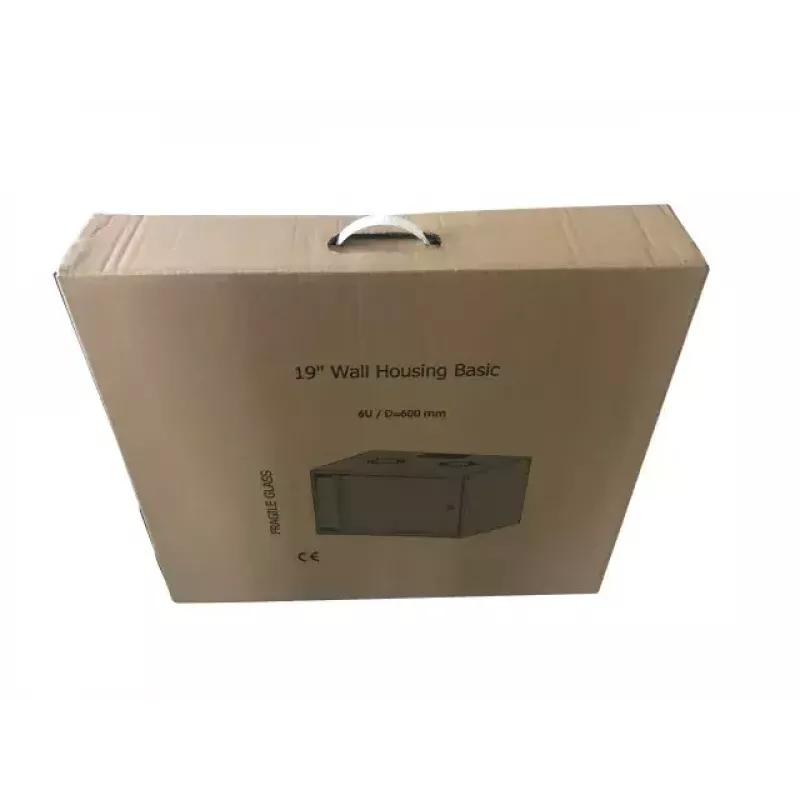
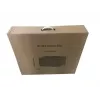
Wall mounted rack EFB Elektronik WGB-1906GR.60

Wall mounted rack EFB Elektronik WGB-1906GR.60
R5,131
PDF
PDF
Stock 9 Code 2567619 Model WGB-1906GR.60 Warranty 2 Years

Shipping & Returns

Estimated delivery Monday, December 7
You will be kept updated through our detailed tracking system
Payment options
EFTPayFastBank CardSnapScanZapperGoogle PayApple PayMobicredMoreTymePay on Arrival

Ask a question – the AI assistant answers instantly.

Description

The EFB Elektronik WGB-1906GR.60 is a 6U wall mounted rack designed for compact and organized equipment installation in homes, offices and small server rooms. With external dimensions of 535 mm width, 600 mm depth and 306 mm height, and a grey finish, this wall cabinet provides a practical solution for mounting network switches, patch panels and other 19-inch devices while minimizing floor space usage.

Advantages

This wall mounted rack supports a maximum static load of 80 kg and is built to securely hold network and IT equipment in a fixed wall location. The 6U rack capacity and 19-inch mounting format enable standard equipment compatibility. Its compact footprint and grey colour make it suitable for visible areas where a discrete, professional appearance is required. The cabinet is easy to access once mounted, allowing for cable routing and maintenance without occupying valuable floor area.

Suitable for

  • Small office network installations
  • Home lab or server closet setups
  • Telecommunications and patch panel mounting
  • Edge computing or network distribution points

Key specifications

  • Width: 535 mm
  • Depth: 600 mm
  • Height: 306 mm
  • Rack capacity: 6U (19-inch mounting)
  • Maximum load capacity: 80 kg (static)
  • Product colour: Grey

How to use

Mount the rack on a suitable load-bearing wall using appropriate fixings for the wall material and the combined weight of the cabinet and installed equipment. Install 19-inch mounting rails inside the cabinet and secure devices using standard rack screws. Route power and network cabling through available openings or cable-management accessories, ensuring strain relief and proper ventilation around active components. For safety, verify wall anchors and fixings periodically and redistribute load evenly across mounting points.

Recommendations

Place heavier devices toward the lower U positions to maintain a low centre of gravity, leave airflow clearance in front and behind active equipment, and use labelled patching to simplify maintenance. Ensure the installation follows local electrical and building codes and verify that wall fixings are rated for at least the cabinet’s maximum loaded weight.

Key Highlights
  • Small office network installations
  • Home lab or server closet setups
  • Telecommunications and patch panel mounting
  • Edge computing or network distribution points
  • Width: 535 mm
  • Depth: 600 mm
  • Height: 306 mm
  • Rack capacity: 6U (19-inch mounting)
  • Maximum load capacity: 80 kg (static)
  • Product colour: Grey

Specifications

Specifications
Depth
600 mm
Harmonized System (HS) code
85381000
Height
306 mm
Material
Steel
Maximum weight capacity
80 kg
Product colour
Grey
Rack capacity
6U
Type
Wall mounted rack
Width
535 mm
Price history over the last 6 months
Wall mounted rack EFB Elektronik WGB-1906GR.60
Current
R5,131
Lowest 7d
R5,085
Highest 7d
R5,153
Change 24H
-R7   0%
Change 7D
+R29   +1%
Change 30D
+R41   +1%

Write a review

Rating *
Your name will be shown publicly – you can use a nickname. We invite buyers to write reviews; we check reviews before publishing and publish critical ones too.

More EFB ELEKTRONIK products in this category

12

Popular products in this category

8
WhatsApp
Messenger
Hi, I’m DistriNode’s AI assistant. I can help you find products, compare options, create quote PDFs, or open support requests.
All categories