Account Contact
Your Cart
Pay the courier with no extra fees.
Need help? DistriNode AI can handle any task on our site.

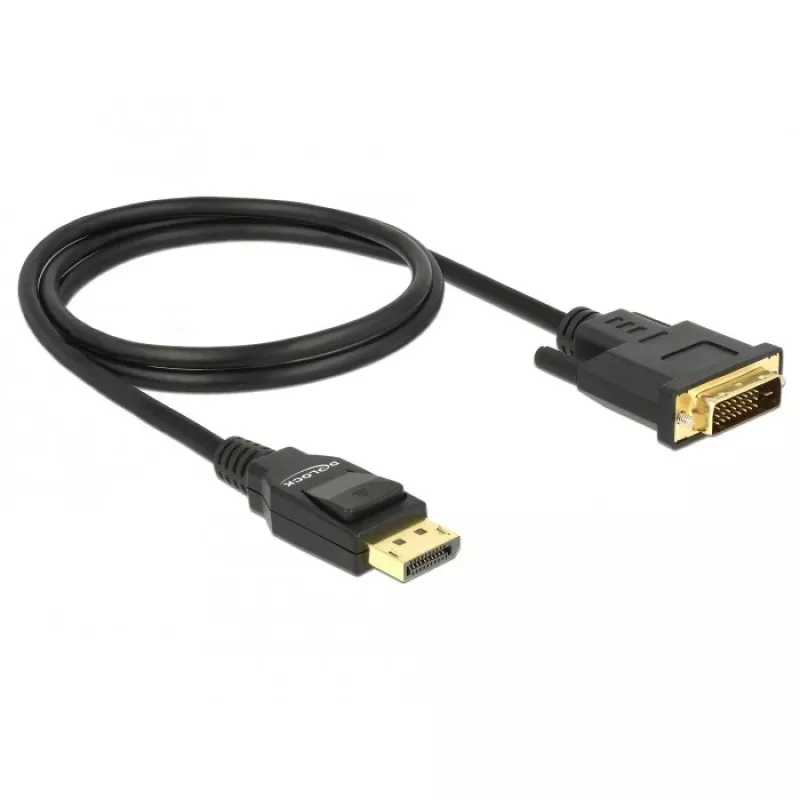
Video Cable Adapter DeLOCK 85312 1m DisplayPort to DVI-D Black

Video Cable Adapter DeLOCK 85312 1m DisplayPort to DVI-D Black
R570
The DeLOCK 85312 video cable adapter connects a DisplayPort source to a DVI-D display, allowing a monitor with a DVI connector to be used with devices that have a DisplayPort output. The cable is 1 metre long, has a 6 mm diameter and comes in black colour. It is supplied in a polybag for storage and... Read More
Stock 200 Code 1720444 Brand DELOCK Model 85312 Warranty 2 Years

Shipping & Returns

Estimated delivery Thursday, October 1
You will be kept updated through our detailed tracking system
Payment options
EFTPayFastBank CardSnapScanZapperGoogle PayApple PayMobicredMoreTymePay on Arrival

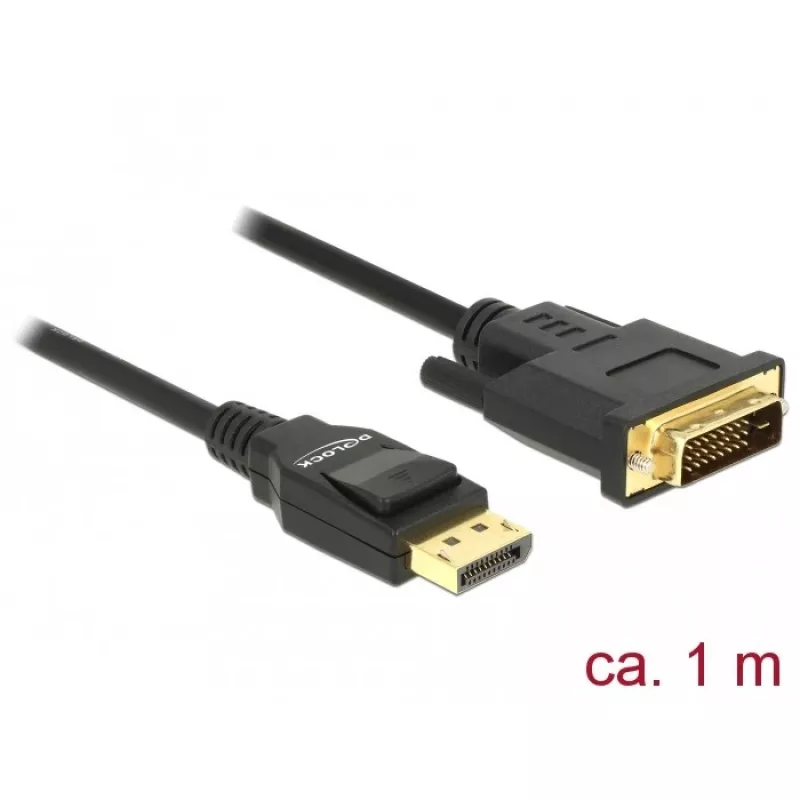
The DeLOCK 85312 video cable adapter connects a DisplayPort source to a DVI-D display, allowing a monitor with a DVI connector to be used with devices that have a DisplayPort output. The cable is 1 metre long, has a 6 mm diameter and comes in black colour. It is supplied in a polybag for storage and transport and is suitable for linking modern graphics outputs to legacy DVI-D displays.

Advantages

The adapter offers a simple plug-and-play connection between DisplayPort and DVI-D without the need for additional drivers. Its 1 m length provides flexibility on desktop setups while maintaining signal integrity. The compact 6 mm diameter cable and black finish make it unobtrusive in most environments.

Suitable for

  • Connecting a PC or laptop DisplayPort output to a DVI-D monitor
  • Using a DisplayPort graphics card with an older DVI-D display
  • Temporary workstation or presentation setups requiring DisplayPort-to-DVI-D connectivity

Key specifications

  • Brand: DELOCK
  • Model / MPN: 85312
  • Connector 1: DisplayPort
  • Connector 2: DVI-D
  • Cable length: 1 m
  • Colour: Black
  • Cable diameter: 6 mm
  • Packaging: Polybag

How to use

Connect the DisplayPort plug to the source device (for example a computer or laptop) and the DVI-D plug to the monitor's DVI-D input. Ensure both devices are powered on; the display should detect the signal automatically. Adjust resolution and refresh rate in the operating system or graphics driver if necessary to match the monitor's supported modes.

Recommendations

Use this cable when a direct DisplayPort-to-DVI-D connection is required; avoid forcing connectors and route the cable to prevent sharp bends. For dual-link DVI or highest possible resolutions, verify the monitor and source support the desired mode, as this adapter is intended for single-link DVI-D compatibility.
Key Highlights
  • Connecting a PC or laptop DisplayPort output to a DVI-D monitor
  • Using a DisplayPort graphics card with an older DVI-D display
  • Temporary workstation or presentation setups requiring DisplayPort-to-DVI-D connectivity
  • Brand: DELOCK
  • Model / MPN: 85312
  • Connector 1: DisplayPort
  • Connector 2: DVI-D
  • Cable length: 1 m
  • Colour: Black
  • Cable diameter: 6 mm
  • Packaging: Polybag
Specifications
AWG wire size
30
Cable diameter
6 mm
Cable length
1 m
Connector 1
DisplayPort
Connector 1 form factor
Straight
Connector 1 gender
Male
Connector 2
DVI-D
Connector 2 form factor
Straight
Connector 2 gender
Male
Connector contacts plating
Gold
Data transfer rate
3.96 Gbit/s
Harmonized System (HS) code
84733080
Maximum resolution
1920 x 1080
Package type
Polybag
Product colour
Black
Supported graphics resolutions
1920 x 1080 (HD 1080)
Price history over the last 6 months
Video Cable Adapter DeLOCK 85312 1m DisplayPort to DVI-D Black
Current
R570
Lowest
R523
Highest
R570
Change 24H
+R40   +8%
Week
+R46   +9%
Month
+R44   +8%

Popular products in this category

WhatsApp
Hi, I’m DistriNode’s AI assistant. I can help you find products, compare options, create quote PDFs, or open support requests.