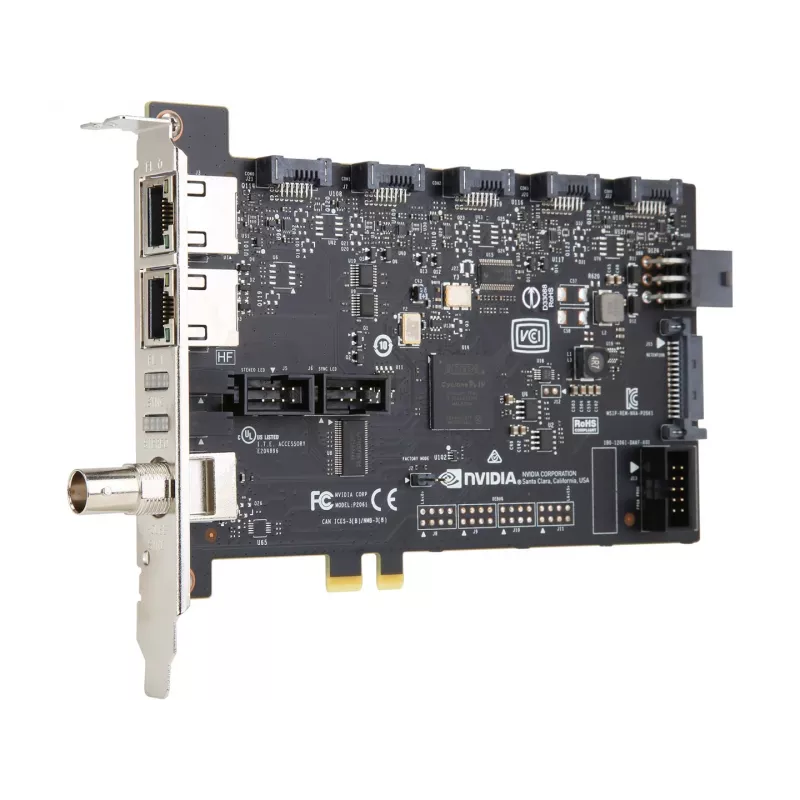
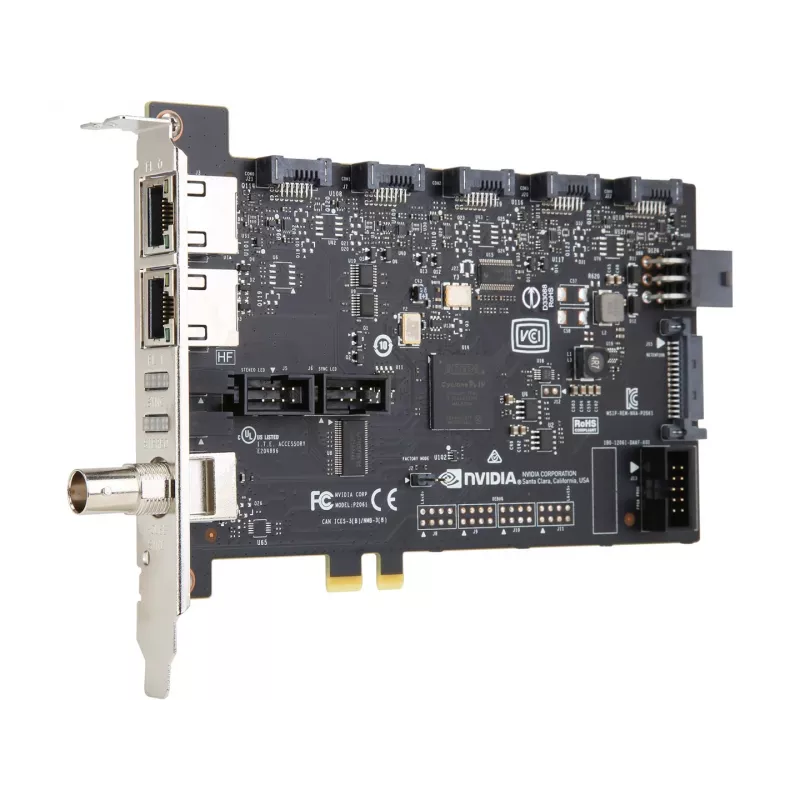
NVIDIA Quadro Sync II solutions provide synchronized, ultra-high-resolution display configurations by connecting to compatible NVIDIA Quadro GPUs. These sync boards coordinate timing between GPUs and the attached displays or projectors, enabling large, tiled, or multi-projector visualization setups ... Read More
NVIDIA Quadro Sync II solutions provide synchronized, ultra-high-resolution display configurations by connecting to compatible NVIDIA Quadro GPUs. These sync boards coordinate timing between GPUs and the attached displays or projectors, enabling large, tiled, or multi-projector visualization setups without visible tearing or timing mismatch. The solution also supports NVIDIA Quadro Mosaic technology on synchronized outputs, allowing applications to scale across multiple displays as a single logical desktop.
Advantages
NVIDIA Quadro Sync II ensures pixel-accurate synchronization across multiple displays and projectors, improving visual continuity in large-format and multi-screen environments. The boards are designed for flexibility and scalability, working with select NVIDIA Quadro GPUs to expand resolution and display count. Integration with Quadro Mosaic simplifies scaling applications across synchronized outputs, reducing setup complexity for visualization and presentation workflows.
Key specifications
Compatible with select NVIDIA Quadro GPUs for synchronized output
Enables synchronization of displays and projectors to prevent tearing
Supports NVIDIA Quadro Mosaic technology on synchronized outputs
Designed for flexible, scalable multi-display and multi-projector configurations
How to use
Install the Quadro Sync II board in a system with a supported NVIDIA Quadro GPU and connect the display or projector outputs to the synchronized GPU outputs. Configure synchronization and Mosaic settings via the NVIDIA driver and management tools to define the display topology, timing, and scaling. Verify synchronized output across all connected displays or projectors and adjust settings as needed for resolution and refresh rate compatibility.
Recommendations
Use certified cables and compatible displays or projectors, ensure the system BIOS and GPU drivers are up to date, and consult NVIDIA documentation for supported GPU models and configuration best practices to achieve optimal synchronization and performance.
Key Highlights
Compatible with select NVIDIA Quadro GPUs for synchronized output
Enables synchronization of displays and projectors to prevent tearing
Supports NVIDIA Quadro Mosaic technology on synchronized outputs
Designed for flexible, scalable multi-display and multi-projector configurations