Account Contact
Your Cart
Pay the courier with no extra fees.
Need help? DistriNode AI can handle any task on our site.

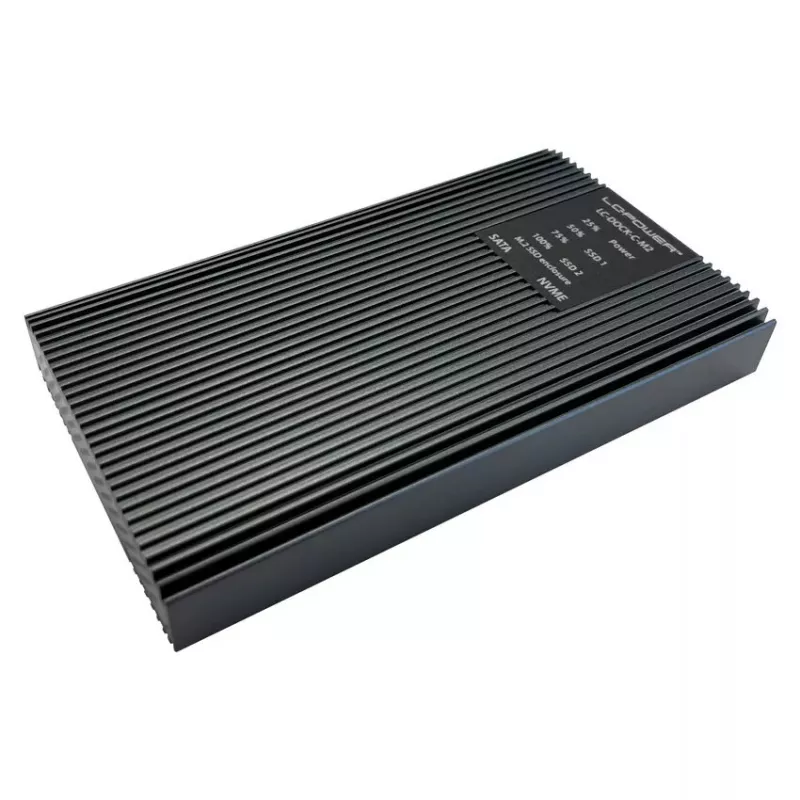
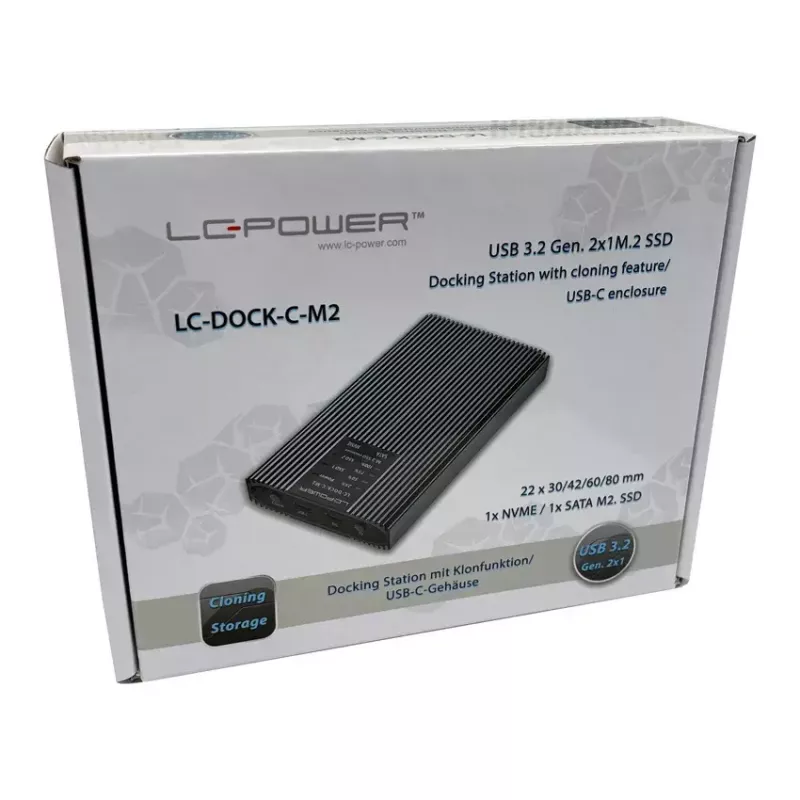
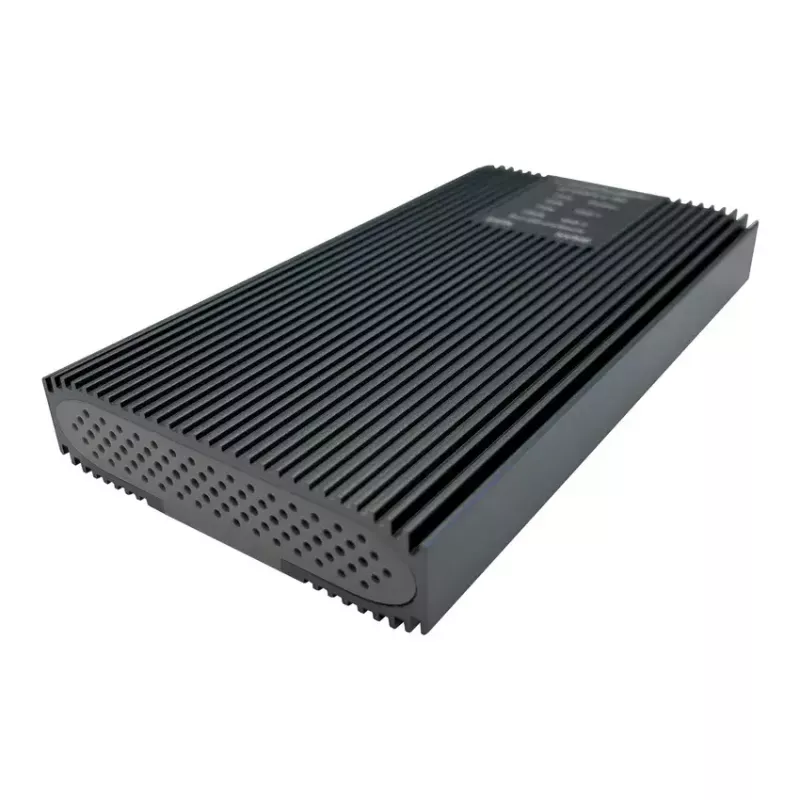
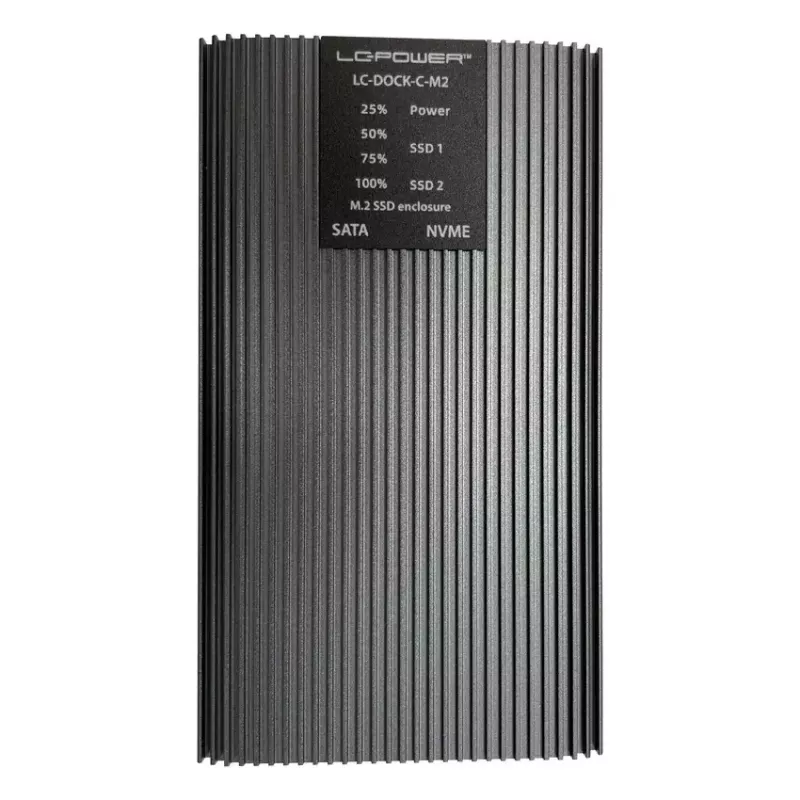
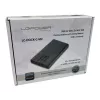
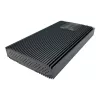
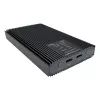
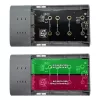
SSD enclosure LC-Power LC-DOCK-C-M2 2 M.2 drives 10 Gbit/s Anthracite

SSD enclosure LC-Power LC-DOCK-C-M2 2 M.2 drives 10 Gbit/s Anthracite
R1,582
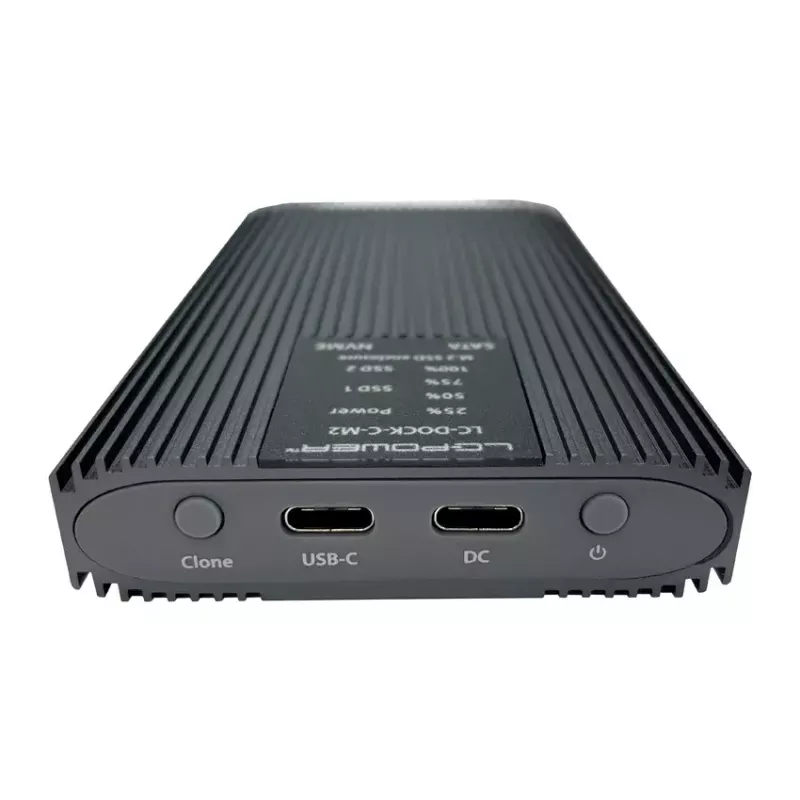
LC-DOCK-C-M2 is an external SSD enclosure for two M.2 drives that connects via USB 3.2 Gen 2x1 (10 Gbit/s) using a USB Type-C interface. The anthracite-coloured aluminium housing is designed for desktop or portable use and supports one NVMe and one SATA M.2 module with a cloning function for drive-t... Read More
Stock 3 Code 765544 Brand LC-Power Model LC-DOCK-C-M2 Warranty 2 Years

Shipping & Returns

Estimated delivery Tuesday, October 6
You will be kept updated through our detailed tracking system
Payment options
EFTPayFastBank CardSnapScanZapperGoogle PayApple PayMobicredMoreTymePay on Arrival

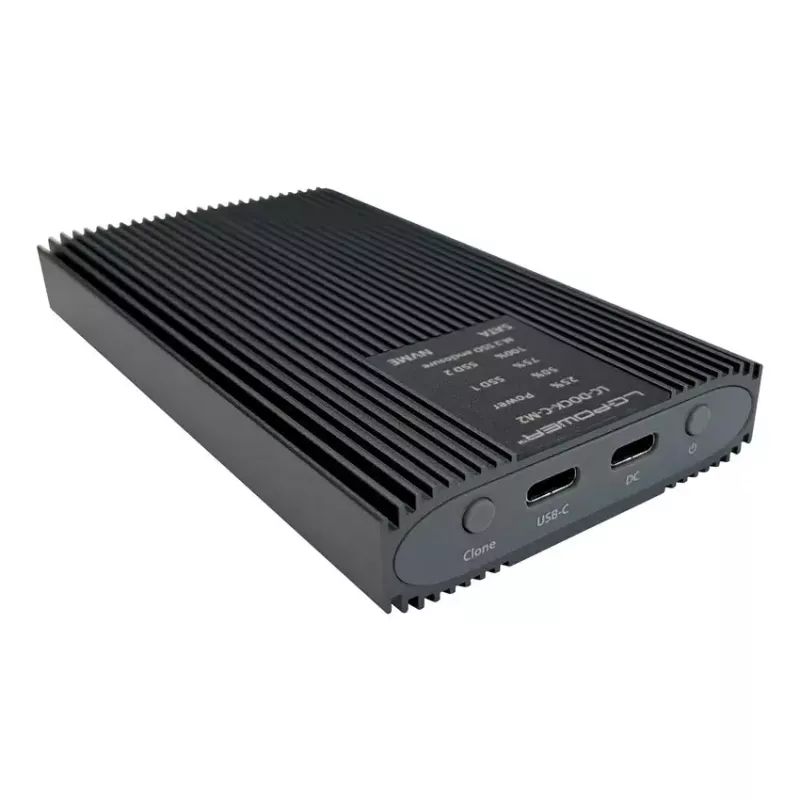
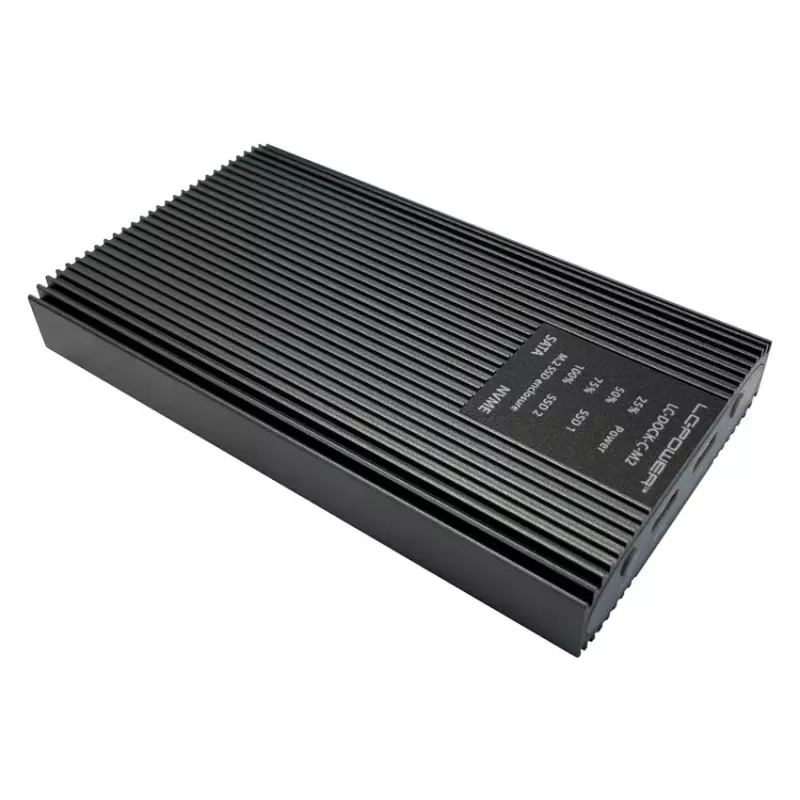
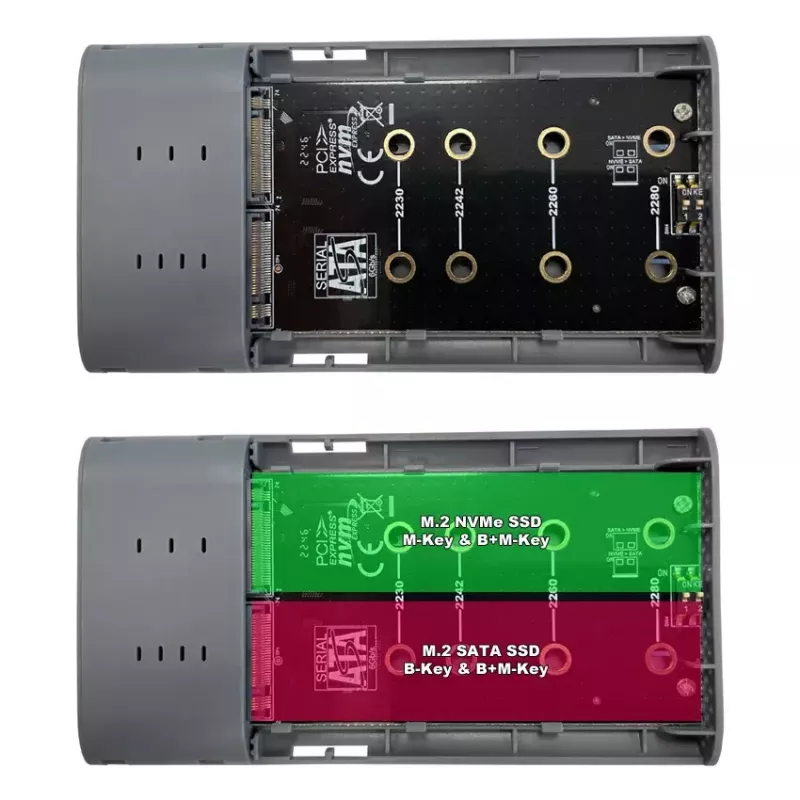
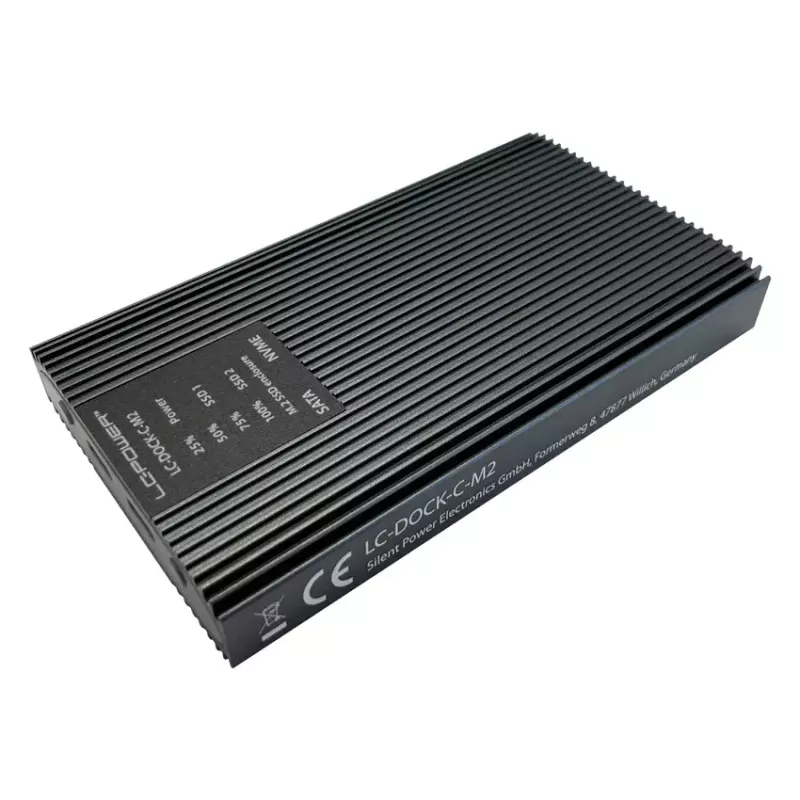
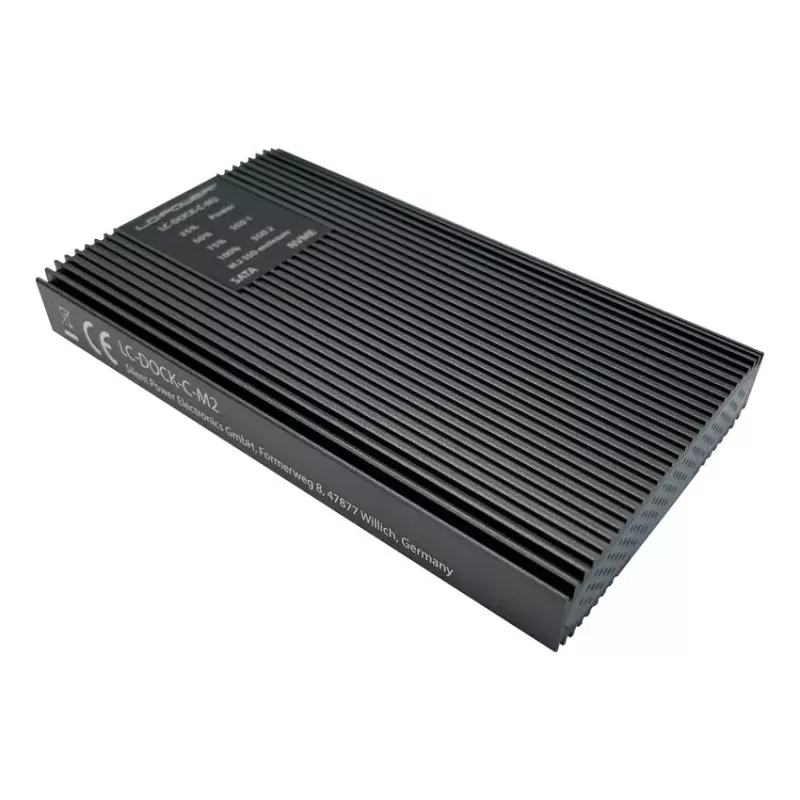
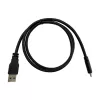
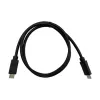
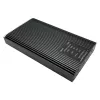
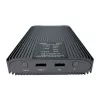
LC-DOCK-C-M2 is an external SSD enclosure for two M.2 drives that connects via USB 3.2 Gen 2x1 (10 Gbit/s) using a USB Type-C interface. The anthracite-coloured aluminium housing is designed for desktop or portable use and supports one NVMe and one SATA M.2 module with a cloning function for drive-to-drive duplication.

Advantages

The enclosure supports both NVMe and SATA M.2 SSDs in a single unit, offers a 10 Gbit/s USB 3.2 Gen 2x1 connection for fast data transfer, and includes a built-in cloning feature to copy data between drives without a PC. Its USB Type-C interface ensures broad compatibility with modern systems, while the compact anthracite body provides a durable and professional appearance.

Suitable for

  • Backing up or duplicating M.2 SSDs via the cloning function
  • Expanding external storage for laptops and desktops
  • Transferring large files or performing fast data migration between drives
  • Technicians and system builders who need quick drive cloning and testing

Key specifications

  • Interface: USB 3.2 Gen 2x1 (10 Gbit/s), USB Type-C
  • Drive bays: 2 × M.2 (supports one NVMe + one SATA)
  • Cloning: drive-to-drive clone function without PC
  • Colour: Anthracite
  • Weight: 0.329 kg

How to use

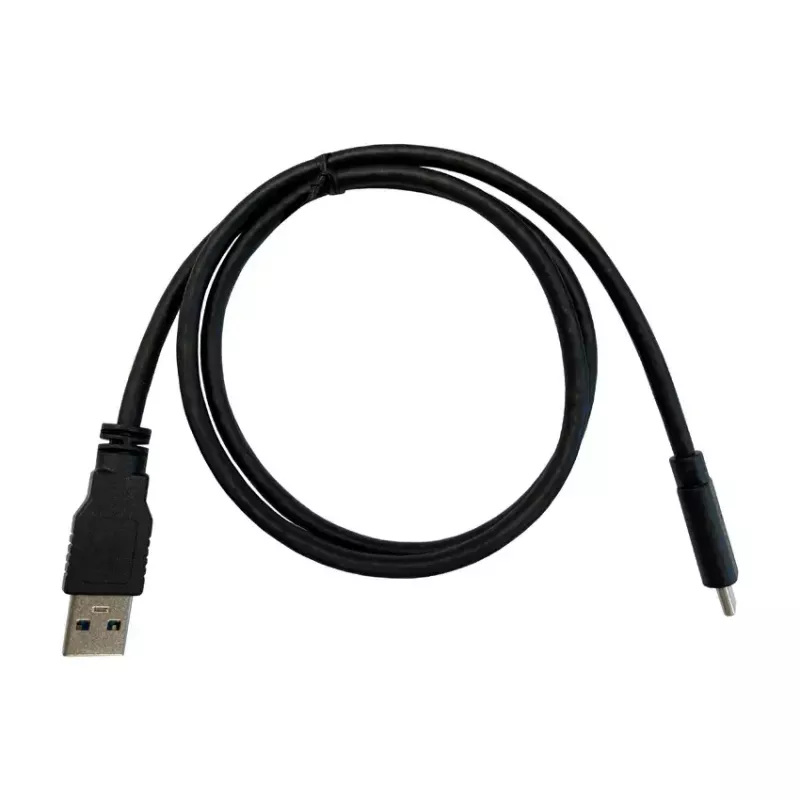
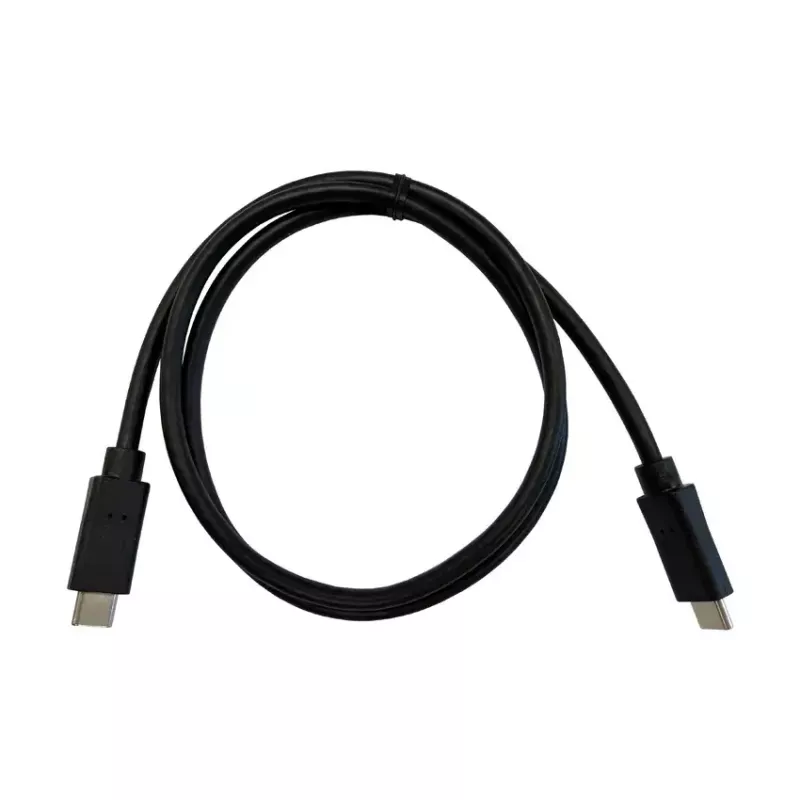
Install one NVMe and one SATA M.2 SSD into the designated slots according to the enclosure’s alignment marks, secure them, and connect the enclosure to a host via the supplied USB Type-C cable for data access. To clone a drive, follow the enclosure’s cloning procedure: power the unit, select the source and target drives as indicated by the device controls, and start the cloning operation. When connected to a computer, the drives function as external storage devices and are accessible through the operating system’s file manager.

Recommendations

Use a high-quality USB Type-C cable and a compatible host port (USB 3.2 Gen 2) to achieve the stated 10 Gbit/s performance. Ensure the target drive has equal or greater capacity than the source when performing cloning. Handle M.2 modules with care and observe anti-static precautions during installation.

Key Highlights
  • Backing up or duplicating M.2 SSDs via the cloning function
  • Expanding external storage for laptops and desktops
  • Transferring large files or performing fast data migration between drives
  • Technicians and system builders who need quick drive cloning and testing
  • Interface: USB 3.2 Gen 2x1 (10 Gbit/s), USB Type-C
  • Drive bays: 2 × M.2 (supports one NVMe + one SATA)
  • Cloning: drive-to-drive clone function without PC
  • Colour: Anthracite
  • Weight: 0.329 kg
Specifications
Certification
CE
Data transfer rate
10 Gbit/s
Depth
68 mm
Height
120 mm
LED indicators
Y
Linux operating systems supported
Y
Mac operating systems supported
Y
Material
Aluminium, Plastic
Number of storage drives supported
2
NVMe
Yes
Package depth
145 mm
Package height
182 mm
Package type
Box
Package weight
424 g
Package width
47 mm
Plug and Play
Yes
Product colour
Anthracite
Product type
SSD enclosure
Storage drive size
M.2
Supported storage drive interfaces
M.2
Supported storage drive lengths
60, 42, 30, 22, 80
USB connectivity
Yes
USB connector type
USB Type-C
USB version
2.0/3.2 Gen 2 (3.1 Gen 2)
Weight
0.329 kg
Width
16 mm
Windows operating systems supported
Y

Leaflet

Open Leaflet

Document

Open Document
Price history over the last 6 months
SSD enclosure LC-Power LC-DOCK-C-M2 2 M.2 drives 10 Gbit/s Anthracite
Current
R1,582
Lowest
R1,113
Highest
R1,596
Change 24H
+R56   +4%
Week
+R72   +5%
Month
+R66   +4%

Popular products in this category

WhatsApp
Hi, I’m DistriNode’s AI assistant. I can help you find products, compare options, create quote PDFs, or open support requests.