Account Contact
Your Cart
Pay the courier with no extra fees.
Need help? DistriNode AI can handle any task on our site.

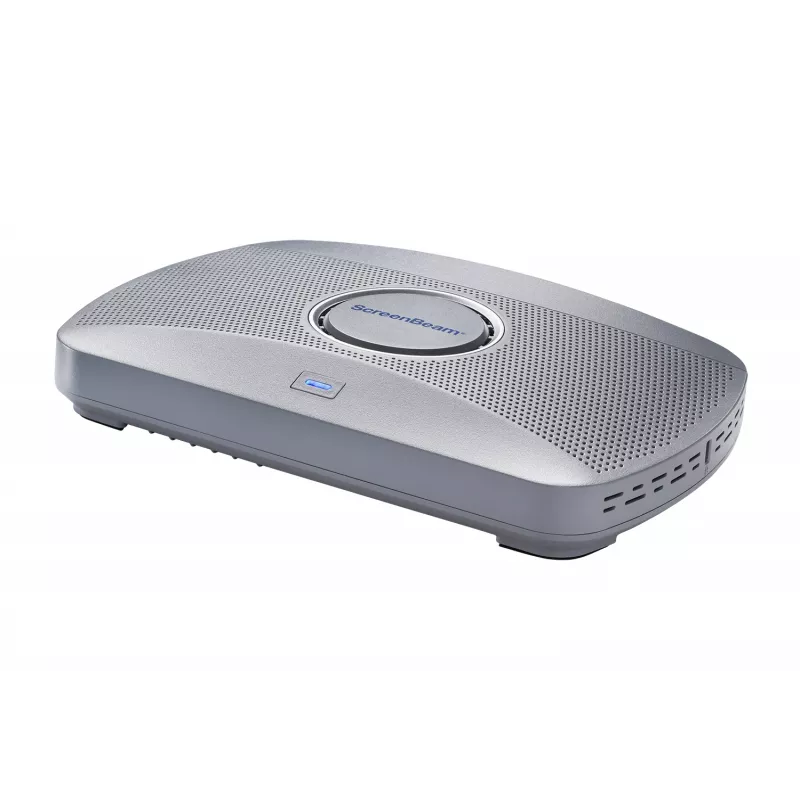
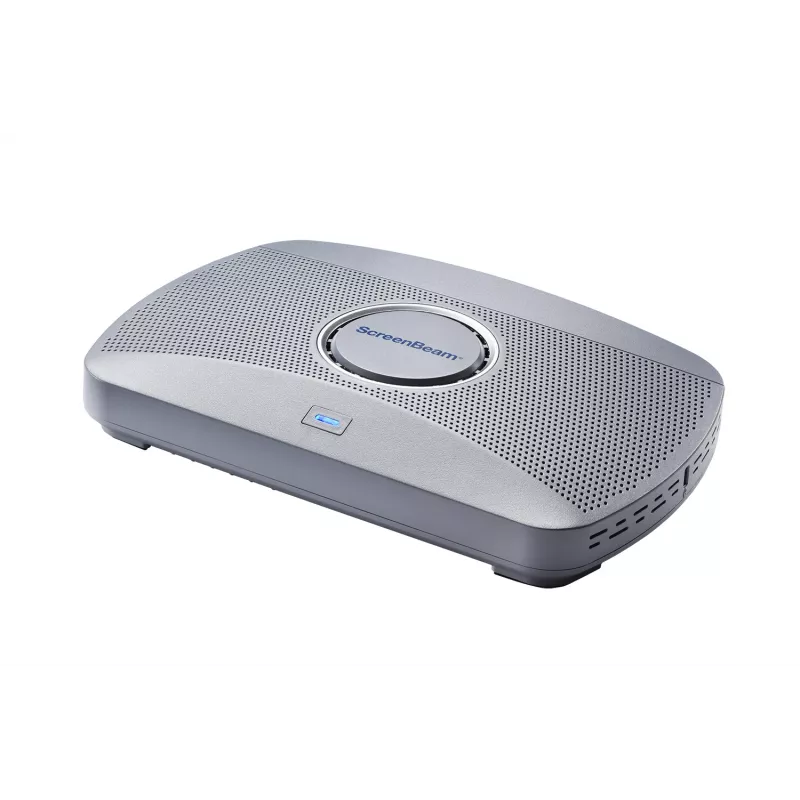
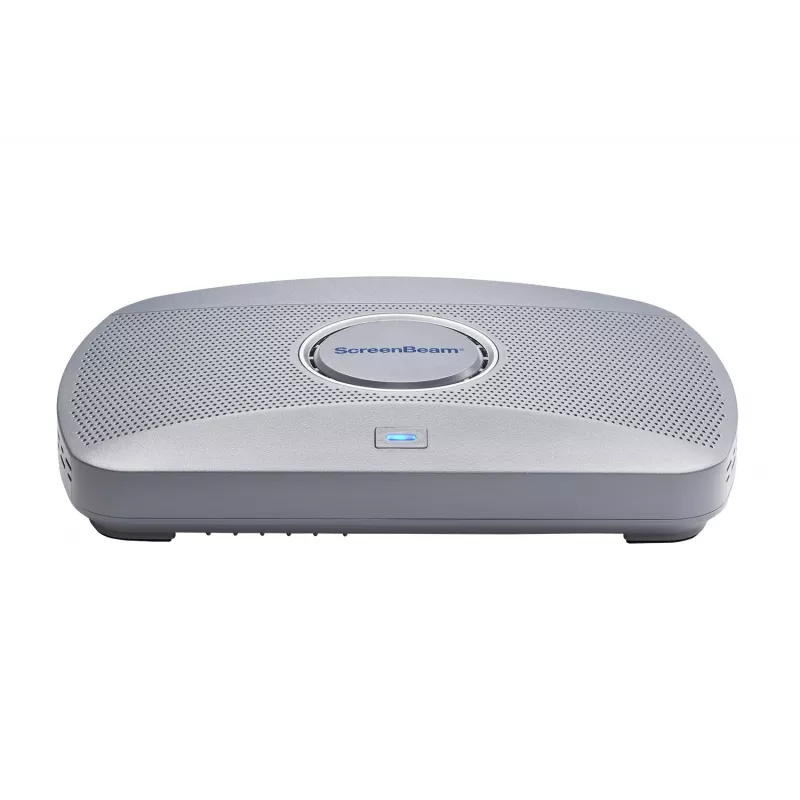
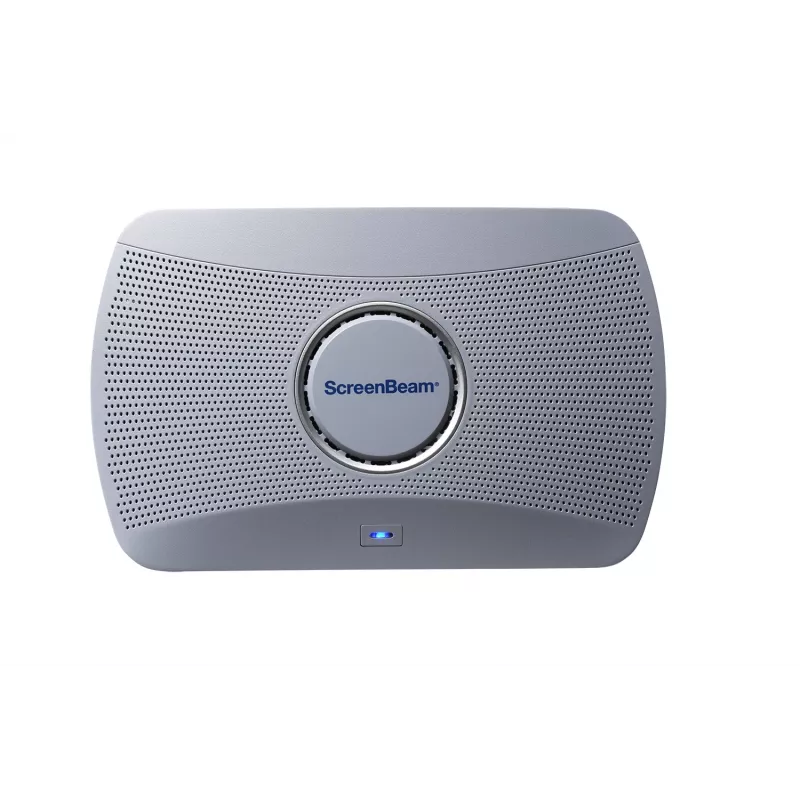
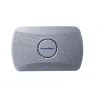
ScreenBeam 1000 EDU Gen 2 wireless presentation system HDMI + USB Type-A Desktop

ScreenBeam 1000 EDU Gen 2 wireless presentation system HDMI + USB Type-A Desktop
R14,481
The ScreenBeam 1000 EDU Gen 2 is our next-generation smart wireless presentation platform designed for modern classrooms. It offers more than wireless display – empowering teachers to move freely, engage students, and get the most out of their technology investments.App-less and dongle-less screen m... Read More
Stock 1 Code 1518178 Brand SCREENBEAM Model SBWD1000EDUG2EUINL Warranty 2 Years

Shipping & Returns

Estimated delivery Thursday, October 8
You will be kept updated through our detailed tracking system
Payment options
EFTPayFastBank CardSnapScanZapperGoogle PayApple PayMobicredMoreTymePay on Arrival
The ScreenBeam 1000 EDU Gen 2 is our next-generation smart wireless presentation platform designed for modern classrooms. It offers more than wireless display – empowering teachers to move freely, engage students, and get the most out of their technology investments.

App-less and dongle-less screen mirroring
Screen sharing from any device without the need to download an app or keep dongle nearby. ScreenBeam leads with OS-native Wi-Fi Miracast, AirPlay and Google Cast for familiarity and mitigate user training.

Extended desktop
Windows and macOS users can mirror desktop or extend screen to ensure content privacy.

Touch display support
Windows users can markup content directly on room displays, instantly capturing changes in Microsoft Office 365 applications.

Integrated Whiteboard
An integrated Whiteboard application enables a collaborative experience that launches directly from the interactive flat panel display without changing sources, pushing buttons or re-connecting to the display.

Name Picker & Timer
Tools frequently used by teachers to help engage students, randomly select students and time projects and tasks. These integrated applications are available for classrooms with IFP display.

Orchestrate (Lite)
Basic orchestration capabilities for Windows and Chromebooks. Teachers can easily and securely preview and approve student screen sharing for a moderated experience.

Multi-view
Teachers can display up to four student device screens simultaneously making it easy for classroom collaboration and discussion.

Signage Player
Idle displays in classrooms and meeting spaces can be optimized to convey information with integrated HTML-based digital signage capability.

Centralized Management
ScreenBeam CMS Enterprise included for monitor, manage, and update.

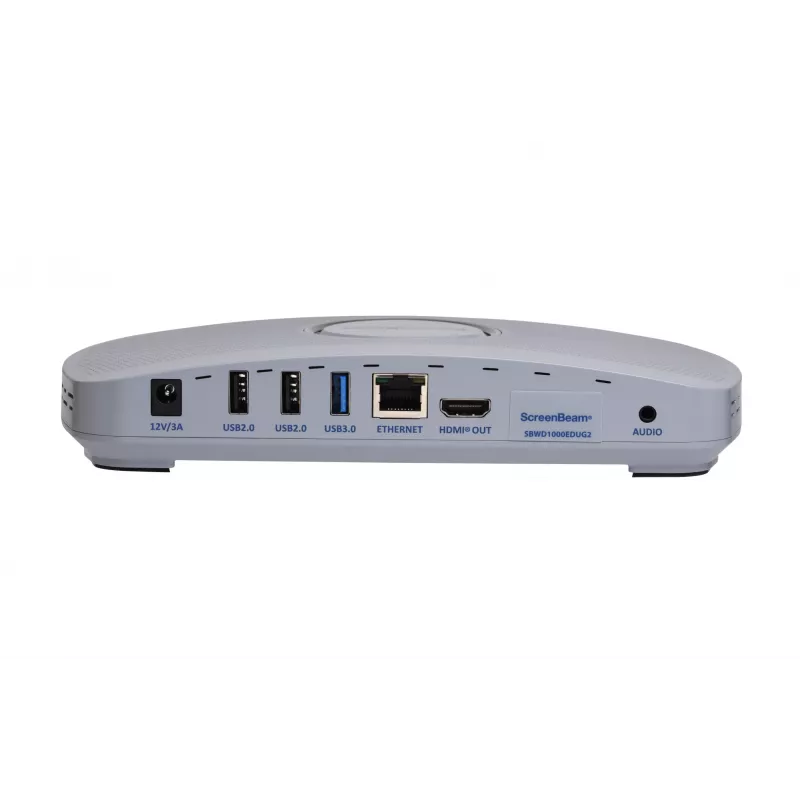
ScreenBeam 1000 EDU Gen 2. Form factor: Desktop, Product colour: White, Certification: FCC, RED, RoHS, UL. Wi-Fi standards: Wi-Fi 5 (802.11ac), Top Wi-Fi standard: Wi-Fi 5 (802.11ac), Ethernet LAN data rates: 10,100,1000 Mbit/s. Interface: HDMI + USB Type-A. Power source type: DC, Input voltage: 12 DC, Input current: 3 A. Windows operating systems supported: Windows 10, Windows 11, Mac operating systems supported: Mac OS X 11.0 Big Sur, Mac OS X 12.0 Monterey, Mac OS X 13.0 Ventura, Other operating systems supported: ChromeOS

How to use

Place the ScreenBeam 1000 EDU Gen 2 on a desktop and connect it to a display using the HDMI port and to peripherals via USB Type‑A as needed. Ensure the device is on the same network as client devices (or use local Wi‑Fi where supported), then choose Miracast, AirPlay or Google Cast on your source device to begin screen sharing. Use the integrated ScreenBeam Whiteboard application on the receiving display for interactive annotations and collaborative activities. Configure remote management and security settings according to your network policies.

Recommendations

For best performance in classrooms and meeting rooms, deploy the ScreenBeam 1000 EDU Gen 2 on a wired network when possible, keep firmware up to date, and ensure client devices use the latest OS versions that support Miracast, AirPlay or Google Cast. Use the built‑in whiteboard for collaborative sessions and enable remote management to simplify updates and security monitoring.

Key Highlights
  • Classroom collaboration and interactive lessons
  • Small meeting rooms and huddle spaces
  • Desktop deployments where HDMI and USB Type‑A connections are required
  • Environments needing centralized management and secure wireless casting
  • Wireless standards: Wi‑Fi 5 (802.11ac)
  • Wireless protocols supported: Miracast, AirPlay, Google Cast
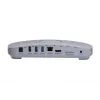
  • Interfaces: HDMI, USB Type‑A
  • Compatibility: Windows 10, Windows 11, macOS
  • Certifications: FCC, RED, RoHS, UL
  • Weight: 0.4535 kg
  • Product colour: White
  • MPN: SBWD1000EDUG2EUINL; EAN: 0850015351082
Specifications
3.5 mm (1/8-inch) out
Yes
AirPlay mirroring
Yes
Bluetooth
Yes
Cables included
HDMI
Cabling technology
10/100/1000Base-T(X)
Certification
FCC, RED, RoHS, UL
DC-in jack
Yes
Depth
144 mm
Dual-band
Yes
Ethernet LAN
Yes
Ethernet LAN (RJ-45) ports
1
Ethernet LAN data rates
10,100,1000 Mbit/s
Form factor
Desktop
Google Cast
Yes
Height
37.5 mm
Input current
3 A
Input voltage
12 DC
Interface
HDMI + USB Type-A
Mac compatibility
Yes
Mac operating systems supported
Mac OS X 11.0 Big Sur, Mac OS X 12.0 Monterey, Mac OS X 13.0 Ventura
Miracast
Yes
Mobile operating systems supported
Android 8.0, Android 8.1, Android 9.0, iOS 13, iOS 13.4, iOS 14, iOS 14.5, iOS 15, iOS 16
Networking standards
IEEE 802.1x
Number of HDMI outputs
1
Operating relative humidity (H-H)
20 - 80%
Operating temperature (T-T)
0 - 40 °C
Other operating systems supported
ChromeOS
Power consumption (max)
24.8 W
Power consumption (typical)
8.4 W
Power source type
DC
Product colour
White
Storage relative humidity (H-H)
10 - 90%
Storage temperature (T-T)
20 - 85 °C
Supported network protocols
IEEE 802.1x, WPA-PSK (TKIP), WPA2-PSK (AES), PEAP-MSCHAPv2, EAP-TLS
Top Wi-Fi standard
Wi-Fi 5 (802.11ac)
USB 2.0 ports quantity
2
USB 3.2 Gen 1 (3.1 Gen 1) Type-A ports quantity
1
Weight
453.5 g
Wi-Fi standards
Wi-Fi 5 (802.11ac)
Width
220 mm
Windows operating systems supported
Windows 10, Windows 11

Document

Open Document

Leaflet

Open Leaflet
Price history over the last 6 months
ScreenBeam 1000 EDU Gen 2 wireless presentation system HDMI + USB Type-A Desktop
Current
R14,481
Lowest
R10,991
Highest
R14,481
Change 24H
+R3,453   +31%
Week
+R3,453   +31%
Month
—   

Popular products in this category

WhatsApp
Hi, I’m DistriNode’s AI assistant. I can help you find products, compare options, create quote PDFs, or open support requests.