

Ask a Question About This Product
Shipping & Returns


-90x90h.webp "Build-Your-Own Gaming PC — Ryzen 7 7700 + RTX 5070, 32GB DDR5 | DistriNode")


-90x90w.webp "DistriNode Ryzen 5 8500G Office PC (Radeon Integrated Graphics) — Build Your Own")


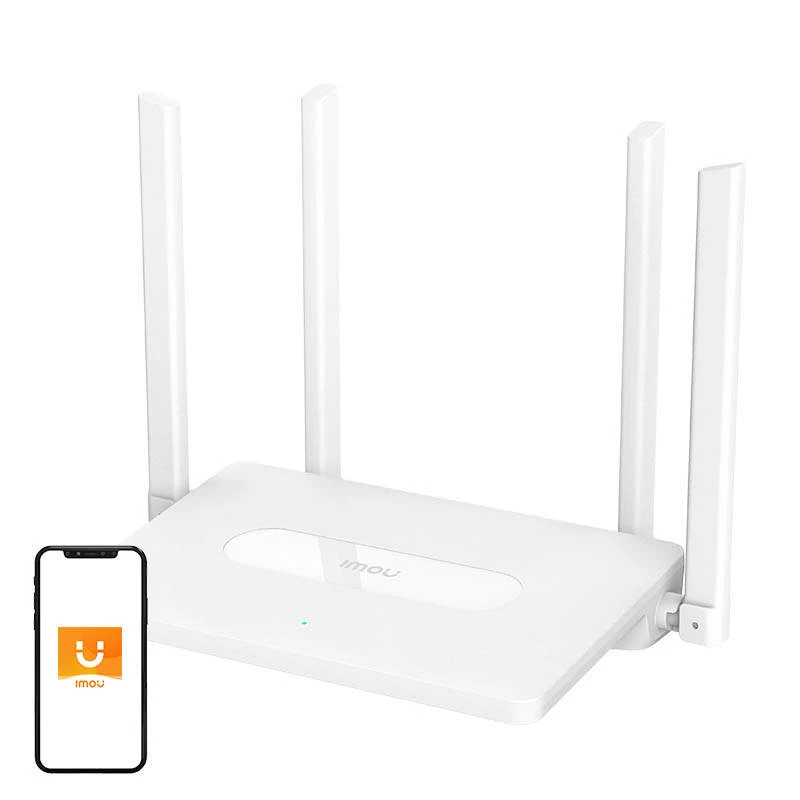
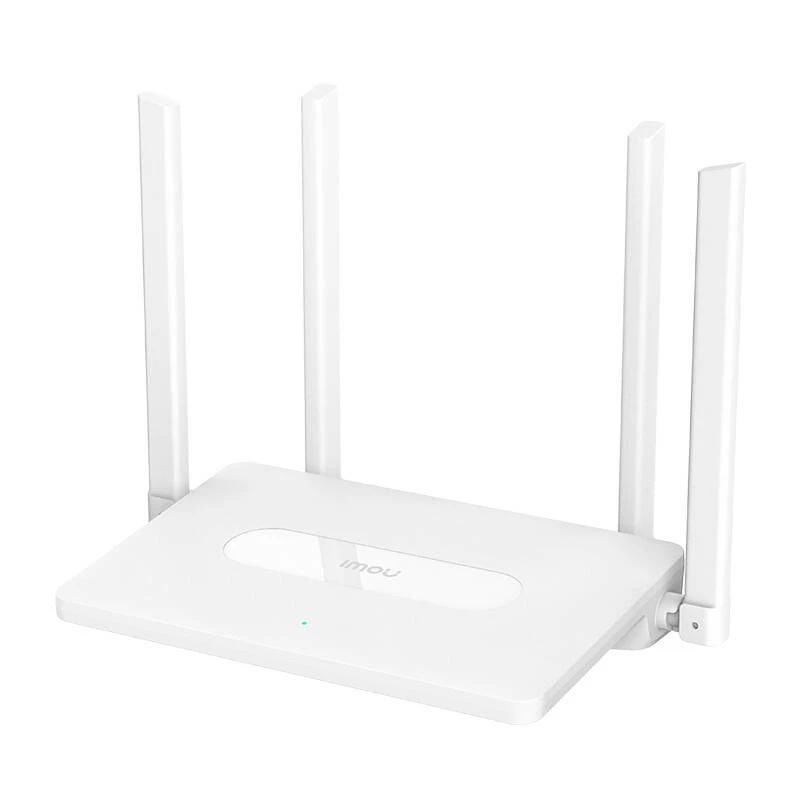
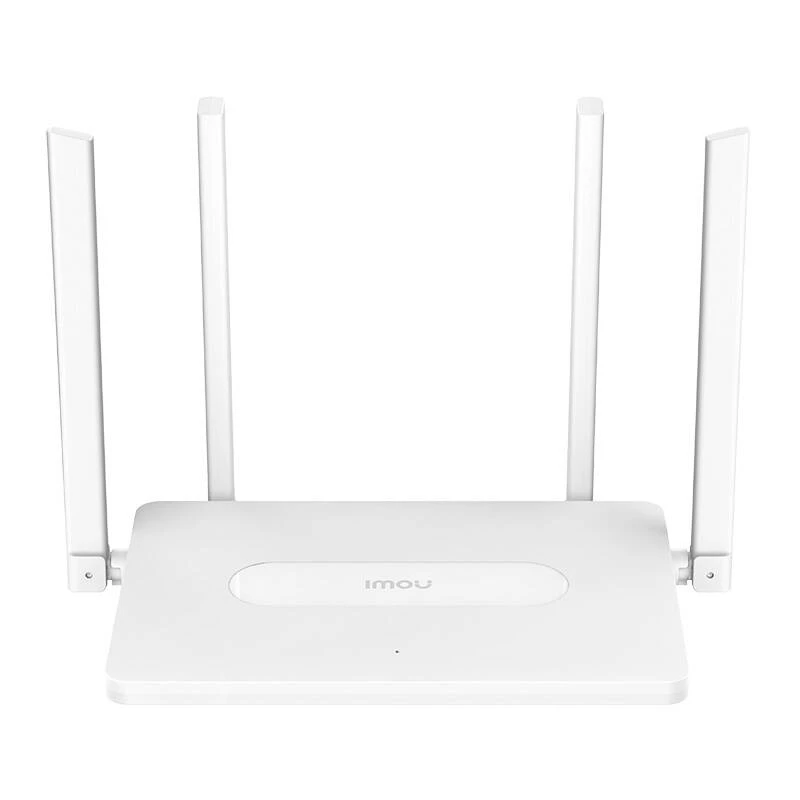
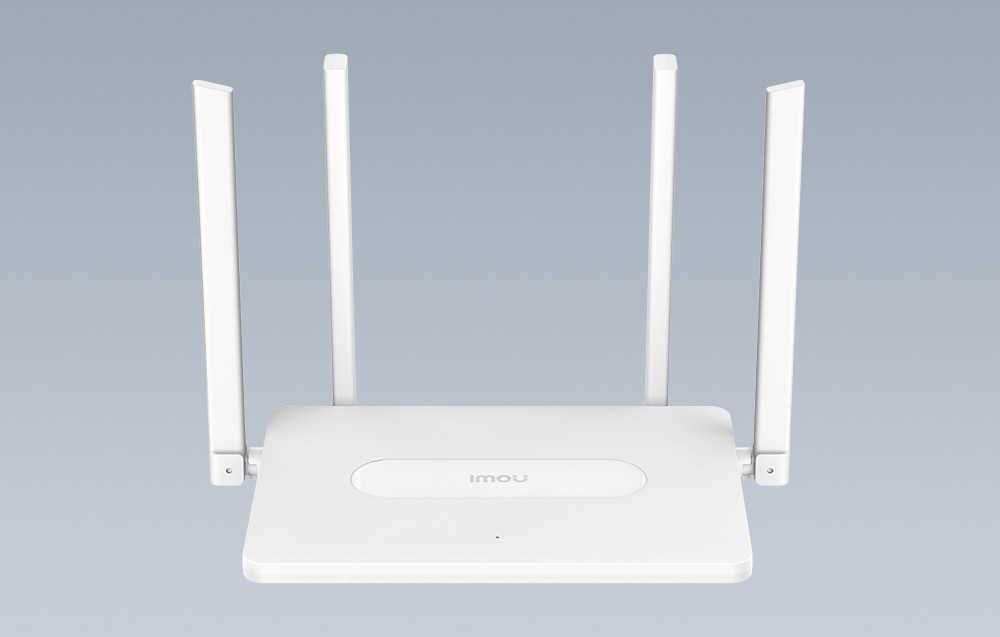
Router Dual-Band Wi-Fi IMOU AC1200
The IMOU Dual-Band Wi-Fi Router with a data transmission speed of up to 1200 Mbps opens up new possibilities for your home internet. With the Imou Wi-Fi Auto Sync feature, it allows synchronization with various devices, and support for IPTV enables seamless usage of interactive internet TV. The dedicated application provides access to a range of practical functions.
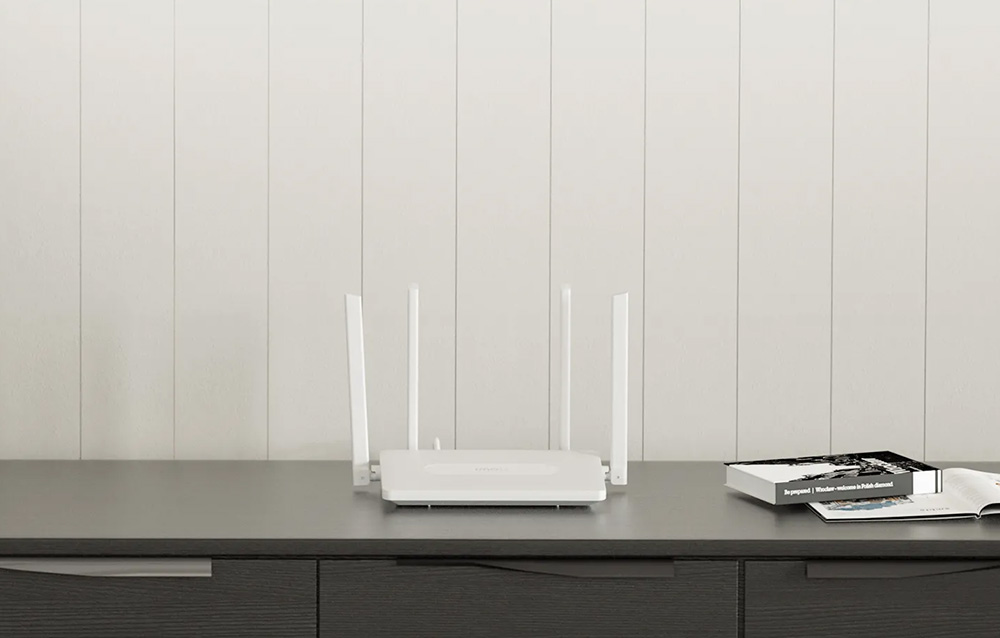
Reliable Transmission
Utilizing 802.11ac technology, the IMOU router provides exceptionally fast Dual-Band Wi-Fi that proves to be reliable in various applications. The signal penetrating through walls ensures full Wi-Fi coverage in your home, and the clean and fast connection allows smooth streaming of 4K HD content and gaming.

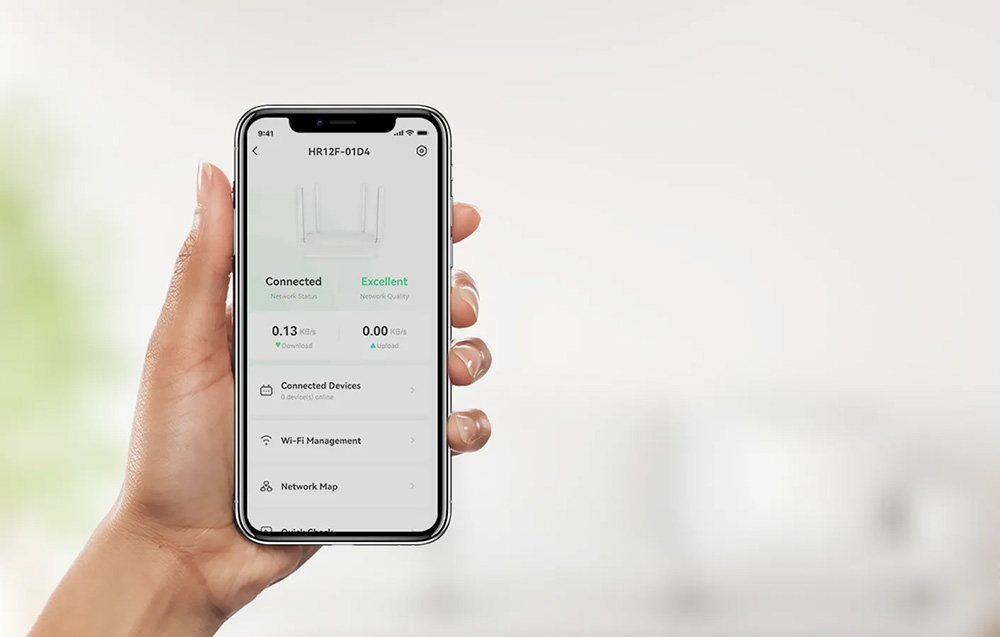
Remote Management
Using the Imou Life application, available on the App Store and Google Play, you can remotely manage your Wi-Fi network and connected devices anytime using your smartphone. You'll have access to features such as power on/off, Wi-Fi connection control, and application management.
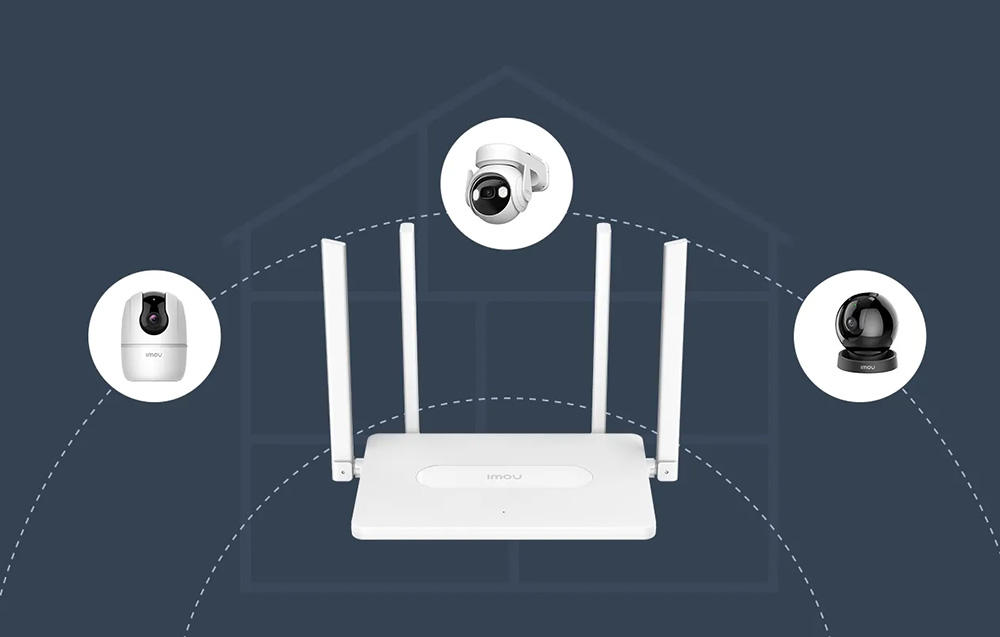
Auto-Sync Wi-Fi for IMOU Cameras
The IMOU router automatically connects to IMOU IPC cameras. Forget about complicated configurations and manual pairing – simply place the camera within the router's range and take a step towards a smart home where devices cooperate seamlessly!
Accelerated Streaming
Stream data from IMOU IPC cameras through a dedicated channel, allowing for smooth monitoring and reducing the risk of cloud data loss, even in crowded Wi-Fi signals. Ordinary routers use standard transmission, while the IMOU product optimizes data flow for dedicated cameras.
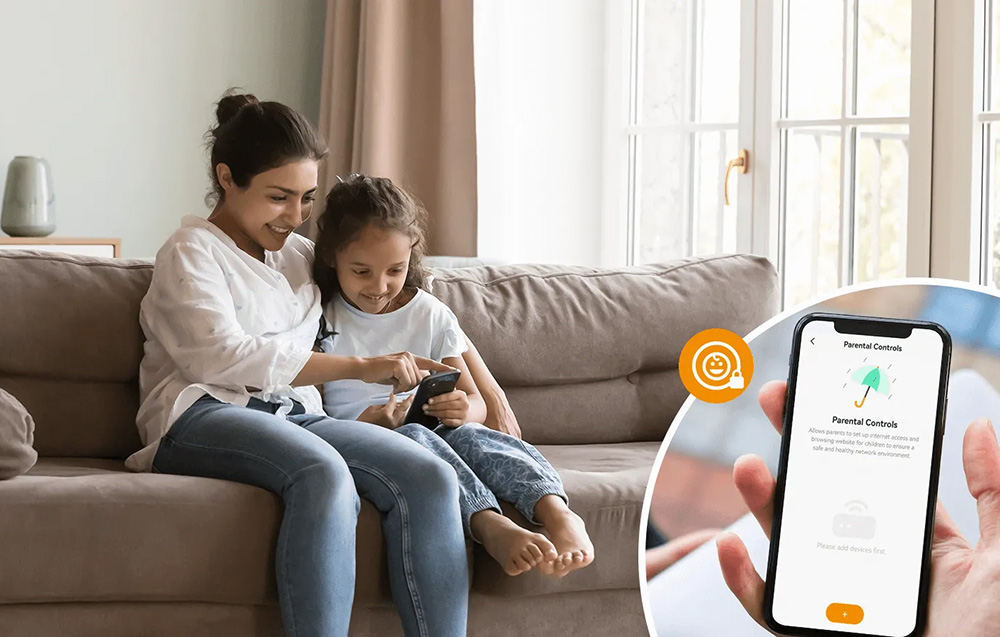
Parental Control
With IMOU, you can conveniently create an online activity schedule for your children, prioritizing their online safety and promoting healthy digital habits. The Parental Control feature allows parents to decide on internet access hours, fostering responsible digital behavior among young users.
Guest Wi-Fi
Expecting guests? With IMOU, you can configure a separate guest Wi-Fi network and set a schedule for guest signal availability. This allows you to maintain the privacy of your network while being a generous host.

| Manufacturer | IMOU |
|---|---|
| Model | HR12F |
| ROM | 8 MB |
| RAM | 64 MB |
| Network Port | 1x 100Mbps WAN + 3x 100Mbps LAN |
| Button | 1x WPS, 1x Reset |
| LED Indicator | Bicolor light (red and green) |
| WAN Connection Type | PPPoE/Dynamic IP/Static IP |
| IPv4/IPv6 | Yes |
| VPN | PP2P, L2TP |
| QoS | Yes |
| Management | PC configuration page, mobile configuration page, application |
| DDNS | Yes |
| DMZ | Yes |
| Port Forwarding | Yes |
| UPnP | Yes |
| Frequency | 2.4 GHz and 5 GHz |
| Protocol | 2.4 GHz: IEEE 802.11b/g/n; 5 GHz: IEEE 802.11a/n/ac |
| Wi-Fi Speed | 2.4GHz: 300Mbps; 5GHz: 867Mbps |
| Wi-Fi Antennas | 4 external antennas 5dBi |
| Wireless Network Security | Supports WPA-PSK/WPA2-PSK encryption; Supports hidden SSID |
| Other Wireless Network Features | Wi-Fi schedule |
| Power Adapter | DC12V0.6A |
| Dimensions | 188 x 120 x 26 mm |
How to use
Connect the router to your modem via the WAN port and power it using the supplied 12V DC adapter. Use the Imou Life app or the web configuration page to complete initial setup: choose WAN connection type (PPPoE/Dynamic/Static), name the 2.4 GHz and 5 GHz SSIDs, and set passwords. Place IMOU IPC cameras within the router range to enable automatic Wi‑Fi Auto Sync. Configure guest network, parental controls and QoS through the app or web interface as needed.
Recommendations
Place the router centrally in your home and avoid large metal objects or dense obstacles for optimal coverage; keep firmware updated via the Imou Life app and isolate guest Wi‑Fi to protect your primary network.
Popular products in this category
- TP-Link TL-WR902AC wireless router Fast Ethernet Dual-band (2.4 GHz / 5 GHz) 4G White
- ASUS RT-BE58U V2 wireless router 2.5 Gigabit Ethernet Dual-band (2.4 GHz / 5 GHz) Black
- ASUS RT-AX57 wireless router Gigabit Ethernet Dual-band (2.4 GHz / 5 GHz) Black
- TP-Link Archer AX3000 Dual Band Gigabit Wi-Fi 6 Router
- Cudy WR3000 wireless router Gigabit Ethernet Dual-band (2.4 GHz / 5 GHz) Black
- TP-Link Archer BE9300 Tri-Band Wi-Fi 7 Router, Wi-Fi 7 (802.11be), Tri-band (2.4 GHz / 5 GHz / 6 GHz), Ethernet LAN, Black, Tabletop router
- Router ZTE T3000 Wi-Fi 6 router Wi-Fi IDU
- Wireless outdoor router TP-Link Archer NX200-Outdoor Dual-band Wi‑Fi 6 (802.11ax) 1201 Mbps, 2.5 Gigabit Ethernet, 5G, IP66, PoE, White