Account Contact
Your Cart
Pay on delivery – no extra fees
Need help? Ask our AI

Rotary volume control Omnitronic 80711329

Rotary volume control Omnitronic 80711329
R2,323
PDF
PDF

Shipping & Returns

Estimated delivery Friday, November 27
You will be kept updated through our detailed tracking system
Payment options
EFTPayFastBank CardSnapScanZapperGoogle PayApple PayMobicredMoreTymePay on Arrival

Description

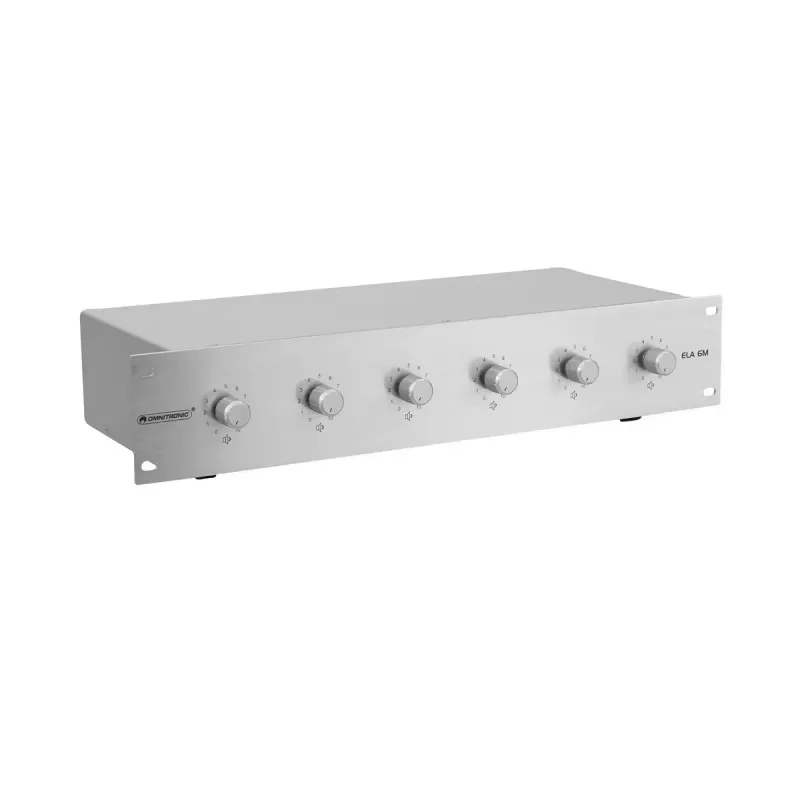
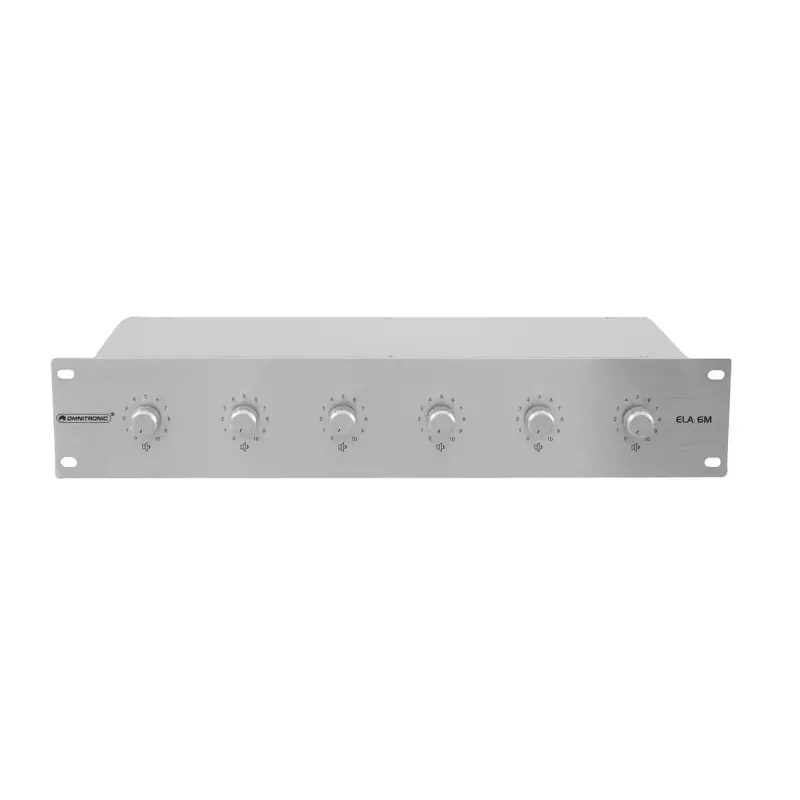
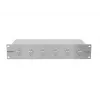
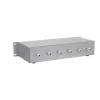
The Omnitronic 80711329 is a freestanding rotary volume control designed for straightforward analog audio level adjustment. With a defined frequency response from 50 to 18000 Hz and an RMS rated power of 60 W, this compact silver unit delivers reliable volume control for a variety of audio setups. Its physical footprint of 483 mm (width) x 230 mm (depth) x 89 mm (height) makes it suitable for desktop, rack-adjacent, or shelf placement where a neat and accessible rotary control is required.

Advantages

The device offers precise manual control via a rotary knob, a balanced frequency range that covers typical audio content, and an RMS power rating appropriate for many small to medium passive speaker systems or amplifier inputs. The compact chassis and neutral silver finish allow integration into existing installations without dominating the workspace. The freestanding design simplifies installation and reconfiguration compared with fixed-panel controls.

Suitable for

Key specifications

How to use

Place the unit on a stable flat surface close to the connected audio equipment. Connect the input and output audio cables according to the wiring standards of your system and ensure all equipment is powered off during connections. Power on your source and amplifier, then rotate the knob clockwise to increase volume and counterclockwise to decrease it. Set the starting position to a low level before gradually increasing to avoid sudden loud output. Verify volume and tonal balance at listening position and adjust as needed.

Recommendations

Use the Omnitronic rotary control with sources and amplifiers whose impedance and power characteristics match the rated specifications. Avoid operating the unit beyond its RMS power rating to prevent distortion or damage. For best results, keep cabling short and shielded, and position the unit where the knob is easily accessible for quick adjustments.

Key Highlights
  • Desktop audio systems where a separate volume control is preferred
  • Small PA or monitoring setups requiring manual level adjustment
  • Workshops, rehearsal spaces, or offices that use passive speakers or amplifiers within the unit’s power range
  • Situations needing a compact, portable rotary control for quick volume changes
  • Frequency range: 50 – 18,000 Hz
  • RMS rated power: 60 W
  • Form factor: Freestanding rotary volume control
  • Color/finish: Silver
  • Dimensions (W × D × H): 483 × 230 × 89 mm
  • Control type: Manual rotary knob

Specifications

Specifications
Built-in display
No
Depth
230 mm
Frequency range
50 - 18000
Height
89 mm
Housing material
Metal
Mounting type
Freestanding
Package depth
250 mm
Package height
150 mm
Package weight
3600 g
Package width
510 mm
Product colour
Silver
RMS rated power
60 W
Type
Rotary volume control
Weight
3 kg
Width
483 mm
Price history over the last 6 months
Rotary volume control Omnitronic 80711329
Current
R2,323
Lowest 7d
R2,234
Highest 7d
R2,325
Change 24H
-R2   0%
Change 7D
+R89   +4%
Change 30D
+R59   +3%

Write a review

Rating *
Your name will be shown publicly – you can use a nickname. We invite buyers to write reviews; we check reviews before publishing and publish critical ones too.

More OMNITRONIC products in this category

12

Popular products in this category

7
WhatsApp
Messenger
Hi, I’m DistriNode’s AI assistant. I can help you find products, compare options, create quote PDFs, or open support requests.
All categories