Account Contact
Your Cart
Pay the courier with no extra fees.
Need help? DistriNode AI can handle any task on our site.

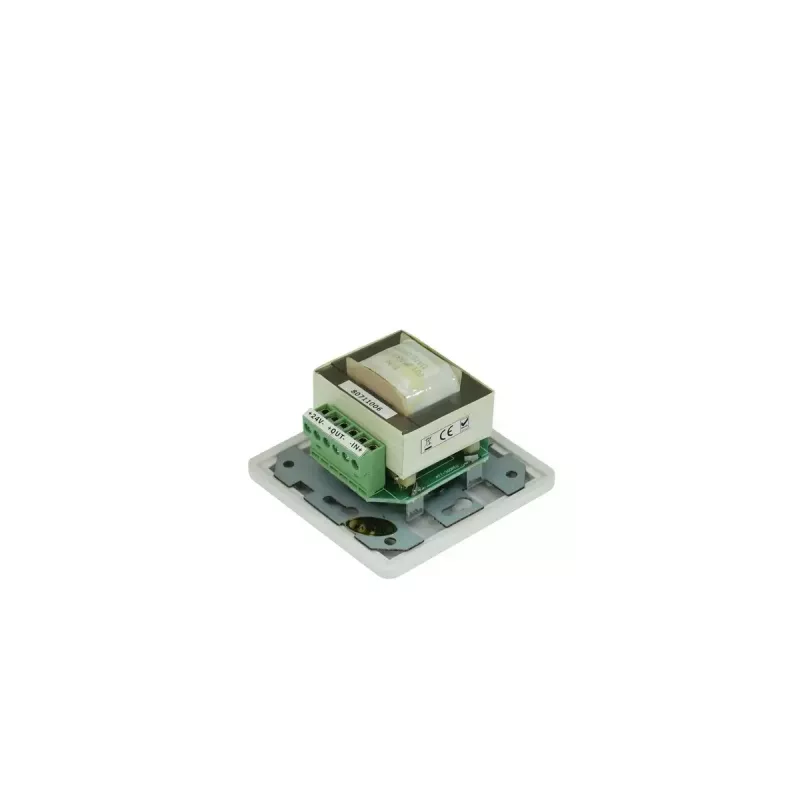
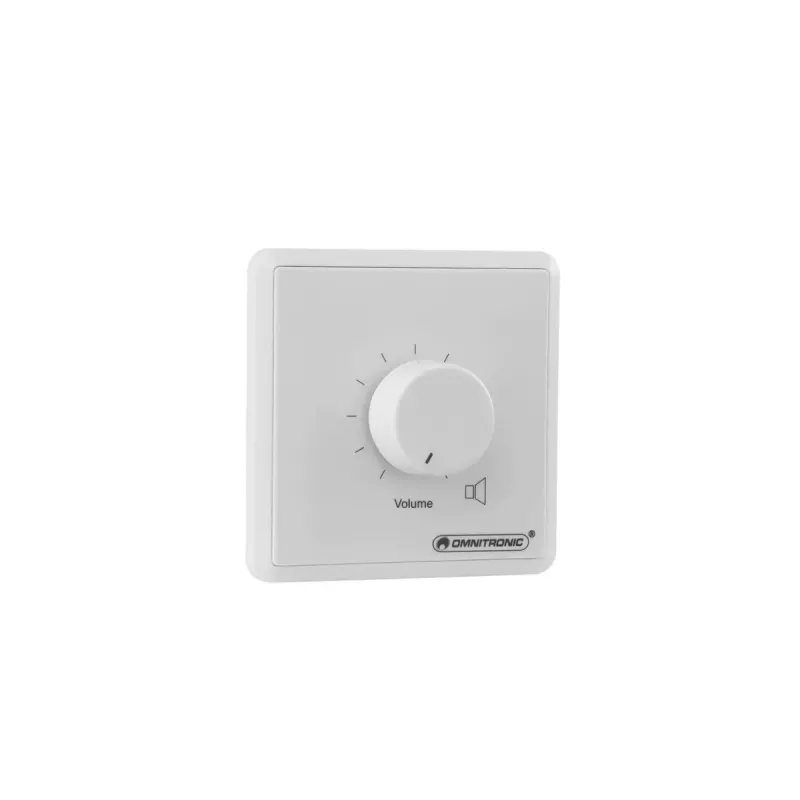
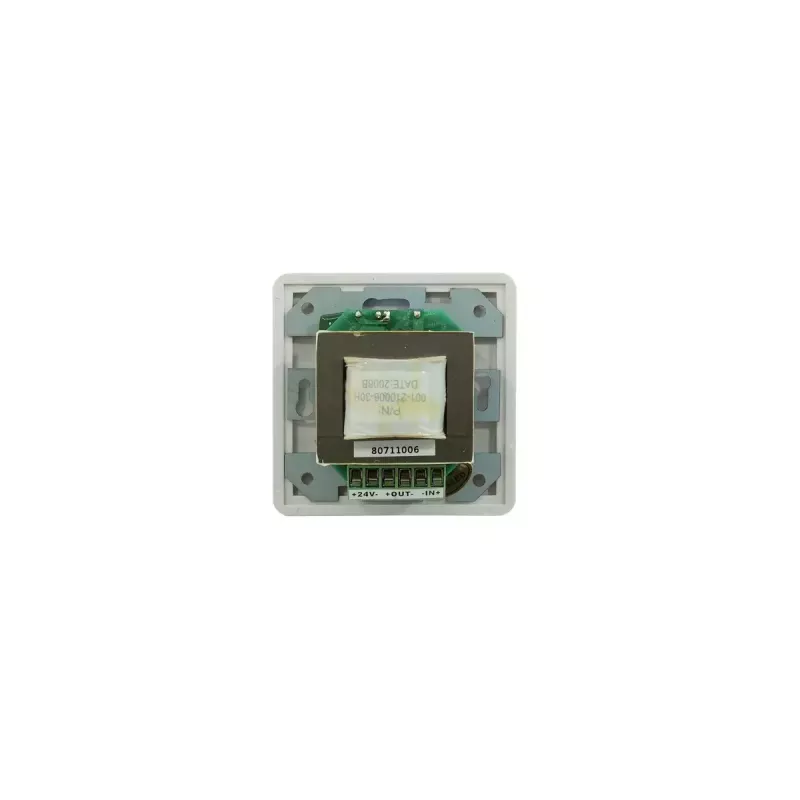
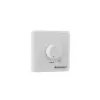
Rotary volume control Omnitronic 80711006

Rotary volume control Omnitronic 80711006
R1,406
The Omnitronic 80711006 is a surface-mount rotary PA volume controller designed for wall installation. It provides manual volume adjustment for public-address and background-audio systems and includes a 24 V emergency priority relay for integration with safety or paging systems. The compact unit mea... Read More
Stock 43 Code 2245339 Brand OMNITRONIC Model 80711006 Warranty 2 Years

Shipping & Returns

Estimated delivery Tuesday, October 6
You will be kept updated through our detailed tracking system
Payment options
EFTPayFastBank CardSnapScanZapperGoogle PayApple PayMobicredMoreTymePay on Arrival

The Omnitronic 80711006 is a surface-mount rotary PA volume controller designed for wall installation. It provides manual volume adjustment for public-address and background-audio systems and includes a 24 V emergency priority relay for integration with safety or paging systems. The compact unit measures 80 x 67 x 80 mm and is rated for 60 W power handling, covering an audio frequency range from 50 to 18,000 Hz.

Advantages

The unit offers straightforward, mechanical rotary control for intuitive volume adjustment and a built-in emergency priority relay that mutes or overrides local volume when a 24 V priority signal is activated. Its surface-mount form factor simplifies installation where flush mounting is not possible, and the compact dimensions suit tight spaces. The specified frequency range and power rating make it appropriate for voice and music in PA and background-music applications.

Suitable for

Key specifications

How to use

Mount the controller on a suitable surface using screws or anchors appropriate for the wall material, ensuring access to speaker wiring and the 24 V priority control line. Connect the input and output speaker conductors per the system wiring diagram and wire the emergency priority relay to the building’s 24 V paging or alarm output. Adjust the rotary knob to set local listening levels; when a 24 V priority signal is present the relay will engage according to the system wiring, allowing emergency messages to override local volume.

Recommendations

Install and wire the unit following local electrical and fire-safety regulations. Use the 24 V priority input only with compatible paging/alarm outputs. For reliable operation keep the unit within its rated power and frequency limits and avoid exposing it to moisture or extreme temperatures.
Key Highlights
  • Small to medium public-address systems
  • Background-music distribution in commercial spaces
  • Zones requiring emergency priority/paging integration (24 V)
  • Wall-mounted volume control where surface mounting is preferred
  • Model: Omnitronic 80711006
  • Power handling: 60 W
  • Frequency response: 50–18,000 Hz
  • Maximum input voltage (priority): 24 V
  • Mounting type: Surface mount (wall-mounted)
  • Dimensions: 80 x 67 x 80 mm
  • Brand: Omnitronic
  • MPN: 80711006
  • EAN: 4026397260359
Specifications
Attenuation steps
11
Built-in display
No
Depth
67 mm
Frequency range
50 - 18000
Height
80 mm
Housing material
Plastic
Input operation voltage (max)
24 V
Mounting type
Wall-mounted
Package depth
90 mm
Package height
85 mm
Package weight
390 g
Package width
90 mm
Power handling
60 W
Product colour
White
Type
Rotary volume control
Weight
0.35 kg
Width
80 mm
Price history over the last 6 months
Rotary volume control Omnitronic 80711006
Current
R1,406
Lowest
R1,359
Highest
R1,406
Change 24H
+R34   +3%
Week
—   
Month
—   

Popular products in this category

WhatsApp
Hi, I’m DistriNode’s AI assistant. I can help you find products, compare options, create quote PDFs, or open support requests.