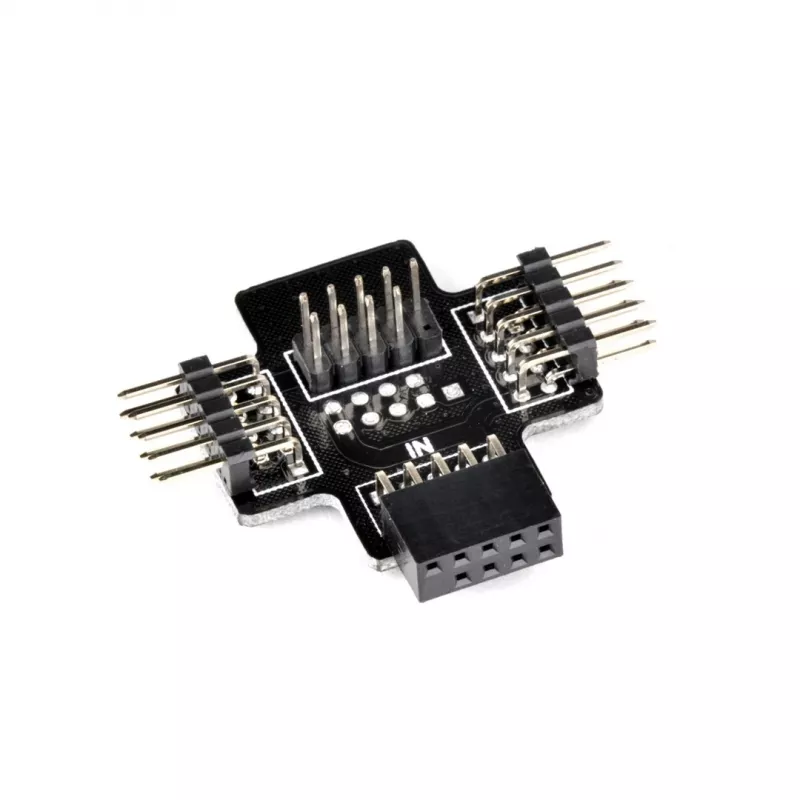
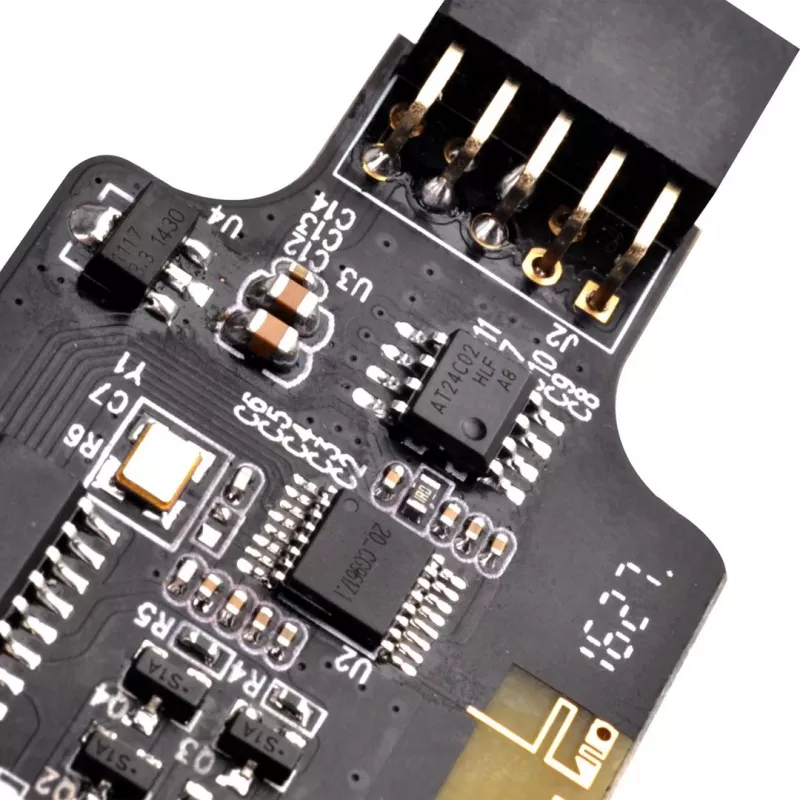
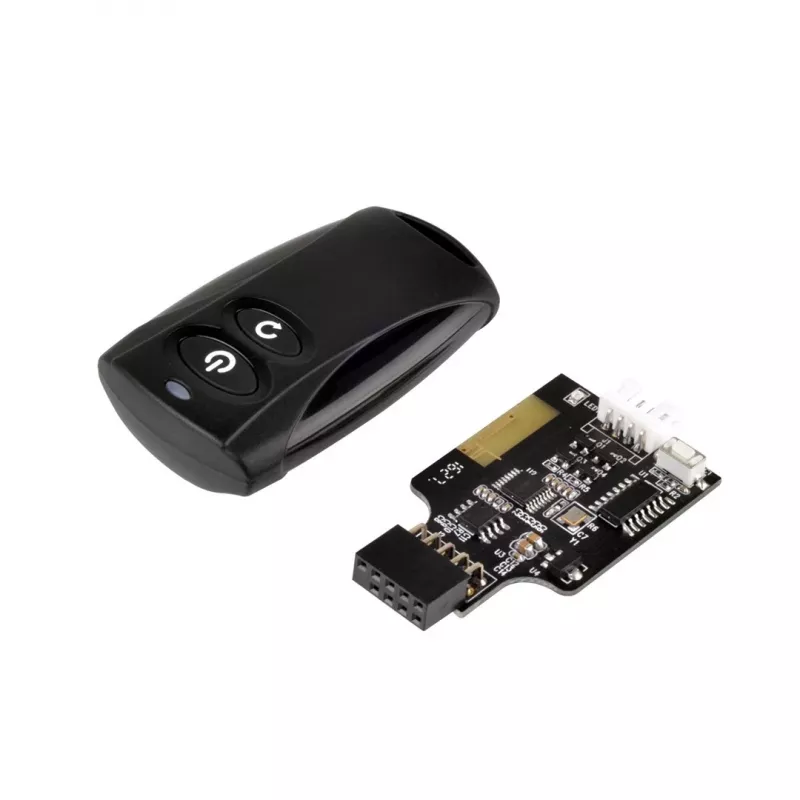
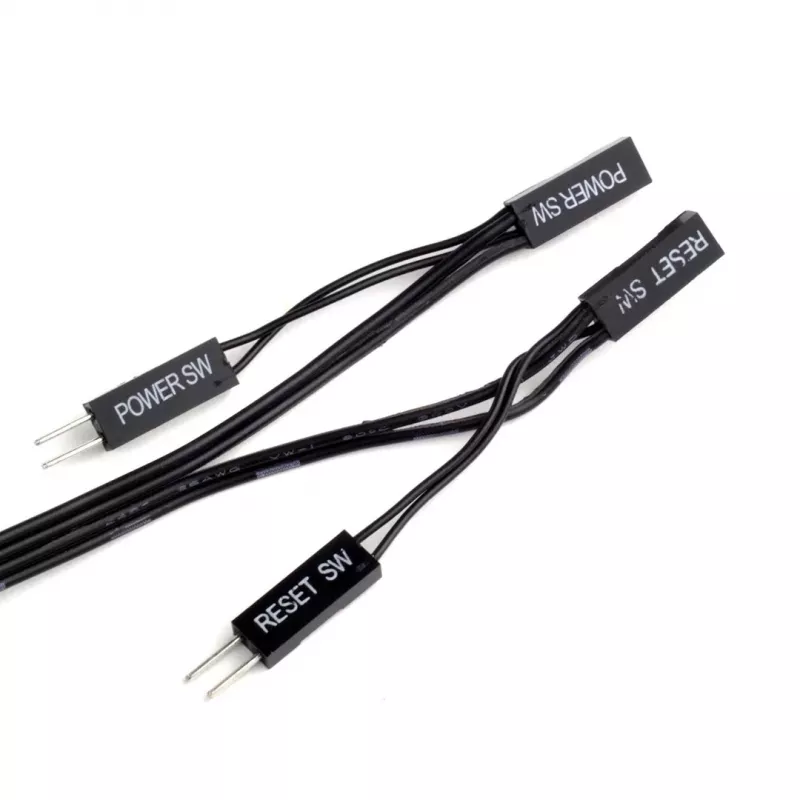
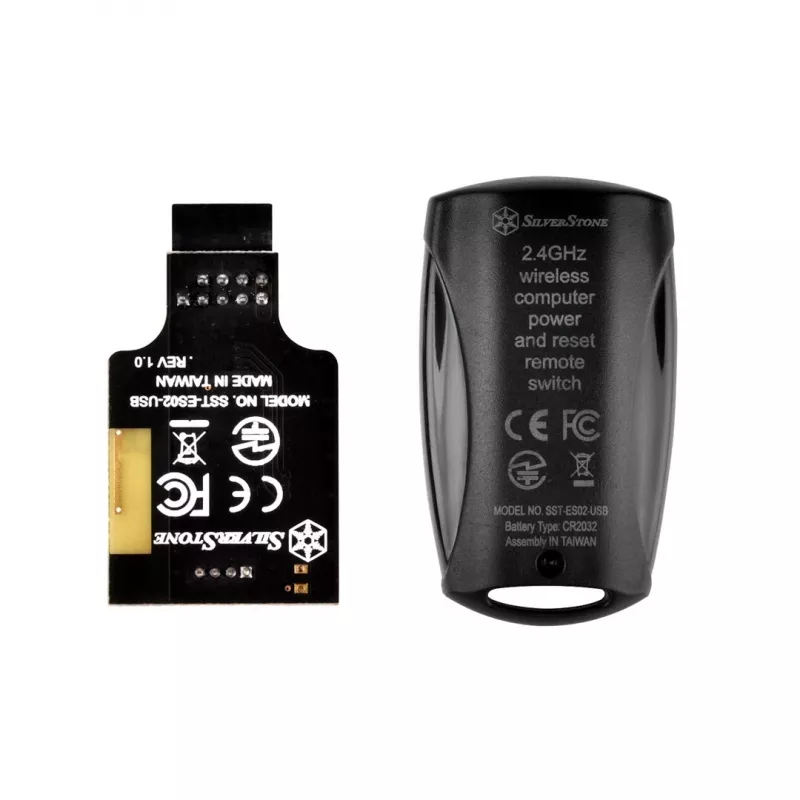
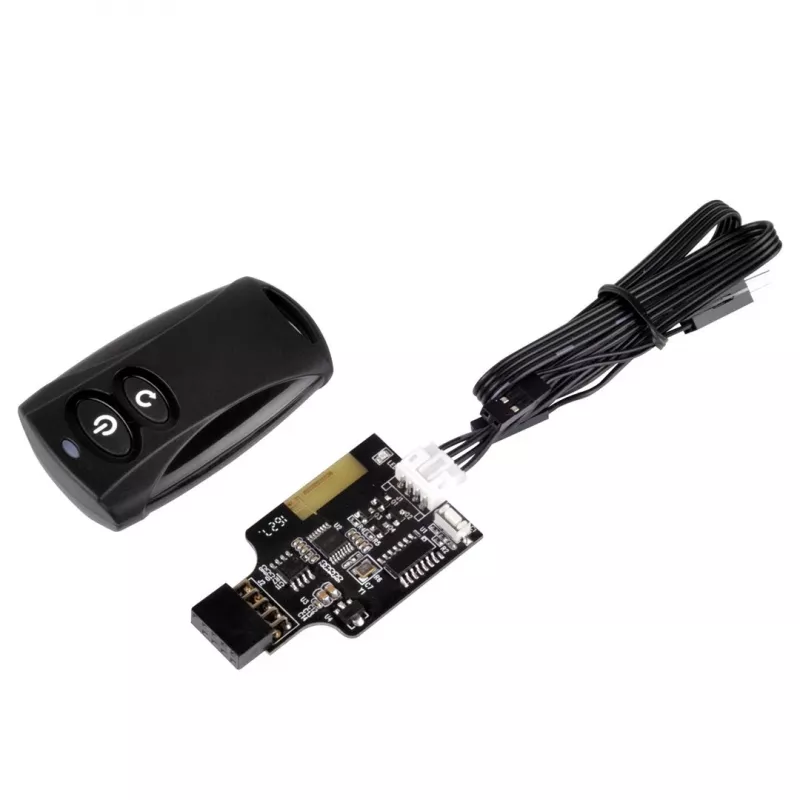
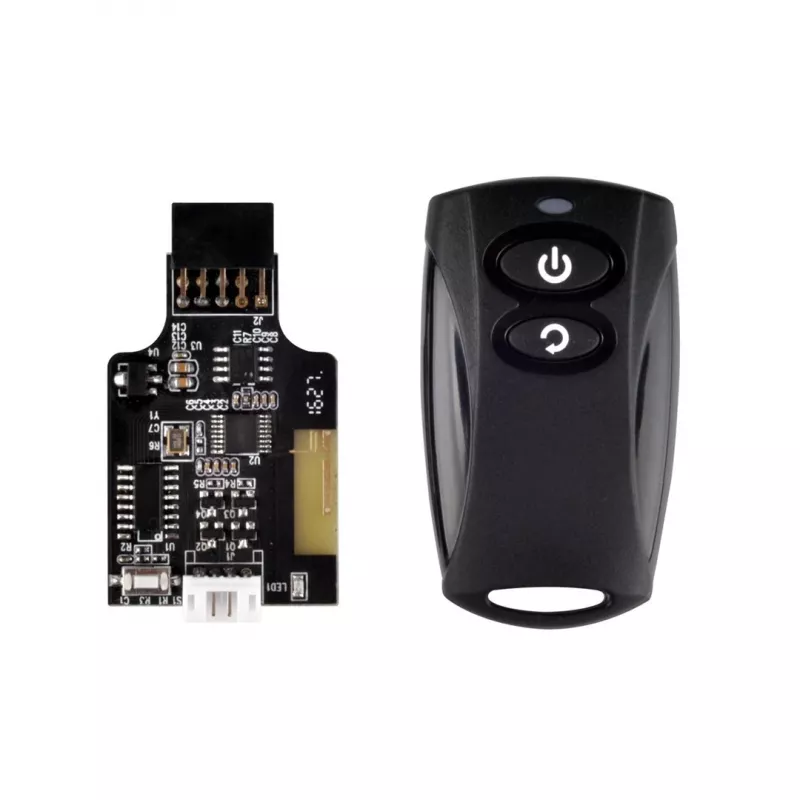
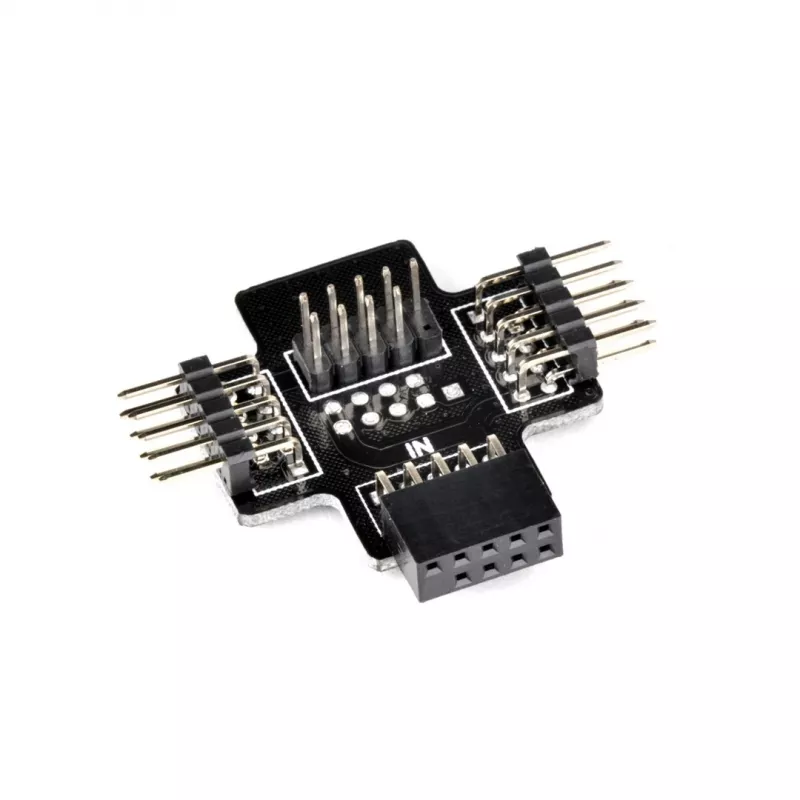
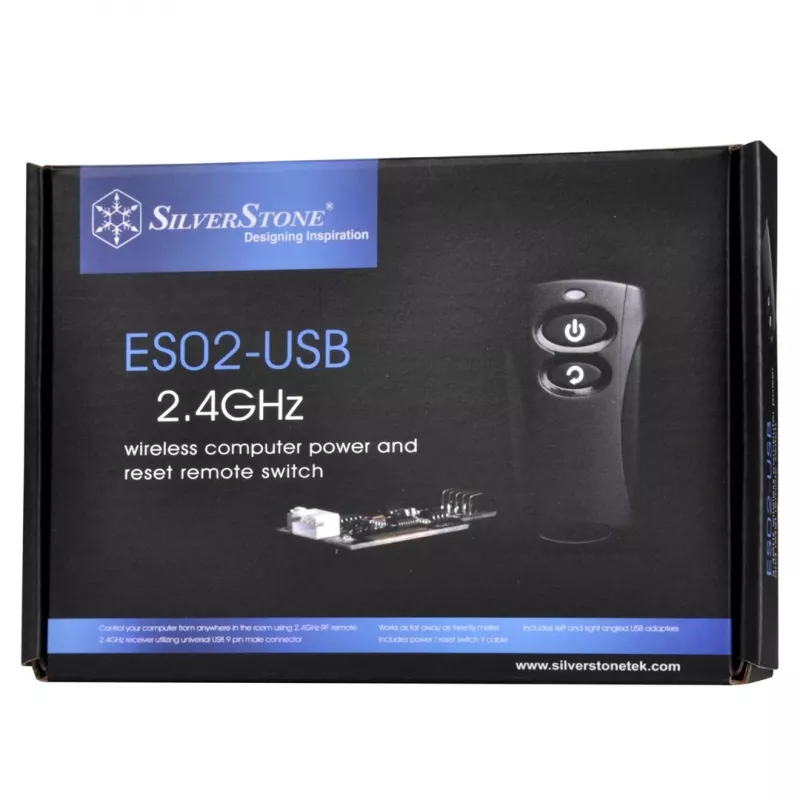
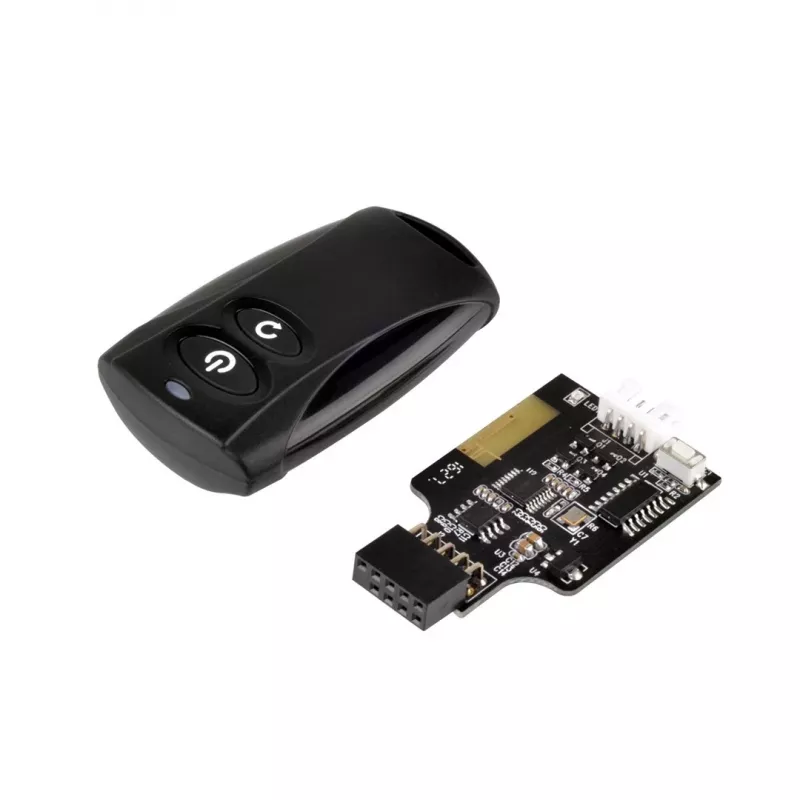
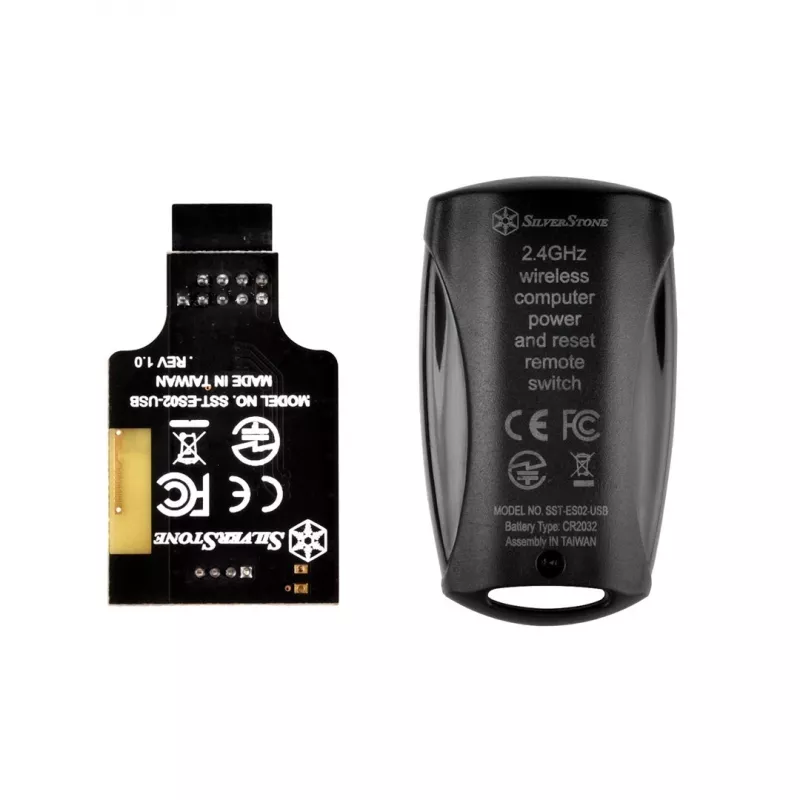
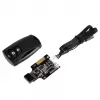
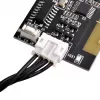
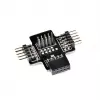
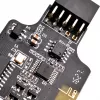
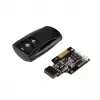
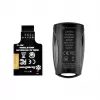
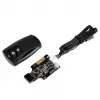
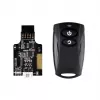
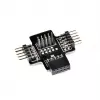
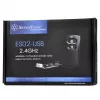
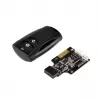
ES02 is a compact remote switch kit from SilverStone that enables wireless power on/off and reset functions for a PC. The kit uses 2.4 GHz RF wireless technology and connects to the motherboard via a standard internal USB 2.0 9-pin connector and the power/reset pin headers. Installation is straightf... Read More
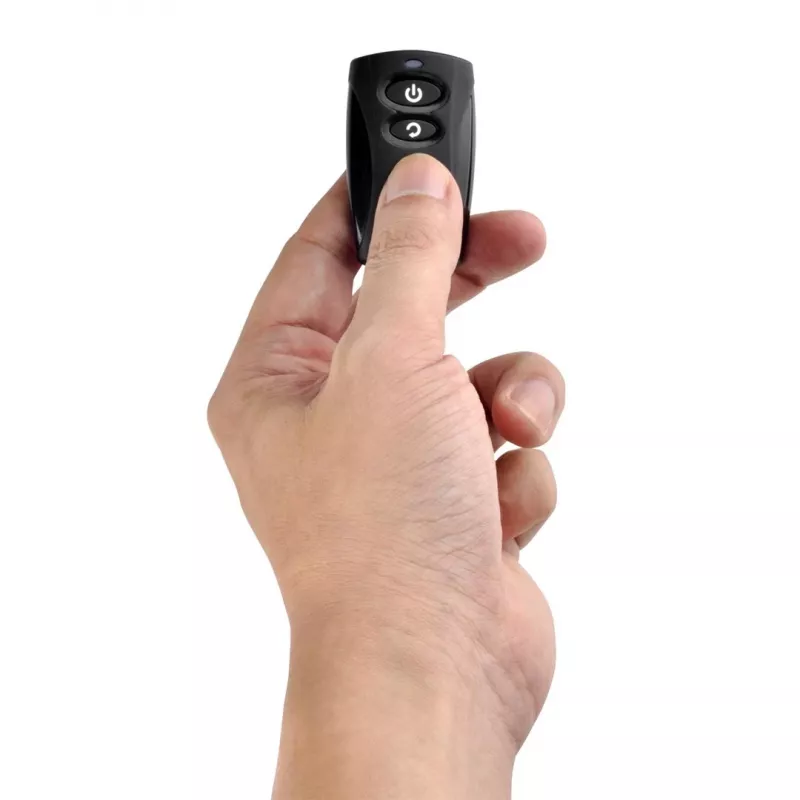
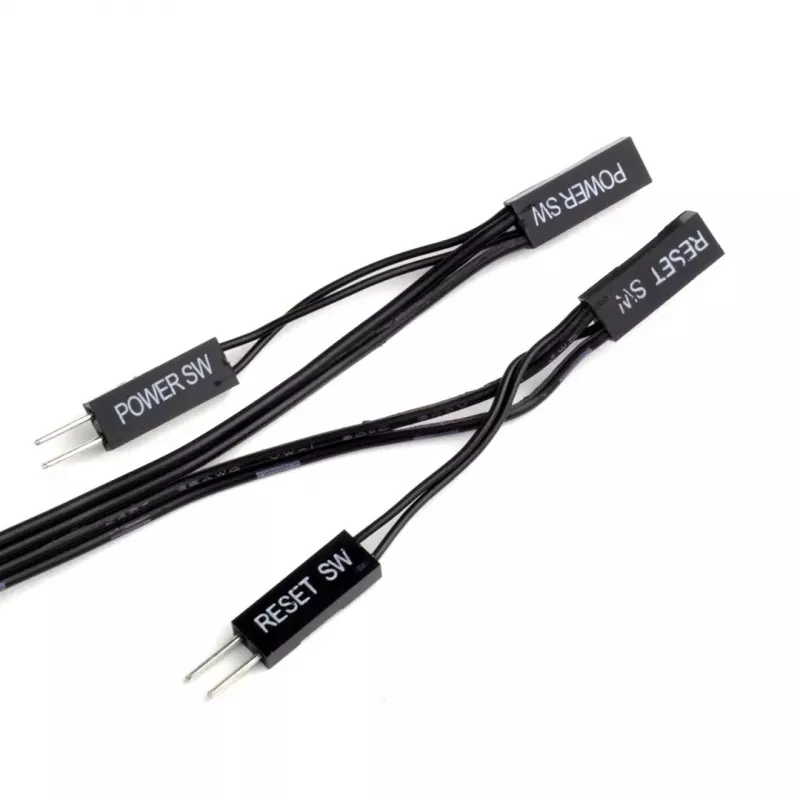
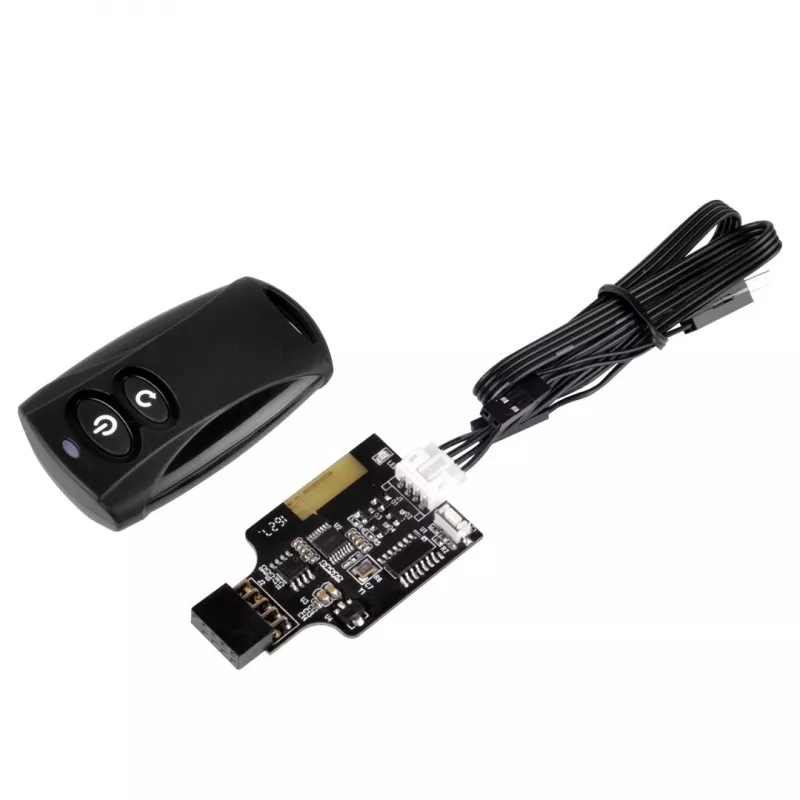
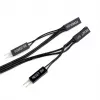
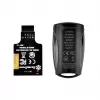
ES02 is a compact remote switch kit from SilverStone that enables wireless power on/off and reset functions for a PC. The kit uses 2.4 GHz RF wireless technology and connects to the motherboard via a standard internal USB 2.0 9-pin connector and the power/reset pin headers. Installation is straightforward and the device operates reliably up to 20 meters. A Y-cable is included so the computer case’s existing power and reset buttons can continue to be used alongside the remote.
Advantages
The SilverStone ES02-USB provides a simple hardware-based method to control a PC remotely without changing software or BIOS settings. It is easy to install, requires no additional drivers, and supports press-button input for intuitive operation. With a compact black remote and a dedicated receiver, the kit supports one device and covers typical home or office distances up to 20 m.
Suitable for
Desktops placed in hard-to-reach locations (e.g., behind furniture or under desks)
Multimedia PCs used from a distance
Systems that require a simple hardware lock or remote power control instead of software access control
Use cases where the case’s original power/reset buttons must remain available
Key specifications
Interface: RF Wireless (2.4 GHz)
Supported devices: 1
Maximum range: 20 m
Input type: Press buttons
Connection: Internal USB 2.0 9-pin connector and motherboard power/reset headers
Included accessories: Y-cable
Colour: Black
Intended use: PC
How to use
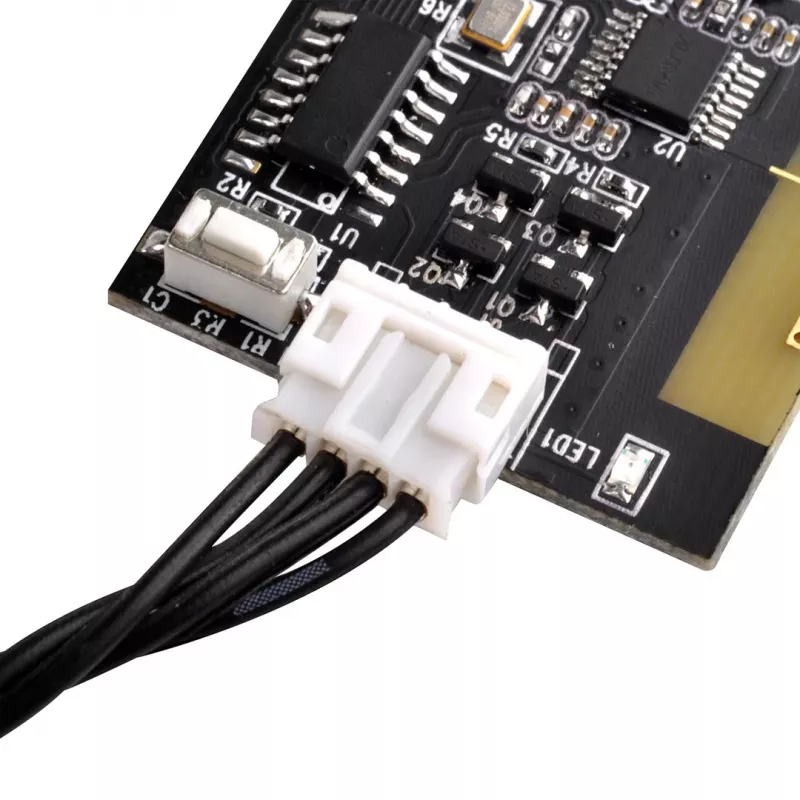
Install the receiver by connecting the kit’s USB 9-pin cable to an internal USB 2.0 header on the motherboard and attach the remote’s receiver near the PC according to the user manual. Connect the provided Y-cable to the power and reset pin headers so the remote can trigger the corresponding functions. Use the remote’s press buttons to power on/off or reset the computer within the specified 20 m range. The case’s original buttons remain functional if the Y-cable is used.
Recommendations
Place the PC receiver in a location with minimal metal obstruction for best RF performance, and keep the remote within the 20 m operating range. For reliable operation, avoid severe interference from other 2.4 GHz devices and follow the motherboard manual when connecting to power/reset headers.
Key Highlights
Desktops placed in hard-to-reach locations (e.g., behind furniture or under desks)
Multimedia PCs used from a distance
Systems that require a simple hardware lock or remote power control instead of software access control
Use cases where the case’s original power/reset buttons must remain available
Interface: RF Wireless (2.4 GHz)
Supported devices: 1
Maximum range: 20 m
Input type: Press buttons
Connection: Internal USB 2.0 9-pin connector and motherboard power/reset headers