Account Contact
Your Cart
Pay the courier with no extra fees.
Need help? DistriNode AI can handle any task on our site.

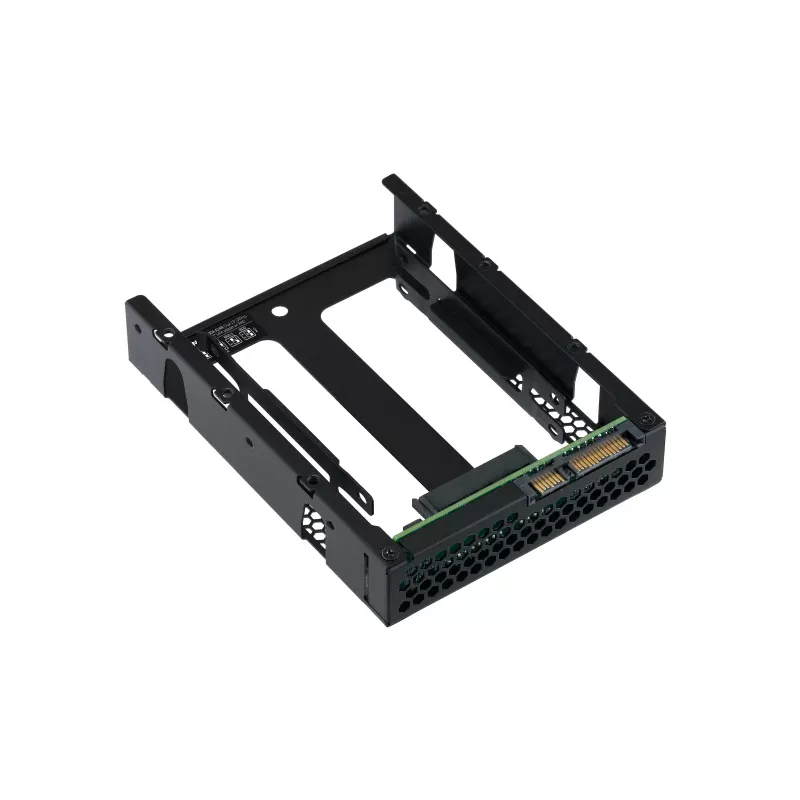
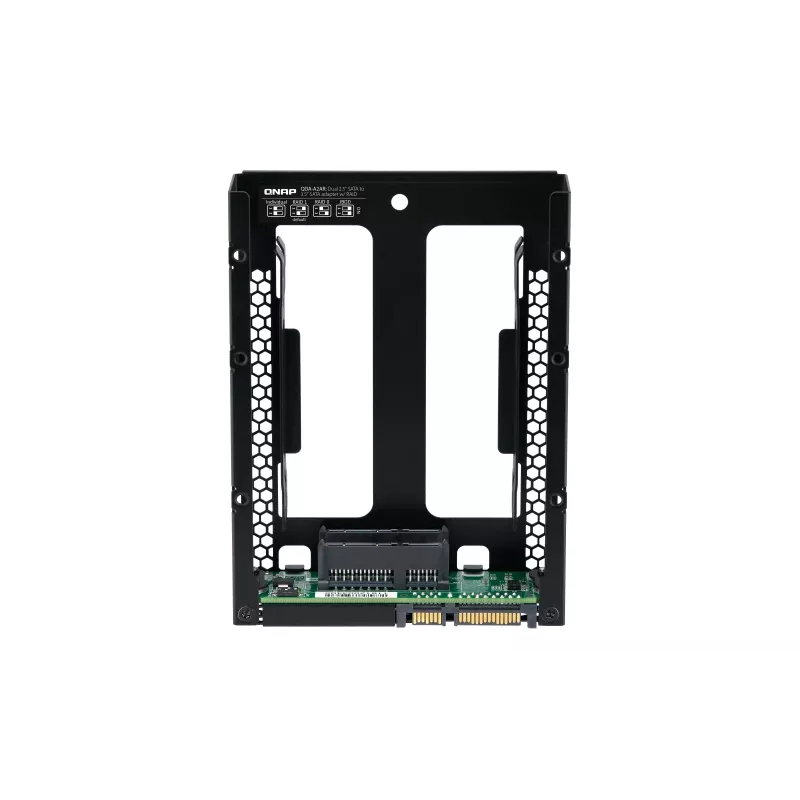
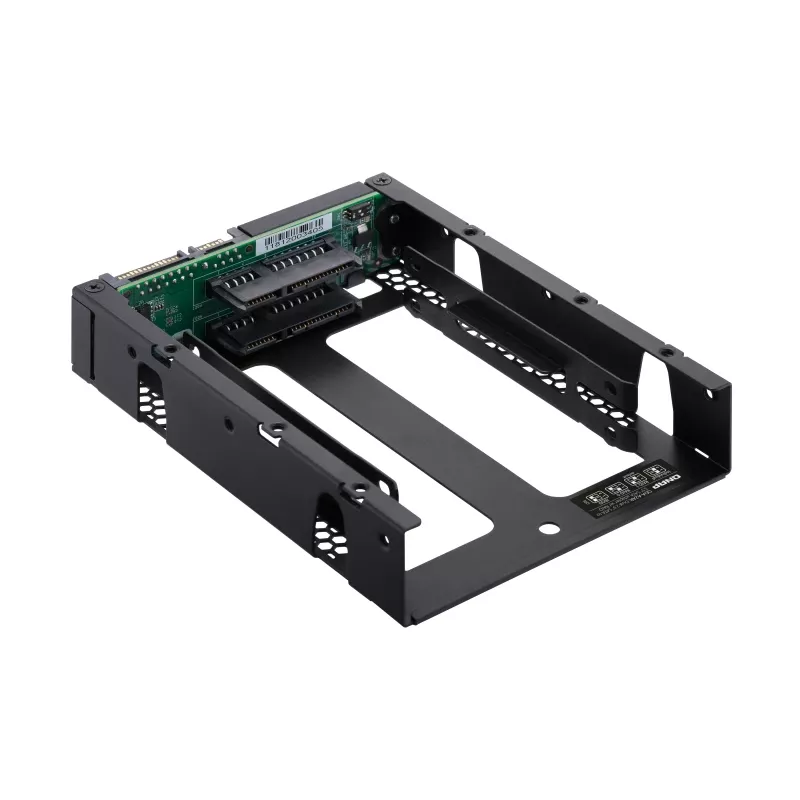
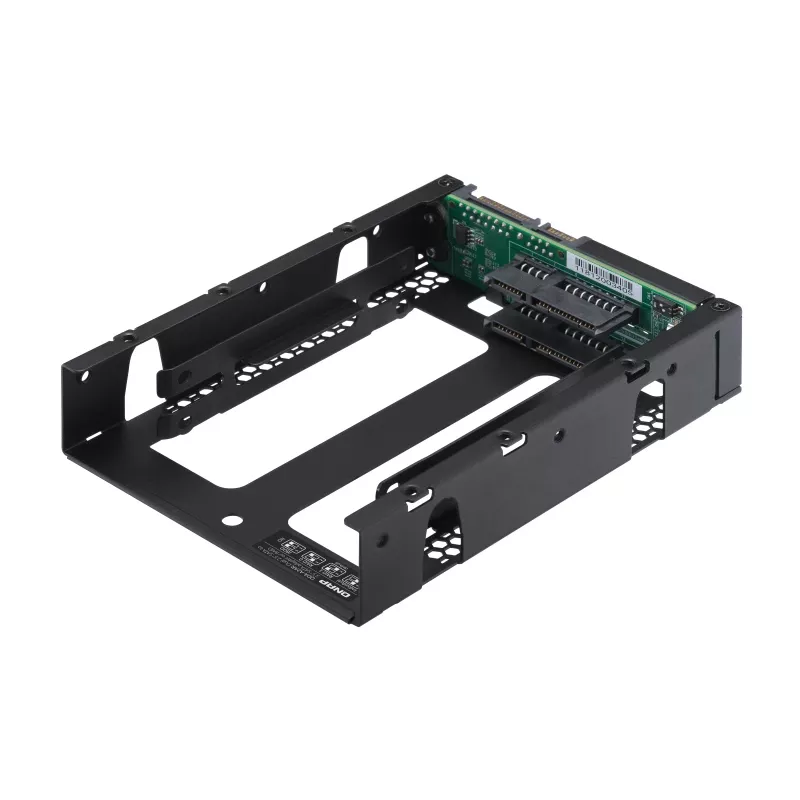
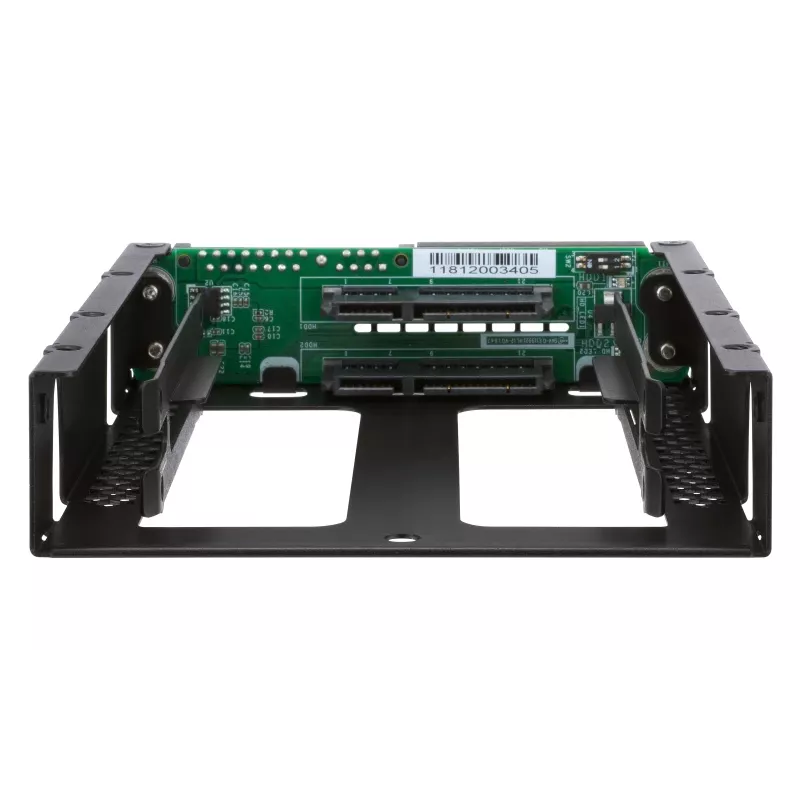
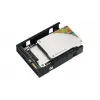
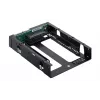
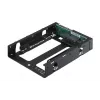
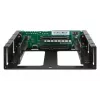
QNAP QDA-A2AR - Internes RAID-Gehäuse - 3.5 to 2 x 2.5 (8,9 cm bis 2 x 6,4 cm) - RAID 0, 1, JBOD - SATA 6Gb/s

QNAP QDA-A2AR - Internes RAID-Gehäuse - 3.5 to 2 x 2.5 (8,9 cm bis 2 x 6,4 cm) - RAID 0, 1, JBOD - SATA 6Gb/s
R2,140
Use two 2.5-inch SATA drives in a single 3.5-inch SATA drive bay with RAID support for PC and NASThe QDA-A2AR can accommodate two 2.5-inch SATA drives within a single 3.5-inch SATA drive bay. No software driver is required for the QDA-A2AR, and it can be installed in a PC/workstation (Windows®, Linu... Read More
Stock 2 Code 2401872 Brand QNAP Model QDA-A2AR Warranty 2 Years

Shipping & Returns

Estimated delivery Tuesday, October 6
You will be kept updated through our detailed tracking system
Payment options
EFTPayFastBank CardSnapScanZapperGoogle PayApple PayMobicredMoreTymePay on Arrival
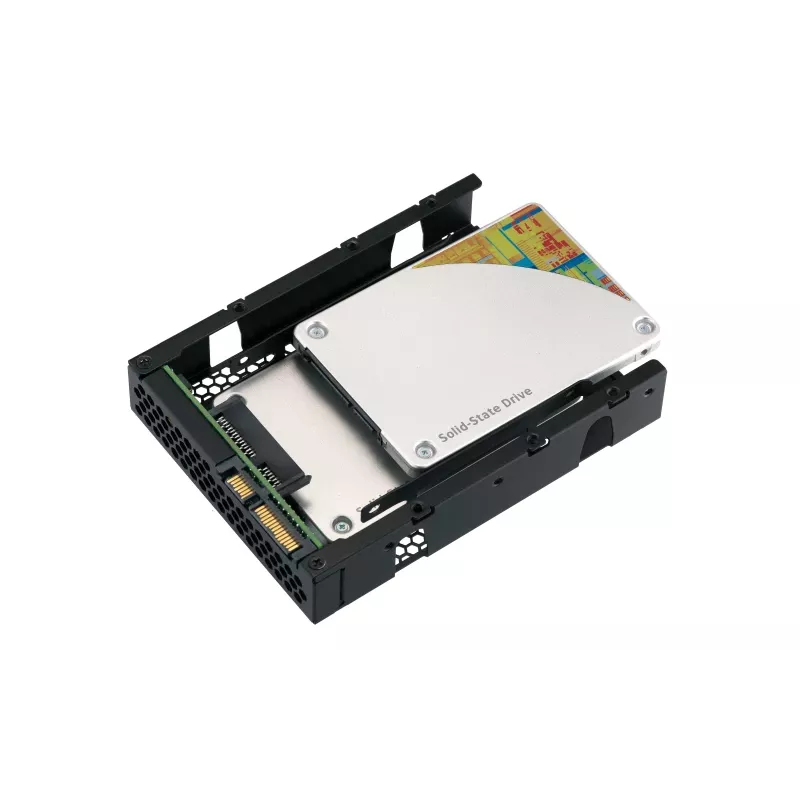
Use two 2.5-inch SATA drives in a single 3.5-inch SATA drive bay with RAID support for PC and NAS

The QDA-A2AR can accommodate two 2.5-inch SATA drives within a single 3.5-inch SATA drive bay. No software driver is required for the QDA-A2AR, and it can be installed in a PC/workstation (Windows®, Linux®) or QNAP NAS to flexibly add additional hard drives or SSDs to meet various storage needs.

Supports various RAID levels
The QDA-A2AR supports a variety of RAID configurations. Depending on your requirements, you can use the bundled metal pin as disk mode switch tool to select your ideal RAID mode: Individual, JBOD, RAID 0, or RAID 1. Windows® users can use the QNAP External RAID Manager utility to view the RAID group status and disk health information.

Individual Mode
A PC that supports SATA port multipliers can connect two SATA drives to a single SATA port, allowing you to independently access each disk as separate storage space.

RAID 1 Mode (Default)
Half of the total storage capacity is used to store data, and the other half keeps a copy of this data. This provides high data protection at the cost of only being able to use half the installed storage space.

RAID 0 Mode
Data is split amongst the drives. RAID 0 provides the fastest performance but does not protect data from drive failure.

JBOD Mode
All the drives are recognized as a single drive. This allows maximal storage utilization but provides no data protection.

Install in a PC/workstation for higher performance or data protection
When using two 2.5-inch drives instead of a single 3.5-inch drive in a PC/workstation (Windows® or Linux®) you can create a RAID 0 for enhanced performance, or RAID 1 to add data redundancy for greater data protection. To deal with tasks that require intensive, fast data transmission, you can install high-speed SATA SSDs to achieve maximized performance and lower latency, ideal for on-the-fly video editing and server-grade applications.

External RAID Manager for Windows users
The QNAP External RAID Manager utility allows Windows® users to view the drive status and RAID information of the QDA-A2AR. Firmware updates for the QDA-A2AR can also be managed with the External RAID Manager utility.

Install in QNAP NAS for efficient storage or SSD caching
The QDA-A2AR supports hardware RAID that will not consume CPU resources to help sustain optimal NAS performance. You can install one or more QDA-A2AR in a NAS to maximize the storage utilization of 3.5-inch drive bays. The QDA-A2AR can accommodate two SSDs to create an SSD volume for performance-demanding workflows or work in an efficient tiered-storage environment with Qtier. It can also boost IOPS performance when configuring SSD caching. RAID information and drive health of the QDA-A2AR can be monitored through the QTS Storage & Snapshots Manager.

QNAP QDA-A2AR. Product type: HDD/SSD enclosure. Number of storage drives supported: 2, Storage drive size: 2.5", Supported storage drive interfaces: Serial ATA III. Data transfer rate: 6 Gbit/s. RAID levels: 0, 1. Product colour: Black

How to use

Insert up to two 2.5-inch SATA drives into the QDA-A2AR enclosure and install the enclosure into a single 3.5-inch SATA bay in your PC, workstation or QNAP NAS. Use the bundled metal pin to set the desired disk mode (Individual, JBOD, RAID 0, RAID 1). For Windows systems, install the QNAP External RAID Manager to view RAID status, monitor drive health and apply firmware updates. For NAS deployment, install the enclosure and configure the RAID or SSD volume through the NAS management interface (QTS Storage & Snapshots Manager) to integrate the drives into existing storage pools or caching tiers.

Recommendations

For best performance in throughput-sensitive tasks, use SATA SSDs and select RAID 0; for data protection, select RAID 1. When installing in a NAS, use the QTS Storage & Snapshots Manager to monitor drive health and manage firmware. Ensure the host system supports SATA port multipliers if you plan to use Individual mode in a PC.

Key Highlights
  • Adding two 2.5" SATA drives to a single 3.5" drive bay in a PC or workstation
  • Expanding storage capacity or creating RAID arrays in QNAP NAS
  • Creating SSD volumes or SSD cache for performance-demanding workflows
  • On-the-fly video editing and server-grade applications requiring high throughput
  • Model: QNAP QDA-A2AR
  • Supported drives: 2 × 2.5" SATA (HDD/SSD)
  • Interface: Serial ATA III (6 Gbit/s)
  • Supported RAID modes: Individual, JBOD, RAID 0, RAID 1
  • Compatibility: PC/workstation (Windows®, Linux®) and QNAP NAS
  • Product colour: Black
  • Weight: 0.15 kg
  • MPN: QDA-A2AR, EAN: 885022017393
Specifications
Data transfer rate
6 Gbit/s
Depth
138.2 mm
Harmonized System (HS) code
84733080
Height
25.9 mm
Linux operating systems supported
Yes
Number of storage drives supported
2
Product colour
Black
Product type
HDD/SSD enclosure
RAID levels
0, 1
Screws included
Yes
Storage drive size
2.5"
Supported storage drive heights
7,9.5 mm
Supported storage drive interfaces
Serial ATA III
USB connectivity
No
Weight
150 g
Width
101.6 mm
Windows operating systems supported
Windows 10, Windows 7, Windows 8, Windows 8.1

Manual

Open Manual

Leaflet

Open Leaflet
Price history over the last 6 months
QNAP QDA-A2AR - Internes RAID-Gehäuse - 3.5 to 2 x 2.5 (8,9 cm bis 2 x 6,4 cm) - RAID 0, 1, JBOD - SATA 6Gb/s
Current
R2,140
Lowest
R1,849
Highest
R2,177
Change 24H
-R37   -2%
Week
-R14   -1%
Month
+R97   +5%

Popular products in this category

WhatsApp
Hi, I’m DistriNode’s AI assistant. I can help you find products, compare options, create quote PDFs, or open support requests.