




Account Contact
Your Cart
Pay the courier with no extra fees.
Need help? DistriNode AI can handle any task on our site.

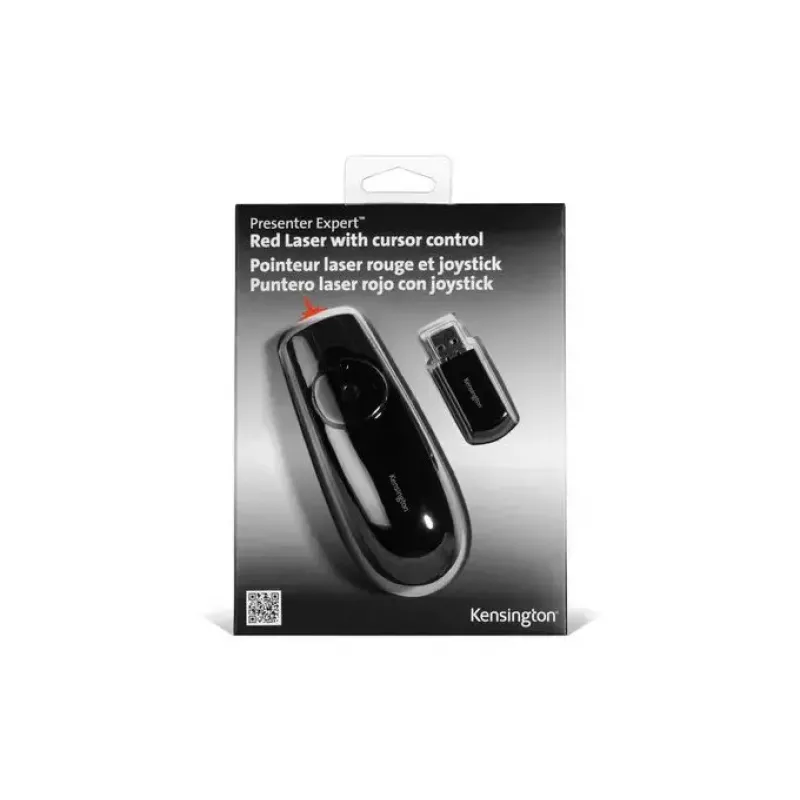
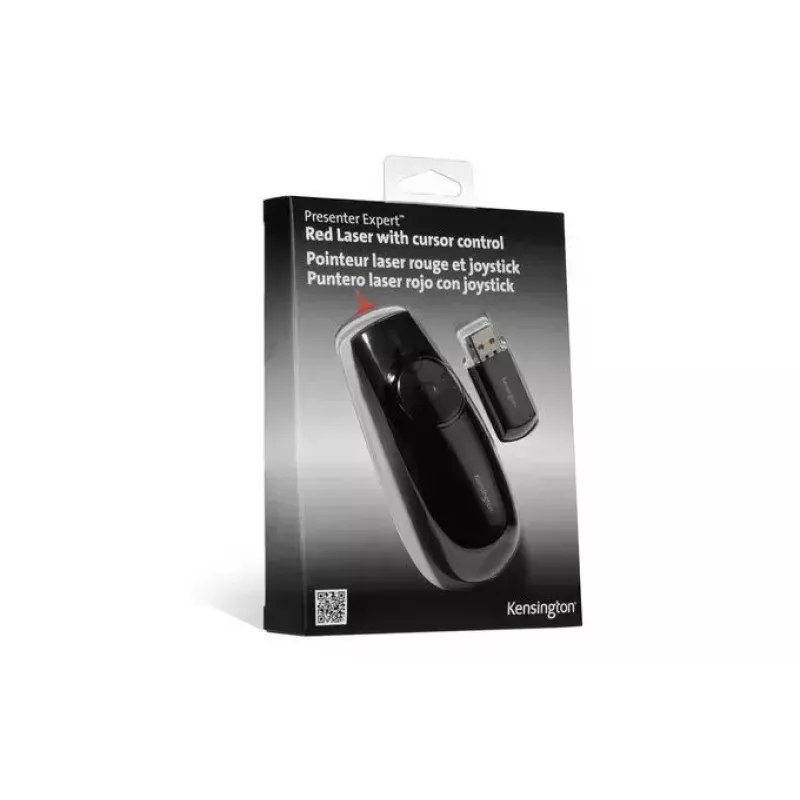
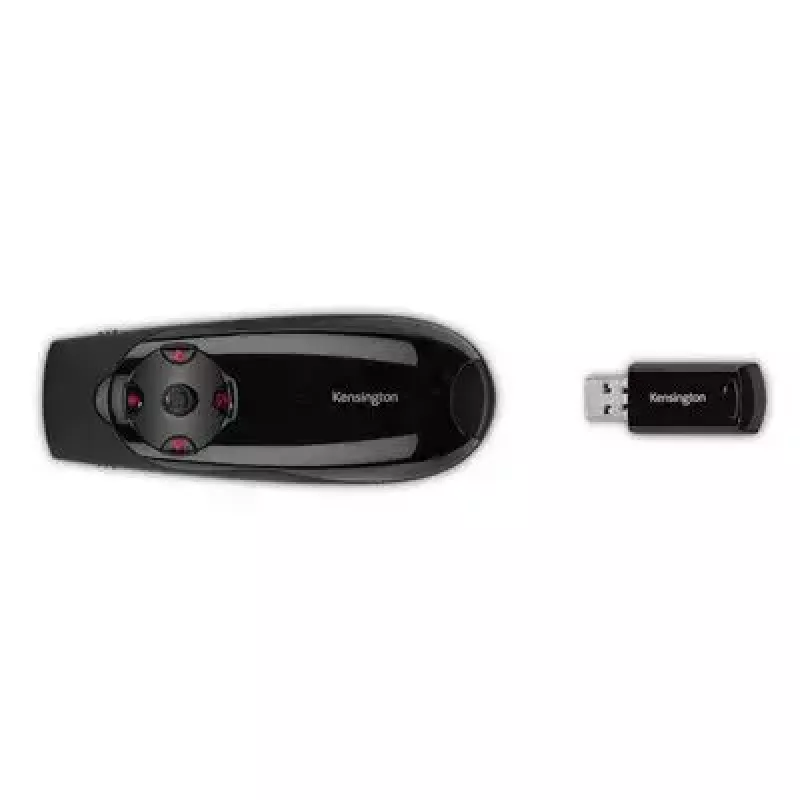
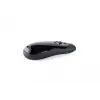
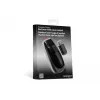
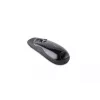
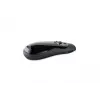
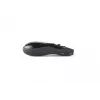
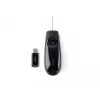
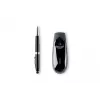
Presenter Kensington K72425EU Expert with Red Laser & Cursor Control

Presenter Kensington K72425EU Expert with Red Laser & Cursor Control
R1,175
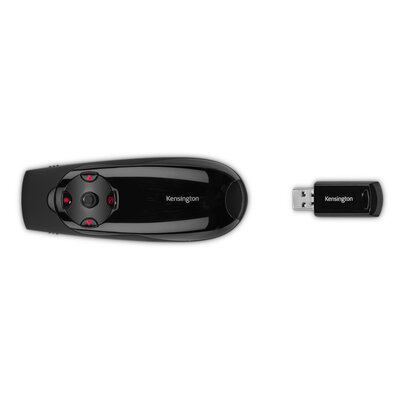
Own what professionals use to take control of the room — and a laptop’s cursor — with the Expert Wireless Presenter with Red Laser Pointer & Cursor Control. Sometimes pointing just isn’t enough. With a simple flick of a switch, you toggle between presentation and cursor control modes. The wireless 2... Read More
Stock 7 Code 95872 Brand KENSINGTON Model K72425EU Warranty 2 Years

Shipping & Returns

Estimated delivery Tuesday, September 29
You will be kept updated through our detailed tracking system
Payment options
EFTPayFastBank CardSnapScanZapperGoogle PayApple PayMobicredMoreTymePay on Arrival
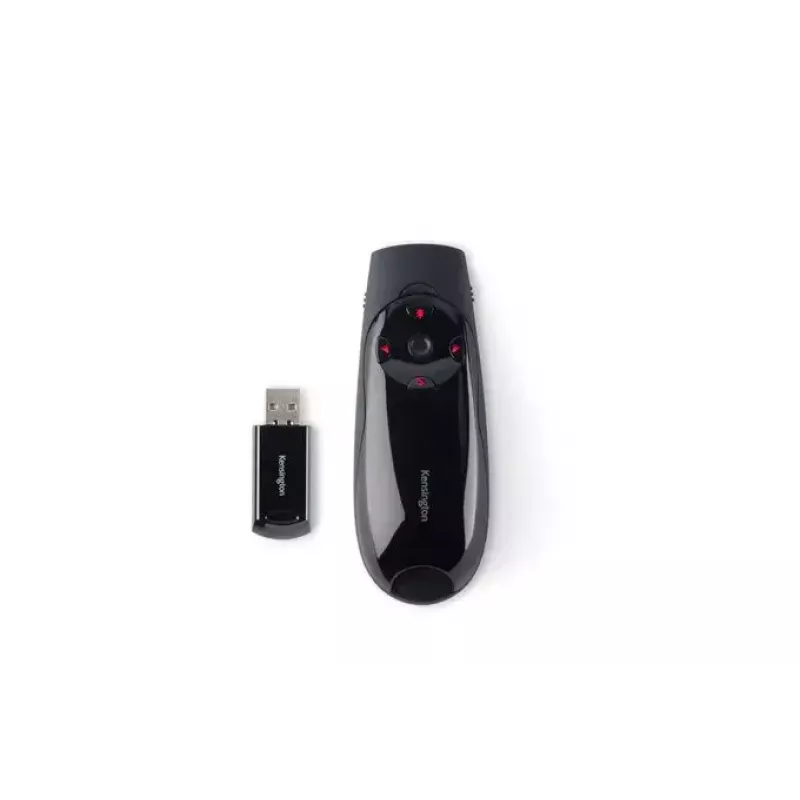
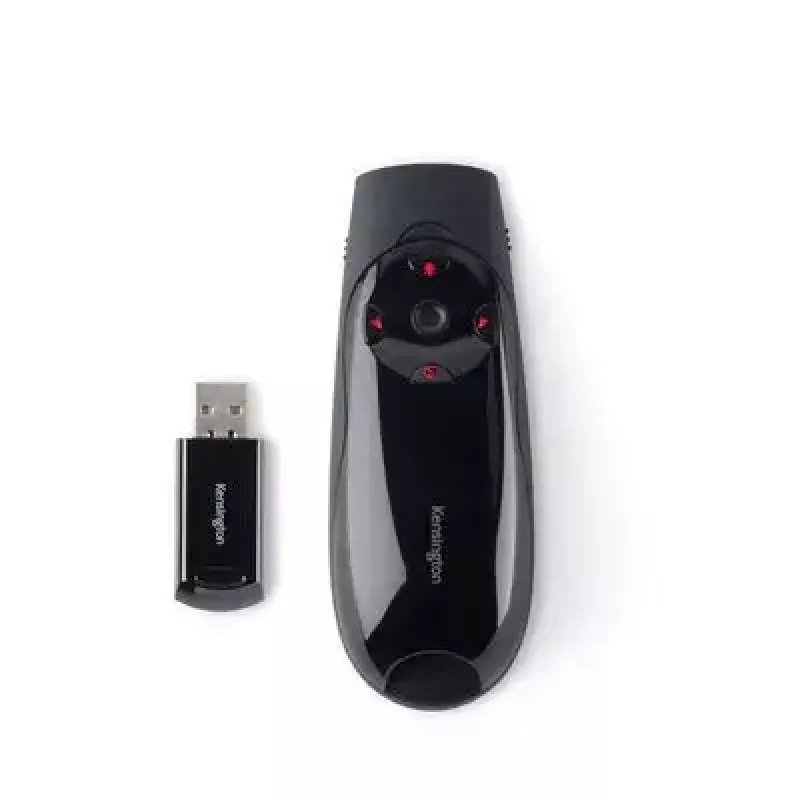
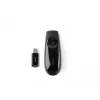
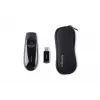
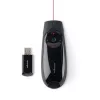
Own what professionals use to take control of the room — and a laptop’s cursor — with the Expert Wireless Presenter with Red Laser Pointer & Cursor Control. Sometimes pointing just isn’t enough. With a simple flick of a switch, you toggle between presentation and cursor control modes. The wireless 2.4GHz receiver stores conveniently inside the remote, and since it’s uniquely paired, you don’t have to worry about device interference.
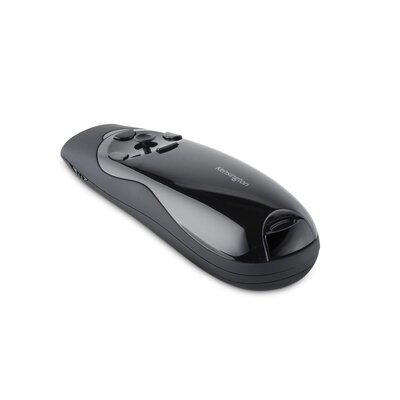
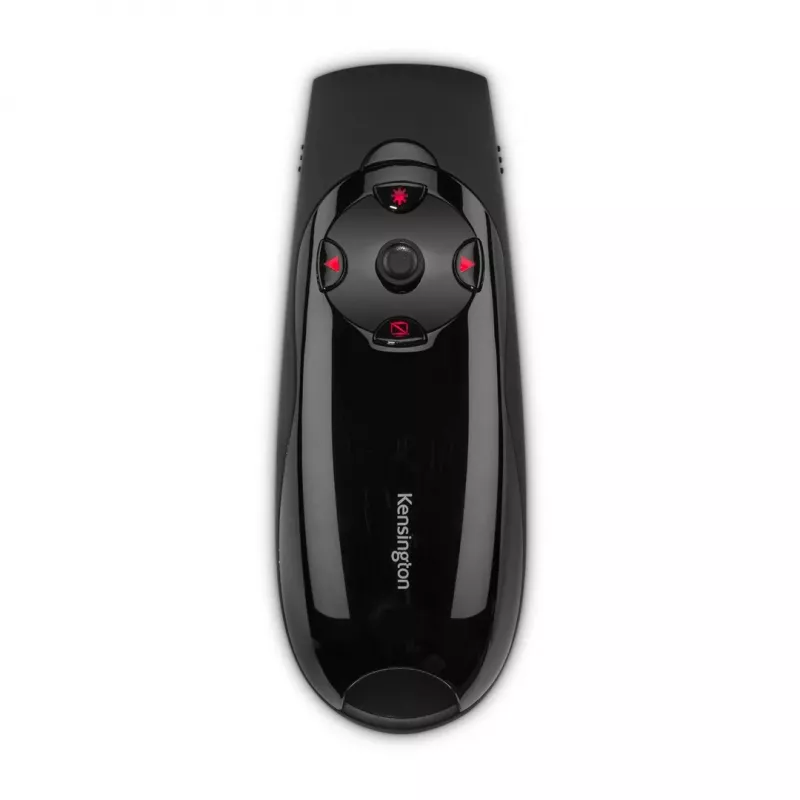
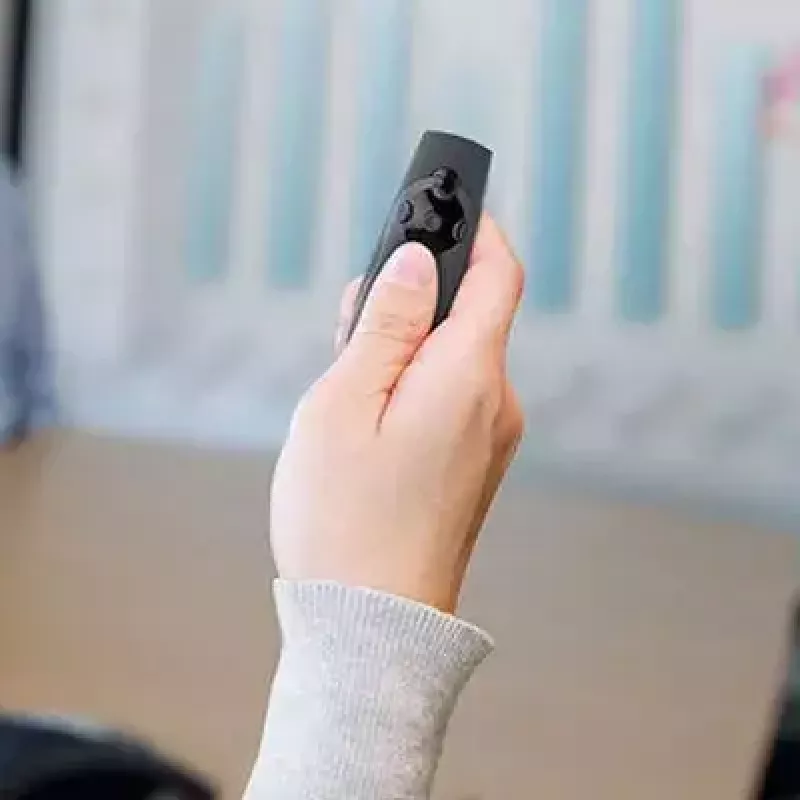
Cursor Control Joystick

Cursor Control Joystick

Offers full device control so you can use your presenter like a mouse, moving your cursor up/down and left/right on the screen

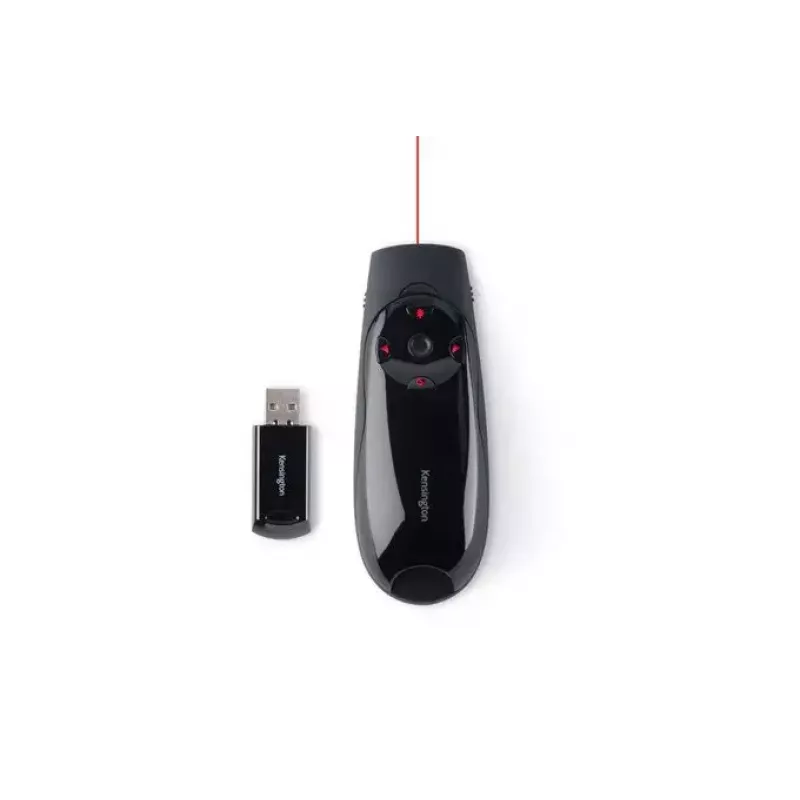
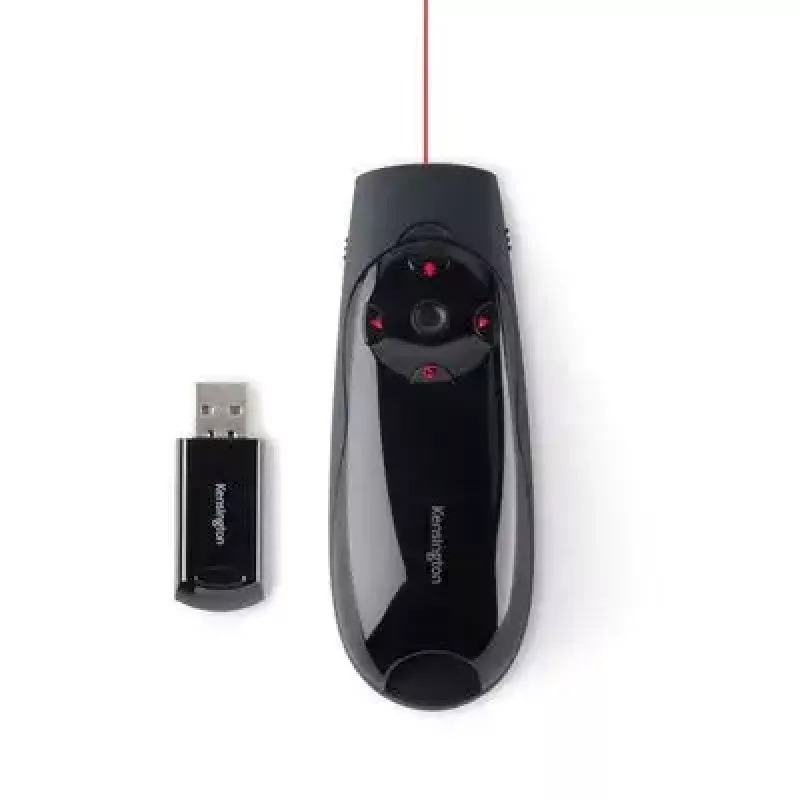
Red Laser Pointer

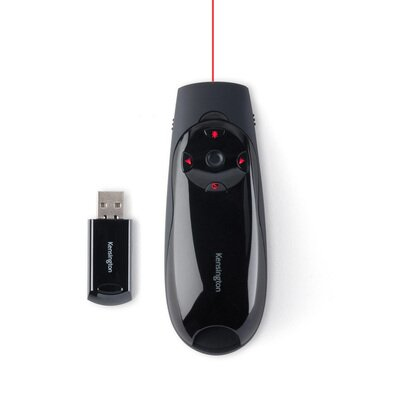
Make your point at the touch of a button with a bright red laser that can highlight any part of your presentation with complete effectiveness
Red Laser Pointer
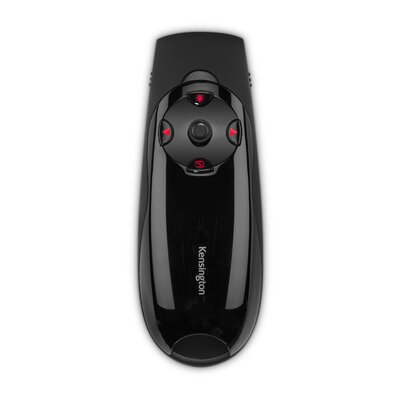
Intuitive Backlit Button Controls

Intuitive Backlit Button Controls

Convenient LED backlit buttons seamlessly move your PowerPoint or Keynote presentation forward or back, along with screen blackout option and a button to activate the red laser pointer

150-Foot Range

Roam the room with maximum freedom, knowing that your receiver will stay connected during your presentation, even when you are far away from the host device
150-Foot Range
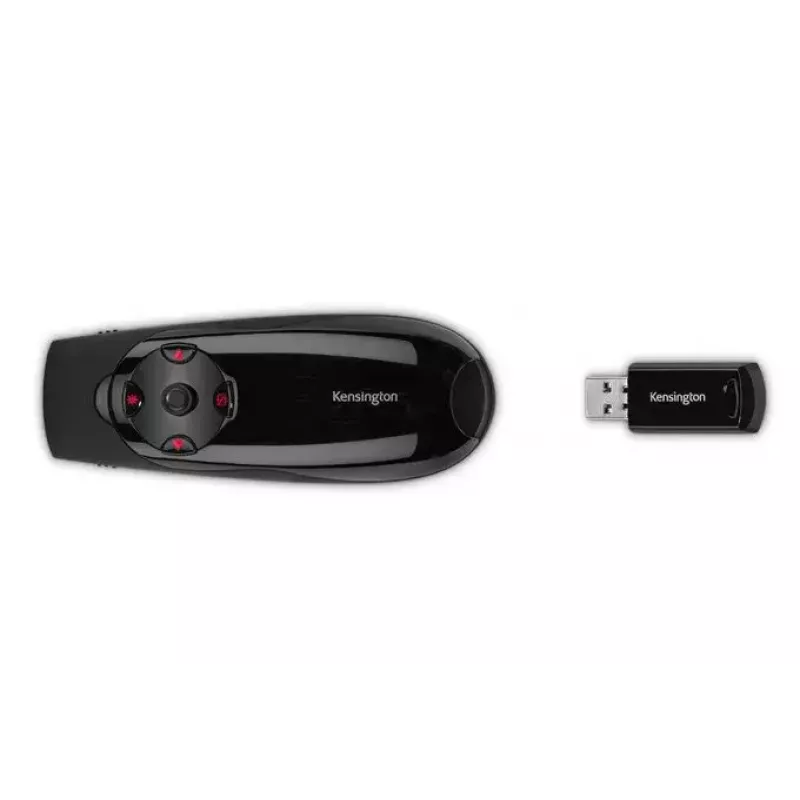
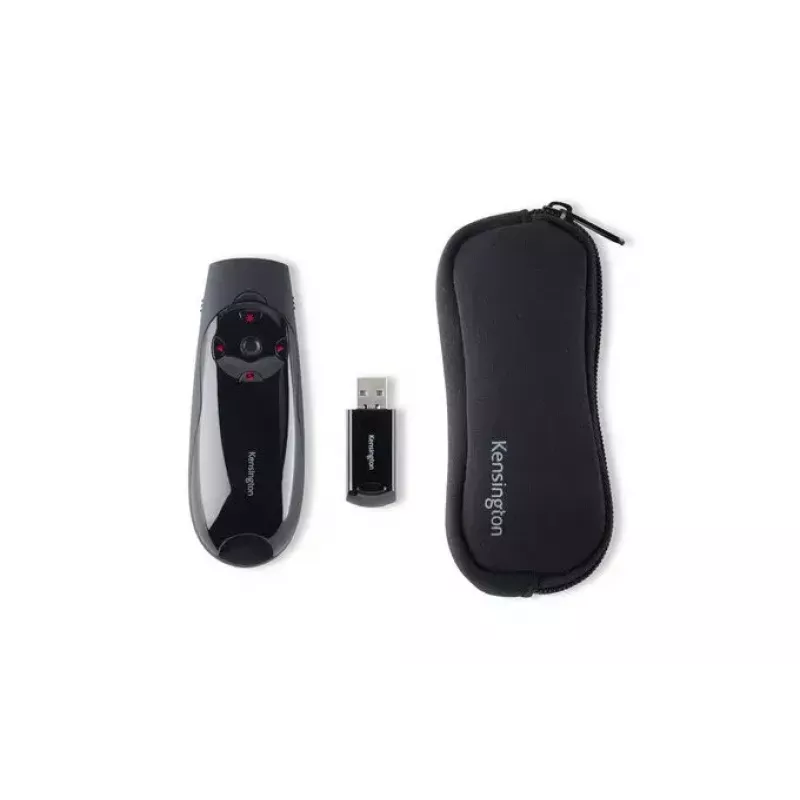
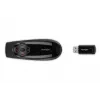
Internal Receiver Storage

Internal Receiver Storage

Convenient place to store your wireless USB receiver so it won’t get lost, as each presenter and receiver are uniquely paired to prevent interference

Plug & Play 2.4GHz Wireless Connection
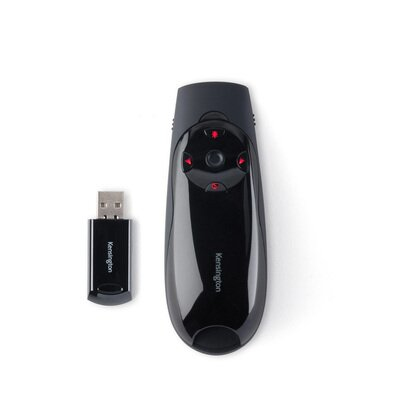
Offers secure and reliable performance through a compact USB receiver for the ultimate in freedom and mobility during your presentation
Plug & Play 2.4GHz Wireless Connection
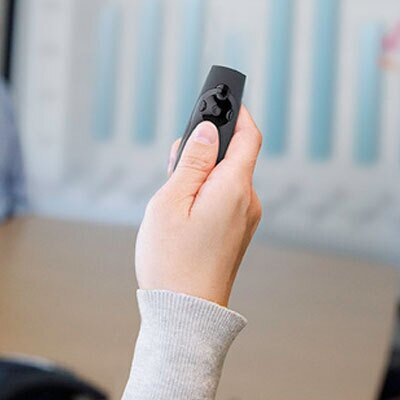
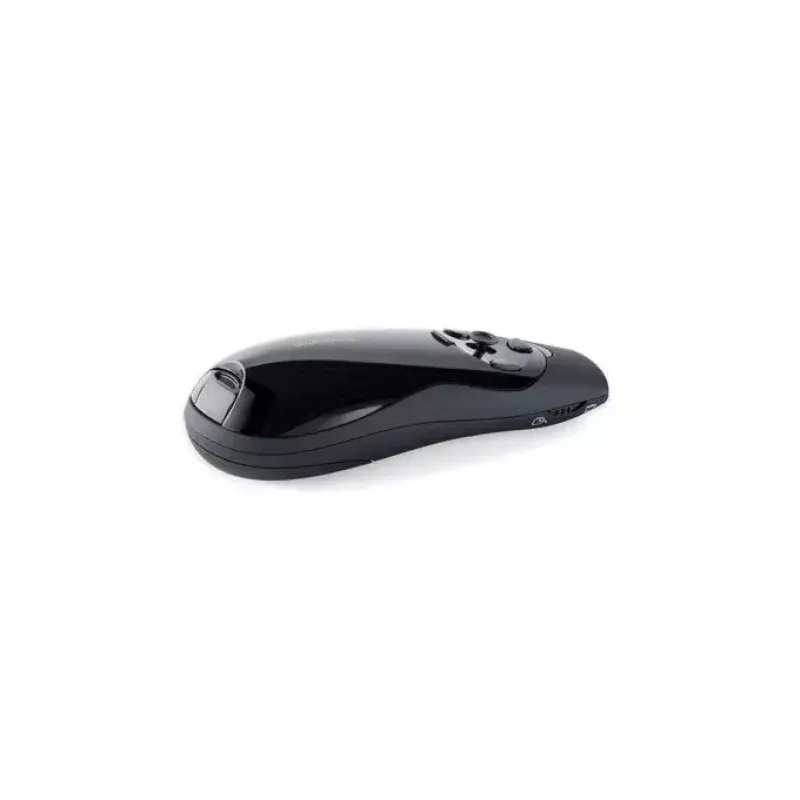
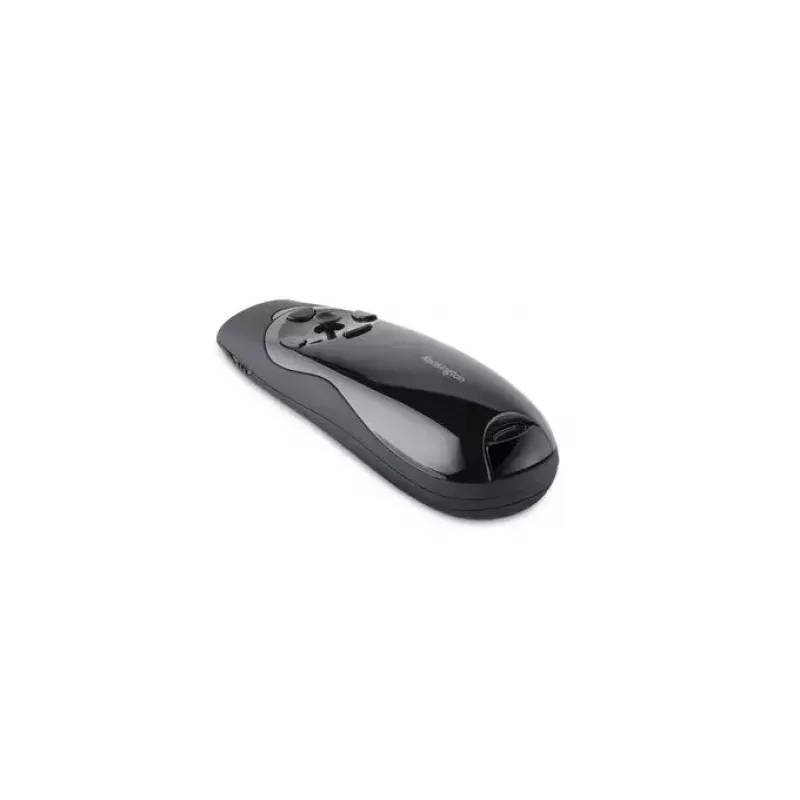
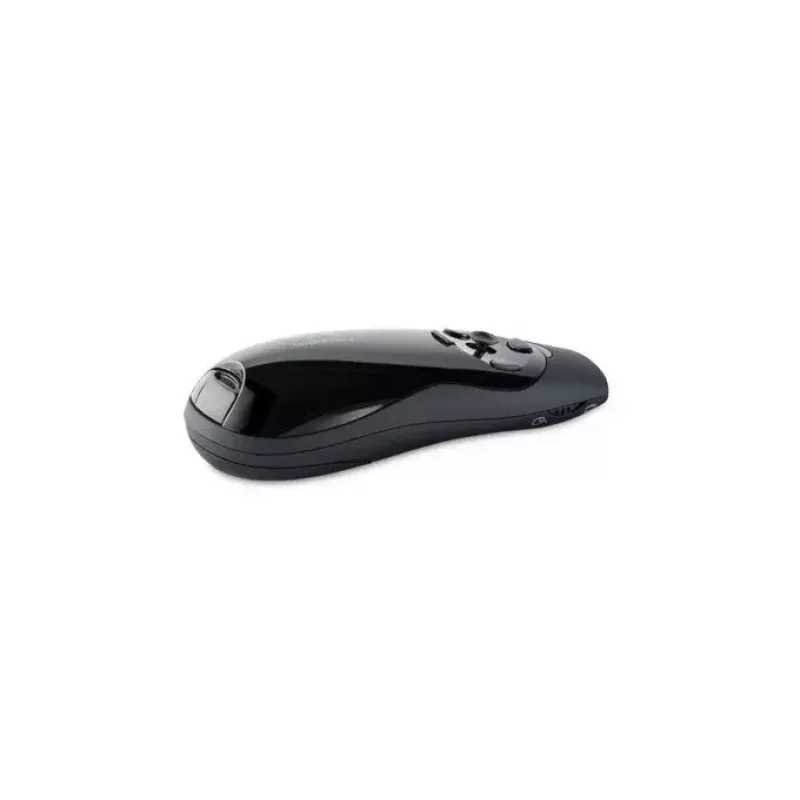
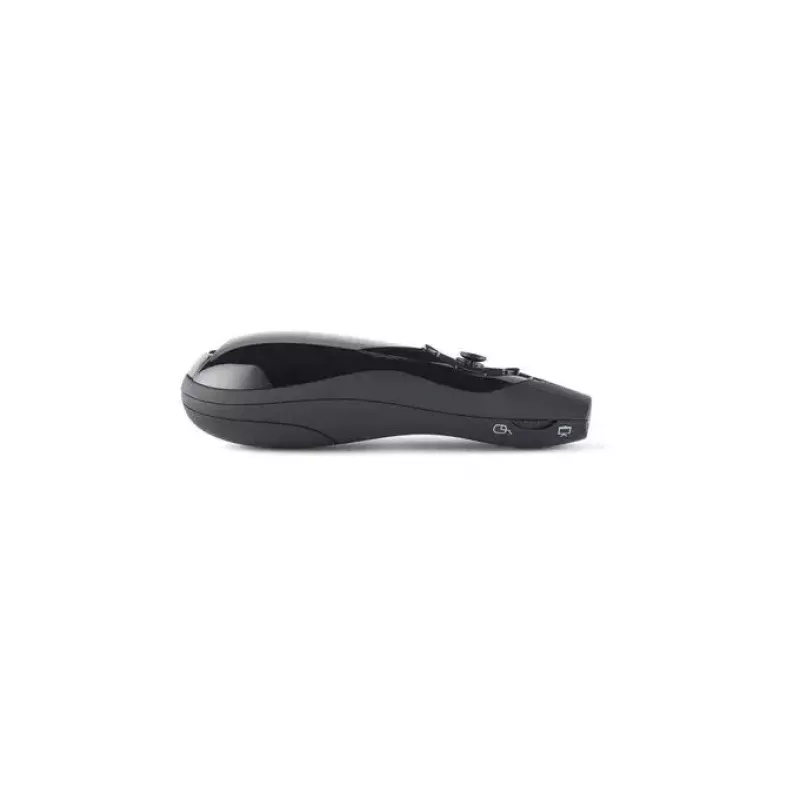
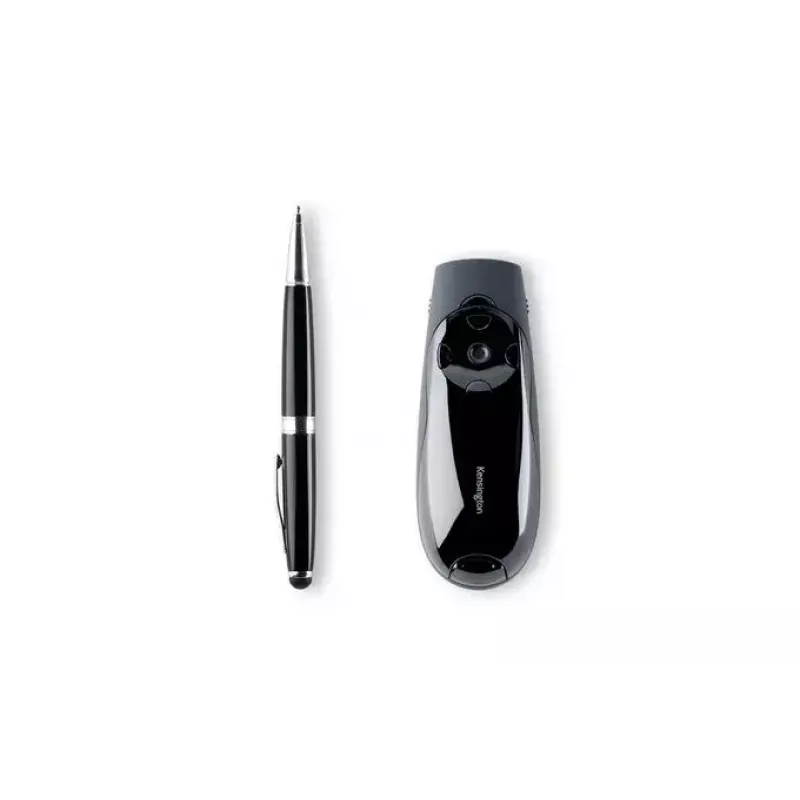
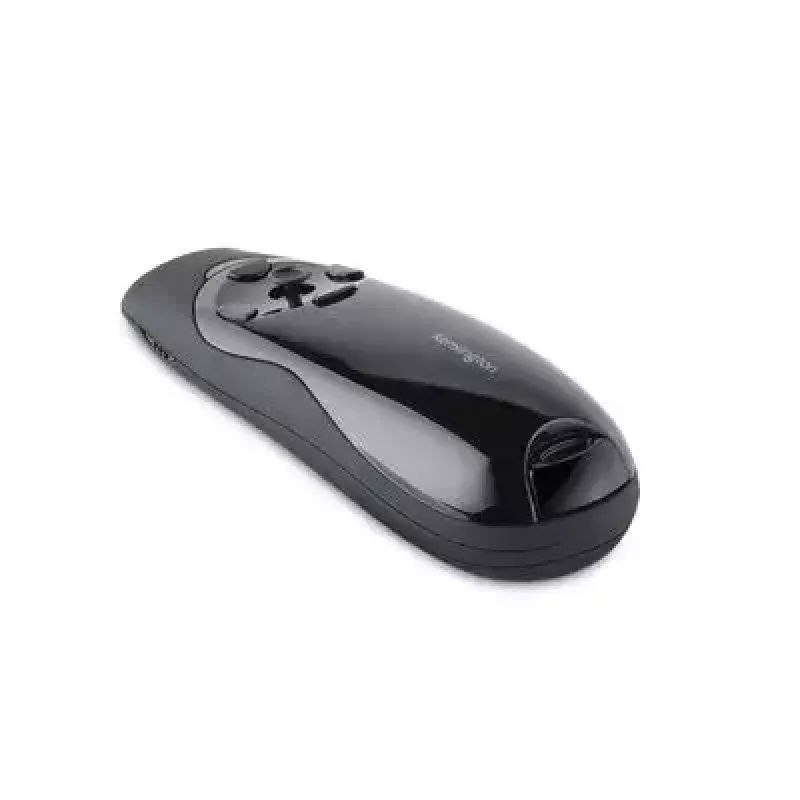
Comfortable Grip

Comfortable Grip

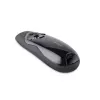
Specially designed contours make holding the presenter extremely comfortable while holding it in your hand

How to use

Plug the 2.4 GHz USB receiver into your computer; the presenter is uniquely paired and ready to use without additional drivers. Use the backlit buttons to move slides forward or backward, blackout the screen, or activate the red laser pointer. Switch to cursor-control mode and operate the joystick to move the laptop cursor as you would with a mouse. Store the USB receiver inside the presenter after use to keep it secure.

Recommendations

For reliable operation, ensure the receiver is fully inserted into the computer’s USB port and keep the presenter within the specified 150-foot range. Replace batteries as needed and avoid pointing the laser at people’s eyes. Verify compatibility with your operating system before use.

Key Highlights
  • Cursor control joystick lets you use the presenter like a mouse, moving cursor up/down and left/right.
  • Red laser pointer
  • Backlit button controls move slides forward/back, black out screen and activate the red laser pointer
  • Extended 150-foot wireless range to roam the room
  • Internal storage for wireless USB receiver so it won’t get lost
  • Plug & Play 2.4GHz USB wireless connection
  • Comfortable grip with special contours for the hand
  • Compatible with Windows 10, 8.1, 8, 7 and Mac OS X
  • Laser pointer, Remote control RF Black
  • 2.4 GHz
  • Standard receiver
  • Wireless range: 45 m
Specifications
Battery level indicator
Yes
Buttons quantity
4
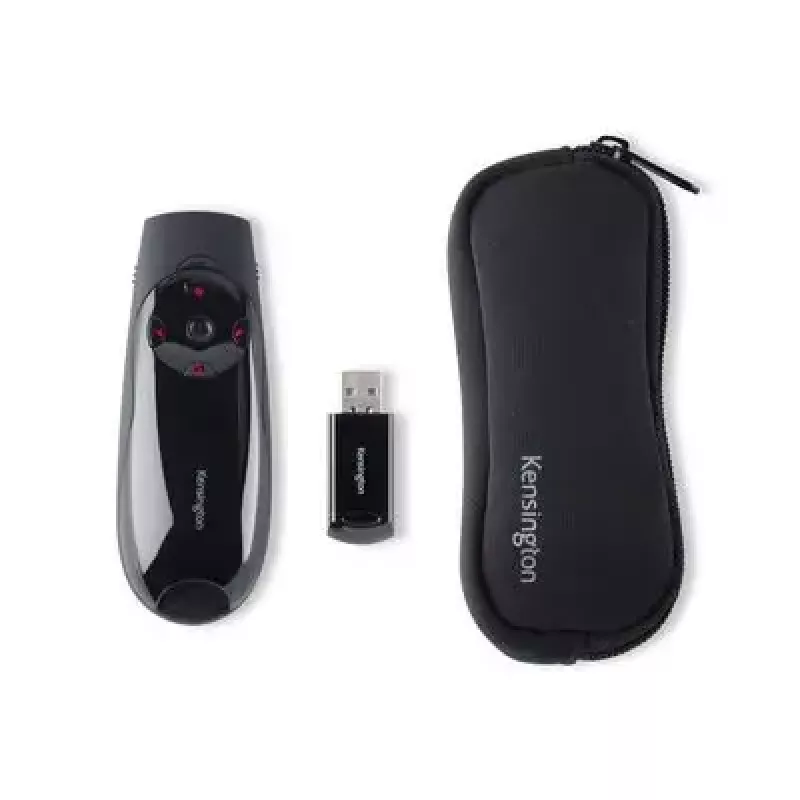
Carrying case
Yes
Compatible operating systems
Windows 7; Windows 8; Windows 10; macOS X 10.11; Vista; Windows 11; XP
Country of origin
China
Frequency band
2.4 GHz
Laser pointer colour
Red
Mac operating systems supported
Yes
Master (outer) case gross weight
1.07 kg
Master (outer) case height
204 mm
Master (outer) case length
323 mm
Master (outer) case net weight
809 g
Master (outer) case width
150 mm
On/off switch
Yes
Package depth
190 mm
Package height
190 mm
Package weight
200 g
Package width
135 mm
Presenter functions
Laser pointer, Remote control
Product colour
Black
Products per master (outer) case
4 pc(s)
Products per pallet (EU)
336 pc(s)
Quantity per pack
1 pc(s)
Receiver included
Yes
Receiver type
Standard receiver
Weight
90 g
Windows operating systems supported
Yes
Wireless range
45 m
Wireless receiver interface
USB
Wireless technology
RF

Manual

Open Manual

Manual

Open Manual

Leaflet

Open Leaflet
Price history over the last 6 months
Presenter Kensington K72425EU Expert with Red Laser & Cursor Control
Current
R1,175
Lowest
R1,039
Highest
R1,190
Change 24H
+R35   +3%
Week
+R53   +5%
Month
+R52   +5%

Popular products in this category

WhatsApp
Hi, I’m DistriNode’s AI assistant. I can help you find products, compare options, create quote PDFs, or open support requests.