Account Contact
Your Cart
Pay the courier with no extra fees.
Need help? DistriNode AI can handle any task on our site.

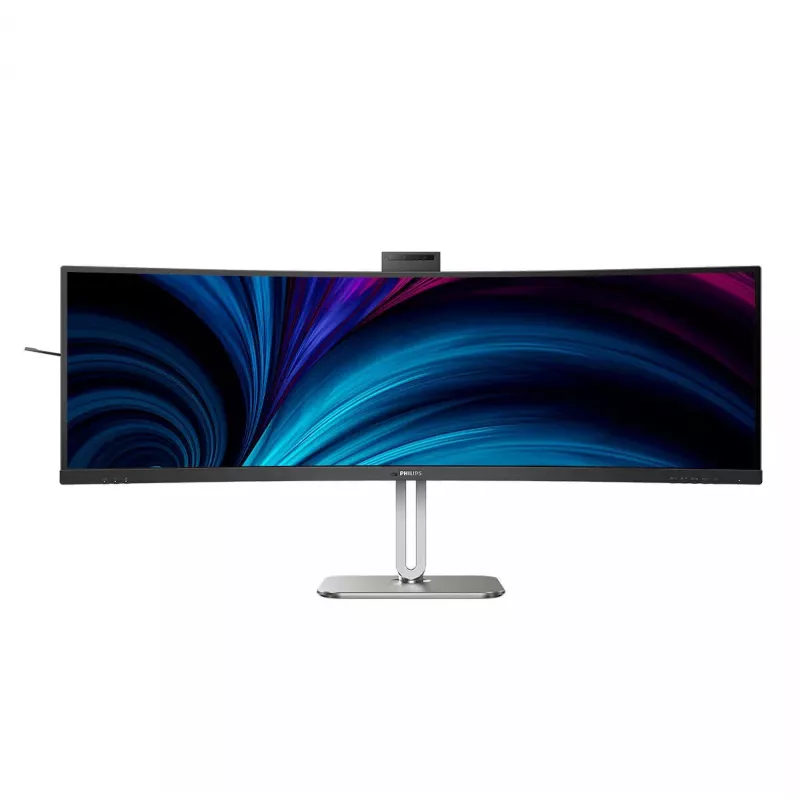
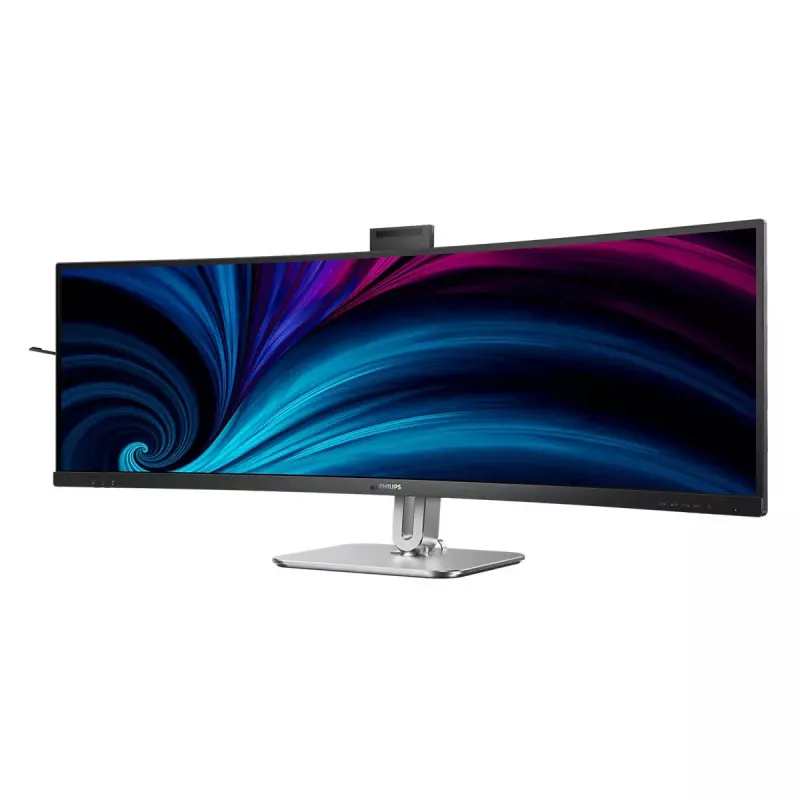
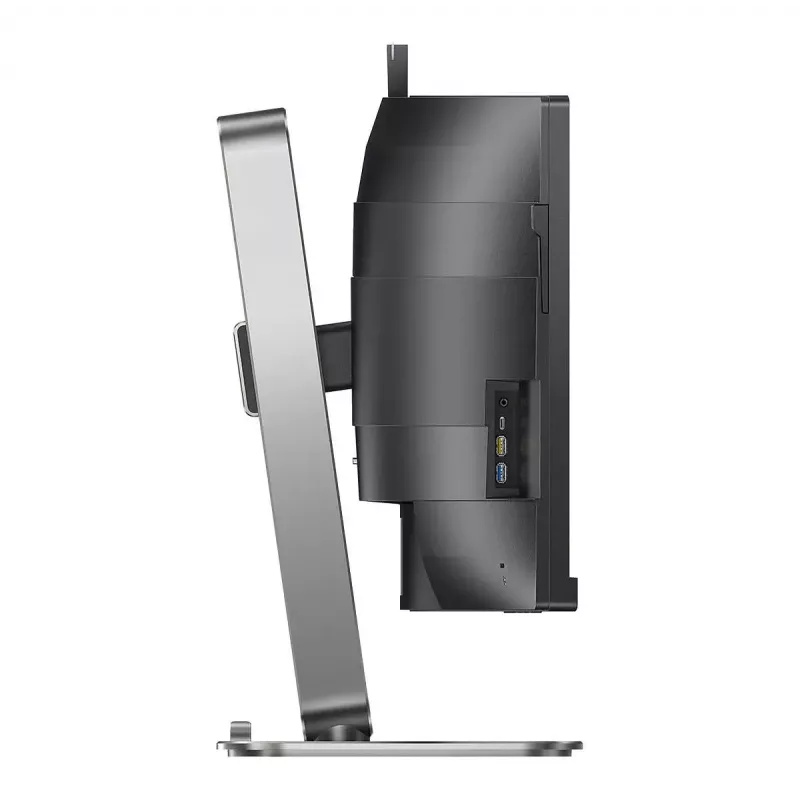
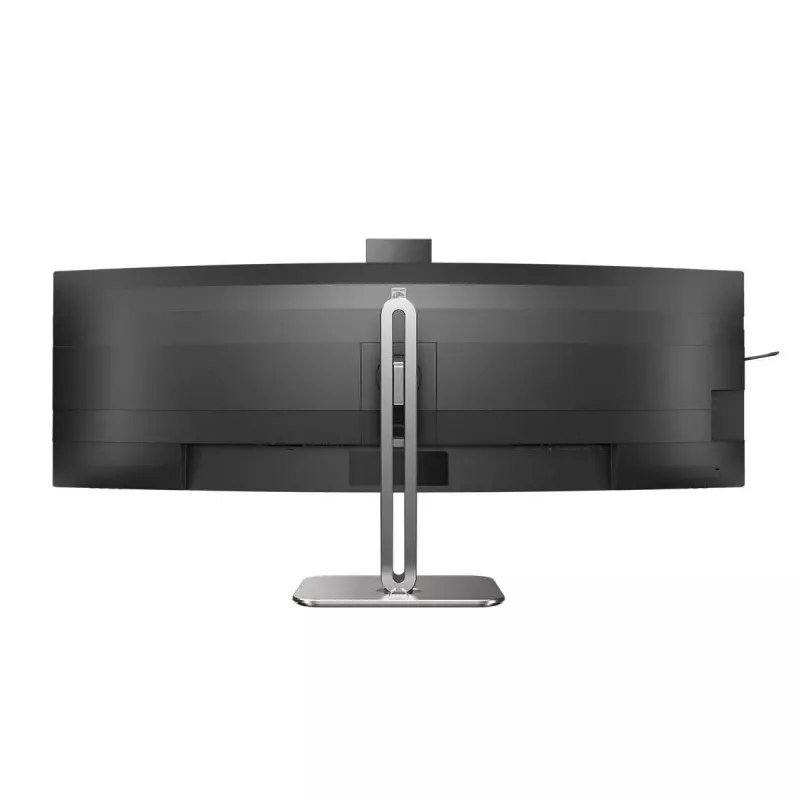
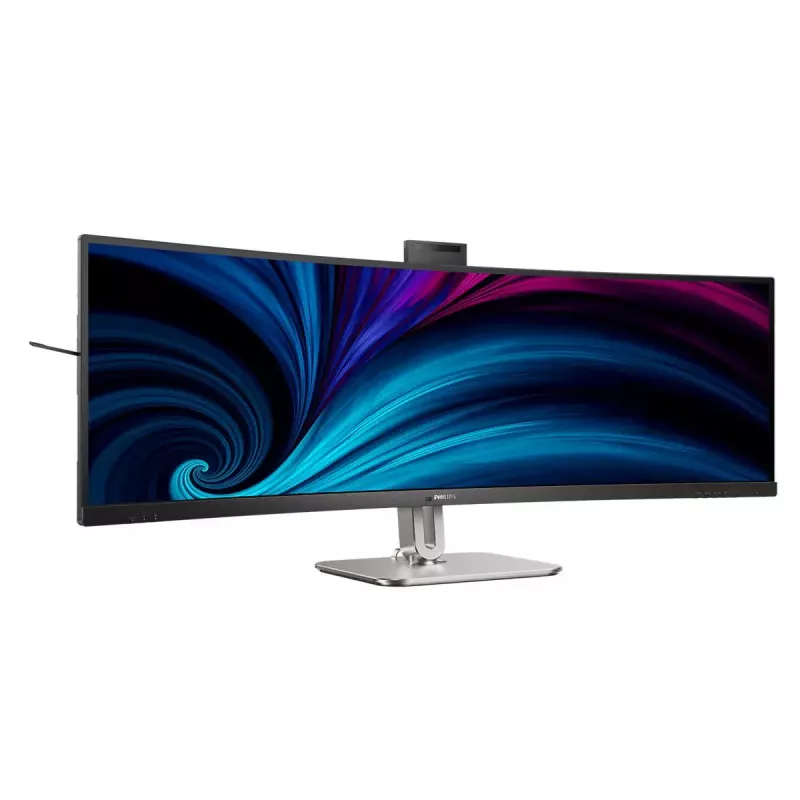
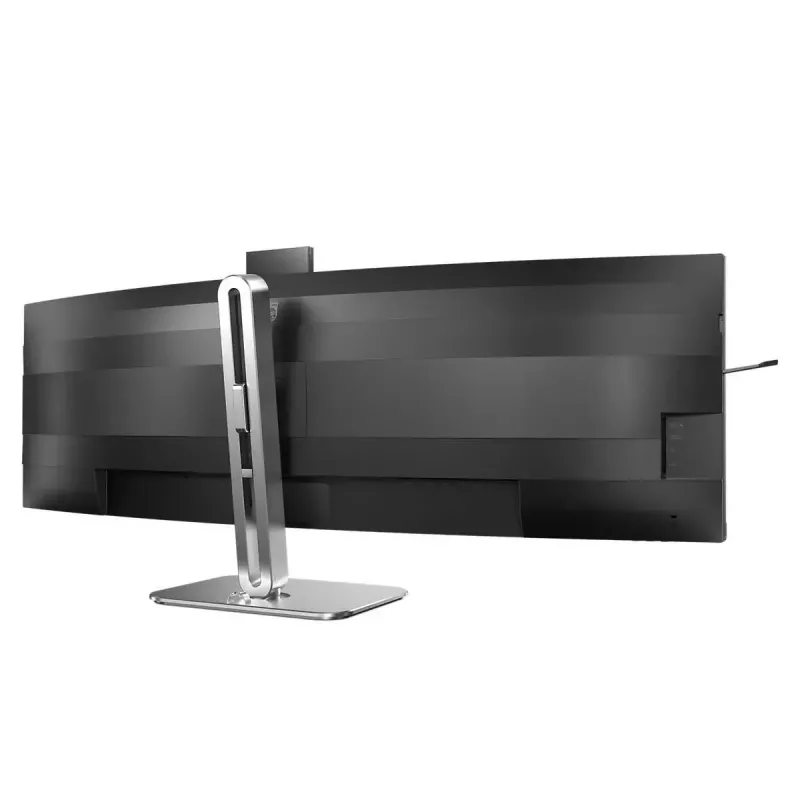
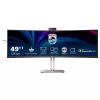
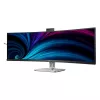
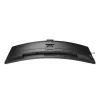
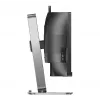
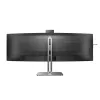
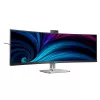
Philips 49B2U6900CH/00 computer monitor 124 cm (48.8 inch) 5120 x 1440 pixels Dual QHD LCD Black

Philips 49B2U6900CH/00 computer monitor 124 cm (48.8 inch) 5120 x 1440 pixels Dual QHD LCD Black
36 mo.
Philips 49B2U6900CH/00 computer monitor 124 cm (48.8 inch) 5120 x 1440 pixels Dual QHD LCD Black
R33,097
This monitor is designed with everything you need for a collaborative remote workspace. Its webcam fashions new features like auto-framing, a busy light, and an adjustable webcam for an unmatched video conferencing experience. 32:9 SuperWide screen designed to replace multiscreen... Read More
Stock 3 Code 4333 Brand PHILIPS Model 49B2U6900CH/00 Warranty 3 Years

Shipping & Returns

Estimated delivery Thursday, October 8
You will be kept updated through our detailed tracking system
Payment options
EFTPayFastBank CardSnapScanZapperGoogle PayApple PayMobicredMoreTymePay on Arrival
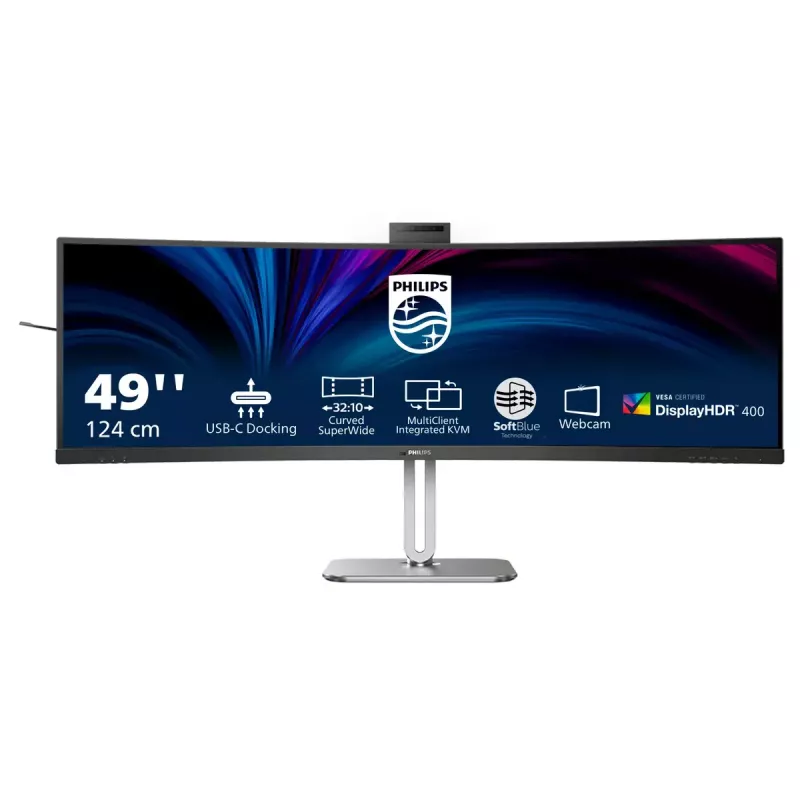
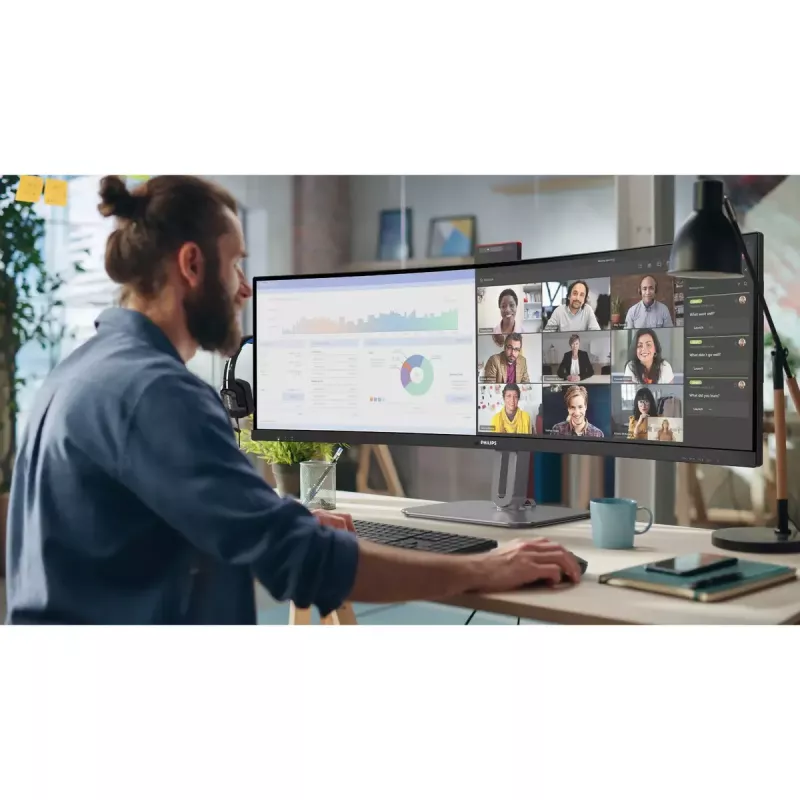
This monitor is designed with everything you need for a collaborative remote workspace. Its webcam fashions new features like auto-framing, a busy light, and an adjustable webcam for an unmatched video conferencing experience.
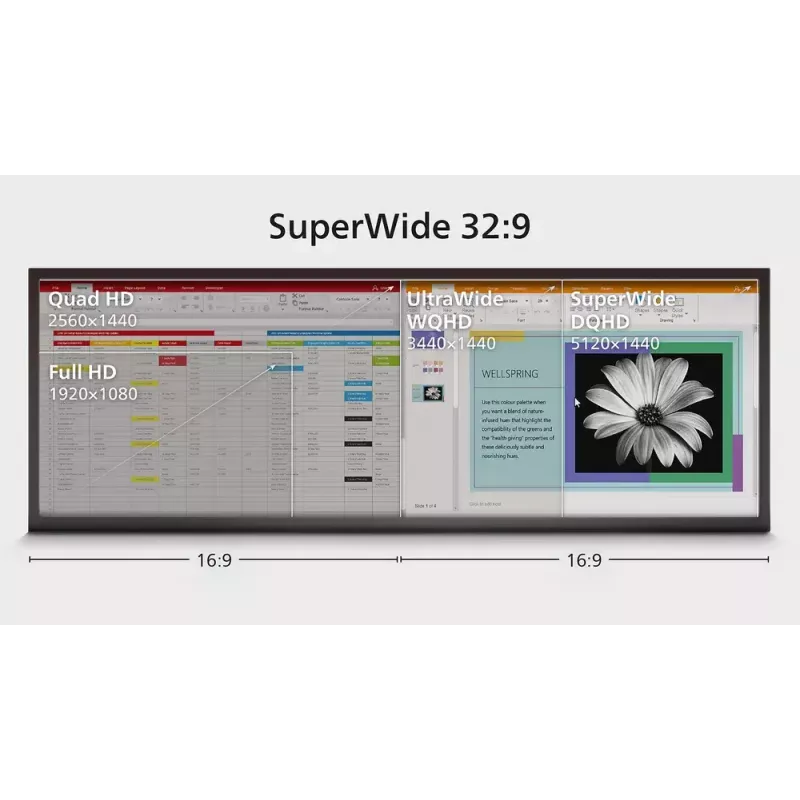
32:9 SuperWide screen designed to replace multiscreen setups

32:9 SuperWide screen designed to replace multiscreen setups

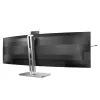
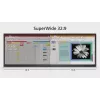
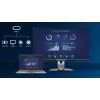
32:9 SuperWide 49" screen, with 5120 x 1440 resolution, is designed to replace multiscreen setups for massive wide view. It's like having two 27" 16:9 Quad HD displays side-by-side. SuperWide monitors offer screen area of dual monitors without the complicated setup.

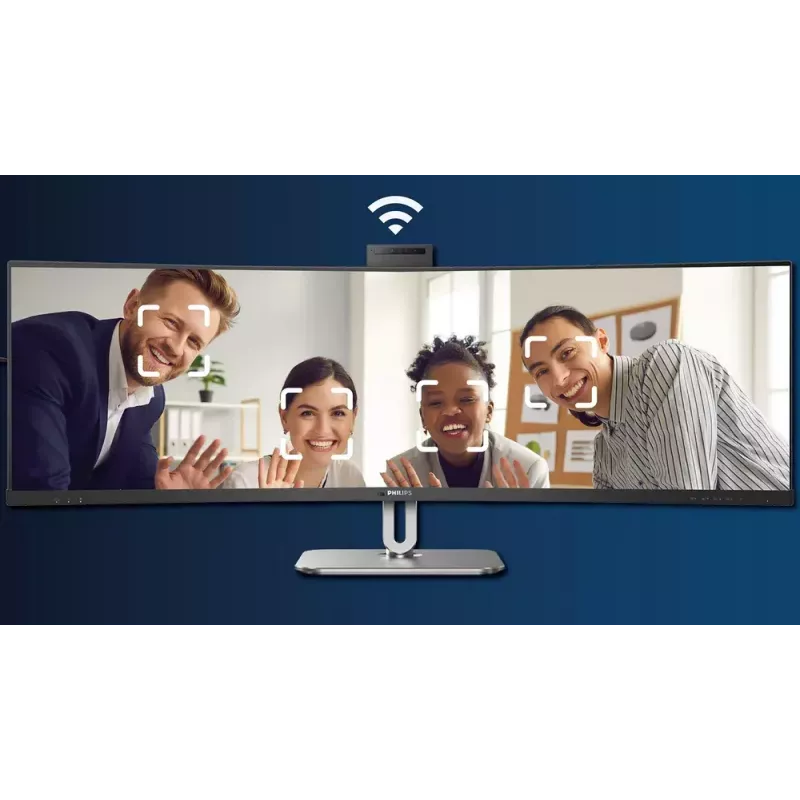
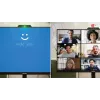
AI-enhanced Webcam Autoframing: for dynamic video calls.

This AI-enhanced feature is perfect for multi-person video conferencing. When one or more people join the webcam view, the AI-powered feature will automatically adjust and zoom to fit all team members in the frame. Likewise, when participants leave the webcam view, the AI-enhanced webcam will adjust accordingly; thereby making it ideal for long meetings as well as team calls.
AI-enhanced Webcam Autoframing: for dynamic video calls.
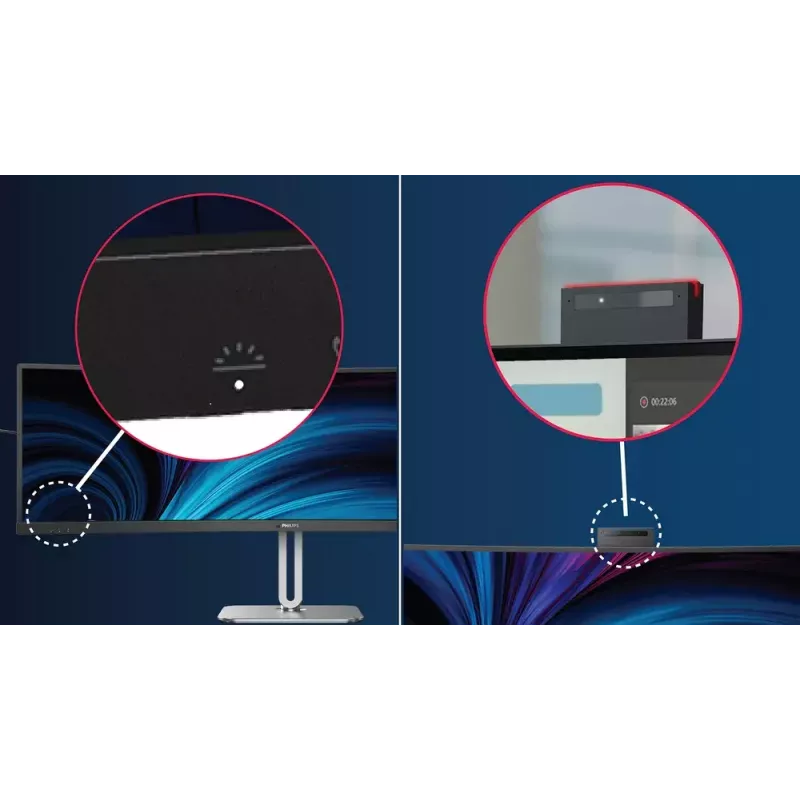
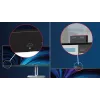
Busylight: for setting your working status

Busylight: for setting your working status

This feature allows for privacy and optimal collaboration when working in a busy office setting. To transmit to others that they are busy, users can simply press the Busylight hotkey located on the bottom left menu of the monitor bezel and the light located on the webcam will turn red. In addition to this, the Busylight feature can also sync with user's Microsoft Teams status.

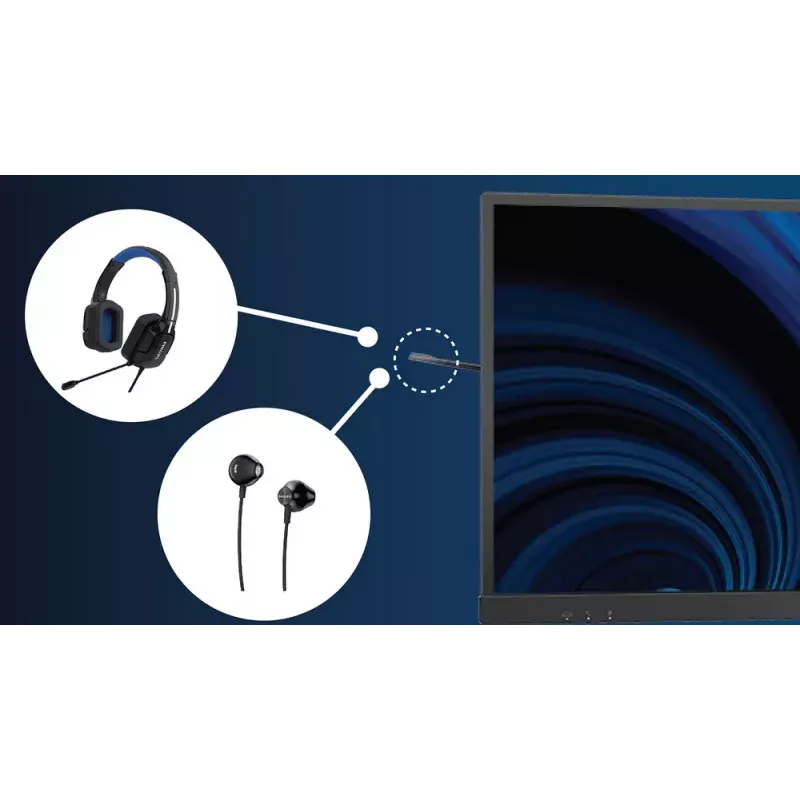
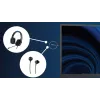
Earphone Hook: for customizable storage

Earphone storage is unmatched with this feature. Carefully pull down the hook located on the side of the monitor: This feature makes for a tidy desktop and provides a handy cable management solution for your workspace.
Earphone Hook: for customizable storage
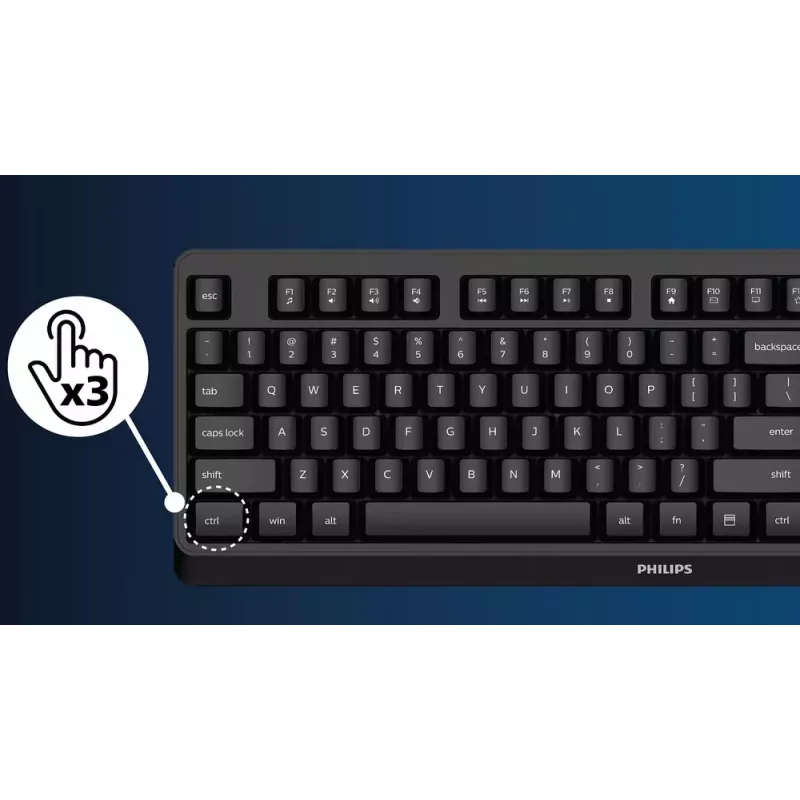
SmartKVM: for easily switching between sources.

SmartKVM: for easily switching between sources.

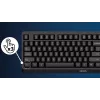
Unlike traditional built-in KVM monitor button, the smart KVM allows for switching between sources with the click of a button on your keyboard. When all devices are properly connected, users can easily switch between sources by clicking the "Ctrl" key three times.

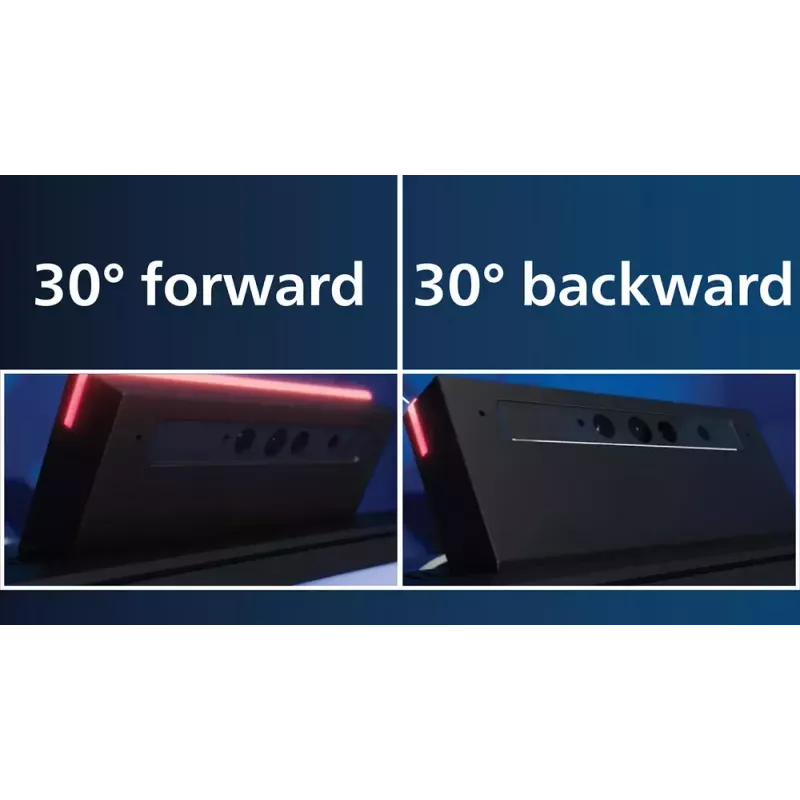
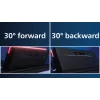
Adjustable Webcam: for video conferencing in comfort.

Level up the comfort of video conferencing with this feature. By adjusting the webcam back and forth by 30 degrees, users can now comfortably call and attend meetings from any position that best suits them.
Adjustable Webcam: for video conferencing in comfort.
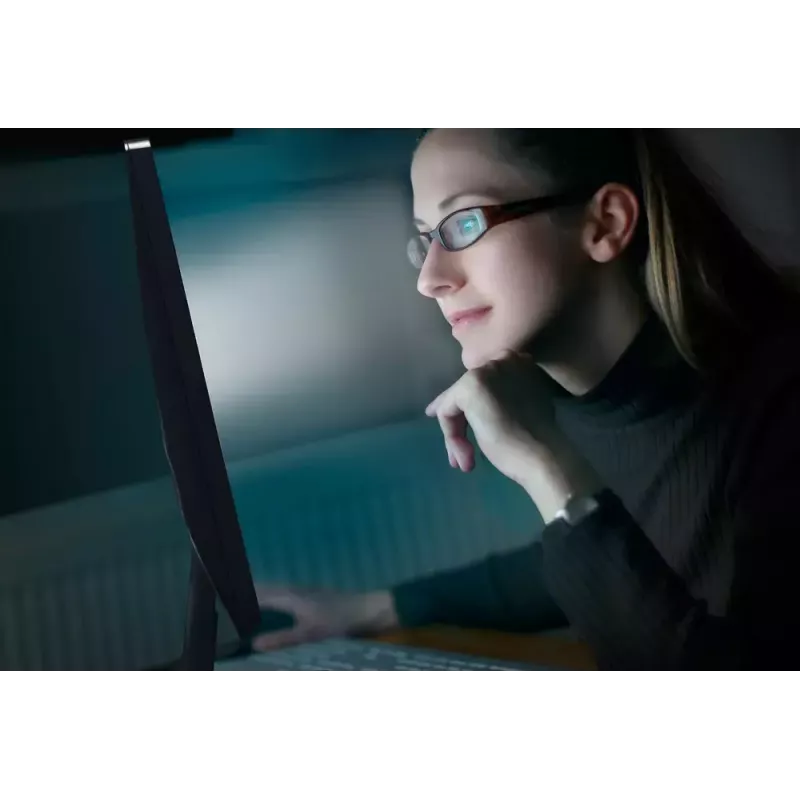
SoftBlue Technology: for comfortable viewing

SoftBlue Technology: for comfortable viewing

SoftBlue technology offers increased visual comfort and protection against adverse health effects caused by prolonged exposure to blue light. With the low blue-light panel, the ratio of display emission light in the range of 415-455 nm to 400-500nm is reduced to less than 50%. As a result, the SoftBlue technology provides optimal visual comfort, minimizes eye strain, and supports sustained focus. Not to mention, SoftBlue LED technology is tested and TÜV Rheinland Low Blue Light (Hardware Solution) certified for its effectiveness in reducing blue light emissions.

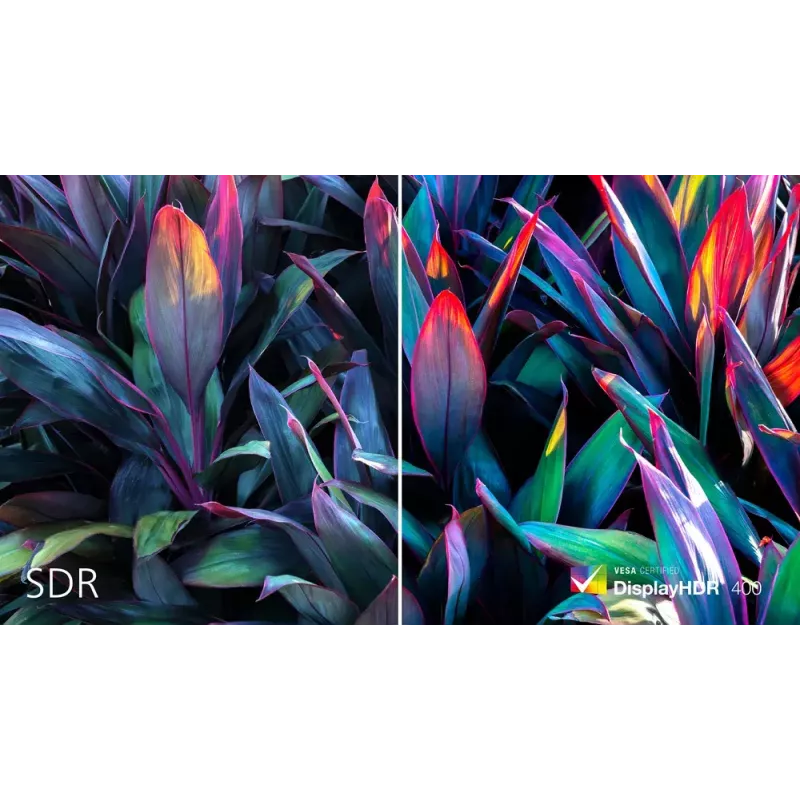
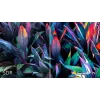
DisplayHDR 400 for more lifelike and outstanding visuals

VESA-certified DisplayHDR 400 delivers a significant step-up from normal SDR displays. Unlike, other 'HDR compatible' screens, true DisplayHDR 400 produces astonishing brightness, contrast and colors. With global dimming and minimum 400 nits brightness, images come to life with notable highlights while featuring deeper, more nuanced blacks. It renders a fuller palette of rich new colors, delivering a visual experience that engages your senses.
DisplayHDR 400 for more lifelike and outstanding visuals
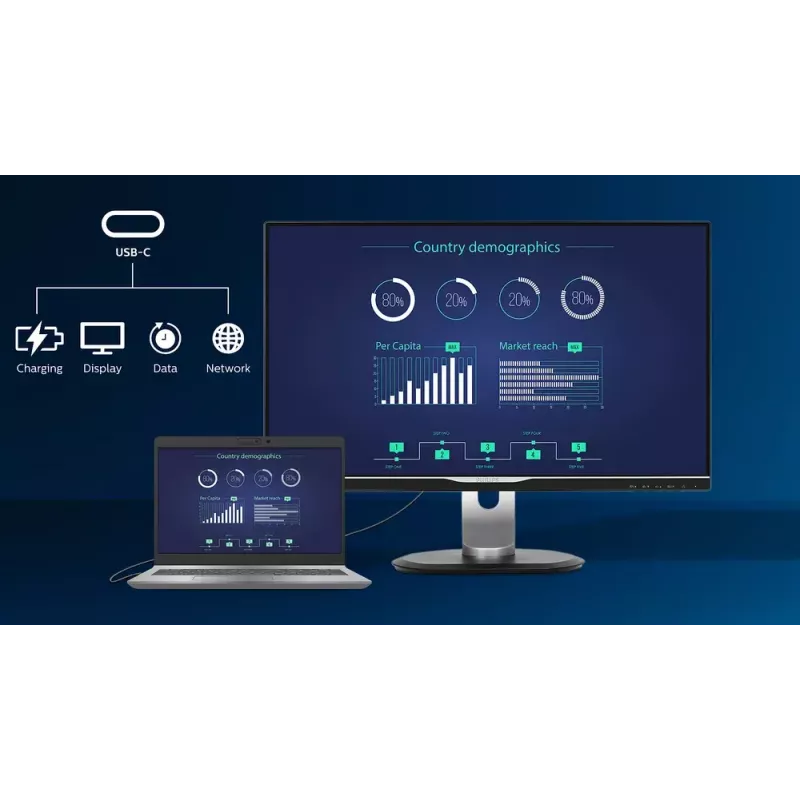
RJ-45 to USB-C gives easy network connection with security

RJ-45 to USB-C gives easy network connection with security

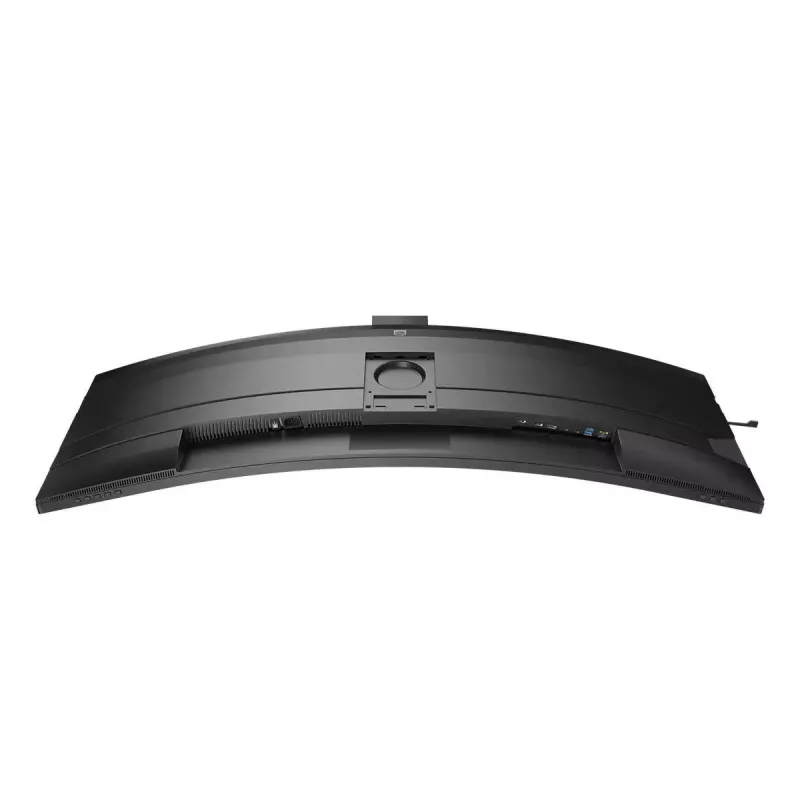
Simplify all peripherals from monitor to PC using one-cable-docking USB Type-C connector, includes networking, high resolution video output from PC to monitor, and surfing on Internet without an additional network cable, even without LAN port on your notebook. RJ45 connection through USB-C offers a fast and secure connection when needed. Getting the fastest data speeds allows you to transfer data from a HDD to your PC faster than ever. Additionally, USB-C with power delivery can even enable you to power and charge your notebook from the monitor, eliminating the need for extra power cables.

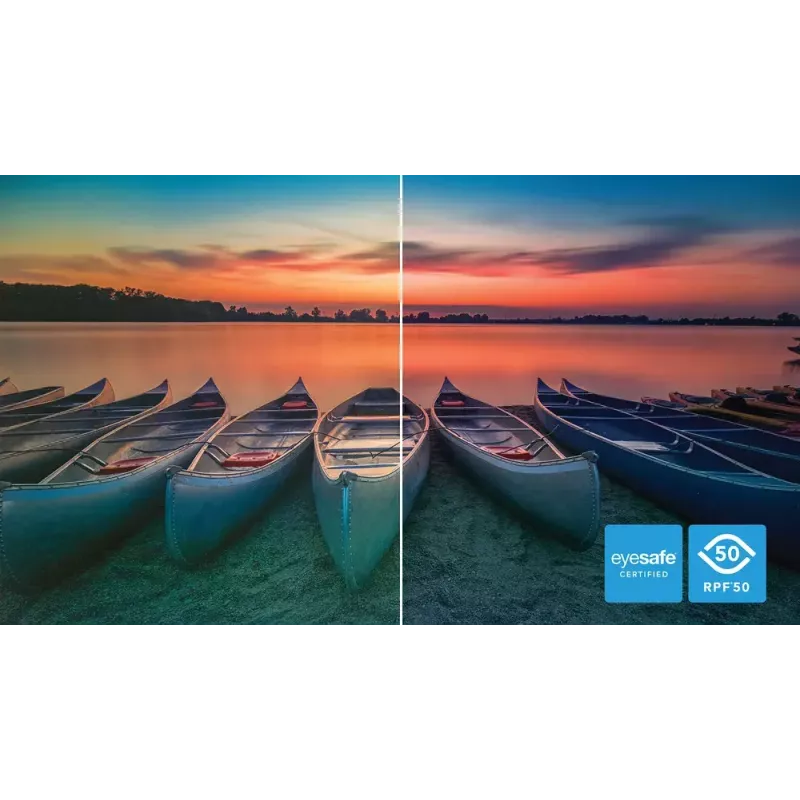
Eyesafe certified blue light protection and color accuracy

The Philips display meets the eyesafe® CERTIFIED 2.0 standard to truly protect you from the long exposure to blue light. The always-on blue light filter not only helps reduce digital eye strain, but also guarantees color integrity.
Eyesafe certified blue light protection and color accuracy
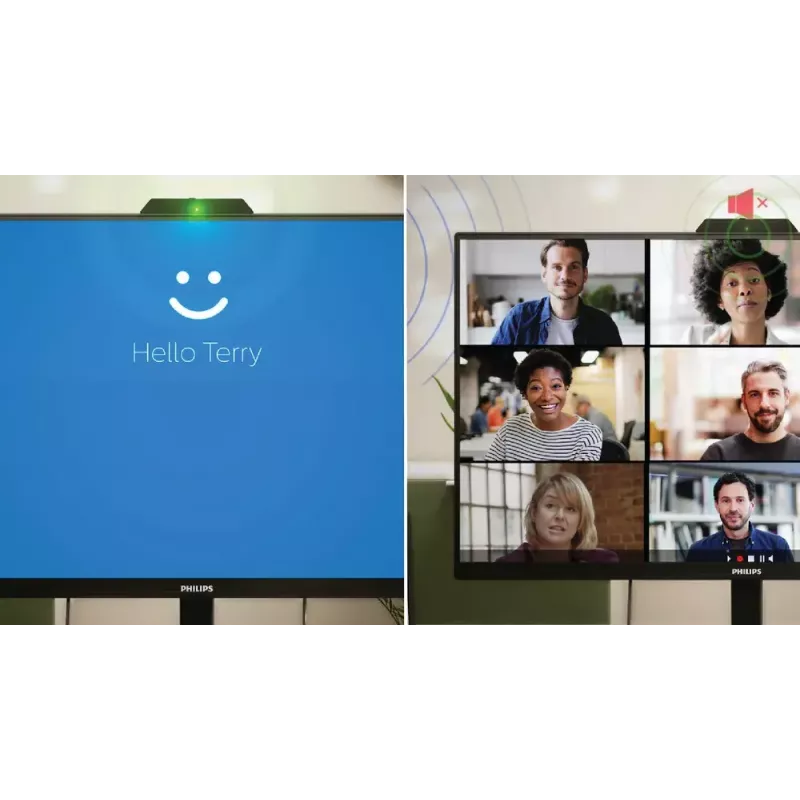
Collaboration-ready webcam with noise-cancelling mic.

Collaboration-ready webcam with noise-cancelling mic.

This Philips monitor comes with a built-in 5MP webcam, noise-cancelling microphone, and speakers, making it perfect for working from home and collaborating remotely. It is equipped with advanced sensors that work seamlessly with Windows Hello facial recognition, allowing you to log into your Windows devices in less than 2 seconds. For added privacy, a physical camera switch lets you disable the webcam when not in use. The noise-cancelling microphone and dual 5-watt integrated speakers ensure clear communication.
How to use

Set the Philips 49B2U6900CH/00 on a stable desk or attach it to a VESA-compatible mount. Connect video sources using the available video inputs and plug USB peripherals into the built-in hub or the USB-C downstream port. Adjust the height and position for ergonomic viewing. Use the integrated webcam and its auto-framing feature for video calls; enable or disable the busy light as needed. Adjust display settings through the monitor OSD for brightness, contrast and color preferences.

Recommendations

For extended work sessions, position the monitor so the center of the screen is at eye level and maintain a viewing distance of about an arm’s length. Use the height adjustment and the curved 32:9 display to reduce horizontal head movement when working with multiple windows. Keep webcam firmware and connected device drivers up to date to ensure best conferencing performance.

Key Highlights
  • SoftBlue Technology: for comfortable viewing
  • Webcam Autoframing: for dynamic video calls
  • Webcam with noise cancelling microphone for collaboration
  • Curved display design for more immersive experience
  • Adjustable Webcam: for video conferencing in comfort
  • 32:9 SuperWide screen designed to replace multiscreen setups
  • Access and display multiple sources on two devices
  • Busylight: for setting your working status
  • Earphone Hook: for customizable storage
  • SmartKVM: for easily switching between sources
  • DisplayHDR 400 for more lifelike and outstanding visuals
  • RJ-45 to USB-C gives easy network connection with security
  • 124 cm (48.8") LCD VA
  • Dual QHD 5120 x 1440 pixels 32:9
  • 75 Hz 4 ms 450 cd/m² 3000:1
  • Flicker-free technology
  • F 48.1 W
Specifications
AC input frequency
50/60 Hz
AC input voltage
100 - 240 V
Adjustable height (max)
15 cm
Anti-glare screen
Yes
Audio output
Yes
Backlight type
W-LED
Built-in camera
Yes
Built-in KVM switch
Yes
Built-in microphone
Yes
Built-in speaker(s)
Yes
Built-in USB hub
Yes
Bundled software
SmartControl
Cable lock slot
Yes
Cable lock slot type
Kensington
Colour depth
8 bit
Component video sync
Separate Sync
Contrast ratio (dynamic)
80000000:1
Contrast ratio (typical)
3000:1
DDC/CI
Yes
Delta E
2
Depth (with stand)
268 mm
Depth (without stand)
164 mm
Display brightness (typical)
450 cd/m²
Display diagonal
124 cm (48.8")
Display diagonal (metric)
124 cm
Display number of colours
1.07 billion colours
Display resolution
5120 x 1440 pixels
Display sRGB
Yes
Display technology
LCD
DisplayPort version
1.4
DisplayPorts quantity
1
Doesn't contain
Mercury, PVC/BFR
Energy efficiency class (SDR)
F
Ethernet LAN
Yes
Exterior finish type
Textured
Feet colour
Black
Flicker-free technology
Yes
Front bezel colour
Black
Haze rate
25%
HBR3 support
Yes
HD type
Dual QHD
HDCP
Yes
HDCP version
1.4/2.2
HDMI
Yes
HDMI ports quantity
2
HDMI version
2.0
Headphone out
Yes
Height (with stand)
583 mm
Height (without stand)
373 mm
Height adjustment
Yes
High Dynamic Range (HDR) supported
Yes
High Dynamic Range (HDR) technology
DisplayHDR 400
Horizontal scan range
30 - 140 kHz
LED indicators
Operation, Stand-by
Low Blue Light technology
Yes
LowBlue mode
Yes
Manual
Yes
Maximum refresh rate
75 Hz
Mean time between failures (MTBF)
70000 h
Megapixel (approx.)
5 MP
Microphone in
Yes
Native aspect ratio
32:9
Non-operating altitude
0 - 12192 m
NTSC coverage (typical)
97%
Number of OSD languages
21
Number of speakers
2
Number of USB Type-C upstream ports quantity
2
On Screen Display (OSD)
Yes
On Screen Display (OSD) languages
Simplified Chinese, Traditional Chinese, Czech, German, Dutch, English, Spanish, Finnish, French, Greek, Hungarian, Italian, Japanese, Korean, Polish, Portuguese, Russian, Swedish, Turkish, Ukrainian
Operating altitude
0 - 3658 m
Operating relative humidity (H-H)
20 - 80%
Operating temperature (T-T)
0 - 40 °C
Package depth
475 mm
Package height
300 mm
Package weight
19.4 kg
Package width
1290 mm
Panel mounting interface
100 x 100 mm
Panel type
VA
Philips SmartUniformity
93 - 105%
Picture enhancement
SmartImage
Picture-by-Picture (PbP)
Yes
Picture-in-Picture
Yes
Pixel density
109 ppi
Pixel pitch
0.2328 x 0.2328 mm
Plug and Play
Yes
Post-consumer recycled plastic
85%
Power consumption (PowerSave)
37.5 W
Power consumption (standby)
0.3 W
Power consumption (typical)
48.1 W
Power supply type
Internal
Product colour
Black
Recyclable packaging material
100%
Regulatory Approvals
CB; CE Mark; FCC Class B; ICES-003; CU-EAC; EAEU RoHS; TUV Ergo; TUV/GS; TUV Eyesafe certified; cETLus; EAC; MEPS; PSE; TCO Certified; TCO Certified Edge
Response time
4 ms
RMS rated power
10 W
Screen shape
Curved
sRGB coverage (typical)
119%
Stand included
Yes
Storage temperature (T-T)
-20 - 60 °C
Surface hardness
3H
Swivel angle range
-30 - 30°
Swivelling
Yes
Tilt adjustment
Yes
Tilt angle range
-5 - 15°
Touchscreen
No
USB hub version
3.2 Gen 2 (3.1 Gen 2)
USB Power Delivery (USB PD)
Yes
USB Power Delivery up to
100 W
USB Type-A downstream ports quantity
4
USB Type-C DisplayPort Alternate Mode
Yes
USB Type-C downstream ports quantity
1
USB upstream port type
USB Type-C
Vertical scan range
48 - 75 Hz
VESA Adaptive Sync support
Yes
VESA mounting
Yes
Viewable size, horizontal
119.2 cm
Viewable size, vertical
33.5 cm
Viewing angle, horizontal
178°
Viewing angle, vertical
178°
Wake-on-LAN
Yes
Weight (with stand)
15.2 kg
Weight (without stand)
11.6 kg
Width (with stand)
1193 mm
Width (without stand)
1193 mm

Energy label

Open Energy label

Leaflet

Open Leaflet

Document

Open Document

Manual

Open Manual

PDF

Open PDF
Price history over the last 6 months
Philips 49B2U6900CH/00 computer monitor 124 cm (48.8 inch) 5120 x 1440 pixels Dual QHD LCD Black
Current
R33,097
Lowest
R19,440
Highest
R38,419
Change 24H
+R13,389   +68%
Week
+R13,402   +68%
Month
-R5,168   -14%

Independent reviews by tech media

techradar.com

“This review first appeared in issue 355 of PC Pro. It's tempting to ignore the diagrams on the Philips 49B2U6900CH box that say, categorically, “this is a two-person job”.”

Read the full review at techradar.com →

Popular products in this category

WhatsApp
Hi, I’m DistriNode’s AI assistant. I can help you find products, compare options, create quote PDFs, or open support requests.