Account Contact
Your Cart
Pay the courier with no extra fees.
Need help? DistriNode AI can handle any task on our site.

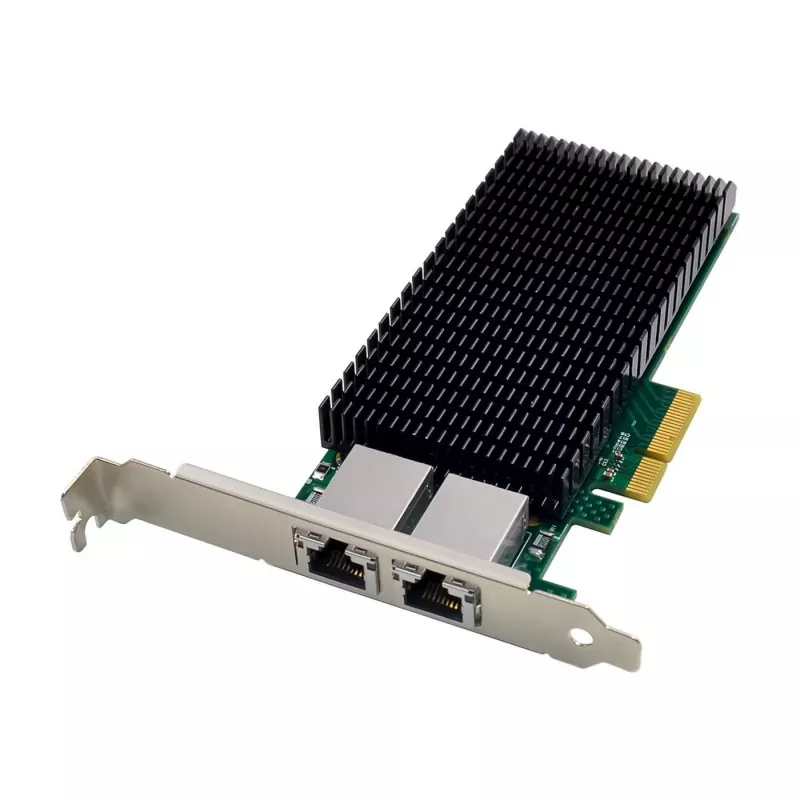
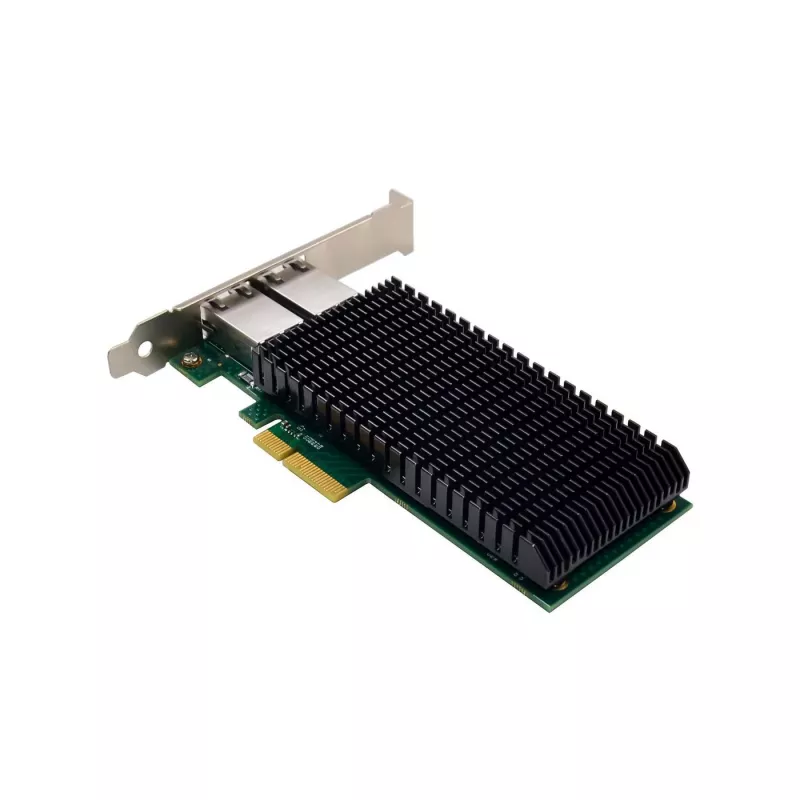
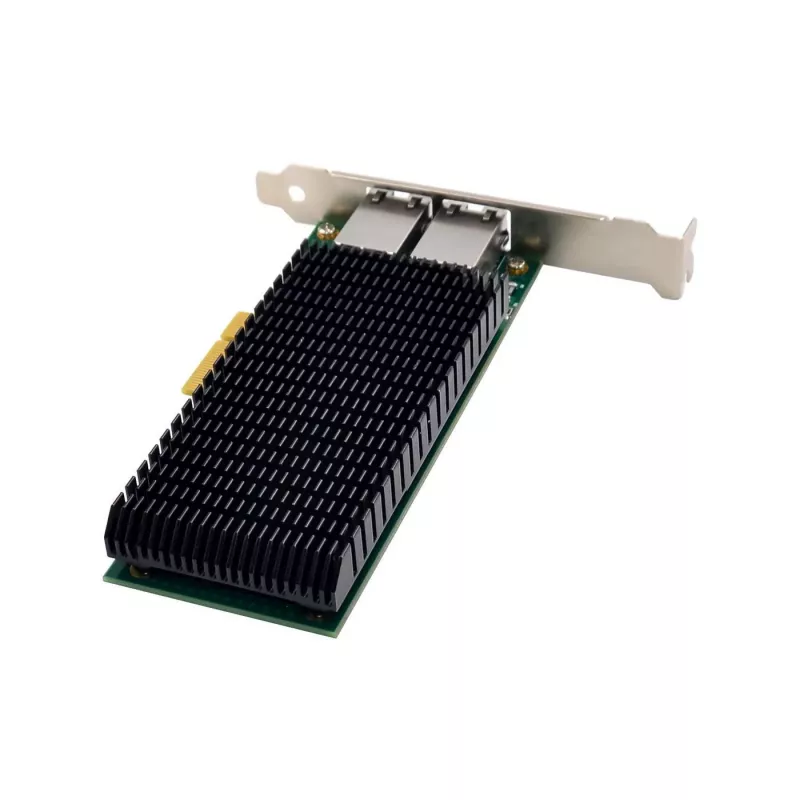
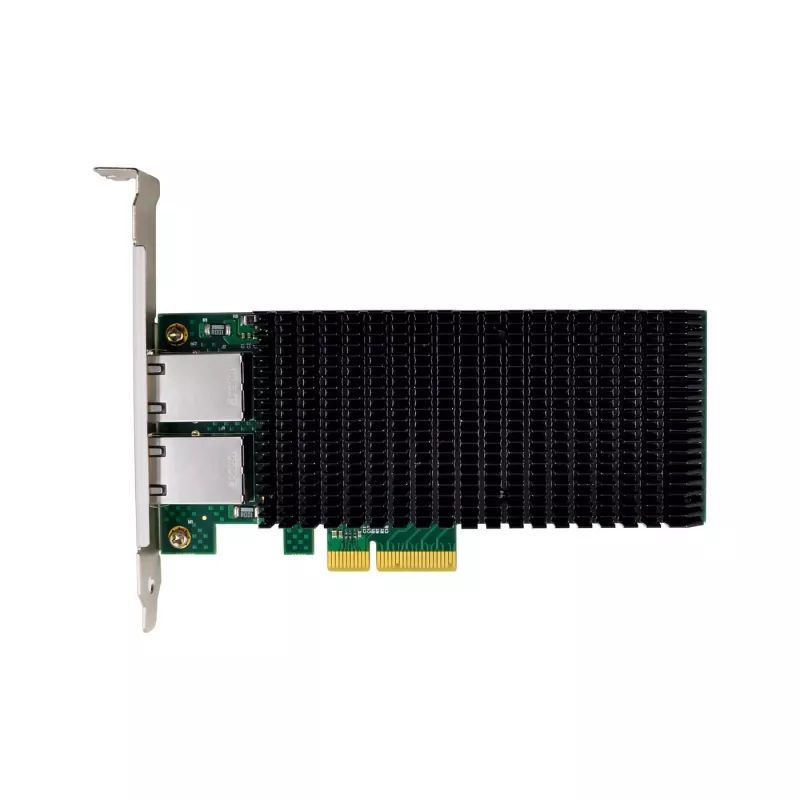
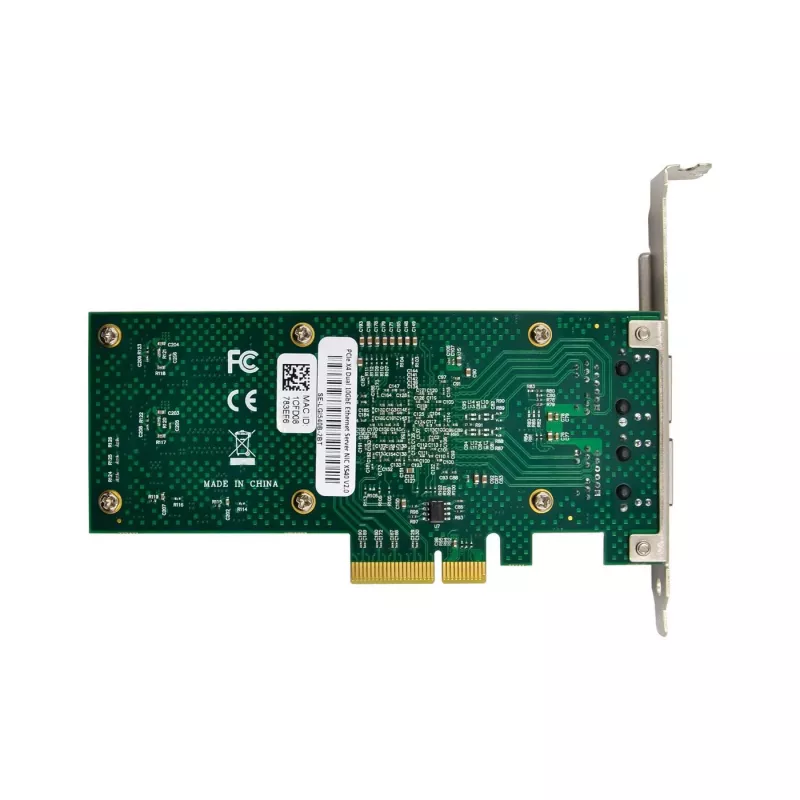
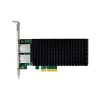
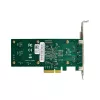
Network Card MicroConnect X540-T2 PCIe x4 Dual Port 10GbE

Network Card MicroConnect X540-T2 PCIe x4 Dual Port 10GbE
R2,936
MicroConnect X540-T2 PCIe x4 Dual Port 10GbE is a PCI Express network adapter that provides two 10 Gigabit Ethernet copper interfaces in a low-profile and standard-height bracket configuration. Designed for installation in a PCIe x4 slot, the card delivers high-throughput wired connectivity for serv... Read More
Stock 6 Code 1730935 Brand MICROCONNECT Model MC-PCIEX4-X540-T2-D Warranty 2 Years

Shipping & Returns

Estimated delivery Tuesday, October 6
You will be kept updated through our detailed tracking system
Payment options
EFTPayFastBank CardSnapScanZapperGoogle PayApple PayMobicredMoreTymePay on Arrival

MicroConnect X540-T2 PCIe x4 Dual Port 10GbE is a PCI Express network adapter that provides two 10 Gigabit Ethernet copper interfaces in a low-profile and standard-height bracket configuration. Designed for installation in a PCIe x4 slot, the card delivers high-throughput wired connectivity for servers, workstations and storage systems. It supports multi-queue and offload capabilities to reduce CPU load and improve latency for bandwidth-intensive environments, virtualization hosts and aggregated LAN links.

Advantages

The adapter offers dual 10GbE ports over standard RJ-45 connectors, enabling high-speed connectivity without the need for fiber transceivers. Its PCIe x4 interface provides a compact, power-efficient form factor while maintaining sufficient bandwidth for most 10GbE use cases. Built-in offload features and support for multiple transmit/receive queues improve packet processing efficiency and reduce system overhead. The dual-port design allows for link redundancy or NIC teaming for increased throughput and resilience.

Suitable for

  • Servers requiring increased network throughput for virtual machines and containers
  • Workstations handling large file transfers, media editing, or simulation data
  • Storage systems using network-attached or block-level protocols over 10GbE
  • Backup and replication tasks that benefit from high-bandwidth links
  • LAN aggregation or failover configurations to improve network resilience

Key specifications

  • Interface: PCI Express x4 (physical compatibility with x16 slots)
  • Network ports: 2× RJ-45 10 Gigabit Ethernet
  • Supported speeds: 10 Gbps, 1 Gbps, 100 Mbps auto-negotiation
  • Chipset-class features: hardware offload, multiple TX/RX queues
  • Form factor: low-profile and full-height bracket included for flexible installation
  • Power consumption: typical for PCIe x4 10GbE adapters (system-dependent)
  • Operating temperatures: specified for standard server and workstation environments

How to use

Power down the host system and insert the MicroConnect X540-T2 into an available PCIe x4 slot (the card also fits x8 or x16 slots). Secure the bracket to the case and attach network cables to the RJ-45 ports. Power on the system and install the appropriate driver for the host operating system; many modern OS distributions include compatible drivers, while manufacturer drivers may provide additional advanced features. Configure link aggregation, VLANs, or QoS settings as required in the operating system or network management software. Verify link speed and duplex settings after installation.

Recommendations

Use high-quality Cat6a or Cat7 cabling for reliable 10GbE performance over copper. Ensure the host BIOS and operating system are updated and that available PCIe lanes meet the card’s bandwidth requirements. For virtualization or storage workloads, enable offload and multi-queue features in the driver to reduce CPU utilization and improve throughput. When installing in compact or airflow-restricted cases, verify adequate cooling to maintain stable operation under sustained traffic.

Key Highlights
  • Servers requiring increased network throughput for virtual machines and containers
  • Workstations handling large file transfers, media editing, or simulation data
  • Storage systems using network-attached or block-level protocols over 10GbE
  • Backup and replication tasks that benefit from high-bandwidth links
  • LAN aggregation or failover configurations to improve network resilience
  • Interface: PCI Express x4 (physical compatibility with x16 slots)
  • Network ports: 2× RJ-45 10 Gigabit Ethernet
  • Supported speeds: 10 Gbps, 1 Gbps, 100 Mbps auto-negotiation
  • Chipset-class features: hardware offload, multiple TX/RX queues
  • Form factor: low-profile and full-height bracket included for flexible installation
  • Power consumption: typical for PCIe x4 10GbE adapters (system-dependent)
  • Operating temperatures: specified for standard server and workstation environments

Leaflet

Open Leaflet
Price history over the last 6 months
Network Card MicroConnect X540-T2 PCIe x4 Dual Port 10GbE
Current
R2,936
Lowest
R2,685
Highest
R2,936
Change 24H
-R0   0%
Week
—   
Month
—   

Popular products in this category

WhatsApp
Hi, I’m DistriNode’s AI assistant. I can help you find products, compare options, create quote PDFs, or open support requests.