Account Contact
Your Cart
Pay the courier with no extra fees.
Need help? DistriNode AI can handle any task on our site.

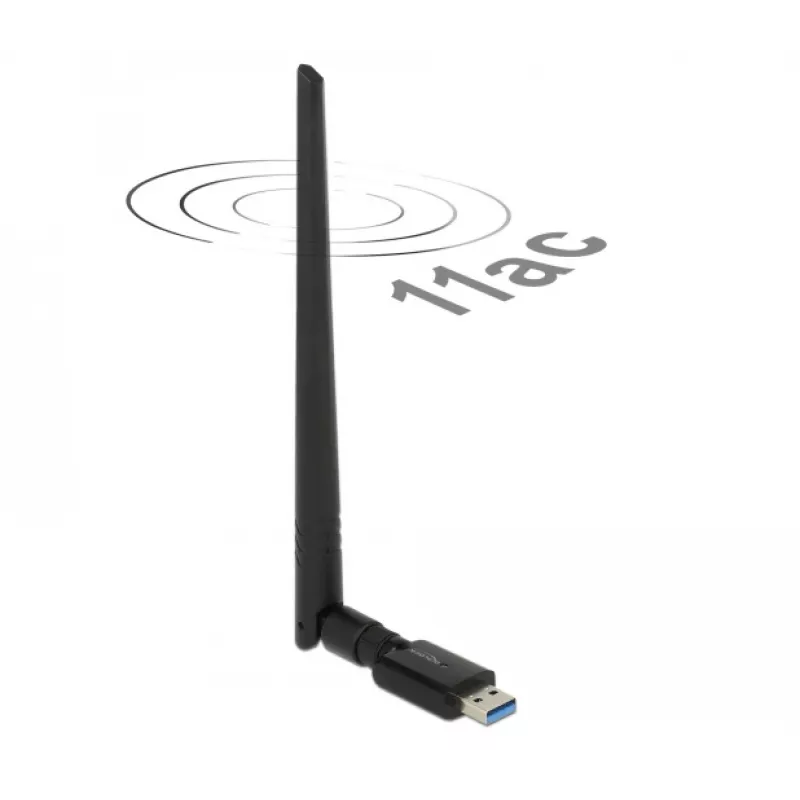
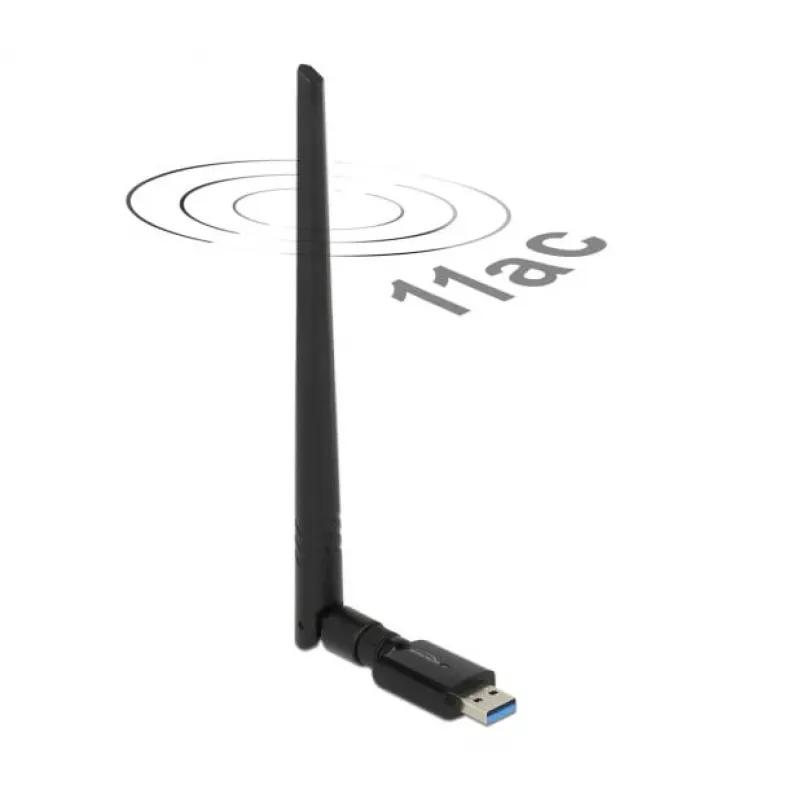
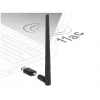
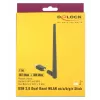
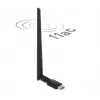
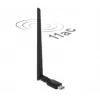
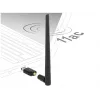
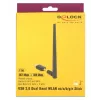
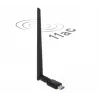
Network Card DeLOCK 12535 RF Wireless

Network Card DeLOCK 12535 RF Wireless
R796
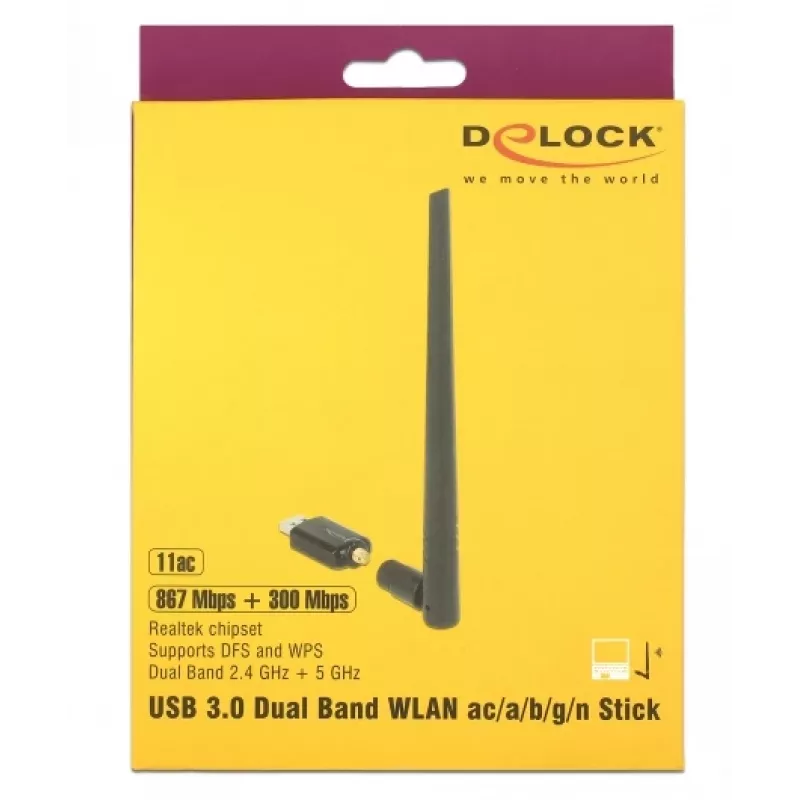
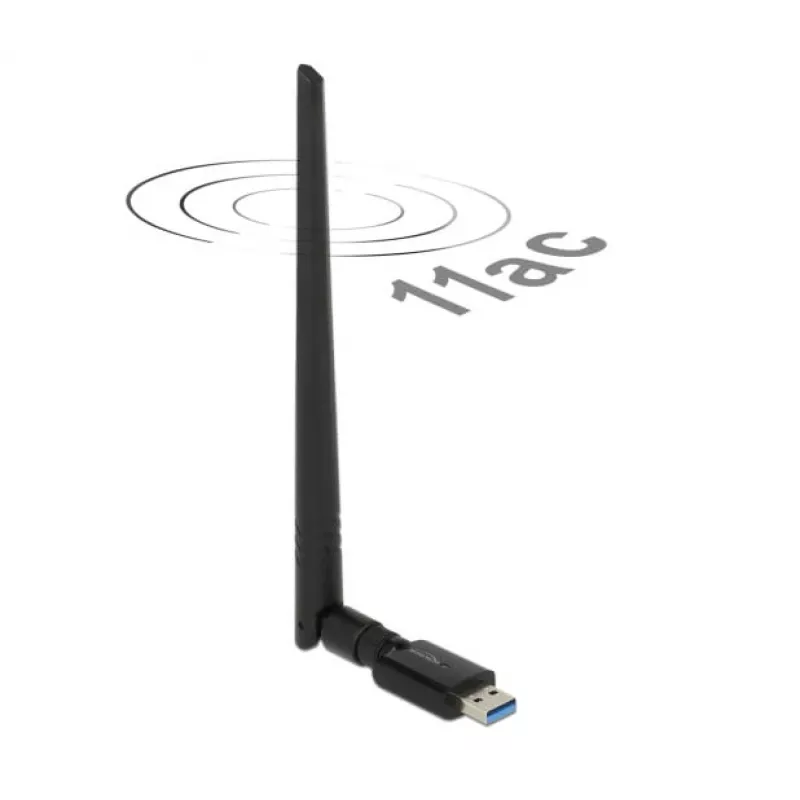
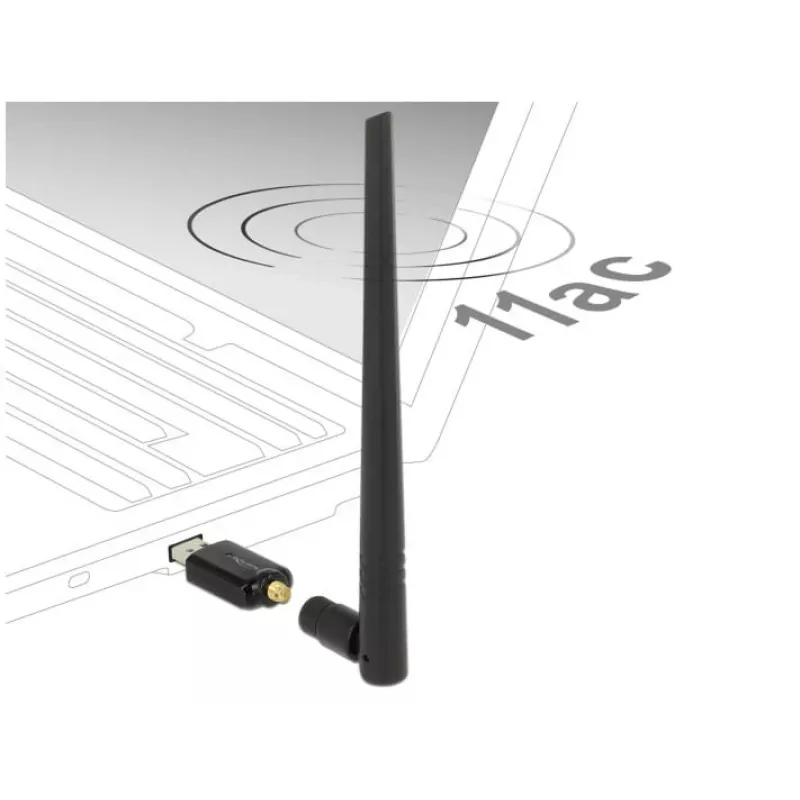
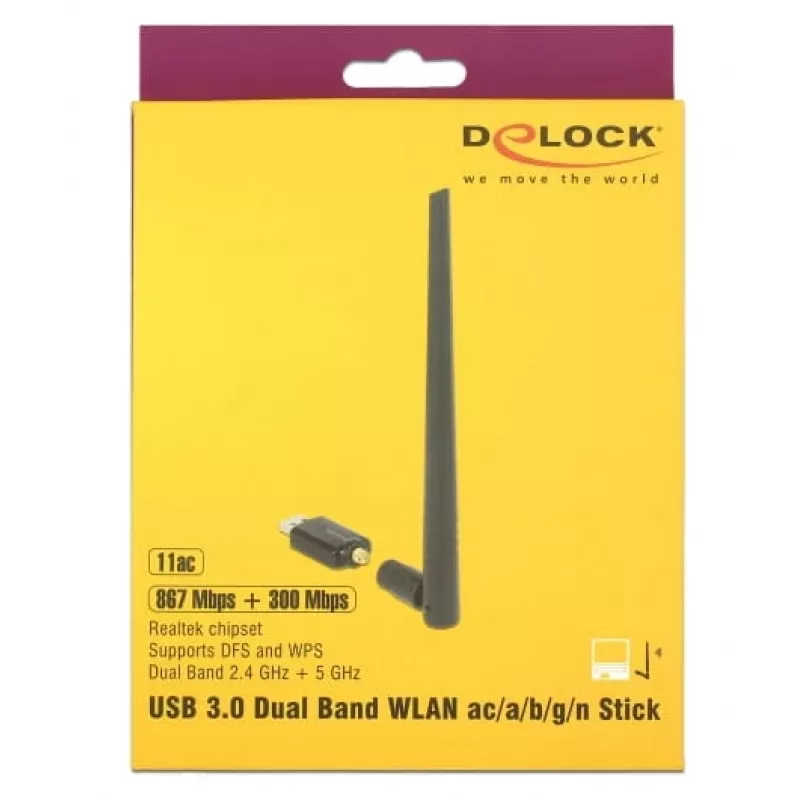
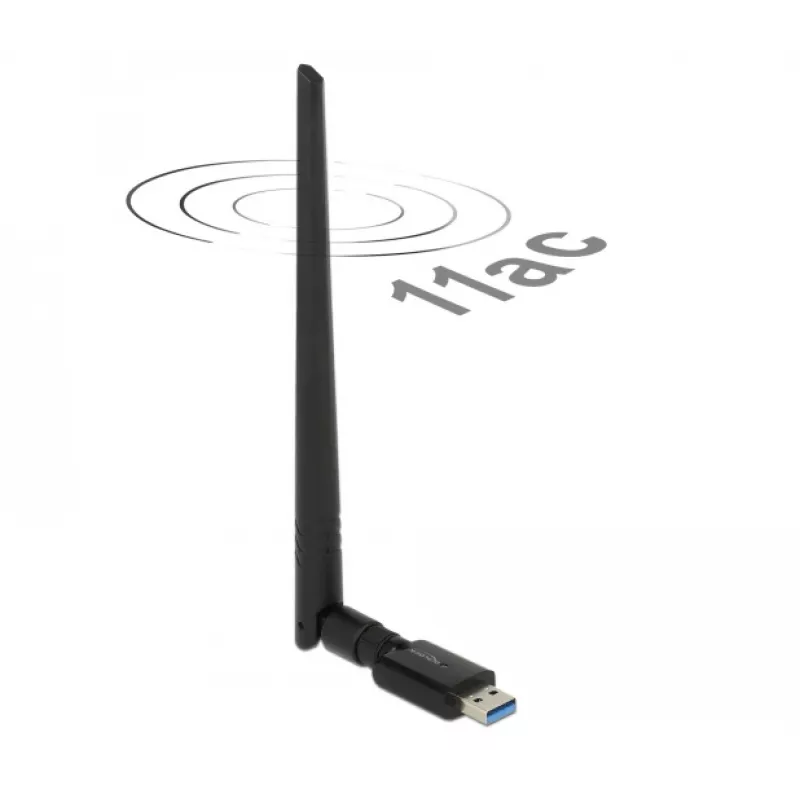
This wireless LAN USB stick connects a computer to a WLAN network and supports both 2.4 GHz and 5 GHz bands. It can link to an access point, hotspot, or WLAN router, and also allows an ad-hoc direct connection to another computer.AdvantagesThe WLAN USB stick offers dual-band support (2.4 GHz and 5 G... Read More
Stock 16 Code 124790 Brand DELOCK Model DELOCK-12535 Warranty 2 Years

Shipping & Returns

Estimated delivery Thursday, October 1
You will be kept updated through our detailed tracking system
Payment options
EFTPayFastBank CardSnapScanZapperGoogle PayApple PayMobicredMoreTymePay on Arrival

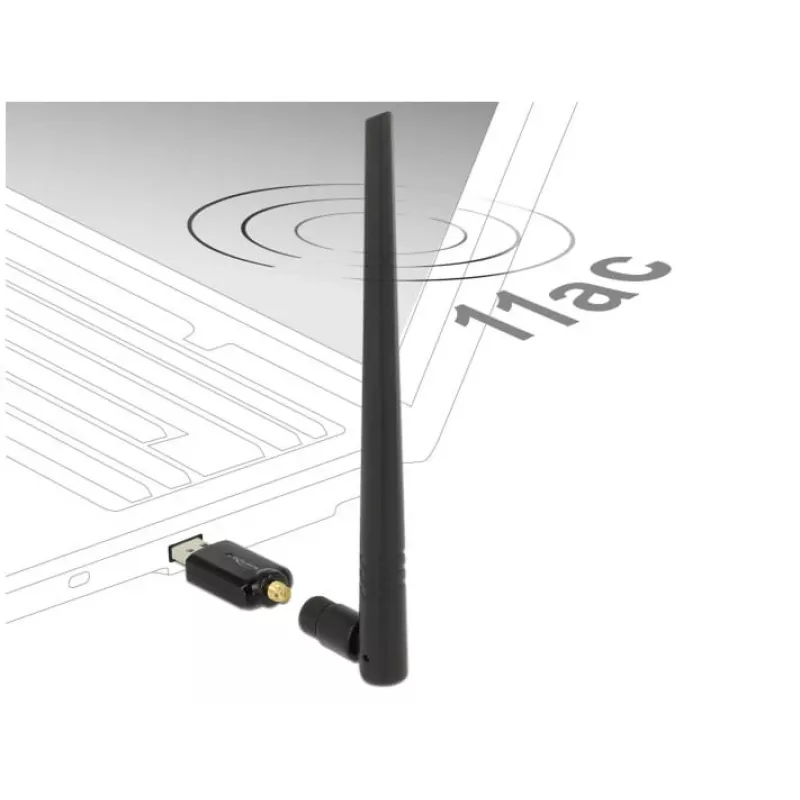
This wireless LAN USB stick connects a computer to a WLAN network and supports both 2.4 GHz and 5 GHz bands. It can link to an access point, hotspot, or WLAN router, and also allows an ad-hoc direct connection to another computer.

Advantages

The WLAN USB stick offers dual-band support (2.4 GHz and 5 GHz) for greater flexibility when choosing networks. It is compatible with access points, hotspots and WLAN routers, and additionally supports peer-to-peer (ad-hoc) connections for direct computer-to-computer communication. The compact USB form factor provides easy installation and portability.

Key specifications

  • Interface: USB
  • Wireless bands: 2.4 GHz and 5 GHz
  • Connection types: Access Point (HotSpot), WLAN router, Ad-hoc (peer-to-peer)

How to use

Insert the USB stick into an available USB port on the computer. Install any required drivers if prompted by the operating system. Select the desired WLAN network (access point or router) and enter the network credentials, or configure an ad-hoc connection to another computer following your system's network settings.

Recommendations

For best performance, use the 5 GHz band when supported by your router and devices; use the 2.4 GHz band for longer range or legacy devices. Ensure drivers are up to date and position the USB stick to avoid signal obstructions.
Key Highlights
  • Interface: USB
  • Wireless bands: 2.4 GHz and 5 GHz
  • Connection types: Access Point (HotSpot), WLAN router, Ad-hoc (peer-to-peer)
Specifications
Antenna
Yes
Antenna connector type
RP-SMA
Antenna length
201 mm
Antenna type
Omni-directional antenna
Antennas quantity
1
Bandwidth (first)
2.4 GHz
Bandwidth (second)
5 GHz
Chipset
Realtek RTL8811
Connectivity technology
Wireless
Country of origin
China
Depth
12 mm
Drivers included
Yes
Frequency range
0.3 - 0.867
Gain
5 dBi
Harmonized System (HS) code
85176990
Height
205 mm
Host interface
USB
Interface
RF Wireless
Internal
No
Manual
Yes
Networking standards
IEEE 802.11a, IEEE 802.11ac, IEEE 802.11b, IEEE 802.11g, IEEE 802.11n
Package type
Box
Product colour
Black
Quantity
1
Security algorithms
WEP, WPA, WPA2, WPS
Top Wi-Fi standard
Wi-Fi 5 (802.11ac)
USB version
3.2 Gen 1 (3.1 Gen 1)
Wi-Fi
Yes
Wi-Fi band
Dual-band (2.4 GHz / 5 GHz)
Wi-Fi standards
Wi-Fi 4 (802.11n), 802.11g, 802.11b, 802.11a, Wi-Fi 5 (802.11ac)
Width
47 mm
Windows operating systems supported
Y
Price history over the last 6 months
Network Card DeLOCK 12535 RF Wireless
Current
R796
Lowest
R647
Highest
R861
Change 24H
+R142   +22%
Week
+R149   +23%
Month
+R110   +16%

Popular products in this category

WhatsApp
Hi, I’m DistriNode’s AI assistant. I can help you find products, compare options, create quote PDFs, or open support requests.