Account Contact
Your Cart
Pay the courier with no extra fees.
Need help? DistriNode AI can handle any task on our site.

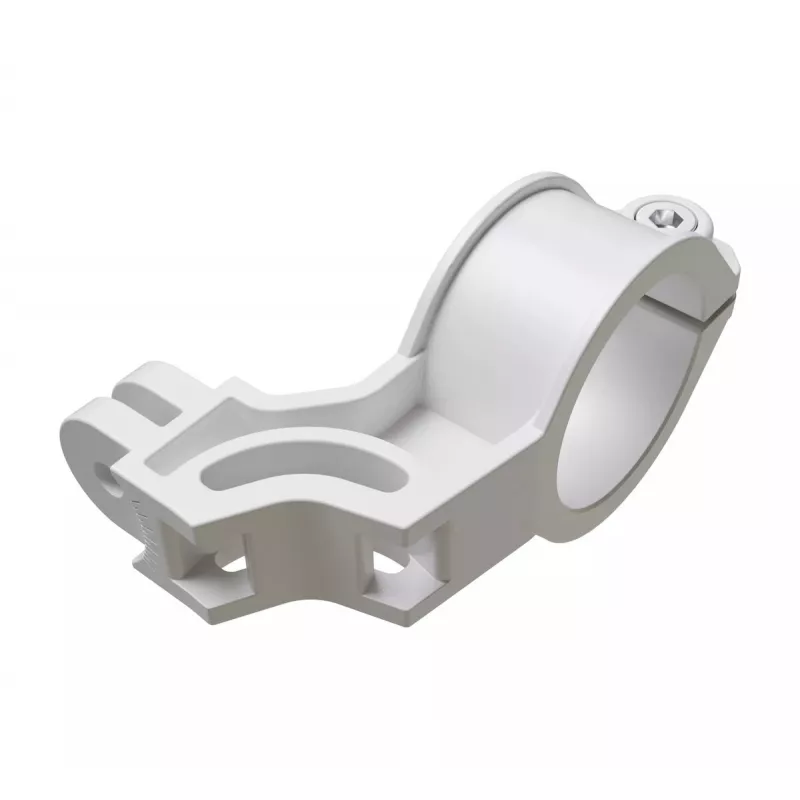
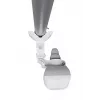
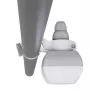
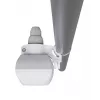
Mounting Kit MikroTik QMP-LDF White Composite Plastic

Mounting Kit MikroTik QMP-LDF White Composite Plastic
R390
The MikroTik QMP-LDF White Composite Plastic mounting kit is an advanced pole and mast adapter made for the LDF series. Constructed from a durable white composite plastic called anvilNITE™, it provides increased robustness and versatility for secure installations. The adapter supports two standard m... Read More
Stock 6 Code 1504800 Brand MIKROTIK Model QMP-LDF Warranty 2 Years

Shipping & Returns

Estimated delivery Wednesday, October 7
You will be kept updated through our detailed tracking system
Payment options
EFTPayFastBank CardSnapScanZapperGoogle PayApple PayMobicredMoreTymePay on Arrival

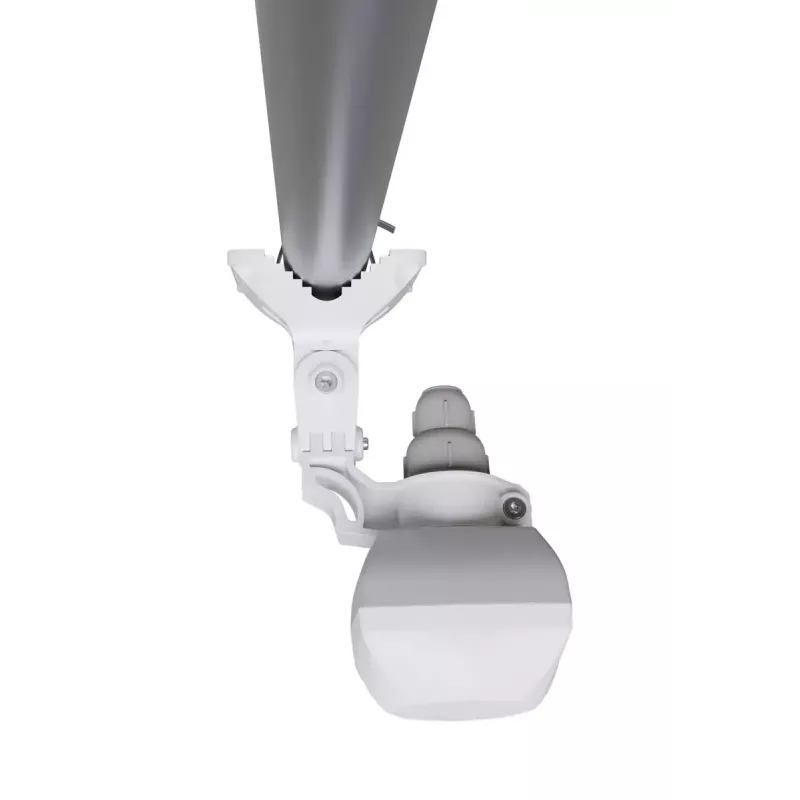
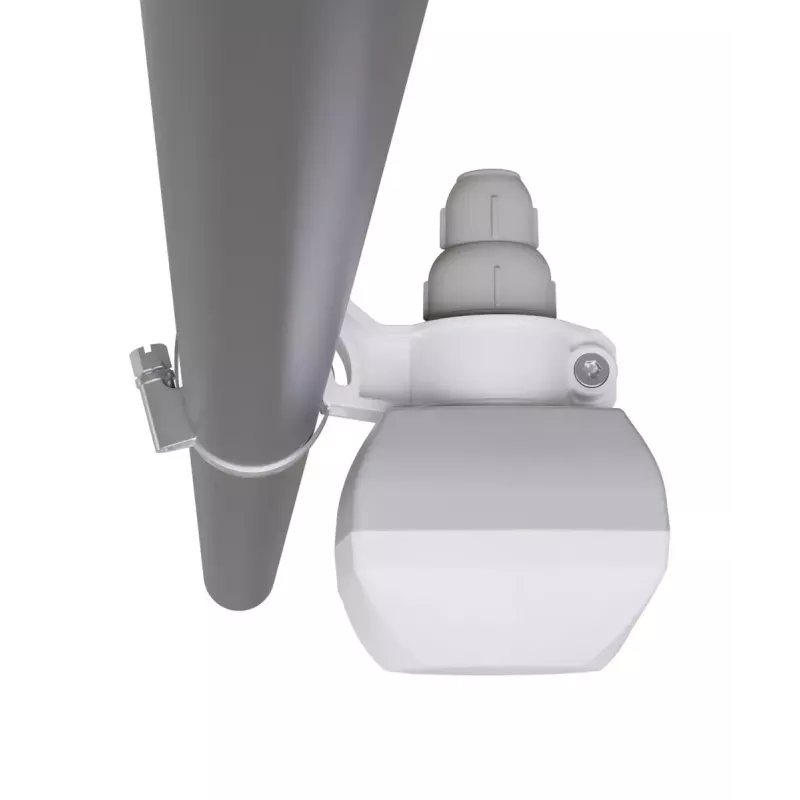
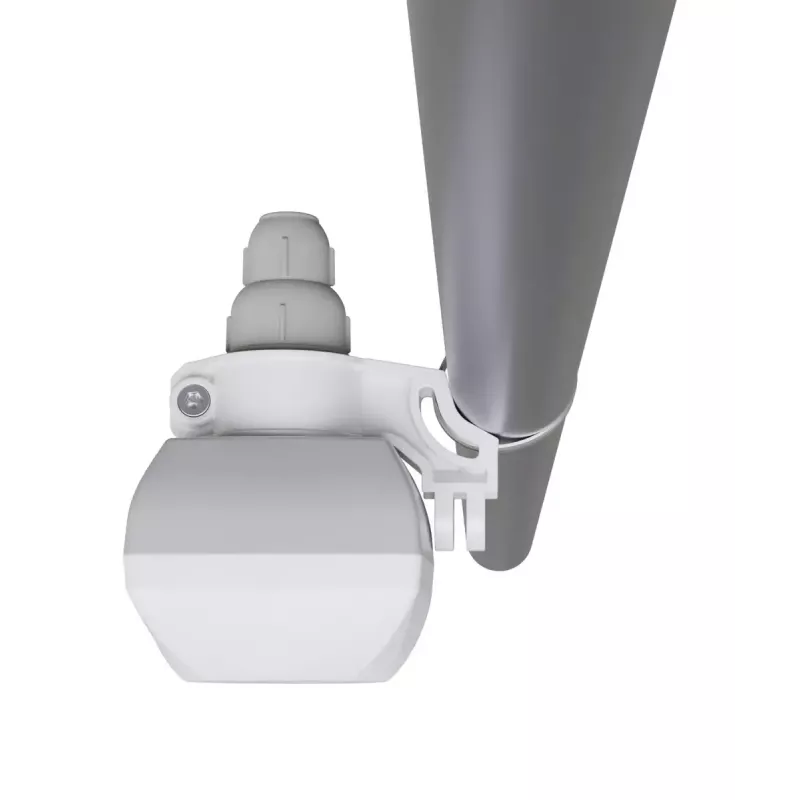
The MikroTik QMP-LDF White Composite Plastic mounting kit is an advanced pole and mast adapter made for the LDF series. Constructed from a durable white composite plastic called anvilNITE™, it provides increased robustness and versatility for secure installations. The adapter supports two standard mounting positions and adds QMP compatibility to enable wall mounting of LDF devices.

Advantages

The composite anvilNITE™ material increases impact resistance and outdoor durability while remaining lightweight. Two standard mounting options plus QMP compatibility allow flexible placement on poles, masts or walls. The kit is designed specifically for LDF-series devices to ensure a reliable and stable installation.

Suitable for

  • Mounting MikroTik LDF-series radios on poles or masts
  • Wall mounting LDF devices using QMP compatibility
  • Outdoor and indoor network equipment installations requiring a durable bracket

Key specifications

  • Brand: MikroTik
  • Model / MPN: QMP-LDF
  • Material: White composite plastic (anvilNITE™)
  • Compatibility: Designed for MikroTik LDF series; QMP-compatible for wall mount
  • Mounting options: Two standard mounting positions for pole/mast; wall mount via QMP
  • EAN: 4752224008442

How to use

Attach the adapter to a pole or mast using the provided or appropriate clamps in one of the two standard mounting positions. To mount on a wall, use the QMP-compatible interface and suitable fasteners. Secure the LDF device to the adapter following the device’s mechanical alignment points, then tighten all fasteners to prevent movement. Confirm the assembly is stable before completing cabling and power connections.

Recommendations

Install in accordance with local building codes and site conditions; choose corrosion-resistant fasteners for coastal or harsh environments. Periodically check mounting hardware for tightness and signs of wear.
Key Highlights
  • Mounting MikroTik LDF-series radios on poles or masts
  • Wall mounting LDF devices using QMP compatibility
  • Outdoor and indoor network equipment installations requiring a durable bracket
  • Brand: MikroTik
  • Model / MPN: QMP-LDF
  • Material: White composite plastic (anvilNITE™)
  • Compatibility: Designed for MikroTik LDF series; QMP-compatible for wall mount
  • Mounting options: Two standard mounting positions for pole/mast; wall mount via QMP
  • EAN: 4752224008442
Specifications
Compatibility
LDF series
Depth
60 mm
Height
104 mm
Material
Composite, Plastic
Product colour
White
Quantity per pack
1 pc(s)
Width
52 mm

Leaflet

Open Leaflet
Price history over the last 6 months
Mounting Kit MikroTik QMP-LDF White Composite Plastic
Current
R390
Lowest
R369
Highest
R1,316
Change 24H
+R21   +6%
Week
-R862   -69%
Month
-R871   -69%

Popular products in this category

WhatsApp
Hi, I’m DistriNode’s AI assistant. I can help you find products, compare options, create quote PDFs, or open support requests.