

Account Contact
Your Cart
Pay the courier with no extra fees.
Need help? DistriNode AI can handle any task on our site.

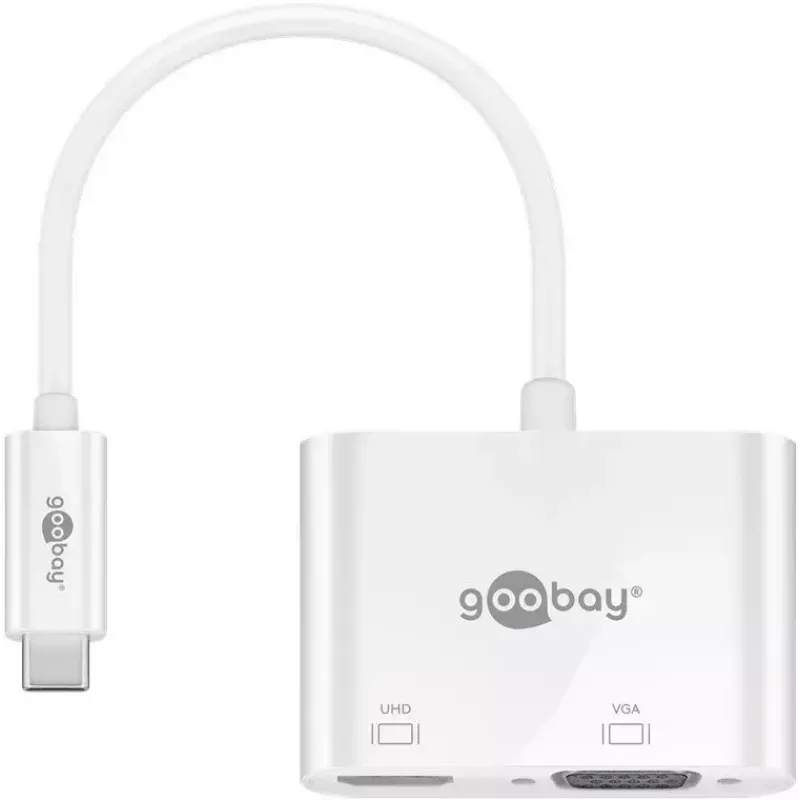
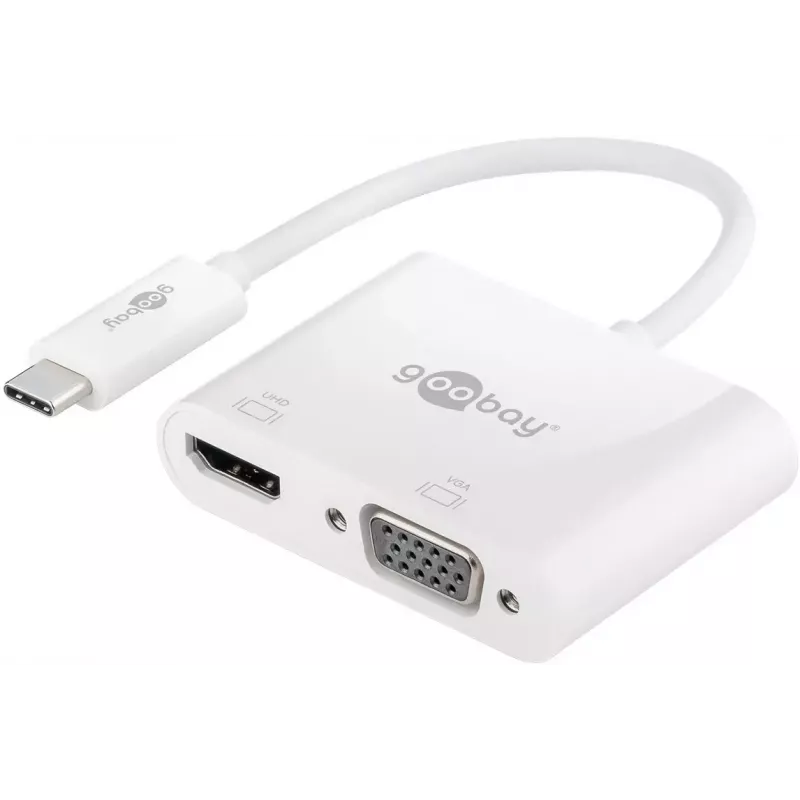
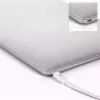
Laptop Dock Goobay 52430

Laptop Dock Goobay 52430
R739
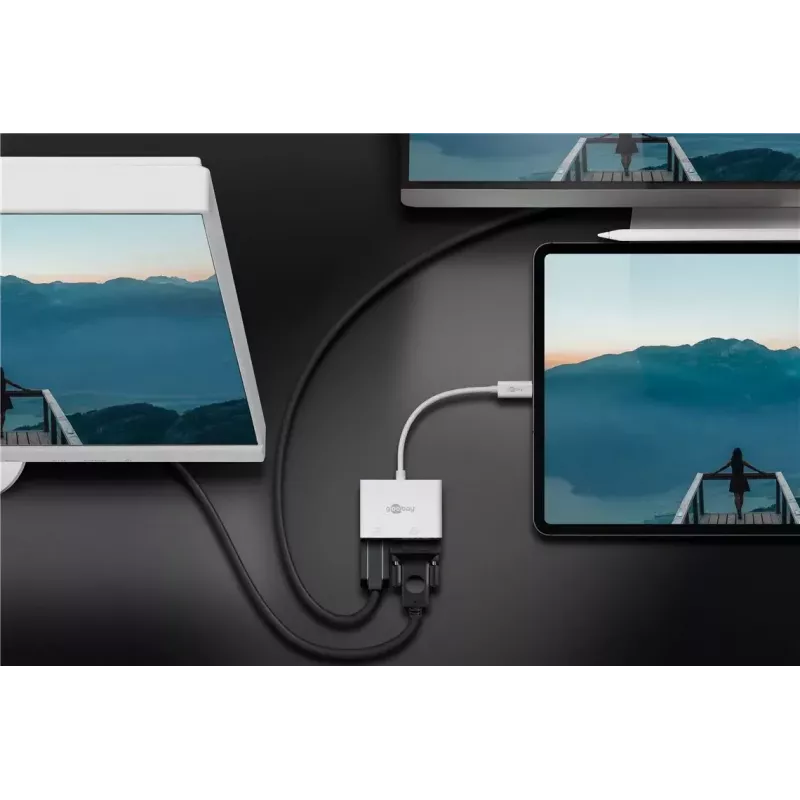
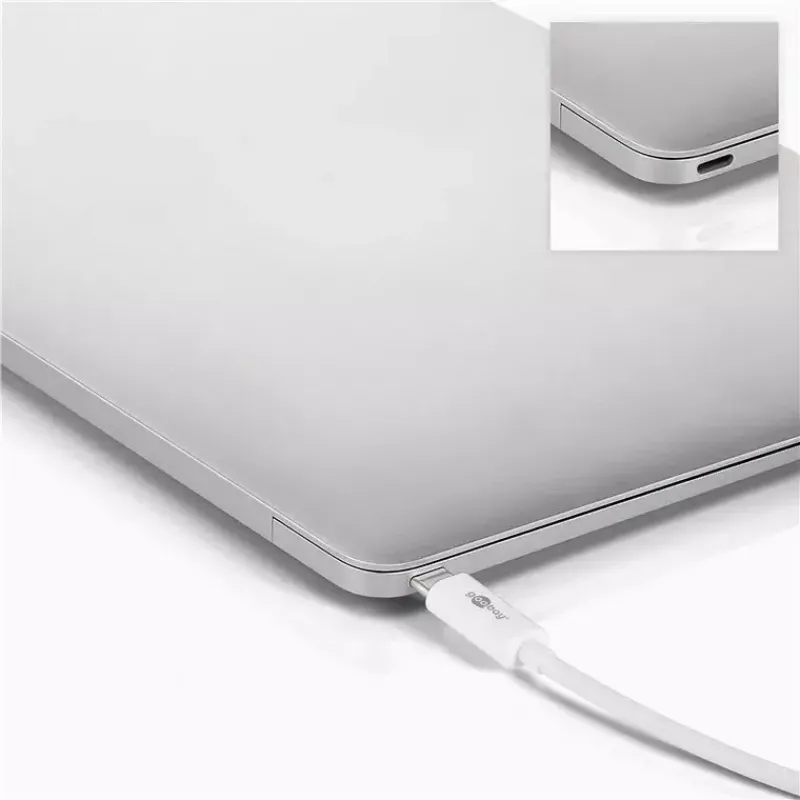
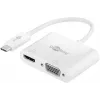
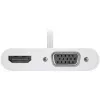
The Goobay 52430 laptop dock provides expanded wired and wireless connectivity for laptops using USB 3.2 Gen 1 Type-A and Type-C interfaces. Its compact white enclosure (15 mm width, 60 mm depth, 42 mm height) and light weight (0.032 kg) make it simple to place on a desk or carry with a laptop. Cert... Read More
Stock 2 Code 975707 Brand GOOBAY Model 52430 Warranty 2 Years

Shipping & Returns

Estimated delivery Thursday, October 1
You will be kept updated through our detailed tracking system
Payment options
EFTPayFastBank CardSnapScanZapperGoogle PayApple PayMobicredMoreTymePay on Arrival

The Goobay 52430 laptop dock provides expanded wired and wireless connectivity for laptops using USB 3.2 Gen 1 Type-A and Type-C interfaces. Its compact white enclosure (15 mm width, 60 mm depth, 42 mm height) and light weight (0.032 kg) make it simple to place on a desk or carry with a laptop. Certified with CE and WEEE, the dock is intended to deliver stable performance while adding convenient ports to systems that require additional external connections.

Advantages

The dock combines both USB Type-A and Type-C connections with USB 3.2 Gen 1 speeds to support fast data transfers. Its small footprint and low weight enable easy integration into existing workspaces without occupying much space. CE and WEEE certifications indicate compliance with applicable safety and environmental disposal standards. The neutral white colour is compatible with a wide range of laptop and peripheral aesthetics.

Key specifications

  • Interfaces: USB 3.2 Gen 1 Type-A and Type-C
  • Dimensions: 15 mm (width) × 60 mm (depth) × 42 mm (height)
  • Weight: 0.032 kg
  • Colour: White
  • Certifications: CE, WEEE

How to use

Connect the dock to your laptop using the appropriate USB Type-C or Type-A cable or port on the laptop. Attach external devices such as external hard drives, flash drives, or other USB peripherals to the available ports on the dock. Ensure the laptop recognizes connected devices through the operating system; driver installation is typically handled automatically by modern operating systems supporting USB 3.2 Gen 1. Place the dock on a stable surface and avoid exposing it to liquids or extreme temperatures.

Recommendations

For reliable performance, use high-quality USB cables and connect high-power devices to ports or hubs rated for their power draw. Regularly check for system updates that can optimize USB controller compatibility. Dispose of the product according to local electronic waste regulations in line with WEEE certification.

Key Highlights
  • Connecting external storage devices and peripherals to a laptop
  • Extending the port options of ultrabooks and notebooks with limited connectors
  • Using in compact workstations or hot-desk environments
  • Portable setups where small size and low weight are important
  • Interfaces: USB 3.2 Gen 1 Type-A and Type-C
  • Dimensions: 15 mm (width) × 60 mm (depth) × 42 mm (height)
  • Weight: 0.032 kg
  • Colour: White
  • Certifications: CE, WEEE
Specifications
Certification
CE, WEEE
Connectivity technology
Wired & Wireless
Depth
60 mm
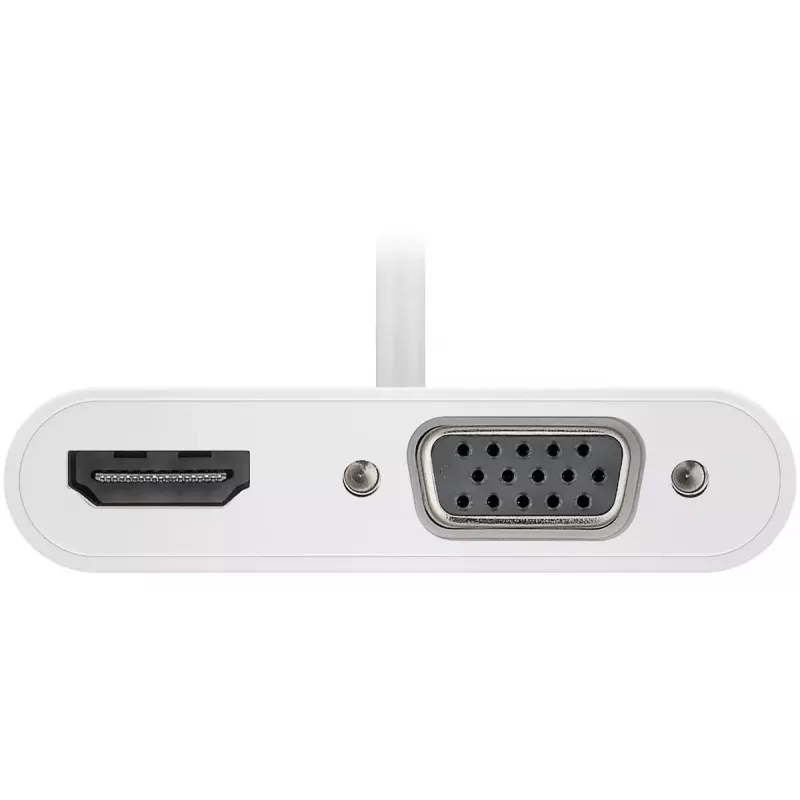
HDMI ports quantity
1
Height
42 mm
Host interface
USB 3.2 Gen 1 (3.1 Gen 1) Type-A + Type-C
Operating temperature (T-T)
0 - 45
Product colour
White
Quantity per pack
1 pc(s)
VGA (D-Sub) ports quantity
1
Weight
0.032 kg
Width
15 mm

Leaflet

Open Leaflet
Price history over the last 6 months
Laptop Dock Goobay 52430
Current
R739
Lowest
R702
Highest
R745
Change 24H
+R28   +4%
Week
+R35   +5%
Month
+R32   +5%

Popular products in this category

WhatsApp
Hi, I’m DistriNode’s AI assistant. I can help you find products, compare options, create quote PDFs, or open support requests.