
Account Contact
Your Cart
Pay on delivery – no extra fees
Need help? Ask our AI

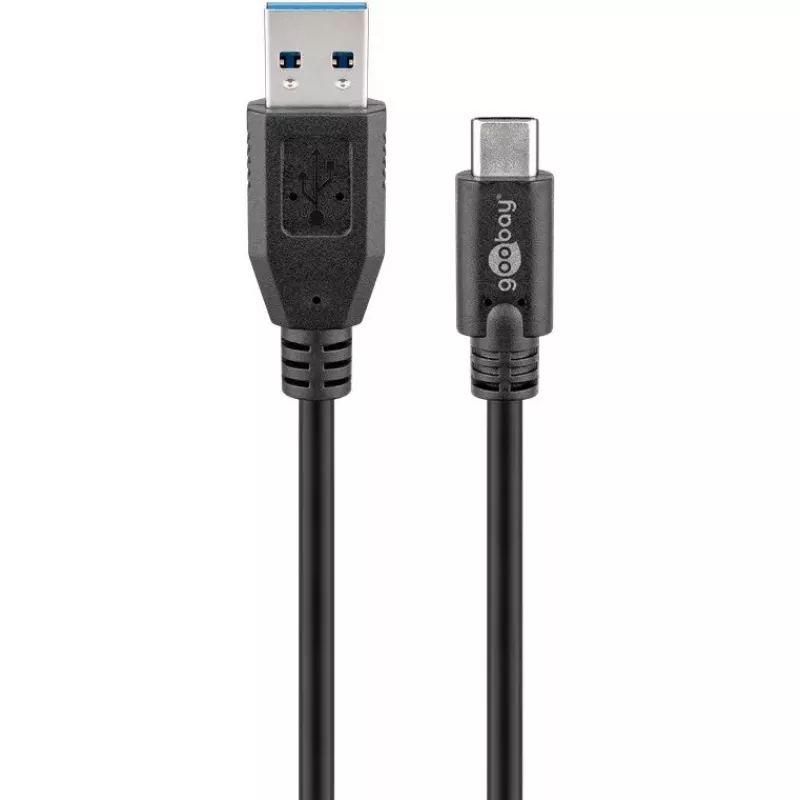
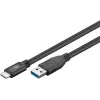
USB-C to USB A Charging Cable Goobay 67999

USB-C to USB A Charging Cable Goobay 67999
R180
The Goobay Sync & Charge Super Speed USB-C to USB A 3.0 Charging Cable (0.5 m) allows connection and synchronization of USB-C devices with a standard USB-A host. The cable supports data transfer rates up to 5 Gbit/s and is backward compatible with USB 2.0 and USB 1.1. It features a reversible USB-C ... Read More
Stock 4 Code 24988 Brand GOOBAY Model 67999 Warranty 2 Years
CategoryUSB Cables & Adapters

Shipping & Returns

Estimated delivery Thursday, November 12
You will be kept updated through our detailed tracking system
Payment options
EFTPayFastBank CardSnapScanZapperGoogle PayApple PayMobicredMoreTymePay on Arrival

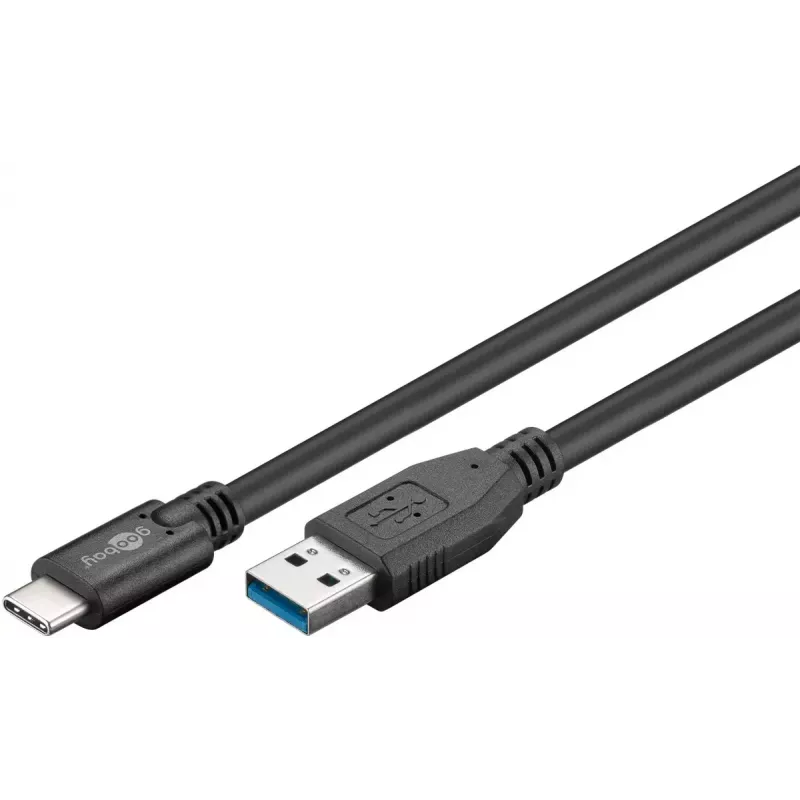
The Goobay Sync & Charge Super Speed USB-C to USB A 3.0 Charging Cable (0.5 m) allows connection and synchronization of USB-C devices with a standard USB-A host. The cable supports data transfer rates up to 5 Gbit/s and is backward compatible with USB 2.0 and USB 1.1. It features a reversible USB-C plug and a USB-A plug, and comes in black with a 0.5 m length.

Advantages

The cable supports SuperSpeed data transfer up to 5 Gbit/s and offers backward compatibility with older USB standards. Its USB-C connector is symmetrical for reversible insertion, and the compact 0.5 m length is convenient for close-range charging and data sync. The USB-A to USB-C configuration ensures compatibility with a wide range of hosts and devices.

Suitable for

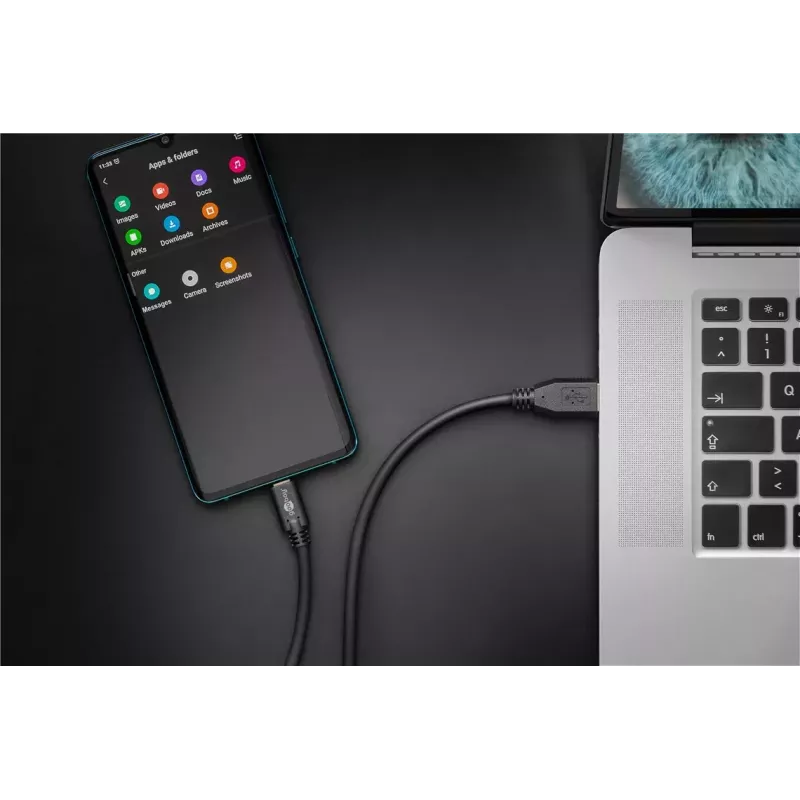
  • Connecting USB-C smartphones and tablets to USB-A ports on computers and chargers
  • Transferring files between devices at up to 5 Gbit/s
  • Charging USB-C devices from USB-A power sources
  • Use with external drives, peripherals and other USB-C accessories

Key specifications

  • Brand: GOOBAY
  • Model / MPN: 67999
  • EAN: 4040849679995
  • Connector 1: USB A
  • Connector 2: USB C (reversible)
  • USB version: USB 3.2 Gen 1 (3.1 Gen 1) — SuperSpeed (up to 5 Gbit/s)
  • Cable length: 0.5 m
  • Colour: Black

How to use

Insert the USB-A plug into a compatible host (PC, laptop, charger or power bank) and connect the USB-C plug to the device to be charged or synced. For data transfer, ensure both devices support USB 3.2 Gen 1 to achieve the maximum 5 Gbit/s speed; otherwise the connection will negotiate a lower compatible speed. No driver installation is usually required for modern operating systems.

Recommendations

Use the cable for short-distance charging and data transfer. Avoid excessive bending near the connectors and disconnect by pulling the plug rather than the cable to prolong service life.
Key Highlights
  • Connecting USB-C smartphones and tablets to USB-A ports on computers and chargers
  • Transferring files between devices at up to 5 Gbit/s
  • Charging USB-C devices from USB-A power sources
  • Use with external drives, peripherals and other USB-C accessories
  • Brand: GOOBAY
  • Model / MPN: 67999
  • EAN: 4040849679995
  • Connector 1: USB A
  • Connector 2: USB C (reversible)
  • USB version: USB 3.2 Gen 1 (3.1 Gen 1) — SuperSpeed (up to 5 Gbit/s)
  • Cable length: 0.5 m
  • Colour: Black
Specifications
Cable length
0.5 m
Product colour
Black
USB version
USB 3.2 Gen 1 (3.1 Gen 1)
Price history over the last 6 months
USB-C to USB A Charging Cable Goobay 67999
Current
R180
Lowest
R152
Highest
R181
Change 24H
+R26   +17%
Week
+R6   +4%
Month
+R5   +3%

Write a review

Rating *
Your name will be shown publicly – you can use a nickname. We invite buyers to write reviews; we check reviews before publishing and publish critical ones too.

More GOOBAY products in this category

Popular products in this category

WhatsApp
Messenger
Hi, I’m DistriNode’s AI assistant. I can help you find products, compare options, create quote PDFs, or open support requests.
All categories