Account Contact
Your Cart
Pay the courier with no extra fees.
Need help? DistriNode AI can handle any task on our site.

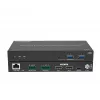
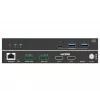
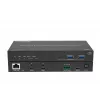
KVM extender Vivolink VLUSBCEXT2X2 USB 2.0 1920x1200 150m

KVM extender Vivolink VLUSBCEXT2X2 USB 2.0 1920x1200 150m
R14,627
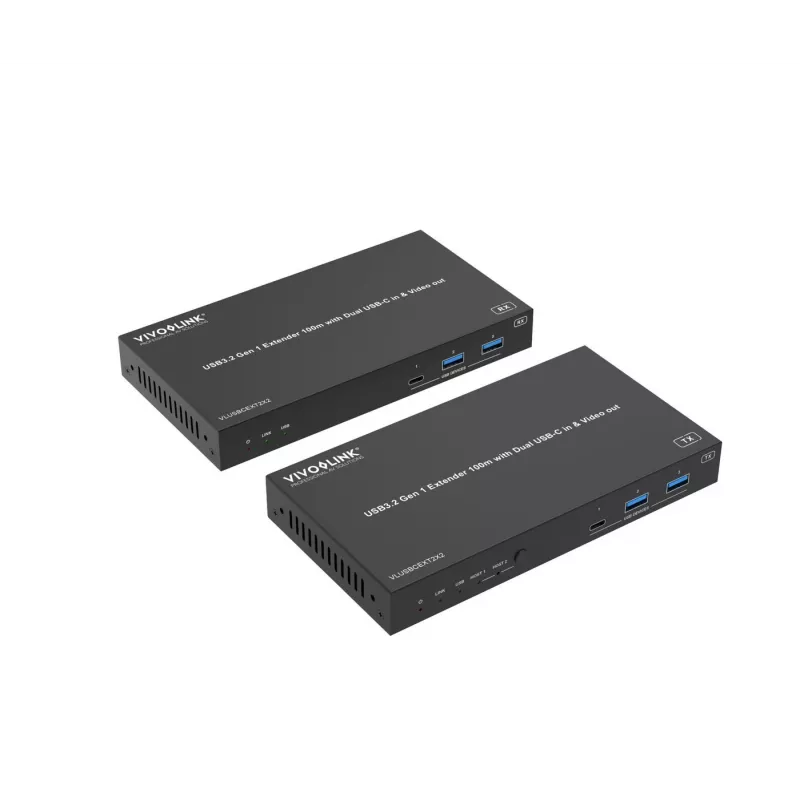
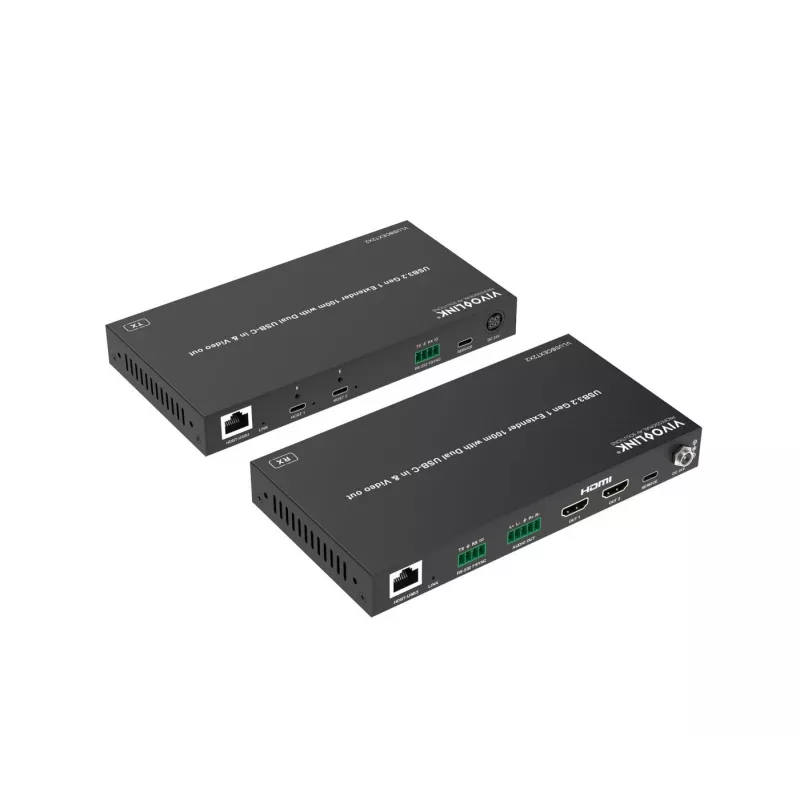
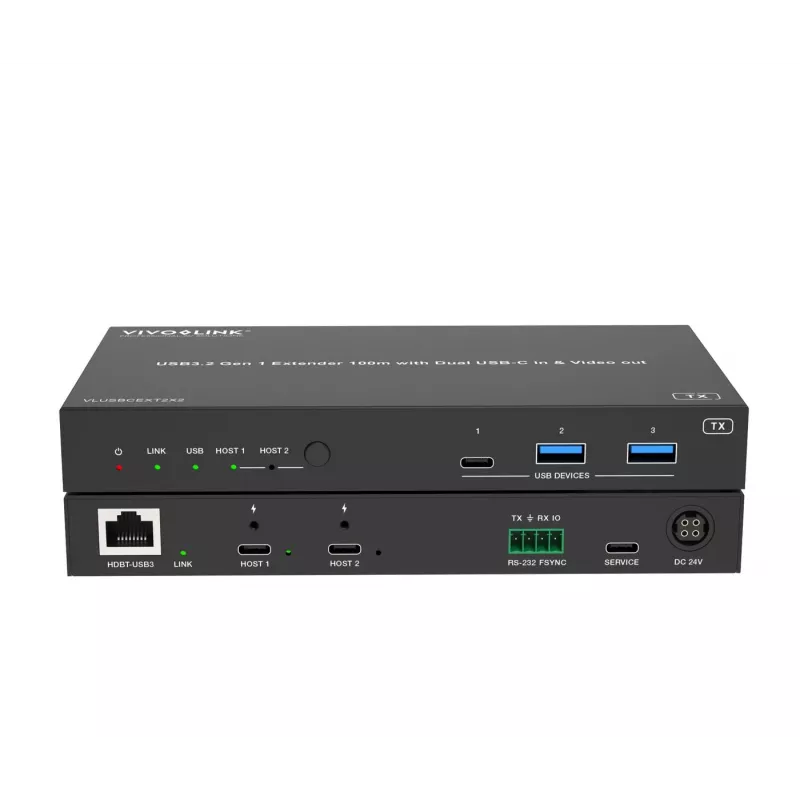
The VLUSBCEXT2X2 USB Extender extends USB 3.2 Gen1 (5 Gbps) signals up to 100 m over a single CAT6a cable. The transmitter provides two selectable USB-C host ports, one USB-C and two USB-A device ports. The receiver offers two HDMI outputs using DisplayLink, plus one USB-C and two USB-A device ports... Read More
Stock 8 Code 1210075 Brand VIVOLINK Model VLUSBCEXT2X2 Warranty 2 Years

Shipping & Returns

Estimated delivery Tuesday, October 6
You will be kept updated through our detailed tracking system
Payment options
EFTPayFastBank CardSnapScanZapperGoogle PayApple PayMobicredMoreTymePay on Arrival

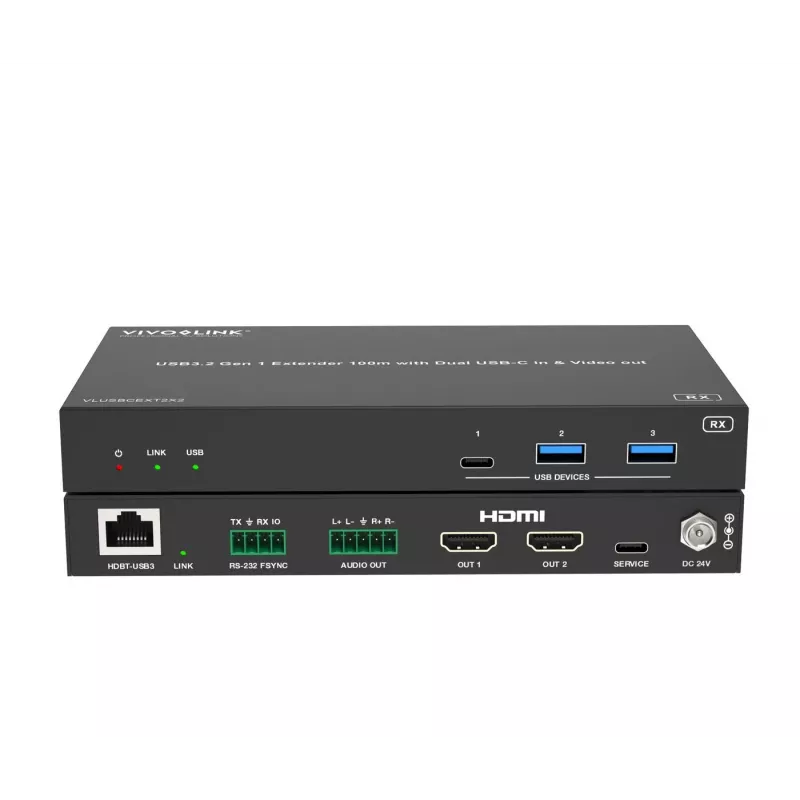
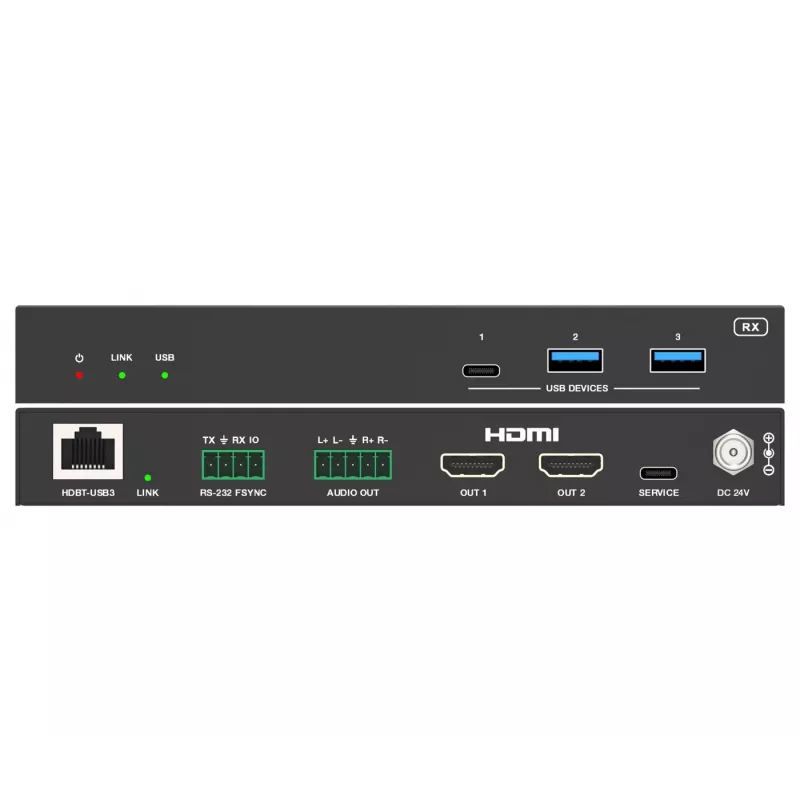
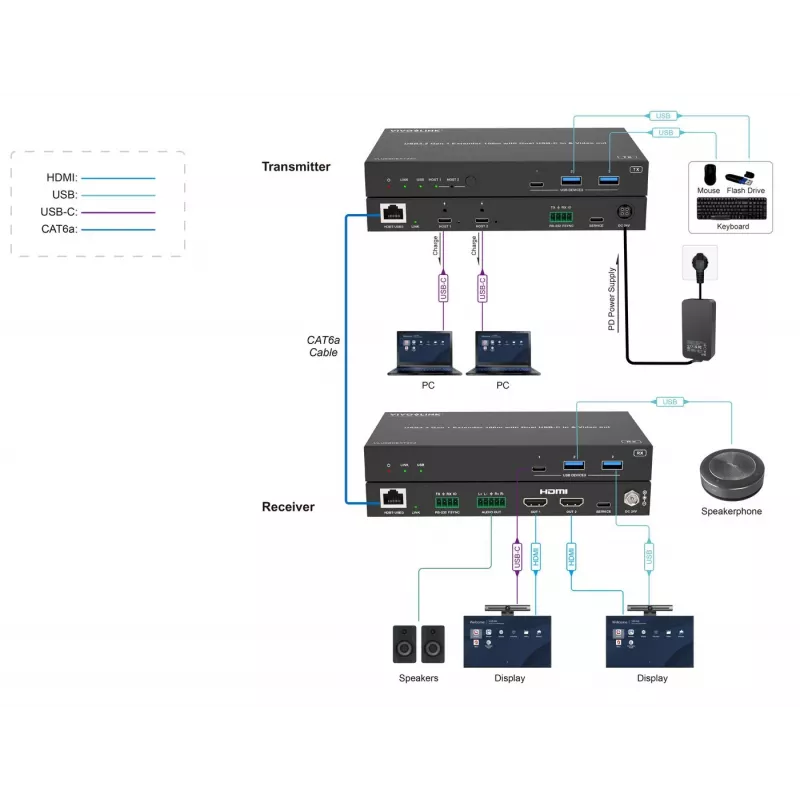
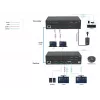
The VLUSBCEXT2X2 USB Extender extends USB 3.2 Gen1 (5 Gbps) signals up to 100 m over a single CAT6a cable. The transmitter provides two selectable USB-C host ports, one USB-C and two USB-A device ports. The receiver offers two HDMI outputs using DisplayLink, plus one USB-C and two USB-A device ports. The unit supports auto and manual switching between the two USB-C host ports, and bi-directional 24V Power over Cable (PoC) so power can be supplied to either the transmitter or the receiver. Typical installation scenarios include meeting rooms and other setups requiring long-distance USB and video signal transmission between USB hosts and devices such as webcams, PTZ cameras, keyboards, mice, USB microphones, flash drives, printers, scanners and touch displays.

Advantages

The extender combines high-speed USB 3.2 Gen1 data transfer with DisplayLink video over dual HDMI outputs, enabling video resolutions up to 4K@60Hz. It provides flexible host connectivity with two USB-C selectable host ports and supports both automatic and RS232/manual switching. With bi-directional 24V PoC, only one power source is needed at either end. Both local (transmitter) and remote (receiver) units include a mix of USB-A and USB-C device ports for peripherals, plus balanced analogue audio output for integrated audio routing.

Suitable for

  • Meeting rooms and conference systems
  • Remote workstations and KVM setups
  • Lecture halls and training rooms with centralized sources
  • Video conferencing with webcams and PTZ cameras
  • Environments requiring long-distance USB device connection (keyboards, mice, microphones, scanners)

Key specifications

  • USB standard: USB 3.2 Gen1 (5 Gbit/s)
  • Maximum cable distance: up to 100 m over single CAT6a
  • Video technology: DisplayLink over USB with dual HDMI outputs
  • Maximum video resolution (DisplayLink): up to 4K@60Hz
  • Ports (transmitter): 2x USB-C host (selectable), 1x USB-C device, 2x USB-A device
  • Ports (receiver): 2x HDMI outputs, 1x USB-C device, 2x USB-A device
  • Power: Bi-directional 24V Power over Cable (PoC)
  • Audio: Balanced analogue audio output
  • Switching: Auto switching or manual control via RS232 commands
  • Compatibility: Windows and Apple iOS (DisplayLink-supported platforms)

How to use

Connect the transmitter to the USB-C host(s) and attach a single CAT6a cable between the transmitter and receiver. Connect display(s) to the receiver's HDMI outputs and plug USB peripherals into the USB-A or USB-C device ports on either unit as required. Provide power to either the transmitter or the receiver using the supported 24V PoC configuration; the other end will receive power over the cable. Use the auto-switching function for automatic host selection or configure manual switching via RS232 commands if needed.

Recommendations

For best performance, use a high-quality CAT6a cable and ensure connected hosts support DisplayLink drivers where required. When deploying in meeting rooms or conference environments, test RS232 switching behavior and confirm power placement (transmitter or receiver) before final installation.
Key Highlights
  • Meeting rooms and conference systems
  • Remote workstations and KVM setups
  • Lecture halls and training rooms with centralized sources
  • Video conferencing with webcams and PTZ cameras
  • Environments requiring long-distance USB device connection (keyboards, mice, microphones, scanners)
  • USB standard: USB 3.2 Gen1 (5 Gbit/s)
  • Maximum cable distance: up to 100 m over single CAT6a
  • Video technology: DisplayLink over USB with dual HDMI outputs
  • Maximum video resolution (DisplayLink): up to 4K@60Hz
  • Ports (transmitter): 2x USB-C host (selectable), 1x USB-C device, 2x USB-A device
  • Ports (receiver): 2x HDMI outputs, 1x USB-C device, 2x USB-A device
  • Power: Bi-directional 24V Power over Cable (PoC)
  • Audio: Balanced analogue audio output
  • Switching: Auto switching or manual control via RS232 commands
  • Compatibility: Windows and Apple iOS (DisplayLink-supported platforms)

Leaflet

Open Leaflet
Price history over the last 6 months
KVM extender Vivolink VLUSBCEXT2X2 USB 2.0 1920x1200 150m
Current
R14,627
Lowest
R12,786
Highest
R14,966
Change 24H
-R20   0%
Week
+R1,792   +14%
Month
+R1,792   +14%

Popular products in this category

WhatsApp
Hi, I’m DistriNode’s AI assistant. I can help you find products, compare options, create quote PDFs, or open support requests.