Account Contact
Your Cart
Pay the courier with no extra fees.
Need help? DistriNode AI can handle any task on our site.

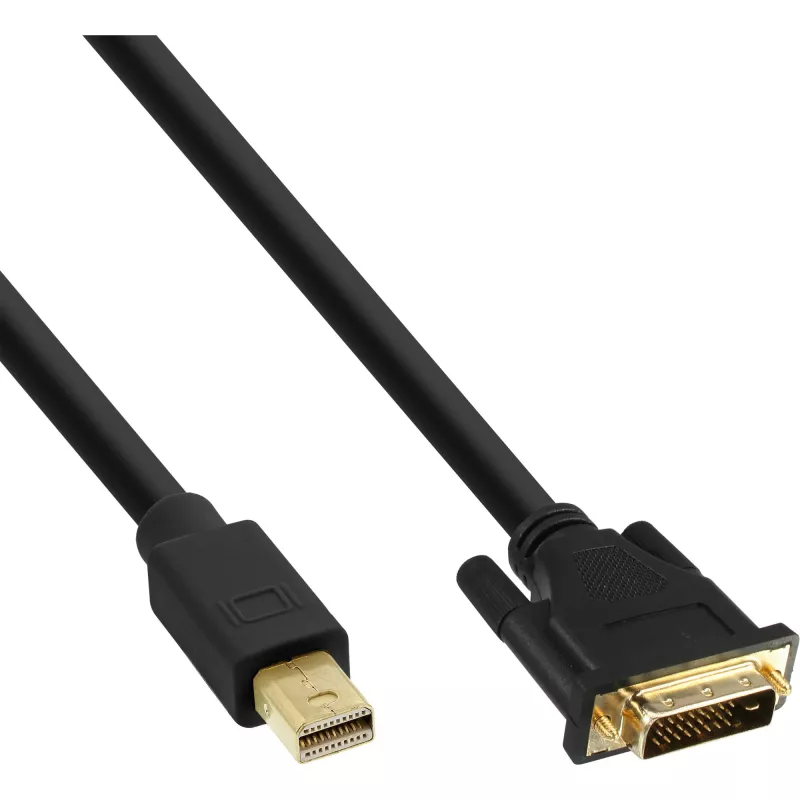
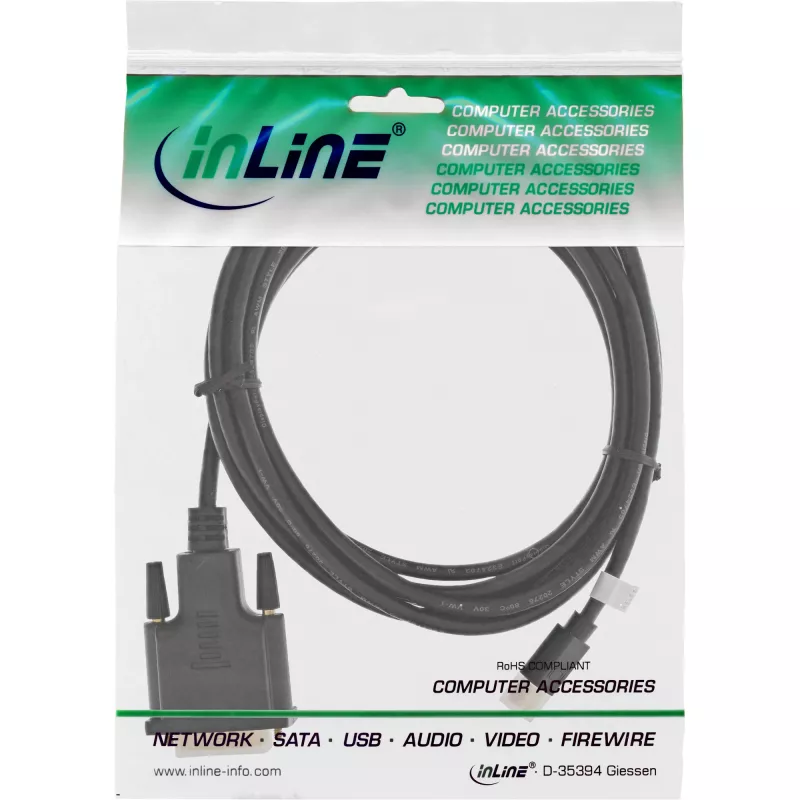
InLine Mini DisplayPort male to DVI-D 24+1 male cable, black/gold, 2m

InLine Mini DisplayPort male to DVI-D 24+1 male cable, black/gold, 2m
R484
The InLine Mini DisplayPort male to DVI-D 24+1 male cable (2 m) connects a computer or notebook Mini DisplayPort output to a DVI-D equipped monitor, TV or projector. The cable features gold-plated connectors and a black finish, designed to deliver a reliable digital video signal between graphics car... Read More
Stock 317 Code 1428853 Brand INLINE Model 17222 Warranty 2 Years

Shipping & Returns

Estimated delivery Wednesday, October 7
You will be kept updated through our detailed tracking system
Payment options
EFTPayFastBank CardSnapScanZapperGoogle PayApple PayMobicredMoreTymePay on Arrival

The InLine Mini DisplayPort male to DVI-D 24+1 male cable (2 m) connects a computer or notebook Mini DisplayPort output to a DVI-D equipped monitor, TV or projector. The cable features gold-plated connectors and a black finish, designed to deliver a reliable digital video signal between graphics cards with Mini DisplayPort and displays with DVI-D inputs.

Advantages

Gold-plated contacts improve corrosion resistance and signal quality. The 2 m length provides flexibility for typical desktop and workstation setups. The cable supports a direct digital DVI-D connection, ensuring compatibility with displays that accept a single-link DVI-D signal while maintaining a compact, durable design.

Suitable for

  • Connecting laptops or desktops with Mini DisplayPort to DVI-D monitors
  • Attaching workstations to projectors or TVs with DVI-D input
  • Office and home multimedia setups requiring a reliable digital video link

Key specifications

  • Connector 1: Mini DisplayPort (male)
  • Connector 2: DVI-D 24+1 (male)
  • Cable length: 2 m
  • Product colour: Black with gold-plated contacts
  • Brand: InLine
  • MPN: 17222
  • EAN: 4043718267774

How to use

Connect the Mini DisplayPort end to the Mini DisplayPort output on your PC, notebook or tablet. Plug the DVI-D end into the DVI-D input of your monitor, TV or projector. Ensure both devices are powered and select the appropriate input source on the display. Adjust display resolution and refresh rate in the computer’s graphics settings as needed for optimal output.

Recommendations

Use this cable for single-link DVI-D video connections only; it does not carry analog DVI-A signals or audio. For best results, avoid tight bends near the connectors and keep the cable away from strong electromagnetic sources.
Key Highlights
  • Connecting laptops or desktops with Mini DisplayPort to DVI-D monitors
  • Attaching workstations to projectors or TVs with DVI-D input
  • Office and home multimedia setups requiring a reliable digital video link
  • Connector 1: Mini DisplayPort (male)
  • Connector 2: DVI-D 24+1 (male)
  • Cable length: 2 m
  • Product colour: Black with gold-plated contacts
  • Brand: InLine
  • MPN: 17222
  • EAN: 4043718267774
Specifications
AWG wire size
32
Cable colour
Black
Cable length
2 m
Connector 1
Mini DisplayPort
Connector 1 gender
Male
Connector 2
DVI-D
Connector 2 gender
Male
Connector contacts plating
Gold
Depth
2000 mm
Dimensions (WxDxH)
40 x 2000 x 15 mm
Height
15 mm
Maximum resolution
1920 x 1200 pixels
Package depth
160 mm
Package height
25 mm
Package weight
93 g
Package width
160 mm
Product colour
Black
Supported video modes
1080p
Weight
86 g
Width
40 mm

Leaflet

Open Leaflet
Price history over the last 6 months
InLine Mini DisplayPort male to DVI-D 24+1 male cable, black/gold, 2m
Current
R484
Lowest
R447
Highest
R527
Change 24H
+R31   +7%
Week
+R35   +8%
Month
-R2   0%

Popular products in this category

WhatsApp
Hi, I’m DistriNode’s AI assistant. I can help you find products, compare options, create quote PDFs, or open support requests.