Account Contact
Your Cart
Pay the courier with no extra fees.
Need help? DistriNode AI can handle any task on our site.

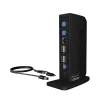
ICY BOX IB-DK2252AC Wired USB 3.2 Gen 1 (3.1 Gen 1) Type-C Black

ICY BOX IB-DK2252AC Wired USB 3.2 Gen 1 (3.1 Gen 1) Type-C Black
R3,315
The more, the better!A DockingStation with a variety ofconnections is a real added valuefor a notebook that, after using thecharging port, may only have onemore port left for further applications.With the IB-DK2252AC you can, forexample, connect a mouse, a full-sizekeyboard, you can connect oneor mo... Read More
Stock 2 Code 340072 Brand IcyBox Model 60797 Warranty 2 Years

Shipping & Returns

Estimated delivery Tuesday, September 29
You will be kept updated through our detailed tracking system
Payment options
EFTPayFastBank CardSnapScanZapperGoogle PayApple PayMobicredMoreTymePay on Arrival
The more, the better!
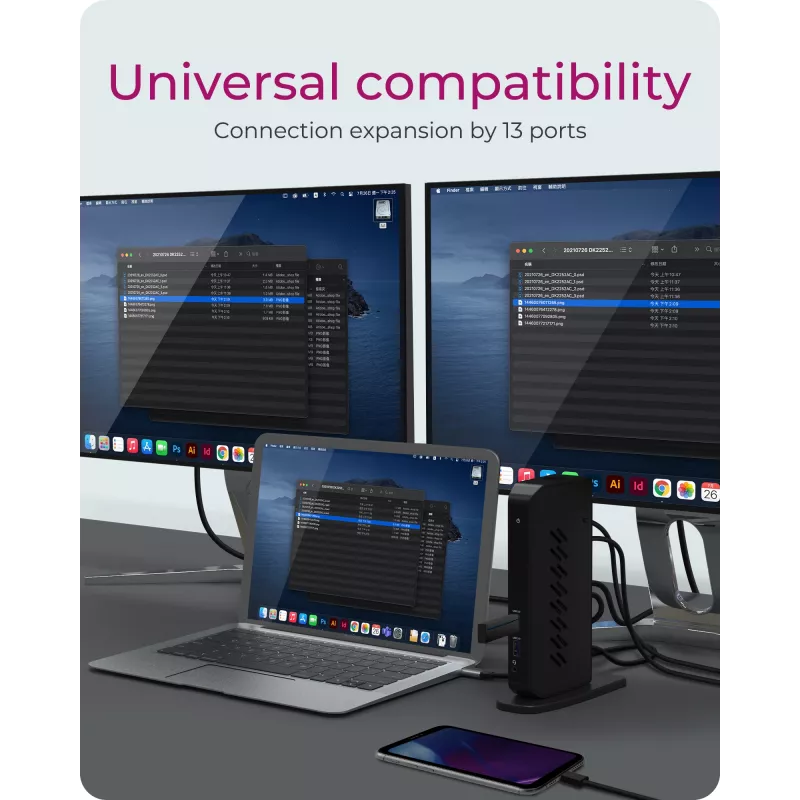
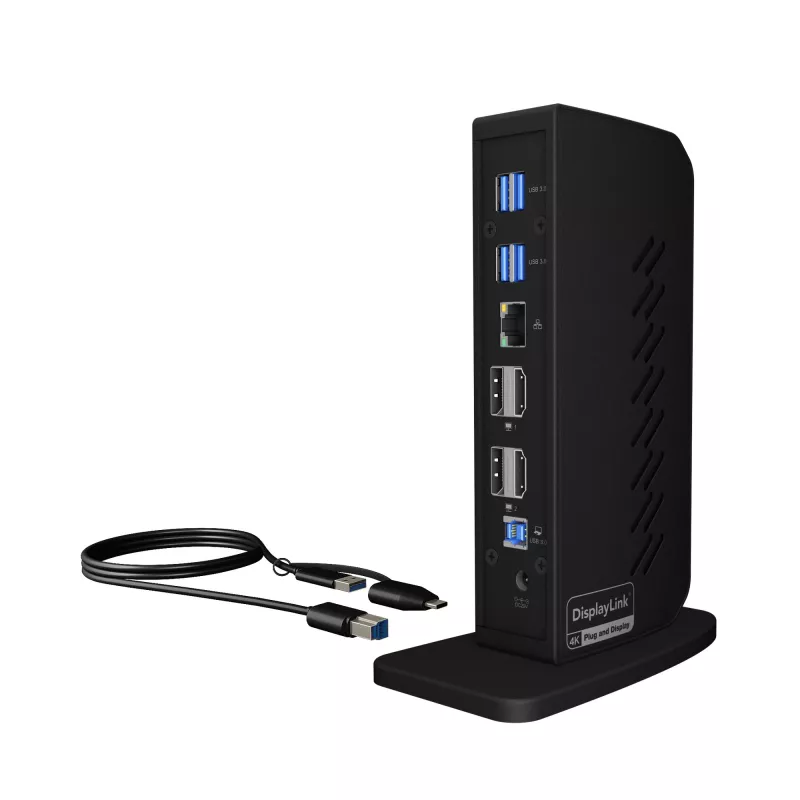
A DockingStation with a variety ofconnections is a real added valuefor a notebook that, after using thecharging port, may only have onemore port left for further applications.With the IB-DK2252AC you can, forexample, connect a mouse, a full-sizekeyboard, you can connect oneor more larger external displays, connectexternal hard drives or a printervia USB ports and also enjoy stableinternet via the Ethernet port.

With one foot firmly on the ground
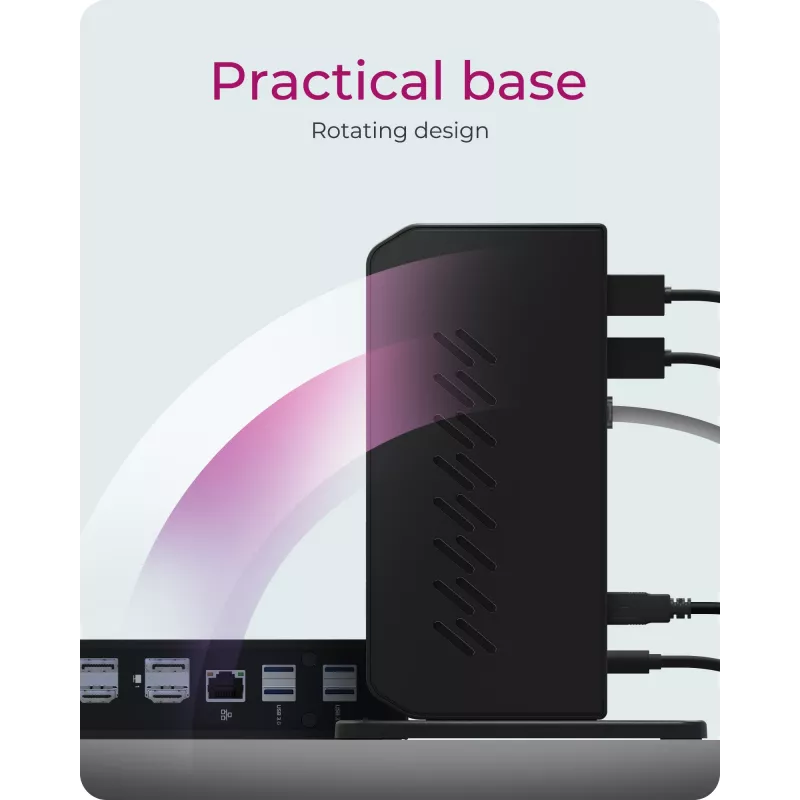
ICY BOX has a wide variety of dockdesigns in its portfolio: flat, horizontallylying models, those that are placedunder a notebook in a wedgeshape for ergonomic working or thosethat are equipped with a stand likethis IB-DK2252AC. The stand givesthe device a secure hold - even whenplugging in and unplugging cables -and in this case enables the uprightDockingStation to have effectivecooling qualities!

Convective heat dissipation
This DockingStation model is designedfor vertical positioning withthe help of a stand. Both enclosuresurfaces have ventilation slots thatallow convective heat dissipationduring operation: The heat generatedduring operation is dissipatedat the top, while cooler air is drawnin from below through the vents andcools the enclosure, and as a resultthe heated air escapes again throughthe top vents.

ICY BOX IB-DK2252AC. Connectivity technology: Wired, Host interface: USB 3.2 Gen 1 (3.1 Gen 1) Type-C. Ethernet LAN data rates: 10,100,1000 Mbit/s. Product colour: Black, Data transfer rate: 5 Gbit/s, HD type: 4K Ultra HD. Power source type: AC, AC input voltage: 100-240 V, AC input frequency: 50 - 60 Hz. Other operating systems supported: ChromeOS

Key Highlights
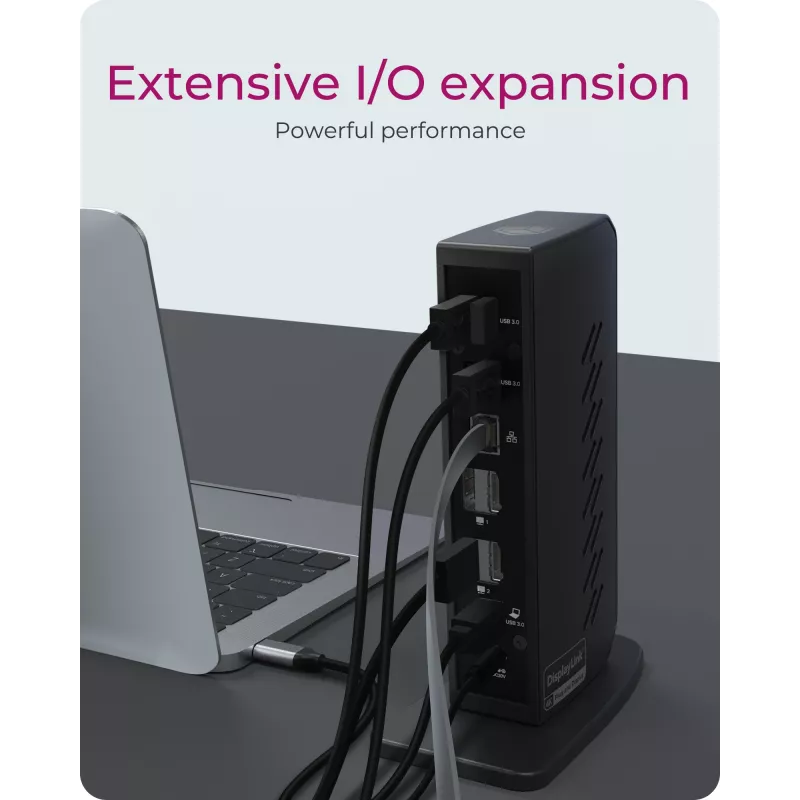
  • VERSATILE I/O EXPANSION: The docking station's many connectivity options make it great for customisation: Choose from 6 USB 3.0 ports, an audio in/out for speakers, microphone or headphones. The integrated RJ45 Gigabit Ethernet connection is more secure and faster than most WLAN connections
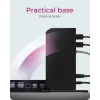
  • PRACTICAL STAND: The extremely stable stand allows the docking station to be placed vertically and remains stable even when all interfaces are connected with cables. Vertical positioning frees up space on your desk
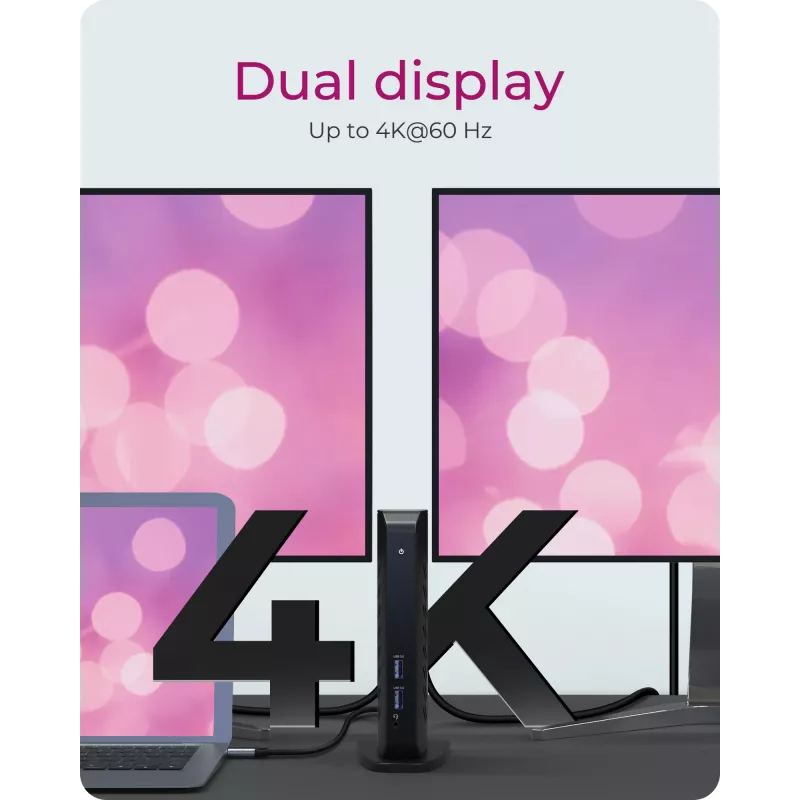
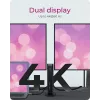
  • HIGH RESOLUTION VIDEO OUTPUT: By connecting a single cable to the docking station, you can turn your notebook or Windows tablet into a multi-monitor desktop. This gives you dual UHD (4K) video resolutions at 60 Hz. The video connections are realised via DisplayPort and HDMI interfaces. No other adapters are required
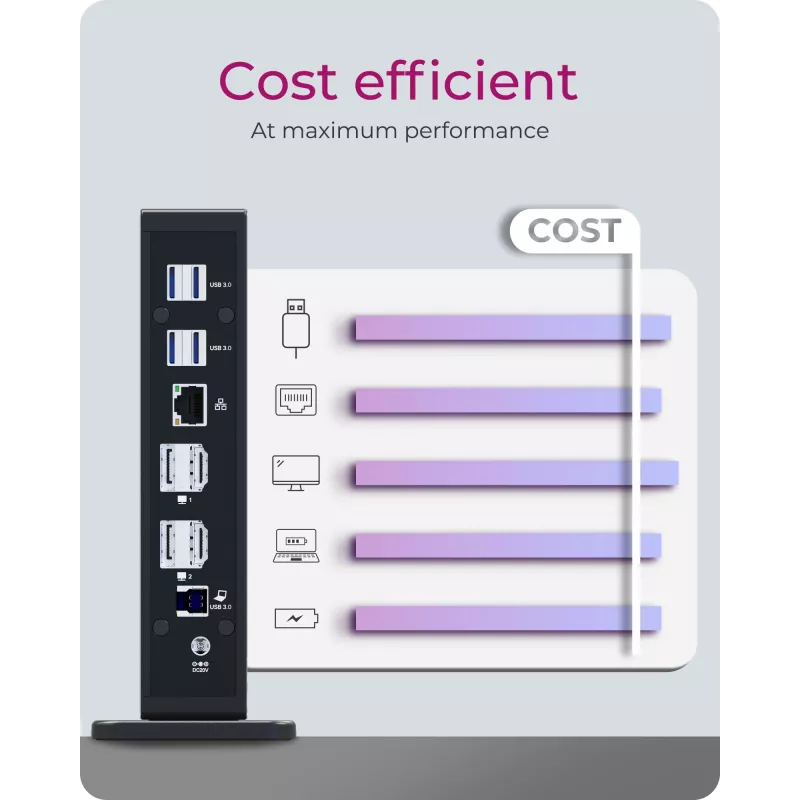
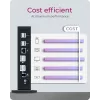
  • MINIMUM COST - MAXIMUM PERFORMANCE: This docking station model is designed to be cost-effective, yet does not skimp on quality and functionality. The IB-DK2252AC offers the user a reasonable cost-benefit balance and still gives a wide range of connectivity options
  • Wired
  • Host interface: USB 3.2 Gen 1 (3.1 Gen 1) Type-C
  • Ethernet LAN 10,100,1000 Mbit/s
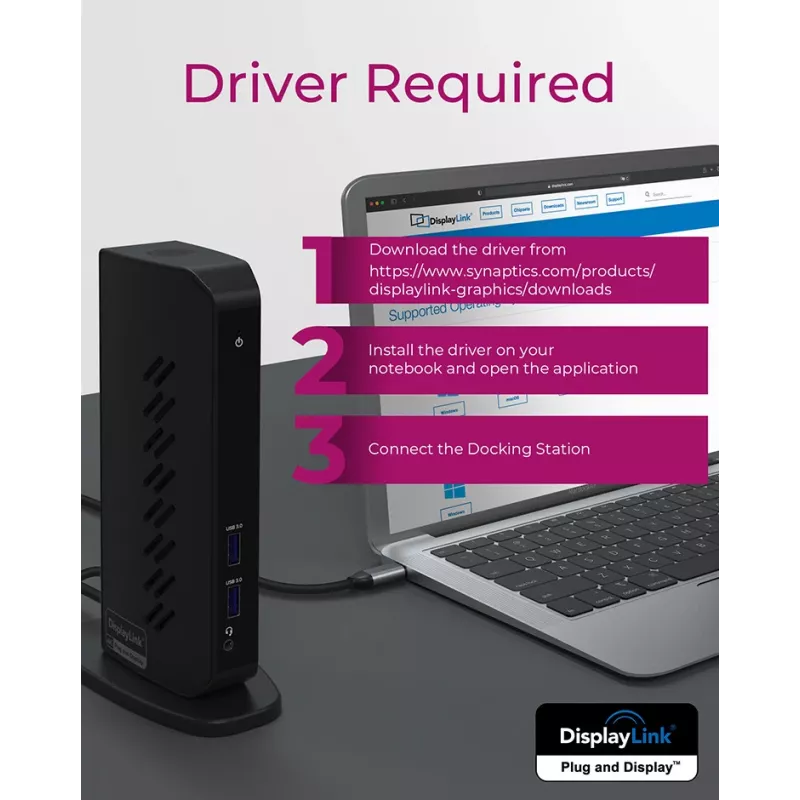
  • Plug and Play
Specifications
AC adapter included
Yes
AC input frequency
50 - 60 Hz
AC input voltage
100-240 V
Cables included
USB
Card reader integrated
No
Combo headphone/mic port
Yes
Connectivity technology
Wired
Country of origin
Thailand
Data transfer rate
5 Gbit/s
DC-in jack
Yes
Depth
90 mm
Ethernet LAN
Yes
Ethernet LAN (RJ-45) ports
1
Ethernet LAN data rates
10,100,1000 Mbit/s
Harmonized System (HS) code
84718000
HD type
4K Ultra HD
HDMI ports quantity
2
Headphone outputs
0
Height
185 mm
Host interface
USB 3.2 Gen 1 (3.1 Gen 1) Type-C
Housing material
Acrylonitrile butadiene styrene (ABS), Metal, Plastic
LED indicators
Power
Mac operating systems supported
Yes
Manual
Yes
Maximum digital resolution
3840 x 2160 pixels
Microphone in
No
Other operating systems supported
ChromeOS
Package depth
210 mm
Package height
112 mm
Package weight
967 g
Package width
142 mm
Plug and Play
Yes
Power source type
AC
Product colour
Black
Products per master (outer) case
6 pc(s)
Quantity per pack
1 pc(s)
UASP support
Yes
USB 2.0 ports quantity
0
USB 3.2 Gen 1 (3.1 Gen 1) Type-A ports quantity
6
Weight
346 g
Width
40 mm
Windows operating systems supported
Yes

Manual

Open Manual

Leaflet

Open Leaflet

Manual

Open Manual
Price history over the last 6 months
ICY BOX IB-DK2252AC Wired USB 3.2 Gen 1 (3.1 Gen 1) Type-C Black
Current
R3,315
Lowest
R3,167
Highest
R3,473
Change 24H
+R109   +3%
Week
+R142   +4%
Month
+R10   +0%

Popular products in this category

WhatsApp
Hi, I’m DistriNode’s AI assistant. I can help you find products, compare options, create quote PDFs, or open support requests.