Account Contact
Your Cart
Pay the courier with no extra fees.
Need help? DistriNode AI can handle any task on our site.

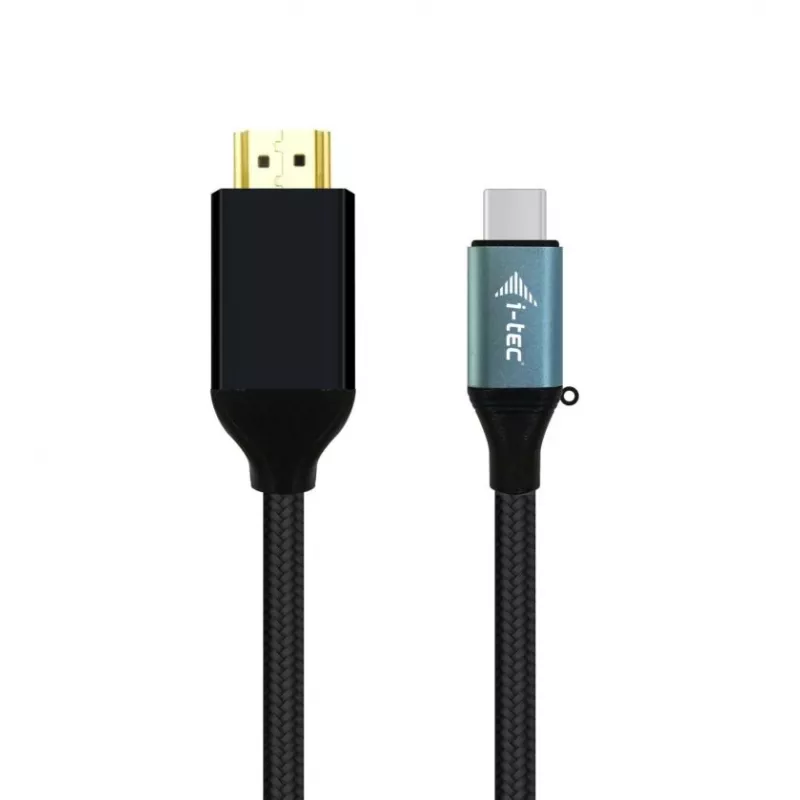
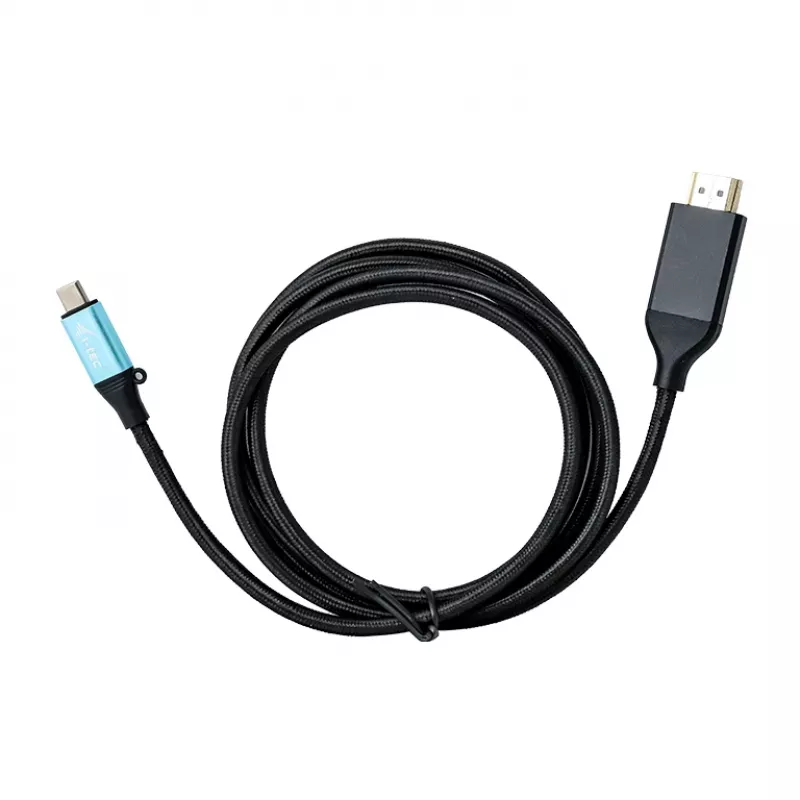
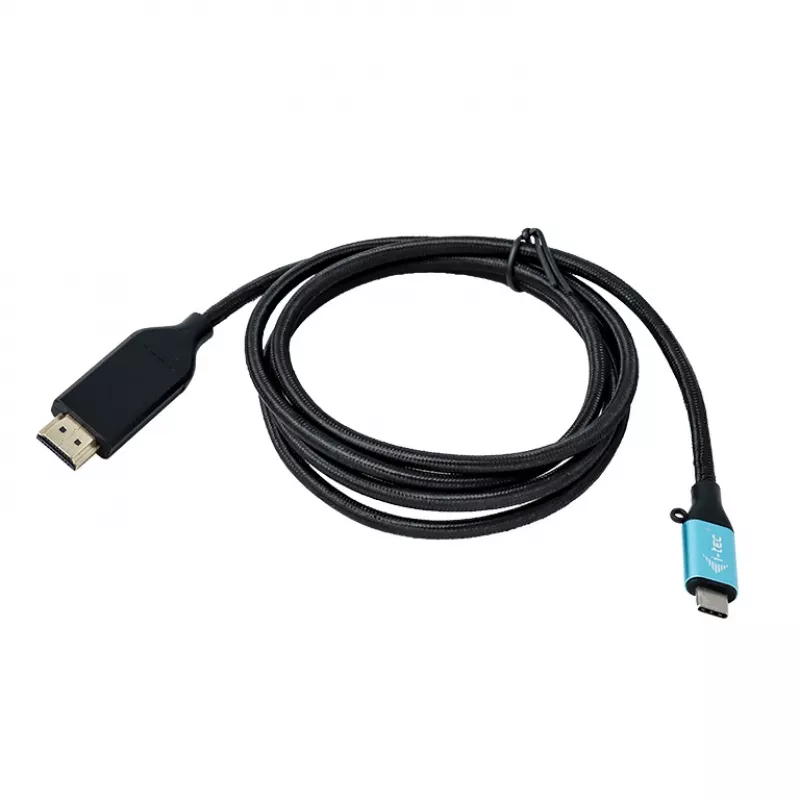
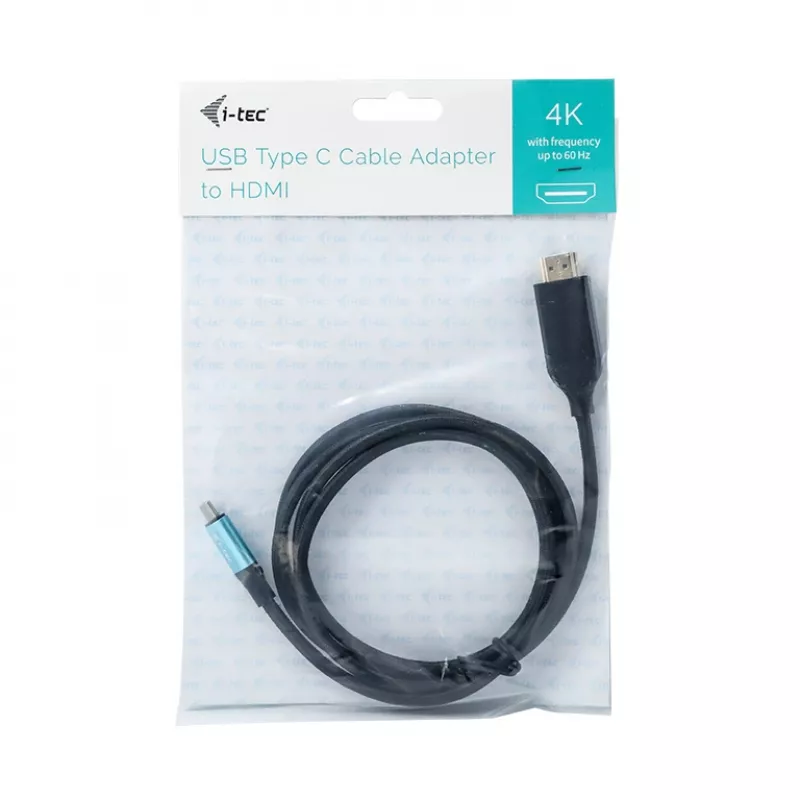
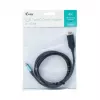
i-tec USB-C HDMI Cable Adapter 4K / 60 Hz 200cm

i-tec USB-C HDMI Cable Adapter 4K / 60 Hz 200cm
R591
Expand your desktop with an external HDMI monitor by connecting a USB-C or Thunderbolt 3 port to an HDMI display. This USB-C to HDMI cable adapter supports 4K Ultra HD resolution up to 3840 x 2160 pixels and carries both video and audio signals for a single-cable connection.AdvantagesThe adapter is ... Read More
Stock 2 Code 96034 Brand I-TEC Model C31CBLHDMI60HZ2M Warranty 2 Years

Shipping & Returns

Estimated delivery Thursday, October 1
You will be kept updated through our detailed tracking system
Payment options
EFTPayFastBank CardSnapScanZapperGoogle PayApple PayMobicredMoreTymePay on Arrival

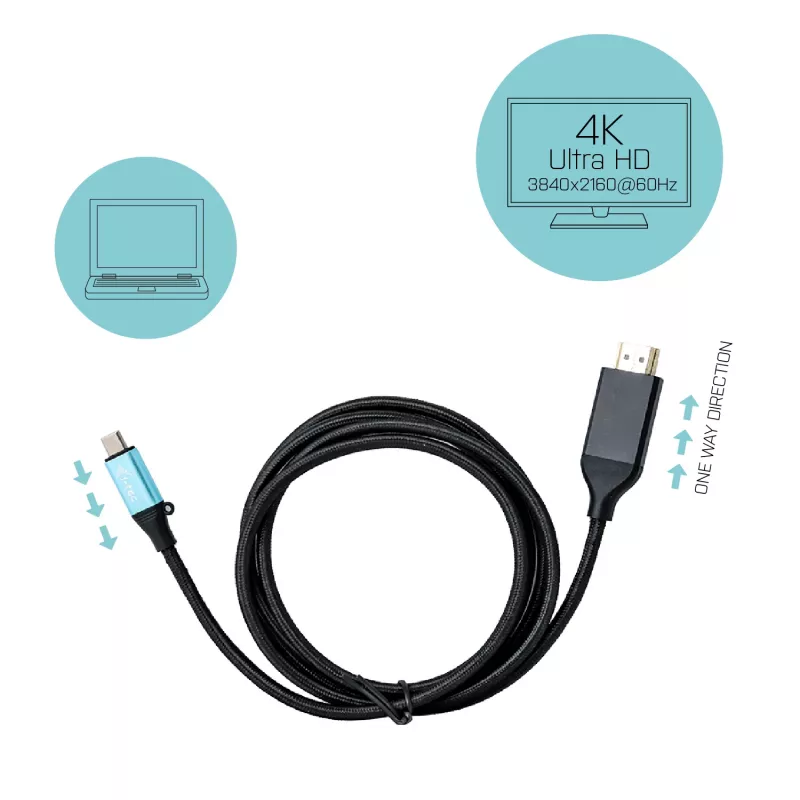
Expand your desktop with an external HDMI monitor by connecting a USB-C or Thunderbolt 3 port to an HDMI display. This USB-C to HDMI cable adapter supports 4K Ultra HD resolution up to 3840 x 2160 pixels and carries both video and audio signals for a single-cable connection.

Advantages

The adapter is plug-and-play: simply connect the USB-C or Thunderbolt 3 end to your computer and the HDMI end to a monitor or TV. The system installs any required drivers automatically. The compact cable design requires no external power and provides a direct digital video and audio connection compatible with UHD displays.

Key specifications

  • Interface: USB-C / Thunderbolt 3 (source) to HDMI (display)
  • Maximum resolution: 4K Ultra HD (3840 x 2160)
  • Audio: supported over HDMI
  • Plug-and-play: driver installation handled by the host system
  • Power: no external power required

How to use

Connect the USB-C or Thunderbolt 3 connector to your computer’s compatible port, then plug the HDMI connector into the external monitor or TV. Select the appropriate HDMI input on the display. The operating system should detect the adapter and install drivers automatically; after that, configure display settings (mirroring or extended desktop) in the system display preferences.

Recommendations

For the best results use a monitor or TV that supports 3840 x 2160 resolution and an up-to-date operating system with USB-C or Thunderbolt 3 support. If no image appears, check cable connections and display input, and ensure the computer’s USB-C port supports video output (DisplayPort Alt Mode or Thunderbolt 3).
Key Highlights
  • Connect an external monitor with a resolution of up to 4K/60Hz (or up to QHD with a frequency of up to 144Hz)
  • The cable is 2 meters long
  • Supports Windows 10, macOS, Android, Chrome OS and Linux
  • 2 m
  • USB Type-C Male
  • HDMI Male
  • 3860 x 2160 pixels 60 Hz
  • Black
  • 1 pc(s)
Specifications
Cable length
2 m
Connector 1
USB Type-C
Connector 1 gender
Male
Connector 2
HDMI
Connector 2 gender
Male
Depth
2000 mm
Harmonized System (HS) code
84733080
Height
14 mm
Linux operating systems supported
Yes
Mac operating systems supported
Yes
Maximum refresh rate
60 Hz
Maximum resolution
3860 x 2160 pixels
Other operating systems supported
Android
Package depth
14 mm
Package height
250 mm
Package type
Polybag
Package weight
100 g
Package width
180 mm
Product colour
Black
Quantity per pack
1 pc(s)
Weight
83 g
Width
20 mm
Windows operating systems supported
Yes

Manual

Open Manual

Leaflet

Open Leaflet
Price history over the last 6 months
i-tec USB-C HDMI Cable Adapter 4K / 60 Hz 200cm
Current
R591
Lowest
R538
Highest
R595
Change 24H
+R32   +6%
Week
+R39   +7%
Month
+R52   +10%

Popular products in this category

WhatsApp
Hi, I’m DistriNode’s AI assistant. I can help you find products, compare options, create quote PDFs, or open support requests.